

 FSX Turboprops
Arrow Cargo VA Cessna 208 Caravan
This is a Cessna C208 Grand Caravan for Arrow Head Cargo Regional VA, registr…
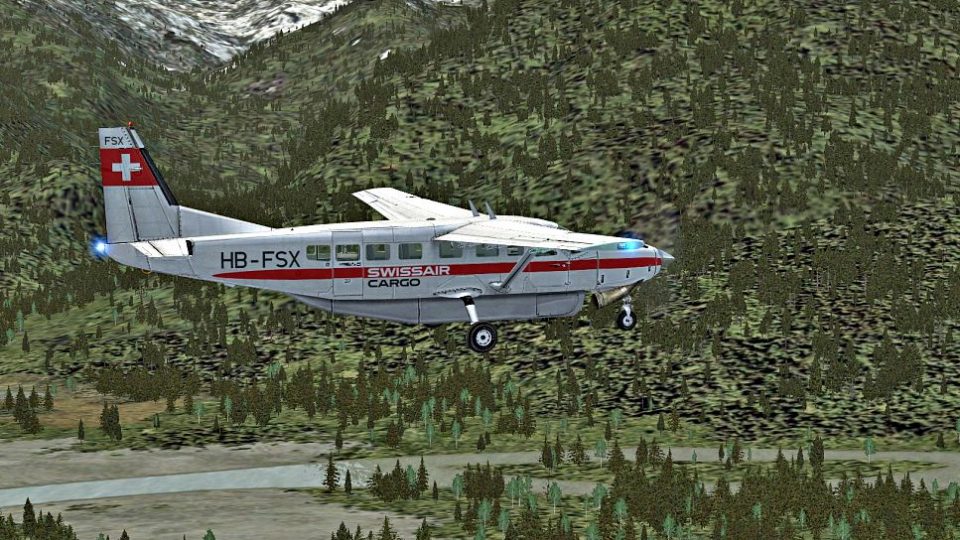
Swissair-Cargo livery for the default Cessna 208 Caravan brings an imaginary freight look with crisp 2048×2048 DDS textures and a subtly more transparent propeller for cleaner visuals in Flight Simulator X. The repaint integrates seamlessly into the aircraft selection menu while preserving the stock flight model and virtual cockpit.
 Rate
Rate
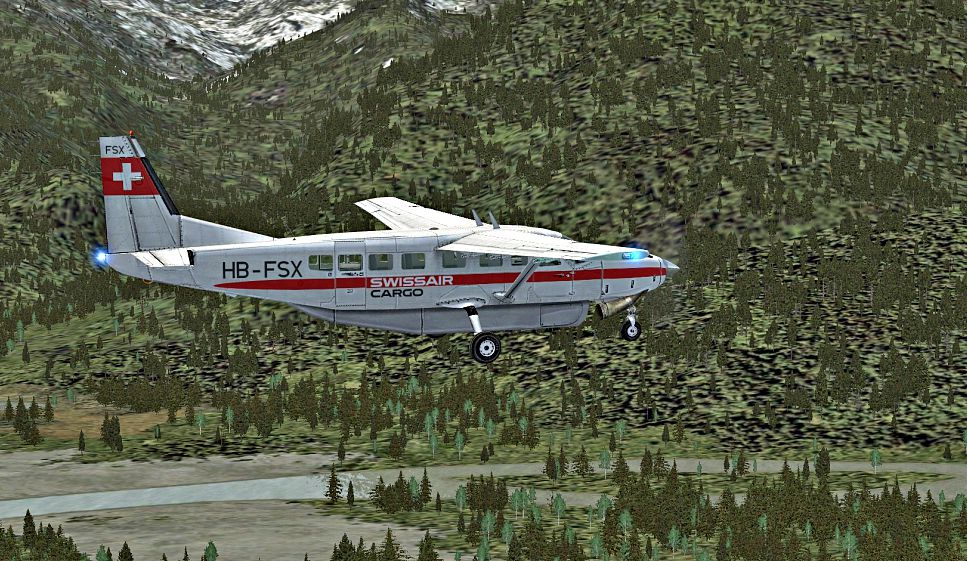
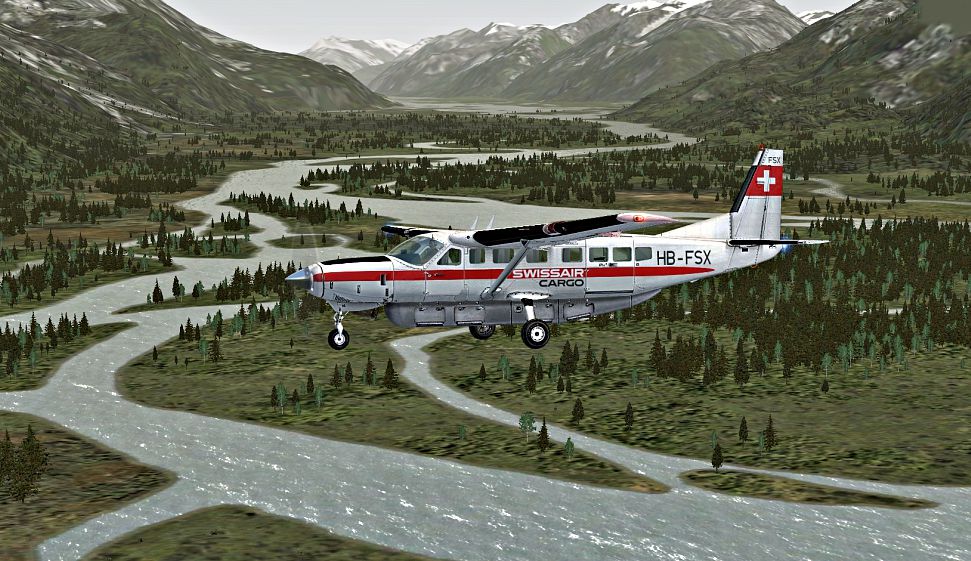

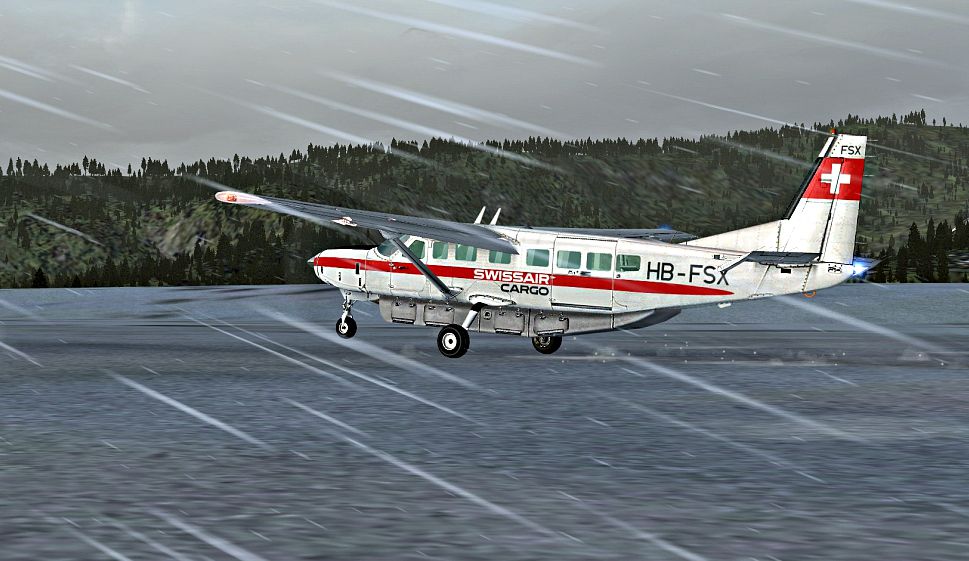
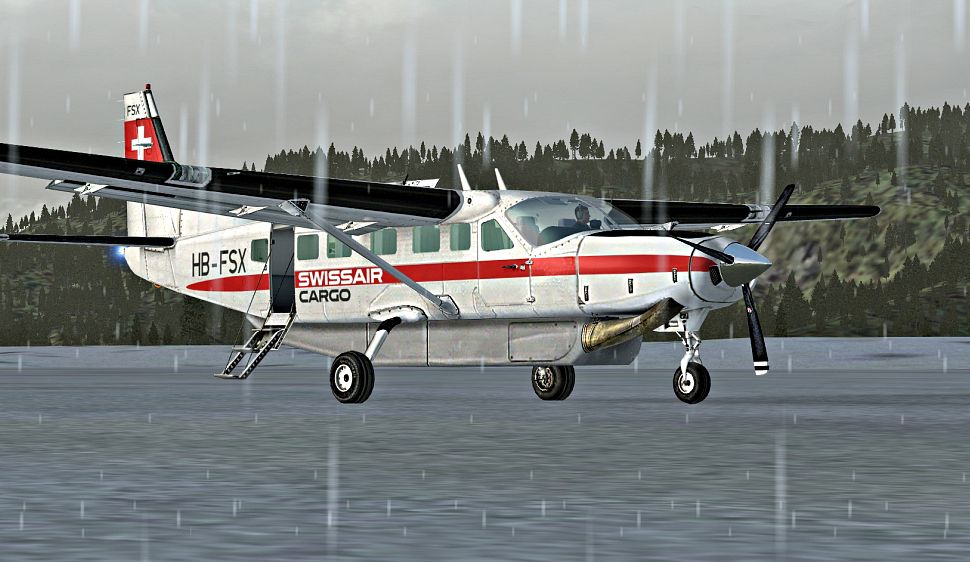
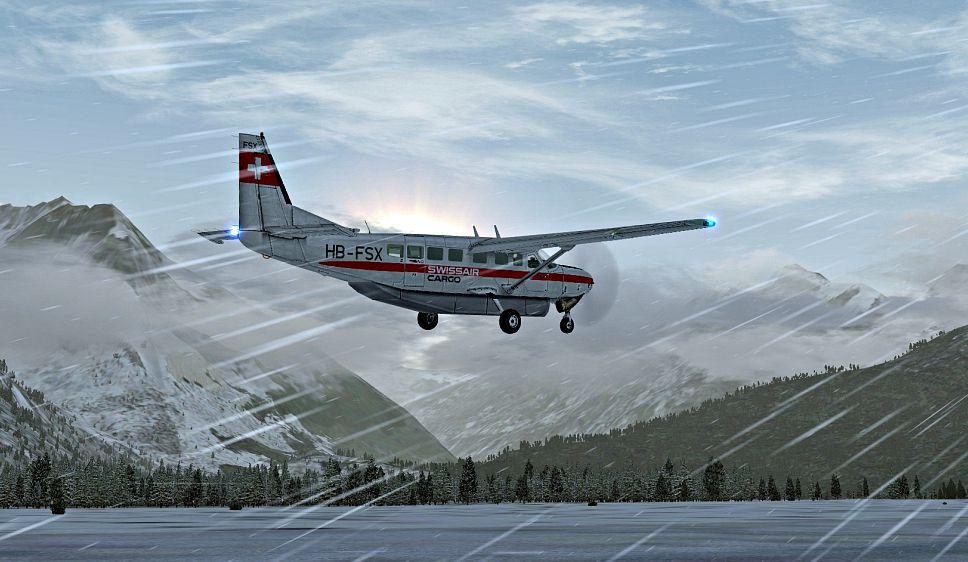
Swissair-Cargo Cessna 208. An imaginary repaint for the default Cessna 208 Caravan. A particular variation is that the DDS file is in 2048 x 2048 resolution (so it is 4 MB in place of the original 1 MB). The propeller is a little bit more transparent. By Bernhard Lechner.
Screenshot of Swissair-Cargo Cessna 208 in flight.
Installation:
1 - Please copy the white texture-folder and overwrite in this new folder the DDS-File 'C208_T' 'PROP_C208B'and 'Thumbnail' with the contents from the download.
2 - Rename the new texture folder 'texture.Swissair'.
3 - Complete the aircraft.cfg as is the rule.
[fltsim.XX]

	title=Cessna Grand Caravan_SWISSAIR

	sim=Cessna208B

	model=""

	panel=""

	sound=""

	texture=SWISSAIR

	kb_checklists=Cessna208B_Check

	kb_reference=Cessna208B_ref

	atc_id=

	atc_id_color=0xff000000

	atc_parking_types=RAMP

	ui_manufacturer=Cessna

	ui_type=C208B Grand Caravan

	ui_variation= SWISSAIR-CARGO

	ui_typerole=Einmotoriges Turbopropflugzeug

	ui_createdby=Microsoft Corporation

	description=...
Bernhard Lechner
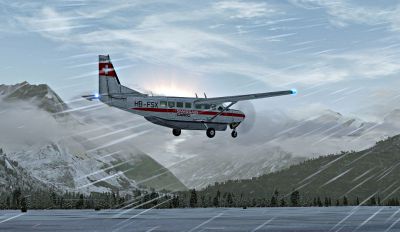
Screenshot of Swissair-Cargo Cessna 208 flying in harsh weather.
Free for all simmers · 6.24 MB · Scanned clean Oct 2026
Download speed: Free tier is capped at 0.5 Mbps (this file takes approximately 2 mins at the cap). PRO members download at full line speed.
FSX\SimObjects\Airplanes\. The folder must contain an aircraft.cfg file. Effects go into FSX\Effects\; gauges go into FSX\Gauges\.readme.txt or README file. It tells you exactly where files go, what dependencies are needed, and any quirks specific to this add-on.The archive c208_hb.zip has 12 files and directories contained within it.
This list displays the first 500 files in the package. If the package has more, you will need to download it to view them.
| Filename/Directory | File Date | File Size |
|---|---|---|
| C208_001.jpg | 06.24.09 | 576.40 kB |
| C208_002.jpg | 06.24.09 | 727.09 kB |
| C208_003.jpg | 06.24.09 | 617.68 kB |
| C208_004.jpg | 06.24.09 | 471.39 kB |
| C208_005.jpg | 06.24.09 | 466.02 kB |
| C208_006.jpg | 06.24.09 | 448.15 kB |
| LiesMich.txt | 06.24.09 | 1.44 kB |
| ReadMe.txt | 06.24.09 | 1.16 kB |
| texture.SWISSAIR.zip | 06.24.09 | 3.06 MB |
| THUMBNAIL.gif | 06.24.09 | 7.99 kB |
| flyawaysimulation.txt | 10.29.13 | 959 B |
| Go to Fly Away Simulation.url | 01.22.16 | 52 B |
Only PRO members can place votes.
More FSX & P3D add-ons hand-picked based on this download.
FSX Turboprops
This is a Cessna C208 Grand Caravan for Arrow Head Cargo Regional VA, registr…
 FSX Turboprops
A remake of the default FS2004 Cessna 208 Caravan amphibian so it can now be …
 FSX Turboprops
This new FDE includes an improved flight model plus a much improved PT6 simul…
 FSX Turboprops
Cessna 208 Amphibian Update. The second update for FSX of the C208 amphibian.…
 FSX Turboprops
Cessna 208 Caravan, registration D-BFCB and OE-BSAL. Two German repaints of t…
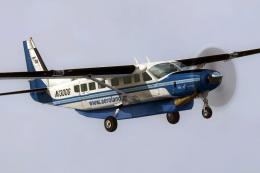 FSX Turboprops
This is a Greek repaint (textures only) for the default Cessna 208B Caravan. …
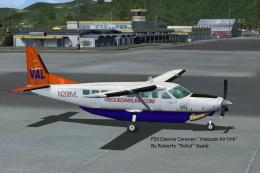 FSX Turboprops
Cessna 208 Caravan in Vieques Air Link colors (new and old). By Roberto Ayala…
 FSX Turboprops
RNKAF Cessna 208. A fictional Cessna 208 Caravan in Royal Netherlands Air For…
Read what other simmers think, or add your own.

This download is missing the texture.cfg file for fallbacks. May cause cockpit panel blackout.