

 5 this week1
Thule AB BGTL
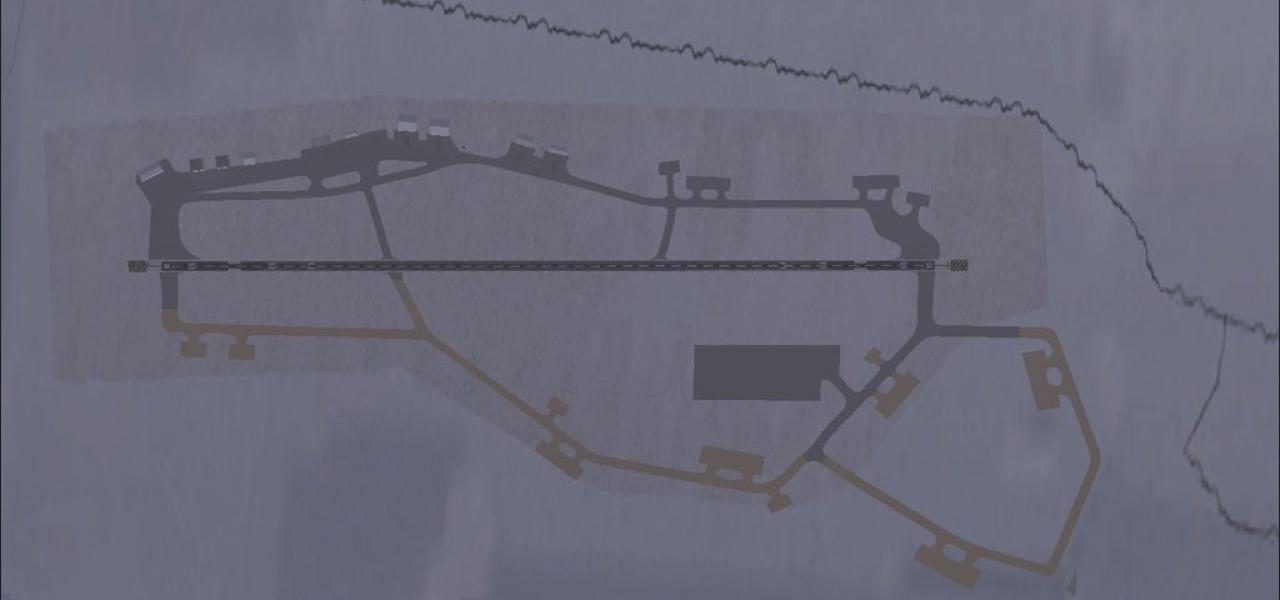
Thule Air Base BGTL scenery for Microsoft Flight Simulator X (with Acceleration) upgrades Greenland’s remote Arctic outpost via accurate runway profiling, nine dedicated parking stands and…
 368.29 KB
 944Jan 2012
FSX scenery by country
Download free Greenland scenery for Microsoft Flight Simulator X. This hand-picked collection brings together enhanced and photoreal airports, detailed cities, terrain and landmarks across Greenland — from major international hubs to smaller regional airfields. Every file is free to download, checked by our team, and updated as new releases land.
 5 this week1
Thule Air Base BGTL scenery for Microsoft Flight Simulator X (with Acceleration) upgrades Greenland’s remote Arctic outpost via accurate runway profiling, nine dedicated parking stands and…
368.29 KB944Jan 2012
In FSX, Qeqqata X redraws 115,500 km² of central-west Greenland with ASTER-based mesh, refined coastline vectors, 18,700 lakes, 8,000 rivers, updated rock-grass landclass and photoreal terminal…
1.44 GB1.1KJul 2017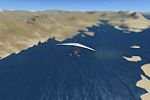
Covering around 50,000 km² from 65°N to 68°N, this LOD11 digital elevation model for Microsoft Flight Simulator X replaces the missing SRTM data for West Greenland, injecting accurate altitude…
44.95 MB711Nov 2011 1.0 (1)
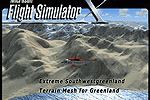
Build 21-42 refreshes Microsoft Flight Simulator X landform data for Southwest Greenland (lat 62°–65° N), supplying LOD11 elevation mesh, corrected fjord coastlines and re-drawn glacial lakes…
62.32 MB653Nov 2011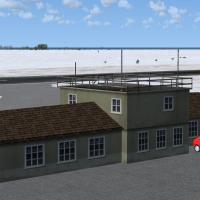 1
FSX Upernavik Airport (BGUK) scenery refines this sub-Arctic airfield in northwest Greenland with a modeled apron, short connecting taxiway, functional parking stands and selected stock objects,…
384.09 KB215Dec 2011Step-by-step answers written by the Fly Away team — from first install to fixing a crash.