


 FSX Historic & Vintage Aircraft
Douglas C-47 Skytrain/DC-3 Mega Pack
Now version 3.14 (V3.1406). This package includes the latest Douglas C-47 Sky…
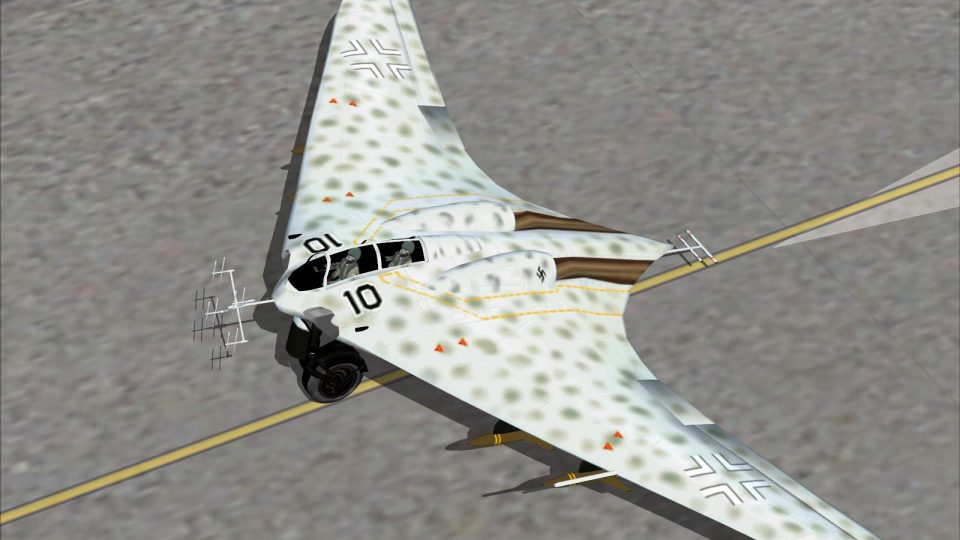
Horten Ho-229 v3 brings the WWII prototype flying-wing fighter-bomber to Microsoft Flight Simulator X with updated skins, refined visuals, and a tuned turbojet flight model inspired by earlier community builds. A new instrument panel and gauges reference original Ho-229 photographs, delivering an authentic virtual cockpit and period-correct handling.
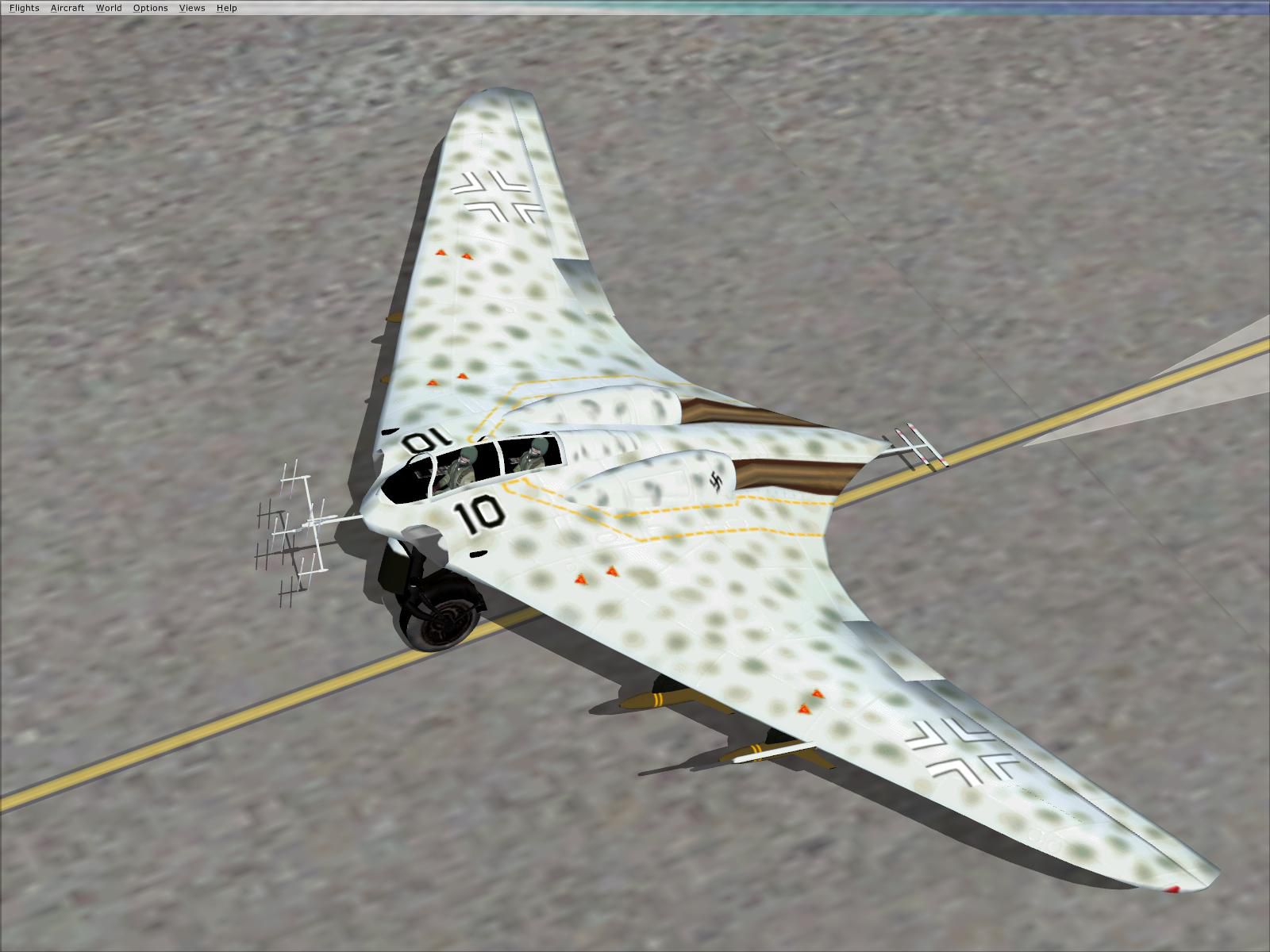
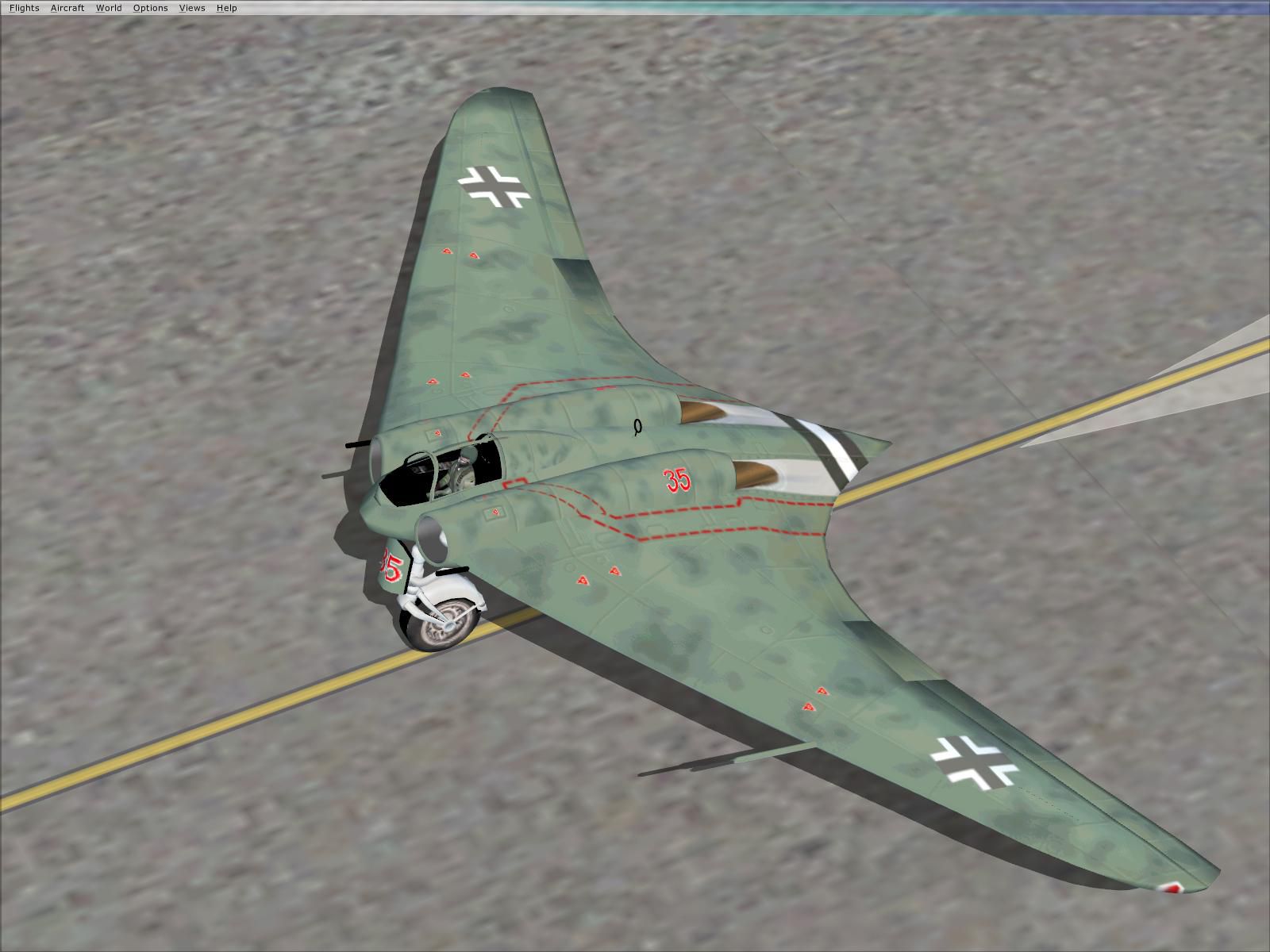
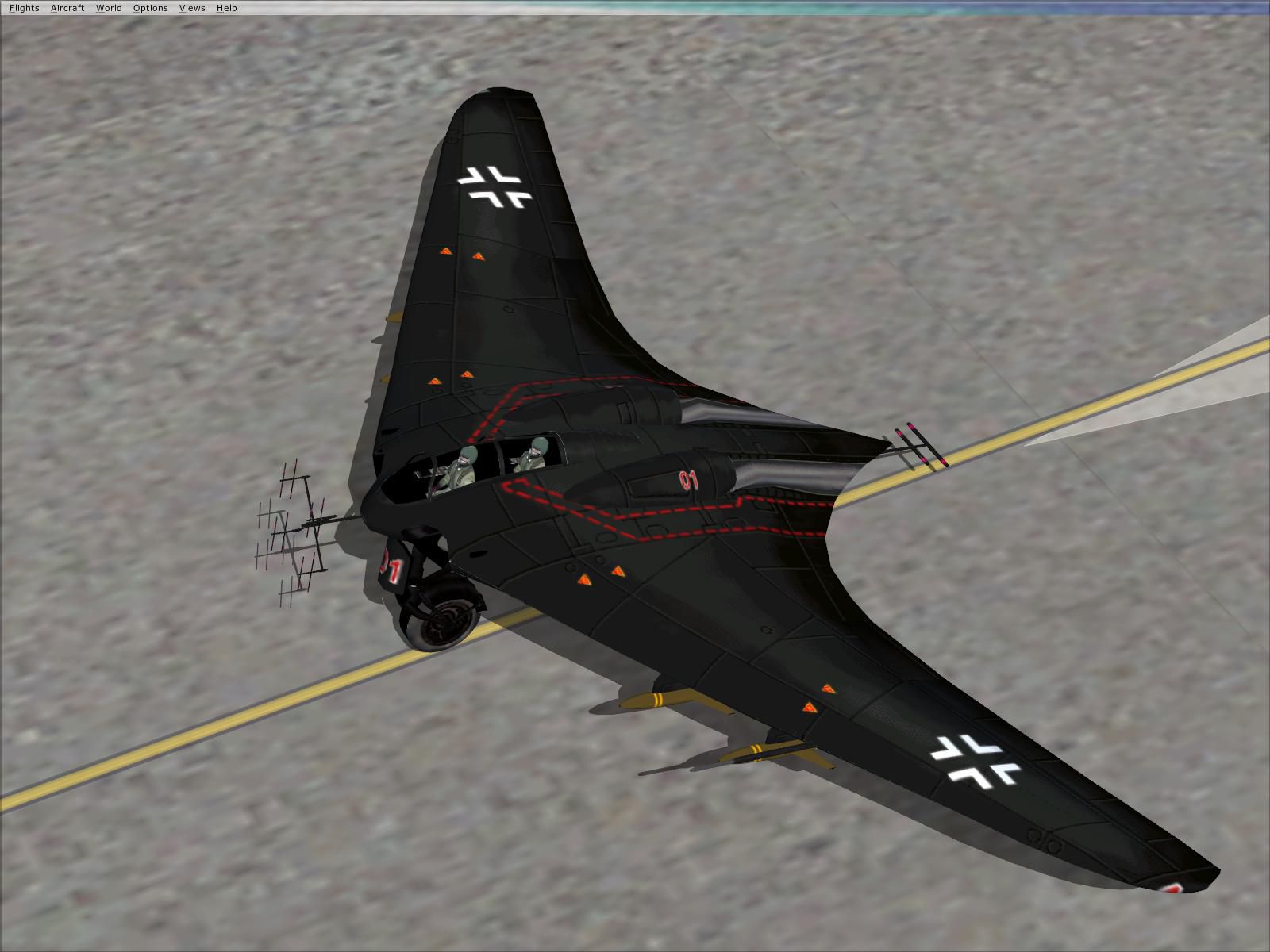
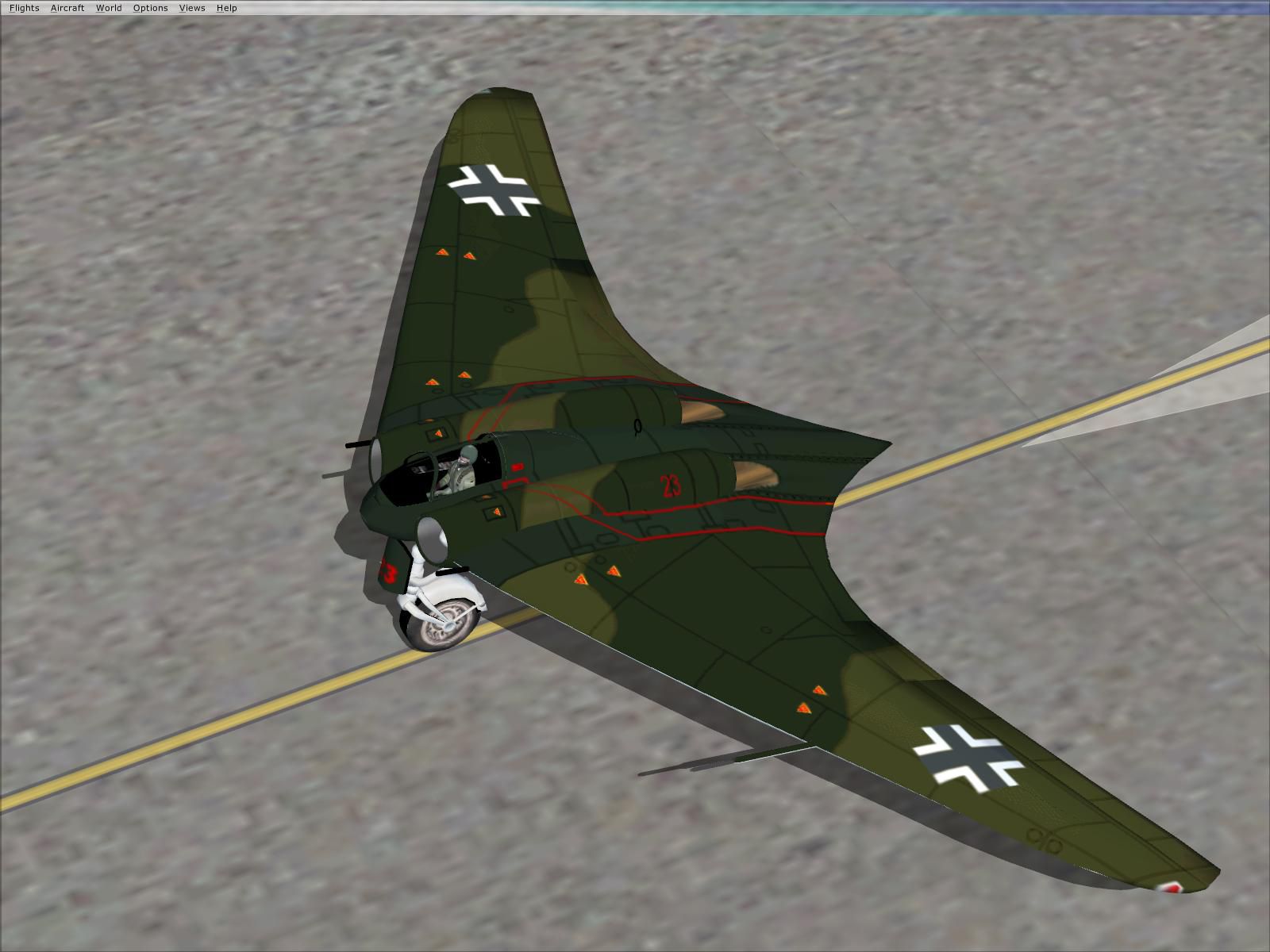
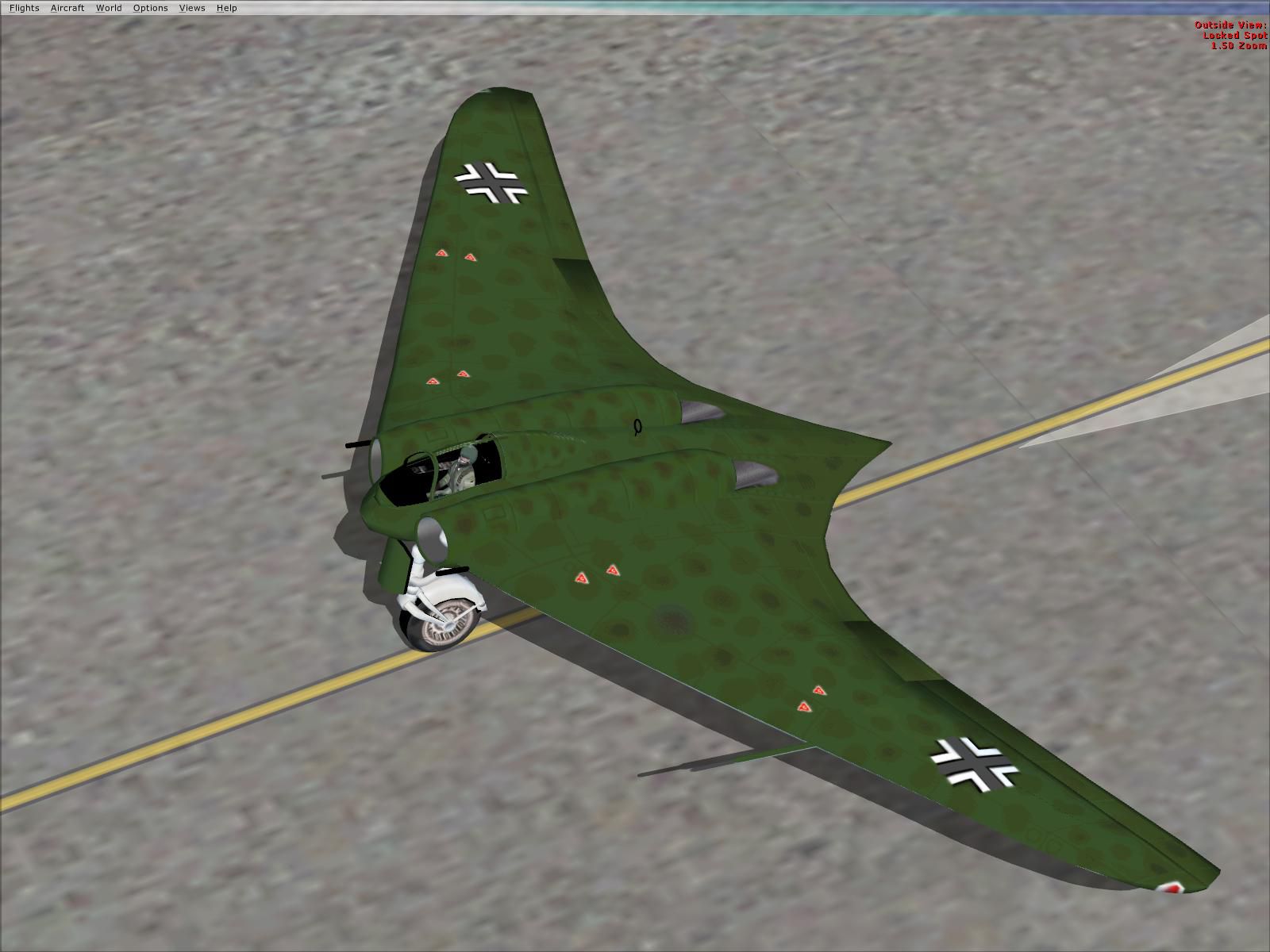
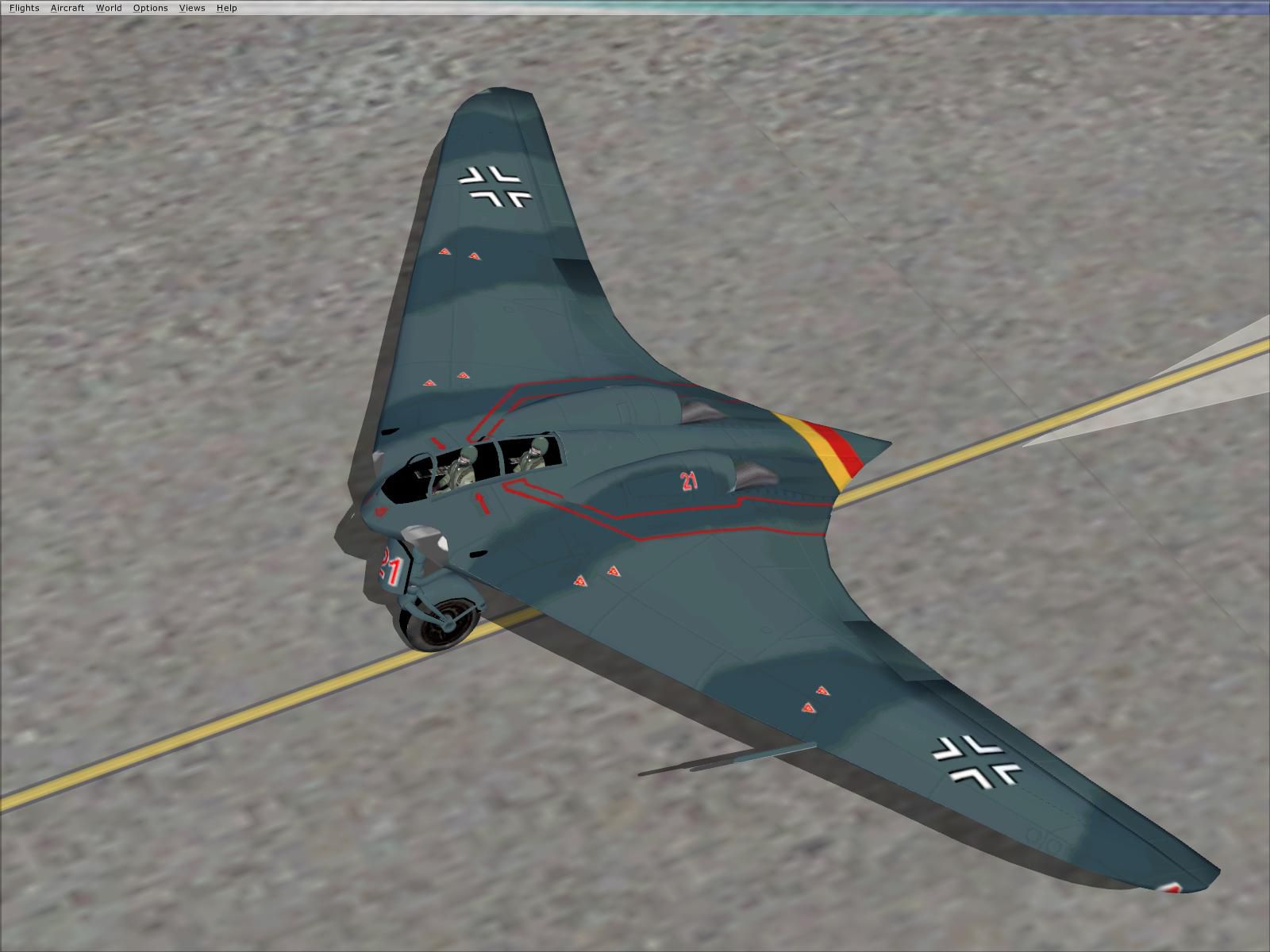
Horten Ho-229 v3. The Horten Ho-229 was a World War II prototype flying wing fighter/bomber. Designed by Reimar and Walter Horten and powered by two Jumo 004B turbojets it was built to carry a 1000 kg load for 1000 km at 1000 km/h. This is an updated version with skins and visual model from Kazunori Ito's FS2004 Ho229ab version and flight model from Jay McDaniel/Scott Gentile's CFS3 ho_229v5 version. It has been adapted to FSX with a new instrument panel and gauges based on original Ho-229 photographs. Integration and gauges by Fred Highland.
Screenshot of green Horten Ho-229 on the ground.
Installation:
1. Copy the Ho-229 directory to C:\Program Files\Microsoft Games\Microsoft Flight Simulator X\SimObjects\Airplanes (or wherever Flight Simulator X is installed).
2. Copy the HO-229.cab and fw190a.gau files in HO-229\panel to C:\Program Files\Microsoft Games\Microsoft Flight Simulator X\Gauges (or wherever Flight Simulator X Gauges are installed).
Fred Highland
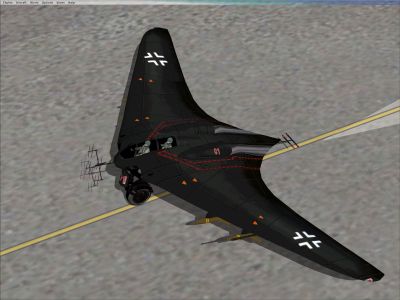
Screenshot of black Horten Ho-229 on the ground.
Free for all simmers · 17.23 MB · Scanned clean
Download speed: Free tier is capped at 0.5 Mbps (this file takes approximately 5 mins at the cap). PRO members download at full line speed.
SimObjects\Airplanes\, Addon Scenery\, Effects\, or Gauges\.readme.txt or README file. It tells you exactly where files go, what dependencies are needed, and any quirks specific to this add-on.The archive ho-229r2.zip has 106 files and directories contained within it.
This list displays the first 500 files in the package. If the package has more, you will need to download it to view them.
| Filename/Directory | File Date | File Size |
|---|---|---|
| 2007-3-23_18-27-13-268.BMP | 03.23.07 | 7.32 MB |
| 2007-3-23_18-27-49-265.BMP | 03.23.07 | 7.32 MB |
| 2007-3-23_18-28-18-507.BMP | 03.23.07 | 7.32 MB |
| 2007-3-23_18-28-36-674.BMP | 03.23.07 | 7.32 MB |
| 2007-3-23_18-28-58-970.BMP | 03.23.07 | 7.32 MB |
| 2007-3-23_18-29-23-74.BMP | 03.23.07 | 7.32 MB |
| Aircraft.cfg | 04.28.07 | 14.67 kB |
| ho_229.air | 04.15.07 | 10.15 kB |
| Ho-229_check.htm | 03.04.07 | 19.81 kB |
| model.A | 05.06.07 | 0 B |
| HO-229A.mdl | 12.05.04 | 524.11 kB |
| Model.cfg | 12.01.04 | 26 B |
| model.B | 05.06.07 | 0 B |
| HO-229B.mdl | 12.06.04 | 607.87 kB |
| Model.cfg | 12.01.04 | 26 B |
| model.BN | 05.06.07 | 0 B |
| HO-229BN.mdl | 12.05.04 | 805.87 kB |
| Model.cfg | 12.06.04 | 27 B |
| panel | 05.10.07 | 0 B |
| fw190a.gau | 11.30.01 | 777.00 kB |
| HO-229.cab | 05.08.07 | 44.15 kB |
| Ho-229 | 05.08.07 | 0 B |
| Compass.bmp | 02.26.07 | 163.22 kB |
| Flap_Position.xml | 03.10.07 | 4.00 kB |
| Flap_Position_Indicators.xml | 04.10.07 | 1.74 kB |
| Fuel_Left.xml | 03.10.07 | 8.40 kB |
| Fuel_Left_Warning.xml | 03.18.07 | 792 B |
| Fuel_Right.xml | 03.10.07 | 8.41 kB |
| Fuel_Right_Warning.xml | 03.18.07 | 795 B |
| Heading_Indicator.xml | 04.10.07 | 5.18 kB |
| ILS.xml | 04.27.07 | 6.38 kB |
| Nav1.xml | 03.05.07 | 3.57 kB |
| RPM1.xml | 03.10.07 | 13.43 kB |
| RPM2.xml | 03.10.07 | 13.43 kB |
| throttle.bmp | 05.08.07 | 145.76 kB |
| Throttle.xml | 05.08.07 | 1.54 kB |
| Turbine_Fuel_Pressure1.xml | 04.28.07 | 14.04 kB |
| Turbine_Fuel_Pressure2.xml | 04.28.07 | 14.04 kB |
| Turbine_N1.xml | 02.27.07 | 14.01 kB |
| Turbine_N2.xml | 02.27.07 | 14.01 kB |
| Turbine_Oil_Pressure1.xml | 04.10.07 | 14.03 kB |
| Turbine_Oil_Pressure2.xml | 04.10.07 | 14.03 kB |
| Turbine_Temp1.xml | 04.10.07 | 9.00 kB |
| Turbine_Temp2.xml | 04.10.07 | 9.00 kB |
| Undercarriage_Position.xml | 03.11.07 | 6.50 kB |
| Undercarriage_Position_Indicators.xml | 04.10.07 | 2.62 kB |
| Horten_IX_Cockpit_1024.bmp | 04.15.07 | 2.25 MB |
| Horten_IX_Cockpit_1600.bmp | 05.10.07 | 5.49 MB |
| PANEL - Copy.CFG | 03.24.07 | 1.43 kB |
| PANEL.CFG | 05.12.07 | 1.49 kB |
| PANEL_1024.CFG | 04.27.07 | 1.50 kB |
| readme.txt | 03.24.07 | 977 B |
| sound | 05.06.07 | 0 B |
| Sound.cfg | 11.29.04 | 30 B |
| texture.A00 | 05.06.07 | 0 B |
| Burner.BMP | 12.01.04 | 17.05 kB |
| Fuselage.bmp | 02.17.07 | 1.00 MB |
| Gear.bmp | 12.05.04 | 65.05 kB |
| Intake.bmp | 12.01.04 | 17.05 kB |
| Parts_D.bmp | 12.06.04 | 1.00 MB |
| PILOT.bmp | 12.01.04 | 257.05 kB |
| thumbnail.jpg | 03.23.07 | 129.86 kB |
| texture.A23 | 05.06.07 | 0 B |
| Burner.BMP | 12.01.04 | 17.05 kB |
| Fuselage.bmp | 02.17.07 | 1.00 MB |
| Fuselage_new1.bmp | 02.10.07 | 1.00 MB |
| Fuselage_original.bmp | 12.04.04 | 1.00 MB |
| Gear.bmp | 12.05.04 | 65.05 kB |
| Intake.bmp | 12.01.04 | 17.05 kB |
| Parts_D.bmp | 12.04.04 | 1.00 MB |
| PILOT.bmp | 12.01.04 | 257.05 kB |
| thumbnail.JPG | 03.23.07 | 130.65 kB |
| texture.A35 | 05.06.07 | 0 B |
| Burner.BMP | 12.06.04 | 17.05 kB |
| Fuselage.bmp | 02.24.07 | 1.00 MB |
| Gear.bmp | 12.06.04 | 65.05 kB |
| Intake.bmp | 12.06.04 | 17.05 kB |
| Parts_D.bmp | 12.06.04 | 1.00 MB |
| PILOT.bmp | 12.06.04 | 257.05 kB |
| thumbnail.JPG | 03.23.07 | 136.41 kB |
| texture.B01 | 05.06.07 | 0 B |
| Burner.BMP | 12.06.04 | 17.05 kB |
| Fuselage.bmp | 12.06.04 | 1.00 MB |
| Gear.bmp | 12.06.04 | 65.05 kB |
| Intake.bmp | 12.06.04 | 17.05 kB |
| Parts_N.bmp | 12.06.04 | 1.00 MB |
| PILOT.bmp | 12.06.04 | 257.05 kB |
| thumbnail.JPG | 03.23.07 | 134.70 kB |
| texture.B10 | 05.06.07 | 0 B |
| Burner.BMP | 12.01.04 | 17.05 kB |
| Fuselage.bmp | 12.05.04 | 1.00 MB |
| Gear.bmp | 12.05.04 | 65.05 kB |
| Intake.bmp | 12.01.04 | 17.05 kB |
| Parts_N.bmp | 12.05.04 | 1.00 MB |
| PILOT.bmp | 12.05.04 | 257.05 kB |
| thumbnail.JPG | 03.23.07 | 147.50 kB |
| texture.B21 | 05.06.07 | 0 B |
| Burner.BMP | 12.01.04 | 17.05 kB |
| Fuselage.bmp | 12.06.04 | 1.00 MB |
| Gear.bmp | 12.06.04 | 65.05 kB |
| Intake.bmp | 12.01.04 | 17.05 kB |
| Parts_N.bmp | 12.06.04 | 1.00 MB |
| PILOT.BMP | 12.05.04 | 257.05 kB |
| thumbnail.JPG | 03.23.07 | 127.44 kB |
| flyawaysimulation.txt | 10.29.13 | 959 B |
| Go to Fly Away Simulation.url | 01.22.16 | 52 B |
More FSX & P3D add-ons hand-picked based on this download.
FSX Historic & Vintage Aircraft
Now version 3.14 (V3.1406). This package includes the latest Douglas C-47 Sky…
 FSX Historic & Vintage Aircraft
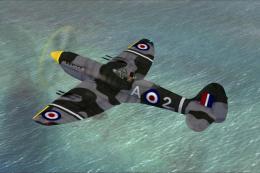
This is A.F. Scrub's Submarine MK-22 Spitfire Updated For Flight Simulator X.…
 FSX Historic & Vintage Aircraft
Note this aircraft originally was made by Gary Herbert due to the fact that h…
 FSX Historic & Vintage Aircraft
An FSX-native Boeing-Stearman Model 75 freeware aircraft add-on with a range …
 FSX Historic & Vintage Aircraft
Delve into the realm of historic aviation with the Mitsubishi A6M Zero Comple…
 FSX Historic & Vintage Aircraft
North American P-51D Mustang v1.1. The freeware Alphasim P-51 Mustang upgrade…
 FSX Historic & Vintage Aircraft
The Supermarine Spiteful was a direct development of the Spitfire using a new…
 FSX Historic & Vintage Aircraft
FSX Junkers Ju 52. A Junkers Ju52 which has been refurbished and can be found…
Read what other simmers think, or add your own.

Lear's sound.cfg was overwritten, my fault, sorry, so everything is working fine now.
No sounds at all, even after copying the whole Lear45 sound folder to that of th2 HO-229. No one experienced this too?

Hi to David Hoffman! This isn't a model kit. It is a flight simulator virtual plane.

What model of the 229 are you guys talking about? I'm looking to build a Ho229 but have only found one kit on wingsoftheweb, website. Does others exist ? What an interesting plane! Thx David Hoffman

Very nice Horten 229 you made there! I really wished there was a real virtual cockpit though, but overall IT'S AWESOME!!!!! 4/5
WOW! Junkers JUMO engine sounds.
The early Junkers JUMO engines had a very primitive compressor array, and when the engines are throttled up and down to compensate for early runway glide-slope, they will "breathe". What is happening is the exhaust portion of the compressors will create a vacuum buildup after being throttled down. Watching a replay of my landing from an aft view revealed that not only the model is superb, that its flight characteristics are flawless, it's cockpit interior meticulously recreated, but that the engine sounds are almost exactly the same as the real plane's.
Ho-229 landing
Here is my test-pilot analogy of the Ho-229 landing technique.
The Ho-229 was a very unique plane in many ways. It has many historical firsts, including one of the first ejection seats, the first space suit, and it was the first jet powered flying wing. It also is the first instance of known stealth capabilities. The plane has many other firsts, including some unknown to aviation experts of the time. The plane is designed to land on its nose gear, which presents many problems. The first is how to apply the brakes upon landing on the nose gear. If the pilot pulls up to set the rear gear down, the plane will just take off again. If he brakes too hard, the plane will nose dive into the runway. The solution was a redundant, low-drag braking system. Upon touching down on the nose gear, apply the brakes. The slow drag system, with full flaps deployed, will slow the plane down enough so that the rear gear will make contact with the runway. Once the rear gear make contact, two things will happen. First, the plane is now more steerable. Second, is the deployment of a drag chute. This plane does not have a braking system to stop itself. As a result, only the drag chute can do it. Once the plane has slowed enough to no longer need the chute, it can be controlled on the tarmac with the redundant brakes.
UPDATE: This plane is much more difficult to land than expected. If it is crabbing, or there is a strong wind, this will cause the plane's wings to dip. The pilot must compensate with steering and elevons. If the landing is too erratic, the plane has to do a "touch down and dust off", circle around and try again. Because the plane is designed to land on its nose gear, these problems have to be addressed in an entirely different manner.
Superb model of an Ho-229. That big nose-gear had always confused me. I thoroughly expected to land the rear two gear first, and instead found my 229 balancing on the front gear like a high-wire act. After the rear gear made contact with the runway, I noticed an explosive charge going off behind the plane. This is the drag-chute being deployed (which is not visible in FS-2004). I landed this plane properly the first time I flew it, but it was one of the most interesting, if not challenging planes I ever landed. Does anybody know how to save a replay in FS9? I'll post the landing. Thanks
Boatista24