


 United States of America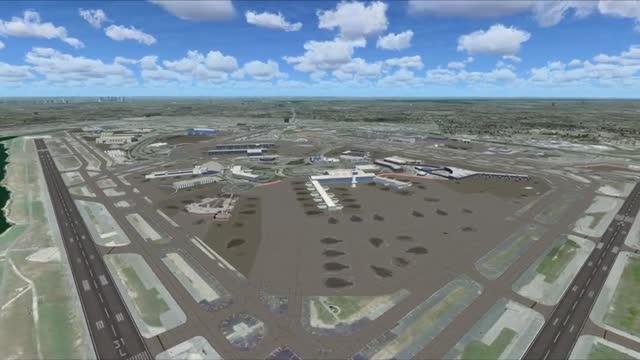



 FSX Scenery
Kennedy International Airport
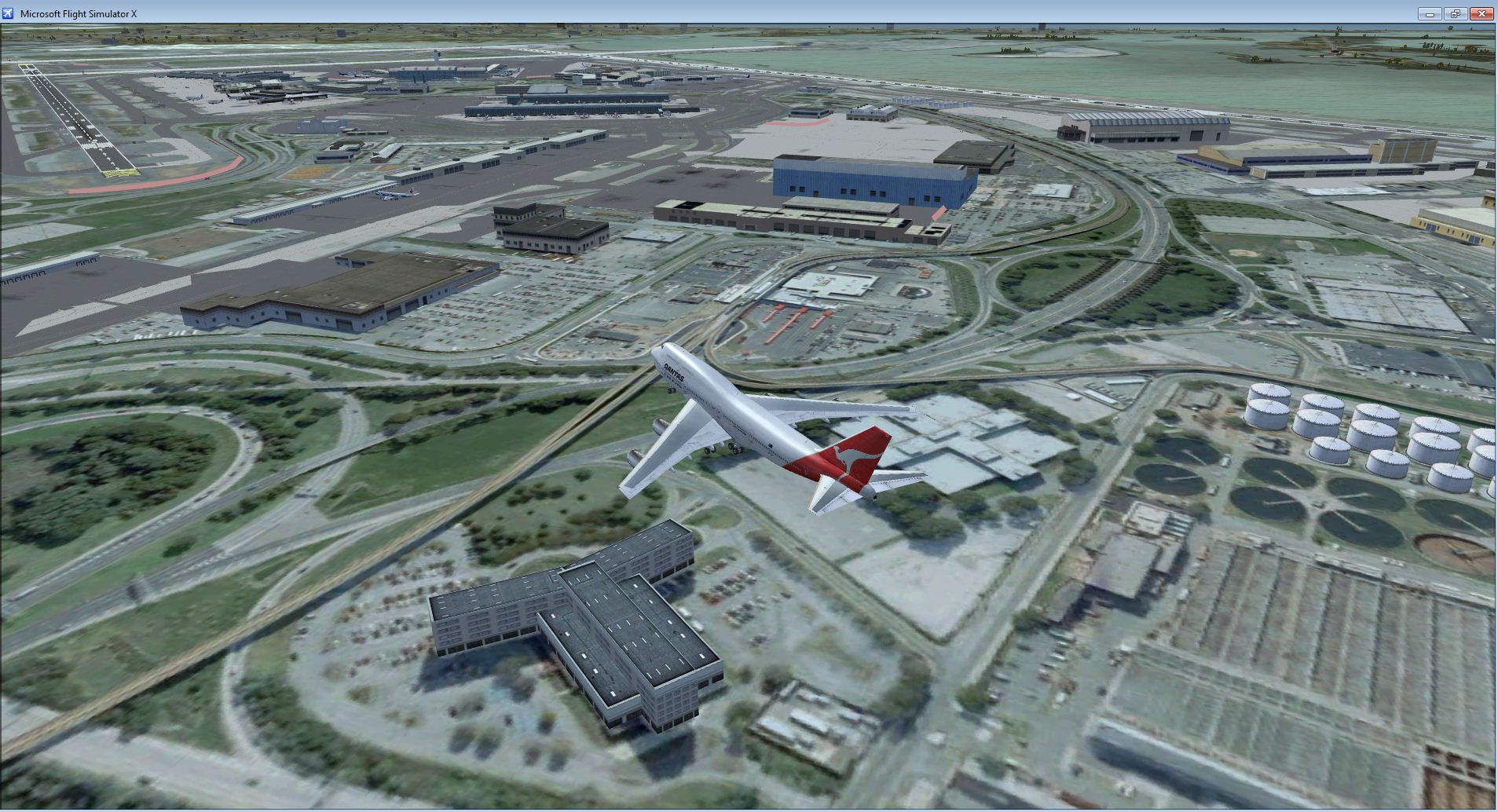
Kennedy International Airport (KJFK), New York, NY v3. A total makeover for t…
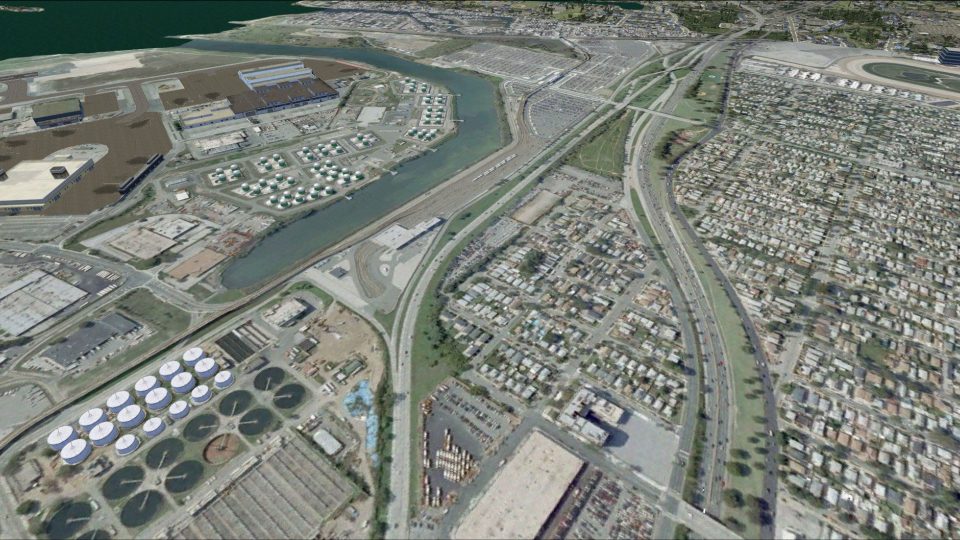
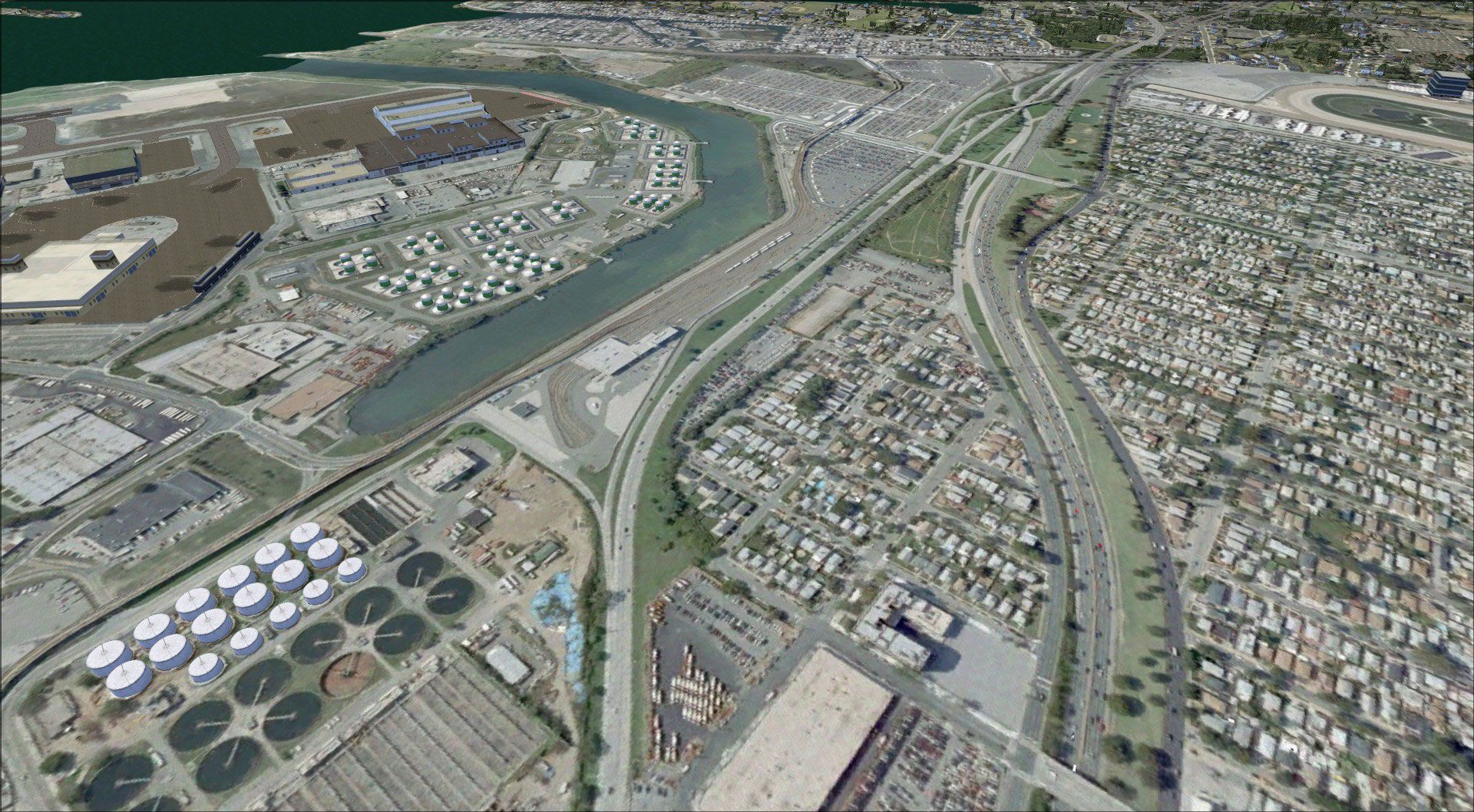
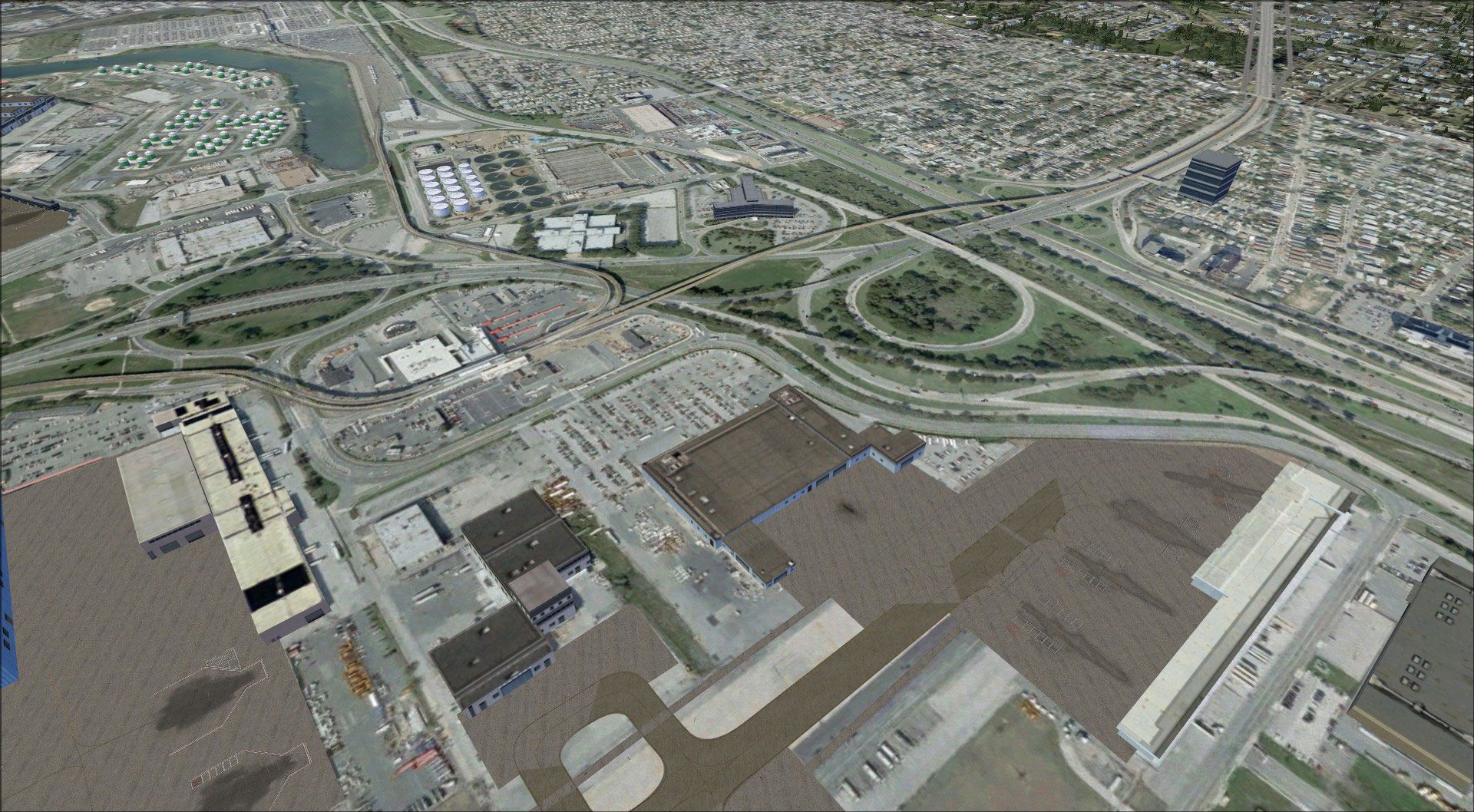
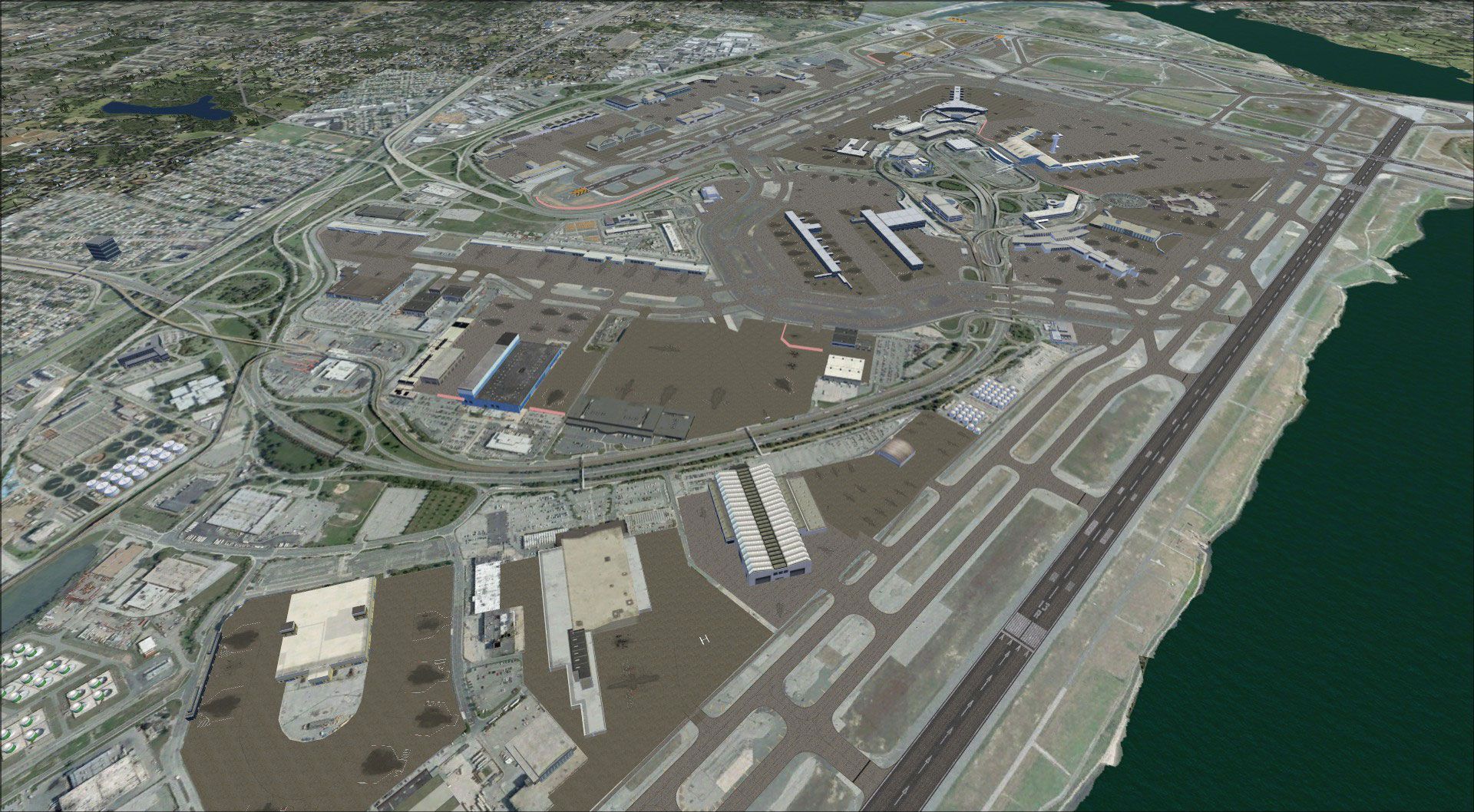
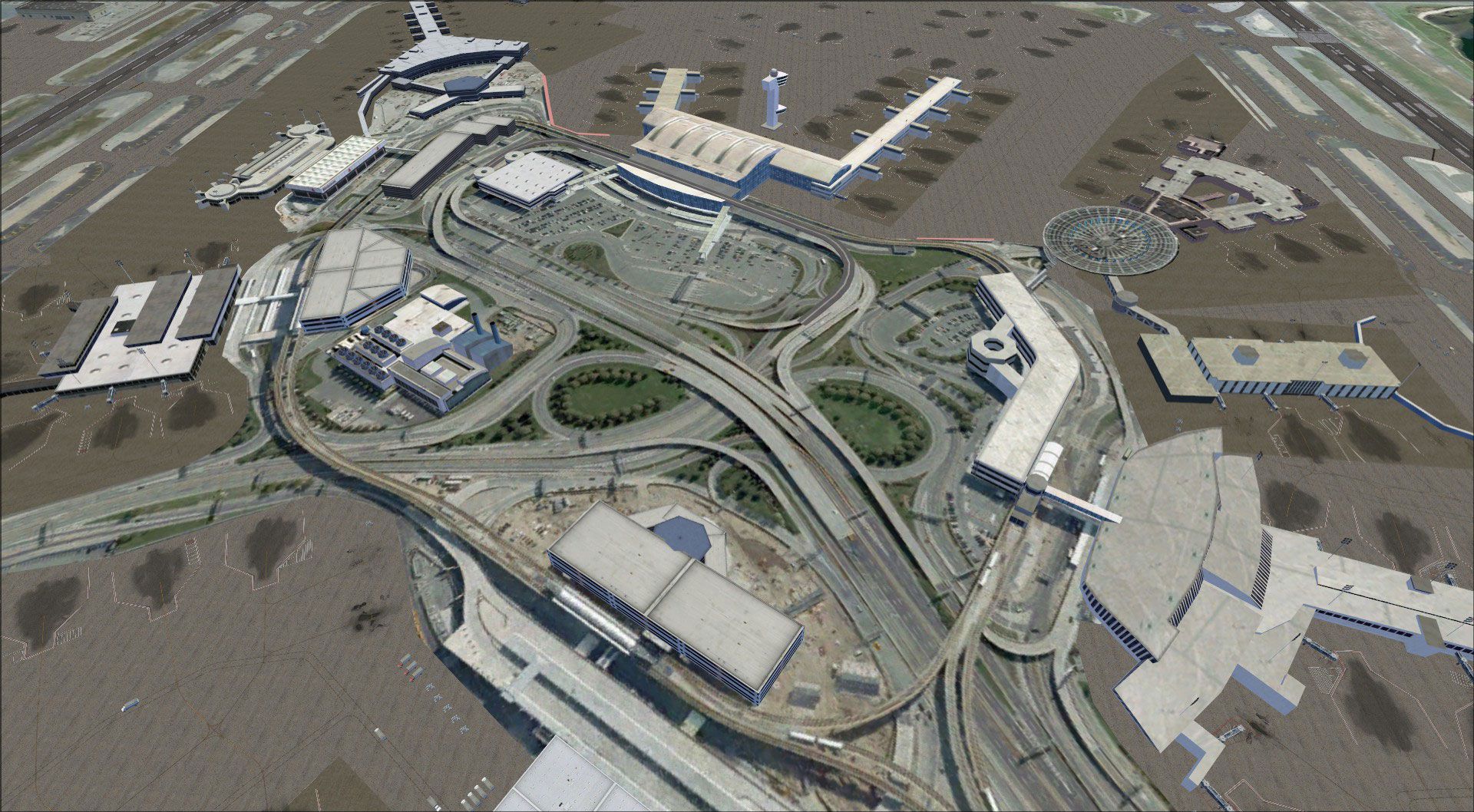
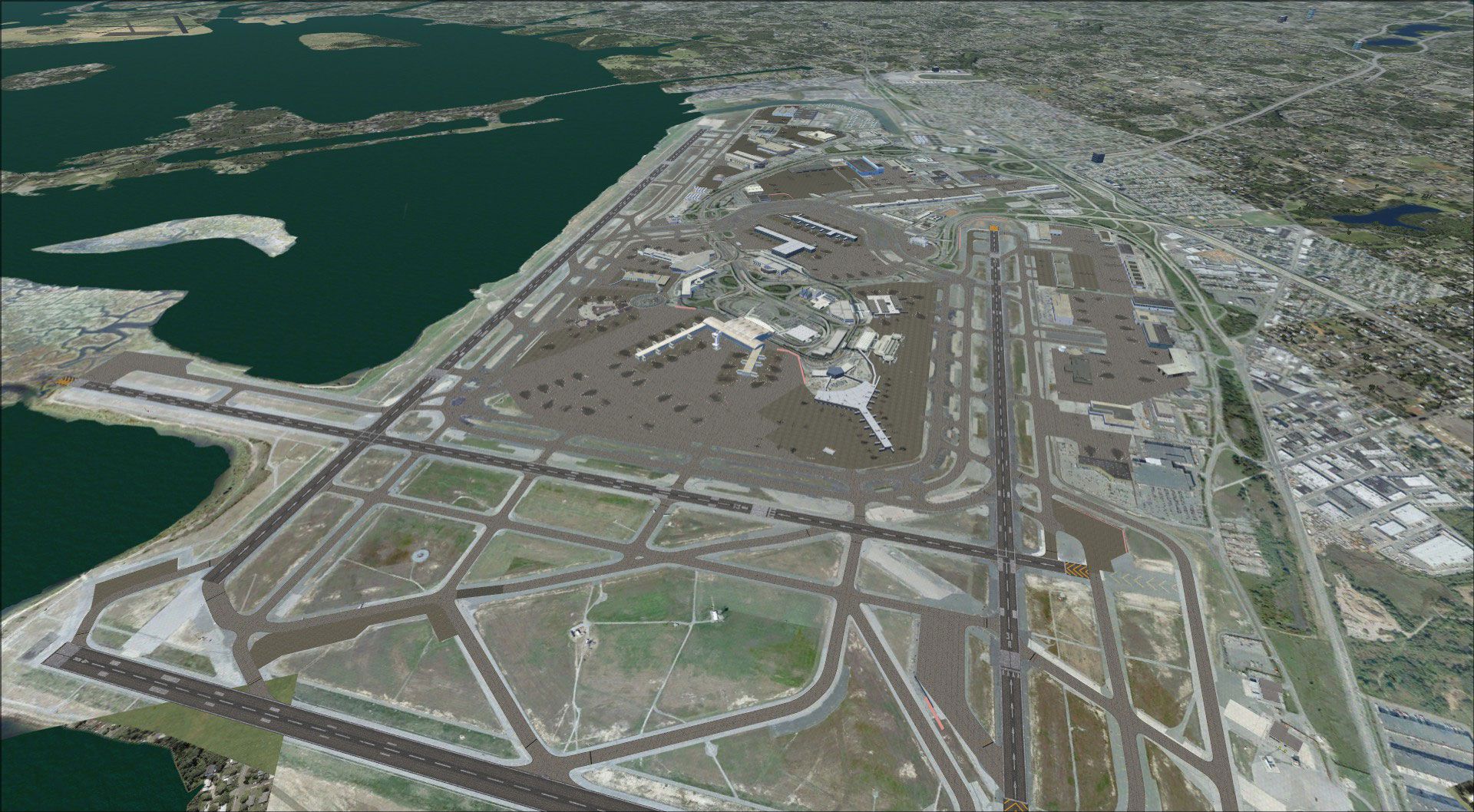
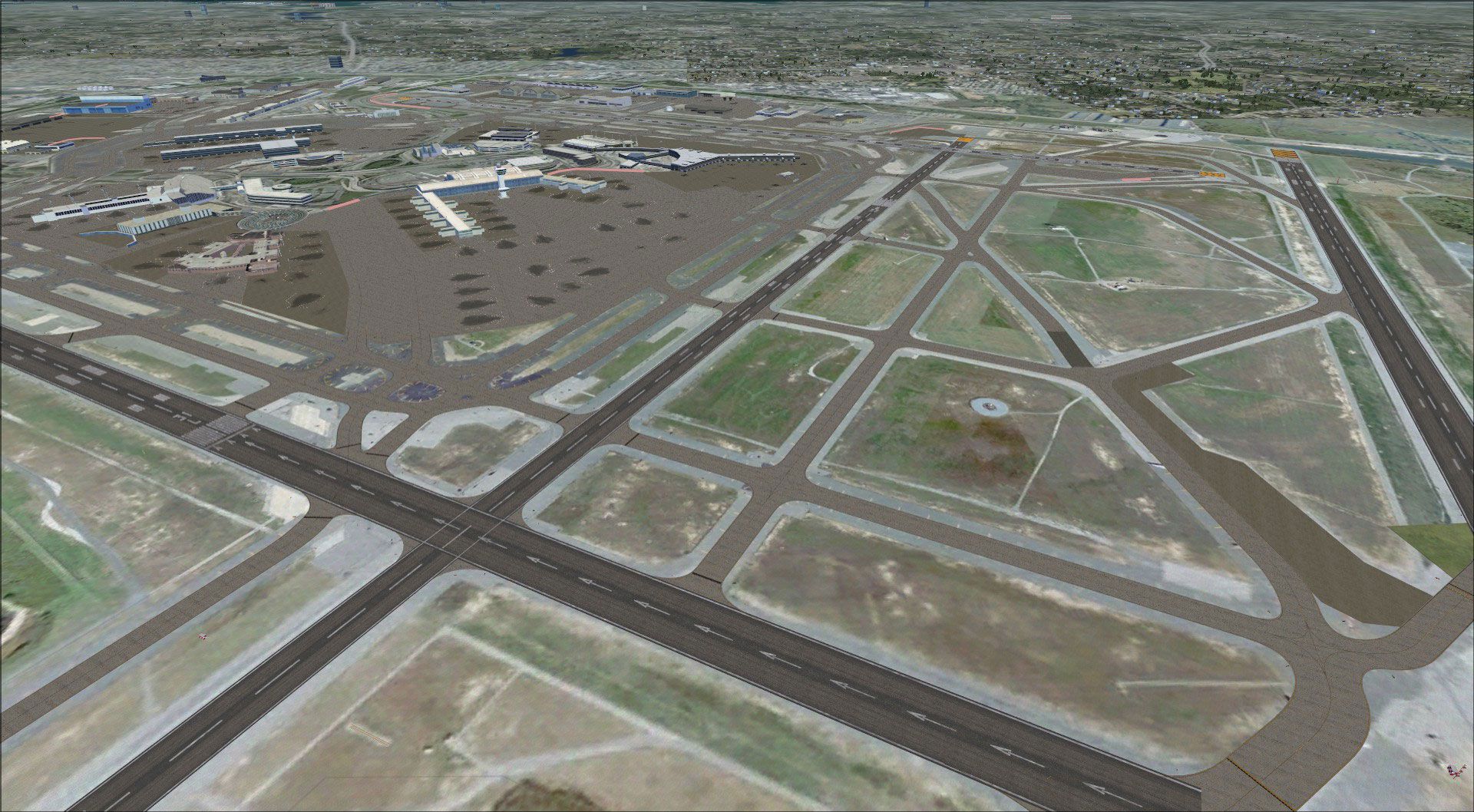
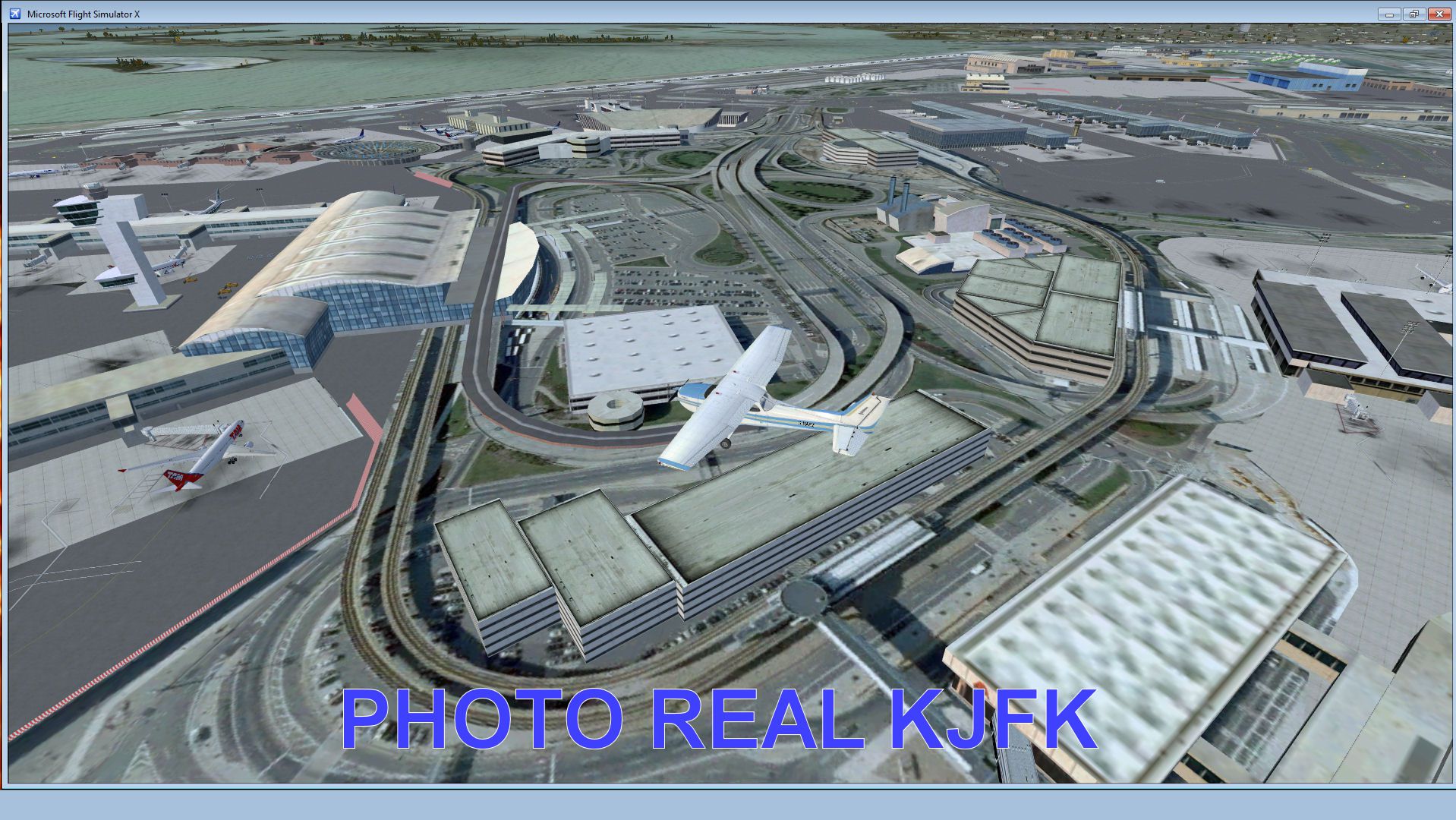
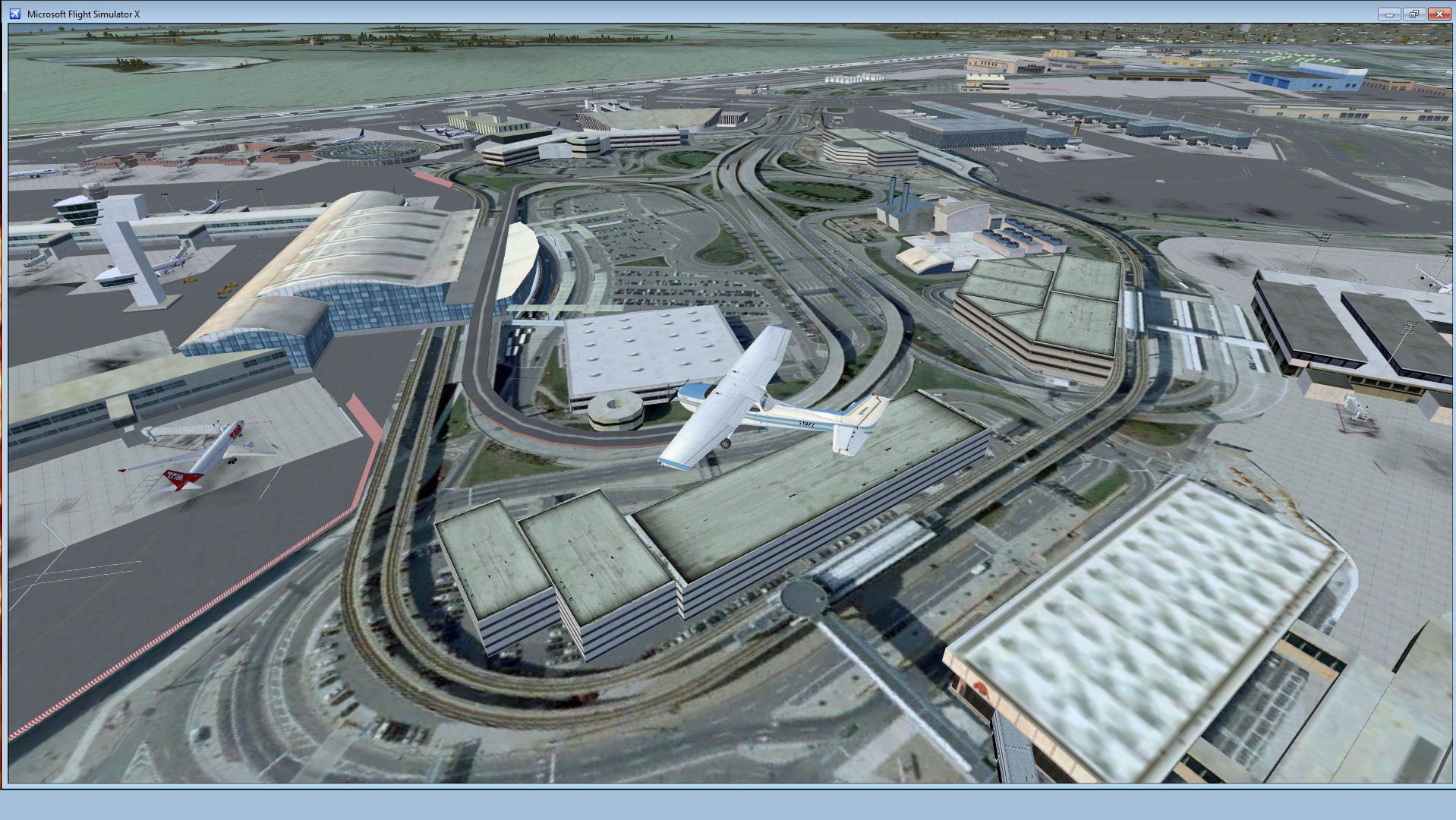
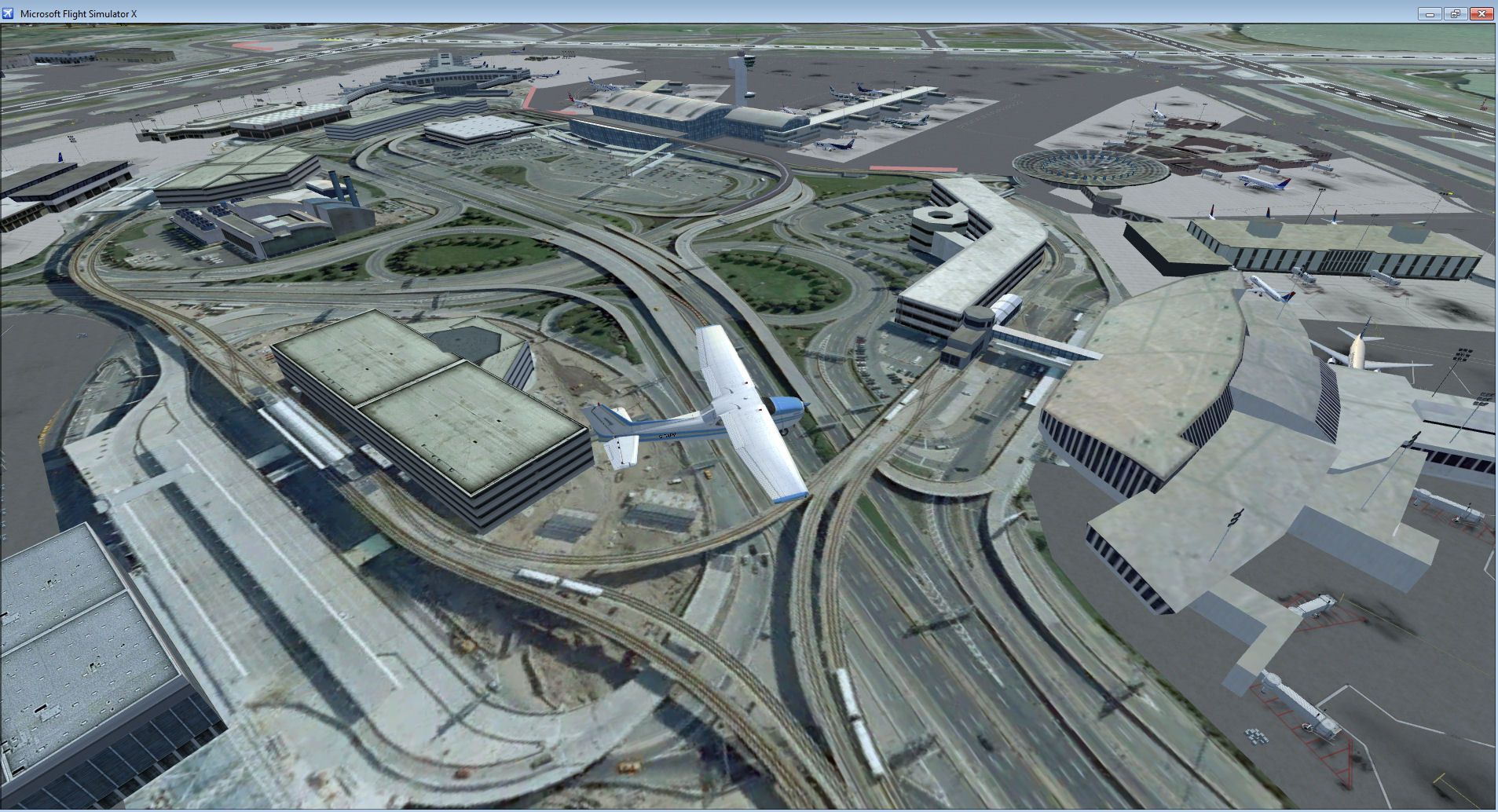
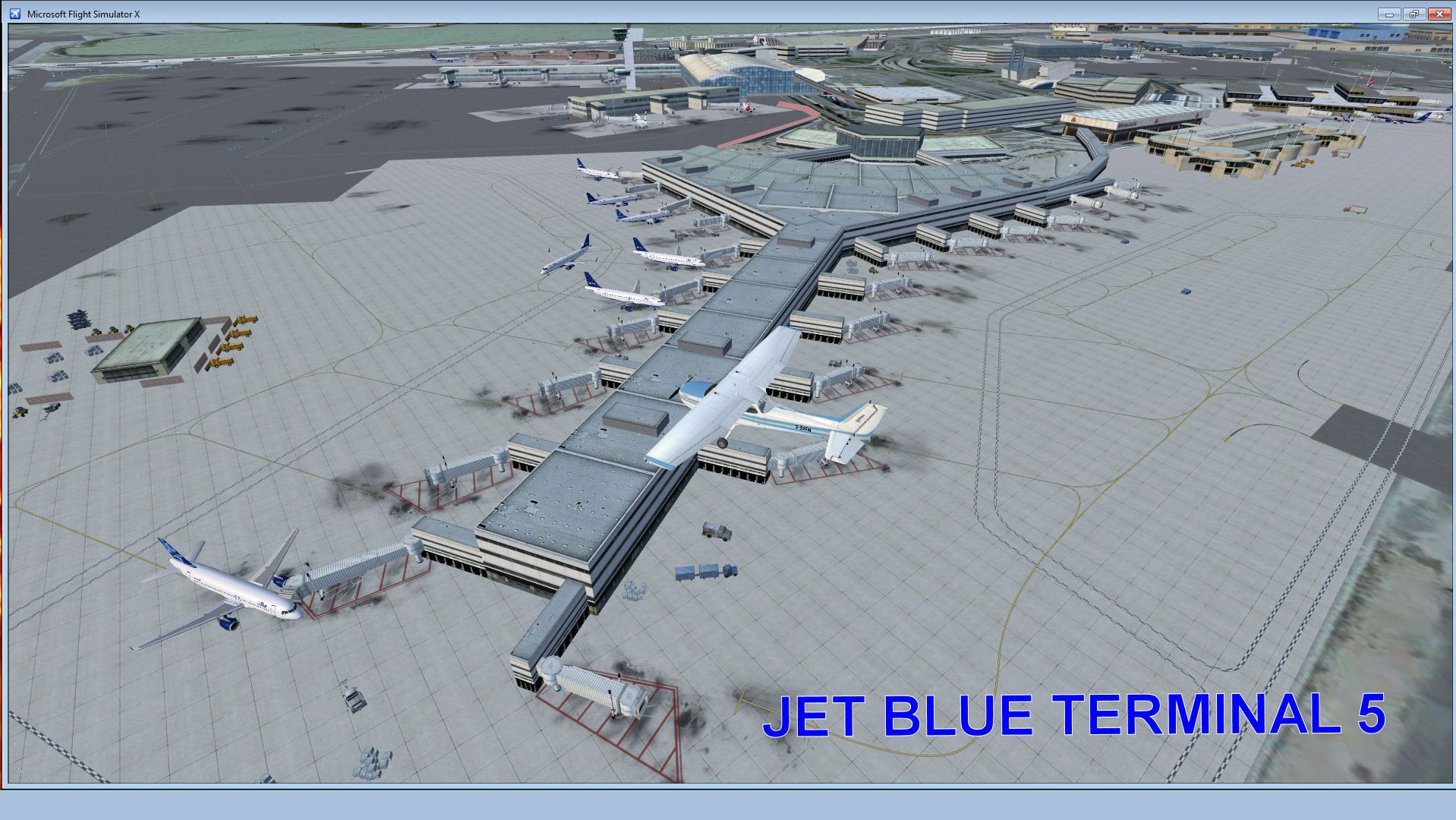
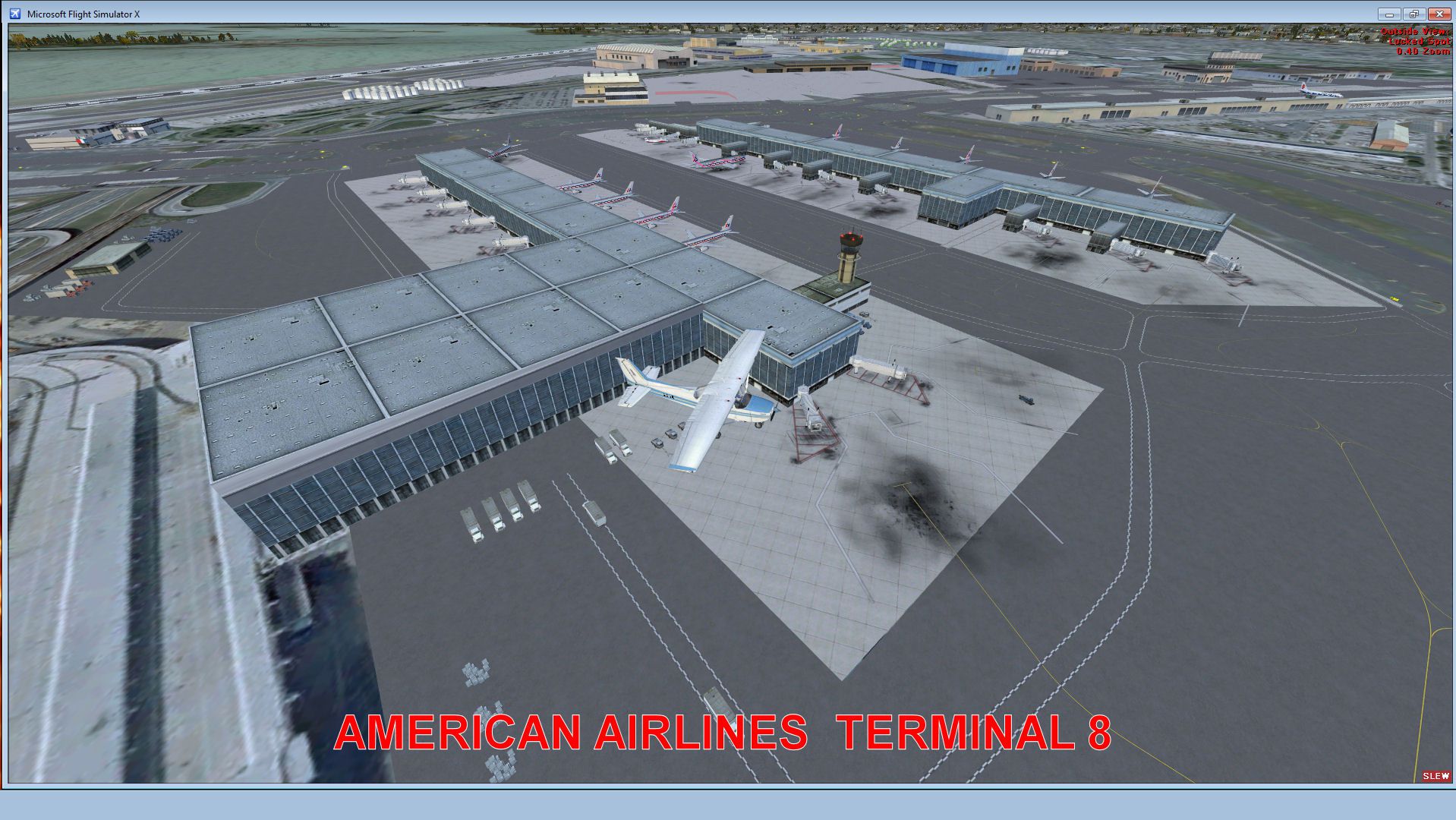
John F. Kennedy International Airport (KJFK) gets a photoreal refresh with updated terminals for American Airlines and JetBlue, expanded gate and parking layouts, added garages and warehouse buildings, and sharper ground textures for a more authentic ramp feel in Microsoft Flight Simulator X. Runways and aprons align to satellite imagery, with all four runways active.
John F. Kennedy Airport (KJFK), New York, NYU. This is a photoreal scenery redesign of the FSX default KJFK airport using the latest version of ADE and SBuilderX scenery design tool. Adds the new American Airlines and Jet Blue terminals, parking garages, several warehouse buildings, more gates, and several other little scenery enhancements to give the airport a more realistic look. By Glenn Johnson.
Screenshot of John F. Kennedy Airport Scenery.
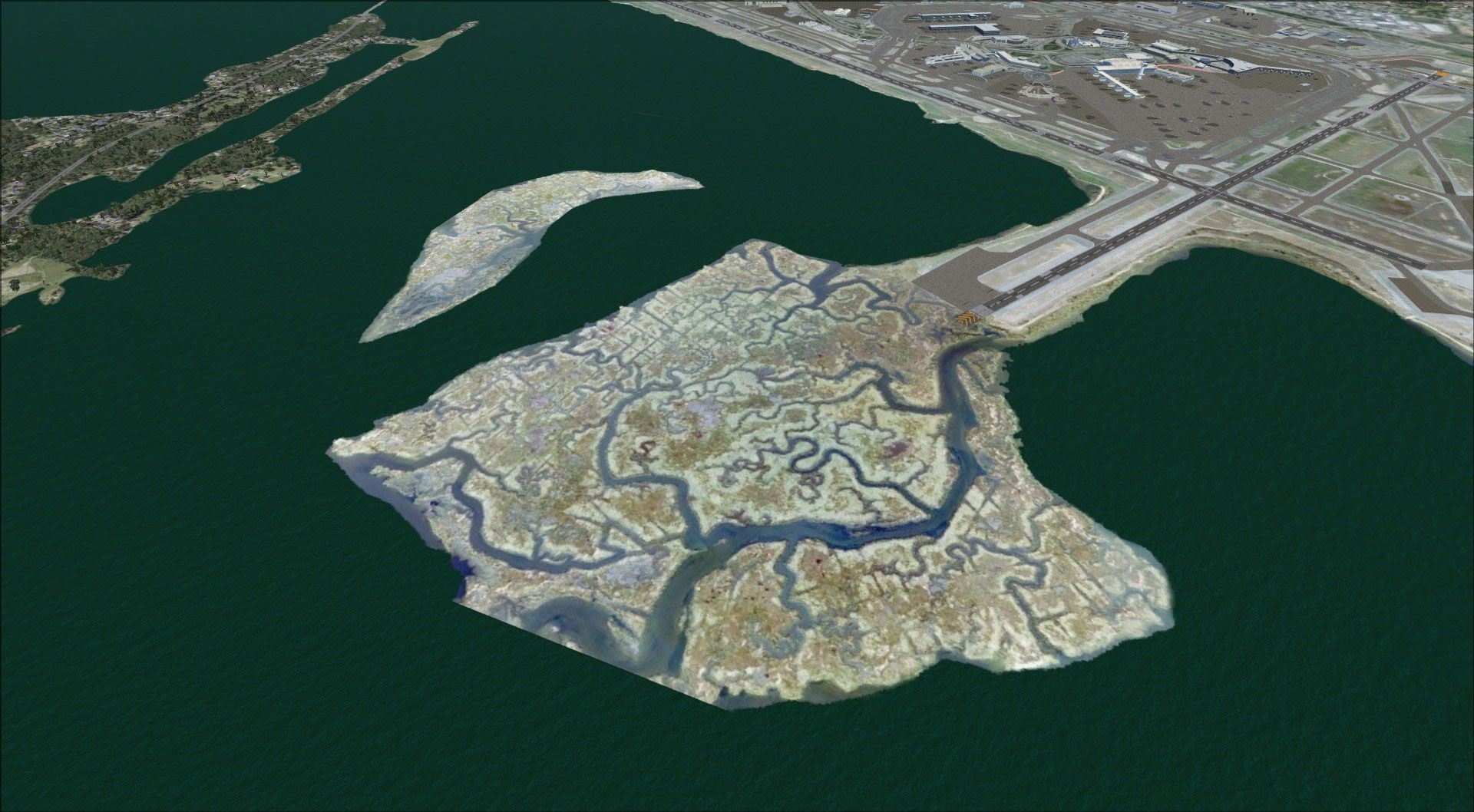
This is a beautiful "Photo Real" Scenery redesign of the FSX Default KJFK airport using the latest version of ADE (v01.50.11) & SBuilderX scenery design tool. I have added more airport buildings and Photo Real ground textures to the default scenery to give the airport a more realistic feeling. I also added the New American Airlines and Jet Blue terminals, the parking garages, several warehouse buildings, more gates, and several other little scenery enhancements. The runways and airport aprons are aligned to match Google & Yahoo satellite imagery. I increased the width of Runway 31R/13L by 200 feet to reflect the 2011 JFK Bay Runway expansion project. The AFCAD has all 4 runways active, using the crossing runways technique. I hope you enjoy the scenery. Your feedback is welcomed.
Installation:
1. Copy the KJFK_Photo_Real Folder and Paste it into your: Microsoft Flight Simulator X/Addon Scenery folder.
2. Start FSX and activate the KJFK_Photo_Real scenery in the settings, scenery library tab.
To Uninstall:
1. Deactivate the KJFK_Photo_Real in the settings, scenery library tab.
*** Important Scenery notes *****
* The gates at Terminal 4 are unassigned. I left these gate assignments blank because I find that the AI traffic tends to use all of the gates for parking instead of having gates sit empty for long periods of time. You can edit the AFACD file for more realistic International AI parking assignments at Terminal 4.
* Most of the scenery objects are visible at the "Dense" level so you might see an impact on frame rates if you have a slower computer.
Gate Assignments:
Terminal 1 = Gates F: Aeroflot, Air France, Air China, Lufthansa, Japan, Korean, and other assigned International Airline gates.
Terminal 2 = Gates E: Delta > Gates X: Delta Connection
Terminal 3 = Gates E: Delta
Terminal 4 = Gates D: Unassigned International Airline Gates
Terminal 5 = Gates J: Jet Blue
Terminal 6 = Closed : Real Life closure
Terminal 7 = Gates B: ANA, British Airways, Cathy Pacific, Iberia, Iceland Air, Qantas, United, United Express, US Airways
Terminal 8 = Gates A: American Airlines, American Eagle
*I hope you enjoy the scenery. Your feedback is welcomed.*
Credits:
*Thanks to Jon Masterson (a.k.a. Scruffy Duck) for his Airport Design Editor Utility v1.51.
*Thanks to Luis Féliz-Tirado for his SBuilderX scenery design tool.
Glenn Johnson
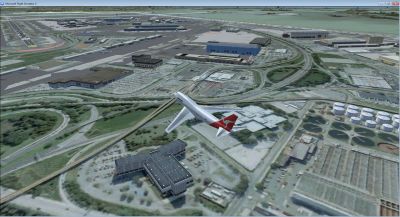
Screenshot of John F. Kennedy Airport Scenery.
Free for all simmers · 18.48 MB · Scanned clean
Download speed: Free tier is capped at 0.5 Mbps (this file takes approximately 5 mins at the cap). PRO members download at full line speed.
FSX\Addon Scenery\ containing scenery and texture sub-folders.readme.txt or README file. It tells you exactly where files go, what dependencies are needed, and any quirks specific to this add-on.Use these coordinates to fly directly to this location once the mod is installed.
40.64130000,-73.77810000
Launch FSX or Prepar3D and use Flights → Load to open the downloaded .pln file. Your aircraft will be positioned at this location.
The archive kjfk_pr_fsx.zip has 51 files and directories contained within it.
This list displays the first 500 files in the package. If the package has more, you will need to download it to view them.
| Filename/Directory | File Date | File Size |
|---|---|---|
| ReadMe.txt | 09.22.11 | 3.09 kB |
| SCENERY | 09.22.11 | 0 B |
| CENTER.bgl | 09.20.11 | 557.30 kB |
| jfk_OBX.BGL | 09.22.11 | 7.29 kB |
| jfk_OBX.xml | 09.22.11 | 71.95 kB |
| KJFK_ADEX_GJ_CVX.bgl | 09.19.11 | 226 B |
| KJFK_ADEX_GJ_CW.BGL | 09.22.11 | 170.05 kB |
| KJFK02.bgl | 09.22.11 | 378.18 kB |
| KJFK04.bgl | 09.20.11 | 656.11 kB |
| KJFK05.bgl | 09.20.11 | 765.85 kB |
| KJFK06.bgl | 09.20.11 | 537.05 kB |
| KJFK07.bgl | 09.20.11 | 341.95 kB |
| KJFK08.bgl | 09.20.11 | 461.95 kB |
| KJFK09.bgl | 09.20.11 | 508.48 kB |
| KJFK10.bgl | 09.20.11 | 485.17 kB |
| KJFK12.bgl | 09.20.11 | 541.52 kB |
| KJFK13.bgl | 09.20.11 | 542.65 kB |
| KJFK14.bgl | 09.20.11 | 587.80 kB |
| KJFK15.bgl | 09.20.11 | 597.97 kB |
| KJFK16.bgl | 09.20.11 | 535.76 kB |
| KJFK17.bgl | 09.20.11 | 458.43 kB |
| KJFK18.bgl | 09.20.11 | 459.91 kB |
| KJFK19.bgl | 09.20.11 | 670.01 kB |
| KJFK20.bgl | 09.20.11 | 782.37 kB |
| KJFK21.bgl | 09.20.11 | 814.69 kB |
| KJFK22.bgl | 09.20.11 | 584.30 kB |
| KJFK23.bgl | 09.20.11 | 661.50 kB |
| SOUTH 2.bgl | 09.20.11 | 503.63 kB |
| Texture | 09.22.11 | 0 B |
| FILE_ID.DIZ.txt | 09.22.11 | 428 B |
| JET BLUE 5.jpg | 09.22.11 | 416.11 kB |
| JFK Facts and Information.pdf | 09.22.11 | 181.39 kB |
| KJFK 1.jpg | 09.22.11 | 449.54 kB |
| KJFK 3.jpg | 09.22.11 | 408.27 kB |
| KJFK AA.jpg | 09.22.11 | 394.09 kB |
| KJFK REAL.jpg | 09.22.11 | 463.38 kB |
| KJFK.gif | 09.22.11 | 10.41 kB |
| KJFK2.jpg | 09.22.11 | 428.17 kB |
| flyawaysimulation.txt | 10.29.13 | 959 B |
| Go to Fly Away Simulation.url | 01.22.16 | 52 B |
| Screenshots | 09.01.17 | 0 B |
| 001.jpg | 09.01.17 | 508.74 kB |
| 002.jpg | 09.01.17 | 353.36 kB |
| 003.jpg | 09.01.17 | 508.04 kB |
| 004.jpg | 09.01.17 | 556.53 kB |
| 005.jpg | 09.01.17 | 569.99 kB |
| 006.jpg | 09.01.17 | 468.51 kB |
| 007.jpg | 09.01.17 | 434.55 kB |
| 008.jpg | 09.01.17 | 418.92 kB |
| 009.jpg | 09.01.17 | 540.85 kB |
| 010.jpg | 09.01.17 | 469.53 kB |
More FSX & P3D add-ons hand-picked based on this download.
FSX Scenery
Kennedy International Airport (KJFK), New York, NY v3. A total makeover for t…
 FSX Scenery
Liverpool (John Lennon) Airport (EGGP), UK. Designed to blend with Horizon Ge…
 FSX Scenery
Scenery John Wayne Airport (KSNA), Santa Ana, Orange County, California (CA).…
 FSX Scenery
FSX Liverpool John Lennon (Speke) Airport (EGGP), UK, v5.0. An all new versio…
 FSX Scenery
Santa Anna Orange County John Wayne Airport (KSNA), California (CA). Patch fo…
 FSX Scenery
Princess Juliana International Airport (TNCM) in Saint Marteen, Netherlands A…
 FSX Scenery
Los Angeles Airport Scenery v3, California (CA). This photoreal scenery is a …
 FSX Scenery
Barbados International Airport (TBPB). Grantley Adams International Airport f…
Read what other simmers think, or add your own.


Hi. Help required activating this addon please. I downloaded this addon and copied the KFJK Photo real folder into the FSXaddon scenery folder as instructed, but when I go to the settings, scenery library & insert the path it isn't recognised. Do you have any suggestions please. Many thanks Bob

HI... I want to know if you have the canarsie approach on this file in jfk virtual .
Thanks...
