


 FSX Misc
Tutorial - How To Make An FSX Thumbnail
A tutorial in PDF format. By Mike Basford. Thumbnail of Tiger Sky6 in flight.
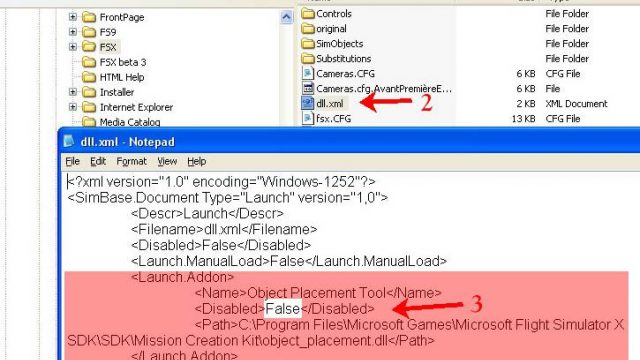
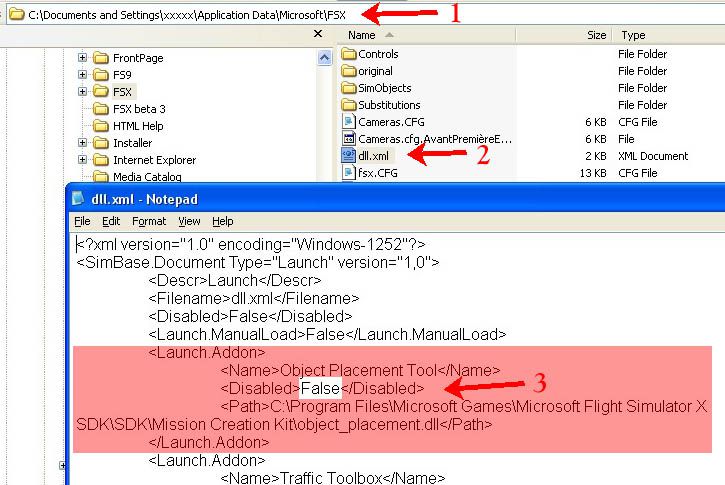
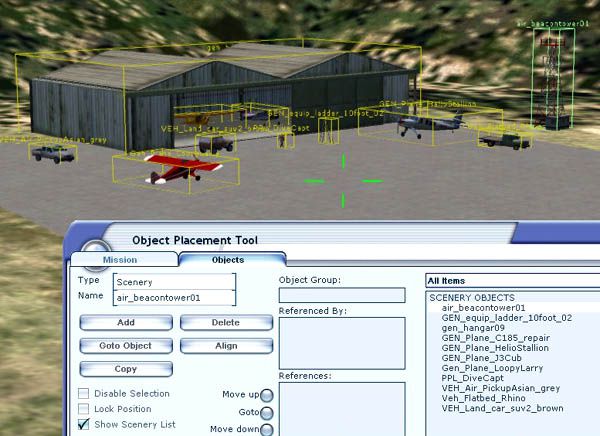
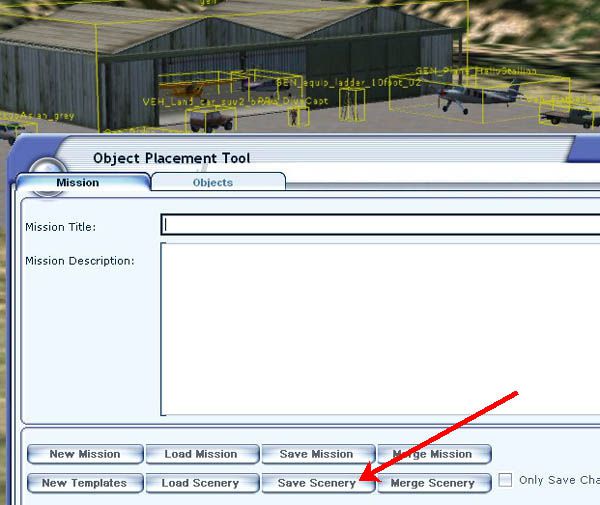
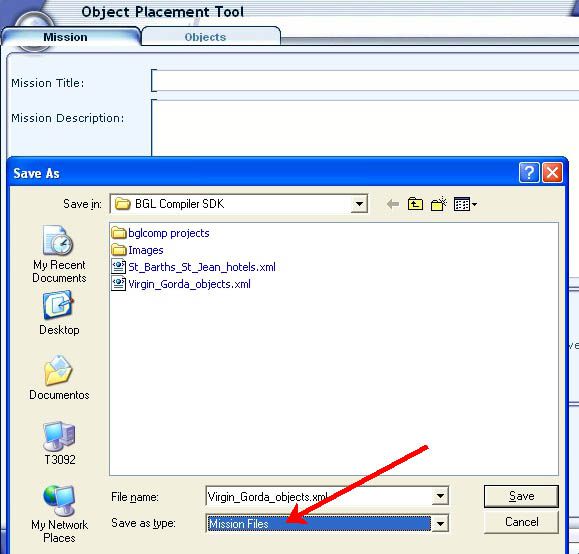
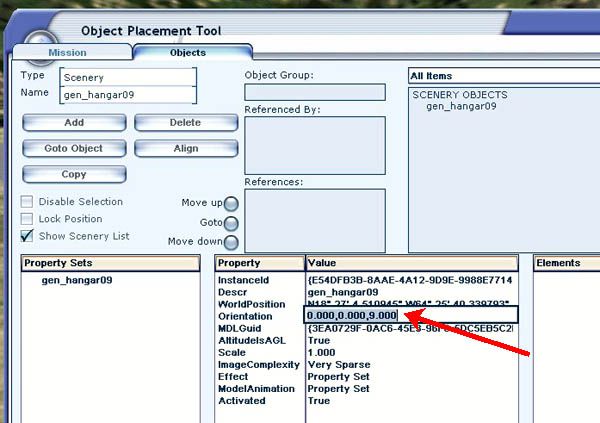
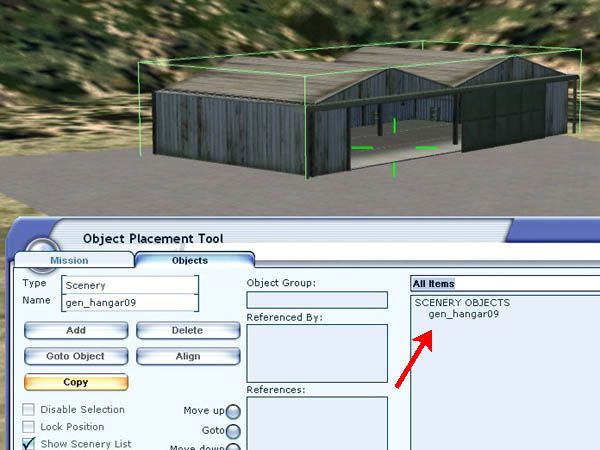
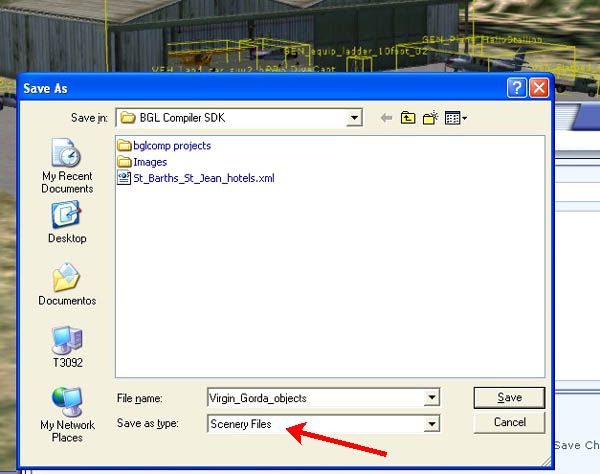
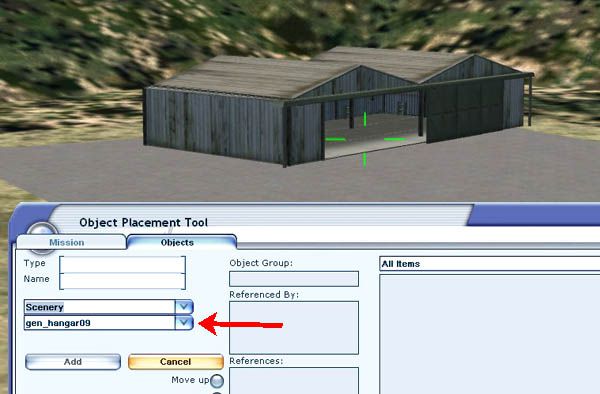
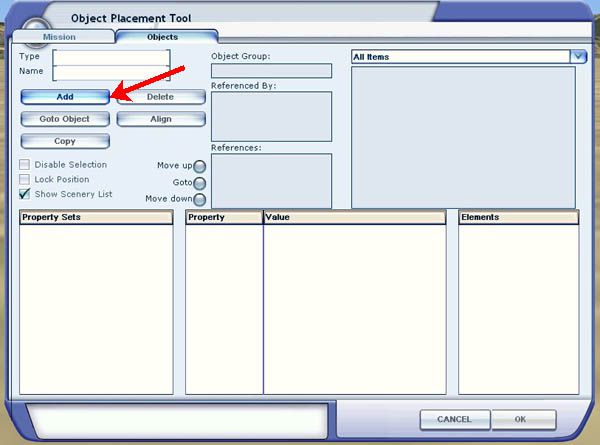
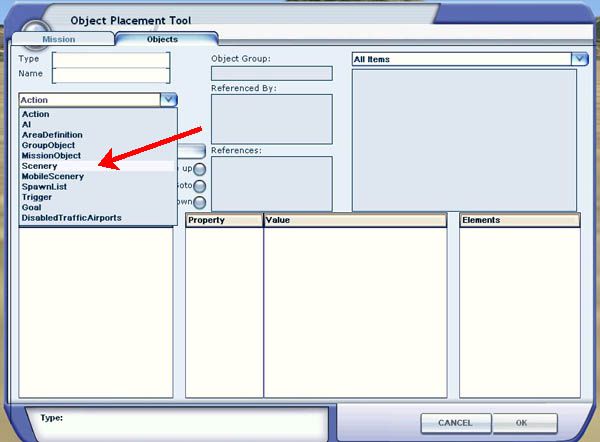
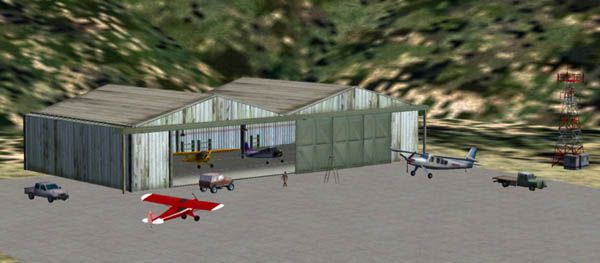
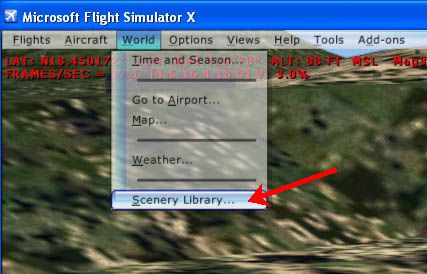
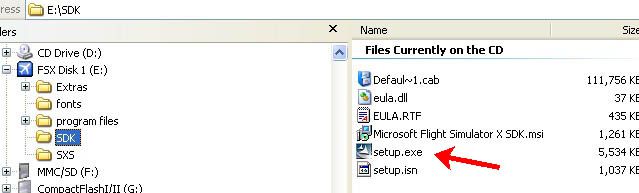
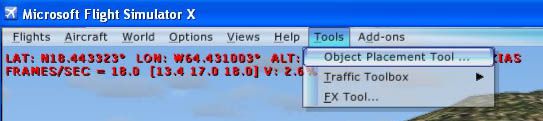
Object Placement Tool scenery building in Microsoft Flight Simulator X turns the sim into a visual editor, letting creators drop, move, rotate, and fine-tune 3D objects directly in-world with immediate feedback. An illustrated guide explains where to find the feature in the Deluxe edition and how to use it for custom scenery layouts.



Free for all simmers · 673.71 KB · Scanned clean
Download speed: Free tier is capped at 0.5 Mbps. PRO members download at full line speed.
FSX\Addon Scenery\ containing scenery and texture sub-folders.readme.txt or README file. It tells you exactly where files go, what dependencies are needed, and any quirks specific to this add-on.The archive making_scenery_with_object_placement_tool.zip has 25 files and directories contained within it.
This list displays the first 500 files in the package. If the package has more, you will need to download it to view them.
| Filename/Directory | File Date | File Size |
|---|---|---|
| images | 11.21.09 | 0 B |
| background.jpg | 10.29.06 | 2.70 kB |
| dll xml.jpg | 01.04.07 | 83.21 kB |
| FSX SDK installation.jpg | 01.13.07 | 24.55 kB |
| object placement 01.jpg | 01.04.07 | 21.78 kB |
| object placement 02.jpg | 01.04.07 | 35.92 kB |
| object placement 03.jpg | 01.04.07 | 37.74 kB |
| object placement 04.jpg | 01.04.07 | 36.04 kB |
| object placement 05.jpg | 01.13.07 | 40.58 kB |
| object placement 06.JPG | 01.13.07 | 41.86 kB |
| object placement 07.JPG | 01.13.07 | 49.56 kB |
| object placement 08.JPG | 01.13.07 | 50.67 kB |
| object placement 09.JPG | 01.13.07 | 63.25 kB |
| object placement 10.JPG | 01.13.07 | 53.38 kB |
| object placement 11.JPG | 01.13.07 | 48.73 kB |
| object placement 12.JPG | 01.13.07 | 52.58 kB |
| object placement 13.JPG | 01.13.07 | 48.99 kB |
| object placement 14.JPG | 01.13.07 | 33.24 kB |
| object placement 15.JPG | 01.13.07 | 31.49 kB |
| Making_scenery_with_Object_Placement_Tool.htm | 01.13.07 | 11.55 kB |
| Making_scenery_with_Object_Placement_Tool | 11.21.09 | 0 B |
| information.txt | 11.21.09 | 754 B |
| avsim.diz | 04.27.04 | 360 B |
| flyawaysimulation.txt | 10.29.13 | 959 B |
| Go to Fly Away Simulation.url | 01.22.16 | 52 B |
More FSX & P3D add-ons hand-picked based on this download.
FSX Misc
A tutorial in PDF format. By Mike Basford. Thumbnail of Tiger Sky6 in flight.
 FSX Misc
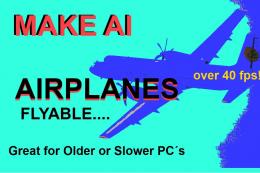
There are many AI aircraft which are not available as regular flyable airplan…
 FSX Misc
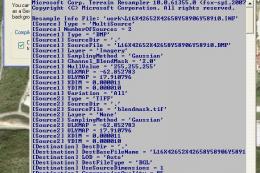
It is very easy to create your very own high-resolution, custom (photoreal) g…
 FSX Misc
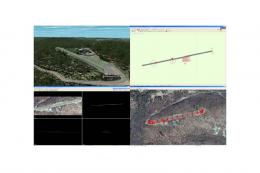
"The one aspect that has always bothered me is all the ingredients for slopin…
 FSX Misc
Scenery complement of North, Central and South Americas for FSX. Fully built …
 FSX Misc
An illustrated guide. After landing your favorite FSX aircraft, are you frust…
 FSX Misc
A translation into French. By Gilbert Fouche from original by David Marshall …
 FSX Misc
Weapons effects with Minigun sounds for the FSX 160 SOAR Little Bird by Tim C…
Read what other simmers think, or add your own.

Thanks for this tutorial on installing the OPT and using it for scenery creation. The procedure is relatively straightforward and the OPT will load and work if you are careful. As for its use, the OPT must rank as one of the most tedious apps available with FSX - but once you've got used to its idiosyncrasies, the OPT will enable you to do almost anything with the multitude of library objects that come with FSX. And, of course, the OPT allows you to develop Missions... One last point - buy InstantScenery if you want an easier method! Good Luck.

thank you very much for the information!! Hello, I just stumbled on your editorial that I just read and it looks very interesting I will not try your proposal of this software that I just downloaded on your site I thank you in advance in hoping it works fine with flight simulator FSX or flight simulator 2004. Thank you and see you soon.


I am going to try and get this after Easter Sunday with my dad and then this will make fsx look amazing at KATL !! 😄😄😄
