


 United States of America
  FSX AFCAD Files
AFCAD Modification For Stock KPSP '11
Palm Springs International Airport, California (CA). Version 2 contains many …
Palm Springs International Airport (KPSP) gets a sharper stock layout with corrected RNAV (RNP) approaches, including the BALDI-to-CUPOL transition for Runway 31L, plus refined taxiways, gates, ramp parking, markings, signage, and lighting. The update also adds missing jetway gates and a tower red strobe for a more authentic arrival in Microsoft Flight Simulator X.
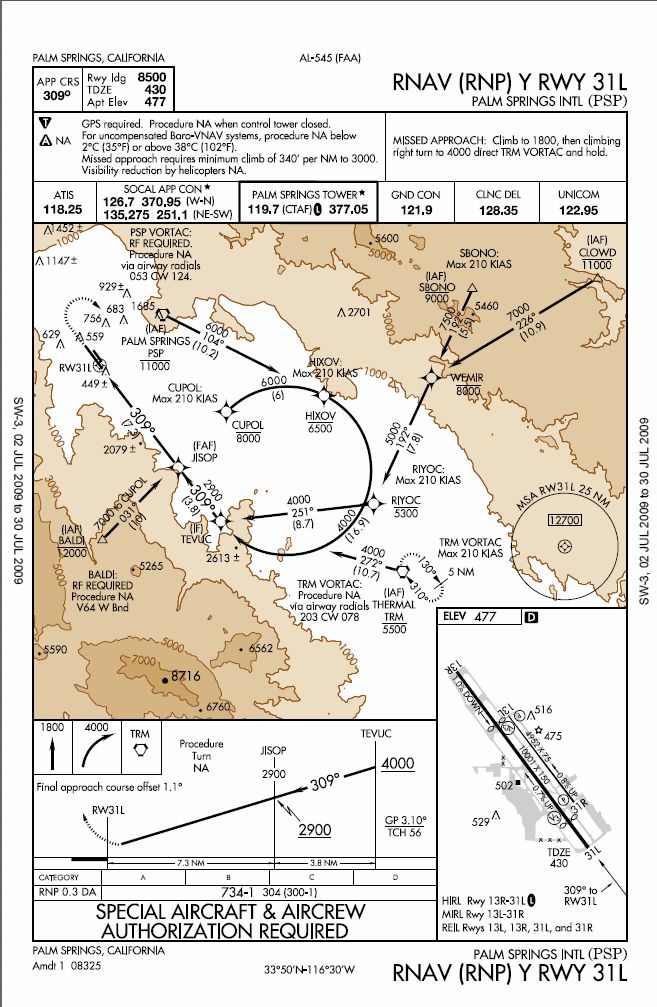
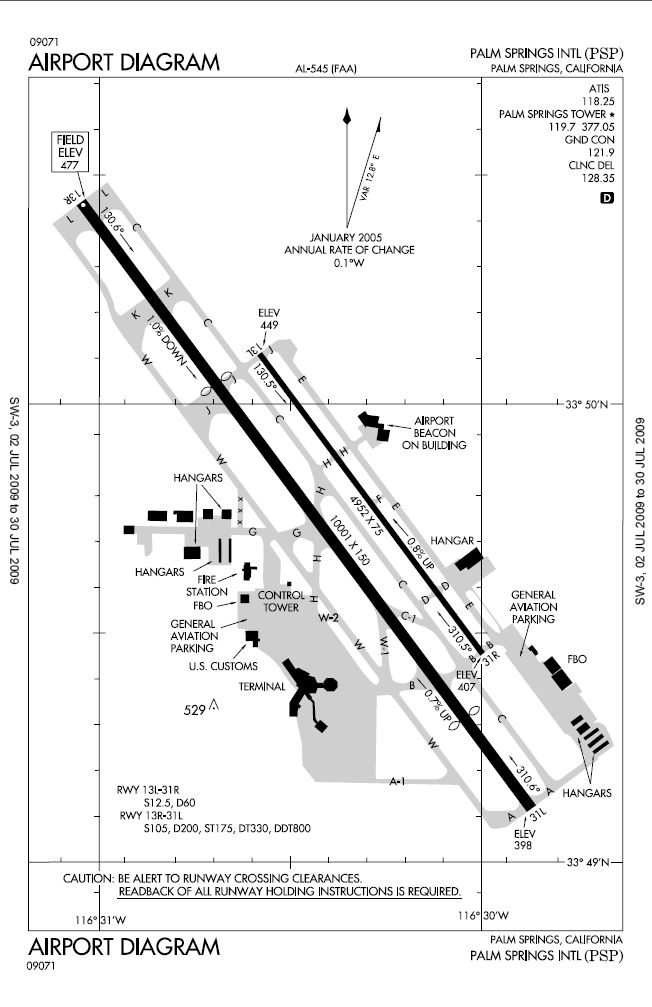
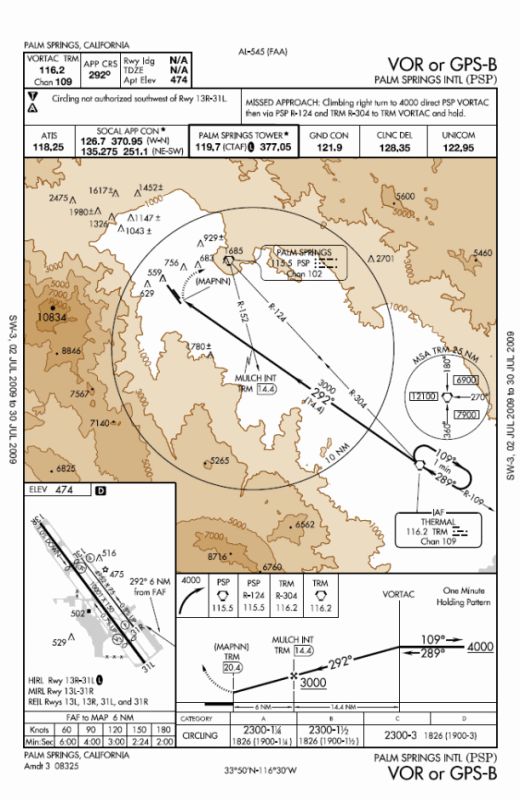
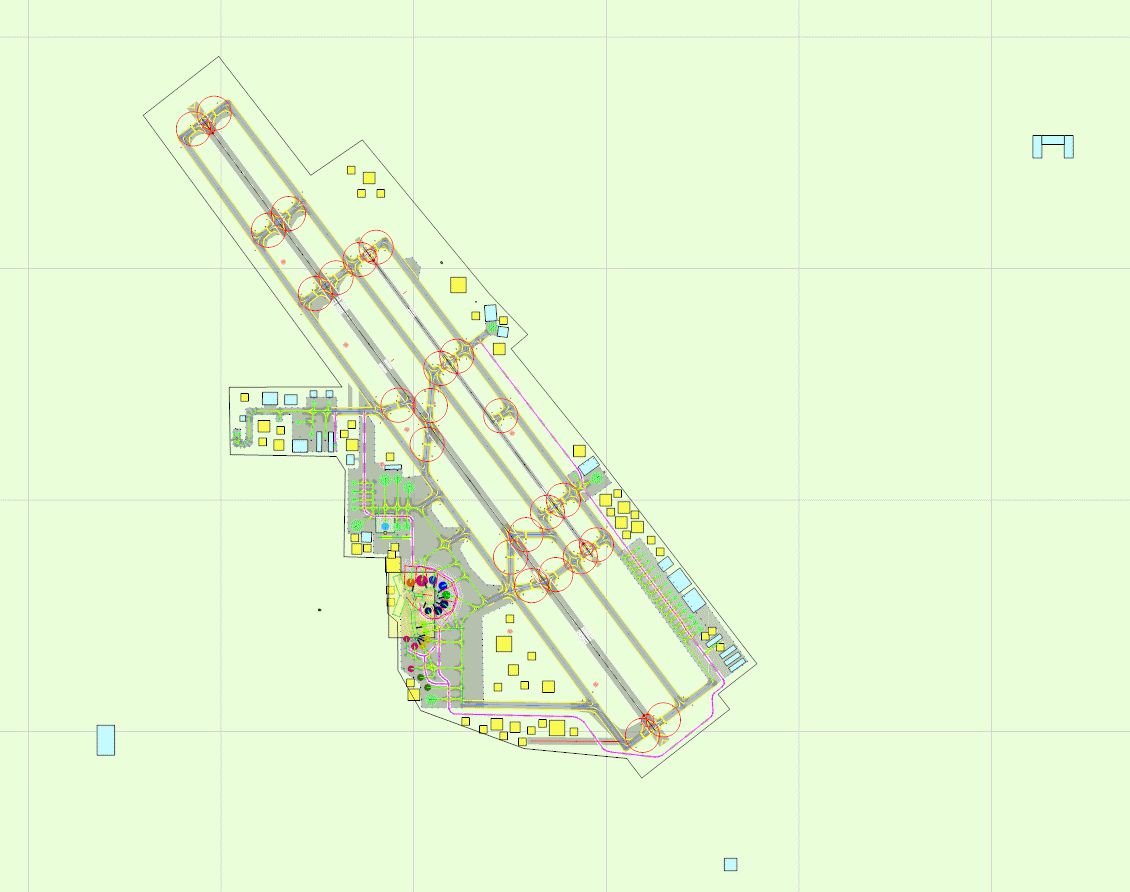
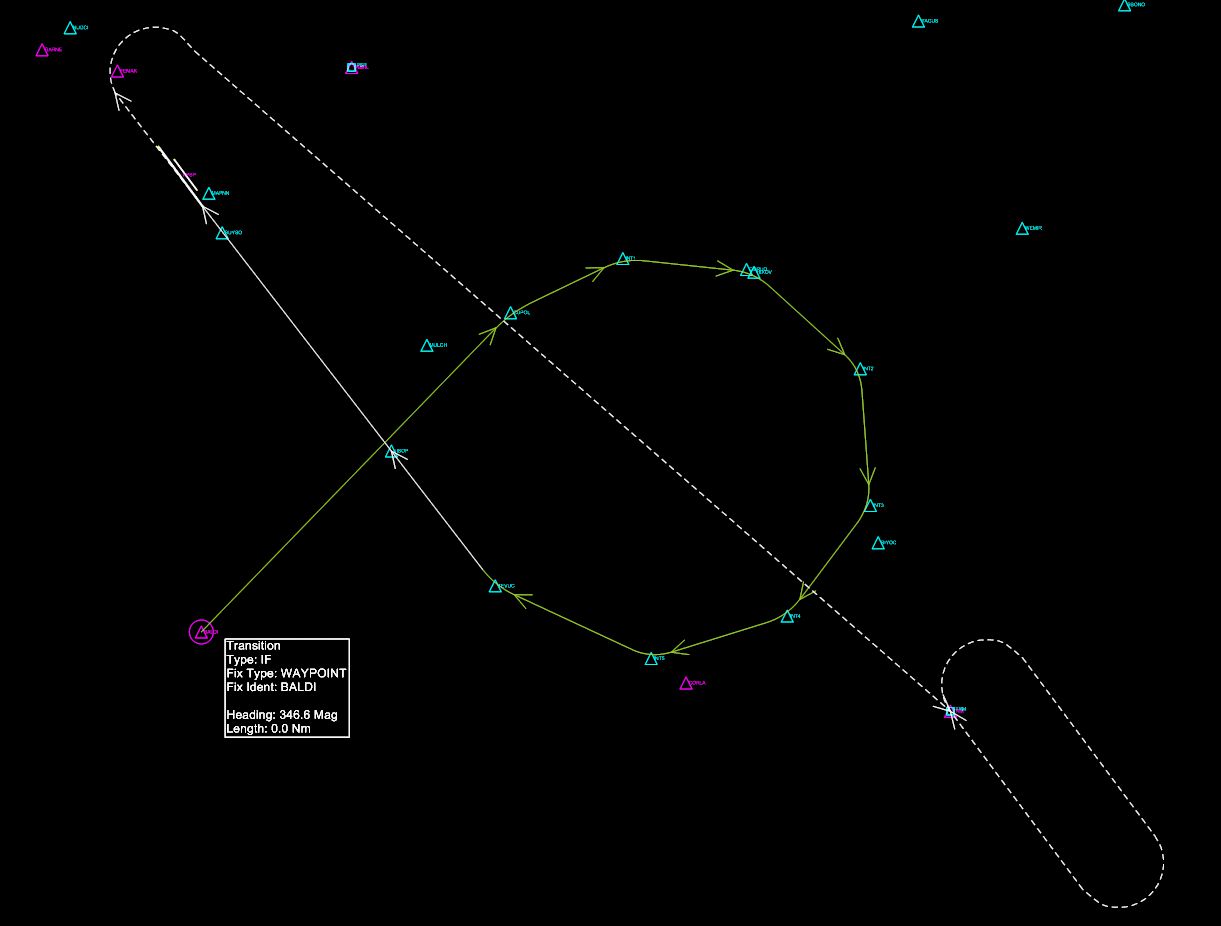
This freeware AFCAD modification revamps the default layout at Palm Springs International Airport in California. It offers comprehensive navigational and structural improvements for Microsoft Flight Simulator X users who want a more accurate representation of this desert-region airport. Created by Kambiz Agazi, this update includes corrections to RNAV (RNP) approaches, revised cargo and passenger gates, and adjustments to visual signage and lighting elements. The adjustments strictly follow the official approach plates, ensuring that your RNAV route now smoothly transitions from BALDI to CUPOL when flying into Runway 31L. Additionally, this release retains the original tower file, featuring a red strobe effect, which further enhances the realism of the airport environment for virtual pilots.
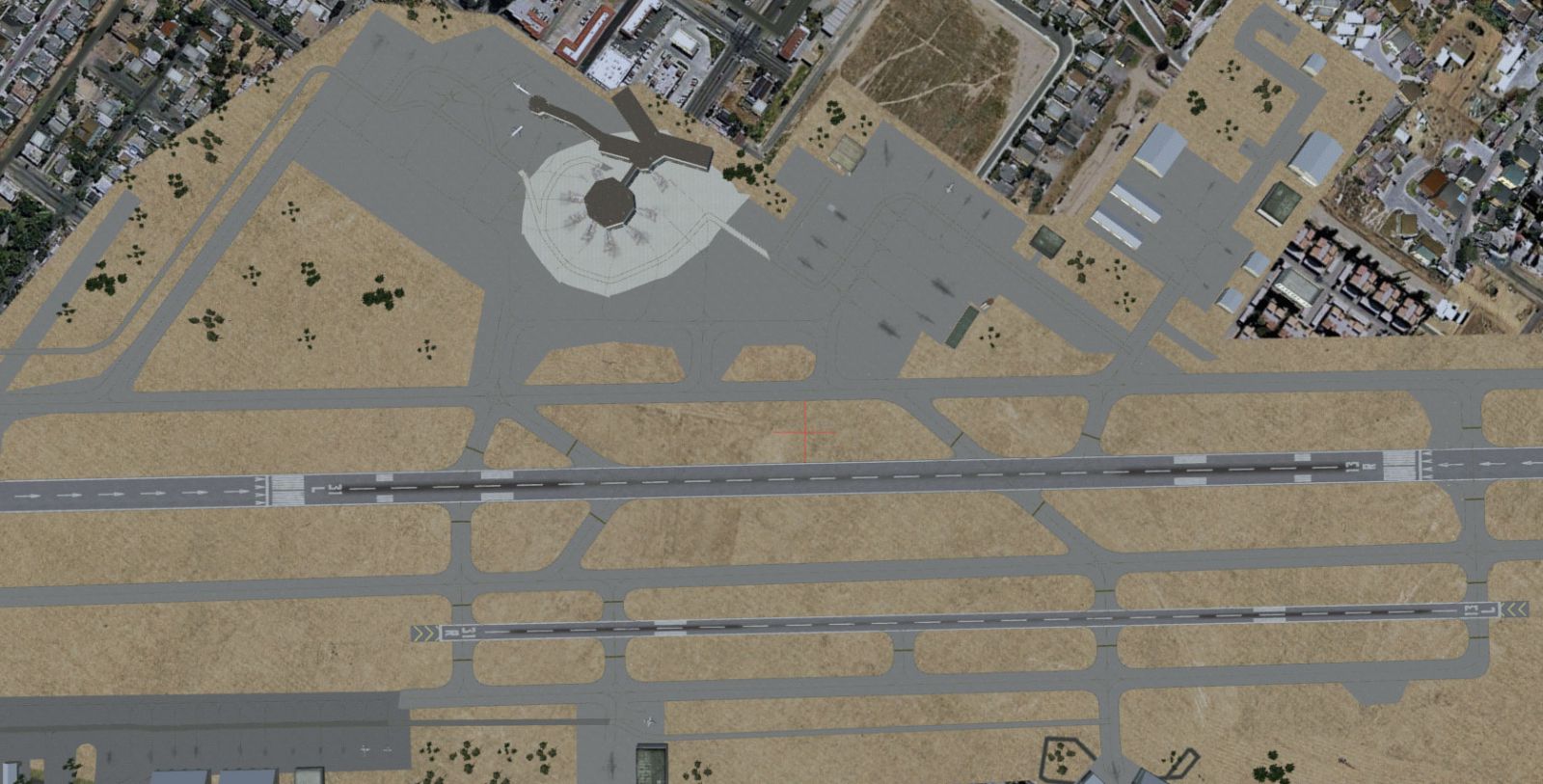
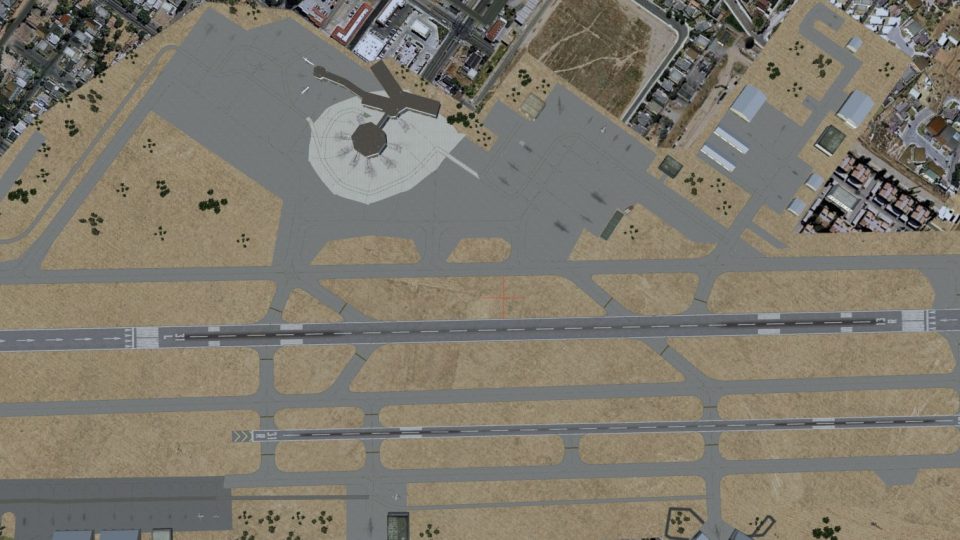
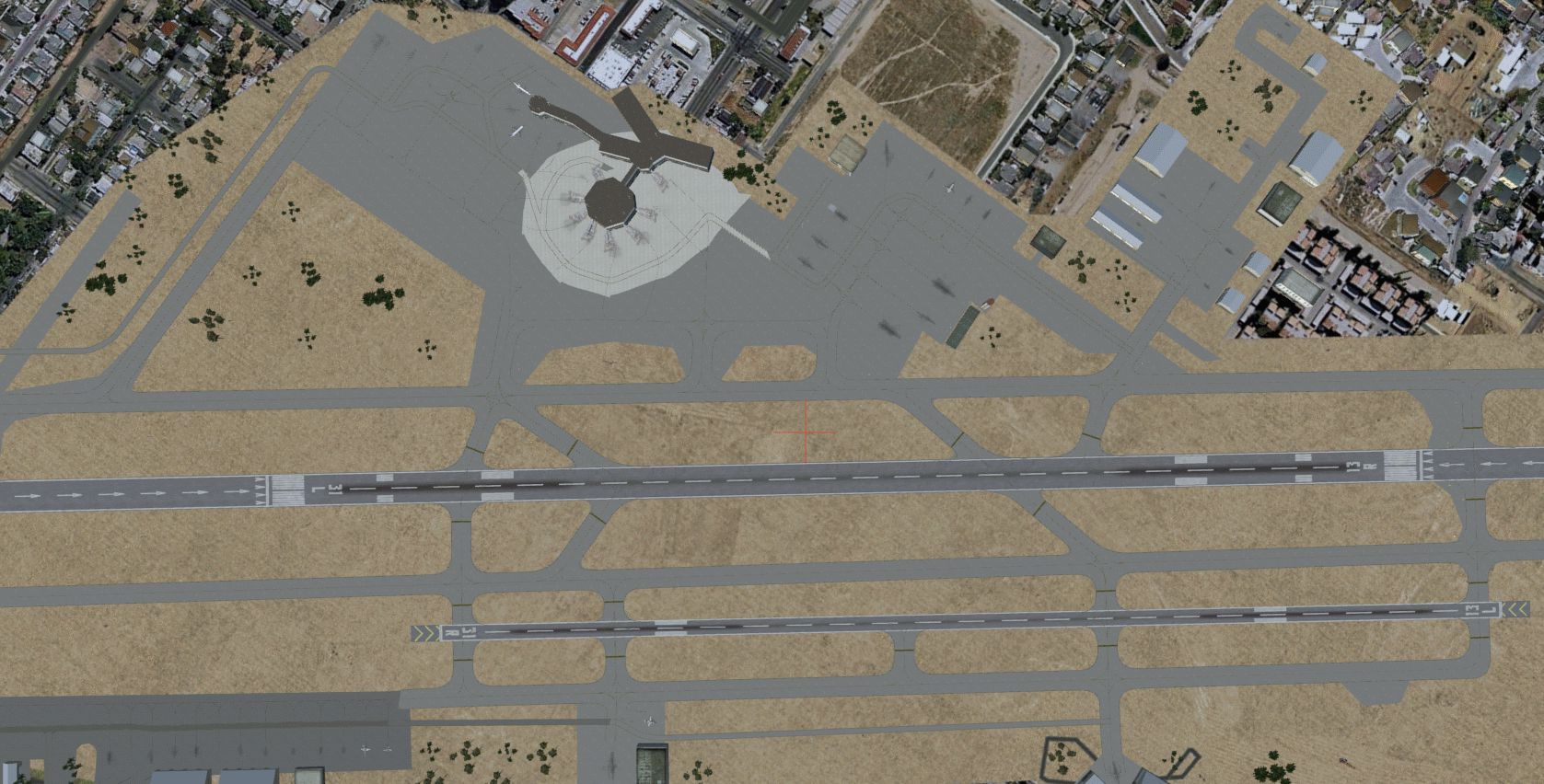
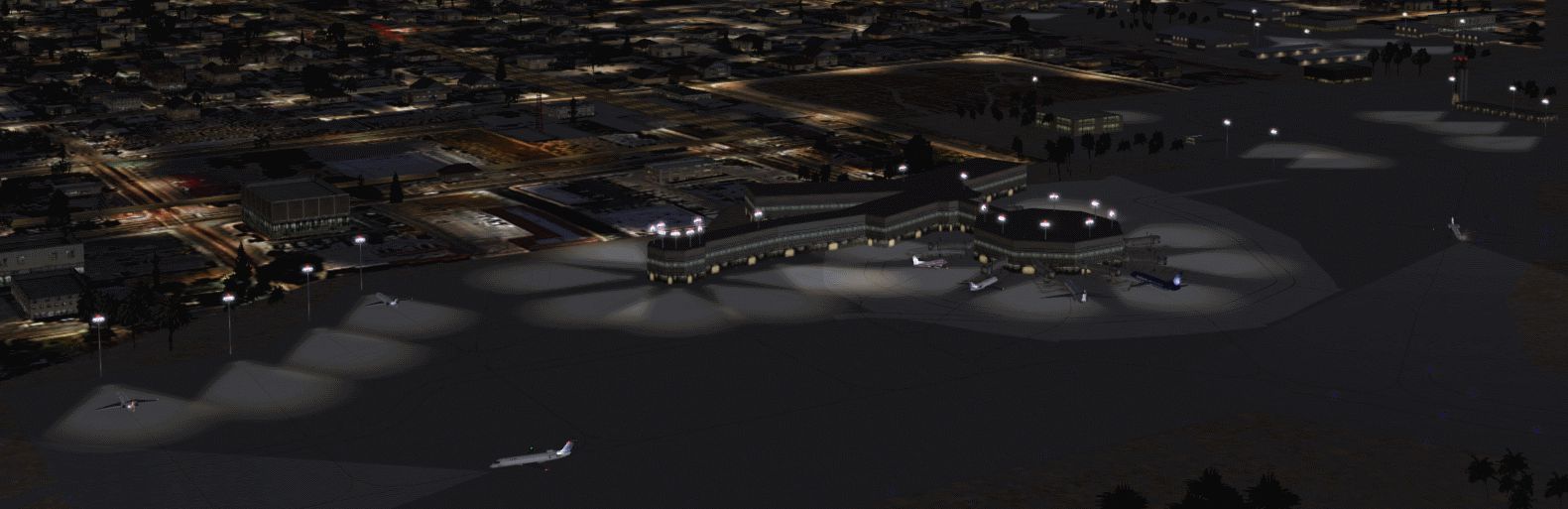
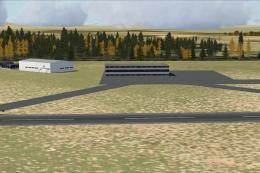
Aerial view of Palm Springs International Airport, California.
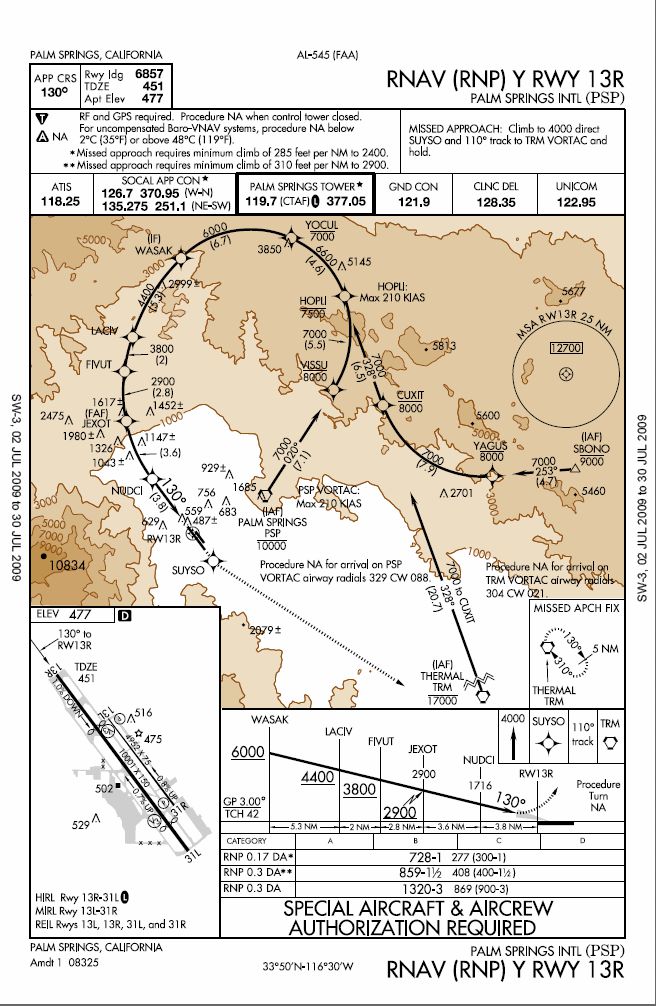
The revised RNAV (RNP) transition for KPSP now aligns precisely with published charts. The flight path from BALDI to Cupol during approaches to 31L is correctly drawn, eliminating the unexpected detour that existed before. If you are familiar with procedures in mountainous terrain, you will appreciate the precise alignment to the curved approach segment.
The file KPSP_KA.bgl updates the default scenery by adding or modifying gates, taxiways, and other essential airport structures. Notable changes encompass:
All structures, including buildings and static objects, will appear at normal scenery density settings. Jetways will show from the dense setting onward, while extremely dense will display every available jetway. If you wish to experience enhanced airport lighting, you can install the fsx_lts package by Jim Dhaenens (no external link here), which introduces tailored night lighting.
These files were verified with Microsoft Flight Simulator X (Service Pack 2). Although earlier FSX releases like RTM and SP1 should be compatible, slight differences in rendering may occur. This modification was also tested with UTX USA, Scenery Tech North America, and FS Genesis 10m USA Mesh. For AI traffic setups, MyTraffic X 5.2 and World of AI have been used successfully, placing airliners in accurate locations. Other AI packages may alter specific gate assignments but should remain generally functional.
While exhaustive efforts were made to rectify inaccuracies, minor discrepancies might still arise. Please contact the developer if you notice any significant issues. The foundation of this work relies on Jon Masterson (ADE V1.40), whose toolset facilitated detailed airport editing. All these enhancements aim to reflect the real-world operations of Palm Springs International Airport and provide a more precise flight simulation experience.
Free for all simmers · 1.36 MB · Scanned clean
Download speed: Free tier is capped at 0.5 Mbps. PRO members download at full line speed.
AF2_*.bgl or AFX_*.bgl) go into FSX\Addon Scenery\Scenery\ or a dedicated AFCAD folder you create.readme.txt or README file. It tells you exactly where files go, what dependencies are needed, and any quirks specific to this add-on.Use these coordinates to fly directly to this location once the mod is installed.
33.82970000,-116.50730000
Launch FSX or Prepar3D and use Flights → Load to open the downloaded .pln file. Your aircraft will be positioned at this location.
The archive kpsp_ka_fix.zip has 13 files and directories contained within it.
This list displays the first 500 files in the package. If the package has more, you will need to download it to view them.
| Filename/Directory | File Date | File Size |
|---|---|---|
| KPSP_KA.BGL | 07.22.09 | 55.25 kB |
| KPSP README.txt | 07.22.09 | 3.73 kB |
| RNAV Y 31L.gif | 07.19.09 | 100.98 kB |
| RNAV Y 13R.gif | 07.19.09 | 105.23 kB |
| KPSP AIRPORT DIAGRAM.gif | 07.19.09 | 58.54 kB |
| KPSP TOWER WITH redlight attachpt STROBE EFFECT.BGL | 07.20.09 | 578 B |
| KPSP VOR OR GPS B.gif | 07.19.09 | 90.07 kB |
| KPSP TOP VIEW.gif | 07.20.09 | 652.68 kB |
| KPSP NIGHT 2.gif | 07.20.09 | 271.57 kB |
| KPSP_KA.gif | 07.20.09 | 76.31 kB |
| BALDI TRANSITION.gif | 07.22.09 | 18.63 kB |
| flyawaysimulation.txt | 10.29.13 | 959 B |
| Go to Fly Away Simulation.url | 01.22.16 | 52 B |
More FSX & P3D add-ons hand-picked based on this download.
FSX AFCAD Files
Palm Springs International Airport, California (CA). Version 2 contains many …
 FSX AFCAD Files
This comprehensive AFX file, created by Ray Smith, refines and expands the de…
 FSX AFCAD Files
Washington National Airport, Washington, DC. In this edition of KDCA, primary…
 FSX AFCAD Files
Cleveland-Hopkins International Airport, Ohio (OH). An enhancement for the st…
 FSX AFCAD Files
Santa Ana/John Wayne Airport, Orange County, California (CA). Represents a mo…
 FSX AFCAD Files
Washington National Airport, Washington, DC. KDCA represents a modification t…
 FSX AFCAD Files
London Heathrow International Airport version 2a includes some minor fixes to…
 FSX AFCAD Files
This pack includes every single AFCAD package released by Smith Graphics for …
Be the first to leave a comment on this download.
Be the first to share your thoughts on this download.