


FSX Rarotonga International Airport Scenery
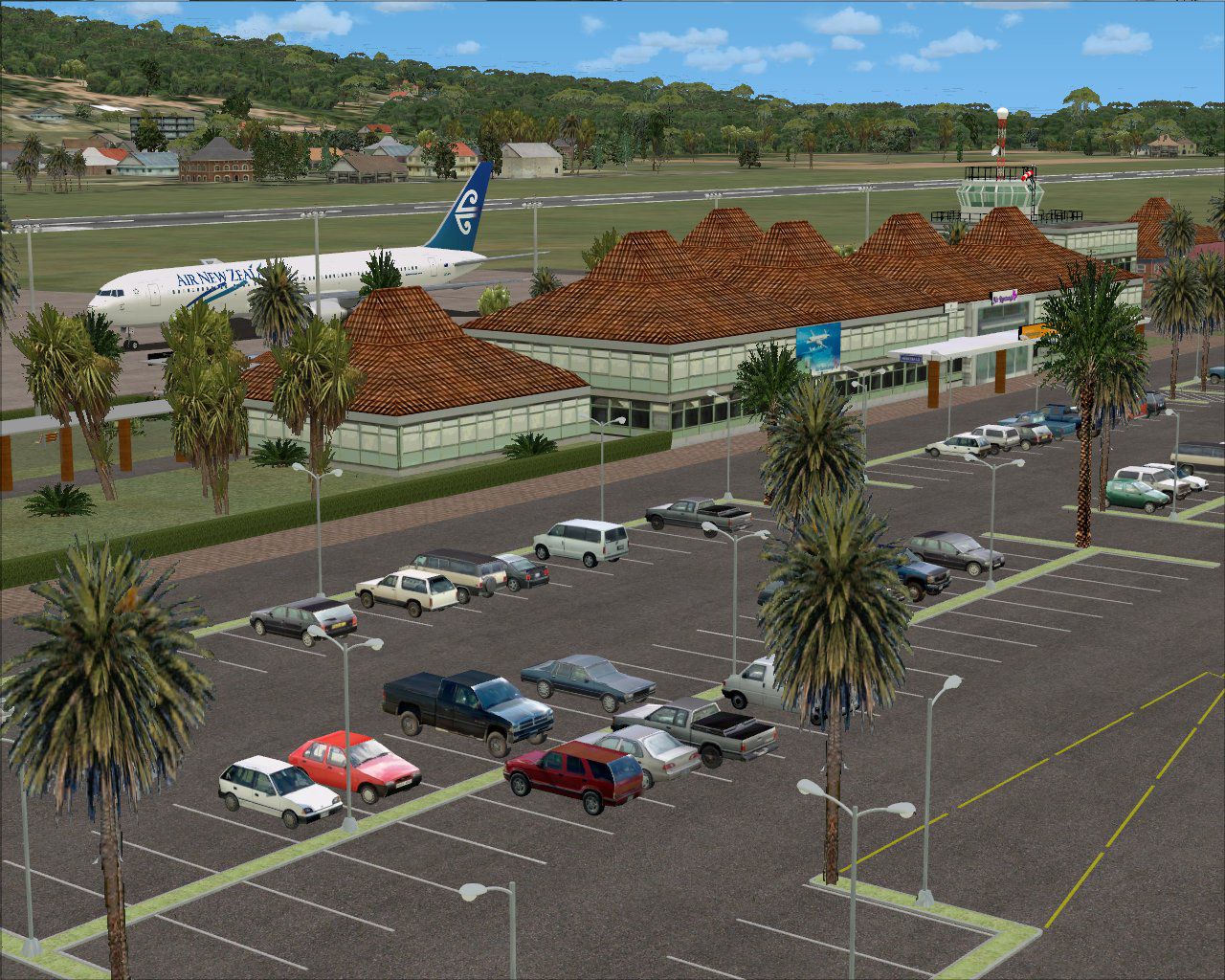
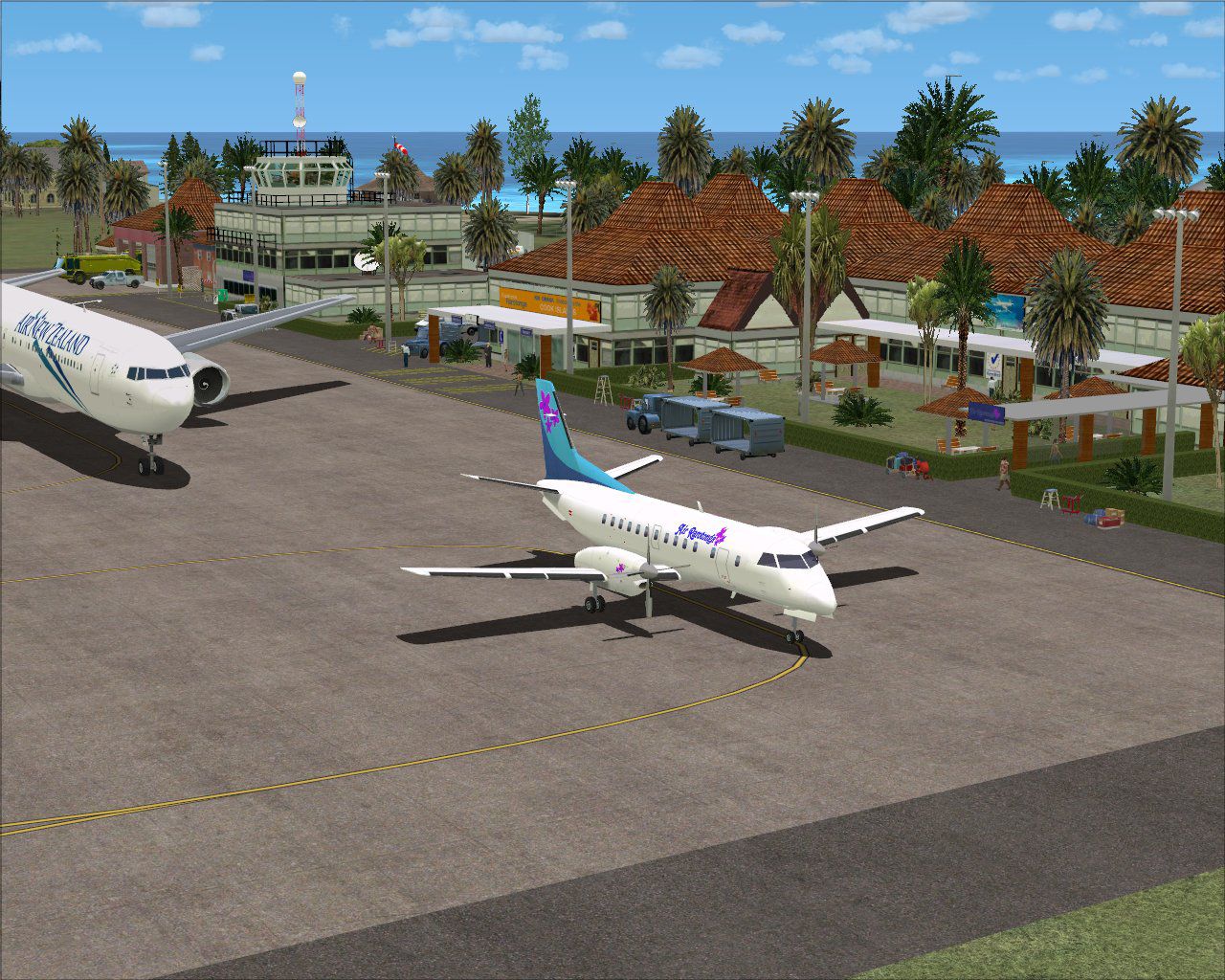
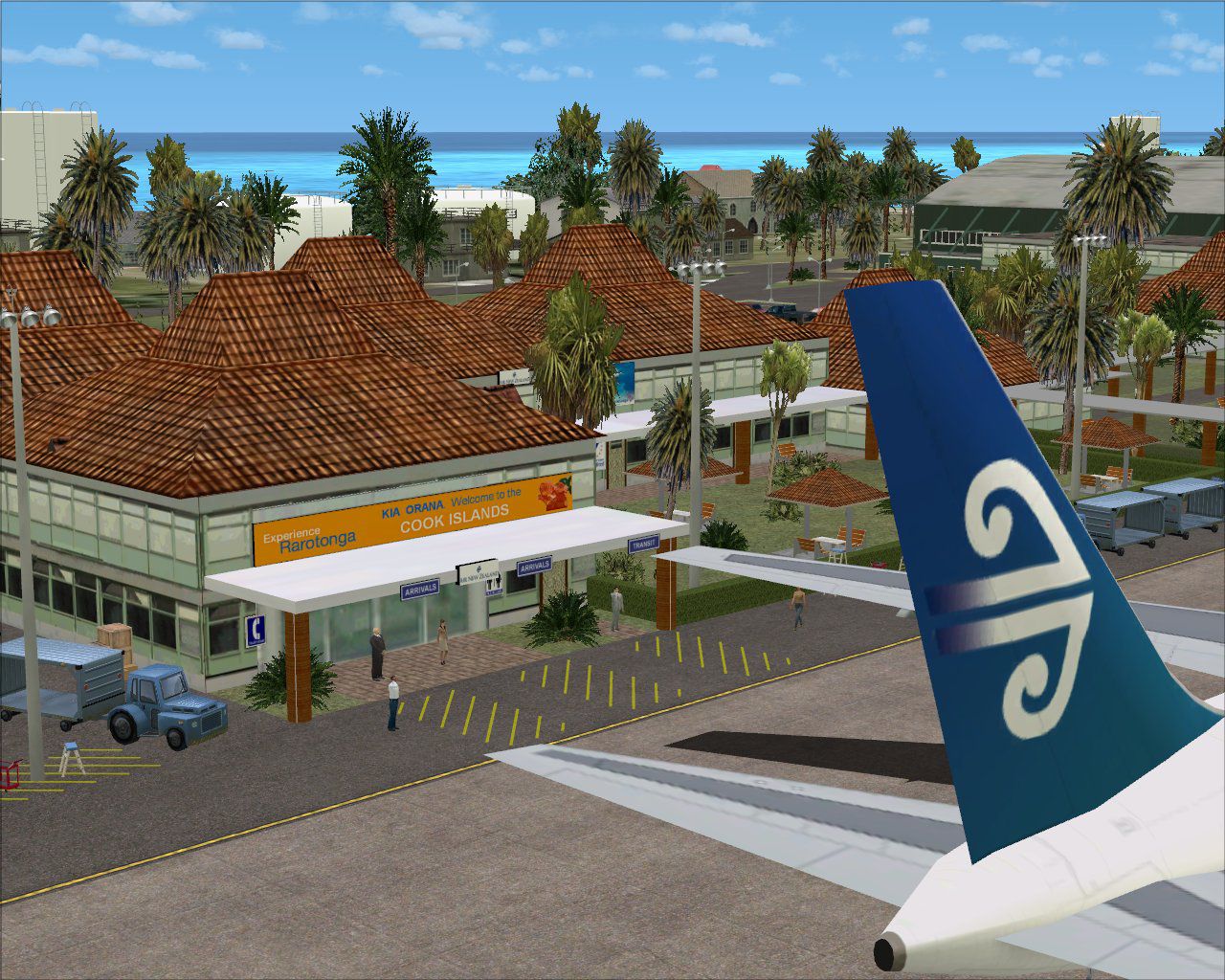
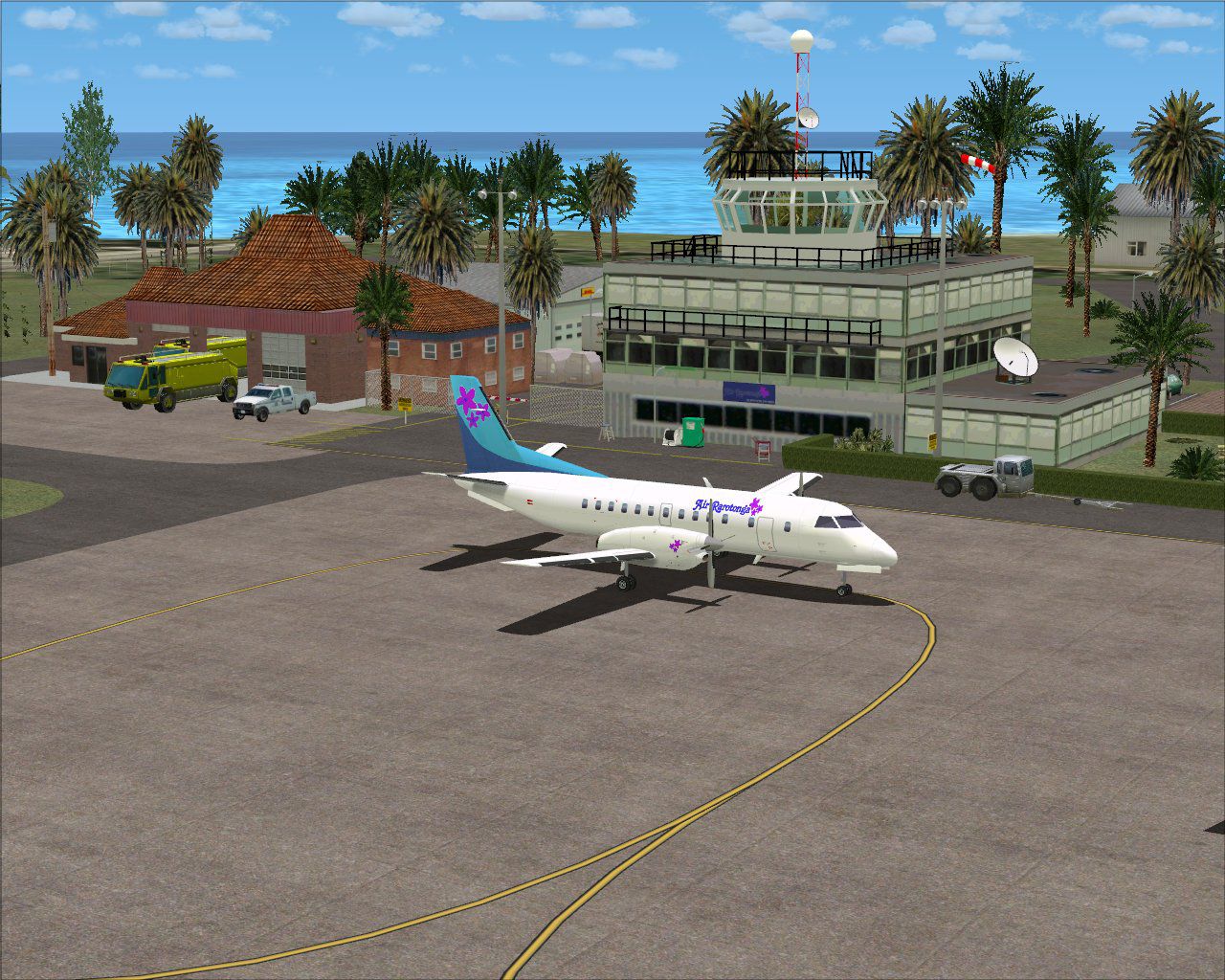
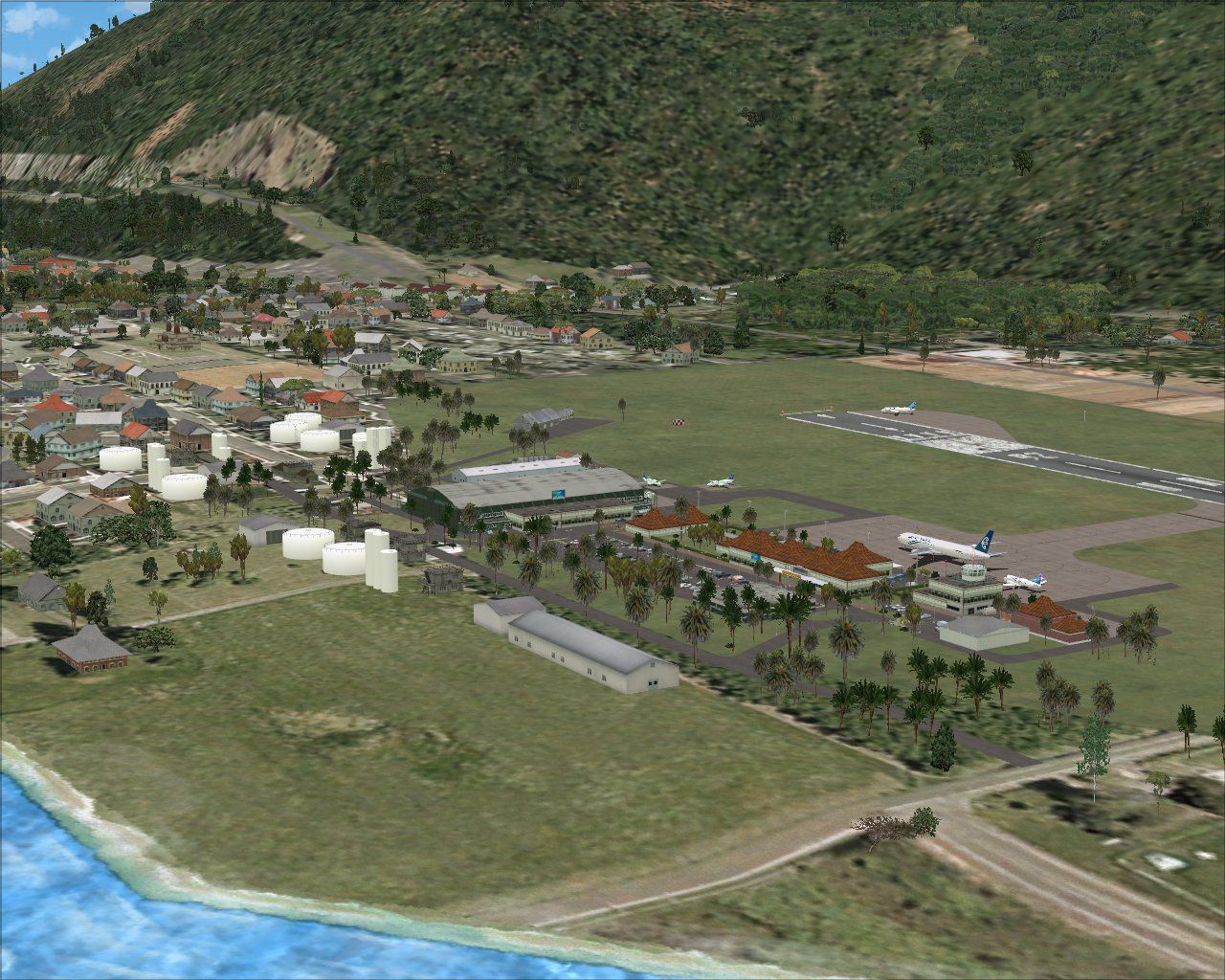
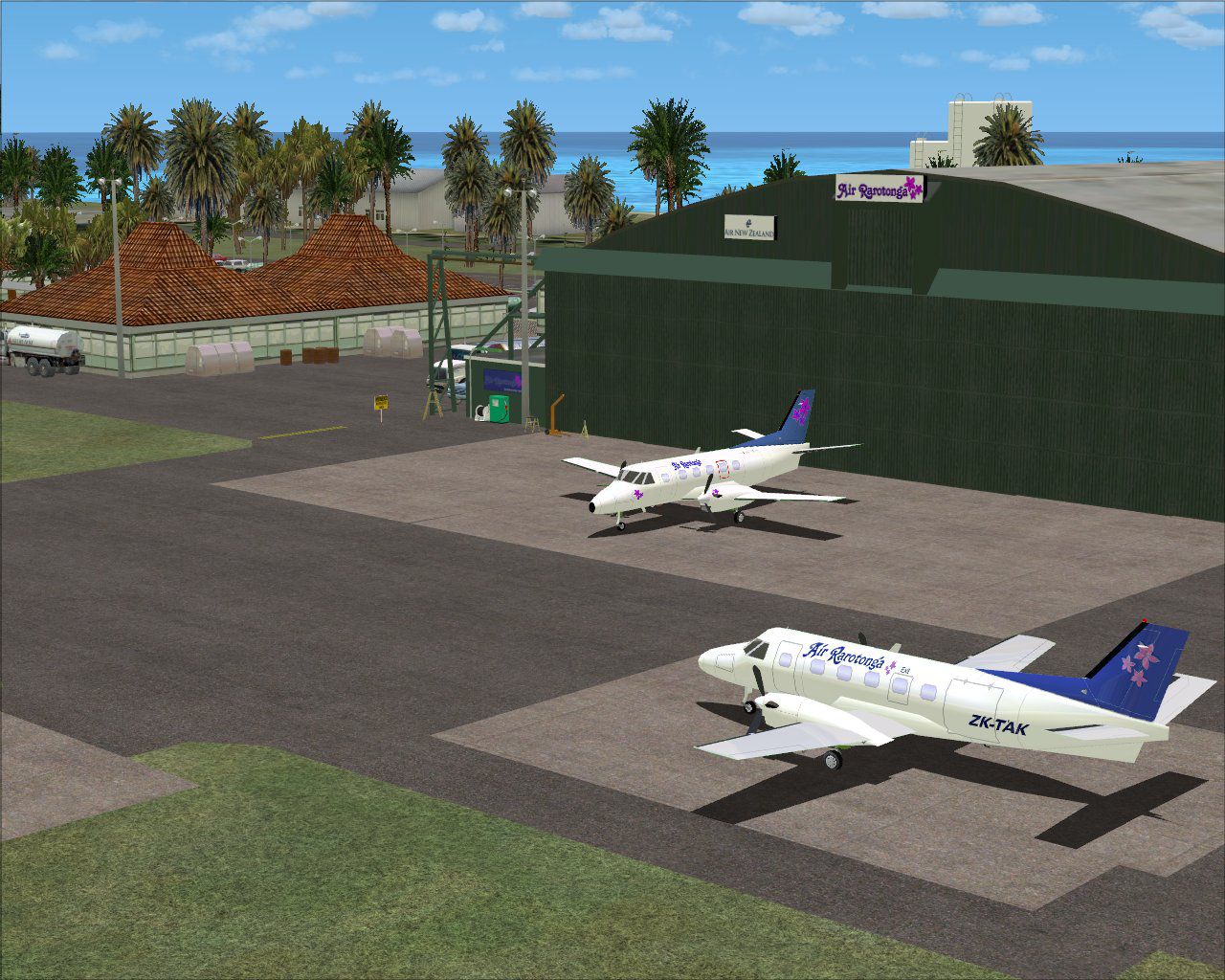
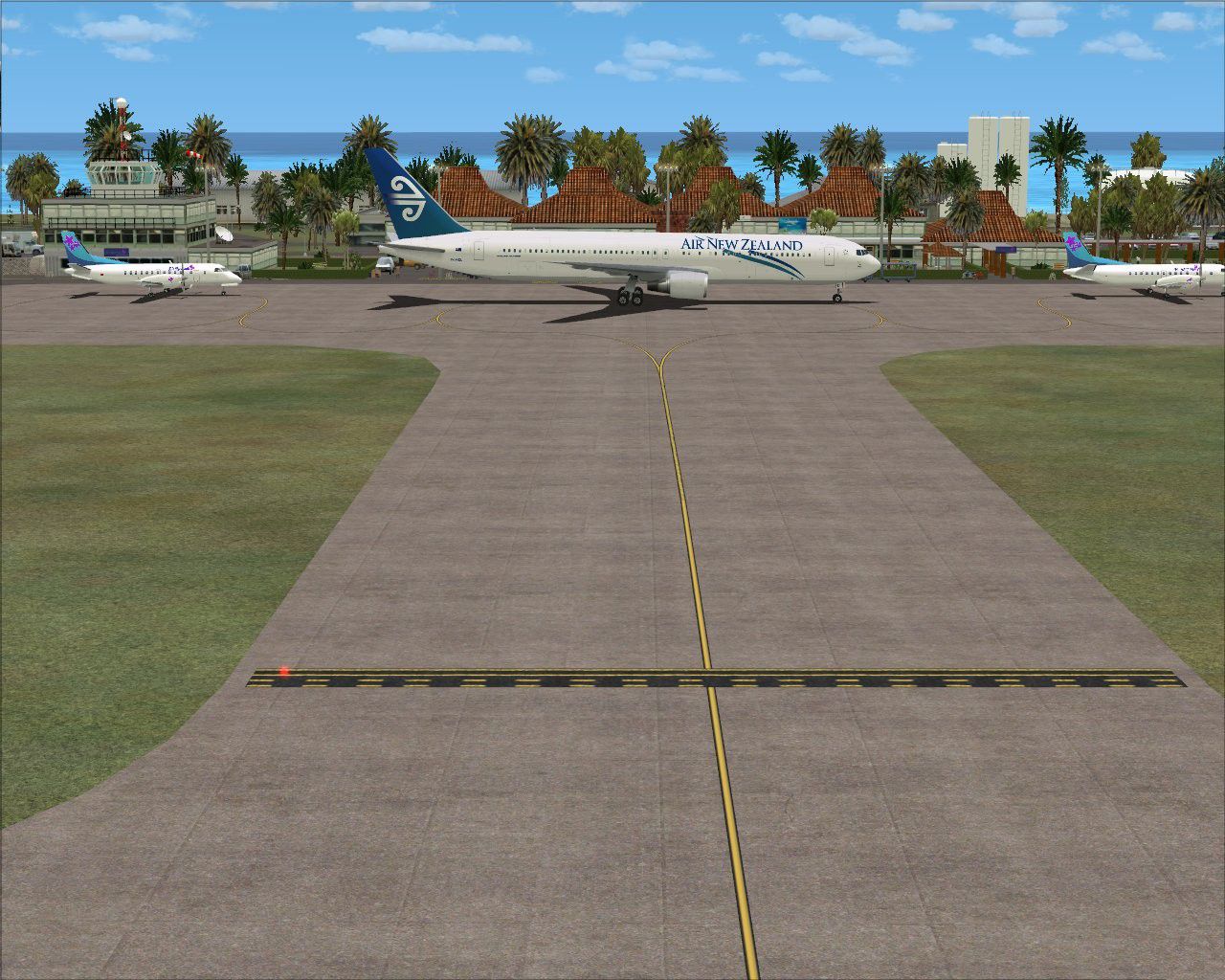
Cook Islands (NCRG). This scenery is a complete rebuild for FSX of the old FS2004 scenery, and uses a lot of objects from the original, as well as FSX specific objects, and is more detailed than the original. The scenery also contains a separate landclass file which vastly improves the over-fores...

 Cook Islands
 - File: ncrg_rarotonga-4x.zip
- Size:2.95 MB
- Scan:
Clean (4d)

- Access:Freeware
- Content:Everyone

 Description
 1 comments
 Cook Islands (NCRG). This scenery is a complete rebuild for FSX of the old FS2004 scenery, and uses a lot of objects from the original, as well as FSX specific objects, and is more detailed than the original. The scenery also contains a separate landclass file which vastly improves the over-forested look of Microsoft's original FSX landclass for the island of Rarotonga. By Lawrie Roache.
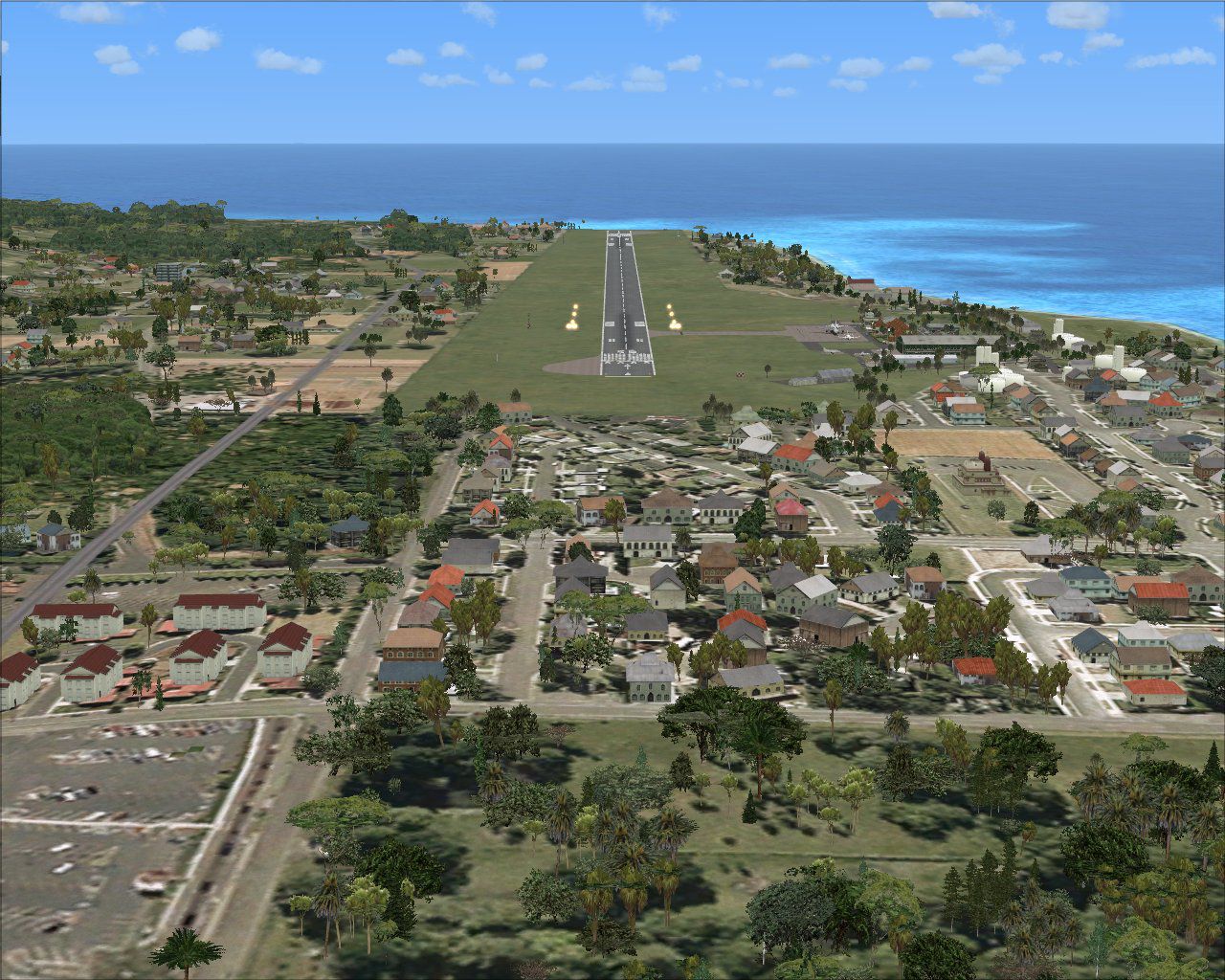
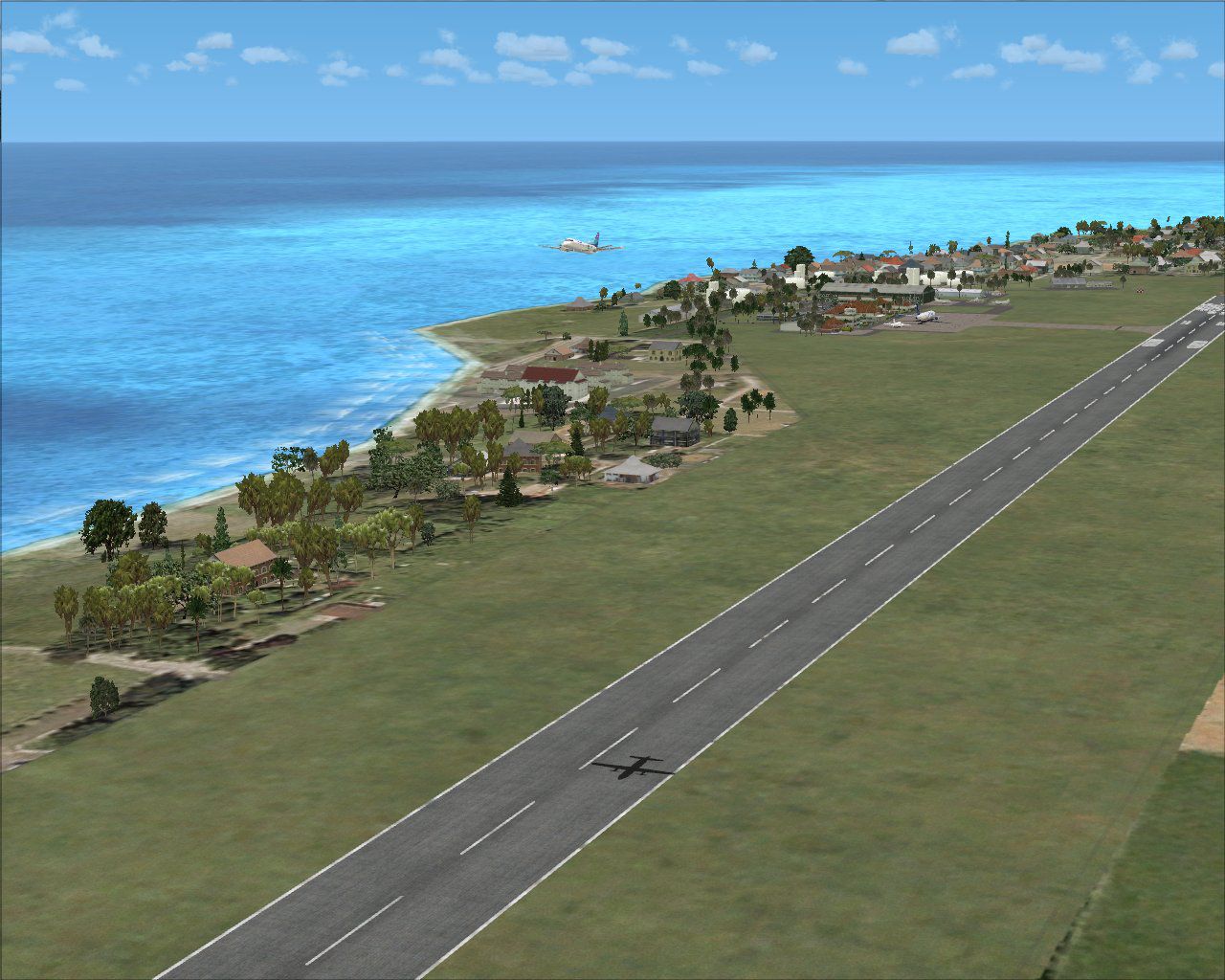
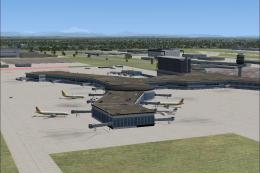
Aerial view of Rarotonga International Airport scenery, including runway.
This scenery was made for FSX SP2, without Acceleration, and with VECTOR LANDCLASS (VLC) (Payware) installed.
Flight1 Software, INSTANT SCENERY Object Placer, and AIRPORT FACILITATOR X (AFX), were used in the making of this scenery.
Credits:
GODFREY TIER for the custom signs in the scenery.
IAN THATCHER for the custom landclass file for Rarotonga.
LAWRIE ROACHE for the Afcad, Flattens, Excludes, and placement of all objects in the scenery.
This is FREEWARE. These files are strictly for your own personal, non-commercial use. Any redistribution, repackaging or reselling of these files in any form is expressly prohibited without the permissions of the authors.
Disclaimer:
These files are used at your own risk. They should not harm your computer in any way, but there is always an exception in the wonderful world of computers.
It has been tested on several different systems, from minimum spec, all the way up to high spec, and has caused no known issues that would cause any harm.
There is absolutely NO warranty or guarantee of any kind, expressed or implied, for any problems arising from the use of this package.
Images & Screenshots

Finding the Scenery
- FSX/Prepar3D Coordinates:
-
-21.20200000,-159.80600000
Use the downloaded flight plan file by launching FSX/P3D, selecting "Load Flight Plan" in the flight planner, and choosing the .pln file. Your aircraft will be positioned directly at the add-on’s location. - Decimal Degrees (DD):
-
Latitude: -21.202000°
Longitude: -159.806000° - Degrees, Minutes, Seconds (DMS):
-
Latitude: 21° 12' 07.200" S
Longitude: 159° 48' 21.600" W
Map Location

The archive ncrg_rarotonga-4x.zip has 70 files and directories contained within it.
File Contents
This list displays the first 500 files in the package. If the package has more, you will need to download it to view them.
| Filename/Directory | File Date | File Size |
|---|---|---|
| Scenery | 12.21.11 | 0 B |
| 16e85d7ad74446608dd7de9d3bd05d97.mdl | 12.19.08 | 1.33 kB |
| 56eb011b79d74155a00a9fbc56a214d9.mdl | 12.19.08 | 1.33 kB |
| 5b89f9dbb5b448729806d820542474bf.mdl | 12.19.08 | 1.33 kB |
| 73984b5d38b84f449971e1ac6b940785.mdl | 12.19.08 | 1.33 kB |
| AFX_NCRG.bgl | 12.20.11 | 12.78 kB |
| b4f9854c986e4c2fb0c62e877d8d0cc6.mdl | 12.19.08 | 1.33 kB |
| c443a831d7c345e2af39ae269f3acda4.mdl | 12.19.08 | 1.33 kB |
| d28d90f7df224e1f827ef2e63e7ebd59.mdl | 12.19.08 | 1.33 kB |
| goff_busshelter_60ft.BGL | 11.01.08 | 12.18 kB |
| NCRG_AptSgn.bgl | 01.10.09 | 668 B |
| NCRG_AptTre.bgl | 10.14.10 | 5.29 kB |
| NCRG_AptVeh.bgl | 10.13.10 | 908 B |
| NCRG_CpkGat.bgl | 01.10.09 | 188 B |
| NCRG_CpkLgt.bgl | 01.10.09 | 2.39 kB |
| NCRG_CpkMkg.bgl | 01.10.09 | 4.45 kB |
| NCRG_CpkVeh.bgl | 01.10.09 | 812 B |
| NCRG_FirBdg.bgl | 10.13.10 | 524 B |
| NCRG_RarHng.bgl | 12.24.08 | 140 B |
| NCRG_RarHngFue.bgl | 12.27.08 | 284 B |
| NCRG_RarHngSgn.bgl | 12.27.08 | 284 B |
| NCRG_RarOps.bgl | 10.13.10 | 524 B |
| NCRG_RarOpsSgn.bgl | 01.10.09 | 140 B |
| NCRG_TnkFrm1.bgl | 01.09.09 | 76 B |
| NCRG_TrmAprLgt.bak | 12.21.11 | 572 B |
| NCRG_TrmBdg.bgl | 10.12.10 | 2.86 kB |
| NCRG_TrmCovSet.bgl | 10.12.10 | 1.59 kB |
| NCRG_TrmHdg.bgl | 01.10.09 | 1.50 kB |
| NCRG_TrmLgt.bgl | 01.10.09 | 572 B |
| NCRG_TrmMkg.bgl | 08.07.10 | 1.21 kB |
| NCRG_TrmMscObj.bgl | 12.19.11 | 1.87 kB |
| NCRG_TrmOpnSet.bgl | 01.10.09 | 572 B |
| NCRG_TrmPplObj.bgl | 12.19.11 | 812 B |
| NCRG_TrmSecFce.bgl | 10.25.10 | 476 B |
| NCRG_TrmSgn.bgl | 10.14.10 | 1.12 kB |
| NCRG_TwrBdg.bgl | 12.26.08 | 524 B |
| NCRG_TwrFue.bgl | 12.27.08 | 188 B |
| nzsigns05a.BGL | 12.19.08 | 1.45 kB |
| nzsigns05b.BGL | 12.19.08 | 1.45 kB |
| nzsigns05c.BGL | 12.19.08 | 1.45 kB |
| nzsigns05d.BGL | 12.19.08 | 1.45 kB |
| nzsigns05e.BGL | 12.19.08 | 1.45 kB |
| nzsigns05f.BGL | 12.19.08 | 1.45 kB |
| nzsigns05g.BGL | 12.19.08 | 1.45 kB |
| RG_GenBdg.bgl | 10.14.10 | 812 B |
| RG_GenTre.bgl | 12.20.11 | 2.15 kB |
| RG_LgrTnkFrm.bgl | 10.12.10 | 428 B |
| RG_TnkFrm2.bgl | 12.21.11 | 332 B |
| RG_TnkFrmBdg.bgl | 12.20.11 | 620 B |
| Texture | 12.21.11 | 0 B |
| nzsigns05.bmp | 12.19.08 | 170.75 kB |
| Thumbs.db | 03.10.06 | 29.50 kB |
| NCRG_Rarotonga-4X | 12.21.11 | 0 B |
| scenery | 12.21.11 | 0 B |
| LC_0539.bgl | 08.07.10 | 404 B |
| NCRG_Rarotonga-LC | 12.21.11 | 0 B |
| AFX_NCRG_ALT.bgl | 07.02.11 | 535 B |
| Rarotonga-4X INSTALL.doc | 12.21.11 | 261.50 kB |
| Read Me.txt | 12.21.11 | 4.68 kB |
| RG (0).jpg | 12.21.11 | 328.12 kB |
| RG (1).jpg | 12.21.11 | 319.95 kB |
| RG (2).jpg | 12.21.11 | 309.26 kB |
| RG (3).jpg | 12.21.11 | 312.94 kB |
| RG (4).jpg | 12.21.11 | 306.67 kB |
| RG (5).jpg | 12.21.11 | 264.93 kB |
| RG (6).jpg | 12.21.11 | 351.09 kB |
| RG (7).jpg | 12.21.11 | 303.33 kB |
| RG (8).jpg | 12.21.11 | 209.76 kB |
| flyawaysimulation.txt | 10.29.13 | 959 B |
| Go to Fly Away Simulation.url | 01.22.16 | 52 B |

Installation Instructions
Most of the freeware add-on aircraft and scenery packages in our file library come with easy installation instructions which you can read above in the file description. For further installation help, please see our Flight School for our full range of tutorials or view the README file contained within the download. If in doubt, you may also ask a question or view existing answers in our dedicated Q&A forum.



1 comments
Leave a ResponseThe content of the comments below are entirely the opinions of the individual posting the comment and do not always reflect the views of Fly Away Simulation. We moderate all comments manually before they are approved.
The tower does not appear complete and other things are somewhere in the air.