


 FSX Misc
SP2 Cessna 150 Propeller Texture
For FSX SP2 users only, a propeller texture eight-pack for the FS2004 Fravin …
Propeller Texture 3-Pack refreshes classic FS2004 aircraft when flown in Microsoft Flight Simulator X with subtle, highly transparent 2-, 3-, and 4-blade prop discs that look more natural in motion. Includes 32-bit bitmaps that convert cleanly to DXT3 or DDS and supports optional prop_anim_ratio tuning for realistic in-flight rotation.
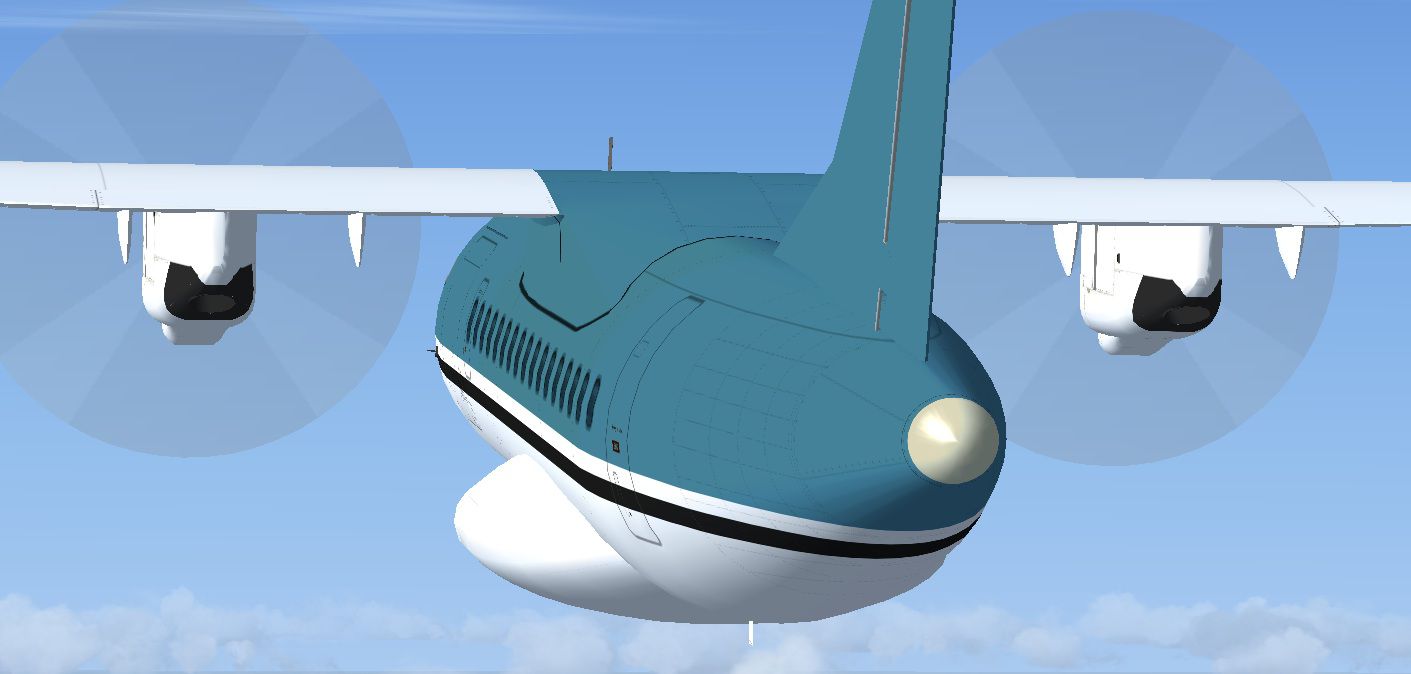
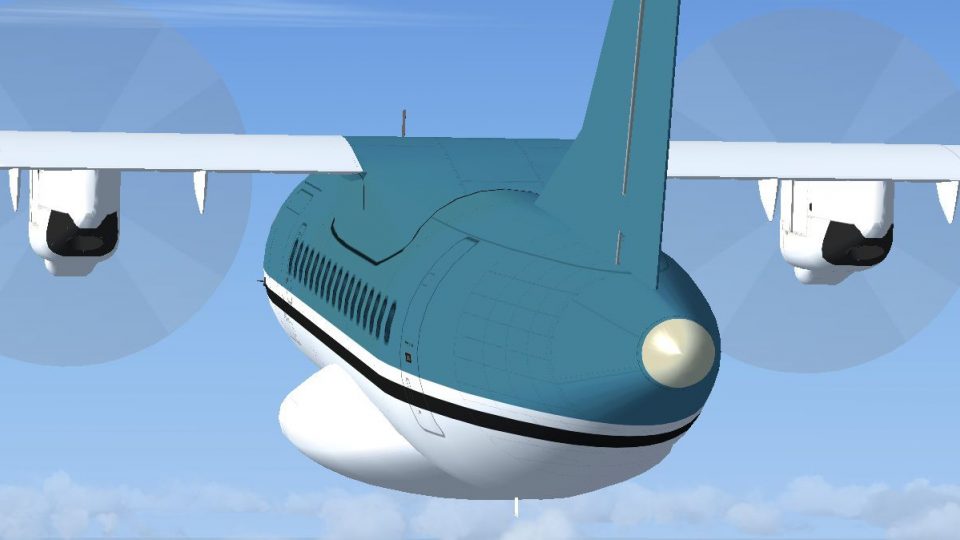
For FS2004 aircraft when used in FSX. Your choice of 2-blade, 3-blade, or 4-blade propeller textures. Subtle and as transparent as they could be made, these props will make many FS2004 airplanes more FSX friendly. Saved as 32 bit bitmaps, but easily converted via your DXTBMP program to DXT3 or even DDS textures. Tested as 32 bit bitmaps, DXT3 bitmaps, and DDS (32 bit) textures in FSX SP2 and all work fine. Easy installation instructions. Public Domain. Use them in any way that you please, no restrictions. By Tom Tiedman.
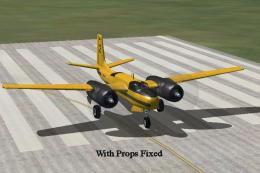
Screenshot of propeller textures.
This example shown below shows the "aircraft.cfg" [fltsim.X] info. for the iSDT Avions de Transport Regional ATR 42-300, showing you where to add the "prop_anim_ratio=0.9985" info. After adding to your aircraft of choice, click "file", then click "save".
[fltsim.X]

title=iSDT ATR 42-300 (v.2.0) Blue

sim=atr42300

model=

panel=

sound=

texture=Blue

ui_manufacturer=iSDT

ui_type=ATR 42-300 (iSDT v.2.0)

ui_variation=Blue

description=iSDT ATR 42-300 (v.2.0)

kb_checklists=

atc_heavy=0

atc_id=

atc_airline=ATR

atc_flight_number=

prop_anim_ratio=0.9985
Free for all simmers · 113.85 KB · Scanned clean
Download speed: Free tier is capped at 0.5 Mbps. PRO members download at full line speed.
SimObjects\Airplanes\, Addon Scenery\, Effects\, or Gauges\.readme.txt or README file. It tells you exactly where files go, what dependencies are needed, and any quirks specific to this add-on.The archive fsx_prop_textures_3-pack.zip has 8 files and directories contained within it.
This list displays the first 500 files in the package. If the package has more, you will need to download it to view them.
| Filename/Directory | File Date | File Size |
|---|---|---|
| 4-Blade Screenshot.jpg | 05.05.12 | 112.92 kB |
| file_id.diz | 05.05.12 | 639 B |
| READ ME and INSTALLATION.txt | 05.05.12 | 2.30 kB |
| Tiedman 2-Blade Prop.bmp | 05.05.12 | 256.07 kB |
| Tiedman 3-Blade Prop.bmp | 05.05.12 | 256.07 kB |
| Tiedman 4-Blade Prop.bmp | 05.05.12 | 256.07 kB |
| flyawaysimulation.txt | 10.29.13 | 959 B |
| Go to Fly Away Simulation.url | 01.22.16 | 52 B |
More FSX & P3D add-ons hand-picked based on this download.
FSX Misc
For FSX SP2 users only, a propeller texture eight-pack for the FS2004 Fravin …
 FSX Misc
A translation into French. By Gilbert Fouche from original by David Marshall …
 FSX Misc
This update will replace all previous textures from version 2.0 - complete ne…
 FSX Misc
A new bmp that will help black smoke effects. By Stephen Ballard. Down load f…
 FSX Misc
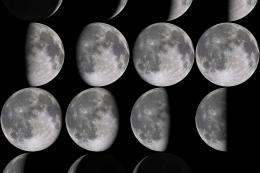
This is a replacement for the default moon textures. While the default textur…
 FSX Misc
Replaces the default concrete texture and gives it a more heavily used look. …
 FSX Misc
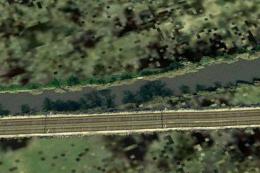
This freeware mod refines the visual appearance of flowing rivers in Microsof…
 FSX Misc
This update will replace all previous textures from version 1. 0. Complete ne…
Be the first to leave a comment on this download.
Be the first to share your thoughts on this download.