


 FSX Civil Aircraft
Airbus House Colors Airbus A350-800 XWB
This package introduces a newly refined rendition of the popular twin-engine,…
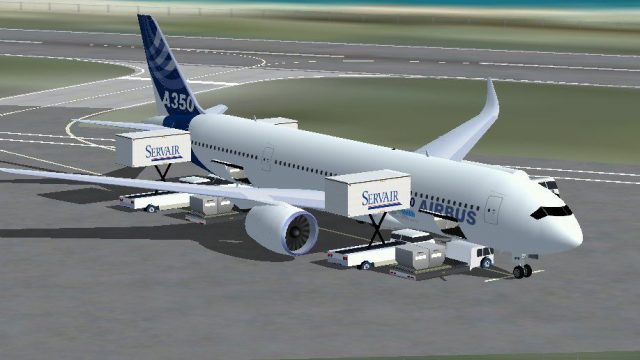
Airbus A350-800 in Airbus house colors brings a modern twin-engine wide-body to Microsoft Flight Simulator X with crisp exterior textures, accurate panel and engine detailing, and a refined silhouette. A responsive virtual cockpit with interactive gauges pairs with tuned flight dynamics, while Animated Ground Servicing adds lifelike ramp activity during turnaround.
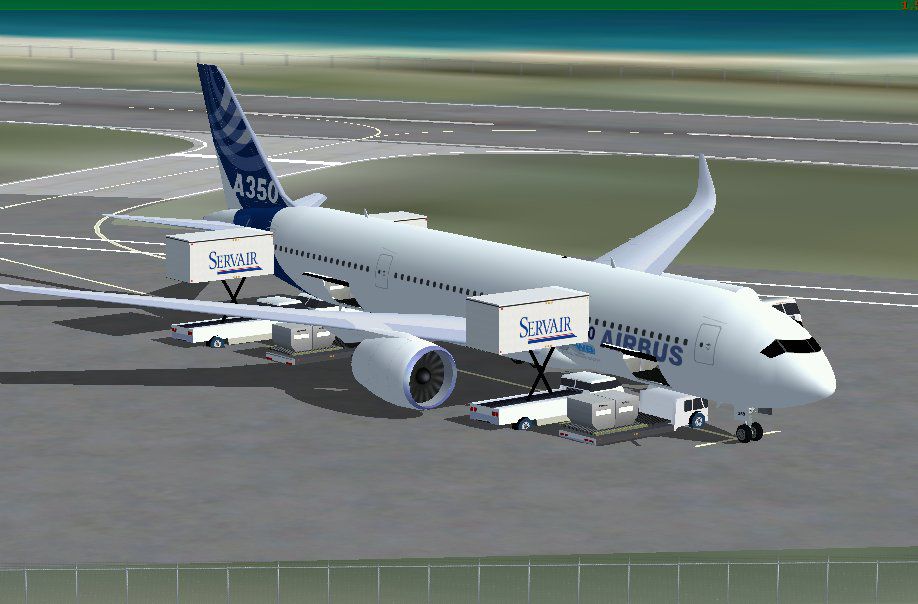
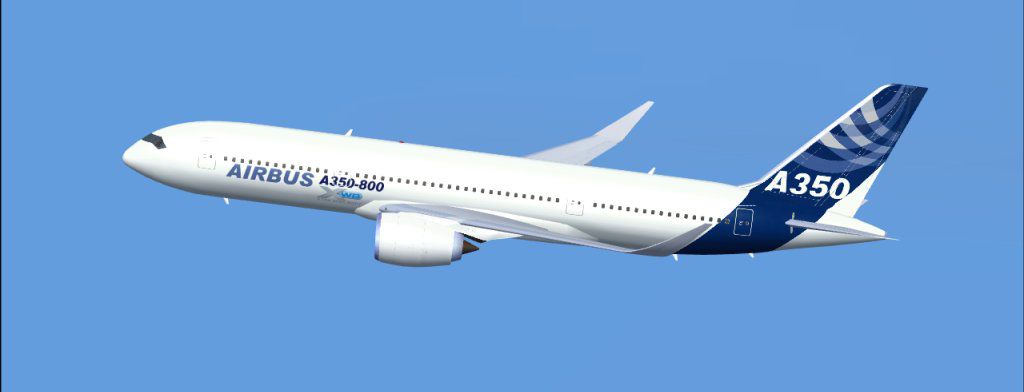
This freeware release presents the Airbus A350-800 in the striking house colors scheme, ready for Microsoft Flight Simulator X. Designed as a compact variant within the A350 family, this twin-engine wide-body jet employs modern composites and advanced aerodynamics to achieve efficient performance. Crafted by Camil Valiquette, it comes with detailed exterior textures and includes Animated Ground Servicing (AGS), delivering a more immersive ramp experience during aircraft handling.
The Airbus A350-800 incorporates a modernized cockpit layout, utilizing advanced avionics for streamlined navigation. In practice, this wide-body design focuses on operational efficiency, thanks to its lightweight composite shell. Pilots and aviation enthusiasts will appreciate the realistic flight dynamics, including finely adjusted stability settings that replicate genuine Airbus handling. The flight deck features interactive gauges and precise instrumentation, offering accuracy throughout climb, cruise, and descent phases.
Camil Valiquette’s house colors paintwork showcases an authentic exterior finish, reflecting how Airbus’s corporate scheme typically appears on new aircraft. Meticulous attention has been given to panel lines, engine casings, and wing surfaces, capturing the subtle curves of the A350 series. These enhancements emphasize the aircraft’s modern fuselage shape while highlighting key aerodynamic components that enable lower fuel burn and improved range.
The included AGS (Animated Ground Servicing) updates ground operations by adding moving servicing vehicles and equipment around the jet. Each motion is triggered when the aircraft is parked and simulates tasks such as cargo loading, catering functions, and ground power connections. This interactive element not only enriches your time on the ramp but also demonstrates how real-world ground crews operate around an advanced commercial aircraft.
Offered entirely without cost, this add-on furnishes the Airbus A350-800 model, textures, and AGS elements in a single download. End-users of Microsoft Flight Simulator X can immerse themselves in everything from short demonstration hops to extended intercontinental routes. The collective effort headed by designer and painter Camil Valiquette ensures detailed craftsmanship, allowing both casual pilots and dedicated enthusiasts to appreciate the aircraft’s refined qualities. This comprehensive package integrates seamlessly into your simulator library, bringing an elevated level of commercial aviation realism.

Free for all simmers · 1.51 MB · Scanned clean
Download speed: Free tier is capped at 0.5 Mbps. PRO members download at full line speed.
FSX\SimObjects\Airplanes\. The folder must contain an aircraft.cfg file. Effects go into FSX\Effects\; gauges go into FSX\Gauges\.readme.txt or README file. It tells you exactly where files go, what dependencies are needed, and any quirks specific to this add-on.The archive 358ab_x.zip has 26 files and directories contained within it.
This list displays the first 500 files in the package. If the package has more, you will need to download it to view them.
| Filename/Directory | File Date | File Size |
|---|---|---|
| CamSim Airbus 350-800 House Colors | 08.09.07 | 0 B |
| 350-800.jpg | 03.16.07 | 24.65 kB |
| 358.air | 02.09.07 | 12.75 kB |
| 358abx.jpg | 08.09.07 | 82.25 kB |
| aircraft.cfg | 08.09.07 | 12.70 kB |
| file_id.diz | 08.09.07 | 140 B |
| model.350-800 ags | 08.09.07 | 0 B |
| 350-800 ags.mdl | 08.09.07 | 2.10 MB |
| Model.cfg | 08.09.07 | 30 B |
| PANEL | 08.09.07 | 0 B |
| panel.cfg | 02.12.07 | 40 B |
| Read Me_FSX.txt | 08.09.07 | 2.46 kB |
| SOUND | 08.09.07 | 0 B |
| Sound.cfg | 03.01.07 | 30 B |
| texture.ab | 08.09.07 | 0 B |
| 359fuse_t.bmp | 03.26.07 | 1.00 MB |
| 35eng_t.bmp | 02.05.07 | 1.00 MB |
| 35int_t.bmp | 02.14.07 | 1.00 MB |
| 35tail_t.bmp | 01.10.07 | 1.00 MB |
| 35wings_t.bmp | 12.27.06 | 1.00 MB |
| 787ext_t.bmp | 03.26.07 | 1.00 MB |
| gris_t.bmp | 03.17.06 | 16.07 kB |
| pilot1.bmp | 02.06.07 | 256.07 kB |
| thumbnail.jpg | 08.09.07 | 3.42 kB |
| flyawaysimulation.txt | 10.29.13 | 959 B |
| Go to Fly Away Simulation.url | 01.22.16 | 52 B |
More FSX & P3D add-ons hand-picked based on this download.
FSX Civil Aircraft
This package introduces a newly refined rendition of the popular twin-engine,…
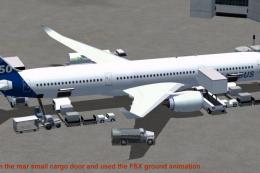 FSX Civil Aircraft
This package features the refined House Colors Airbus A350-900 XWB in Version…
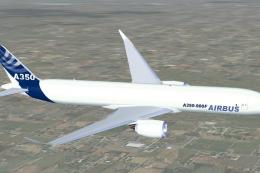 FSX Civil Aircraft
FSX Airbus House Colors A350-900F (cargo), with Animated Ground Servicing (AG…
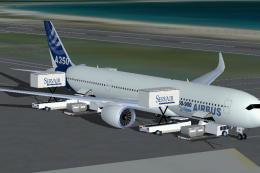 FSX Civil Aircraft
FSX House Colors Airbus A350-900 XWB (Extra Wide Body) including Animated Gro…
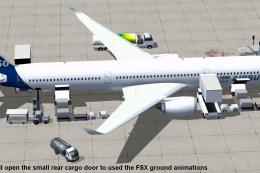 FSX Civil Aircraft
This updated freeware package depicts the House Colors Airbus A350-1000 XWB V…
 FSX Civil Aircraft
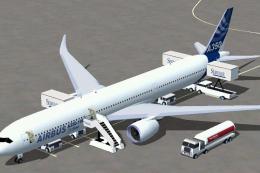
This freeware add-on features the Airbus A350-1000 in its signature house liv…
 FSX Civil Aircraft
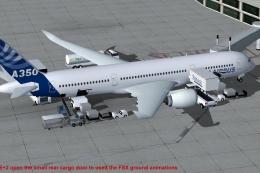
This CamSim version 4 features more Animated Ground Servicing (AGS), featurin…
 FSX Civil Aircraft
This freeware Airbus A380-800 package presents the Farnborough 2008 “Greener”…
Be the first to leave a comment on this download.
Be the first to share your thoughts on this download.