


 FSX Military Aircraft
Project T-37 / A-37
FSX Project T-37 / A-37. A repaint of Capt. I. D'Attomo's T-37 Dragonfly modi…
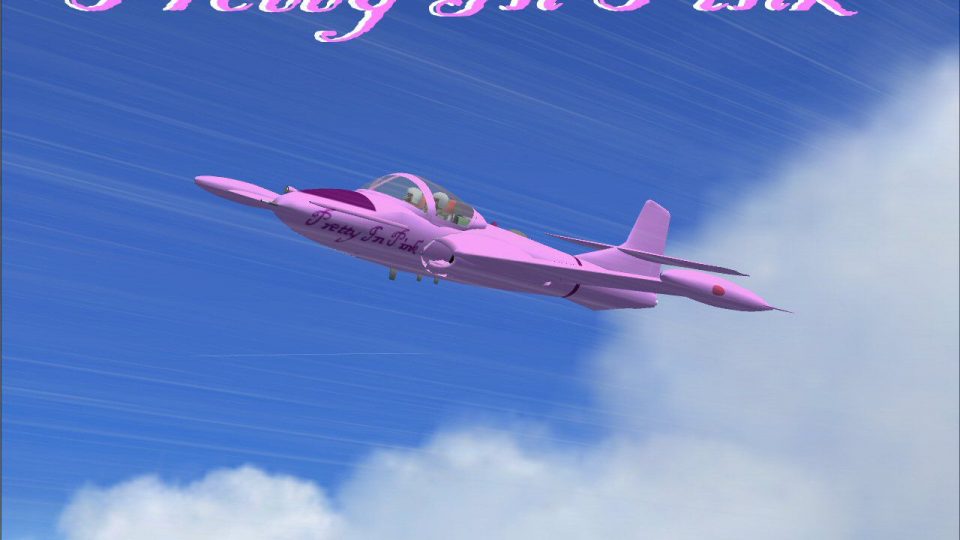
Pretty in Pink repaint for the Cessna T-37 “Tweet” gives the trainer a polished, high-visibility pink livery with clean stenciling, subtle wing and fuselage shading, and reflective metal textures tuned for Microsoft Flight Simulator X. It preserves the original flight dynamics and pairs well with the aircraft’s detailed virtual cockpit for procedural training.
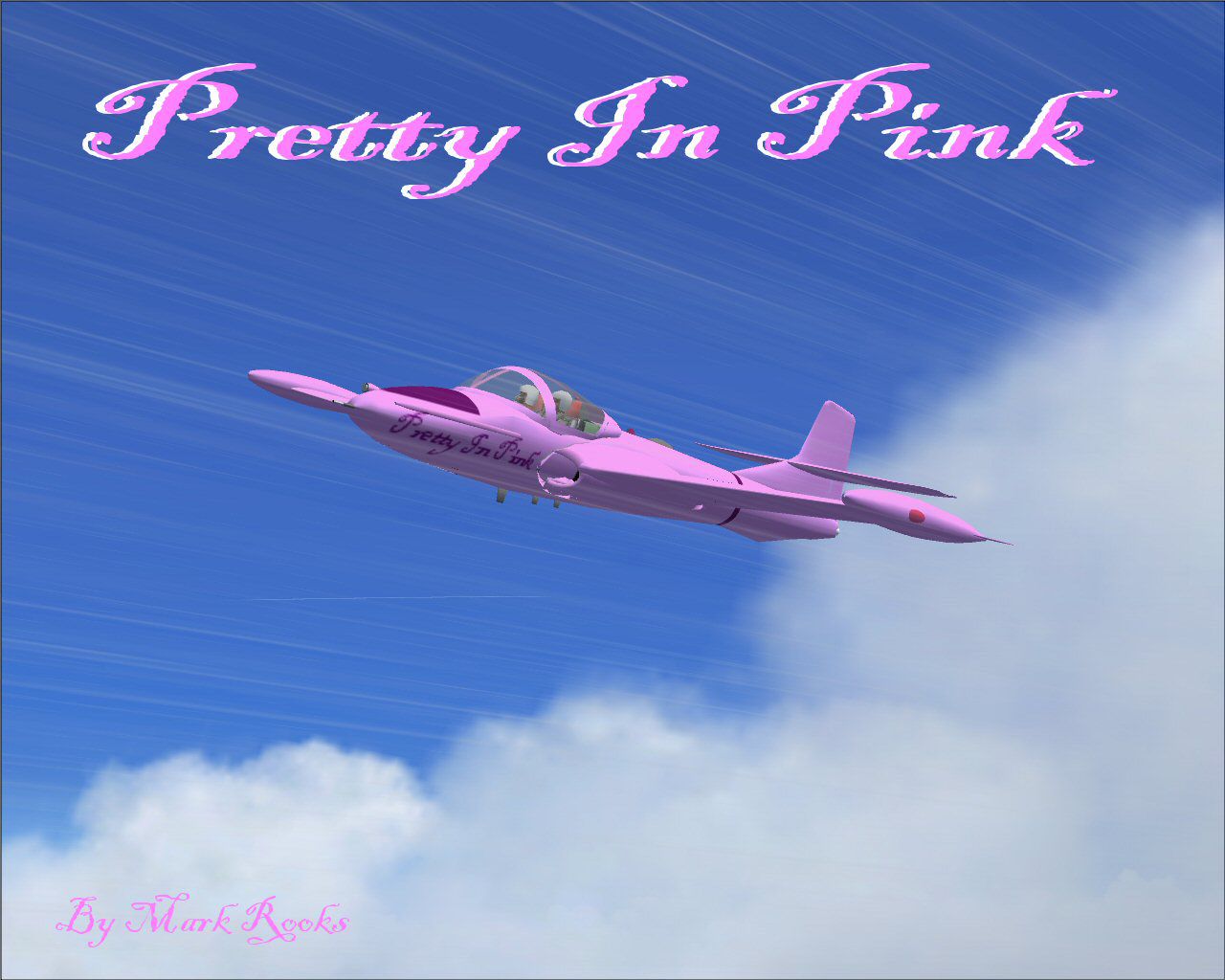
This repaint delivers a vibrant "Pretty in Pink" exterior for the Cessna T-37, ensuring a fresh look for those who enjoy detailed trainer aircraft in Microsoft Flight Simulator X. Created by Capt. I. D'Attomo and modified by Mark Rooks of RSDG, this rendition showcases a neat fuselage design while preserving the original performance characteristics.
The overall visual theme emphasizes a polished pink tone intended for an aircraft affectionately called “Emily Aircraft.” This design highlights minor shading enhancements along the wings and fuselage sections. Such textural adjustments maintain accurate surface reflections and include precise paint lines around the cockpit area. The color scheme sets the model apart on tarmac or during low-level flybys.
Known commonly as the “Tweet” or “Dragonfly,” the T-37 has a compact appearance that facilitated initial flight training for U.S. Air Force cadets. Although its structure is relatively small, it delivers considerable agility, making it an ideal choice for advanced pilot instruction. Beyond its training capacity, this aircraft—also referred to as the A-37 in some configurations—saw distinguished service during the Vietnam War in a light attack role. Many operators across the globe found it reliable for both defense and training duties.
Every element of this repaint is tailored to align with FSX’s rendering engine, including reflective textures for a more lifelike metal surface. Pilots can expect smooth cockpit instrument readings and stable frame rates, thanks to efficient optimization. Aircraft camera angles further highlight the pink finish from various viewpoints in the simulator.
This T-37 maintains the twin-engine arrangement typical to the real-world trainer variant. Advanced flight students can get comfortable with a well-modeled cockpit layout that mirrors actual panel configurations, making it suitable for procedural exercises. Pilots can appreciate the consistent thrust provided by the twin jets, which enable both basic and intermediate training maneuvers.
The package installs seamlessly into FSX by following the provided instructions in the aircraft folder. Users should confirm that each texture file is accurately placed to avoid any rendering issues. Mark Rooks of RSDG has included helpful updates to ensure compatibility and ease of installation, particularly for those integrating multiple add-ons in their simulator environment.
Free for all simmers · 9.96 MB · Scanned clean
Download speed: Free tier is capped at 0.5 Mbps (this file takes approximately 3 mins at the cap). PRO members download at full line speed.
SimObjects\Airplanes\, Addon Scenery\, Effects\, or Gauges\.readme.txt or README file. It tells you exactly where files go, what dependencies are needed, and any quirks specific to this add-on.The archive emily1.zip has 8 files and directories contained within it.
This list displays the first 500 files in the package. If the package has more, you will need to download it to view them.
| Filename/Directory | File Date | File Size |
|---|---|---|
| FSX Text.txt | 04.08.08 | 696 B |
| Gauges.zip | 04.04.08 | 612.95 kB |
| pictures & History.zip | 04.04.08 | 3.11 MB |
| Pretty in Pink.zip | 04.08.08 | 6.13 MB |
| Read Me First.txt | 04.08.08 | 5.45 kB |
| Screen shot.jpg | 04.08.08 | 125.10 kB |
| flyawaysimulation.txt | 10.29.13 | 959 B |
| Go to Fly Away Simulation.url | 01.22.16 | 52 B |
More FSX & P3D add-ons hand-picked based on this download.
FSX Military Aircraft
FSX Project T-37 / A-37. A repaint of Capt. I. D'Attomo's T-37 Dragonfly modi…
 FSX Military Aircraft
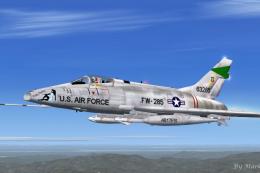
USAF F-100 Pretty Penny. This is Kazunori Ito's North American Aviation F100 …
 FSX Military Aircraft
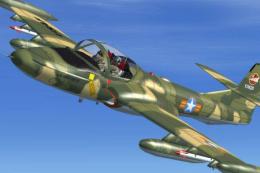
This is a remake of a previously uploaded Cessna T37 Dragonfly as a new full …
 FSX Military Aircraft
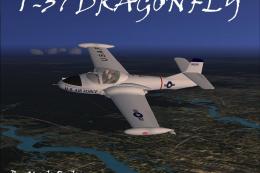
This updated freeware package features a carefully detailed repaint of the Ce…
 FSX Military Aircraft
This repaint package applies a United States Air Force desert camouflage sche…
 FSX Military Aircraft
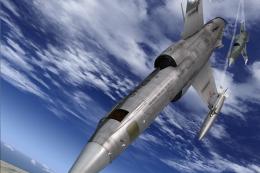
This repaint represents an F-104 S in "37-23", 18A Gruppo "Ocio che te copo" …
 FSX Military Aircraft
Textures for Casa C-212 Aviocar. Ala 37 based in Villanubla, Valladolid, nume…
 FSX Military Aircraft
For use with FSX_CASA_C-212_SPANISH_AF_37-18_CAMO.ZIP. Changes the old textur…
Be the first to leave a comment on this download.
Be the first to share your thoughts on this download.