


 FSX Historic & Vintage Aircraft
P-38 Lightning "Fear The Reaper"
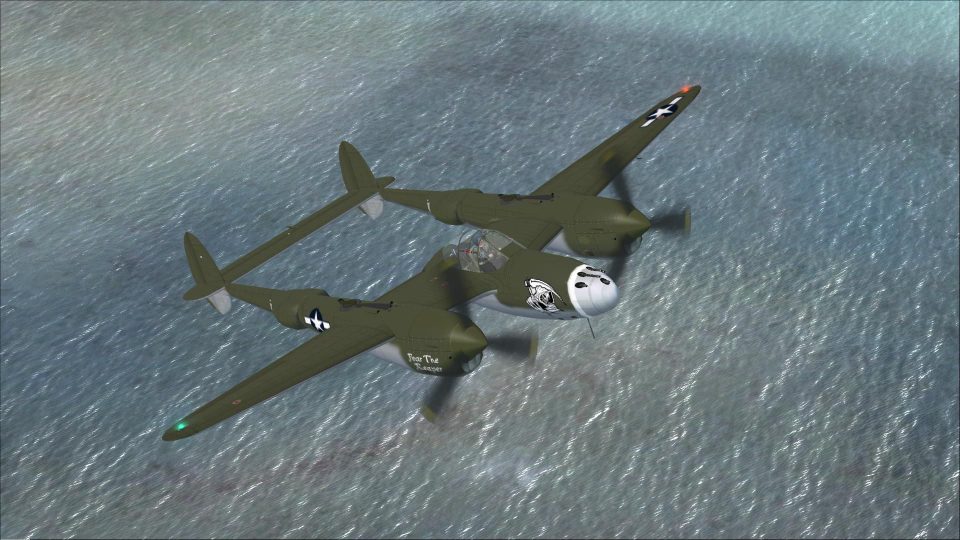
The P-38 Lightning “Fear The Reaper” freeware package provides a faithful rec…
Lockheed P-38 Lightning “Fear The Reaper” brings a combat-themed repaint and refreshed package to Microsoft Flight Simulator X, pairing Mel Mutter’s 2D panel with an RDG-compatible 3D panel for a coherent virtual cockpit. War Emergency Power effects, updated textures, and panel tweaks deliver a polished twin-boom fighter experience.
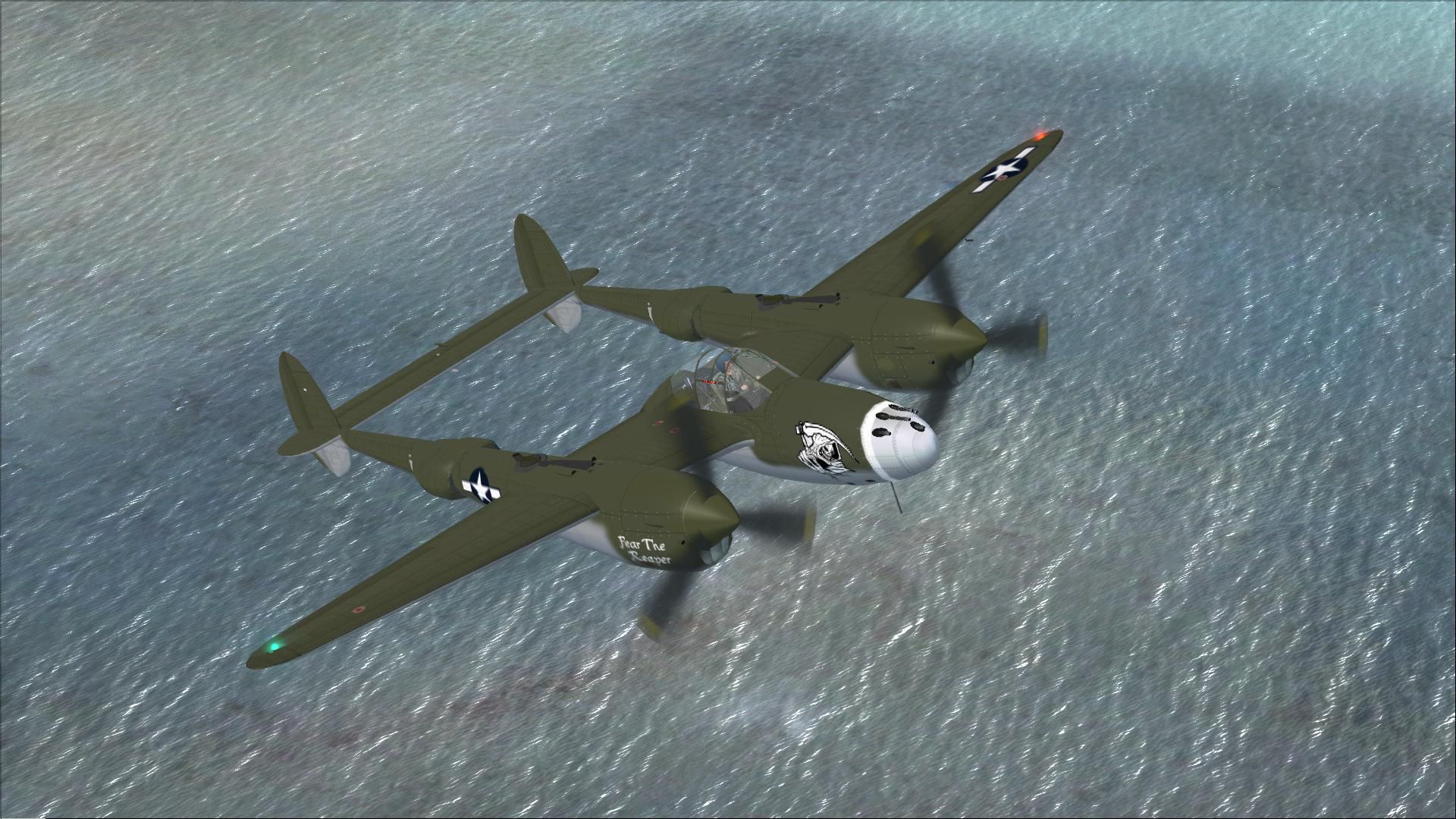
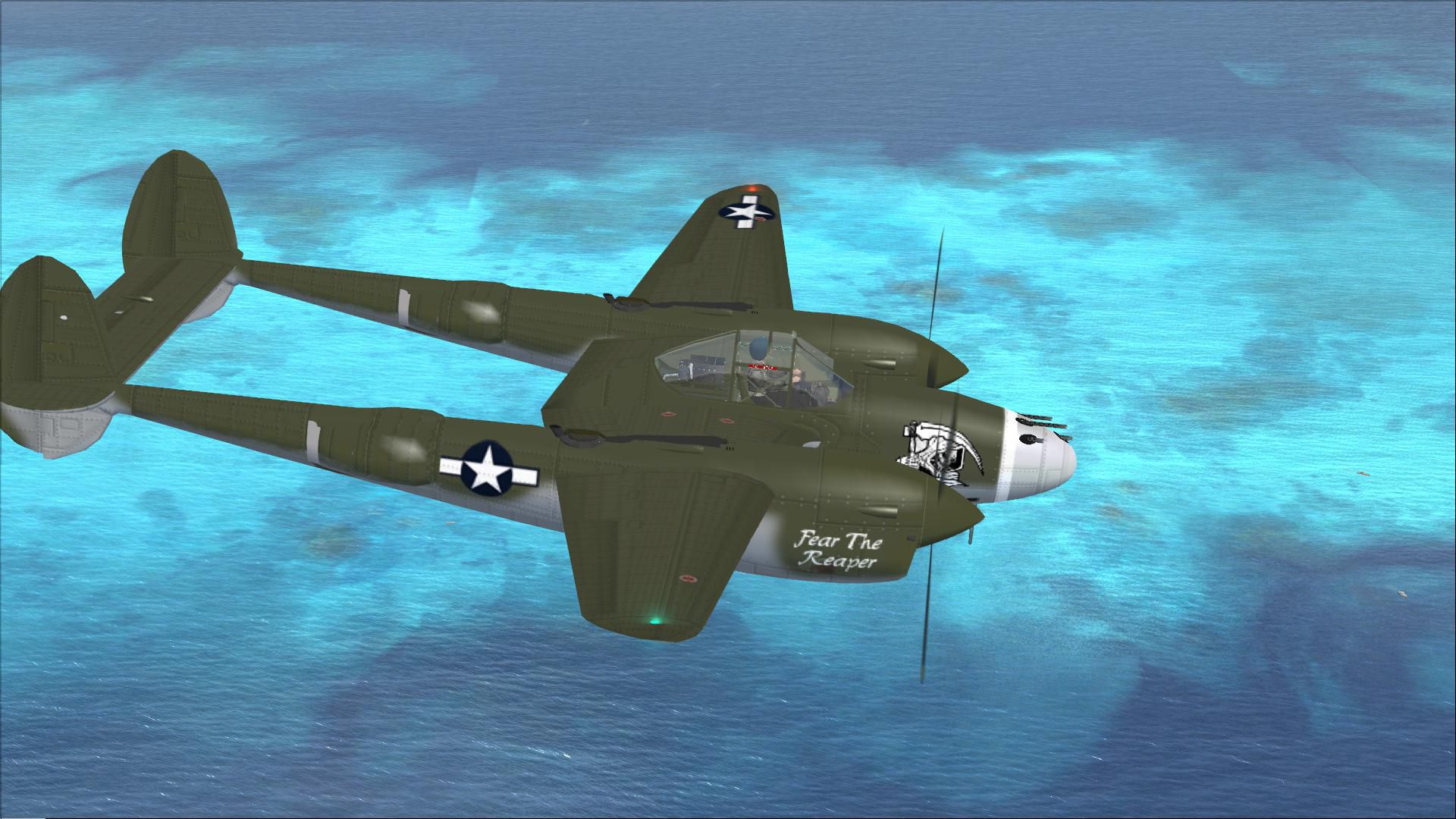
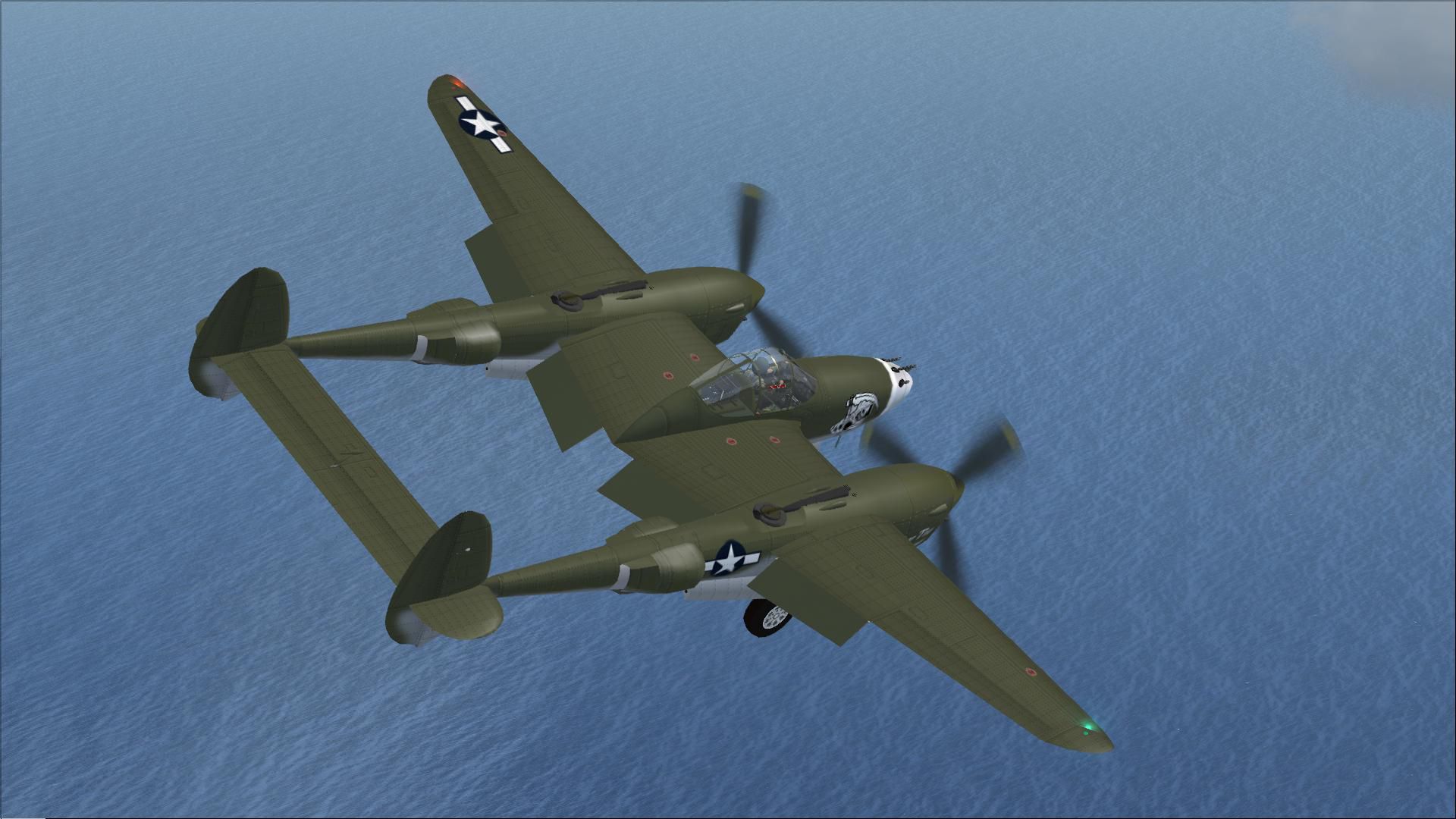
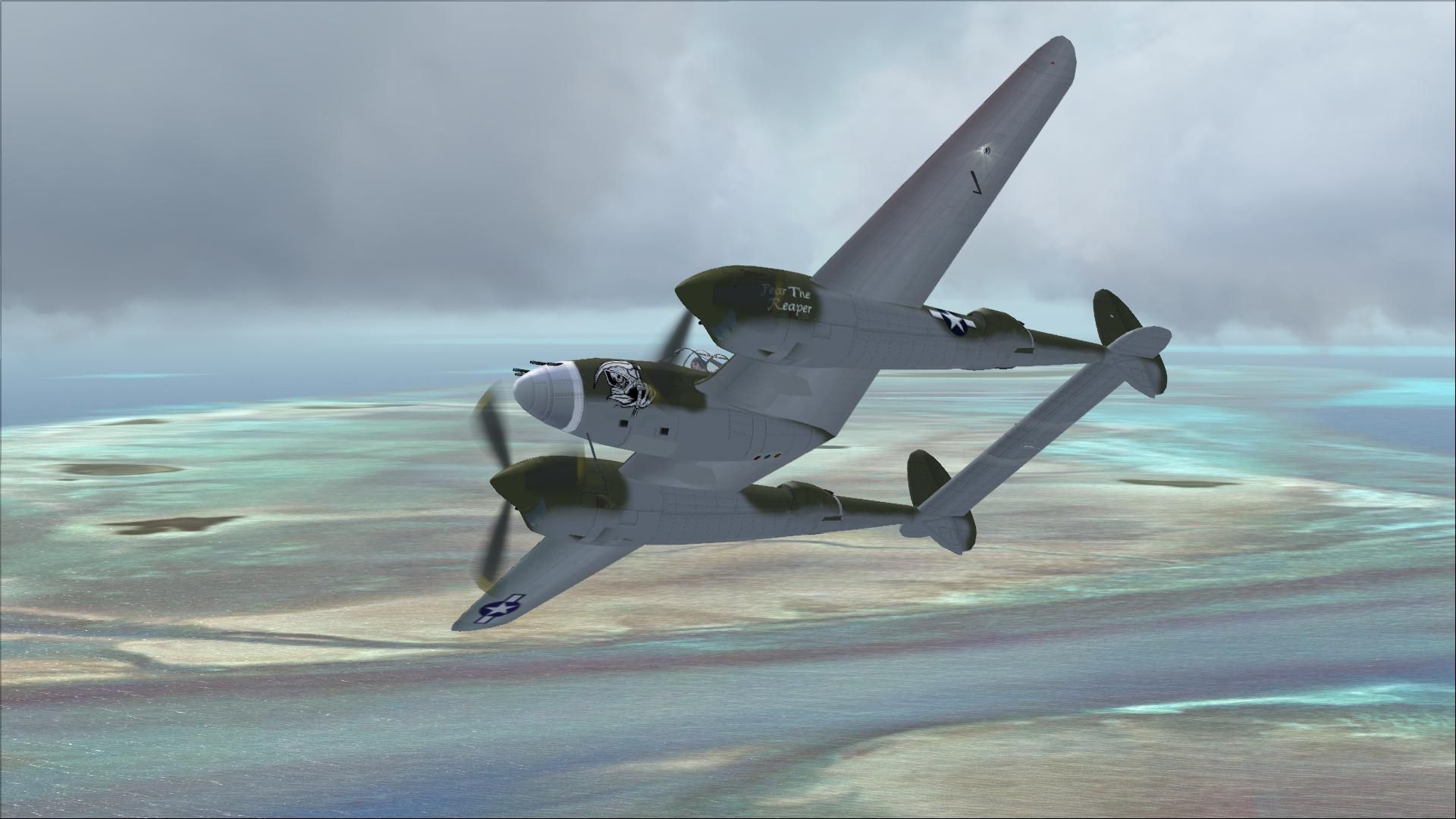
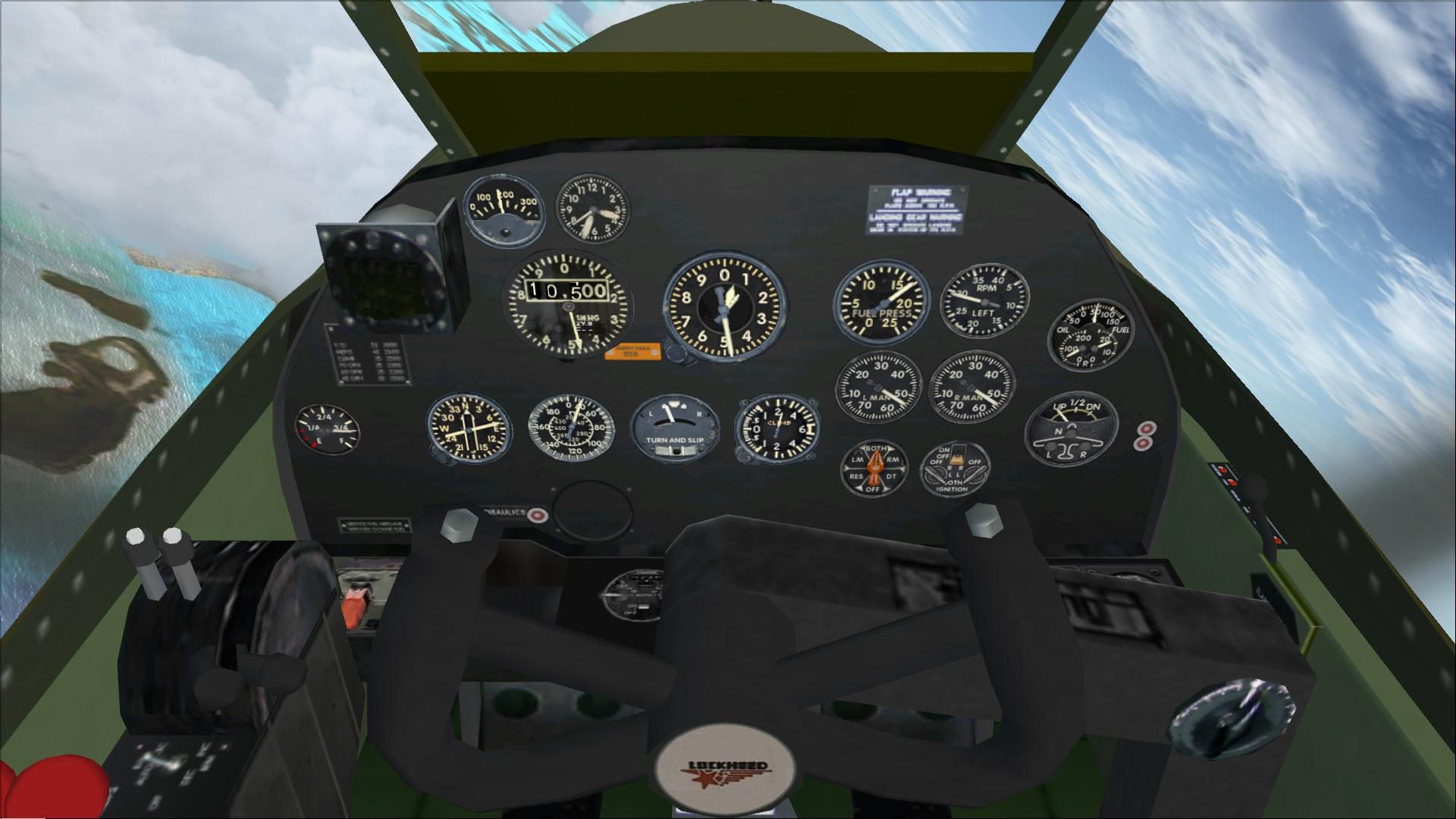
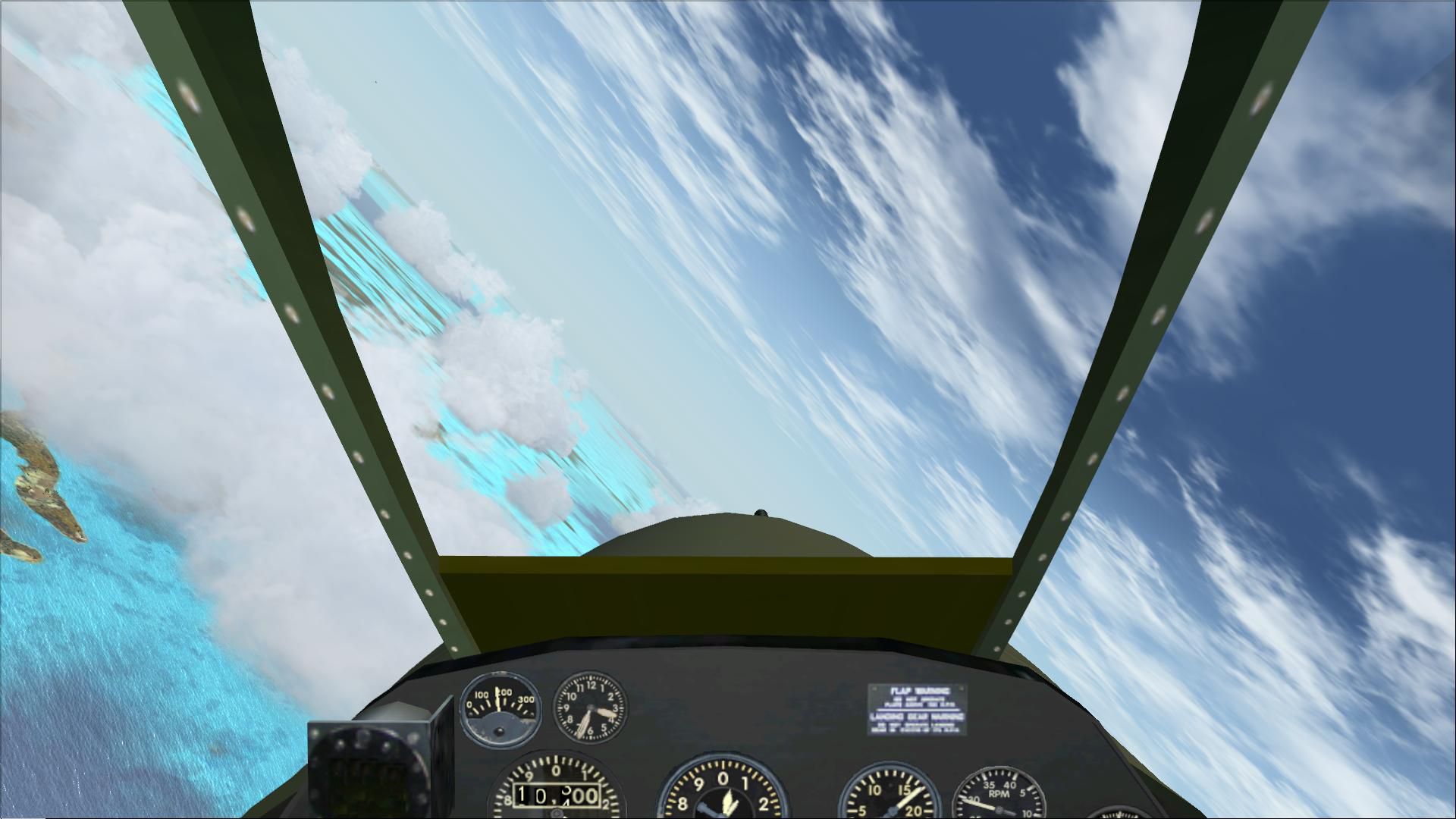
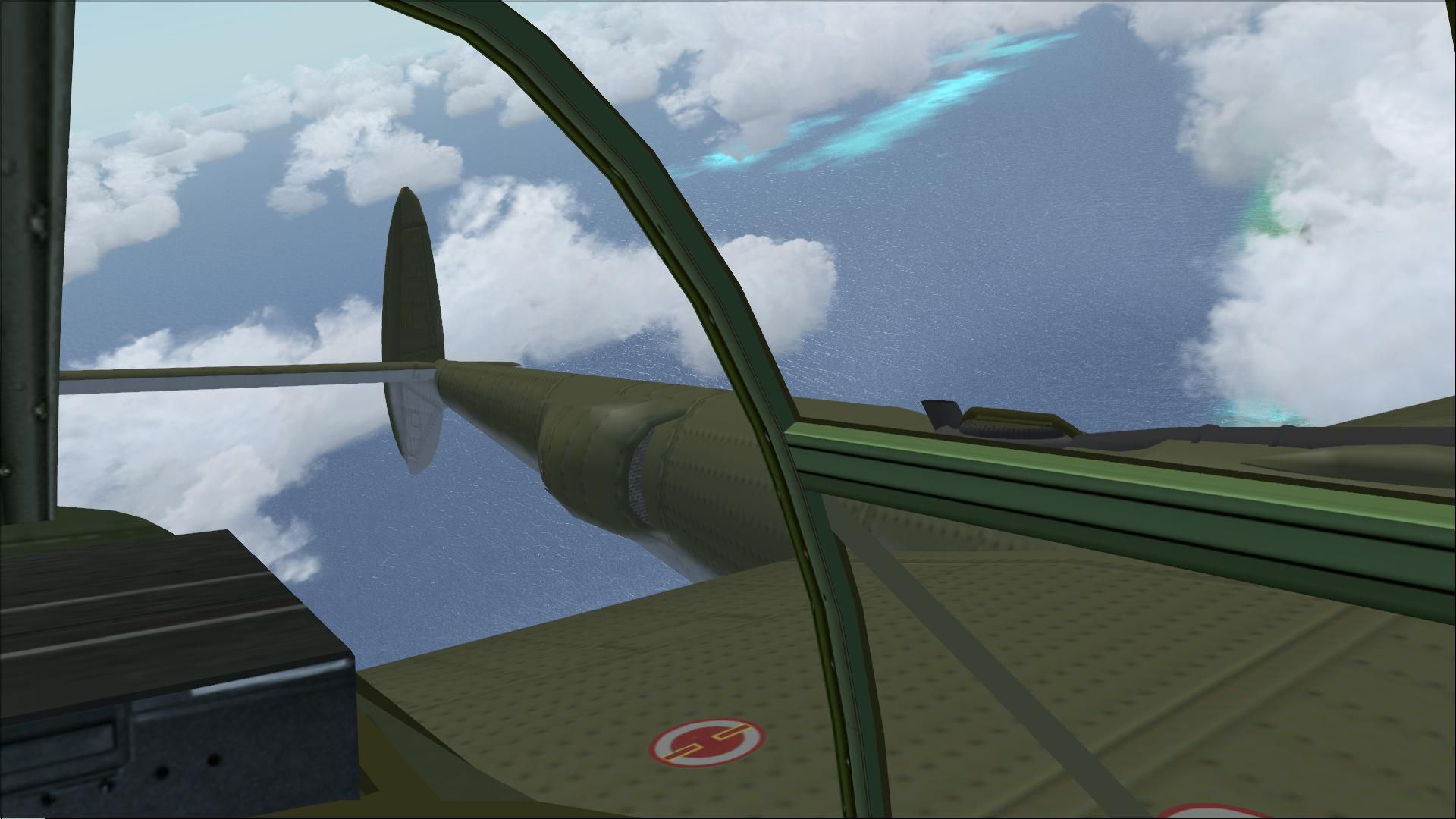
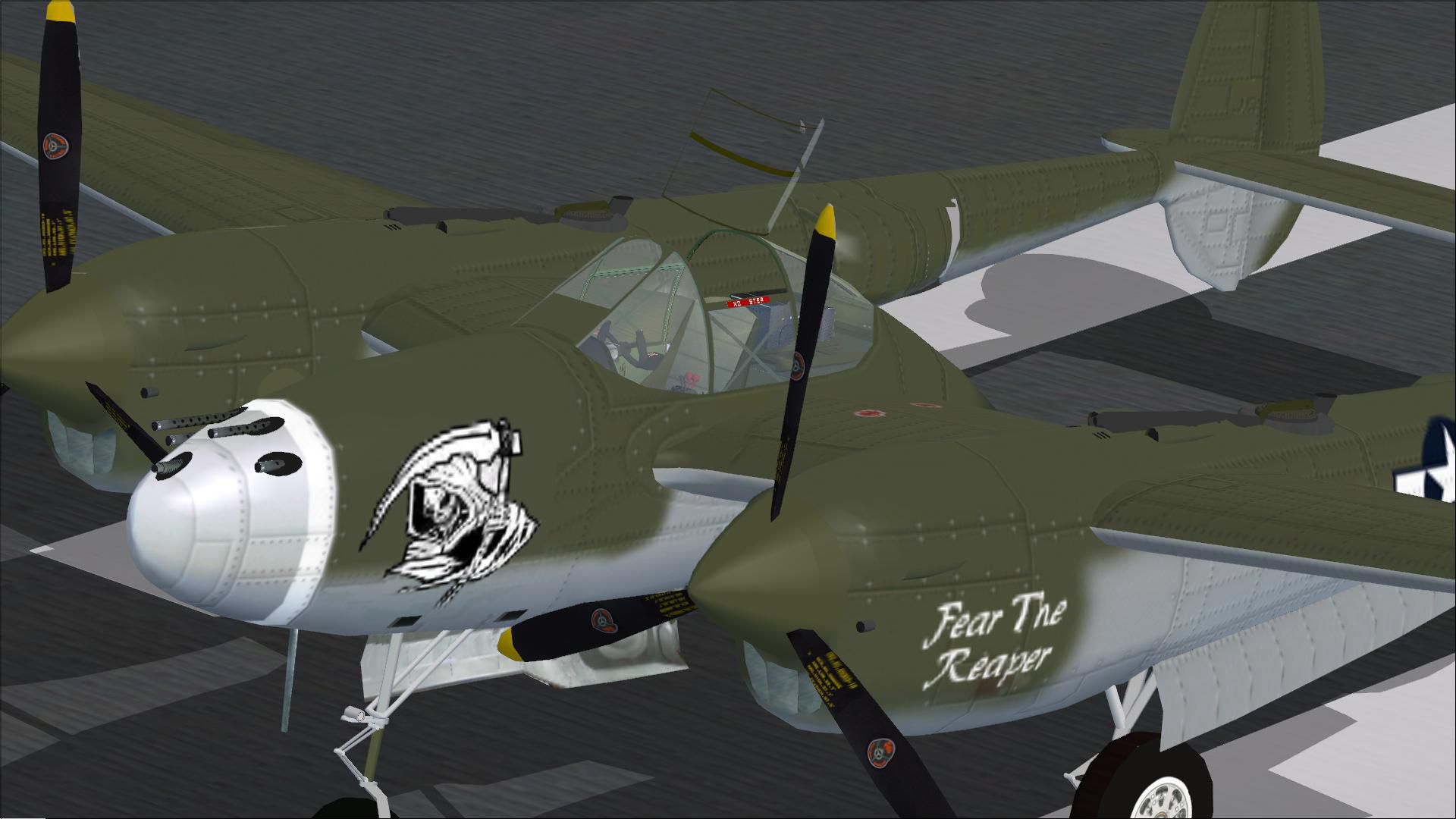
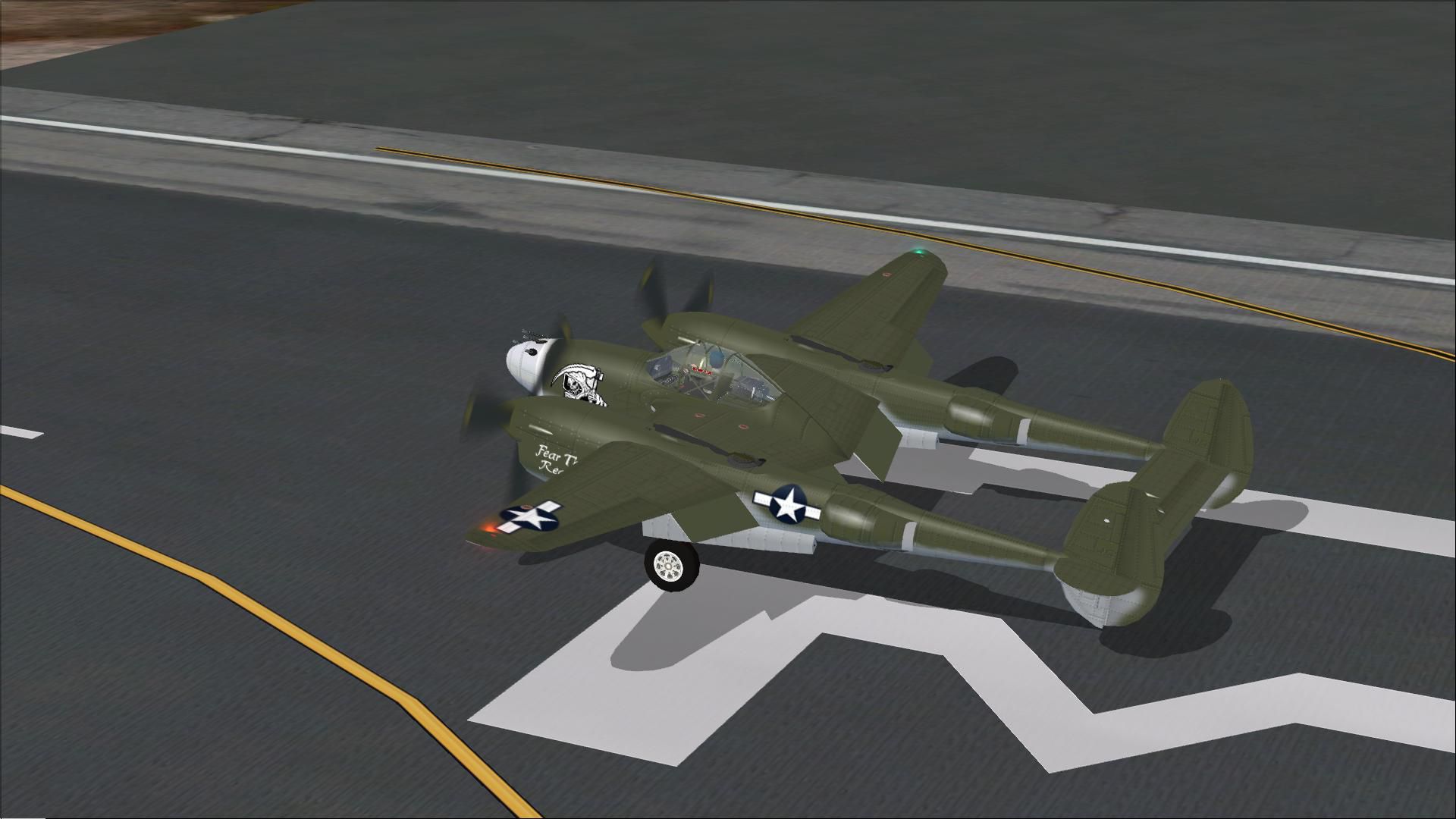
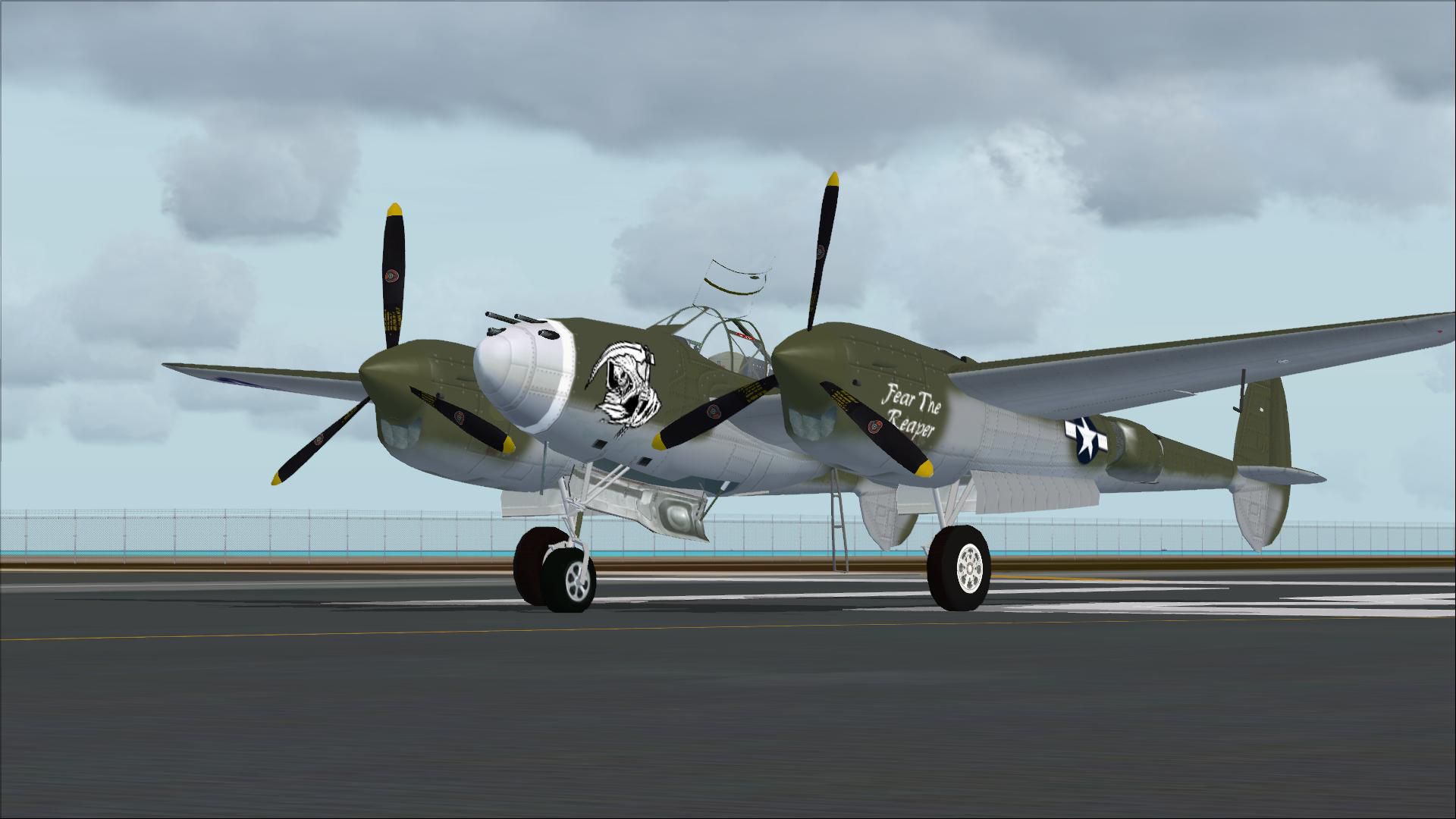
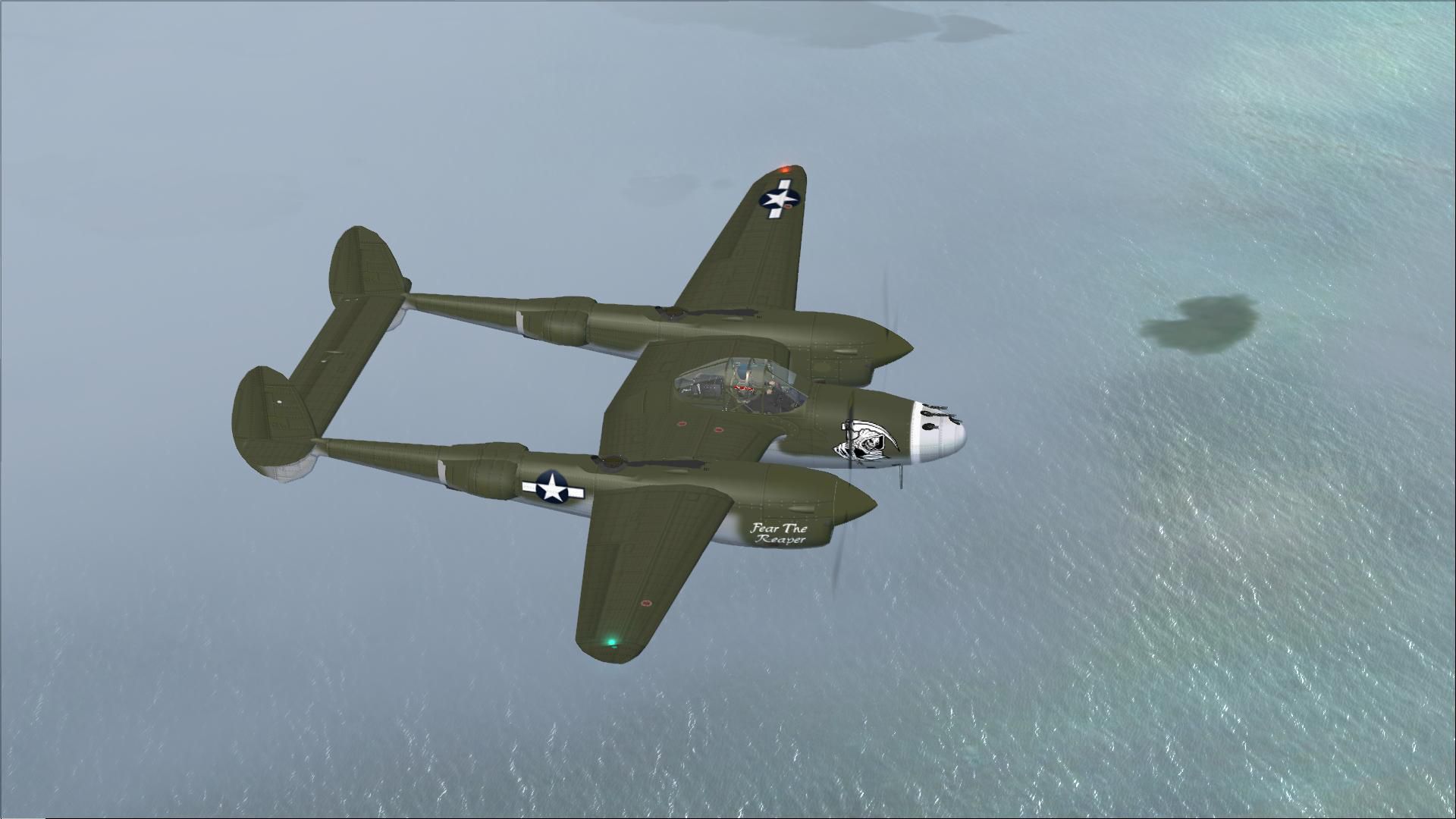
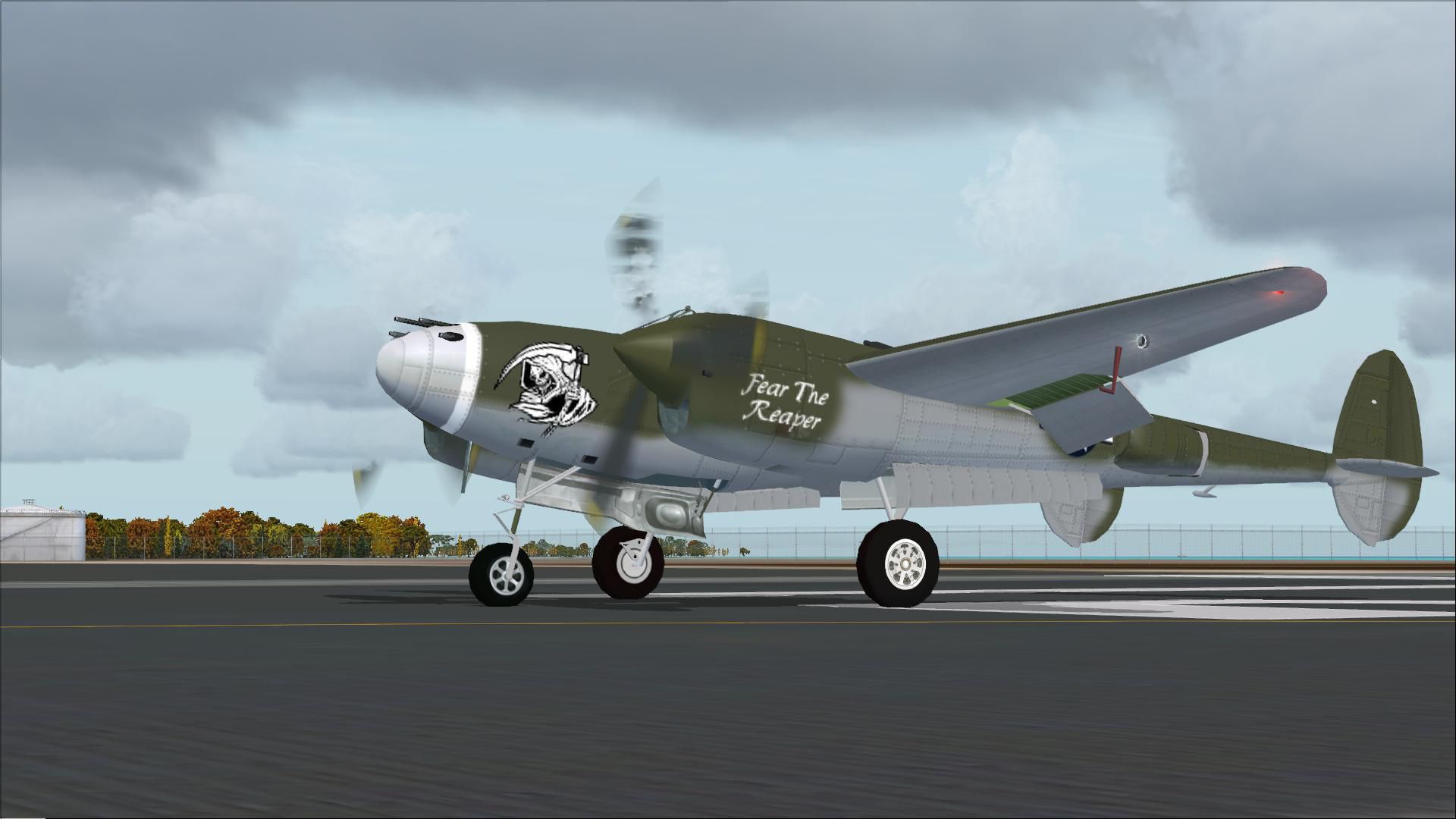
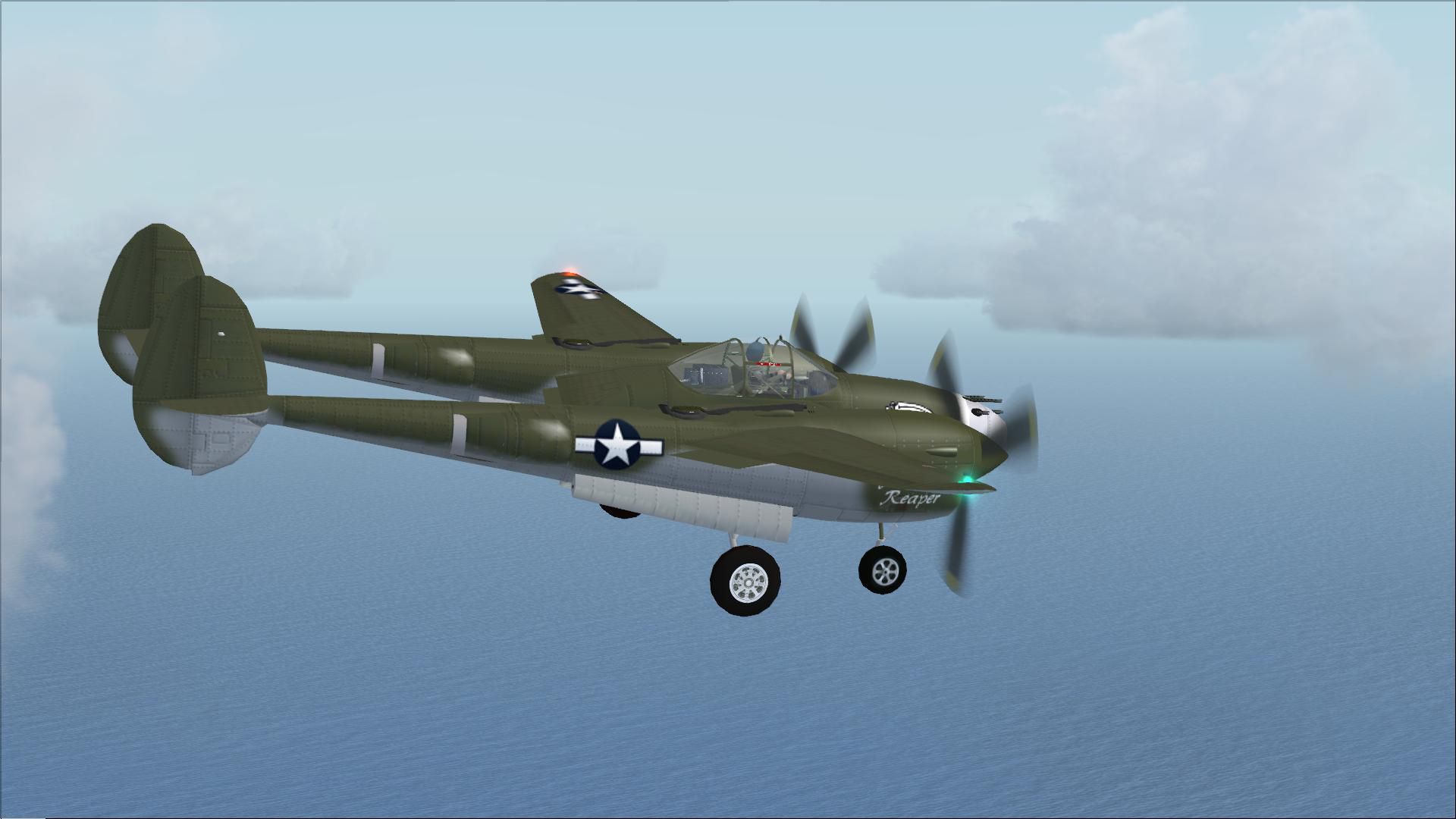
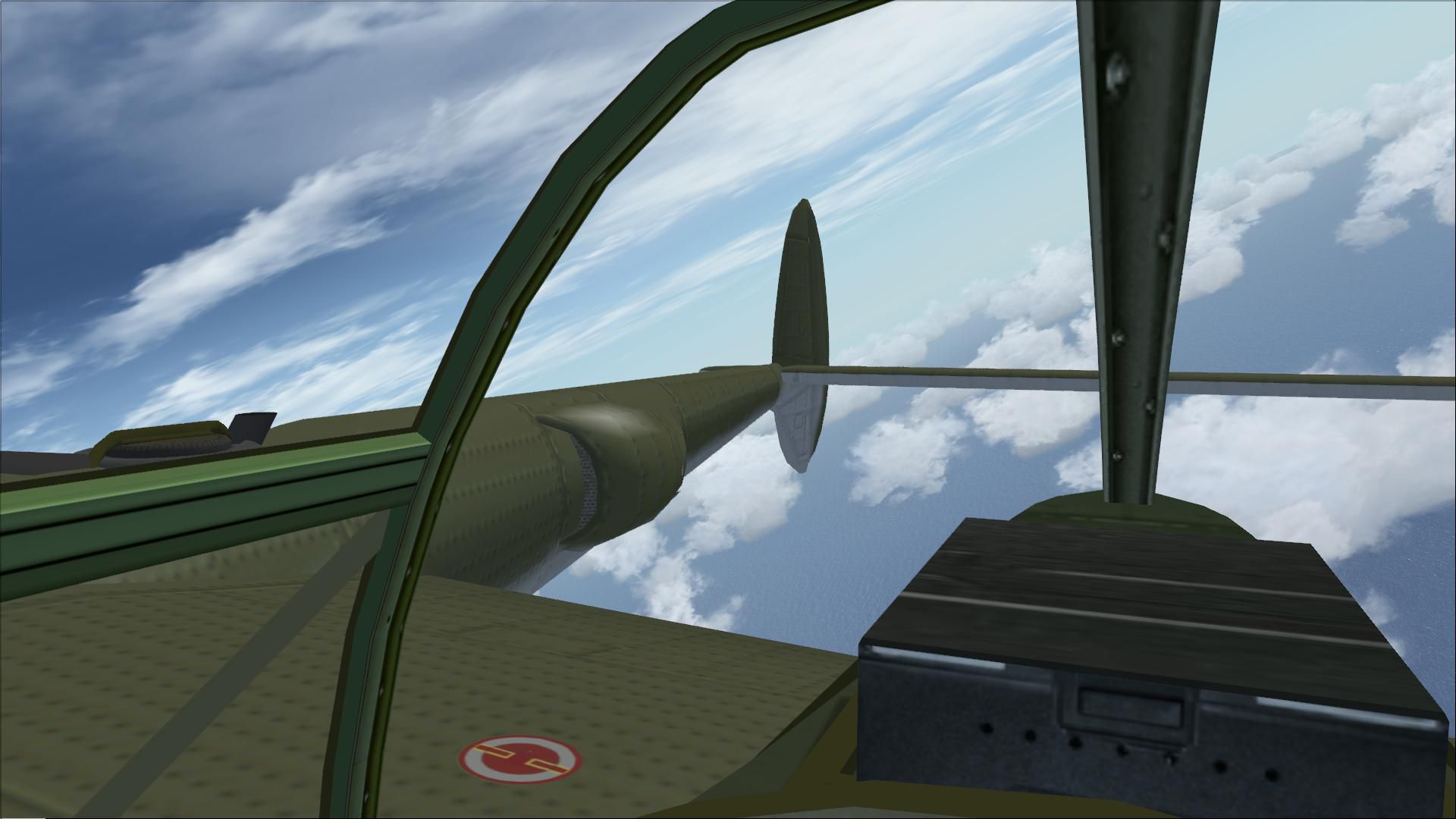
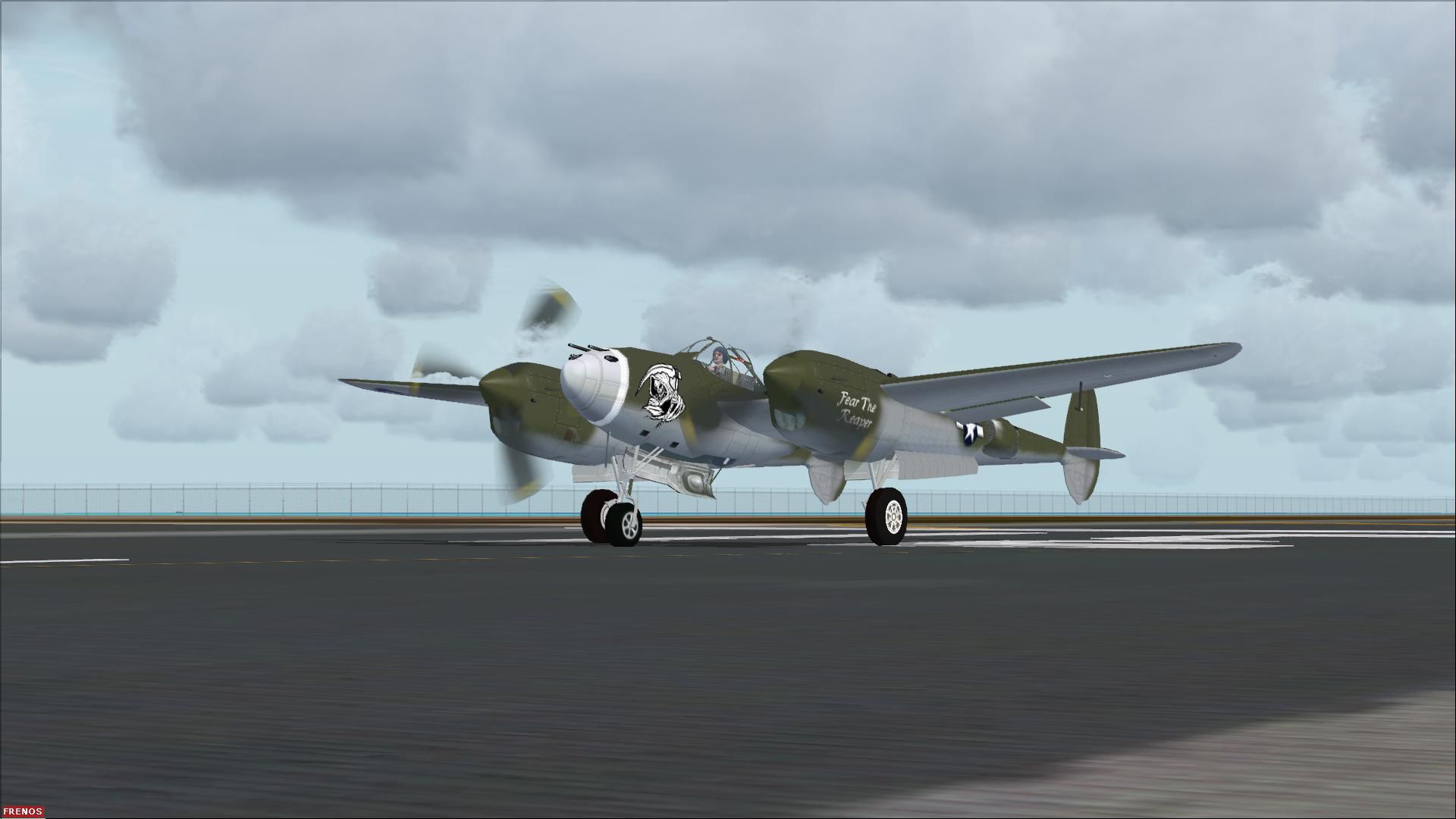
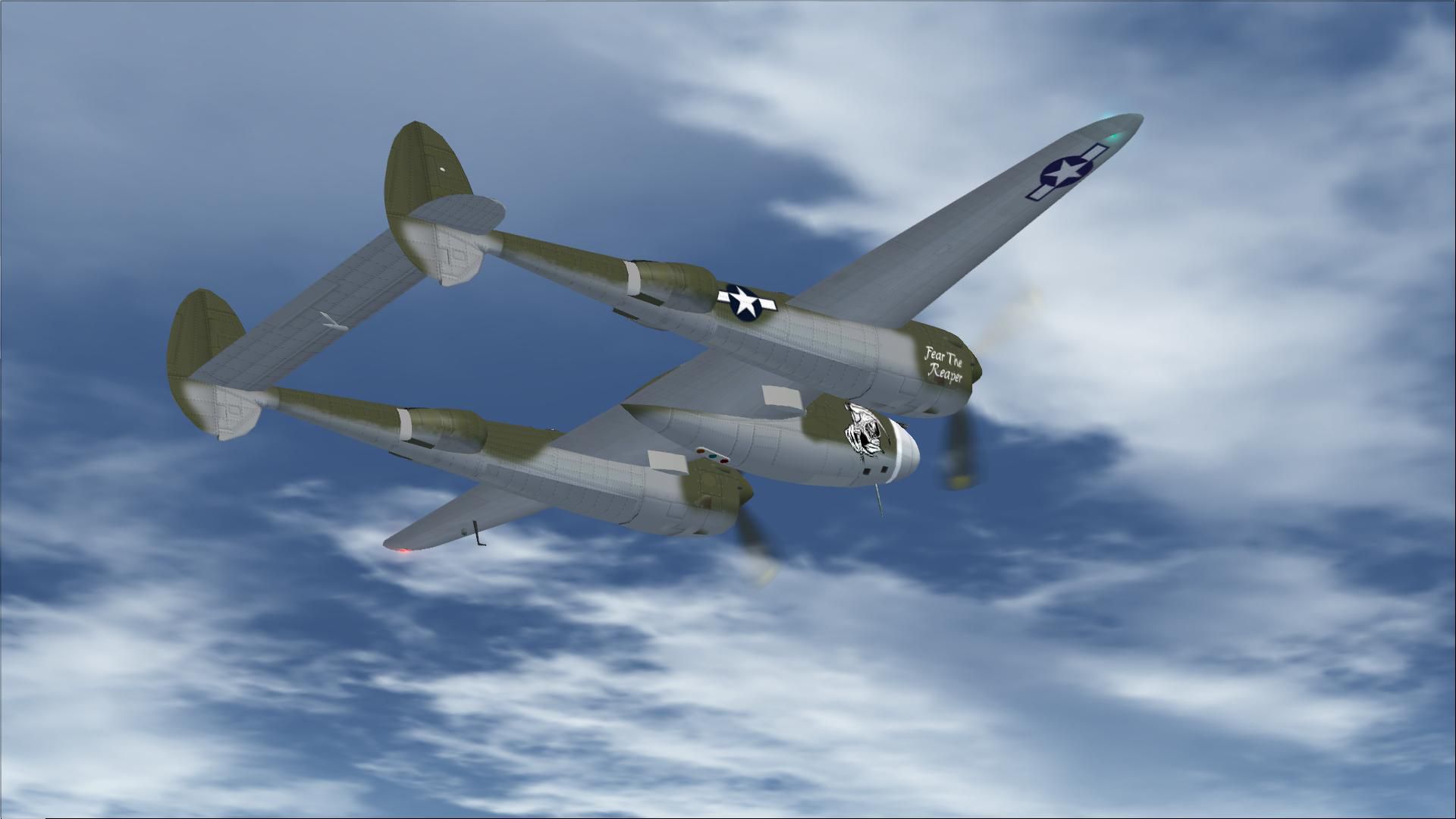
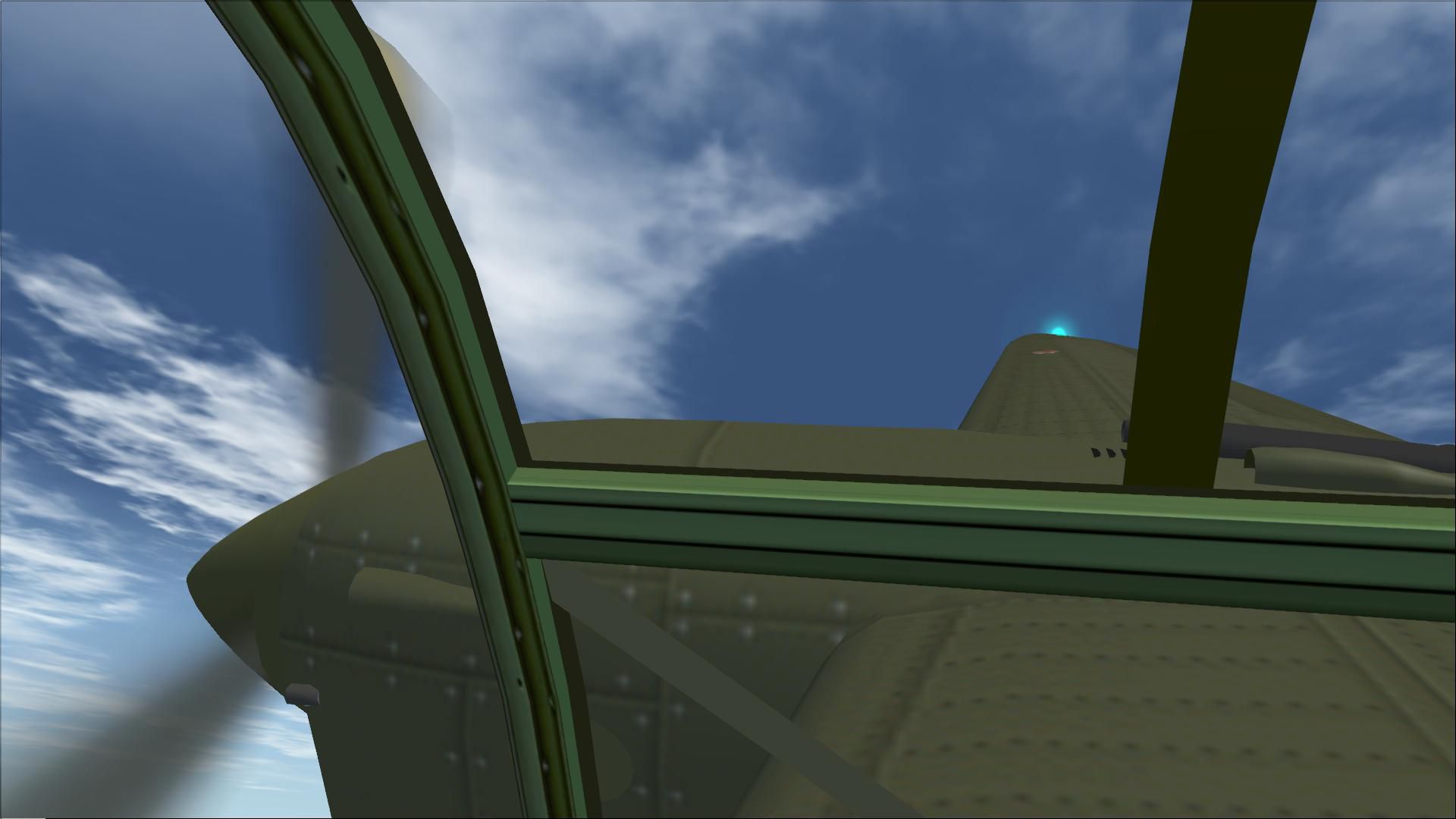
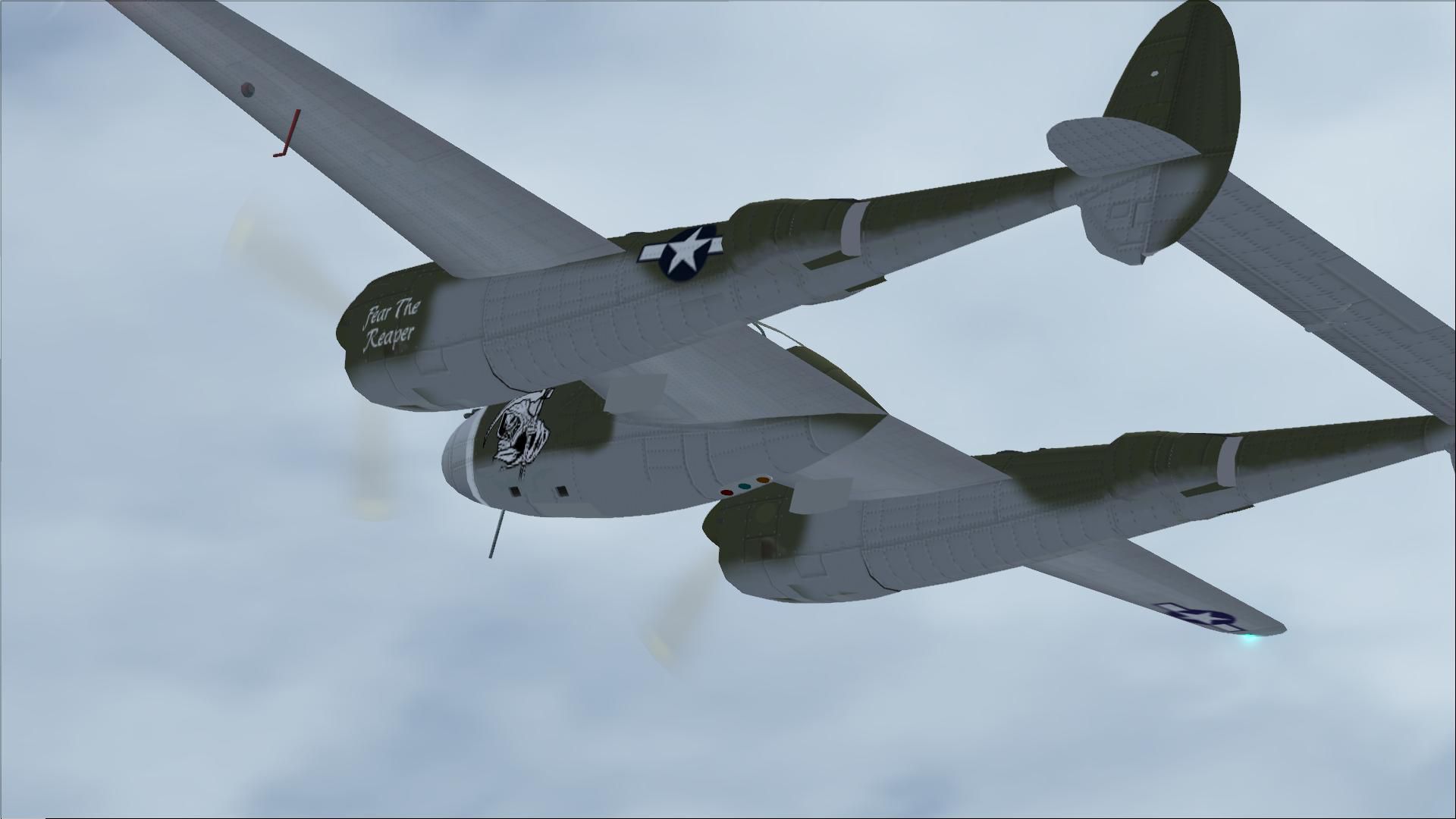
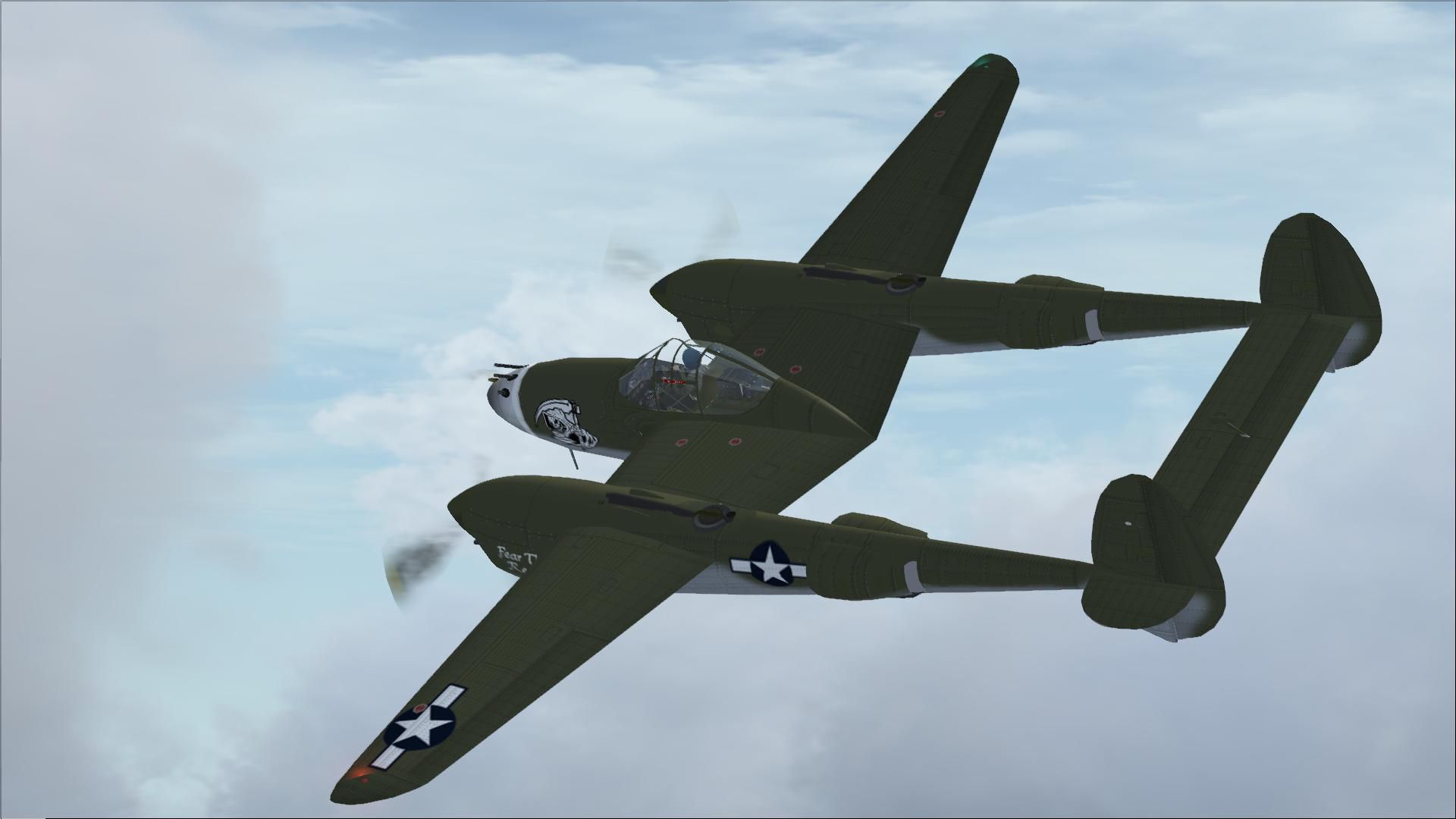
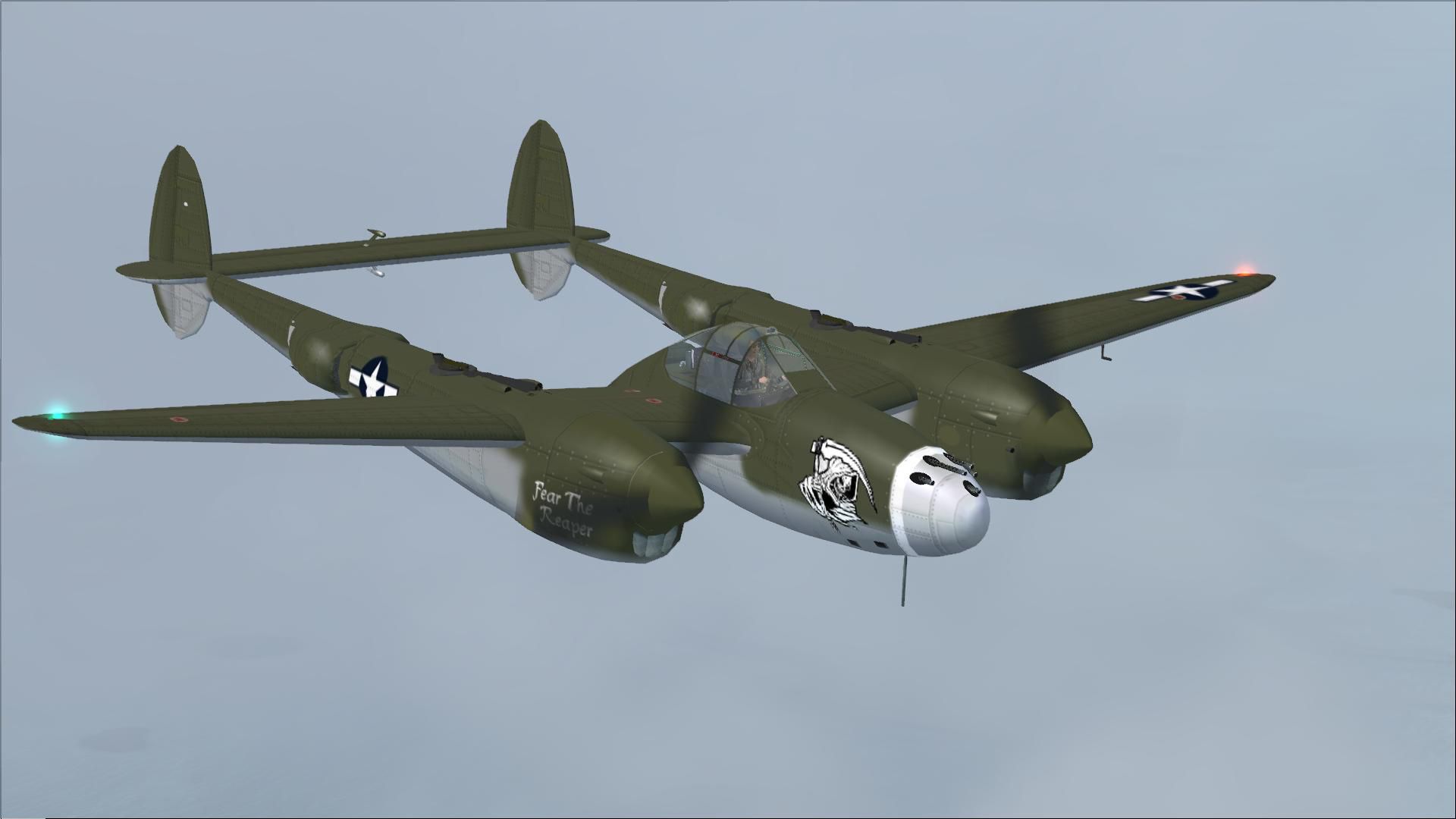
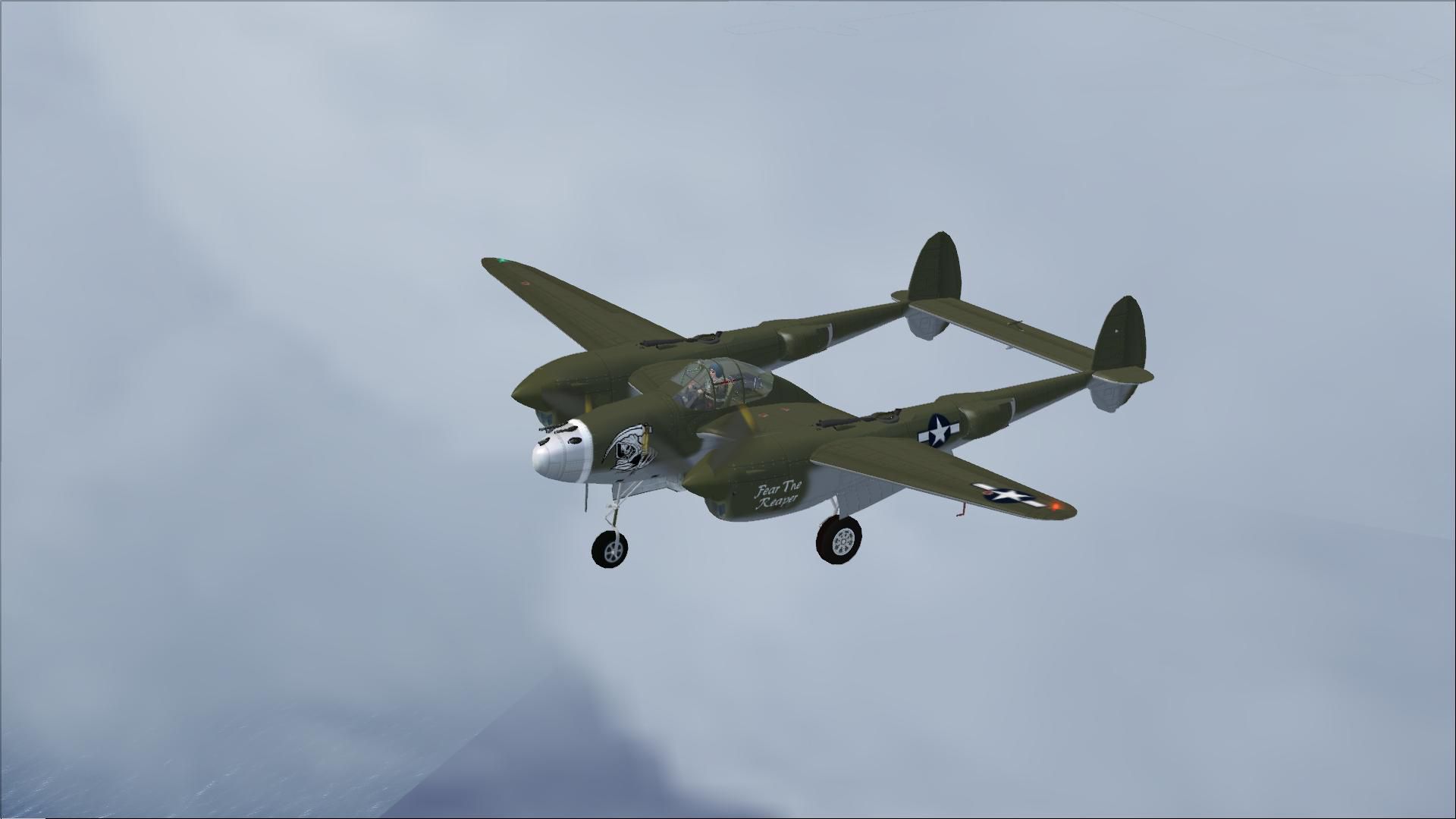
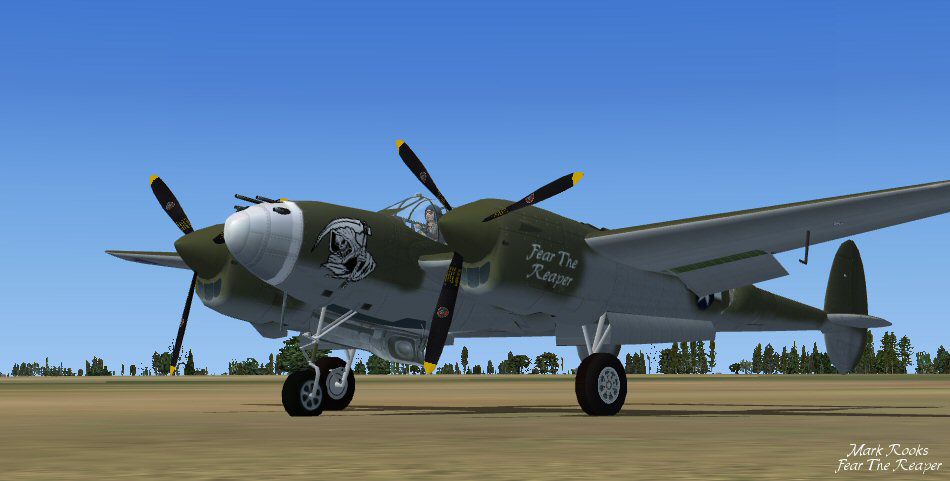
This is David C. Copley's P38 Lightning updated for Microsoft Flight Simulator X. This aircraft carries The Grim Reaper into battle "Fear The Reaper". This aircraft includes a 2D panel by Mel Mutter. 3D panel by RDG Aircraft works in FSX. Also included is War Emergency power effect. Updates and textures by Mark Rooks of RDG Aircraft.
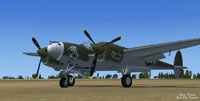
Screenshot of Lockheed P-38 on the ground.
As always back up any original files.
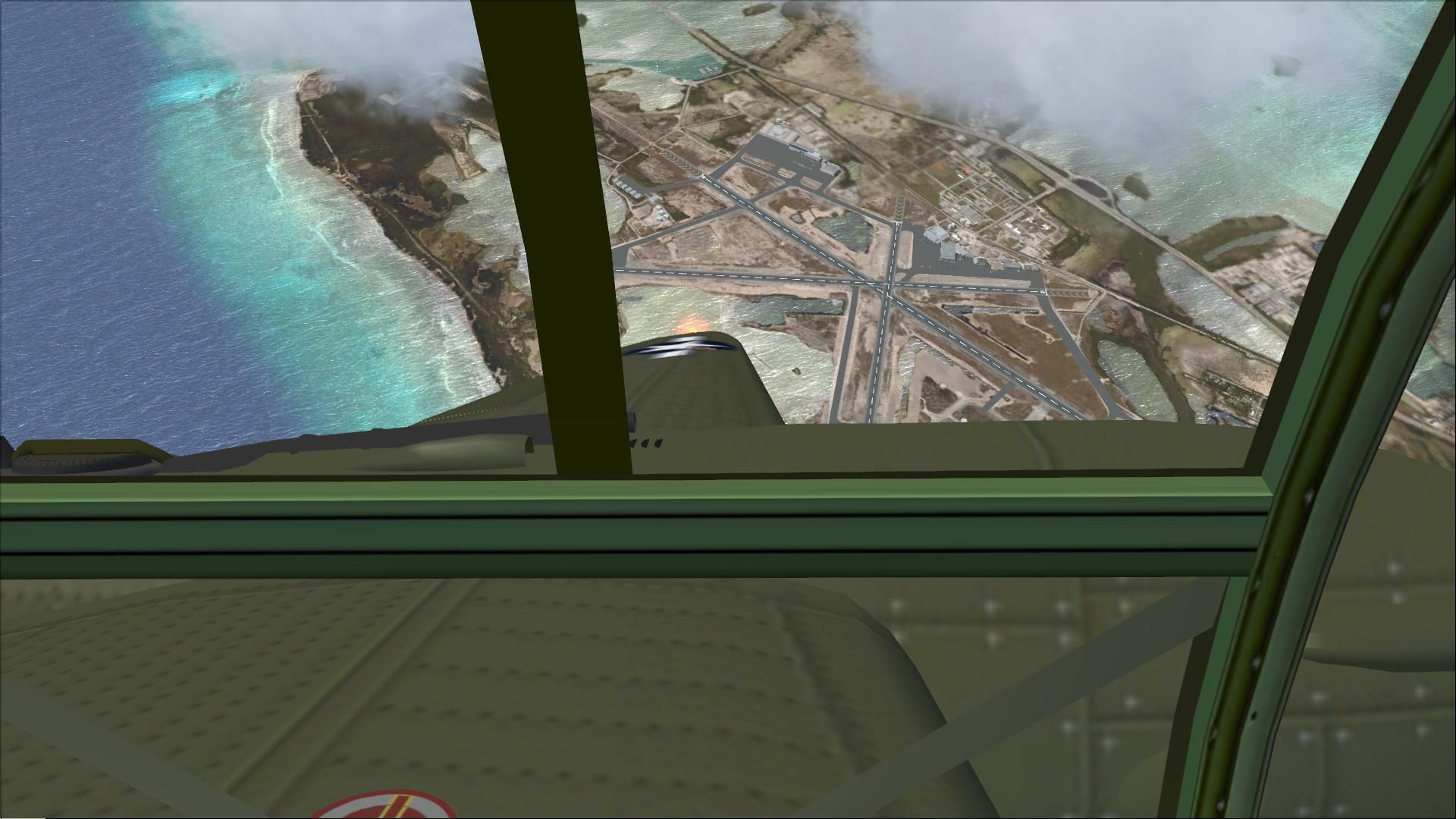
When using Mel Mutter's Original P-38 Panel in the Panel file only used a [VCockpit01] yet the Model was created with a [VCockpit01] & [VCockpit04] This left gamers looking out to their left and seeing a 1024 X 1024 Black square . The solution was to add a [VCockpit04] and I just made the a pixel size 1 x 1 This panel uses Mell Mutter's panel in 2D and the original Texture as the 3D panel this rework makes both work correctly .
Original text from the David C original P-38
[VCockpit04]

Background_color=0,0,0

size_mm=256,256

position=7

visible=0

ident=

pixel_size=1024,1024

texture=$vc2

gauge00=xp38nmod!Magnetic-Compass, 198, 199, 48
Made Simpler. Make sure all files are unzipped the New Plane folder should contain 6 files unzipped they are CFG Airfile Sound Model Texture Panel the New Plane folder with the 6 files goes in the game aircraft folder found at C:\Program Files\Microsoft Games\Microsoft Flight Simulator X\SimObjects\Airplanes follow the path ie open the c drive then open program files then open Microsoft Games then open Microsoft Flight Simulator X then open SimObjects then open Airplanes folder the New Plane goes in that folder.
Free for all simmers · 17.01 MB · Scanned clean
Download speed: Free tier is capped at 0.5 Mbps (this file takes approximately 5 mins at the cap). PRO members download at full line speed.
SimObjects\Airplanes\, Addon Scenery\, Effects\, or Gauges\.readme.txt or README file. It tells you exactly where files go, what dependencies are needed, and any quirks specific to this add-on.The archive p38ftr.zip has 30 files and directories contained within it.
This list displays the first 500 files in the package. If the package has more, you will need to download it to view them.
| Filename/Directory | File Date | File Size |
|---|---|---|
| Gauges.zip | 01.11.12 | 1.14 MB |
| P-38 Army Fear The Reaper.zip | 05.20.12 | 12.73 MB |
| Read Me First.txt | 05.20.12 | 3.89 kB |
| Reg. Text.txt | 05.20.12 | 363 B |
| Sreen shot Fear The Reaper.jpg | 05.20.12 | 61.49 kB |
| flyawaysimulation.txt | 10.29.13 | 959 B |
| Go to Fly Away Simulation.url | 01.22.16 | 52 B |
| Screenshots | 10.17.19 | 0 B |
| screen-1.jpg | 10.02.19 | 177.06 kB |
| screen-10.jpg | 10.02.19 | 208.21 kB |
| screen-11.jpg | 10.02.19 | 104.36 kB |
| screen-12.jpg | 10.02.19 | 137.15 kB |
| screen-13.jpg | 10.02.19 | 156.16 kB |
| screen-14.jpg | 10.02.19 | 265.07 kB |
| screen-15.jpg | 10.02.19 | 139.54 kB |
| screen-16.jpg | 10.02.19 | 73.73 kB |
| screen-17.jpg | 10.02.19 | 201.99 kB |
| screen-18.jpg | 10.02.19 | 142.26 kB |
| screen-19.jpg | 10.02.19 | 155.04 kB |
| screen-2.jpg | 10.02.19 | 96.00 kB |
| screen-20.jpg | 10.02.19 | 122.29 kB |
| screen-21.jpg | 10.02.19 | 138.31 kB |
| screen-22.jpg | 10.02.19 | 146.08 kB |
| screen-3.jpg | 10.02.19 | 328.67 kB |
| screen-4.jpg | 10.02.19 | 140.37 kB |
| screen-5.jpg | 10.02.19 | 84.90 kB |
| screen-6.jpg | 10.02.19 | 96.83 kB |
| screen-7.jpg | 10.02.19 | 105.98 kB |
| screen-8.jpg | 10.02.19 | 167.64 kB |
| screen-9.jpg | 10.02.19 | 170.66 kB |
More FSX & P3D add-ons hand-picked based on this download.
FSX Historic & Vintage Aircraft
The P-38 Lightning “Fear The Reaper” freeware package provides a faithful rec…
 FSX Historic & Vintage Aircraft
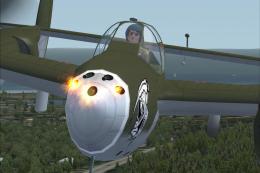
Weapons configuration for the P-38 "Fear the Reaper" by David Copley. Require…
 FSX Historic & Vintage Aircraft
Enhance your virtual hangar with this freeware Lockheed P-38 Lightning model …
 FSX Historic & Vintage Aircraft
A Repaint of Roger Dial's North American P51 Mustang D Modified For Flight Si…
 FSX Historic & Vintage Aircraft
A repaint of Roger Dial's North American P51 Mustang D modified for Flight Si…
 FSX Historic & Vintage Aircraft
This is David C. Copley's Lockheed P38 Lightning updated for Microsoft Flight…
 FSX Historic & Vintage Aircraft
This is David C. Copley's Lockheed P38 Lightning modified for Microsoft Fligh…
 FSX Historic & Vintage Aircraft
Sikorsky S-38 NC144M. The Sikorsky S38 was used by Pan American Airways throu…
Read what other simmers think, or add your own.

Hey uh, can you make out a fix that changes the graphics and put all the camera views for the plane?

Is there any way one can purchase a disk with the program already installed on it? The push this button and that button and enter this command and that command is confusing for anyone other than someone with computer programming knowledge above mine.