

 FSX Historic & Vintage Aircraft
P51 Mustang D Grim Reaper
A Repaint of Roger Dial's North American P51 Mustang D Modified For Flight Si…
The Grim Reaper P-51 Mustang D repaint recreates Lt. Robert E. Black’s 338th Fighter Squadron, 55th Fighter Group markings with careful WWII-era detail, backed by included historical photos and unit notes. Built for Flight Simulator X, it refreshes the look of Roger Dial’s North American P-51D model and keeps the classic fighter’s character intact.
 Rate
Rate
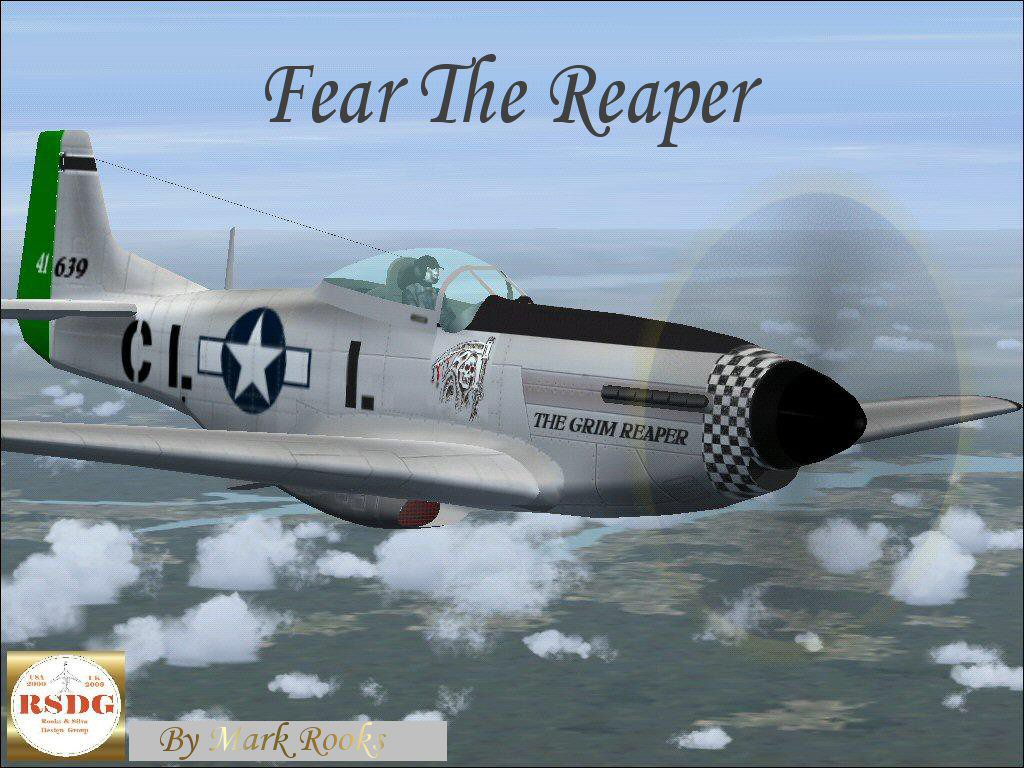
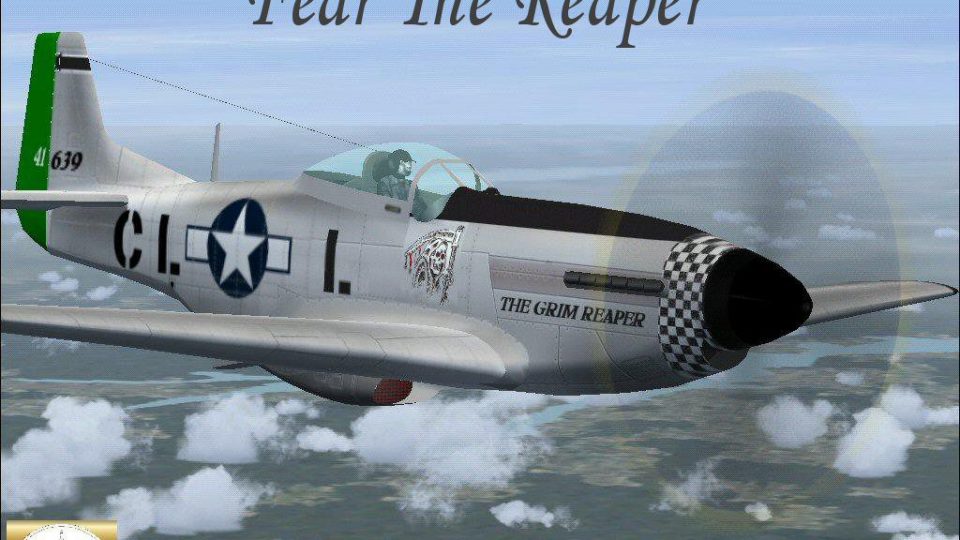
A repaint of Roger Dial's North American P51 Mustang D modified for Flight Simulator X. This is a historically accurate repaint of the P-51 Mustang flown by Lt. Robert E. Black of the 338 Fighter Squadron 55th fighter group. The 338th Fighter Squadron was first activated in 1942 and distinguished itself flying P-38 and P-51 aircraft throughout the European Theater of operations during WWII. Aircraft is entitled "The Grim Reaper". Included are some historical photos and history of the squadron. Modified by Mark Rooks.

Screenshot of The Grim Reaper P-51 in flight.
To install this aircraft:
As always back up any original files.
1.Unzip downloaded folders to your desktop or temporary directory of your choice.
2.Copy the " Grim Reaper " folder and paste it in the main aircraft folder.
3. Install guages folder.
By default the main aircraft folder is located at:
"C:\Program Files\Microsoft Games\FSx\SIM Objects /Aircraft .
Textures created by Mark "Fire Ball" Rooks.
Enjoy your new repaint and air file.
Thanks for downloading,
"Fire Ball"
Free for all simmers · 3.91 MB · Scanned clean Oct 2026
Download speed: Free tier is capped at 0.5 Mbps (this file takes approximately 1 min at the cap). PRO members download at full line speed.
SimObjects\Airplanes\, Addon Scenery\, Effects\, or Gauges\.readme.txt or README file. It tells you exactly where files go, what dependencies are needed, and any quirks specific to this add-on.The archive rsdggrx.zip has 9 files and directories contained within it.
This list displays the first 500 files in the package. If the package has more, you will need to download it to view them.
| Filename/Directory | File Date | File Size |
|---|---|---|
| gauges.zip | 12.17.06 | 711.29 kB |
| Historical Picture.zip | 12.17.06 | 136.30 kB |
| P-51D Grim Reaper.zip | 12.17.06 | 2.90 MB |
| Read Me First.txt | 12.17.06 | 690 B |
| Screen Shot .jpg | 12.17.06 | 227.52 kB |
| Text.txt | 12.17.06 | 526 B |
| Thumbs.db | 12.17.06 | 5.00 kB |
| flyawaysimulation.txt | 10.29.13 | 959 B |
| Go to Fly Away Simulation.url | 01.22.16 | 52 B |
Only PRO members can place votes.
More FSX & P3D add-ons hand-picked based on this download.
FSX Historic & Vintage Aircraft
A Repaint of Roger Dial's North American P51 Mustang D Modified For Flight Si…
 FSX Historic & Vintage Aircraft
This is David C. Copley's P38 Lightning updated for Microsoft Flight Simulato…
 FSX Historic & Vintage Aircraft
The P-38 Lightning “Fear The Reaper” freeware package provides a faithful rec…
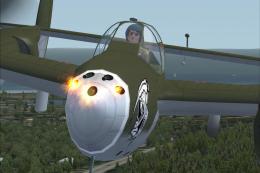 FSX Historic & Vintage Aircraft
Weapons configuration for the P-38 "Fear the Reaper" by David Copley. Require…
 FSX Historic & Vintage Aircraft
The Heinkel He51 was a German single-seat biplane which was produced in a num…
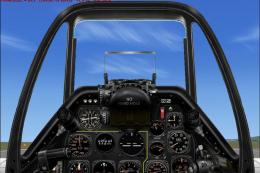 FSX Historic & Vintage Aircraft
An update of the P-51D Mustang by J.E. Narcizo. The flight dynamics have been…
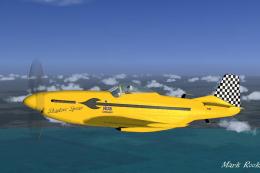 FSX Historic & Vintage Aircraft
This is the Microsoft default North American P51 Mustang model with new high …
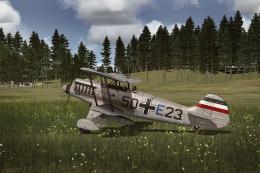 FSX Historic & Vintage Aircraft
This repaint package adds a speculative German Air Force livery to the classi…
Be the first to leave a comment on this download.
Be the first to share your thoughts on this download.