


 Egypt
Egypt  FSX AFCAD Files
AFCAD For HECA
Cairo International, Egypt - update. This is part of the eleventh round of ai…
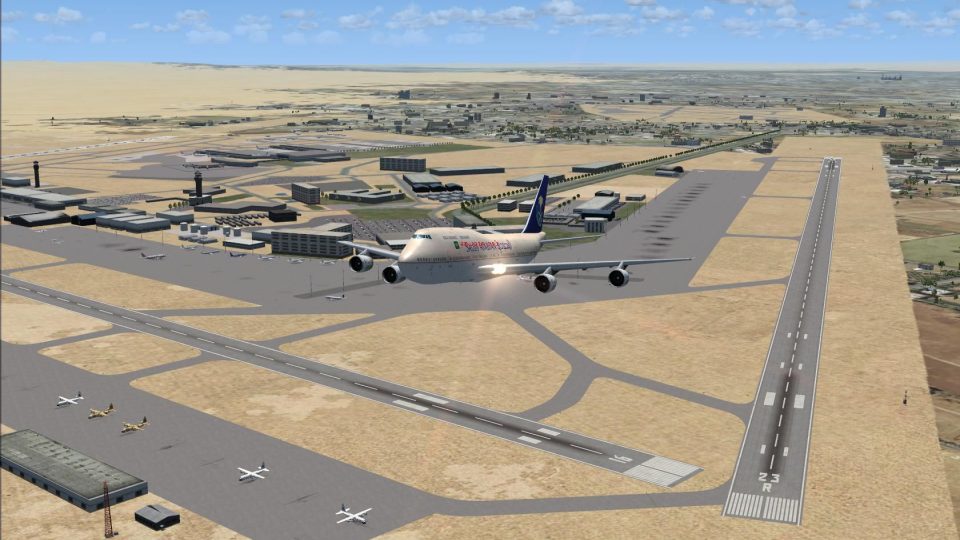
HECA Cairo International Airport receives a detailed AFCAD and scenery refresh with reworked aprons, taxiways, signage, parking based on real charts, and updated runway designations plus a new 05R/23L and Terminal 3. Designed for FSX, it also adds lighting, service traffic flow, tower views, and optional crosswind operations.
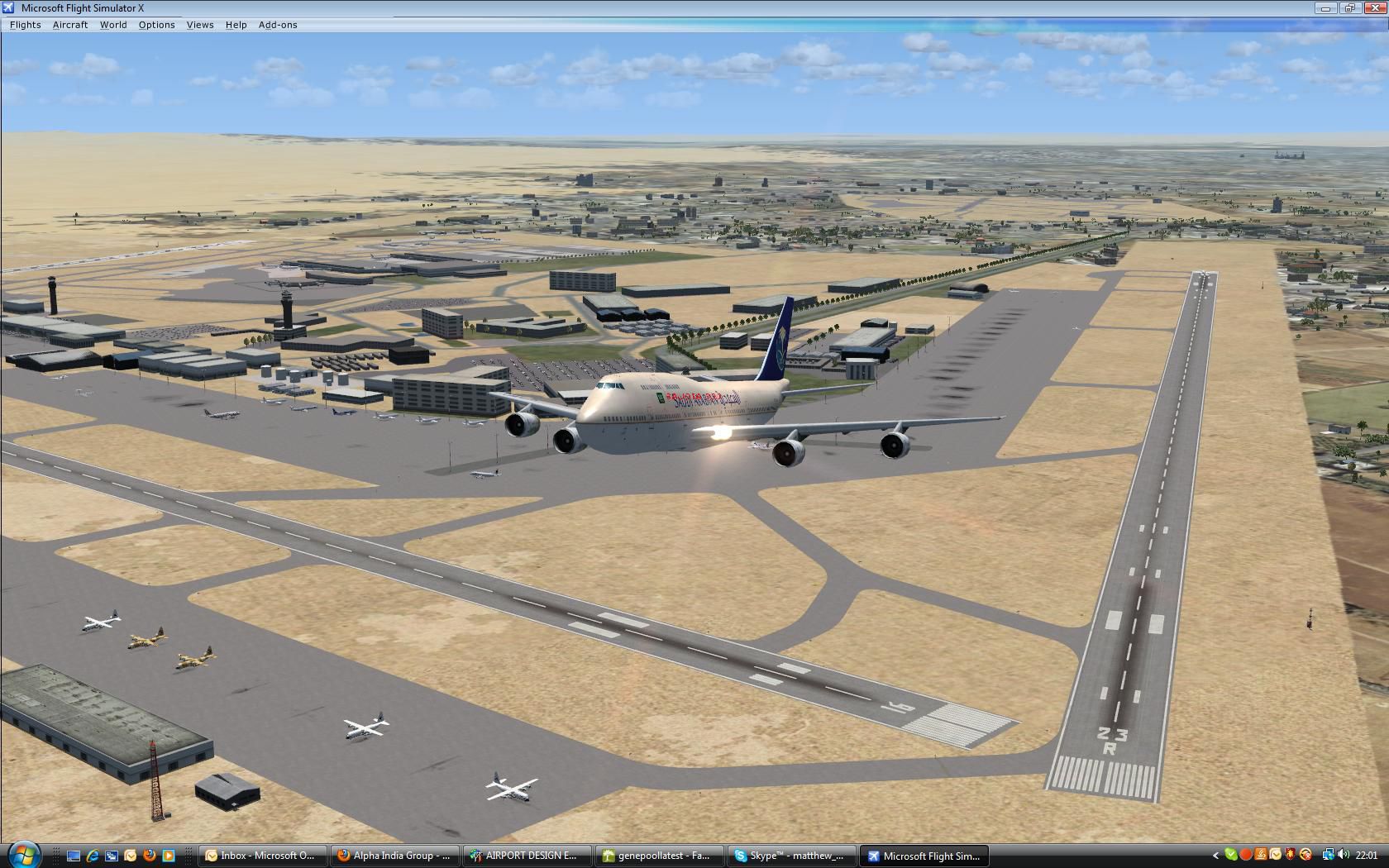
CaThis is part of the ninth round of airports issued by Alpha India Group. AIG Ground aims to create high quality AFCADs for both FS2004 and for FSX default and add on scenery airports. Airports are created drawing on the best available resources and aim to simulate the real world airport as closely as possible but also to ensure good levels of traffic with realistic parking and good flow of traffic around the airport. By Matthew Brooks and Alpha India Group.
Plane leaving Cairo International Airport.
Cairo International Airport is Egypt's largest international airport and is one of the major airports in the Middle East, with major expansion work well in hand - including the newly opened Terminal 3 for Egyptair and Star Alliance and a fourth runway opening this year.
Egyptair, a new Star Alliance member, is based at Cairo and the airport sees scheduled and charters traffic from many major Middle Eastern, European, North African and Asian airlines. Second largest user of the airport is Saudi Arabian Airlines.
The airport has substantial cargo traffic from Egyptair, other Egypt based cargo airlines and a range of Middle Eastern, Russian, Ukrainian and U.S. based carriers. A significant portion of the airport is still in military use by the Egyptian Air Force Hercules transports. The airport is also the base of Petroleum Air Services, which has a parking area set aside and serves oilfields in Egypt and elsewhere in the middle East.
Main Changes:
Personal thanks: this airport was developed jointly with Ray Smith, who committed many hours over two months to developing several elements of it and to suggesting aspects which could be improved. Without Ray's experience and participation, the airport would not have been comprehensively covered as it has been. Ray did not wish to be mentioned as joint author because he is not a member of the AIG Ground team and is mentioned in this way only by his own wish.
Credits:
Jon Masterson and the ADE (Airport Design Editor) development team for this by invaluable freeware utility for developing Airports. The latest version - 1.47.07 - is designed for both FSX and FS9 use - using Jim Vile's graphical approach editor to FS9 use as well. My thanks to both Jim and Jon for all their help and support on this and all AIG projects.
Jim Dhaenens for kind permission to use his lights, radars and hangars in any AIG projects and which are used widely here.
Installation:
Uninstall:
Free for all simmers · 1.17 MB · Scanned clean Oct 2026
Download speed: Free tier is capped at 0.5 Mbps. PRO members download at full line speed.
FSX\Addon Scenery\ containing scenery and texture sub-folders.readme.txt or README file. It tells you exactly where files go, what dependencies are needed, and any quirks specific to this add-on.Use these coordinates to fly directly to this location once the mod is installed.
30.12810000,31.40530000
Launch FSX or Prepar3D and use Flights → Load to open the downloaded .pln file. Your aircraft will be positioned at this location.
The archive aig_heca_cairo_international_egypt_fsx_default.zip has 14 files and directories contained within it.
This list displays the first 500 files in the package. If the package has more, you will need to download it to view them.
| Filename/Directory | File Date | File Size |
|---|---|---|
| HECA.JPG | 05.01.10 | 260.99 kB |
| AIG Ground FSX.png | 12.11.09 | 15.68 kB |
| Readme.txt | 05.22.10 | 7.04 kB |
| almwht.dds | 10.16.08 | 64.12 kB |
| asr9.dds | 04.28.09 | 128.12 kB |
| asr9_N.dds | 04.28.09 | 128.12 kB |
| gray.dds | 01.23.09 | 128.12 kB |
| lights1.dds | 11.06.08 | 32.12 kB |
| radars.bgl | 04.28.09 | 1.51 MB |
| lightobj.bgl | 09.04.09 | 643.63 kB |
| AIG_HECA_CW_ADEX_MB_Default.BGL | 05.26.10 | 286.56 kB |
| AIG_HECA_CW_ADEX_MB_Default_CVX.bgl | 05.26.10 | 5.14 kB |
| flyawaysimulation.txt | 10.29.13 | 959 B |
| Go to Fly Away Simulation.url | 01.22.16 | 52 B |
Only PRO members can place votes.
More FSX & P3D add-ons hand-picked based on this download.
FSX AFCAD Files
Cairo International, Egypt - update. This is part of the eleventh round of ai…
 FSX AFCAD Files
This is part of the tenth round of airports issued by Alpha India Group. AIG …
 FSX AFCAD Files
Charles-De-Gaulle International Airport (LFPG), Paris, France. This airport u…
 FSX AFCAD Files
Incheon International Airport (RKSI), South Korea. A total makeover designed …
 FSX AFCAD Files
Geneva International Airport (IATA: GVA, ICAO: LSGG), commonly known as Coint…
 FSX AFCAD Files
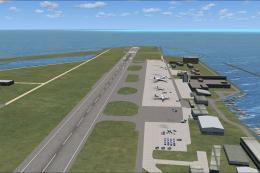
This is part of the ninth round of airports issued by Alpha India Group. AIG …
 FSX AFCAD Files
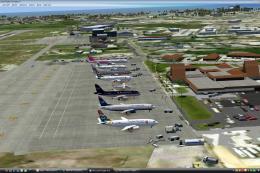
This is part of the tenth round of airports issued by Alpha India Group. AIG …
 FSX AFCAD Files
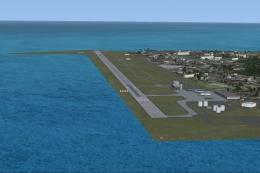
This scenery add-on provides an updated rendition of Seychelles International…
Read what other simmers think, or add your own.

Ive downloaded and installed the airport in my fsx, but the frame rates drop dramatically when the plane is at the airport. Anyway to fix this? Thank you.