

 FS2004 Civil Jet Aircraft
Southwest Boeing 737-300 "Silver One"
Repaint of the FFX Boeing 737-300 in the colors of Southwest Airlines "Silver…
Southwest Airlines “Silver One” livery brings a polished metallic look to the default Boeing 737-400 in Microsoft Flight Simulator 2004, with reflective textures, accurate markings, and faithful Southwest branding by Tony Potter. Requires the stock B737-400 base aircraft, delivering a distinctive Classic-era airliner profile for short-to-medium range flights.
 Rate
Rate
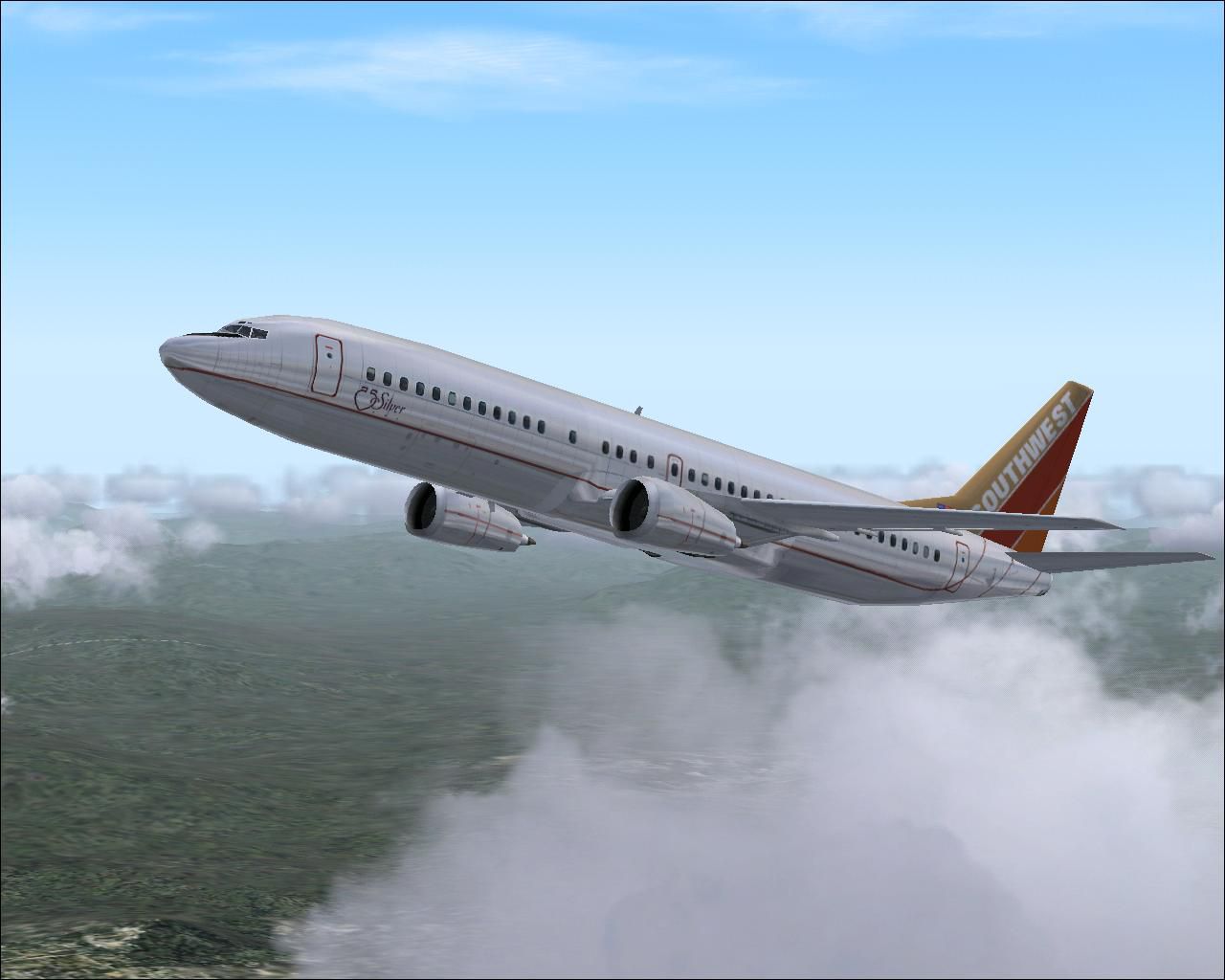
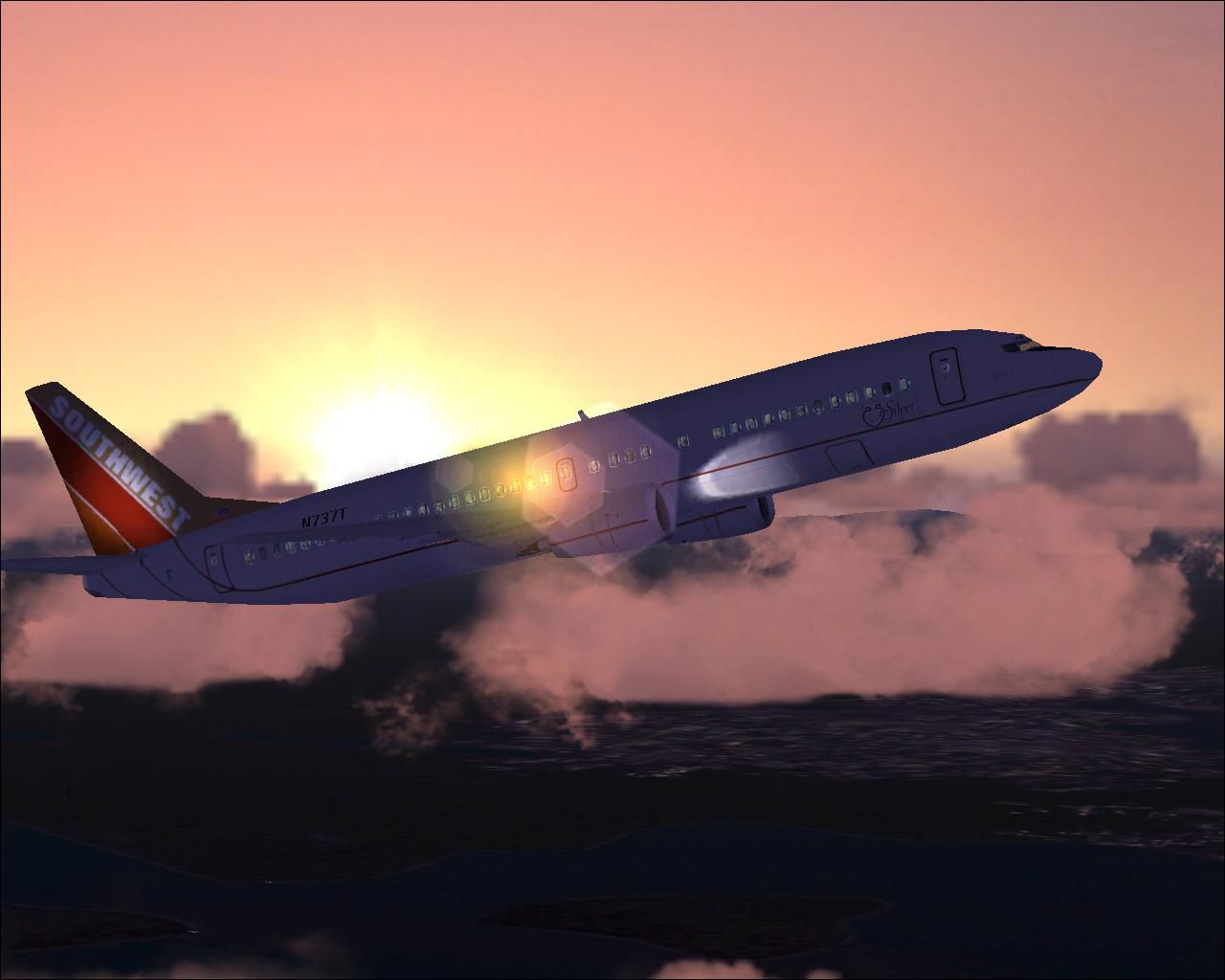
This freeware repaint of the default Boeing 737-400 in Microsoft Flight Simulator 2004 adds the striking Southwest Airlines “Silver One” livery created by Tony Potter. It incorporates a reflective metallic tone that captures the unique finish of this special scheme while maintaining high base-model fidelity. To use this repaint, you will need the default B737-400 already included in your simulator or available as a freeware base model from the Fly Away Simulation mod library.
Southwest Airlines has flown a variety of commemorative designs, and “Silver One” stands out for its polished aluminum appearance combined with trademark Southwest branding. The Boeing 737-400 itself is a member of the Classic 737 series, offering short-to-medium range operations. Boeing introduced this variant as a further refinement of earlier 737 designs, featuring improved payload capacity and efficient powerplants. The “Silver One” scheme brilliantly highlights the iconic lines of this aircraft.
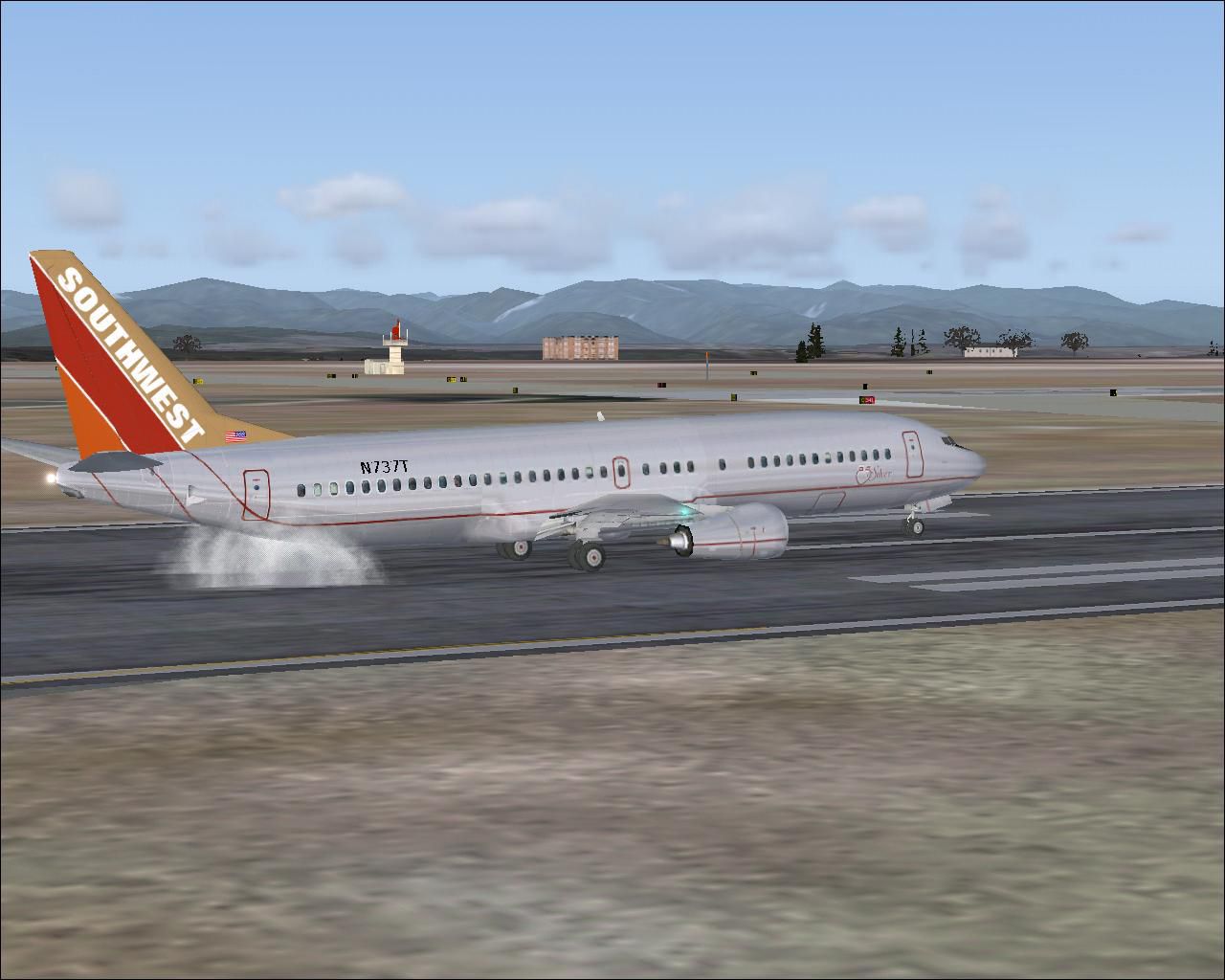
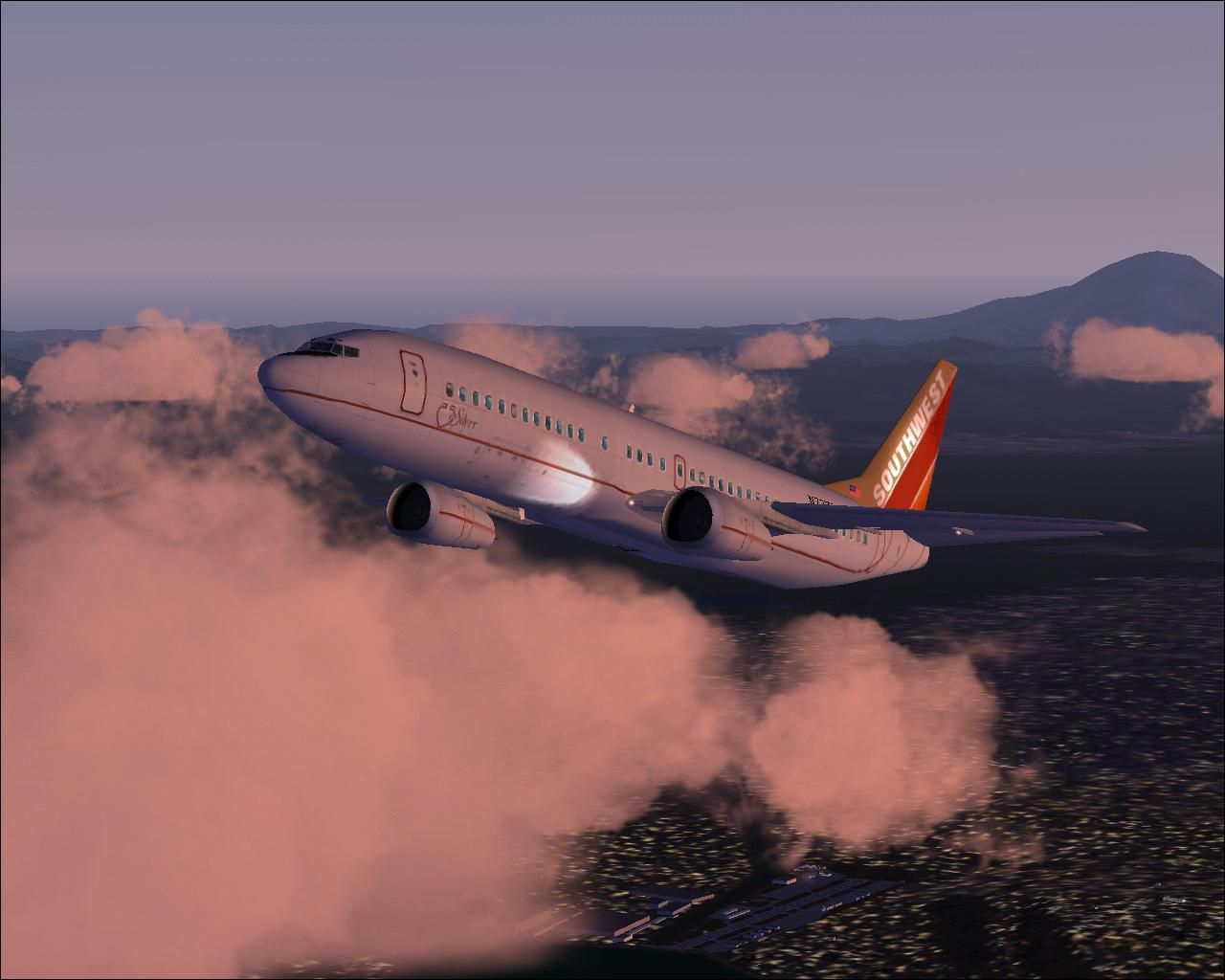
Textures by Tony Potter incorporate reflective surfaces that match the characteristic metal shine on the fuselage. The tail fin displays Southwest’s vibrant logo, while the main body integrates silver finishes that transition smoothly into the airline’s traditional color elements. All exterior markings are reproduced to mirror the original paint job, ensuring maximum realism in your virtual skies.
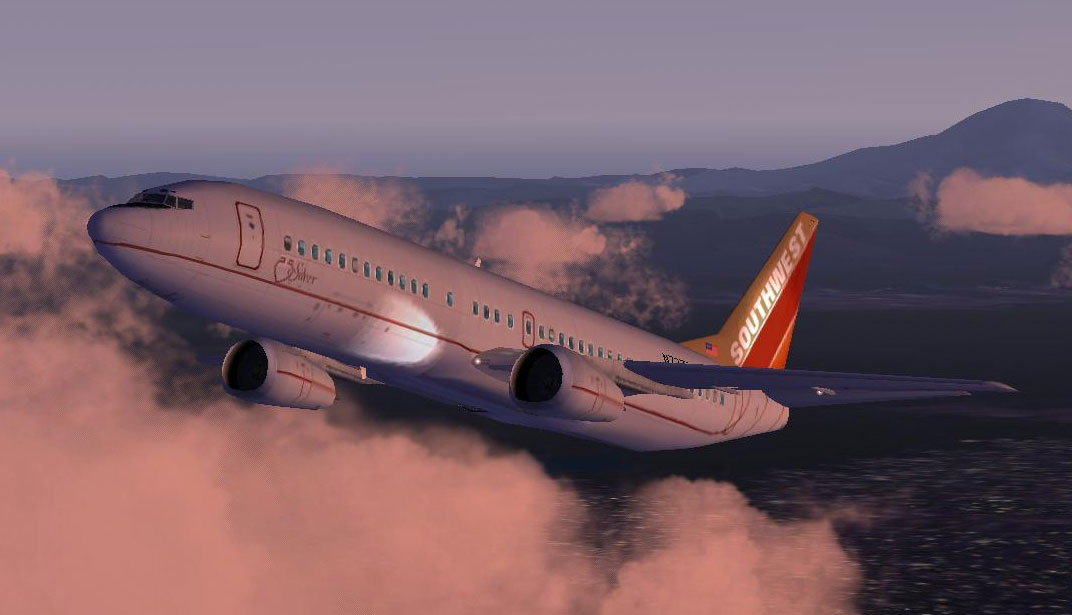
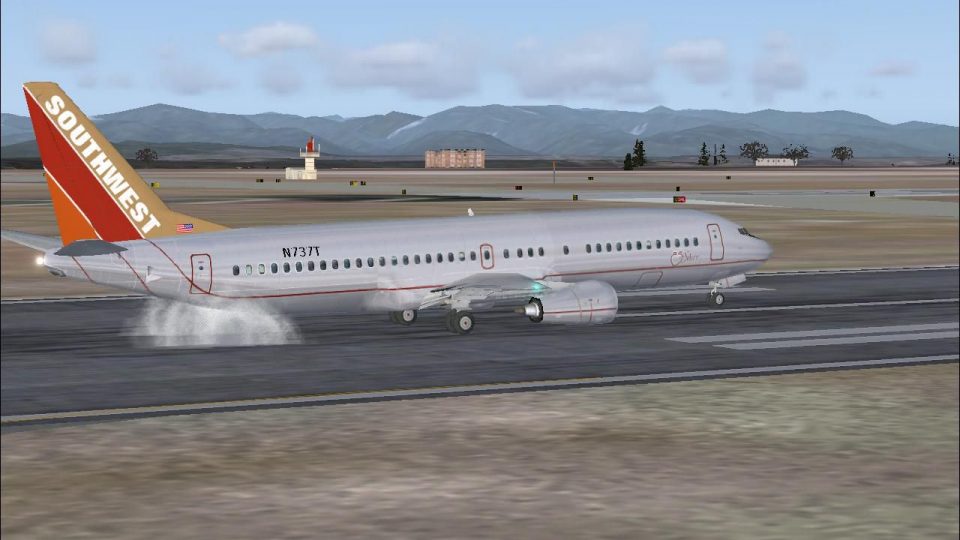
Screenshot showing the polished metallic accents on Southwest’s 737-400 in flight.
fs2004/aircraft/b737_400” folder.aircraft.cfg) located in “fs2004/aircraft/b737_400” and locate the last [fltsim.#] entry.[fltsim.x] section shown below and paste it directly after the final [fltsim.#] entry. Replace “x” with the next sequential number.aircraft.cfg. Once complete, you can hear Air Traffic Control refer to “Southwest” by updating airline.cfg. Including “Southwest” in that file allows correct airline callsigns. Tools like “A Century of Flight Airline Callsigns (airline_list_2004.zip)” by David Dossiere can also facilitate this step.[fltsim.x]
title=Boeing 737-400 SV1
sim=Boeing737-400
model=
panel=
sound=
texture=SV1
kb_checklists=Boeing737-400_check
kb_reference=Boeing737-400_ref
atc_id=N737T
atc_airline=Southwest
atc_flight_number=1123
ui_manufacturer=Boeing
ui_type="737-400"
ui_variation="Southwest Silver One"
description="Boeing’s 737-400 took the manufacturer’s best-selling narrow-body and evolved it for higher capacity. The versatile short-to-medium haul design has consistently proven its reliability. This special repaint honors Southwest's 'Silver One' commemorative livery, providing realistic metallic surfaces for a unique appearance in flight."
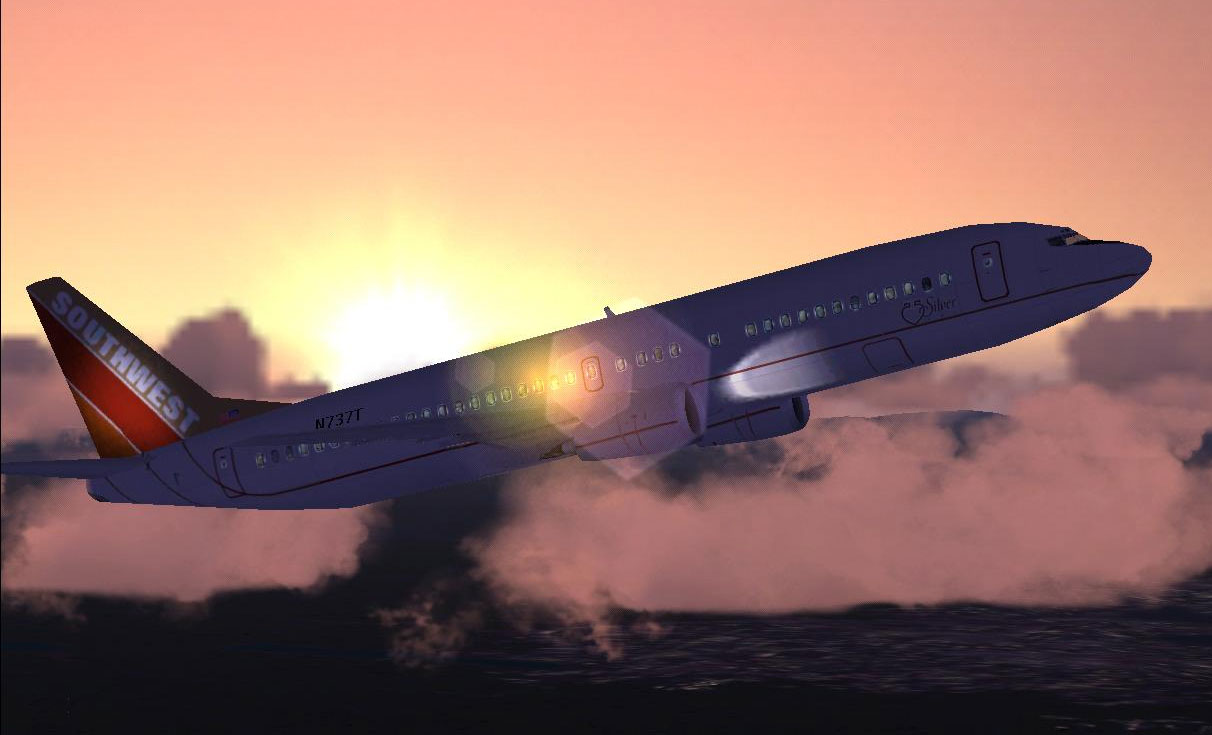
Screenshot illustrating reflective textures and colorful tail elements.
This repaint is designed for enthusiasts who enjoy Southwest’s heritage themes and want to extend their virtual fleet with a faithful reproduction of “Silver One.” Since it relies on the default Boeing 737-400 model from Microsoft Flight Simulator 2004, ensure you have that base aircraft installed or retrieved from the Fly Away Simulation library before applying these new textures. The outcome is a brilliant glimmer of silver in your virtual skies, courtesy of Tony Potter’s detailed artwork.
Free for all simmers · 1.21 MB · Scanned clean Oct 2026
Download speed: Free tier is capped at 0.5 Mbps. PRO members download at full line speed.
FS9\Aircraft\, FS9\Addon Scenery\, FS9\Gauges\, or FS9\Effects\.readme.txt or README file. It tells you exactly where files go, what dependencies are needed, and any quirks specific to this add-on.The archive b373_sv1.zip has 16 files and directories contained within it.
This list displays the first 500 files in the package. If the package has more, you will need to download it to view them.
| Filename/Directory | File Date | File Size |
|---|---|---|
| file_id.diz | 08.09.03 | 168 B |
| readme.txt | 08.09.03 | 4.31 kB |
| SV1.gif | 08.09.03 | 9.01 kB |
| SV1.JPG | 08.09.03 | 87.66 kB |
| SV11.JPG | 08.08.03 | 93.82 kB |
| SV12.JPG | 08.08.03 | 77.98 kB |
| SV13.JPG | 08.09.03 | 119.00 kB |
| texture.SV1 | 08.09.03 | 0 B |
| 737_panel_decals.bmp | 11.21.02 | 170.74 kB |
| 737_Panel_Decals_2.bmp | 10.27.02 | 42.74 kB |
| 737_Panel_Decals_3.bmp | 02.17.03 | 10.74 kB |
| B737_400_C.bmp | 10.29.02 | 682.74 kB |
| b737_400_L.bmp | 12.29.01 | 85.40 kB |
| b737_400_T.bmp | 08.08.03 | 1.33 MB |
| flyawaysimulation.txt | 10.29.13 | 959 B |
| Go to Fly Away Simulation.url | 01.22.16 | 52 B |
Only PRO members can place votes.
More FS2004 add-ons hand-picked based on this download.
FS2004 Civil Jet Aircraft
Repaint of the FFX Boeing 737-300 in the colors of Southwest Airlines "Silver…
 FS2004 Civil Jet Aircraft
Created by SGA/FFX. Textures by A J Nikoley.
 FS2004 Civil Jet Aircraft
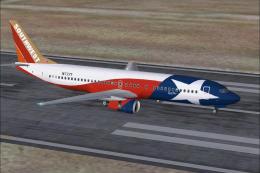
This freeware repaint offers a vivid rendition of Southwest Airlines’ “Lone S…
 FS2004 Civil Jet Aircraft
A repaint of the AIS-AI B737-400 model for use as an AI aircraft. Model by Jo…
 FS2004 Civil Jet Aircraft
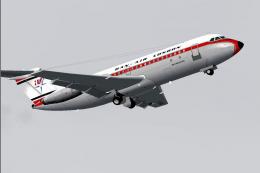
One of the first two BAC One-Elevens purchased by Dan Air. G-AXCK is wearing …
 FS2004 Civil Jet Aircraft
Kittyhawk Productions presents the B737-700 for FS2004, which includes full m…
FS2004 Civil Jet Aircraft
A repaint of the AIS-AI B737-300 model for use as an AI aircraft. Model by Jo…
FS2004 Civil Jet Aircraft
A repaint of the AIS-AI B737-800 model for use as an AI aircraft. Model by Jo…
Be the first to leave a comment on this download.
Be the first to share your thoughts on this download.