


FS2004 KLM Boeing 747-206BM PH-BUK
KLM’s Boeing 747-206BM SUD PH-BUK brings classic widebody traffic to FS2004 with a crisp Aki Matsumura repaint on the FSPainter model, using default 747 wing textures for convincing visuals and smooth frame rates. Designed for AI yet flyable, it pairs well with dedicated 747-200/300 CF6 soundsets for added realism.

- Type:Complete with Base Model
- File: fsp_klm.zip
- Size:1.61 MB
- Scan:
Clean (7d)

- Access:Freeware
- Content:Everyone

 Description
 Comments
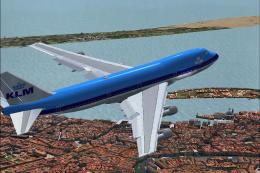
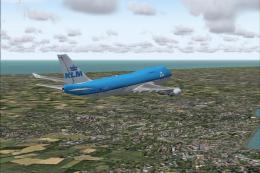
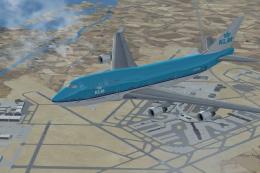
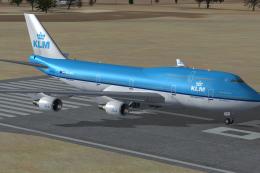
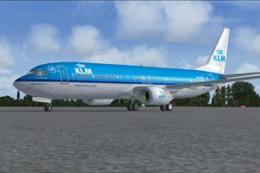
 KLM Boeing 747-206BM SUD, registration PH-BUK. Model by FSPainter. Repainted by Aki Matsumura.
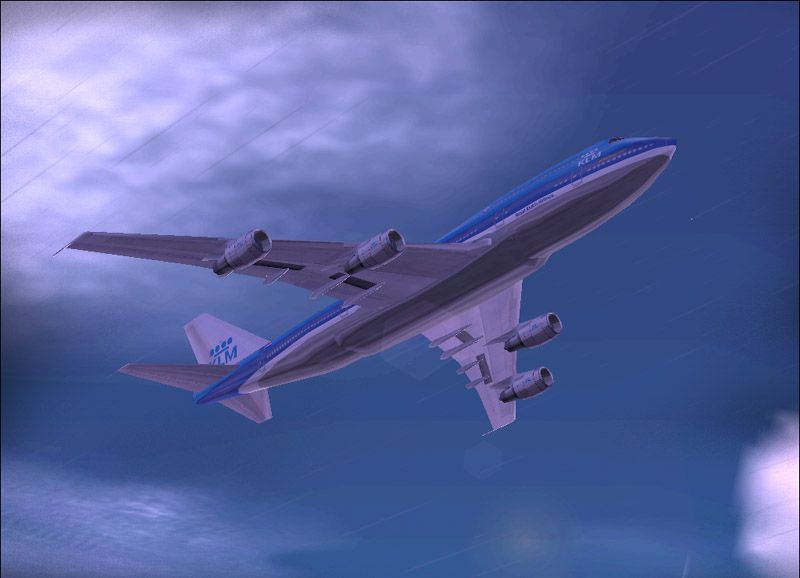
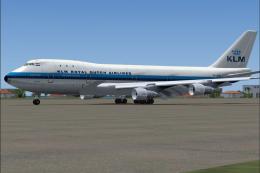
Screenshot of KLM Boeing 747-206BM in flight.
I change my mind and decided to paint Quarity AI aircraft. First is Boeing 747-206BM SUD KLM with FSPainter's model. I used Default 747s Wing texture. so it has pretty good-looking for AI. Also friendly-framelate. I hope you like it.
You can fly this aircraft too. go to AI_Plane then chose Boeing 747-200BM SUD. if you fly it by your self, I recommend to use Mike Maarse's 747-200/300 CF6-50E2 sound.
Installation:
- First you should Unzip "fsp_KLM_747.zip" to somewhere file.
- Copy and past textures that include in this ZIP in to your Aircraft folder or just put texture.KLM into your FSP 743 file if you have it already. (make sure you add information on Aircraft.cfg).
- Then Fire Up FS2004! or FS2002!
*If Aircraft does NOT moving on select screen, You should change sim=***** section.
Happy flying.
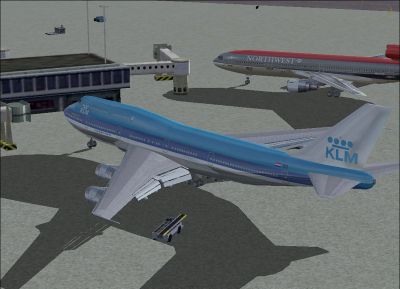
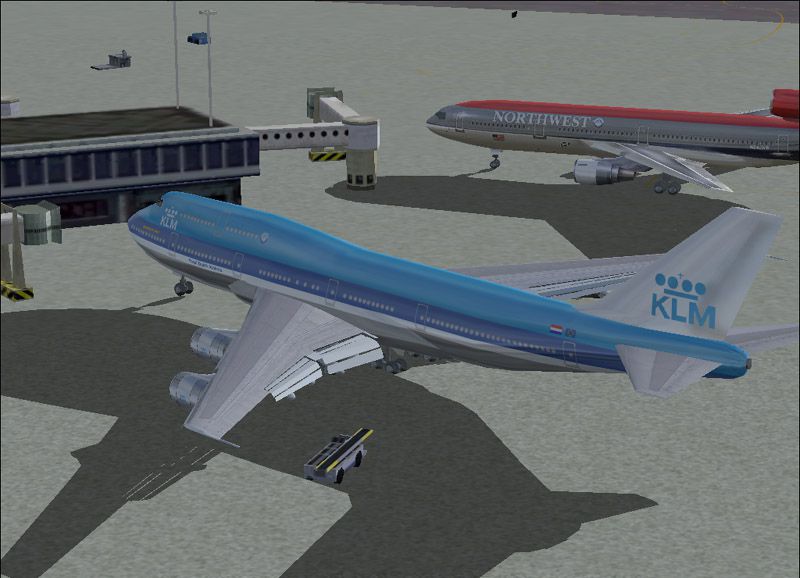
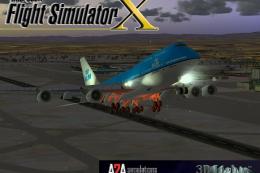
Screenshot of KLM Boeing 747-206BM at the gate.
Images & Screenshots

The archive fsp_klm.zip has 18 files and directories contained within it.
File Contents
This list displays the first 500 files in the package. If the package has more, you will need to download it to view them.
| Filename/Directory | File Date | File Size |
|---|---|---|
| aircraft.cfg | 10.17.03 | 13.66 kB |
| boeing747-400.air | 06.10.02 | 8.23 kB |
| Read Me.txt | 10.17.03 | 1.47 kB |
| CAPT_118.JPG | 10.17.03 | 102.00 kB |
| CAPT_114.JPG | 10.17.03 | 63.47 kB |
| fsp_743.mdl | 10.14.02 | 359.29 kB |
| Model.cfg | 05.26.03 | 28 B |
| fsp_743pw.mdl | 01.27.03 | 700.99 kB |
| fsp_KLM.gif | 10.17.03 | 11.22 kB |
| sound.cfg | 10.17.03 | 32 B |
| PANEL.CFG | 03.14.02 | 30 B |
| fsp_743ge.mdl | 10.24.02 | 376.21 kB |
| Model.cfg | 11.29.02 | 28 B |
| CAPT_115.JPG | 10.13.03 | 49.05 kB |
| fsp_743ge_t.bmp | 10.17.03 | 4.00 MB |
| fsp_743ge_l.bmp | 10.17.03 | 4.00 MB |
| flyawaysimulation.txt | 10.29.13 | 959 B |
| Go to Fly Away Simulation.url | 01.22.16 | 52 B |

Installation Instructions
Most of the freeware add-on aircraft and scenery packages in our file library come with easy installation instructions which you can read above in the file description. For further installation help, please see our Flight School for our full range of tutorials or view the README file contained within the download. If in doubt, you may also ask a question or view existing answers in our dedicated Q&A forum.
0 comments
Leave a Response