

 X-Plane Historic & Vintage Aircraft
Focke-Wulf FW.44C Stieglitz V0
The Focke-Wulf FW.44 Stieglitz was a two-seat trainer aircraft designed by Ku…
Republic RC-3 SeaBee brings a classic four-seat amphibian to X-Plane 10, modeled on a 1947 French Air Force liaison aircraft operated in Indochina. Expect confident water and runway capability, period-appropriate exterior details, and a functional virtual cockpit that suits relaxed coastal hops, river work, and bush-style touring.
 Rate
Rate
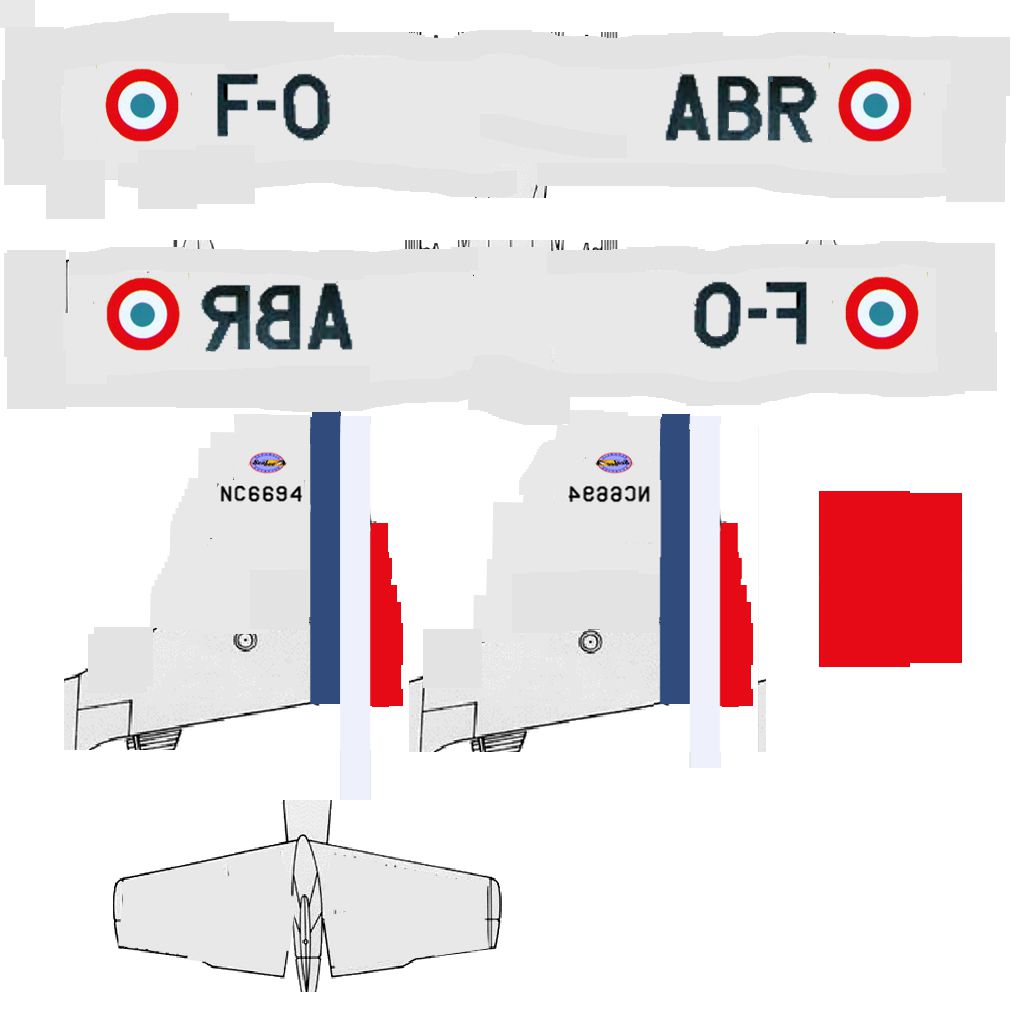


The Republic RC-3 SeaBee is a four-place amphibian aircraft. The one presented here was used in 1947 by the French Air Force "Section de liaison du Haut-Commissariat de France" in Indochina.
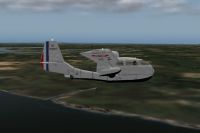
Republic RC-3 SeaBee flying over the coast.
Credit to Bernard Augras for using its pilot.
Free for all simmers · 8.64 MB · Scanned clean Aug 2026
Download speed: Free tier is capped at 0.5 Mbps (this file takes approximately 2 mins at the cap). PRO members download at full line speed.
Aircraft/ (planes), Custom Scenery/ (airports, mesh), or Resources/plugins/ (plugins).readme.txt or README file. It tells you exactly where files go, what dependencies are needed, and any quirks specific to this add-on.The archive RC-3 SeaBee.zip has 103 files and directories contained within it.
This list displays the first 500 files in the package. If the package has more, you will need to download it to view them.
| Filename/Directory | File Date | File Size |
|---|---|---|
| RC-3 SeaBee | 05.24.12 | 0 B |
| Airfoils | 05.24.12 | 0 B |
| cockpit | 05.13.12 | 0 B |
| -Panels- | 05.14.12 | 0 B |
| buttons | 05.24.12 | 0 B |
| Clark YH 014.afl | 09.21.11 | 24.48 kB |
| engine | 05.13.12 | 0 B |
| lights | 05.13.12 | 0 B |
| generic | 05.24.12 | 0 B |
| Clark-Y (good propeller).afl | 10.29.11 | 24.48 kB |
| NACA 0009 (symmetrical).afl | 10.29.11 | 24.48 kB |
| standard six | 05.11.12 | 0 B |
| airspeed | 05.11.12 | 0 B |
| Browse.plb | 05.13.12 | 20.58 kB |
| objects | 05.24.12 | 0 B |
| NACA 0050 (symmetrical).afl | 09.21.11 | 24.48 kB |
| Browse.plb | 05.14.12 | 18.64 kB |
| Browse.plb | 05.24.12 | 14.04 kB |
| but_avionics-1.png | 05.13.12 | 4.94 kB |
| but_avionics.png | 05.13.12 | 3.71 kB |
| but_battery-1.png | 05.13.12 | 4.94 kB |
| but_battery.png | 05.13.12 | 3.85 kB |
| but_brakes-1.png | 05.14.12 | 5.02 kB |
| but_brakes.png | 05.14.12 | 4.51 kB |
| but_command_slider-1.png | 05.13.12 | 4.94 kB |
| panel.png | 05.14.12 | 522.01 kB |
| but_inverter-1.png | 05.13.12 | 4.94 kB |
| but_command_slider.png | 05.24.12 | 3.21 kB |
| but_inverter.png | 05.13.12 | 3.75 kB |
| but_generator-1.png | 05.13.12 | 4.94 kB |
| but_generator.png | 05.13.12 | 3.81 kB |
| but_hydraulic_pump_engine.png | 05.13.12 | 3.96 kB |
| but_hydraulic_pump_engine-1.png | 05.13.12 | 4.94 kB |
| but_nav_light-1.png | 05.13.12 | 4.94 kB |
| Browse.plb | 05.13.12 | 1.58 kB |
| but_nav_light.png | 05.13.12 | 3.80 kB |
| gen_annun-1.png | 05.12.12 | 7.67 kB |
| gen_annun.png | 05.12.12 | 4.56 kB |
| gen_annunanchor-1.png | 05.14.12 | 7.97 kB |
| gen_annunanchor.png | 05.12.12 | 4.56 kB |
| Browse.plb | 05.24.12 | 20.22 kB |
| gen_annundoors.png | 05.24.12 | 4.56 kB |
| gen_annundoors-1.png | 05.24.12 | 8.44 kB |
| gen_needle-1.png | 10.31.06 | 3.88 kB |
| gen_needle.png | 10.31.06 | 16.20 kB |
| gen_needle40knts-1.png | 05.12.12 | 706 B |
| gen_needle40knts.png | 05.12.12 | 16.89 kB |
| gen_needle160knts.png | 05.12.12 | 29.86 kB |
| gen_trigger-1.png | 05.12.12 | 2.68 kB |
| gen_trigger.png | 05.12.12 | 2.69 kB |
| ASI_adap_GA-2.png | 05.11.12 | 3.56 kB |
| ASI_adap_GA-4.png | 03.14.06 | 4.02 kB |
| ASI_adap_GA.txt | 05.11.12 | 266 B |
| ASI_adap_GA.png | 05.11.12 | 15.23 kB |
| ASI_preset_GA_200-2.png | 04.03.05 | 4.21 kB |
| ASI_preset_GA_200.png | 05.11.12 | 21.93 kB |
| Browse.plb | 05.11.12 | 14.99 kB |
| Browse.plb | 05.24.12 | 77.67 kB |
| capotmoteur.obj | 05.07.12 | 86.92 kB |
| derive.obj | 05.07.12 | 26.16 kB |
| deriveanimee.obj | 05.07.12 | 28.86 kB |
| capotmoteur&moteur.obj | 05.24.12 | 453.70 kB |
| ensembleflotteurs.obj | 05.24.12 | 371.10 kB |
| flotteur.obj | 05.10.12 | 186.07 kB |
| fuselage&vitres.obj | 05.12.12 | 280.35 kB |
| fuselage.obj | 05.07.12 | 216.39 kB |
| fuselage_paint.png | 05.24.12 | 195.98 kB |
| deriveondulee.obj | 05.24.12 | 2.22 MB |
| fuselagecomplet&nervures.obj | 05.13.12 | 951.55 kB |
| general_pilot.obj | 10.05.09 | 304.04 kB |
| general_pilot.png | 10.23.07 | 232.31 kB |
| interieur.obj | 05.13.12 | 89.60 kB |
| interieurmod.obj | 05.13.12 | 86.51 kB |
| moteur.obj | 05.07.12 | 123.85 kB |
| fuselagecomplet.obj | 05.23.12 | 979.30 kB |
| nervuresfuselage.obj | 05.10.12 | 603.48 kB |
| panelcockpit.obj | 05.13.12 | 583.95 kB |
| planhorizontalmixte.obj | 05.24.12 | 1.51 MB |
| planhorizonduleter.obj | 05.11.12 | 2.34 MB |
| SeaBee Read Me.rtf | 05.24.12 | 437 B |
| trainarriere.obj | 05.11.12 | 268.16 kB |
| planhorizontalondule.obj | 05.09.12 | 1.68 MB |
| trainprincipalajuste.obj | 05.12.12 | 740.63 kB |
| voilure.obj | 05.07.12 | 148.83 kB |
| voilure_paint.png | 05.24.12 | 178.00 kB |
| voilureanimee.obj | 05.07.12 | 133.83 kB |
| trainprincipalanime.obj | 05.11.12 | 740.63 kB |
| waterrudder.obj | 05.24.12 | 76.99 kB |
| ww2_pilot.obj | 05.14.12 | 554.66 kB |
| ww2_pilot.png | 10.22.07 | 299.22 kB |
| RC-3SeaBee.acf | 05.24.12 | 2.15 MB |
| RC-3SeaBee_paint.png | 05.13.12 | 38.52 kB |
| RC-3SeaBee_paint2.png | 05.12.12 | 1.19 kB |
| SeaBee Read Me.rtf | 05.24.12 | 536 B |
| SeaBee text.rtf | 05.14.12 | 457 B |
| voilureonduleeanimee.obj | 05.24.12 | 14.83 MB |
| flyawaysimulation.txt | 10.29.13 | 959 B |
| Go to Fly Away Simulation.url | 01.22.16 | 52 B |
Only PRO members can place votes.
More X-Plane add-ons hand-picked based on this download.
X-Plane Historic & Vintage Aircraft
The Focke-Wulf FW.44 Stieglitz was a two-seat trainer aircraft designed by Ku…
 X-Plane Historic & Vintage Aircraft
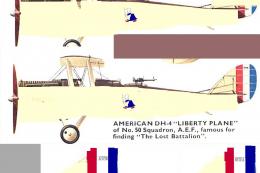
During WW1, on October 6, 1918,Lt Goettler and Bleckley took off with their A…
 X-Plane Historic & Vintage Aircraft
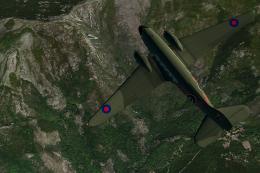
The Gamma family was an outgrowth of the Alpha, initially serving as a rugged…
 X-Plane Historic & Vintage Aircraft
Now version 3.2.0. The Douglas C47 is a twin-engined low wing transport aircr…
 X-Plane Historic & Vintage Aircraft
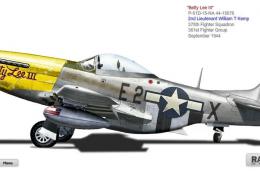
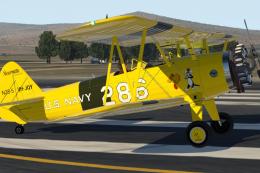
X-Plane 11 North American P-51D Mustang 1.0.1. This is Jacques Brault's P-51 …
 X-Plane Historic & Vintage Aircraft
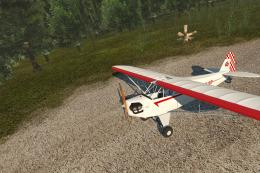
X-Plane 11 Stearman Spirit-of-Artemis v1.0. This version of the Stearman ori…
 X-Plane Historic & Vintage Aircraft
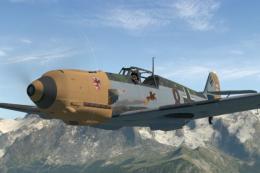
A complete package bringing the Piper J-3 Cub to X-Plane 11. The aircraft mod…
 X-Plane Historic & Vintage Aircraft
X-Plane 11.10+ Messerschmitt Bf 109-E4 1.0.1. The Messerschmitt Bf 109 is a G…
Read what other simmers think, or add your own.

I downloaded the Seabee to my X-Plane 10.51 and it loads fine, but in the "Read Me" notes it mentions that all the doors are open and to close them before take-off. That is fine also, but there are no instructions as to how to close the doors, nor does the door button on the instrument panel work. Please advise as to a solution. Thanks.