

 FS2004 Civil Jet Aircraft
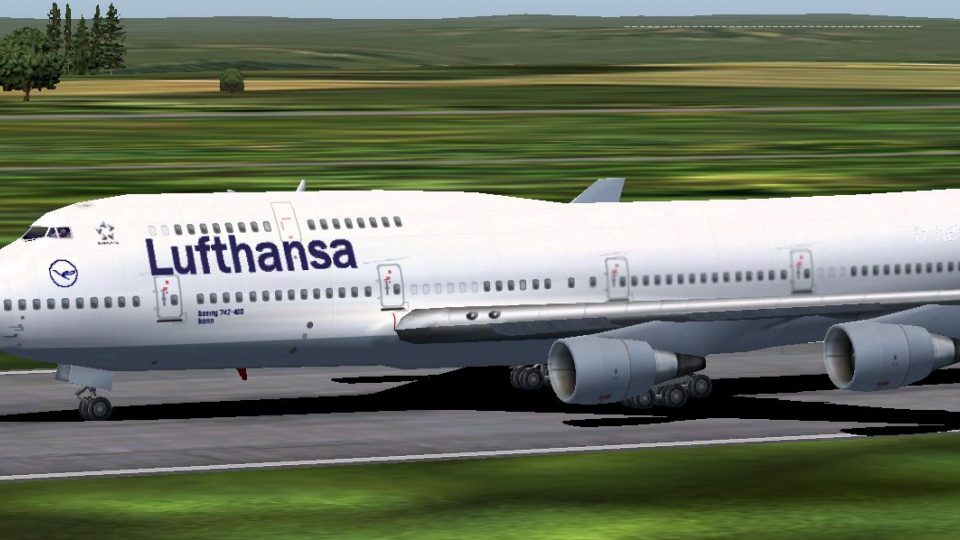
Boeing 747-400 Lufthansa
This is a repaint of the original 747-400 in Lufthansa livery. Textures only.…
Lufthansa Boeing 747-400 D-ABVB brings a crisp, authentic Lufthansa livery to the default 747-400, complete with matching registration and airline details for believable ATC and fleet variety. Designed for FS2004, it integrates cleanly into the aircraft selection and keeps the classic jumbo’s look consistent in flight and on the runway.
 Rate
Rate
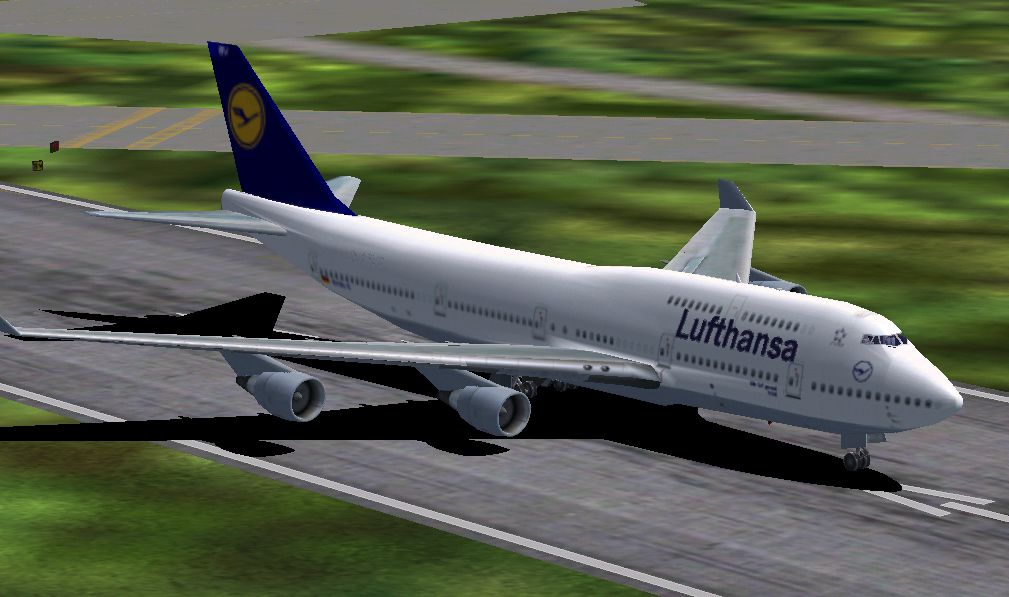
A repaint of the default B747-400 by Markus Bergstrom.
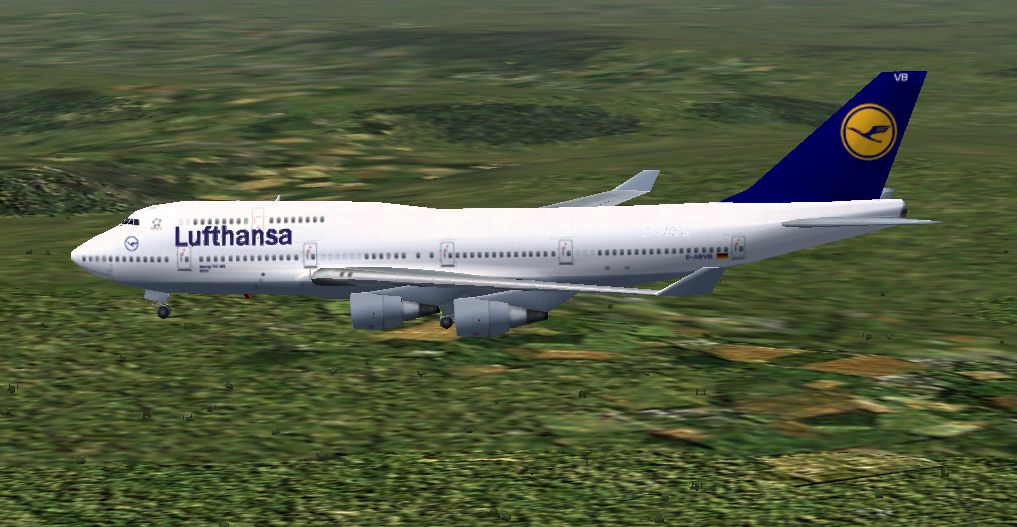
Screenshot of Lufthansa Boeing 747-400 in flight.
Please feel free to use it in any way you want.
INSTALLATION:
Move this folder with all it's content to your "Flight Simulator 9/Aircraft/b747_400" folder.
Open the aircraft.cfg-file in the same folder as above and copy the following lines to it:
[fltsim.x]

	title=Boeing 747-400 Lufthansa

	sim=Boeing747-400

	model=

	panel=

	sound=

	texture=lh

	kb_checklists=Boeing747-400_check

	kb_reference=Boeing747-400_ref

	atc_id_color=0xffffffff

	atc_id=D-ABVB

	atc_airline=Lufthansa

	atc_flight_number=481

	atc_heavy=1

	ui_manufacturer=Boeing

	ui_type="747-400"

	ui_variation="Lufthansa"

	visual_damage=1

	description="More than 30 years ago, the 747 made its first trip from New York to London. Since then, it's become the standard by which other large passenger jets are judged. Its size, range, speed and capacity were then, and are now, the best in its class."
Change the "x" in [fltsim.x] to the latest number in your aircraft.cfg-file.
Start FS9 and enjoy!
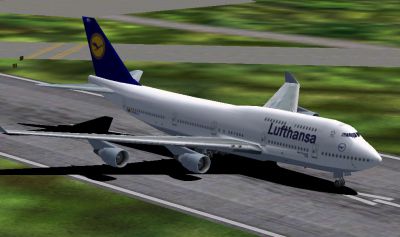
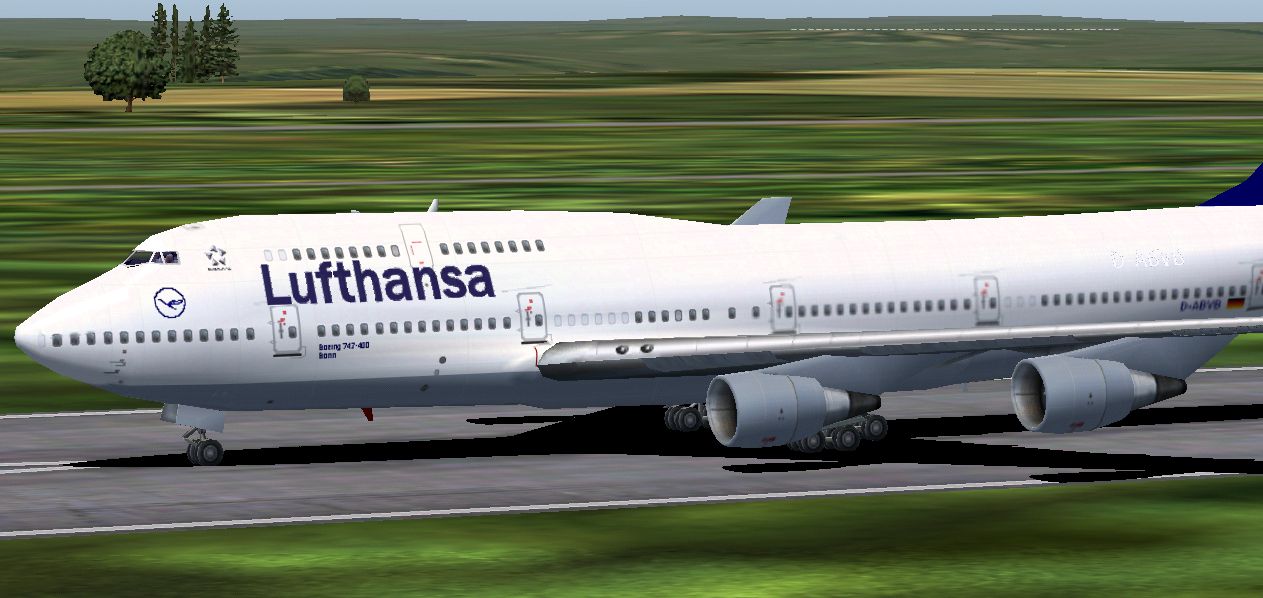
Screenshot of Lufthansa Boeing 747-400 on runway.
Free for all simmers · 2.13 MB · Scanned clean Oct 2026
Download speed: Free tier is capped at 0.5 Mbps. PRO members download at full line speed.
FS9\Aircraft\, FS9\Addon Scenery\, FS9\Gauges\, or FS9\Effects\.readme.txt or README file. It tells you exactly where files go, what dependencies are needed, and any quirks specific to this add-on.The archive b74743lu.zip has 13 files and directories contained within it.
This list displays the first 500 files in the package. If the package has more, you will need to download it to view them.
| Filename/Directory | File Date | File Size |
|---|---|---|
| texture.lh | 12.15.03 | 0 B |
| 1.png | 12.15.03 | 404.53 kB |
| 2.png | 12.15.03 | 454.09 kB |
| 3.png | 12.15.03 | 353.21 kB |
| 747_Decal_Label_1.bmp | 04.02.03 | 170.74 kB |
| 747_Decal_Label_2.bmp | 04.02.03 | 42.74 kB |
| B747_400_C.bmp | 10.31.02 | 682.74 kB |
| b747_400_L.bmp | 04.08.02 | 85.40 kB |
| b747_400_t.bmp | 12.15.03 | 4.00 MB |
| decal_b747_400.bmp | 12.01.01 | 10.73 kB |
| README.txt | 12.15.03 | 1.61 kB |
| flyawaysimulation.txt | 10.29.13 | 959 B |
| Go to Fly Away Simulation.url | 01.22.16 | 52 B |
Only PRO members can place votes.
More FS2004 add-ons hand-picked based on this download.
FS2004 Civil Jet Aircraft
This is a repaint of the original 747-400 in Lufthansa livery. Textures only.…
 FS2004 Civil Jet Aircraft
A repaint of the original B747-400 in Lufthansa livery. It is painted with ev…
 FS2004 Civil Jet Aircraft
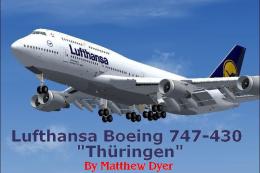
Lufthansa Boeing 747-400, registration D-ABTF, "Thuringen". In this repaint a…
 FS2004 Civil Jet Aircraft
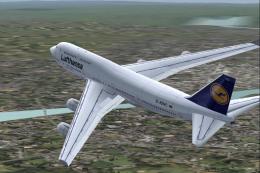
A repaint of the default B747-400 in Lufthansa colors v3, registration D-ABVC…
 FS2004 Civil Jet Aircraft
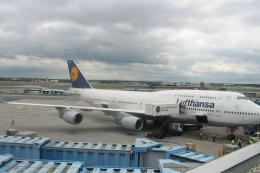
Textures only for the default B747-400. Repainted by Niklas Scharffetter. [fl…
 FS2004 Civil Jet Aircraft
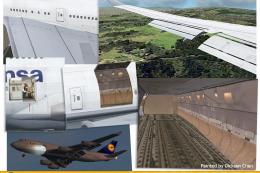
This is a repaint of Lufthansa's 747-430M combi 'Hamburg'. The textures are p…
 FS2004 Civil Jet Aircraft
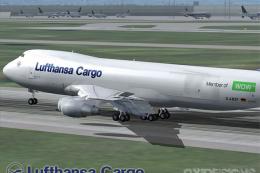
This Boeing 747-230F modification for FS2004 reproduces Lufthansa Cargo’s unf…
 FS2004 Civil Jet Aircraft
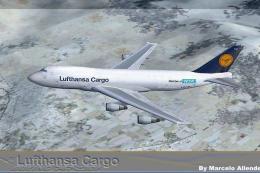
This Lufthansa Cargo Boeing 747-230F repaint showcases the “Asia” livery with…
Be the first to leave a comment on this download.
Be the first to share your thoughts on this download.