

 FS2004 Civil Jet Aircraft
Condor Boeing 757-200
This freeware Condor Boeing 757-200 package for FS2004 features two distinct …
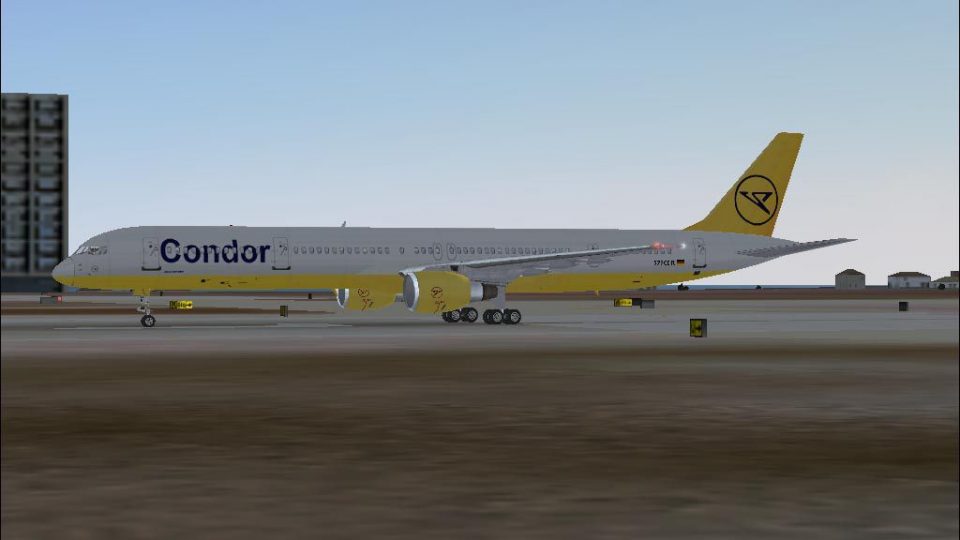
Condor’s Boeing 757-300 brings the stretched narrow-body to Microsoft Flight Simulator 2004 with crisp Condor livery, reflective exterior textures, and smooth animations for landing gear, rotating wheels, and fully deployed flaps. It requires Alexei Yarlykov’s B753PWVC base model for the aircraft and virtual cockpit textures.
 Rate
Rate
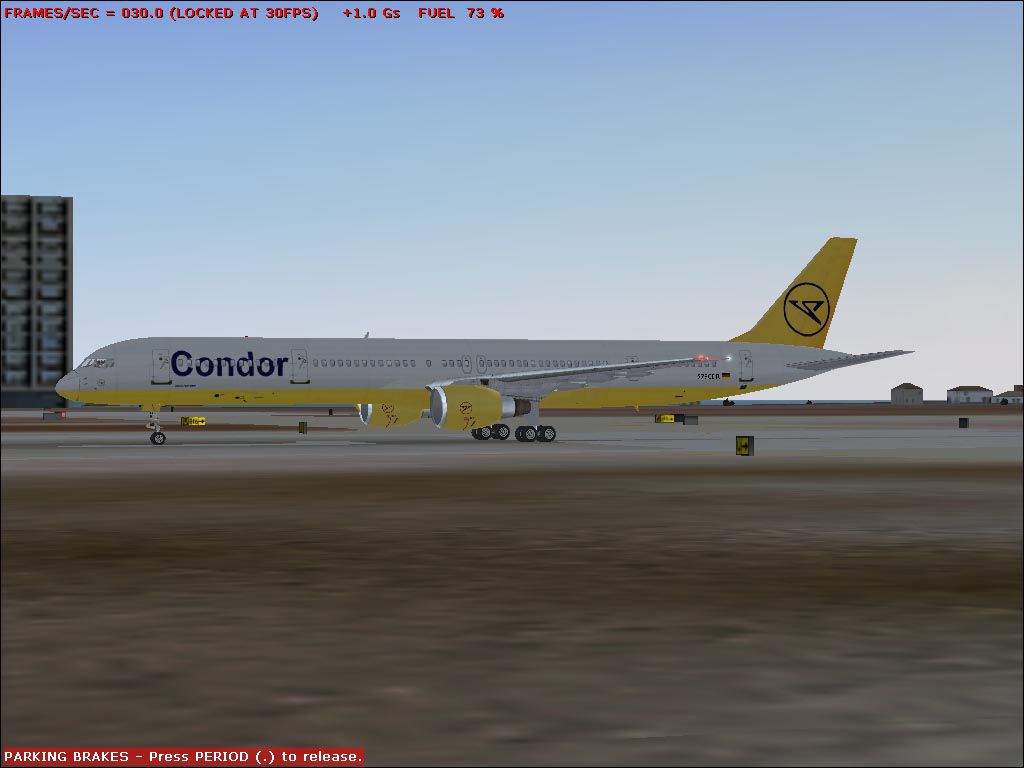
This freeware enhancement adds a detailed Condor-themed Boeing 757-300 to Microsoft Flight Simulator 2004 for enthusiasts who appreciate precise modeling and visual fidelity. Created by developer Alexei Yarlykov, it provides an extended-fuselage narrow-body aircraft with lifelike animations, including moving landing gear assemblies and deployable flight surfaces. Condor, a well-known German leisure airline, historically operated such stretched 757 variants on medium-range routes, appealing to travelers seeking efficient yet comfortable flights.
B753PWVC.ZIP by Alexei Yarlykov must be installed beforehand to enable these textures.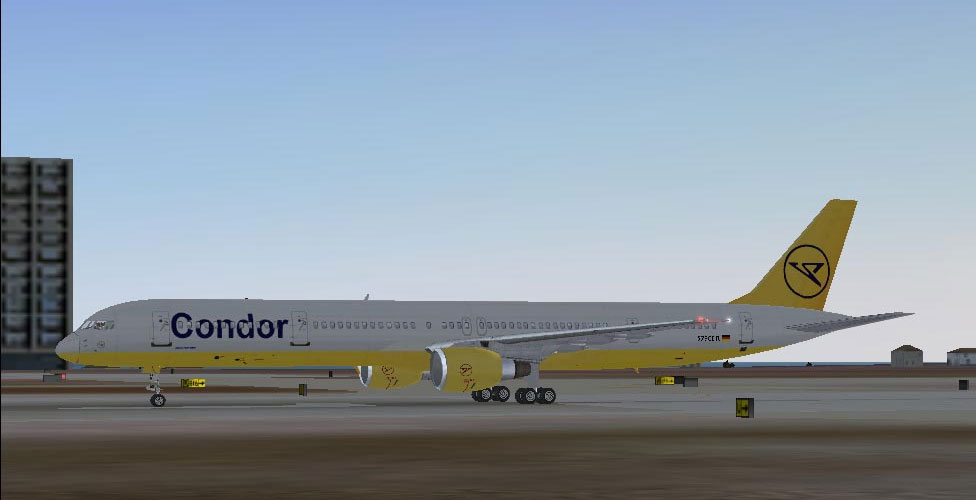
Screenshot showing a Condor Boeing 757-300 parked on the ramp.
This package incorporates textures adapted from the FS2004 Continental Boeing 757-300 (identified by B753pwvc.zip) and merges them with Condor-specific markings. The Boeing 757-300 is the longest variation within the 757 family, valued for its efficient performance and ample passenger capacity. To accurately portray that geometry and flight dynamics, you must first acquire the original model by Alexei Yarlykov.
FS2004\aircraft\b757-300 directory, and place the newly created texture.X folder there.[fltsim.X] section and paste it into the aircraft.cfg file in the b757-300 directory.FS2004\aircraft\b757-300\Texture, copy the seven files listed below, then move them into the newly placed texture.X folder:Adjust X in both the texture.X folder name and the [fltsim.X] header to match the next available numeric entry in your aircraft.cfg. For illustration:
[fltsim.X]
title=Boeing 777-300 PaintX
sim=Boeing777-300
model=
panel=
sound=
texture=X
Rename texture.X to reflect the same numerical value. After completing these steps, this Condor 757-300 repaint will be ready for flight.
Free for all simmers · 338.71 KB · Scanned clean Oct 2026
Download speed: Free tier is capped at 0.5 Mbps. PRO members download at full line speed.
This add-on may require the following files to function properly. If this is a repaint, the dependency below is likely the base aircraft package.
FS9\Aircraft\, FS9\Addon Scenery\, FS9\Gauges\, or FS9\Effects\.readme.txt or README file. It tells you exactly where files go, what dependencies are needed, and any quirks specific to this add-on.The archive b753pwcr.zip has 8 files and directories contained within it.
This list displays the first 500 files in the package. If the package has more, you will need to download it to view them.
| Filename/Directory | File Date | File Size |
|---|---|---|
| Texture.X | 12.21.03 | 0 B |
| b757_t.bmp | 12.21.03 | 1.00 MB |
| 753_CDRs.gif | 12.21.03 | 9.48 kB |
| 753_CDR.jpg | 12.21.03 | 74.02 kB |
| readme.txt | 12.21.03 | 1.29 kB |
| Aircraft.cfg | 12.21.03 | 350 B |
| flyawaysimulation.txt | 10.29.13 | 959 B |
| Go to Fly Away Simulation.url | 01.22.16 | 52 B |
Only PRO members can place votes.
More FS2004 add-ons hand-picked based on this download.
FS2004 Civil Jet Aircraft
This freeware Condor Boeing 757-200 package for FS2004 features two distinct …
 FS2004 Civil Jet Aircraft
Model by Project Open Sky. Repainted by Leon van Leeuwen. Screenshot of Condo…
 FS2004 Civil Jet Aircraft
This add-on presents a classic Condor Flugdienst Boeing 767-300, registration…
 FS2004 Civil Jet Aircraft
Registration D-ABWI, circa 1978. Vistaliners B727-200 in Condor Flugdienst ci…
 FS2004 Civil Jet Aircraft
This fully featured freeware release brings a meticulously recreated Boeing 7…
 FS2004 Civil Jet Aircraft
Experience a classic tri-jet airliner recreated with a distinctive 1989 Condo…
 FS2004 Civil Jet Aircraft
Includes detailed and accurate model recreating the A300B4 in all its prestig…
 FS2004 Civil Jet Aircraft
Condor Airbus A310-304 white, registration D-AICP. By Harald Nehring and Fran…
Be the first to leave a comment on this download.
Be the first to share your thoughts on this download.