

 FS2004 Civil Jet Aircraft
British Airways 'Nalanji Dreaming' Boeing 757-204
aircraft is made by Project OpenSky Model Designers : Lee Rosario, Albert Bou…
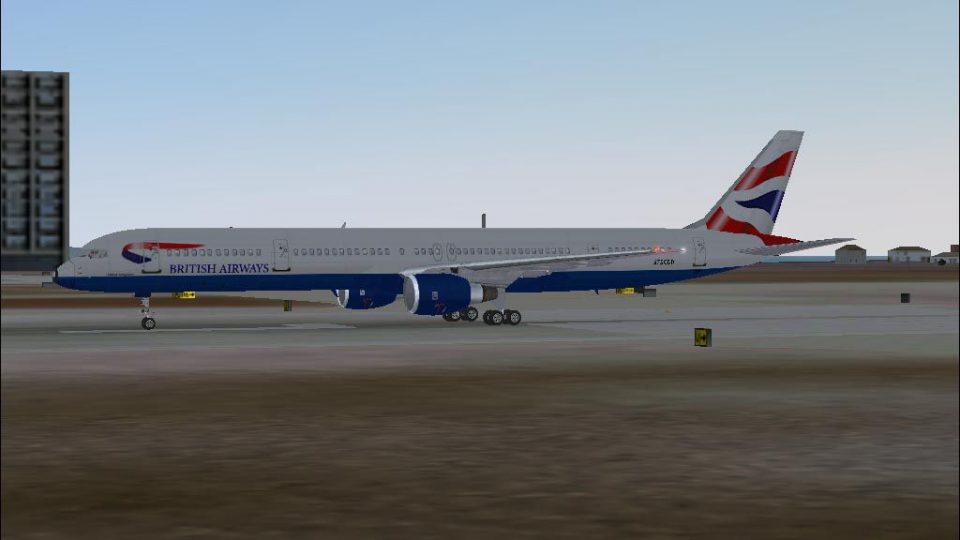
British Airways colors bring the Boeing 757-300 to life in Microsoft Flight Simulator 2004 with crisp textures, reflective exterior shine, animated rolling tires, and a smoothly functioning flap system for believable ground and flight visuals. The repaint requires B753PWVC.ZIP and includes matching virtual cockpit texture support for a cohesive airline presentation.
 Rate
Rate
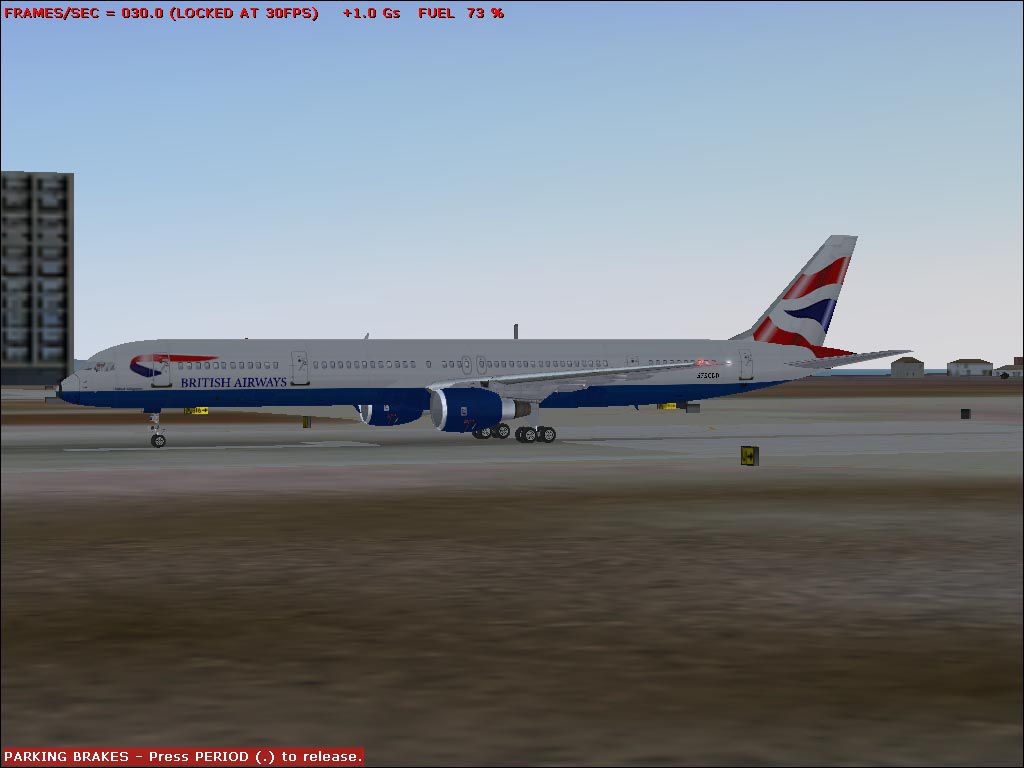
This freeware package enhances the Boeing 757-300 for Microsoft Flight Simulator 2004 with a specialized British Airways repaint created by Alexei Yarlykov. The add-on highlights meticulously animated rolling tires, a functioning flap system, and reflective surfaces for an authentic visual effect. For proper operation, please note that it requires the B753PWVC.ZIP package.
The included livery pays tribute to British Airways’ signature aesthetic, reflecting the airline’s prominence as a long-established flag carrier operating globally. In the real world, the Boeing 757-300 offers extended fuselage dimensions and fuel-efficient engines, making it a dependable choice for medium-haul routes. This repaint captures those attributes with convincing detailing and a vibrant fuselage texture.
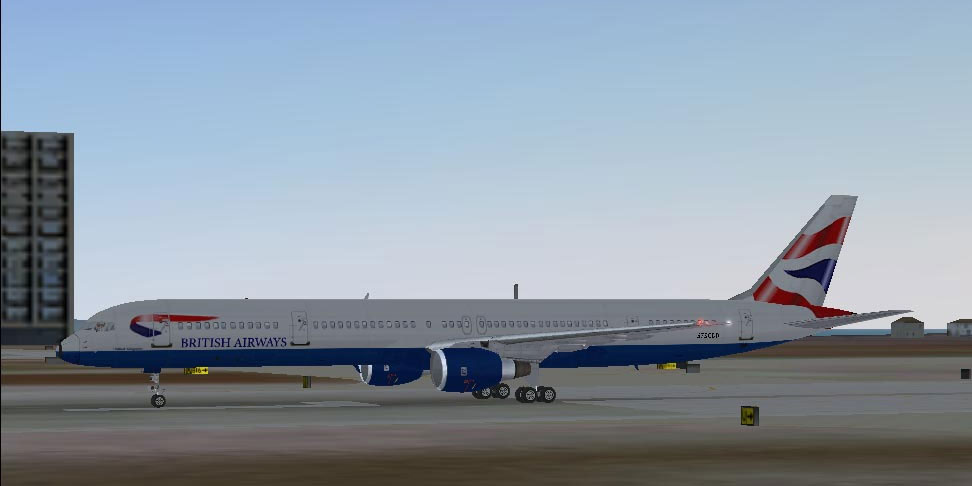
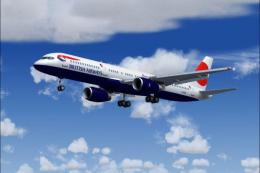
Screenshot of British Airways Boeing 757-300 on the ground.
To install this repaint into your existing 757-300 folder, please follow these instructions carefully:
These graphic resources are derived from the creator’s original textures found in the Boeing 757-300 Continental release.
The segment below demonstrates how to append the installation block in your aircraft.cfg file. Make sure the X in each line corresponds to your own repaint numbering:
[fltsim.X]
title=Boeing 777-300 PaintX
sim=Boeing777-300
model=
panel=
sound=
texture=X
After completing these steps, you can load the newly added British Airways Boeing 757-300 repaint for a refined flying experience. Immerse yourself in the airline’s color scheme while taking advantage of the performance efficiency that made the 757-300 series popular worldwide.
Free for all simmers · 351.55 KB · Scanned clean Oct 2026
Download speed: Free tier is capped at 0.5 Mbps. PRO members download at full line speed.
This add-on may require the following files to function properly. If this is a repaint, the dependency below is likely the base aircraft package.
FS9\Aircraft\, FS9\Addon Scenery\, FS9\Gauges\, or FS9\Effects\.readme.txt or README file. It tells you exactly where files go, what dependencies are needed, and any quirks specific to this add-on.The archive b753baw.zip has 8 files and directories contained within it.
This list displays the first 500 files in the package. If the package has more, you will need to download it to view them.
| Filename/Directory | File Date | File Size |
|---|---|---|
| Texture.X | 12.21.03 | 0 B |
| b757_t.bmp | 12.21.03 | 1.00 MB |
| 753_BAWs.gif | 12.21.03 | 9.76 kB |
| 753_BAW.jpg | 12.21.03 | 75.30 kB |
| readme.txt | 12.21.03 | 1.30 kB |
| Aircraft.cfg | 12.21.03 | 348 B |
| flyawaysimulation.txt | 10.29.13 | 959 B |
| Go to Fly Away Simulation.url | 01.22.16 | 52 B |
Only PRO members can place votes.
More FS2004 add-ons hand-picked based on this download.
FS2004 Civil Jet Aircraft
aircraft is made by Project OpenSky Model Designers : Lee Rosario, Albert Bou…
 FS2004 Civil Jet Aircraft
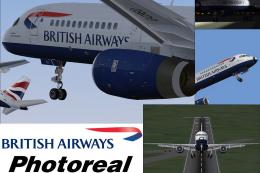
Model by Project Open Sky. Livery by Henry Lidster. Screenshot of British Air…
 FS2004 Civil Jet Aircraft
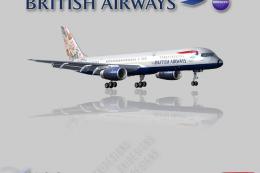
This freeware package features a British Airways Boeing 757-236 (G-BIKY) show…
 FS2004 Civil Jet Aircraft
This freeware package introduces the British Airways Boeing 757-236 painted i…
 FS2004 Civil Jet Aircraft
Textures only; requires SB757200.ZIP. Aircraft by Mike Stone. Livery by Rick …
 FS2004 Civil Jet Aircraft
British Airways Boeing 757 in 1999 Poppy Day livery. Model by AI Aardvark. Pa…
 FS2004 Civil Jet Aircraft
Experience the British Airways Boeing 757-200 G-BMRH "Nalanji Dreaming" in FS…
FS2004 Civil Jet Aircraft
Explore every aspect of this specialized British Airways Boeing 757-200, regi…
Be the first to leave a comment on this download.
Be the first to share your thoughts on this download.