

 FS2004 Civil Jet Aircraft
Alitalia McDonnell Douglas MD-83 I-DAWG
This freeware package for FS2004 delivers a highly detailed rendition of Alit…
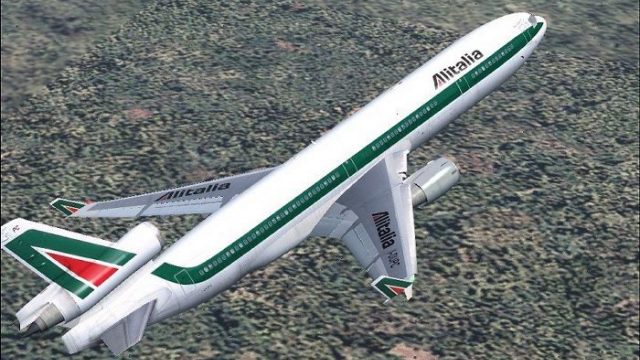
Alitalia’s McDonnell Douglas MD-11 I-DUPC comes to life in Flight Simulator 2004 with iFDG’s finely shaped tri-jet, featuring a reflective exterior, fully animated control surfaces, and a complete lighting suite. The package captures the MD-11’s winglets and updated tail profile, with cockpit-focused detail and smooth wing views in authentic airline colors.
 Rate
Rate
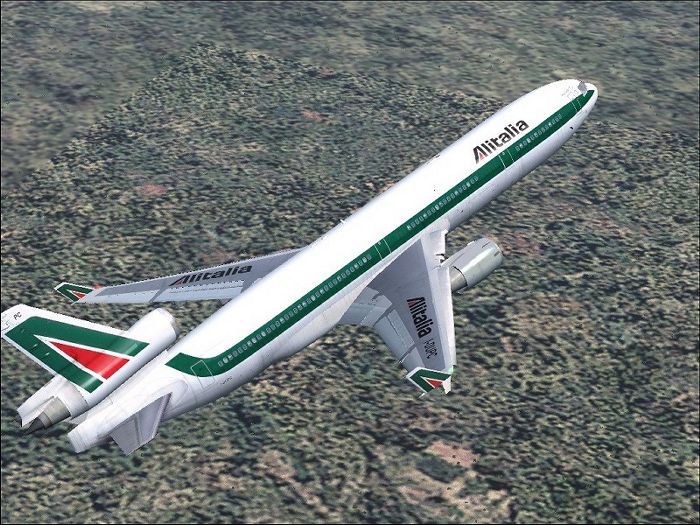
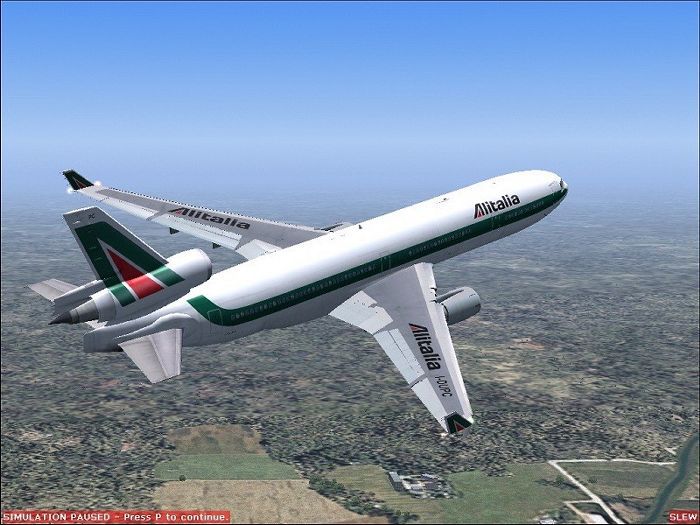
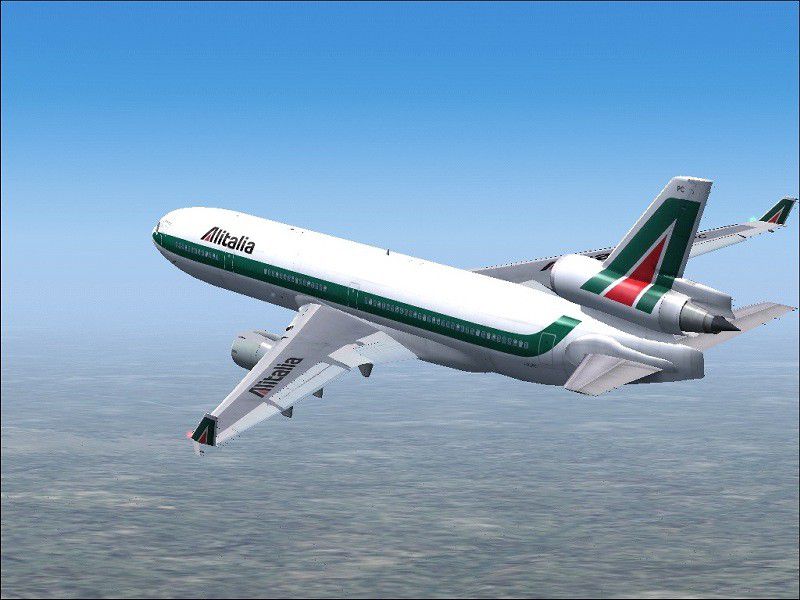
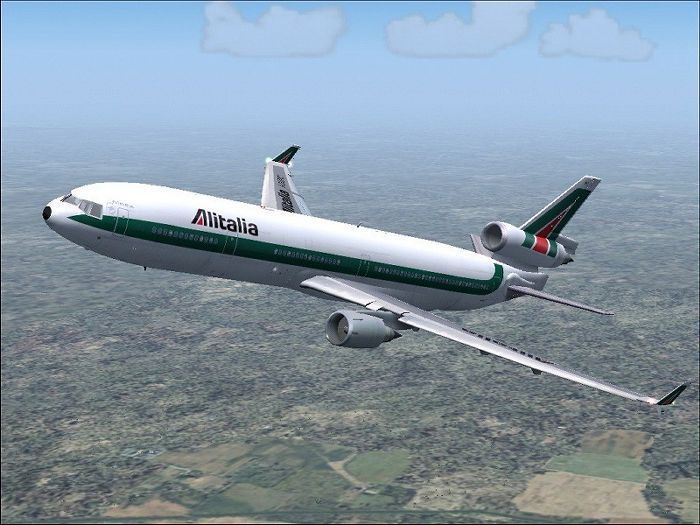
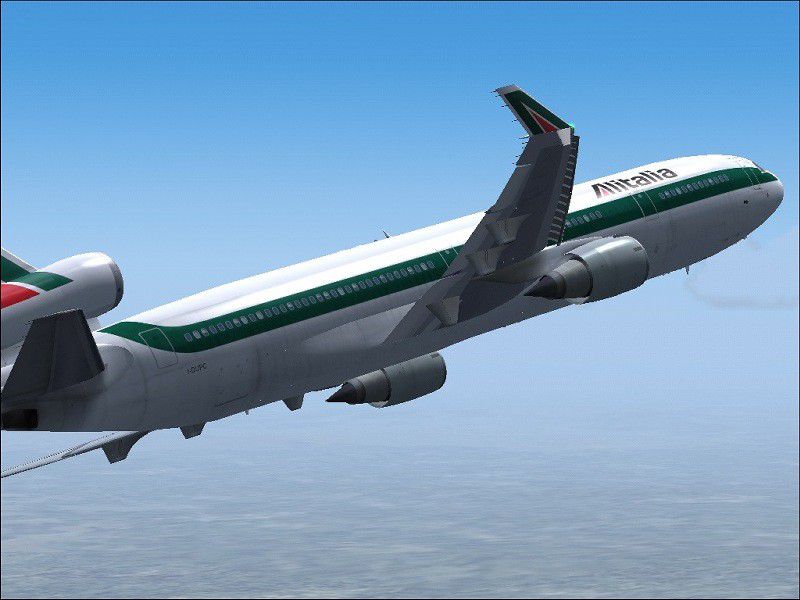
This freeware release for FS2004 showcases a highly accurate Alitalia McDonnell Douglas MD-11 (I-DUPC) add-on developed by iFDG (International Flightsim Design Group). It includes a reflective exterior, functional control surfaces, and a full lighting layout. Crafted by a dedicated team of creators, it allows simmers to experience an iconic tri-engine airliner in authentic Alitalia colors, originally painted by Alessandro Savarese.
McDonnell Douglas designed the MD-11 to refine the wide-cabin DC-10 design, introducing an extended fuselage and various aerodynamic updates. Alitalia, known for representing Italy’s principal airline operations for decades, briefly employed the MD-11 for medium- to long-haul routes. In this model, the developers integrated enhanced winglets and a reprofiled trailing edge to lower drag, a redesigned horizontal stabilizer incorporating fuel storage, and an elongated tail cone. These modifications collectively improve fuel efficiency and range capabilities.
Alitalia MD-11 cruising above the clouds.
Designed with pilot workload reduction in mind, the MD-11 includes a digital flight management system and dual automatic flight control capabilities. Six CRT displays provide vital data, while wind-shear detection enhances cockpit awareness. The interlinked wheel-and-column inputs simplify crew coordination. This detailed add-on incorporates those specialized systems alongside realistic animations such as flaperons, spoilerons, and visually rewarding wing views for Fly Away Simulation enthusiasts.
The MD-11’s maximum takeoff weight can reach up to 630,500 pounds (285,990 kg) on the extended-range (ER) variant. Depending on the chosen engine type—General Electric CF6-80C2, Pratt & Whitney 4460, or Pratt & Whitney 4462—fuel burn and speed profiles may vary slightly, but efficiency remains competitive in its class. A typical passenger layout accommodates between 285 and over 400 seats, and the lower deck holds extensive cargo, which airlines like Alitalia leveraged for commercial returns.
Model & FDE: Albaro Villegas
Master Textures: Ben Jones
Testing: The MD-11 Beta Team
Livery: Alessandro Savarese
Documentation: Albaro Villegas and Basten Heidema
Simply extract all files into your Flight Simulator Aircraft folder. Any included Effects should be placed in the main Flight Simulator Effects folder. Use the “I” key for activation when flying the aircraft. Each aspect of this package, including lighting, control deflection, and flaps deployment, has been meticulously tested to ensure a stable and realistic simulation experience.
Free for all simmers · 7.71 MB · Scanned clean Oct 2026
Download speed: Free tier is capped at 0.5 Mbps (this file takes approximately 2 mins at the cap). PRO members download at full line speed.
FS9\Aircraft\, FS9\Addon Scenery\, FS9\Gauges\, or FS9\Effects\.readme.txt or README file. It tells you exactly where files go, what dependencies are needed, and any quirks specific to this add-on.The archive azmd11pc.zip has 43 files and directories contained within it.
This list displays the first 500 files in the package. If the package has more, you will need to download it to view them.
| Filename/Directory | File Date | File Size |
|---|---|---|
| Antenna.bmp | 09.27.03 | 65.07 kB |
| Antenna_l.bmp | 09.15.03 | 64.07 kB |
| Engine.bmp | 01.29.04 | 4.00 MB |
| Engine_l.bmp | 09.15.03 | 64.07 kB |
| enginefan.bmp | 01.29.04 | 256.07 kB |
| enginefan_fast.bmp | 01.29.04 | 256.07 kB |
| enginefan_fast_l.bmp | 09.15.03 | 64.07 kB |
| enginefan_l.bmp | 09.15.03 | 64.07 kB |
| Flaps.bmp | 01.29.04 | 4.00 MB |
| Flaps_l.bmp | 09.15.03 | 64.07 kB |
| Gear.bmp | 01.29.04 | 1.00 MB |
| Gear_l.bmp | 09.15.03 | 64.07 kB |
| MainGear.bmp | 01.29.04 | 1.00 MB |
| MainGear_l.bmp | 09.15.03 | 64.07 kB |
| MD11_Fuse_front.bmp | 02.23.04 | 4.00 MB |
| MD11_Fuse_front_l.bmp | 02.23.04 | 1.00 MB |
| MD11_Fuse_middle.bmp | 02.23.04 | 4.00 MB |
| MD11_Fuse_middle_l.bmp | 02.23.04 | 1.00 MB |
| MD11_Fuse_rear.bmp | 01.29.04 | 4.00 MB |
| MD11_Fuse_rear_l.bmp | 02.23.04 | 1.00 MB |
| MD11_PWing_bottom.bmp | 01.29.04 | 4.00 MB |
| MD11_PWing_bottom_l.bmp | 09.15.03 | 64.07 kB |
| MD11_PWing_top.bmp | 01.29.04 | 4.00 MB |
| MD11_PWing_top_l.bmp | 09.15.03 | 64.07 kB |
| MD11_Stabilizer.bmp | 01.27.04 | 4.00 MB |
| MD11_Stabilizer_l.bmp | 09.15.03 | 1.00 MB |
| MD11_SWing_bottom.bmp | 01.29.04 | 4.00 MB |
| MD11_SWing_bottom_l.bmp | 09.15.03 | 64.07 kB |
| MD11_SWing_top.bmp | 01.29.04 | 4.00 MB |
| MD11_SWing_top_l.bmp | 09.15.03 | 64.07 kB |
| MD11P_Interior.bmp | 10.07.03 | 1.00 MB |
| MD11P_Interior_l.bmp | 10.07.03 | 1.00 MB |
| Tail.bmp | 01.29.04 | 4.00 MB |
| tail_l.bmp | 02.23.04 | 1.00 MB |
| Thumbs.db | 02.23.04 | 84.00 kB |
| Image1_2.jpg | 02.23.04 | 73.50 kB |
| Image2_2.jpg | 02.23.04 | 96.47 kB |
| Image3_2.jpg | 02.23.04 | 67.79 kB |
| Image4_2.jpg | 02.23.04 | 84.46 kB |
| Image5_2.jpg | 02.23.04 | 109.14 kB |
| readme.txt | 02.23.04 | 6.52 kB |
| flyawaysimulation.txt | 10.29.13 | 959 B |
| Go to Fly Away Simulation.url | 01.22.16 | 52 B |
Only PRO members can place votes.
More FS2004 add-ons hand-picked based on this download.
FS2004 Civil Jet Aircraft
This freeware package for FS2004 delivers a highly detailed rendition of Alit…
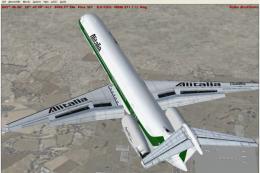 FS2004 Civil Jet Aircraft
This FFX/SGA McDonnell Douglas MD80 aircraft features a Gmax model that is tr…
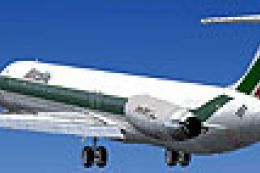 FS2004 Civil Jet Aircraft
This aircraft features a Gmax model that is true to the real aircraft in many…
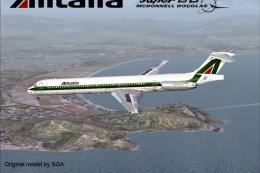 FS2004 Civil Jet Aircraft
Features 32 bit hand drawn textures without mips. Textures only. Model by SGA…
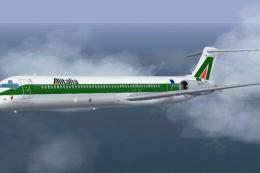 FS2004 Civil Jet Aircraft
Alitalia McDonnell Douglas MD-83, registration I-DATS, "Foligno". Textures fo…
 FS2004 Civil Jet Aircraft
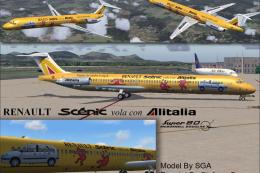
Douglas MD-80 in Renault Scenery vola con Alitalia livery. Features 32 bit ha…
 FS2004 Civil Jet Aircraft
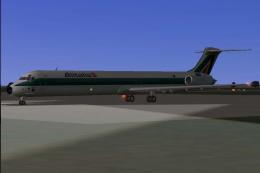
This repaint package for Microsoft Flight Simulator 2004 presents an Alitalia…
 FS2004 Civil Jet Aircraft
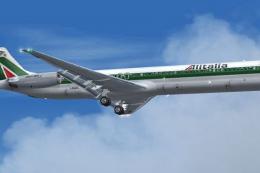
This repaint package provides Alitalia textures for the freeware SGA McDonnel…
Be the first to leave a comment on this download.
Be the first to share your thoughts on this download.