

 FS2004 Civil Jet Aircraft
United Airlines Boeing 767-300
This add-on features a detailed rendition of the United Airlines Boeing 767-3…
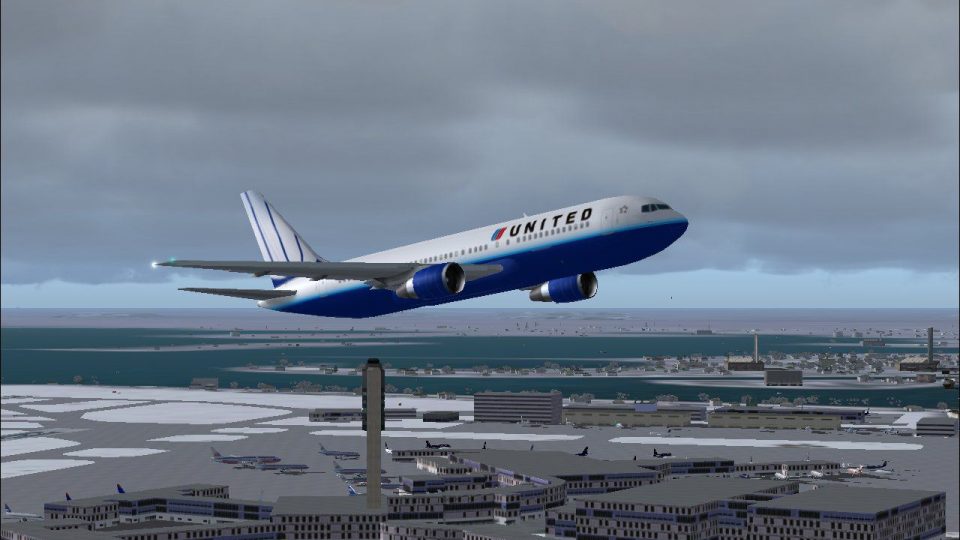
United Airlines’ Boeing 767-200 brings the carrier’s latest livery to a performance-friendly wide-body twinjet for Microsoft Flight Simulator 2004. Built on the AI Aardvark model with 32-bit textures and tuned flight dynamics, it suits both dense AI traffic schedules and hands-on flying with smooth frame rates and crisp external detail.
 Rate
Rate
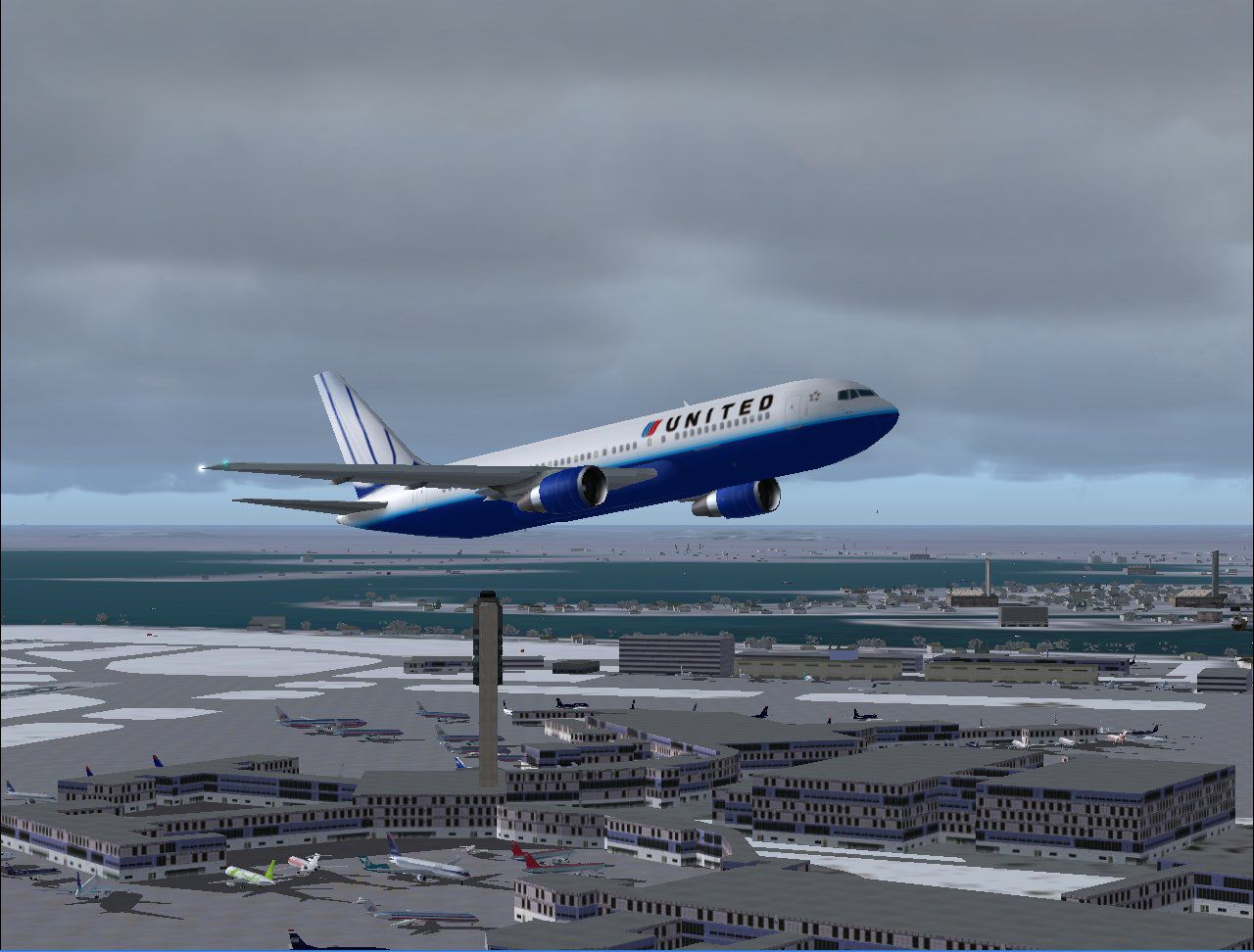
Experience a meticulous representation of United Airlines’ latest color scheme on a wide-body mid-size twinjet, carefully crafted for Microsoft Flight Simulator 2004 enthusiasts. This freeware download sets the stage for a rewarding simulation session, featuring full compatibility with both high-density AI traffic injection and manual flight operations.
The Boeing 767-200 (a wide-body, twin-engine aircraft) offers mid-range travel capabilities and has been a workhorse in passenger service for United Airlines. In this rendition, AI Aardvark integrated an efficient flight model that is equally suitable for those aiming to populate virtual skies with realistic airline routes. Furthermore, the design emphasizes an optimized polygon count, essentially helping users with lower-tier hardware maintain smooth performance.
Repainted by Mike Pearson and incorporating 32-bit textures, this model accurately captures the nuanced hues and revamped branding of United Airlines’ newest identity. The layered detail effectively balances visual fidelity with manageable system demands. As a result, the aircraft shines in close-up views and remains streamlined when rendered externally or in AI traffic scenarios.
Authentically repainted Boeing 767-200 showcasing United Airlines’ updated design.
This release incorporates the entire AI Aardvark base model along with Mike Pearson’s repaint, ensuring one cohesive download that is ready to install and implement. Virtual pilots benefit from top-tier visuals plus the ability to monitor AI air traffic featuring realistic regional routes tied to United Airlines.
When installed, expect fluid frame rates and crisp detailing as you explore mid-range flights or observe bustling AI schedules. The FS2004 environment integrates smoothly, aligning flight paths and visual effects for an immersive airline simulation experience. Whether you plan to fly hands-on or watch it navigate established virtual corridors, this freeware aircraft mod enhances authenticity within the simulator.
Free for all simmers · 946.76 KB · Scanned clean Oct 2026
Download speed: Free tier is capped at 0.5 Mbps. PRO members download at full line speed.
FS9\Aircraft\, FS9\Addon Scenery\, FS9\Gauges\, or FS9\Effects\.readme.txt or README file. It tells you exactly where files go, what dependencies are needed, and any quirks specific to this add-on.The archive av76ualn.zip has 19 files and directories contained within it.
This list displays the first 500 files in the package. If the package has more, you will need to download it to view them.
| Filename/Directory | File Date | File Size |
|---|---|---|
| aav b762 ual nc readme.txt | 02.22.04 | 347 B |
| aav b762pw ual nc small.gif | 02.22.04 | 11.54 kB |
| aav b762pw ual nc.jpg | 02.22.04 | 156.01 kB |
| aia_767_200_pw.air | 06.12.03 | 8.69 kB |
| Aircraft.cfg | 02.22.04 | 13.84 kB |
| model.pw nonreflective | 02.22.04 | 0 B |
| aia_767_200_pw.mdl | 11.18.03 | 528.00 kB |
| model.cfg | 11.13.03 | 31 B |
| panel | 02.22.04 | 0 B |
| panel.cfg | 11.18.03 | 30 B |
| sound | 02.22.04 | 0 B |
| sound.cfg | 10.22.03 | 40 B |
| texture.ual nc | 02.22.04 | 0 B |
| AIA_767_200_pw_l.bmp | 12.03.03 | 1.00 MB |
| AIA_767_200_pw_t.bmp | 02.22.04 | 4.00 MB |
| Thumbs.db | 02.22.04 | 21.50 kB |
| Thumbs.db | 02.22.04 | 15.50 kB |
| flyawaysimulation.txt | 10.29.13 | 959 B |
| Go to Fly Away Simulation.url | 01.22.16 | 52 B |
Only PRO members can place votes.
More FS2004 add-ons hand-picked based on this download.
FS2004 Civil Jet Aircraft
This add-on features a detailed rendition of the United Airlines Boeing 767-3…
 FS2004 Civil Jet Aircraft
Experience a refined Boeing 767-300 rendition in a fresh United Airlines colo…
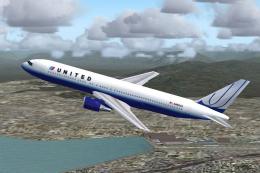 FS2004 Civil Jet Aircraft
A repaint of FSPainter's B767-300 in United Airlines' new color scheme. By An…
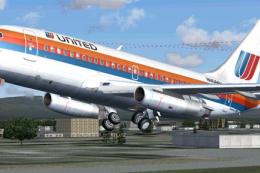 FS2004 Civil Jet Aircraft
This is a repaint of Erick Cantu's new Boeing 737-200 in the colors of United…
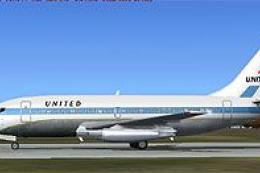 FS2004 Civil Jet Aircraft
This specialized freeware package recreates United Airlines' iconic Boeing 73…
 FS2004 Civil Jet Aircraft
This complete freeware package offers a meticulously repainted Boeing 757-200…
 FS2004 Civil Jet Aircraft
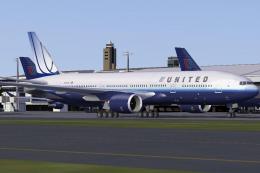
Includes N206UA (normal color, weathering clean), N775US (new color), N777UA …
 FS2004 Civil Jet Aircraft
Experience the iconic Boeing 747-200 sporting United Airlines’ 1980s paint sc…
Be the first to leave a comment on this download.
Be the first to share your thoughts on this download.