

 FS2004 Civil Jet Aircraft
Aerolineas Argentinas Boeing 737-287 LV-JTO
Immerse yourself in the distinctive livery of Aerolíneas Argentinas’ Boeing 7…
Aerolineas Argentinas Boeing 737-287 LV-JTD brings a faithful 2004-era AI airliner to Microsoft Flight Simulator 2004 with a crisp, era-correct repaint, an updated AirFile for smoother high-altitude cruise and realistic Mach figures, and 70 authentic domestic and regional schedules with real flight numbers and routes; requires Just Flight Traffic 2004.
 Rate
Rate
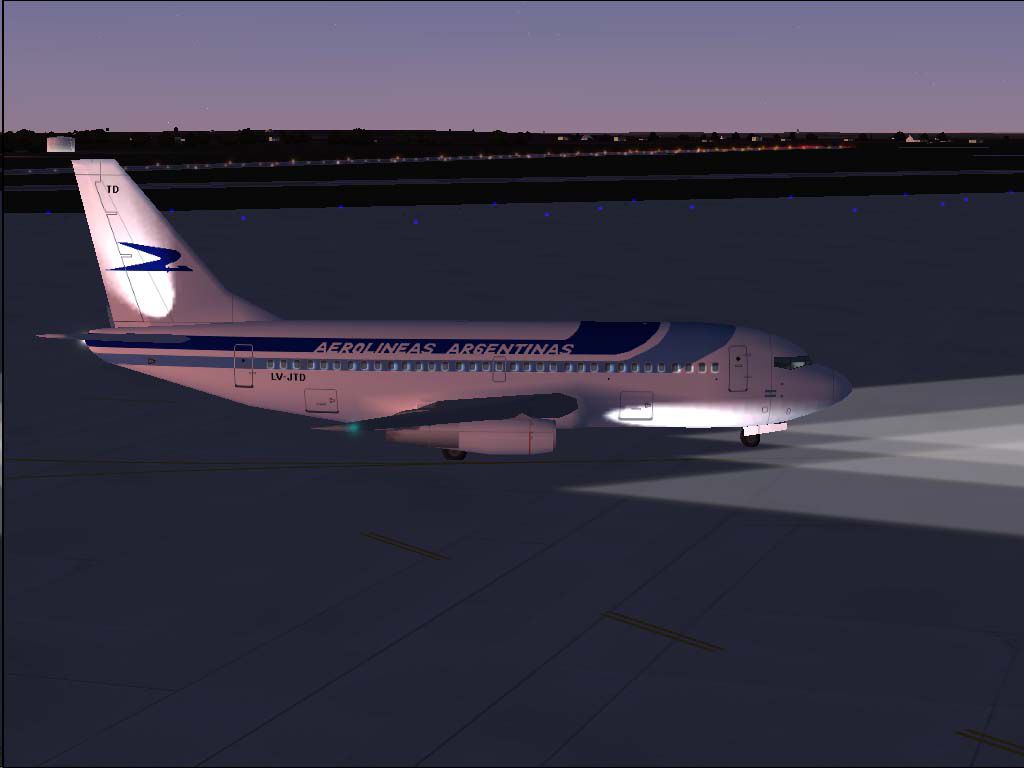
This freeware package brings to life the Aerolineas Argentinas Boeing 737-287 (registration LV-JTD), specifically tailored for Microsoft Flight Simulator 2004 in conjunction with Just Flight Traffic 2004. It includes an updated flight model and meticulous repaint work by the author, Daniel Nole. The result delivers authentic national and international flight plans, along with a refined AirFile to simulate smoother high-altitude performance and realistic Mach figures.
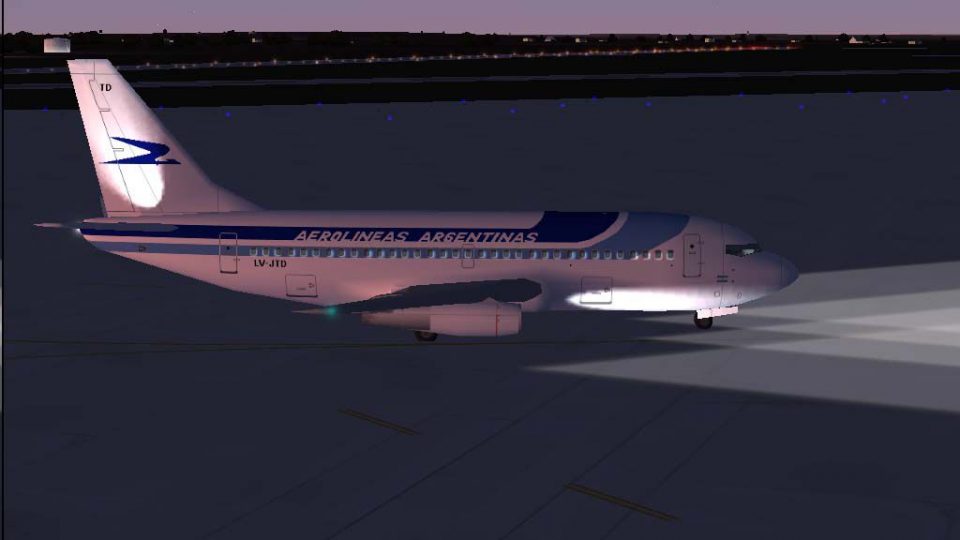
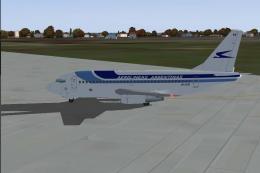
Visual depiction of the Boeing 737-287 in Aerolineas Argentinas livery parked on the ramp.
The Boeing 737-200 Advanced (sometimes referenced as the Boeing 737-287) was a pivotal aircraft for Aerolineas Argentinas, operating both domestic services throughout Argentina and regional routes into neighboring nations. This repaint replicates the carrier’s emblematic color scheme, reflecting the airline’s corporate identity and fidelity to the real-world counterpart. The external model showcases precise detailing around the fuselage, engines, and tail, ensuring a recognizable and faithful representation on the virtual tarmac.
A set of 70 scheduled flights mirrors the carrier’s actual timetable from 2004, covering renowned Argentine destinations such as Buenos Aires, Córdoba, and other major cities. International rotations are also included, offering expanded coverage of regional airports. These flight plans incorporate authentic flight numbers and routing to closely simulate Aerolineas Argentinas’ operational environment from the same era.
The package offers a completely updated AirFile designed for the 737-200 Advanced type. It supports smooth cruising at 35,000 feet and sustains a Mach 0.77 speed profile, reflecting the real aircraft’s capabilities. Pilots who appreciate accurate handling will find the improved balance, climb rates, and engine thrust modeling especially valuable for high-altitude performance. This revision ensures greater immersion and realistic control responses during all phases of flight.
textures "aarg5", the revised JFAIB732 AirFile, and the updated aircraft notes into the existing directory.This complete freeware release is an excellent choice for enthusiasts wanting to recreate Aerolineas Argentinas’ operations from 2004. It features the precise repaint and flight model artistry of Daniel Nole, ensuring that simmers can enjoy a faithful representation of the Boeing 737-287’s capabilities and characteristics right within Just Flight Traffic 2004.
Free for all simmers · 347.01 KB · Scanned clean Oct 2026
Download speed: Free tier is capped at 0.5 Mbps. PRO members download at full line speed.
FS9\Aircraft\, FS9\Addon Scenery\, FS9\Gauges\, or FS9\Effects\.readme.txt or README file. It tells you exactly where files go, what dependencies are needed, and any quirks specific to this add-on.The archive tr04aa75.zip has 14 files and directories contained within it.
This list displays the first 500 files in the package. If the package has more, you will need to download it to view them.
| Filename/Directory | File Date | File Size |
|---|---|---|
| Flight Plans | 04.09.04 | 0 B |
| Aerolineas Argentinas.txt | 04.09.04 | 1.18 kB |
| JFAIB732 | 04.09.04 | 0 B |
| aircraft.cfg | 04.09.04 | 16.50 kB |
| JFAIB732.AIR | 04.09.04 | 8.40 kB |
| texture.aarg5.zip | 04.09.04 | 146.70 kB |
| JFTFB732 | 04.09.04 | 0 B |
| aircraft.cfg | 04.09.04 | 16.86 kB |
| JFTFB732.air | 04.09.04 | 8.40 kB |
| texture.aarg5.zip | 04.09.04 | 146.70 kB |
| LV-JTD.jpg | 04.09.04 | 43.81 kB |
| readme.txt | 04.09.04 | 4.57 kB |
| flyawaysimulation.txt | 10.29.13 | 959 B |
| Go to Fly Away Simulation.url | 01.22.16 | 52 B |
Only PRO members can place votes.
More FS2004 add-ons hand-picked based on this download.
FS2004 Civil Jet Aircraft
Immerse yourself in the distinctive livery of Aerolíneas Argentinas’ Boeing 7…
 FS2004 Civil Jet Aircraft
This freeware package brings the Aerolíneas Argentinas Boeing 737-287 (regist…
 FS2004 Civil Jet Aircraft
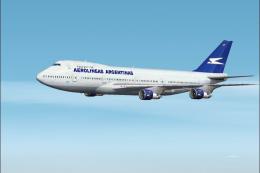
This freeware package brings the Aerolíneas Argentinas Boeing 747-287 LV-MLP …
 FS2004 Civil Jet Aircraft
Registration LV-MLP. Repaint of Project Opensky's Boeing 747-200. Includes hi…
 FS2004 Civil Jet Aircraft
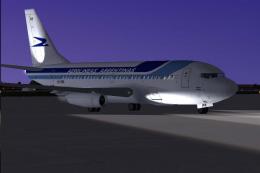
This freeware package features a carefully rendered Aerolíneas Argentinas Boe…
 FS2004 Civil Jet Aircraft
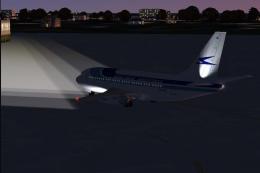
This freeware package provides a classic Boeing 737-236 sporting Aerolíneas A…
 FS2004 Civil Jet Aircraft
This freeware add-on showcases a meticulously crafted Boeing 737-200 painted …
 FS2004 Civil Jet Aircraft
This carefully crafted freeware expansion showcases an Aerolíneas Argentinas …
Be the first to leave a comment on this download.
Be the first to share your thoughts on this download.