

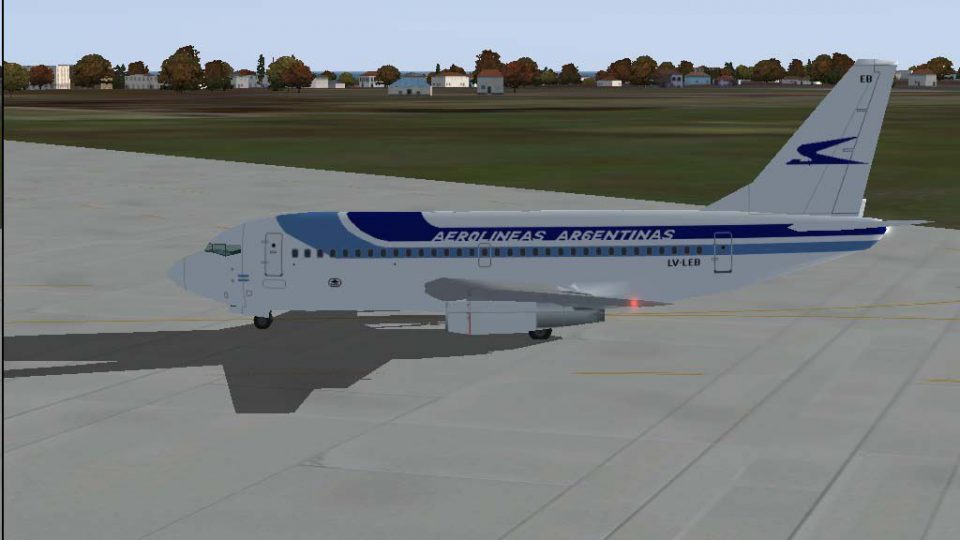
 FS2004 Civil Jet Aircraft
Aerolineas Argentinas Boeing 737-287 LV-JTO
Immerse yourself in the distinctive livery of Aerolíneas Argentinas’ Boeing 7…
Aerolíneas Argentinas’ Boeing 737-287 LV-LEB brings period-accurate 737-200Adv operations to Microsoft Flight Simulator 2004 with an authentic livery, tuned AirFile for realistic handling and performance, and 70 flights based on 2004 schedules for domestic and regional routes. Designed for seamless AI traffic use and requires Just Flight Traffic 2004.
 Rate
Rate
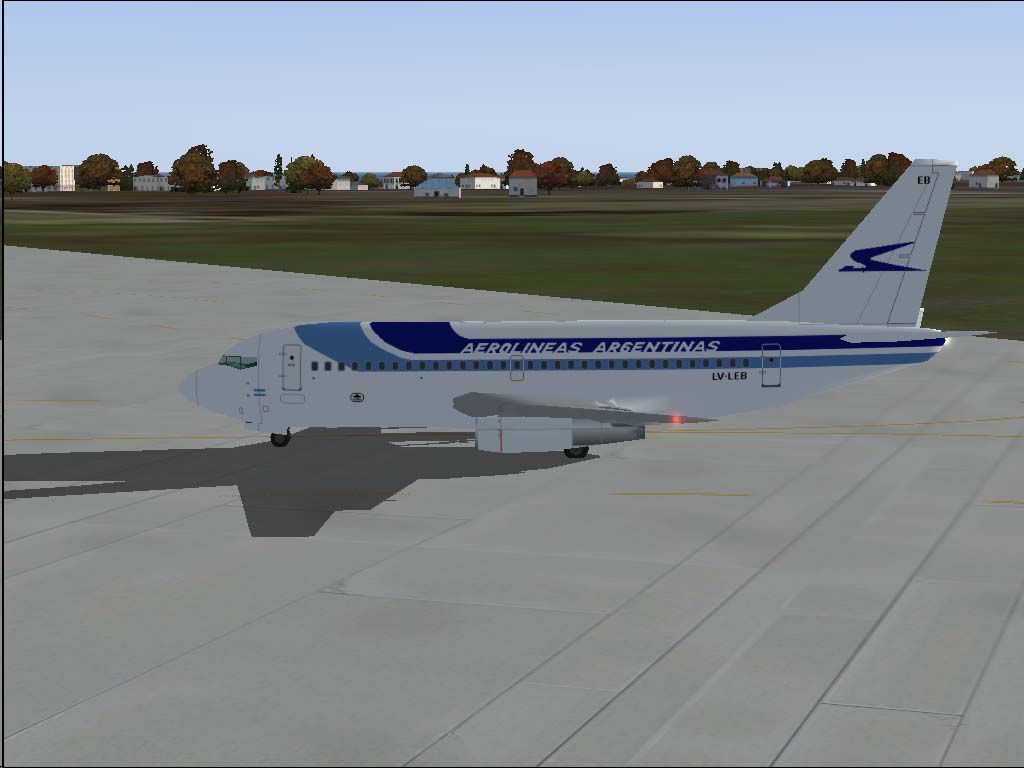
This freeware package brings the Aerolíneas Argentinas Boeing 737-287 (registration LV-LEB) into Microsoft Flight Simulator 2004, making it possible to experience domestic and select international routes modeled accurately to 2004 schedules. The developers Just Flight Traffic 2004 and repaint/flight model author Daniel Nole have ensured close adherence to real-world data. A specialized AirFile is also included, reflecting the performance nuances of the 737-200Adv variant.
The 737-200Adv (short for “Advanced”) served as a robust update to earlier 737 models, offering improved aerodynamics, updated engine performance, and revised cockpit systems. In this particular rendition, the Aerolíneas Argentinas livery is reproduced on the 737-287 airframe, accurately representing the airline’s visual details. Aerolíneas Argentinas, the national carrier of Argentina, historically deployed these aircraft for both short and medium-haul flights within its extensive domestic network, as well as for some regional services.
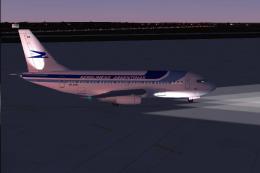
Captured image of the Aerolíneas Argentinas B737-287 stationed on the ramp
The package incorporates 70 different flights following 2004 schedules, covering the core domestic routes plus select regional connections. These flight schedules use the B737-200 as the principal workhorse, and each itinerary corresponds accurately to the actual flight numbers recorded in that era.
Included is a newly tailored AirFile specifically tuned for the 737-200Adv, time-stamped “09-04-04.” It refines flight dynamics, adjusting thrust parameters, fuel consumption, and aerodynamic profiles to reflect real-world handling. This ensures proper weight distribution and maneuvering behavior for a more realistic flying experience. The updated repaint by Daniel Nole also contributes authentic external visuals, capturing distinct details like window alignment, airline branding, and fuselage markings.
This repaint aligns with the Just Flight Traffic 2004 system, making scheduling and AI traffic generation straightforward. Maintaining correct file structure within your simulator ensures the aircraft is promptly recognized and injected into AI traffic flows.
By providing an authentic depiction of Aerolíneas Argentinas’ Boeing 737-287 fleet, the designers Just Flight Traffic 2004 and Daniel Nole have delivered a faithful freeware experience. It is suited for enthusiasts who want period-accurate passenger operations within the ever-popular Microsoft Flight Simulator 2004 environment, complete with matching flight plans, refined dynamics, and genuine Argentinian routes.
Free for all simmers · 362.51 KB · Scanned clean Oct 2026
Download speed: Free tier is capped at 0.5 Mbps. PRO members download at full line speed.
FS9\Aircraft\, FS9\Addon Scenery\, FS9\Gauges\, or FS9\Effects\.readme.txt or README file. It tells you exactly where files go, what dependencies are needed, and any quirks specific to this add-on.The archive tr04aa73.zip has 14 files and directories contained within it.
This list displays the first 500 files in the package. If the package has more, you will need to download it to view them.
| Filename/Directory | File Date | File Size |
|---|---|---|
| Flight Plans | 04.09.04 | 0 B |
| Aerolineas Argentinas.txt | 04.09.04 | 1.18 kB |
| JFAIB732 | 04.09.04 | 0 B |
| aircraft.cfg | 04.09.04 | 16.50 kB |
| JFAIB732.AIR | 04.09.04 | 8.40 kB |
| texture.aarg3.zip | 04.09.04 | 146.88 kB |
| JFTFB732 | 04.09.04 | 0 B |
| aircraft.cfg | 04.09.04 | 16.86 kB |
| JFTFB732.air | 04.09.04 | 8.40 kB |
| texture.aarg3.zip | 04.09.04 | 146.88 kB |
| LV-LEB.jpg | 04.09.04 | 57.18 kB |
| readme.txt | 04.09.04 | 4.29 kB |
| flyawaysimulation.txt | 10.29.13 | 959 B |
| Go to Fly Away Simulation.url | 01.22.16 | 52 B |
Only PRO members can place votes.
More FS2004 add-ons hand-picked based on this download.
FS2004 Civil Jet Aircraft
Immerse yourself in the distinctive livery of Aerolíneas Argentinas’ Boeing 7…
 FS2004 Civil Jet Aircraft
This freeware package brings to life the Aerolineas Argentinas Boeing 737-287…
 FS2004 Civil Jet Aircraft
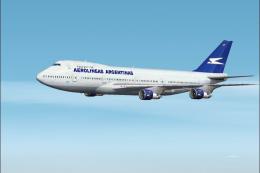
This freeware package brings the Aerolíneas Argentinas Boeing 747-287 LV-MLP …
 FS2004 Civil Jet Aircraft
Registration LV-MLP. Repaint of Project Opensky's Boeing 747-200. Includes hi…
 FS2004 Civil Jet Aircraft
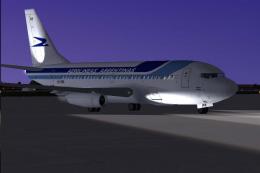
This freeware package features a carefully rendered Aerolíneas Argentinas Boe…
 FS2004 Civil Jet Aircraft
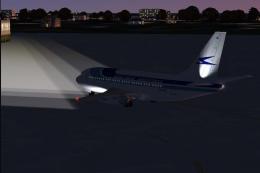
This freeware package provides a classic Boeing 737-236 sporting Aerolíneas A…
 FS2004 Civil Jet Aircraft
This freeware add-on showcases a meticulously crafted Boeing 737-200 painted …
 FS2004 Civil Jet Aircraft
This carefully crafted freeware expansion showcases an Aerolíneas Argentinas …
Be the first to leave a comment on this download.
Be the first to share your thoughts on this download.