

 FSX General Aviation Aircraft
Carenado C185 FDE Pack
These Flight Dynamics Engines for all Carenado Cessna 185 versions have been …
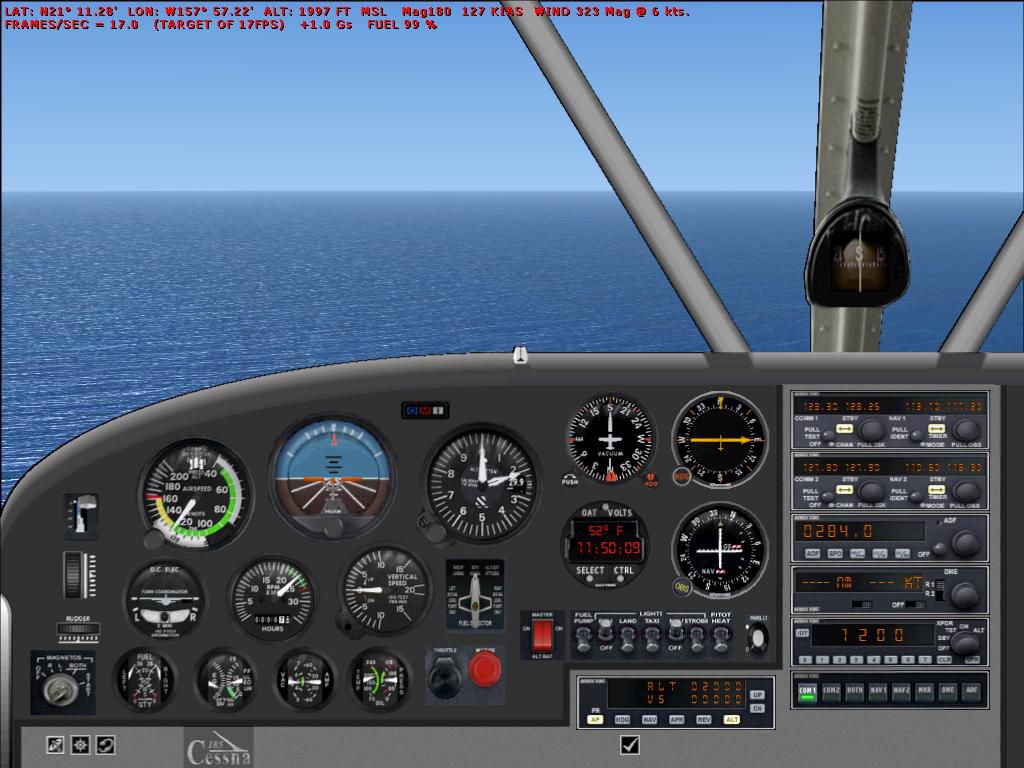
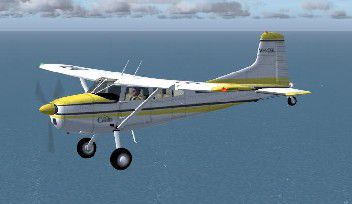
Cessna 185 VH_DGL receives a refreshed panel configured for Microsoft Flight Simulator X, bringing classic bush-flying character with improved gauge layout and smoother cockpit usability. The update focuses on panel compatibility and flight-ready handling, making the aircraft easier to enjoy for everyday VFR hops, remote strip work, and general aviation touring.
 Rate
Rate
Free for all simmers · 1.17 MB · Scanned clean Oct 2026
Download speed: Free tier is capped at 0.5 Mbps. PRO members download at full line speed.
FSX\SimObjects\Airplanes\. The folder must contain an aircraft.cfg file. Effects go into FSX\Effects\; gauges go into FSX\Gauges\.readme.txt or README file. It tells you exactly where files go, what dependencies are needed, and any quirks specific to this add-on.The archive C185upX.zip has 28 files and directories contained within it.
This list displays the first 500 files in the package. If the package has more, you will need to download it to view them.
| Filename/Directory | File Date | File Size |
|---|---|---|
| Aircraft.cfg | 11.03.06 | 6.77 kB |
| C185DGL.air | 11.03.06 | 8.49 kB |
| model | 11.03.06 | 0 B |
| C185DGL.mdl | 05.07.04 | 581.60 kB |
| Model.cfg | 04.30.04 | 26 B |
| panel | 11.03.06 | 0 B |
| C185Panel.bmp | 05.07.04 | 2.25 MB |
| Panel.cfg | 11.03.06 | 2.41 kB |
| sound | 11.03.06 | 0 B |
| Sound.cfg | 04.30.04 | 28 B |
| texture | 11.03.06 | 0 B |
| 185Asas.bmp | 05.06.04 | 1.33 MB |
| 185Disco.bmp | 05.01.04 | 16.71 kB |
| 185Helice.bmp | 05.01.04 | 257.05 kB |
| 185Map.bmp | 05.07.04 | 1.33 MB |
| 185Misc.bmp | 05.06.04 | 257.05 kB |
| 185Painel.bmp | 05.06.04 | 257.05 kB |
| 185Tires.bmp | 05.01.04 | 256.26 kB |
| C185Side.bmp | 05.05.04 | 1.05 MB |
| C185SideD.bmp | 05.05.04 | 1.05 MB |
| HeliceDisc.bmp | 04.04.04 | 85.43 kB |
| Thumbnail.jpg | 11.02.06 | 14.56 kB |
| file_id.diz | 11.03.06 | 334 B |
| C185panel.jpg | 11.03.06 | 110.60 kB |
| read me.txt | 11.03.06 | 1.11 kB |
| Thumbnail.jpg | 11.02.06 | 14.56 kB |
| flyawaysimulation.txt | 10.29.13 | 959 B |
| Go to Fly Away Simulation.url | 01.22.16 | 52 B |
Only PRO members can place votes.
More FSX & P3D add-ons hand-picked based on this download.
FSX General Aviation Aircraft
These Flight Dynamics Engines for all Carenado Cessna 185 versions have been …
 FSX General Aviation Aircraft
A Cessna 185 modified for Flight Simulator X. This is a blank (no texture) ve…
 FSX General Aviation Aircraft
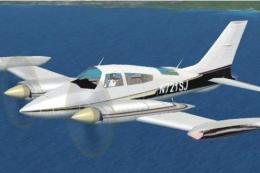
Cessna 310 Update. An update for FSX Acceleration of the Cessna 310Q by Rey L…
 FSX General Aviation Aircraft
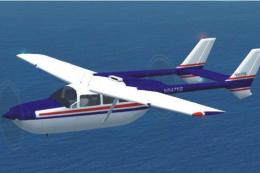
Cessna 337 Skymaster Update v2. An updated update for FSX Acceleration of the…
 FSX General Aviation Aircraft
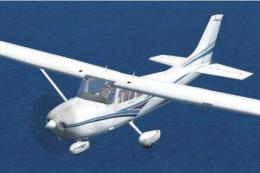
Cessna 182 Skylane Update. This is an update for FSX Acceleration of the Cess…
 FSX General Aviation Aircraft
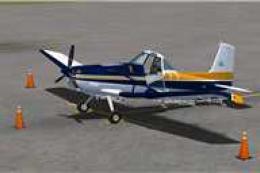
CeraSim Cessna 188 Ag Wagon/Truck Update. An update to the glass to use the V…
 FSX General Aviation Aircraft
Piper Cherokee Made Flyable - Update. An update to the previous version, whic…
 FSX General Aviation Aircraft
Bellanca Super Decathlon 8KCAB Update. A two seat, tandem configuration unlim…
Read what other simmers think, or add your own.


Aircraft works great, changed the sound folder to read c172 / change the 8 to a 7 and save go fly.

Needs work on cockpit visual and sound. Works good flying, taking off, landing, etc.

This download did not come with a sound file that worked. I had to use the sound file from the original FSX Cessna 172. Otherwise it seems quite good.