

 FSX General Aviation Aircraft
Cessna 337 Skymaster
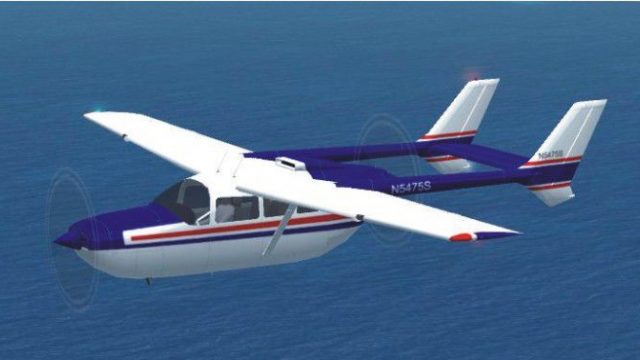
Cessna 337 Skymaster. Mike Stone's C337 converted and textured for use with F…
Cessna 337 Skymaster update v2 refreshes Mike Stone’s classic twin for FSX Acceleration with a corrected sound.cfg for reliable audio, plus refined panel and lighting tweaks for a cleaner, more consistent cockpit experience. Requires the original SC337.ZIP aircraft package, and focuses on 2D instrumentation with no virtual cockpit.
 Rate
Rate
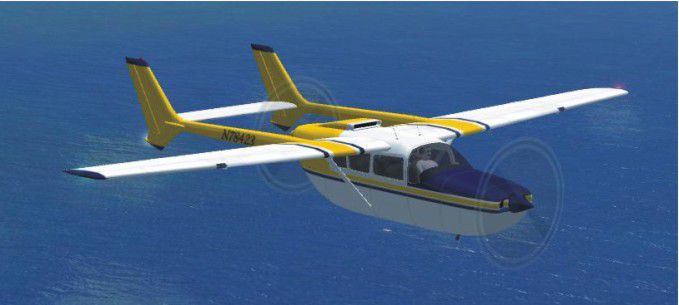
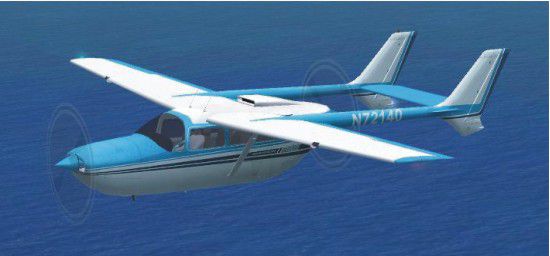
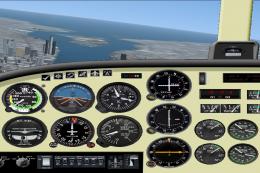
Cessna 337 Skymaster Update v2. An updated update for FSX Acceleration of the Cessna 337 Skymaster by Mike Stone. This version includes a corrected sound.cfg so that there will be sound. Most of what was needed was to update the panel and adjust some lights. You need the original aircraft for this to work (SC337.ZIP). No virtual cockpit. By Bob Chicilo.
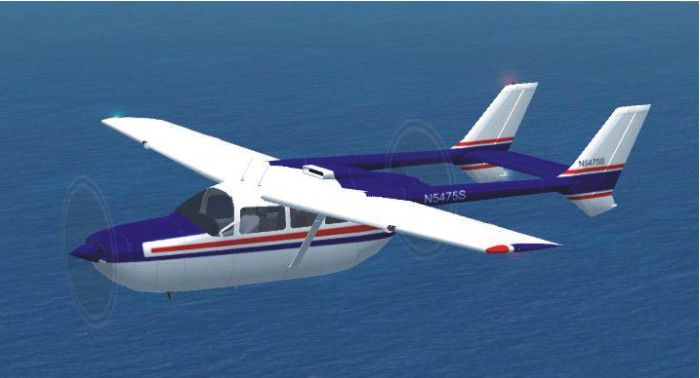
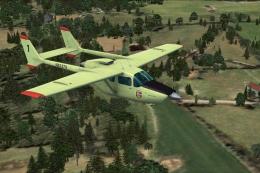
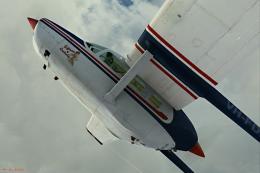
Light blue Cessna 337 Skymaster in flight.
IF YOU ALREADY HAVE MY PREVIOUS UPDATE FOR FSX OF THIS AIRCRAFT ALL YOU NEED TO DO IS OPEN THE AIRCRAFT.CFG FILE AND PAGE DOWN TO THE [AIRSPEED_INDICATORS] SECTION AND MAKE SURE IT READS "airspeed_indicator.0 = 1" DELETE ANYTHING AFTER THE ONE. THIS WILL SAVE YOU HAVING TO CHANGE YOUR PAINT SECTIONS AGAIN. FOR EVERYONE ELSE THIS UPDATE IS THE ONE YOU NEED.
Unzip to a folder of your choice. After backing up your air, aircraft.cfg, and panel.cfg files, replace them with the ones in this update. Copy the pictures to the aircraft folder. Copy the sound.cfg file to the aircraft sound folder.
Any gauges added to the panel are default gauges and should show up if you have already copied the .cab files from the panel folders of the default aircraft that have .cab files, to the main FS gauges folder. For some of you the .cab files will be .zip files as .cab files are a type of .zip file.
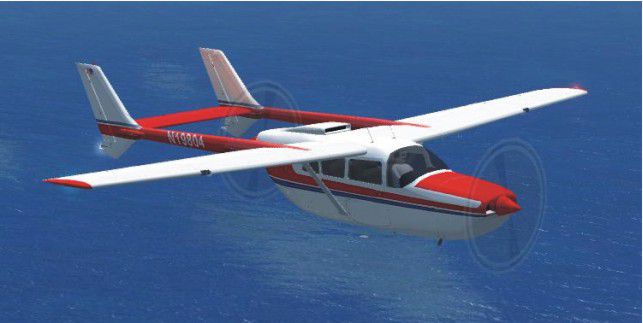
The blue and white paint with red stripes is the original paint that came with the aircraft if I remember correctly. The other three, you may, or may not have. You can copy and paste the paint sections from your aircraft.cfg file and delete the ones in the new aircraft.cfg file. If you only have the original paint job, You only have to delete the extra paint sections from the new aircraft.cfg file. You can also look for the other paints in the FS2004 section of simviation or some other sim site if you don't have them.
See [reference speeds] section of the aircraft.cfg file for operating speeds.
If you have one or more paints that I don't, you will have to take a picture of it, and name it the same as the part after the title= in the aircraft.cfg file for it to show up on the choose an aircraft page as something other than a grey outline.
Anyone: You have my permission to use any of my updates with the following conditions: One, you don't try to make money with them. Two, you don't try to hurt, or take something from anyone by using them.
Bob Chicilo.
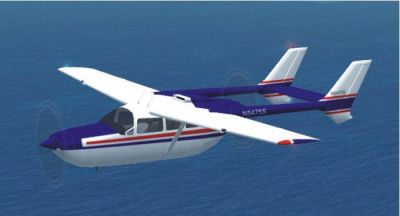
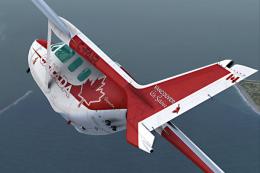
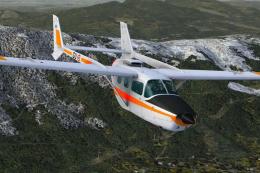
BLue and red Cessna 337 Skymaster in flight.
Free for all simmers · 160.6 KB · Scanned clean Oct 2026
Download speed: Free tier is capped at 0.5 Mbps. PRO members download at full line speed.
FSX\SimObjects\Airplanes\. The folder must contain an aircraft.cfg file. Effects go into FSX\Effects\; gauges go into FSX\Gauges\.readme.txt or README file. It tells you exactly where files go, what dependencies are needed, and any quirks specific to this add-on.The archive c337u2xa.zip has 12 files and directories contained within it.
This list displays the first 500 files in the package. If the package has more, you will need to download it to view them.
| Filename/Directory | File Date | File Size |
|---|---|---|
| aircraft.cfg | 04.13.09 | 12.70 kB |
| c337.air | 10.31.05 | 8.35 kB |
| Cessna 337 Skymaster Paint1.jpg | 09.06.08 | 37.31 kB |
| Cessna 337 Skymaster Paint2.jpg | 09.06.08 | 28.58 kB |
| Cessna 337 Skymaster Paint3.jpg | 09.06.08 | 38.83 kB |
| Cessna 337 Skymaster.jpg | 09.06.08 | 45.96 kB |
| File_id.diz | 04.13.09 | 783 B |
| panel.cfg | 09.06.08 | 3.54 kB |
| Read me.txt | 04.13.09 | 2.36 kB |
| sound.cfg | 09.06.08 | 28 B |
| flyawaysimulation.txt | 10.29.13 | 959 B |
| Go to Fly Away Simulation.url | 01.22.16 | 52 B |
Only PRO members can place votes.
More FSX & P3D add-ons hand-picked based on this download.
FSX General Aviation Aircraft
Cessna 337 Skymaster. Mike Stone's C337 converted and textured for use with F…
 FSX General Aviation Aircraft
Repaint of the Carenado Skymaster 337 payware model. N63379 is a fictitious l…
 FSX General Aviation Aircraft
This is an update to the Mike Stone Cessna C337/O2 package. Included are the …
 FSX General Aviation Aircraft
Fictional repaint for FSX payware Carenado C337 Skymaster (textures only). Th…
 FSX General Aviation Aircraft
Repaint only for the payware Carenado FSX Cessna Skymaster 337. This repaint …
 FSX General Aviation Aircraft
Fictional repaint for the payware Carenado C337 Skymaster (textures only) as …
 FSX General Aviation Aircraft
AEAC Cessna C337 Skymaster, F-ZAGU / 62 (cn FTB337-0062). The only Skymaster …
 FSX General Aviation Aircraft
Textures only for the payware Carenado Cessna 337. Repaint by Michael Mannsch…
Read what other simmers think, or add your own.
