

 FSX General Aviation Aircraft
Cessna 182 Skylane
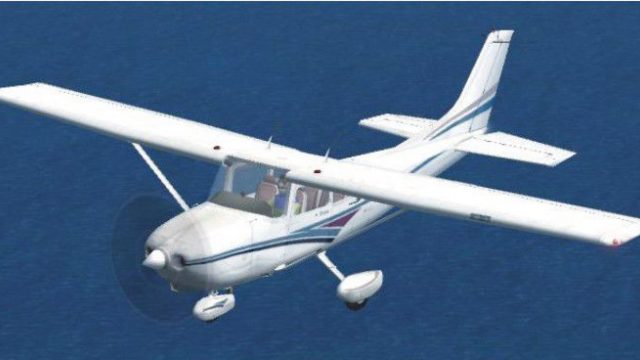
Cessna 182 Skylane. This is the default Flight Simulator 2004 Cessna 182 Skyl…
Cessna 182 Skylane update refreshes the classic FS2004 model for Microsoft Flight Simulator X Acceleration with refined flight dynamics, corrected regular and IFR panel backgrounds, and a handful of gauge tweaks for cleaner, more reliable flying. Requires the original aircraft package to apply the updated configuration and panel files.
 Rate
Rate
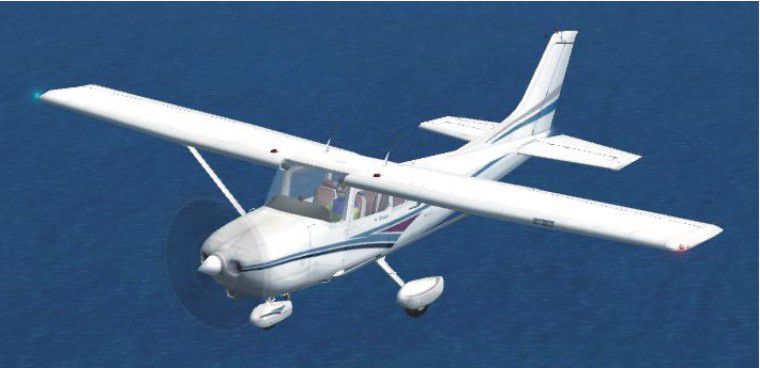

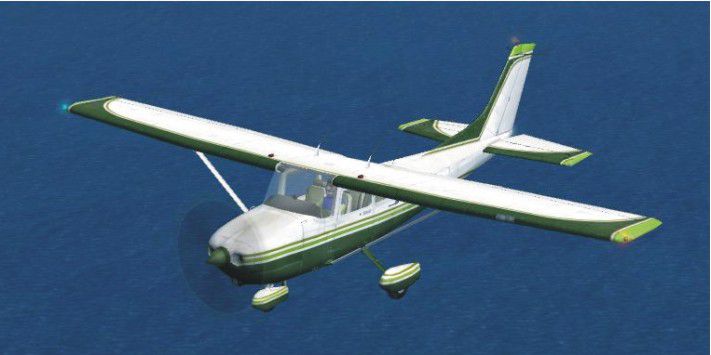
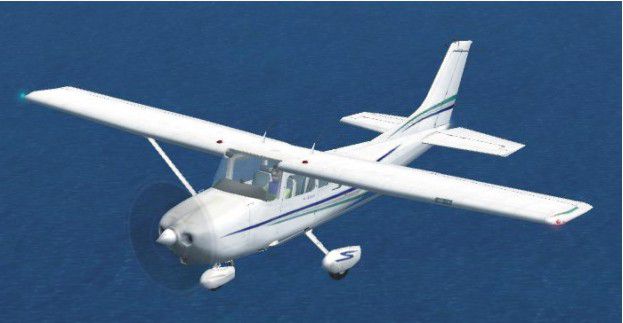
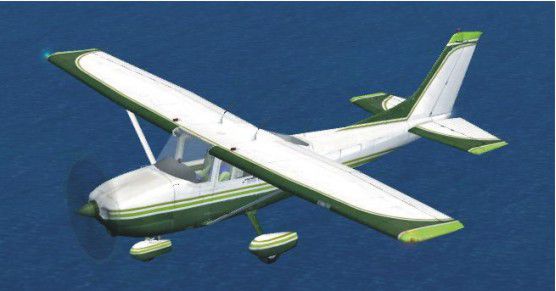
Cessna 182 Skylane Update. This is an update for FSX Acceleration of the Cessna 182 from FS2004. The author has updated the flight dynamics and fixed the regular and IFR panel backgrounds and changed a few gauges. A classic example of keeping it simple is never stupid. You need the original aircraft for this update to work. By Bob Chicilo.
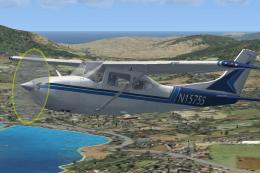
Cessna 182 Skylane in flight.
Unzip to a folder of your choice. After backing up your air and aircraft.cfg files, replace them with the ones in this update. Copy the pictures to the aircraft folder. Back up both the regular and IFR panel folders and replace them with the ones in this update.
If you have not already done so, copy the .cab files from the default aircraft panel folders that have them to the main FS gauges folder. For some the .cab files will be .zip files as .cab files are a type of .zip file.
See [reference speeds] in the aircraft.cfg file for operating speeds.
Anyone: You have my permission to use any of my updates with the following conditions: One, you don't try to make money with them. Two, you don't try to hurt, or take something from anyone by using them.
Bob Chicilo.
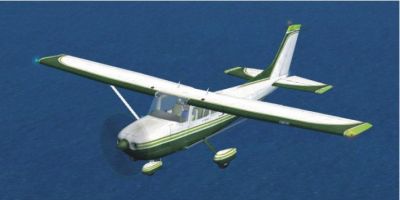
Cessna 182 Skylane in flight.
Free for all simmers · 610.9 KB · Scanned clean Oct 2026
Download speed: Free tier is capped at 0.5 Mbps. PRO members download at full line speed.
FSX\SimObjects\Airplanes\. The folder must contain an aircraft.cfg file. Effects go into FSX\Effects\; gauges go into FSX\Gauges\.readme.txt or README file. It tells you exactly where files go, what dependencies are needed, and any quirks specific to this add-on.The archive c182upxa.zip has 17 files and directories contained within it.
This list displays the first 500 files in the package. If the package has more, you will need to download it to view them.
| Filename/Directory | File Date | File Size |
|---|---|---|
| Cessna182S.air | 02.15.09 | 8.44 kB |
| Cessna Skylane 182S IFR.jpg | 02.14.09 | 33.95 kB |
| Cessna Skylane 182S Paint1.jpg | 02.14.09 | 47.28 kB |
| Cessna Skylane 182S Paint2.jpg | 02.14.09 | 36.94 kB |
| Cessna Skylane 182S Paint3.jpg | 02.14.09 | 47.49 kB |
| Cessna Skylane 182S.jpg | 02.14.09 | 44.42 kB |
| read me.txt | 02.15.09 | 1.08 kB |
| file_id.diz | 02.15.09 | 343 B |
| Cessna_182_Panel_Decals.bmp | 11.19.02 | 257.05 kB |
| panel.cfg | 02.15.09 | 5.02 kB |
| panel_background_1024.bmp | 02.15.09 | 542.02 kB |
| Cessna_182_Panel_Decals.bmp | 11.19.02 | 257.05 kB |
| ifr_1024.bmp | 02.15.09 | 769.03 kB |
| panel.cfg | 02.15.09 | 4.42 kB |
| aircraft.cfg | 02.15.09 | 20.10 kB |
| flyawaysimulation.txt | 10.29.13 | 959 B |
| Go to Fly Away Simulation.url | 01.22.16 | 52 B |
Only PRO members can place votes.
More FSX & P3D add-ons hand-picked based on this download.
FSX General Aviation Aircraft
Cessna 182 Skylane. This is the default Flight Simulator 2004 Cessna 182 Skyl…
 FSX General Aviation Aircraft
The Cessna 182 Skylane is an American four-seat, single-engined light airplan…
 FSX General Aviation Aircraft
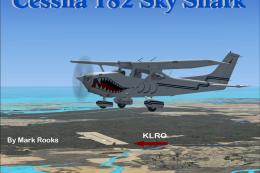
This freeware release offers a custom rendition of the Cessna 182 Skylane—ori…
 FSX General Aviation Aircraft
This freeware package integrates the classic Cessna 182 Skylane from Microsof…
 FSX General Aviation Aircraft
Replacement .air file for the payware Carenado C182RG to correct reversed pro…
 FSX General Aviation Aircraft
Red And White Cessna 182. A repaint of the default C182. By Ahmetandtolga Oza…
 FSX General Aviation Aircraft
Cessna 182 Project. This is a 2004 default Cessna 182 Skylane modified for Fl…
 FSX General Aviation Aircraft
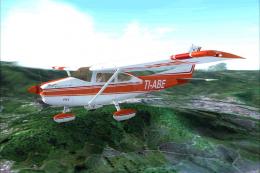
Tico Sim's Carenado 182 TI-ABE texture for FSX. TI-ABE is a private Cessna in…
Read what other simmers think, or add your own.

Can anybody tell me where I can get the original model by Bob Chicilo to use this update?
Thank you.

This update makes the 182 fly really well. I belonged to a flying club that had a 182 and this update brought back memories of the real airplane. Can not say enough about how good this is. We also had a 172 and a 182 does not feel like a 172. Big engine and lots of power required constant trim unless flying the 182 was to be your upper body workout. Thank you, great work.