

 FSX Turboprops
SkydiveEurope Beechcraft King Air 350 (Portuguese)
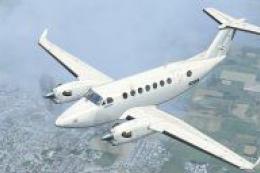
SkydiveEurope (Portuguese skydive center) textures for the default Beech King…
SkydiveEurope livery brings a Portuguese dropzone look to the default Beechcraft King Air 350, with clean exterior markings and included reference images for accurate presentation. Designed for Microsoft Flight Simulator X, it requires the stock Beech_King_Air_350 and adds a dedicated repaint option in the aircraft selection menu.
 Rate
Rate
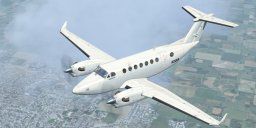
This texture is dedicated to Mairio Pardo and to his DropZone. The file contains three pictures, one mini guide to help you and the texture folder. By Pedro de Castro e Silva.
Screenshot of SkydiveEurope Beechcraft King Air 350 in flight.
This is a texture of the portuguese skydive center "SkydiveEurope" for the FSX Beechcraft KingAir 350. It will work if you follow this steps:
Free for all simmers · 5.19 MB · Scanned clean Oct 2026
Download speed: Free tier is capped at 0.5 Mbps (this file takes approximately 1 min at the cap). PRO members download at full line speed.
SimObjects\Airplanes\, Addon Scenery\, Effects\, or Gauges\.readme.txt or README file. It tells you exactly where files go, what dependencies are needed, and any quirks specific to this add-on.The archive skydiveeurope_txtrs_kingair350.zip has 21 files and directories contained within it.
This list displays the first 500 files in the package. If the package has more, you will need to download it to view them.
| Filename/Directory | File Date | File Size |
|---|---|---|
| Texture | 07.08.12 | 0 B |
| beech_King_air_1_t.dds | 07.06.12 | 682.80 kB |
| Beech_King_Air_1_T_bump.dds | 09.04.06 | 1.00 MB |
| Beech_King_Air_1_T_Specular.dds | 09.04.06 | 1.33 MB |
| Beech_King_Air_2_T.dds | 09.04.06 | 341.45 kB |
| Beech_King_Air_2_T_bump.dds | 09.04.06 | 256.12 kB |
| Beech_King_Air_2_T_specular.dds | 09.04.06 | 341.45 kB |
| beech_king_air_350_c.dds | 09.04.06 | 682.79 kB |
| beech_king_air_interior_1_T.dds | 09.04.06 | 341.45 kB |
| beech_king_air_interior_2_T.dds | 09.04.06 | 341.45 kB |
| beech_king_air_pilot.dds | 09.04.06 | 42.79 kB |
| Fresnel_Ramp.dds | 09.04.06 | 640 B |
| prop_beech_king_air_350.dds | 09.04.06 | 341.46 kB |
| texture.cfg | 08.14.06 | 137 B |
| thumbnail.jpg | 08.13.06 | 7.74 kB |
| Thumb.1 (4).BMP | 07.06.12 | 3.00 MB |
| Thumb.3 (2).BMP | 07.06.12 | 3.00 MB |
| Thumb.2 (3).BMP | 07.06.12 | 3.00 MB |
| readme first.txt | 07.08.12 | 890 B |
| flyawaysimulation.txt | 10.29.13 | 959 B |
| Go to Fly Away Simulation.url | 01.22.16 | 52 B |
Only PRO members can place votes.
More FSX & P3D add-ons hand-picked based on this download.
FSX Turboprops
SkydiveEurope (Portuguese skydive center) textures for the default Beech King…
 FSX Turboprops
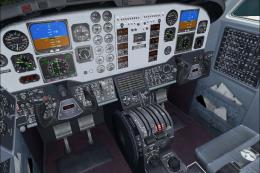
Textures only for the default Beech King Air. By Cordero Kelly. Screenshot of…
 FSX Turboprops
This texture revision for the Beechcraft King Air 350 provides a direct solut…
 FSX Turboprops
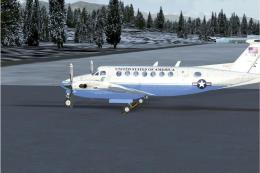
Textures only for the default Beech King Air. A Beech 350 in State Department…
 FSX Turboprops
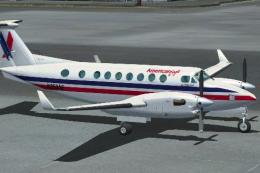
This is fictional as American Eagle does not operate this type. By Roberto Ay…
 FSX Turboprops
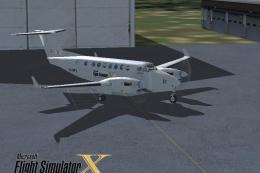
This repaint is from the tribute for Microsoft Flight Simulator X. By Victor …
 FSX Turboprops
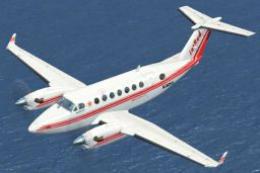
Textures only for the default Beech King Air. Repaint by Mike Lanza. Screensh…
 FSX Turboprops
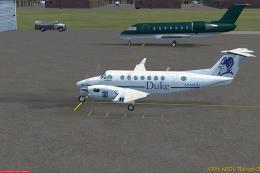
Repaint of the default Beech King Air 350 in fictional Duke University livery…
Be the first to leave a comment on this download.
Be the first to share your thoughts on this download.