

 FSX Turboprops
Default Beech King Air 350 Blurred Texture Fix
This freeware package refines the default Beechcraft King Air 350 in Microsof…
Beechcraft King Air 350 textures get a crisp refresh that clears up occasional exterior and virtual cockpit blur in Microsoft Flight Simulator X. Updated replacement imagery sharpens panel lines, paintwork, and instrument faces while preserving the stock aircraft’s authentic look and feel, delivering cleaner shading and finer detail throughout the airframe.
 Rate
Rate

This texture revision for the Beechcraft King Air 350 provides a direct solution for the occasionally blurred exterior and cockpit visuals in Microsoft Flight Simulator X. By updating the default imagery with clearer replacements, it enhances the overall appearance while retaining the authentic design of the original aircraft. The developer, Andrew McGowin, has carefully refined these files to integrate seamlessly without affecting the core flight dynamics.
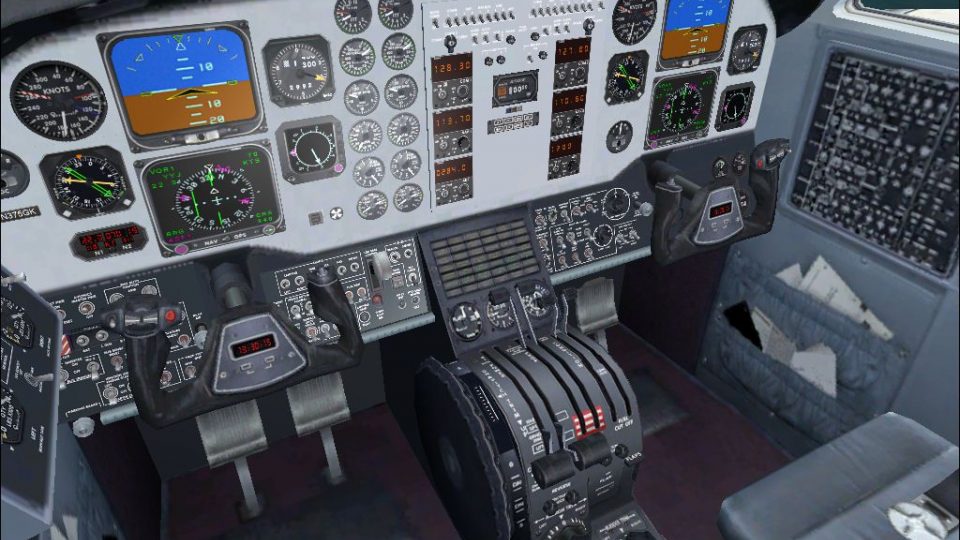
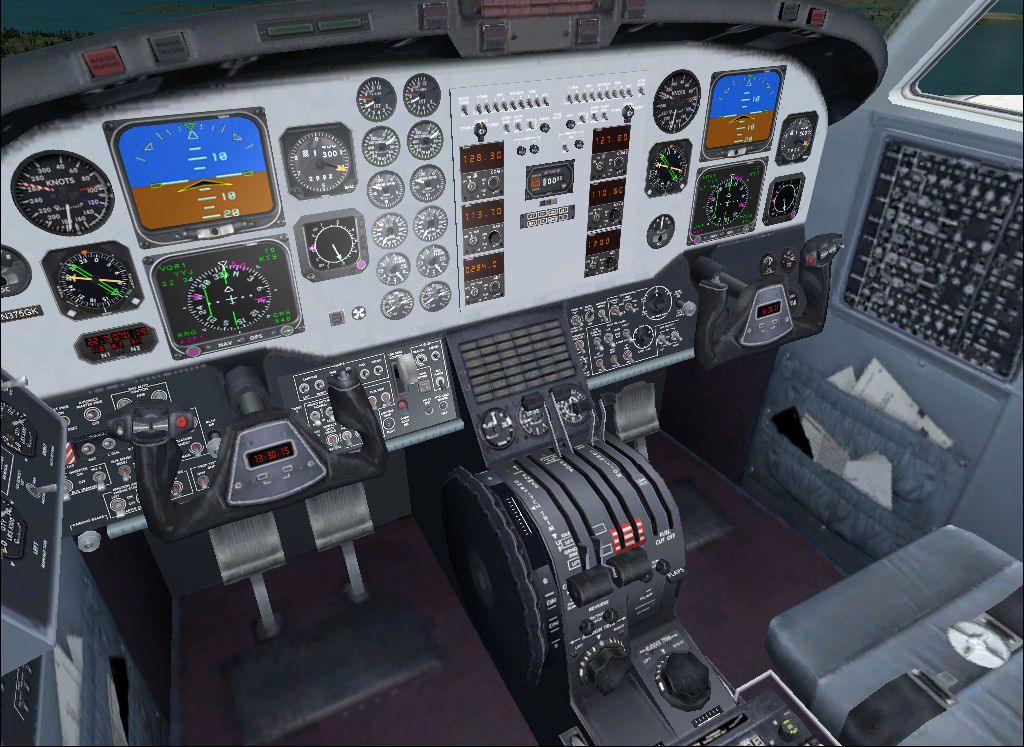
These updated texture files focus on improving the crispness of both the fuselage and cockpit panels. The Beechcraft King Air 350—a twin-turboprop aircraft widely favored for corporate and regional passenger operations—features a robust airframe and advanced avionics. However, its default textures in Microsoft’s simulator sometimes lose clarity. This fix restores that missing sharpness, allowing pilots to experience more realistic shading and detail.
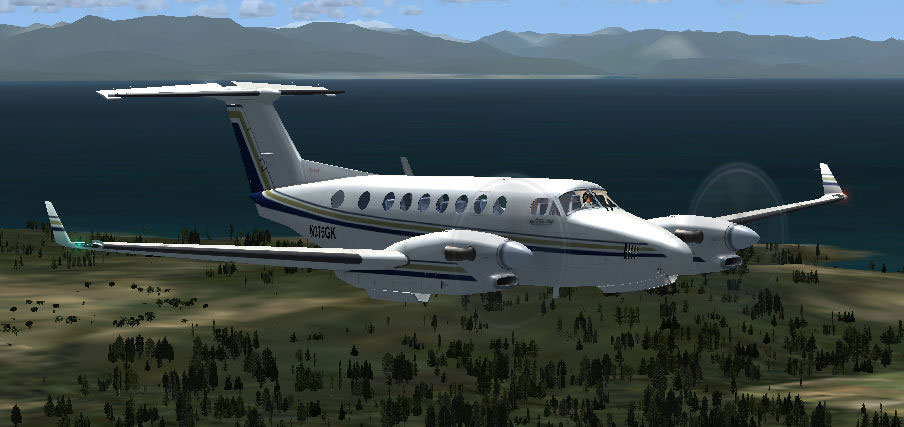
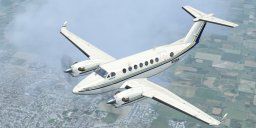
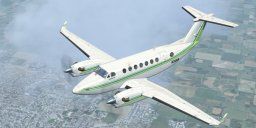
Screenshot of Beechcraft King Air 350 in flight.
This procedure preserves the essential structure of the King Air 350 while offering a sharper look. The transformation is most notable along the wings and fuselage, where crisp rivet lines and refined paintwork become apparent.
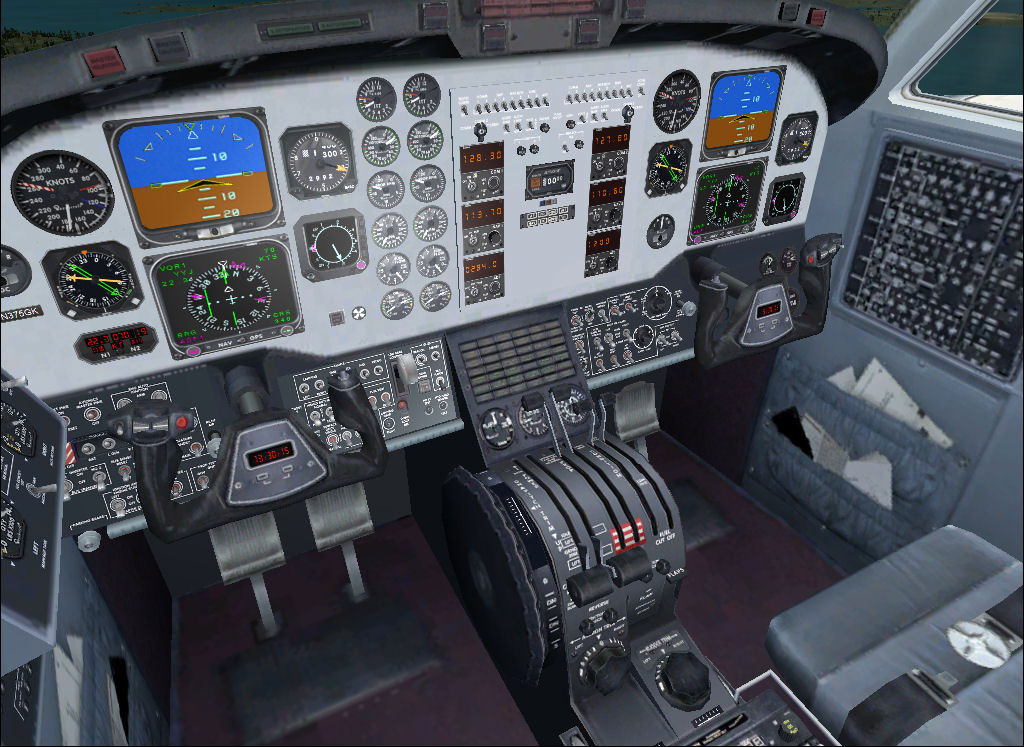
Screenshot of Beechcraft King Air 350 cockpit.
Beechcraft’s King Air 350 is celebrated for its robust performance, short-field capability, and comfortable cabin layout. These enhanced textures underscore those strengths by ensuring greater visual precision right down to the details like flap joints and panel lines.
This fix is a freeware package intended solely for non-commercial simulator enjoyment. Both the developer, Andrew McGowin, and Microsoft—creators of the original aircraft—bear no responsibility for complications arising from installation or usage. Testing confirms general compatibility, but results may vary depending on individual setups.
Free for all simmers · 15.86 MB · Scanned clean Oct 2026
Download speed: Free tier is capped at 0.5 Mbps (this file takes approximately 4 mins at the cap). PRO members download at full line speed.
SimObjects\Airplanes\, Addon Scenery\, Effects\, or Gauges\.readme.txt or README file. It tells you exactly where files go, what dependencies are needed, and any quirks specific to this add-on.The archive beech_king_air_350fix.zip has 90 files and directories contained within it.
This list displays the first 500 files in the package. If the package has more, you will need to download it to view them.
| Filename/Directory | File Date | File Size |
|---|---|---|
| description.txt | 07.11.09 | 232 B |
| ReadMe-Installation.txt | 07.11.09 | 827 B |
| Texture.1 | 07.11.09 | 0 B |
| Beech_King_Air_1_T.dds | 07.11.09 | 1.00 MB |
| Beech_King_Air_1_T_Specular.dds | 07.11.09 | 1.00 MB |
| Beech_King_Air_2_T.dds | 07.11.09 | 256.12 kB |
| Beech_King_Air_2_T_specular.dds | 07.11.09 | 256.12 kB |
| Fresnel_Ramp.dds | 09.04.06 | 640 B |
| prop_beech_king_air_350.dds | 07.11.09 | 256.12 kB |
| texture.cfg | 07.28.06 | 137 B |
| thumbnail.jpg | 08.13.06 | 7.90 kB |
| Texture.2 | 07.11.09 | 0 B |
| Beech_King_Air_1_T.dds | 07.11.09 | 1.00 MB |
| Beech_King_Air_1_T_Specular.dds | 07.11.09 | 1.00 MB |
| Beech_King_Air_2_T.dds | 07.11.09 | 256.12 kB |
| Beech_King_Air_2_T_specular.dds | 07.11.09 | 256.12 kB |
| Fresnel_Ramp.dds | 09.04.06 | 640 B |
| prop_beech_king_air_350.dds | 07.11.09 | 256.12 kB |
| texture.cfg | 07.28.06 | 137 B |
| thumbnail.jpg | 08.13.06 | 7.83 kB |
| Texture.3 | 07.11.09 | 0 B |
| Beech_King_Air_1_T.dds | 07.11.09 | 1.00 MB |
| Beech_King_Air_1_T_Specular.dds | 07.11.09 | 1.00 MB |
| Beech_King_Air_2_T.dds | 07.11.09 | 256.12 kB |
| Beech_King_Air_2_T_specular.dds | 07.11.09 | 256.12 kB |
| Fresnel_Ramp.dds | 09.04.06 | 640 B |
| prop_beech_king_air_350.dds | 07.11.09 | 256.12 kB |
| texture.cfg | 07.28.06 | 137 B |
| thumbnail.jpg | 08.13.06 | 8.00 kB |
| Texture | 07.11.09 | 0 B |
| beech_King_air_1_t.dds | 07.11.09 | 1.00 MB |
| Beech_King_Air_1_T_bump.dds | 07.11.09 | 1.00 MB |
| Beech_King_Air_1_T_Specular.dds | 07.11.09 | 1.00 MB |
| Beech_King_Air_2_T.dds | 07.11.09 | 256.12 kB |
| Beech_King_Air_2_T_bump.dds | 07.11.09 | 256.12 kB |
| Beech_King_Air_2_T_specular.dds | 07.11.09 | 256.12 kB |
| beech_king_air_350_c.dds | 07.11.09 | 512.12 kB |
| beech_king_air_interior_1_T.dds | 07.11.09 | 256.12 kB |
| beech_king_air_interior_2_T.dds | 07.11.09 | 256.12 kB |
| beech_king_air_pilot.dds | 07.11.09 | 32.12 kB |
| Fresnel_Ramp.dds | 09.04.06 | 640 B |
| prop_beech_king_air_350.dds | 07.11.09 | 256.12 kB |
| texture.cfg | 08.14.06 | 137 B |
| thumbnail.jpg | 08.13.06 | 7.74 kB |
| Texture.1 | 07.11.09 | 0 B |
| Beech_King_Air_1_T.dds | 07.11.09 | 1.00 MB |
| Beech_King_Air_1_T_Specular.dds | 07.11.09 | 1.00 MB |
| Beech_King_Air_2_T.dds | 07.11.09 | 256.12 kB |
| Beech_King_Air_2_T_specular.dds | 07.11.09 | 256.12 kB |
| Fresnel_Ramp.dds | 09.04.06 | 640 B |
| prop_beech_king_air_350.dds | 07.11.09 | 256.12 kB |
| texture.cfg | 07.28.06 | 137 B |
| thumbnail.jpg | 08.13.06 | 7.90 kB |
| Texture.2 | 07.11.09 | 0 B |
| Beech_King_Air_1_T.dds | 07.11.09 | 1.00 MB |
| Beech_King_Air_1_T_Specular.dds | 07.11.09 | 1.00 MB |
| Beech_King_Air_2_T.dds | 07.11.09 | 256.12 kB |
| Beech_King_Air_2_T_specular.dds | 07.11.09 | 256.12 kB |
| Fresnel_Ramp.dds | 09.04.06 | 640 B |
| prop_beech_king_air_350.dds | 07.11.09 | 256.12 kB |
| texture.cfg | 07.28.06 | 137 B |
| thumbnail.jpg | 08.13.06 | 7.83 kB |
| Texture.3 | 07.11.09 | 0 B |
| Beech_King_Air_1_T.dds | 07.11.09 | 1.00 MB |
| Beech_King_Air_1_T_Specular.dds | 07.11.09 | 1.00 MB |
| Beech_King_Air_2_T.dds | 07.11.09 | 256.12 kB |
| Beech_King_Air_2_T_specular.dds | 07.11.09 | 256.12 kB |
| Fresnel_Ramp.dds | 09.04.06 | 640 B |
| prop_beech_king_air_350.dds | 07.11.09 | 256.12 kB |
| texture.cfg | 07.28.06 | 137 B |
| thumbnail.jpg | 08.13.06 | 8.00 kB |
| Texture | 07.11.09 | 0 B |
| beech_King_air_1_t.dds | 07.11.09 | 1.00 MB |
| Beech_King_Air_1_T_bump.dds | 07.11.09 | 1.00 MB |
| Beech_King_Air_1_T_Specular.dds | 07.11.09 | 1.00 MB |
| Beech_King_Air_2_T.dds | 07.11.09 | 256.12 kB |
| Beech_King_Air_2_T_bump.dds | 07.11.09 | 256.12 kB |
| Beech_King_Air_2_T_specular.dds | 07.11.09 | 256.12 kB |
| beech_king_air_350_c.dds | 07.11.09 | 512.12 kB |
| beech_king_air_interior_1_T.dds | 07.11.09 | 256.12 kB |
| beech_king_air_interior_2_T.dds | 07.11.09 | 256.12 kB |
| beech_king_air_pilot.dds | 07.11.09 | 32.12 kB |
| Fresnel_Ramp.dds | 09.04.06 | 640 B |
| prop_beech_king_air_350.dds | 07.11.09 | 256.12 kB |
| texture.cfg | 08.14.06 | 137 B |
| thumbnail.jpg | 08.13.06 | 7.74 kB |
| Beech_King_Air_350_1.jpg | 07.11.09 | 63.82 kB |
| Beech_King_Air_350_2.jpg | 07.11.09 | 182.48 kB |
| flyawaysimulation.txt | 10.29.13 | 959 B |
| Go to Fly Away Simulation.url | 01.22.16 | 52 B |
Only PRO members can place votes.
More FSX & P3D add-ons hand-picked based on this download.
FSX Turboprops
This freeware package refines the default Beechcraft King Air 350 in Microsof…
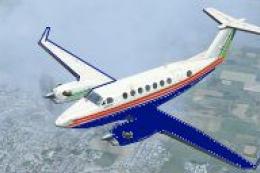 FSX Turboprops
Textures only for the default Beech King Air. By Cordero Kelly. Screenshot of…
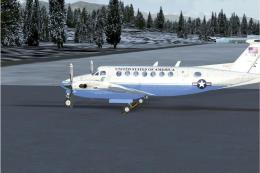 FSX Turboprops
Textures only for the default Beech King Air. A Beech 350 in State Department…
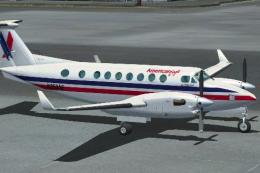 FSX Turboprops
This is fictional as American Eagle does not operate this type. By Roberto Ay…
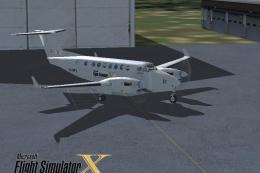 FSX Turboprops
This repaint is from the tribute for Microsoft Flight Simulator X. By Victor …
 FSX Turboprops
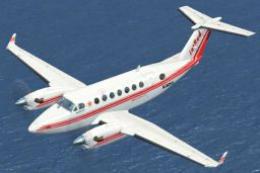
Textures only for the default Beech King Air. Repaint by Mike Lanza. Screensh…
 FSX Turboprops
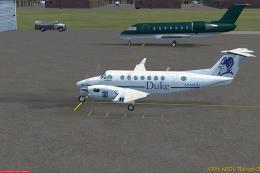
Repaint of the default Beech King Air 350 in fictional Duke University livery…
 FSX Turboprops
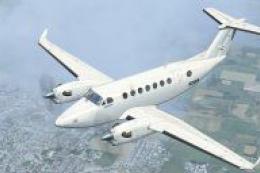
This texture is dedicated to Mairio Pardo and to his DropZone. The file conta…
Read what other simmers think, or add your own.

This is a fantastic FSX fix, finally the King Air 350 looks like it is supposed to hence it all of the sudden became usable again. Great work thank you very much !