

 FS2004 Propeller Aircraft
Braniff Airways Douglas DC-3 N34950
Textures only based on templates by Mark Beaumont and original textures by Ja…
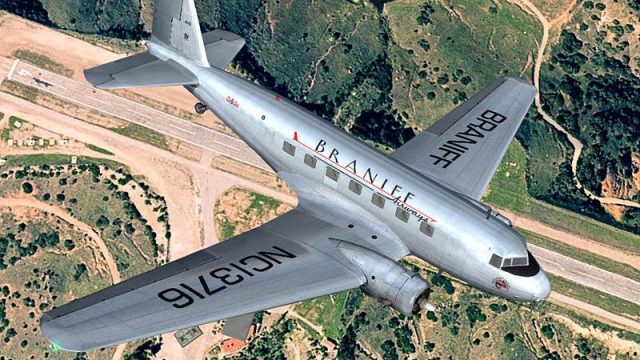
Braniff Airways Douglas DC-2 NC13716 brings 1930s airline flavor to Microsoft Flight Simulator 2004 and FSX with an era-faithful repaint that highlights polished metal and classic markings. The texture set preserves the DC-2’s distinctive lines and requires the freeware Douglas DC-2 base package to fly.
 Rate
Rate
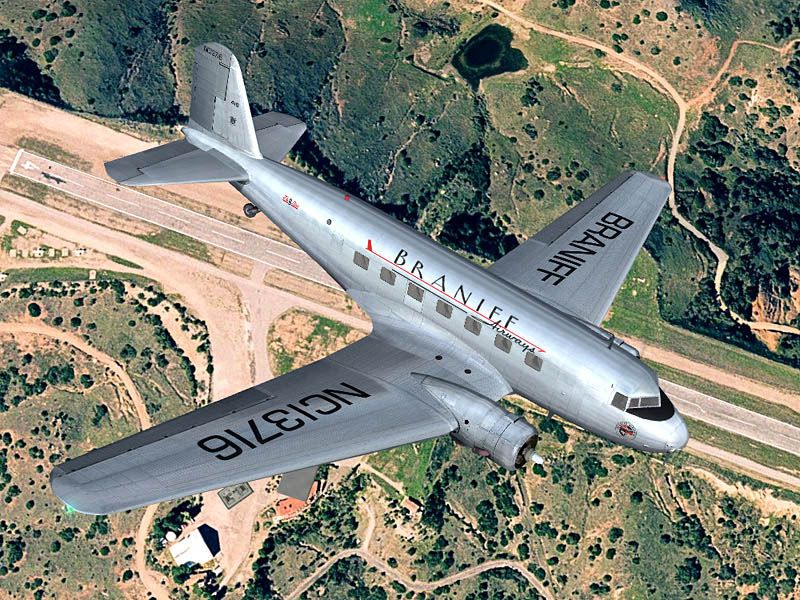
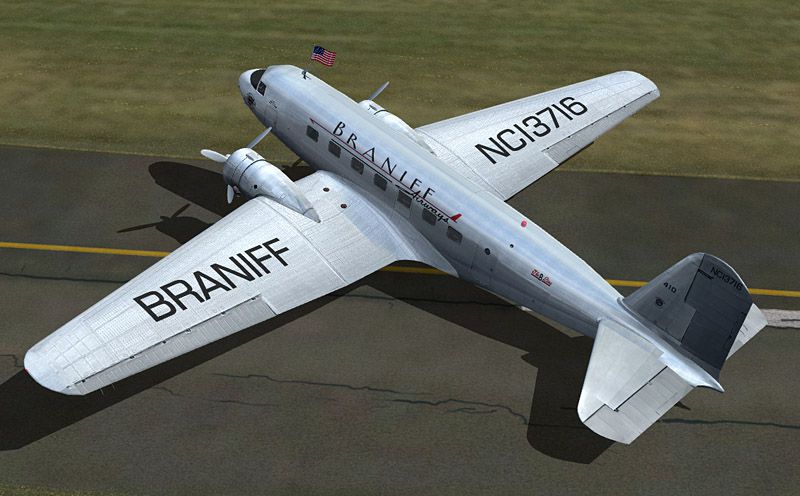

Experience a classic slice of 1930s commercial air travel with this distinct Braniff Airways Douglas DC-2 repaint. Developed by Tim Scharnhop and based on original work by Gerard Kranenbarg and Jan Visser, it offers a historically reflective paint scheme and requires the freeware Douglas DC-2 base package to function properly.
Braniff Airways, a prominent U.S. carrier of its era, operated various routes across the Midwest and beyond. Its fleet included notable propeller-driven transports, aiding in expanding air travel during a time when civil aviation was rapidly maturing. This DC-2 texture set represents an authentic addition to those aiming to recreate the airline’s ambiance in Microsoft Flight Simulator 2004 or Microsoft Flight Simulator X.
The Douglas DC-2 is a twin-engine, all-metal masterpiece, widely considered a ground-breaker in commercial aviation. It served as a stepping stone to the iconic DC-3. This particular recreation captures the aircraft’s era-correct lines and polished metallic surfaces. Contributors have meticulously adapted the appearance to ensure it aligns with authentic references from Braniff’s operational timeline.
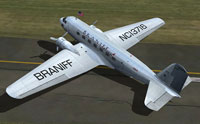
Screenshot showcasing the Braniff Airways DC-2 exterior.
This updated repaint is a standalone set of external textures. It does not include the core DC-2 model. Prior to installing, ensure you have the freeware Douglas DC-2 package in your simulator’s directory. The add-on can be retrieved from the Fly Away Simulation library.
[fltsim.XX]

title=Douglas DC-2 Braniff

sim=uiver_aviodrome

model=

panel=

sound=

texture=braniff

checklists=

kb_checklists=douglas_dc2_check

kb_reference=douglas_dc2_ref

atc_id_enable=1

atc_id=NC13716

description=Douglas DC-2 Braniff Airways NC13716\nFS9 Flight Dynamics: Tom Falley\nModel: Alexander Schreijnders, Jan Visser\nLivery: Tim Scharnhop, Gerard Kranenbarg, Jan Visser\nPanel, VC, Interior: Rob Cappers, Jan Visser\nGauges: XML Programming: HansJoerg Naegele, Gauge bitmaps: Rob Cappers

ui_manufacturer=Douglas

ui_type=DC-2

ui_variation=Braniff Airways

ui_typerole="Twin Engine Prop"

ui_createdby=""Uiver" Team"

atc_airline=

atc_heavy=0

atc_flight_number=

atc_id_color=0x00000000

atc_id_font=Verdana,-11,1,600,0

visual_damage=0

atc_parking_types=RAMP
All credits for this painstaking repaint go to Tim Scharnhop, in collaboration with the original texture creators, Gerard Kranenbarg and Jan Visser. Their commitment ensures every detail aligns with historical references and makes the Braniff Airways DC-2 a valuable freeware component for your virtual hangar.
Free for all simmers · 8.35 MB · Scanned clean Oct 2026
Download speed: Free tier is capped at 0.5 Mbps (this file takes approximately 2 mins at the cap). PRO members download at full line speed.
FS9\Aircraft\, FS9\Addon Scenery\, FS9\Gauges\, or FS9\Effects\.readme.txt or README file. It tells you exactly where files go, what dependencies are needed, and any quirks specific to this add-on.The archive dc2_bran.zip has 38 files and directories contained within it.
This list displays the first 500 files in the package. If the package has more, you will need to download it to view them.
| Filename/Directory | File Date | File Size |
|---|---|---|
| dc2bra-1.jpg | 11.25.07 | 111.74 kB |
| dc2bra.jpg | 11.25.07 | 175.20 kB |
| readme.txt | 11.25.07 | 2.90 kB |
| thumbnail.gif | 11.25.07 | 5.04 kB |
| A_spinprop.bmp | 11.25.07 | 256.07 kB |
| belly_t.bmp | 11.25.07 | 1.00 MB |
| dc2_cockpit.bmp | 03.25.04 | 64.07 kB |
| dc2_engineparts.bmp | 11.16.04 | 64.07 kB |
| dc2_kleren.bmp | 11.25.07 | 64.07 kB |
| dc2_pilot2.bmp | 05.24.07 | 64.07 kB |
| dc2_propblade_t.bmp | 11.25.07 | 64.07 kB |
| dc2_rc1.bmp | 06.03.03 | 85.40 kB |
| dc2_spin_t.bmp | 09.02.02 | 16.07 kB |
| dc2_vc_cabin.bmp | 11.25.07 | 1.00 MB |
| dc2_vc_floor.bmp | 12.17.06 | 1.00 MB |
| dc2_vc_luggage.bmp | 11.25.07 | 64.07 kB |
| dc2_vc_misc.bmp | 11.25.07 | 1.00 MB |
| dc2_vc_oh.bmp | 11.25.07 | 1.00 MB |
| dc2_vc_quad.bmp | 09.12.07 | 1.00 MB |
| dc2_vc_r.bmp | 11.25.07 | 1.00 MB |
| dc2_vc_side.bmp | 11.25.07 | 1.00 MB |
| dc2_vcl.bmp | 11.25.07 | 1.00 MB |
| fuse_t.bmp | 11.25.07 | 4.00 MB |
| glas_cp_in_t.bmp | 07.22.07 | 8.07 kB |
| glas_t.bmp | 07.22.07 | 8.07 kB |
| glosspin_t.bmp | 10.31.04 | 16.07 kB |
| Lamp_glas.BMP | 07.22.07 | 8.07 kB |
| motor.bmp | 12.25.05 | 32.07 kB |
| neus_t.bmp | 11.25.07 | 256.07 kB |
| thumbnail.jpg | 11.25.07 | 22.78 kB |
| Uiver_hs_t.bmp | 11.25.07 | 1.00 MB |
| Uiver_vs_t.bmp | 11.25.07 | 1.00 MB |
| wheel.bmp | 06.21.03 | 85.40 kB |
| Wheels_32.bmp | 05.14.04 | 341.40 kB |
| wingl_t.bmp | 11.25.07 | 4.00 MB |
| wingr_t.bmp | 11.25.07 | 4.00 MB |
| flyawaysimulation.txt | 10.29.13 | 959 B |
| Go to Fly Away Simulation.url | 01.22.16 | 52 B |
Only PRO members can place votes.
More FS2004 add-ons hand-picked based on this download.
FS2004 Propeller Aircraft
Textures only based on templates by Mark Beaumont and original textures by Ja…
 FS2004 Propeller Aircraft
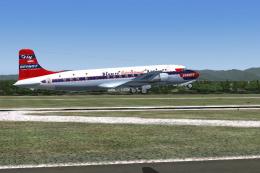
Textures for Jens Kristensen's DC6 v2.0 (DC6_V20.ZIP or DC6_V20X.ZIP). These …
 FS2004 Propeller Aircraft
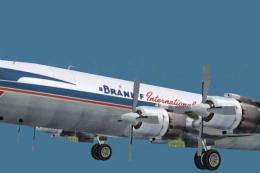
Braniff Airways DC7C textures for the Greg Pepper and Tom Gibson DC7C model. …
 FS2004 Propeller Aircraft
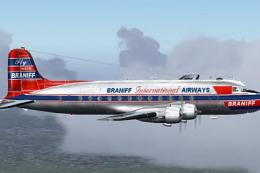
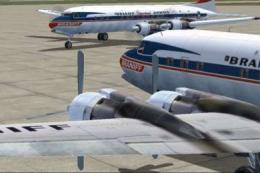
Braniff International Airways, registration N65142. From 1945 to 1954 Braniff…
 FS2004 Propeller Aircraft
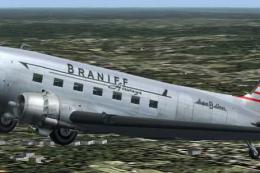
Revised Braniff International Airways DC7C textures for Greg Pepper and Tom G…
 FS2004 Propeller Aircraft
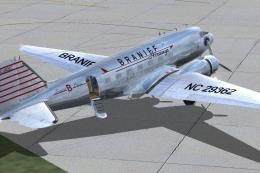
Textures only for the default DC3 in Braniff's circa 1940 livery. The base me…
 FS2004 Propeller Aircraft
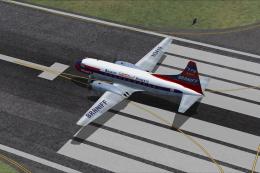
Braniff started operation in Oklahoma, and by 1940 they had a fleet of five D…
 FS2004 Propeller Aircraft
This is repaint of Convair CV-340 of Braniff International Airways. This repa…
Be the first to leave a comment on this download.
Be the first to share your thoughts on this download.