

 FS2004 Propeller Aircraft
Braniff Douglas DC-6
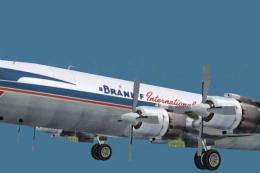
Textures for Jens Kristensen's DC6 v2.0 (DC6_V20.ZIP or DC6_V20X.ZIP). These …
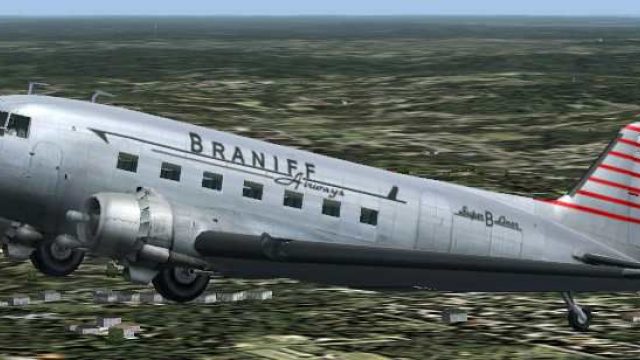
Braniff Airways’ circa-1940 Douglas DC-3 NC29362 livery brings period-correct Super B Liner styling to the default DC-3 in FS2004, using polished metal base textures and markings guided by historical photos. Requires the stock Douglas_DC3 aircraft, and adds a clean, authentic passenger-era finish for classic propliner flying.
 Rate
Rate
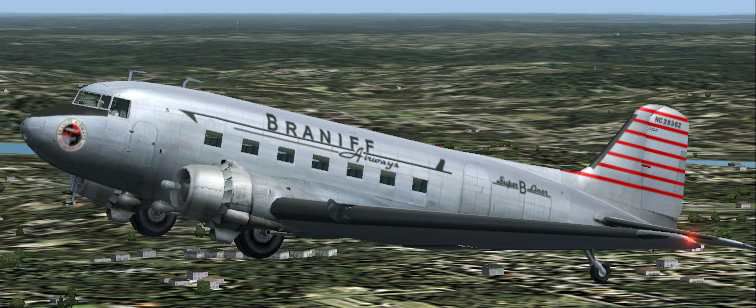
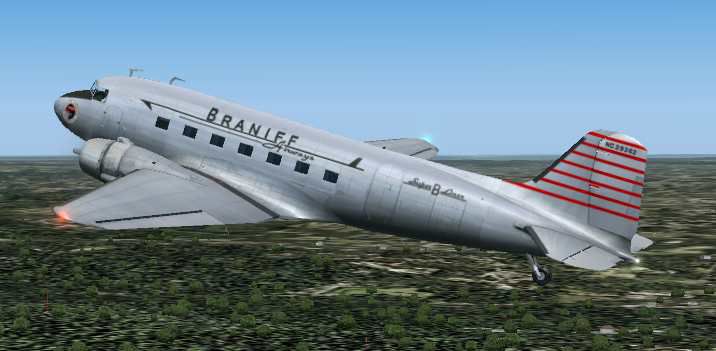
Textures only for the default DC3 in Braniff's circa 1940 livery. The base metal textures are by M. Beaumont, and my airline livery is based on photos of the DC-3 NC 29362 that joined Braniff Airways "Super B Liner" fleet in 1941. By Dale DeLuca.
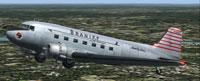
Screenshot of Braniff Douglas DC-3 in flight.
I should point out that this repaint is not totally accurate. The default DC3 does not have both right and left wing bmps nor does it have both right and left side rudder bmps therefore it is not possible to add serial numbers or airline logo on the wings or rudder. The livery is accurate in other respects. I hope you enjoy my repaint.
Installation:
[fltsim.xxx] (....change this number to the next in sequence)

	title=Douglas DC-3 Braniff Airways

	sim=Douglas_DC3

	model=

	panel=

	sound=

	texture=Braniff

	kb_checklists=Douglas_DC3_check

	kb_reference=Douglas_DC3_ref

	atc_id=

	ui_manufacturer=Douglas

	ui_type="DC-3"

	ui_variation="Braniff"

	description=Braniff Airways was formed on November 3, 1930, and immediately prior to World War II it was the sixth largest passenger carrier in the USA. They introduced the Douglas DC 2 in June 1937, and the DC 3 in 1939. On August 15, 1952 Mid-Continent Airlines merged with Braniff. The DC 3 that I have done the new livery for was delivered to Braniff on June 20, 1941 and joined the fleet of Super B Liners. During December 1959 it was sold to Southern Airways.
Free for all simmers · 2.25 MB · Scanned clean Oct 2026
Download speed: Free tier is capped at 0.5 Mbps. PRO members download at full line speed.
FS9\Aircraft\, FS9\Addon Scenery\, FS9\Gauges\, or FS9\Effects\.readme.txt or README file. It tells you exactly where files go, what dependencies are needed, and any quirks specific to this add-on.The archive badc3.zip has 12 files and directories contained within it.
This list displays the first 500 files in the package. If the package has more, you will need to download it to view them.
| Filename/Directory | File Date | File Size |
|---|---|---|
| Douglas_DC3_1_D.bmp | 04.12.03 | 682.74 kB |
| Douglas_DC3_2_C.bmp | 04.29.03 | 170.74 kB |
| Douglas_DC3_2_T.bmp | 04.28.03 | 341.40 kB |
| Douglas_DC3_3_C.bmp | 04.29.03 | 42.74 kB |
| Prop_DC3.bmp | 03.09.03 | 341.40 kB |
| Douglas_DC3_1_C.bmp | 04.29.03 | 682.74 kB |
| Douglas_DC3_1_T.bmp | 09.19.03 | 4.00 MB |
| Braniff 1.jpg | 09.19.03 | 34.95 kB |
| Braniff.jpg | 09.19.03 | 28.20 kB |
| README.txt | 09.19.03 | 2.44 kB |
| flyawaysimulation.txt | 10.29.13 | 959 B |
| Go to Fly Away Simulation.url | 01.22.16 | 52 B |
Only PRO members can place votes.
More FS2004 add-ons hand-picked based on this download.
FS2004 Propeller Aircraft
Textures for Jens Kristensen's DC6 v2.0 (DC6_V20.ZIP or DC6_V20X.ZIP). These …
 FS2004 Propeller Aircraft
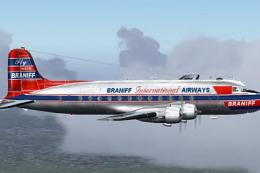
Braniff Airways DC7C textures for the Greg Pepper and Tom Gibson DC7C model. …
 FS2004 Propeller Aircraft
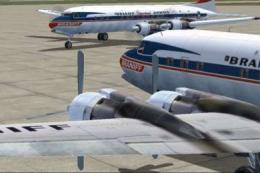
Braniff International Airways, registration N65142. From 1945 to 1954 Braniff…
 FS2004 Propeller Aircraft
Revised Braniff International Airways DC7C textures for Greg Pepper and Tom G…
 FS2004 Propeller Aircraft
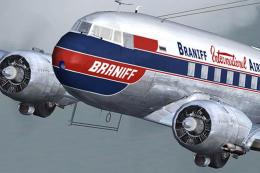
Textures only based on templates by Mark Beaumont and original textures by Ja…
 FS2004 Propeller Aircraft
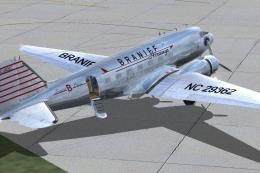
Braniff started operation in Oklahoma, and by 1940 they had a fleet of five D…
 FS2004 Propeller Aircraft
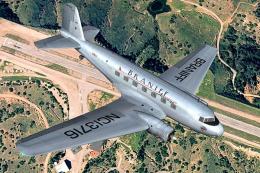
Experience a classic slice of 1930s commercial air travel with this distinct …
 FS2004 Propeller Aircraft
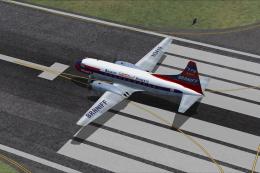
This is repaint of Convair CV-340 of Braniff International Airways. This repa…
Be the first to leave a comment on this download.
Be the first to share your thoughts on this download.