


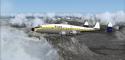
FS2004 Wien Alaska Airlines L-749
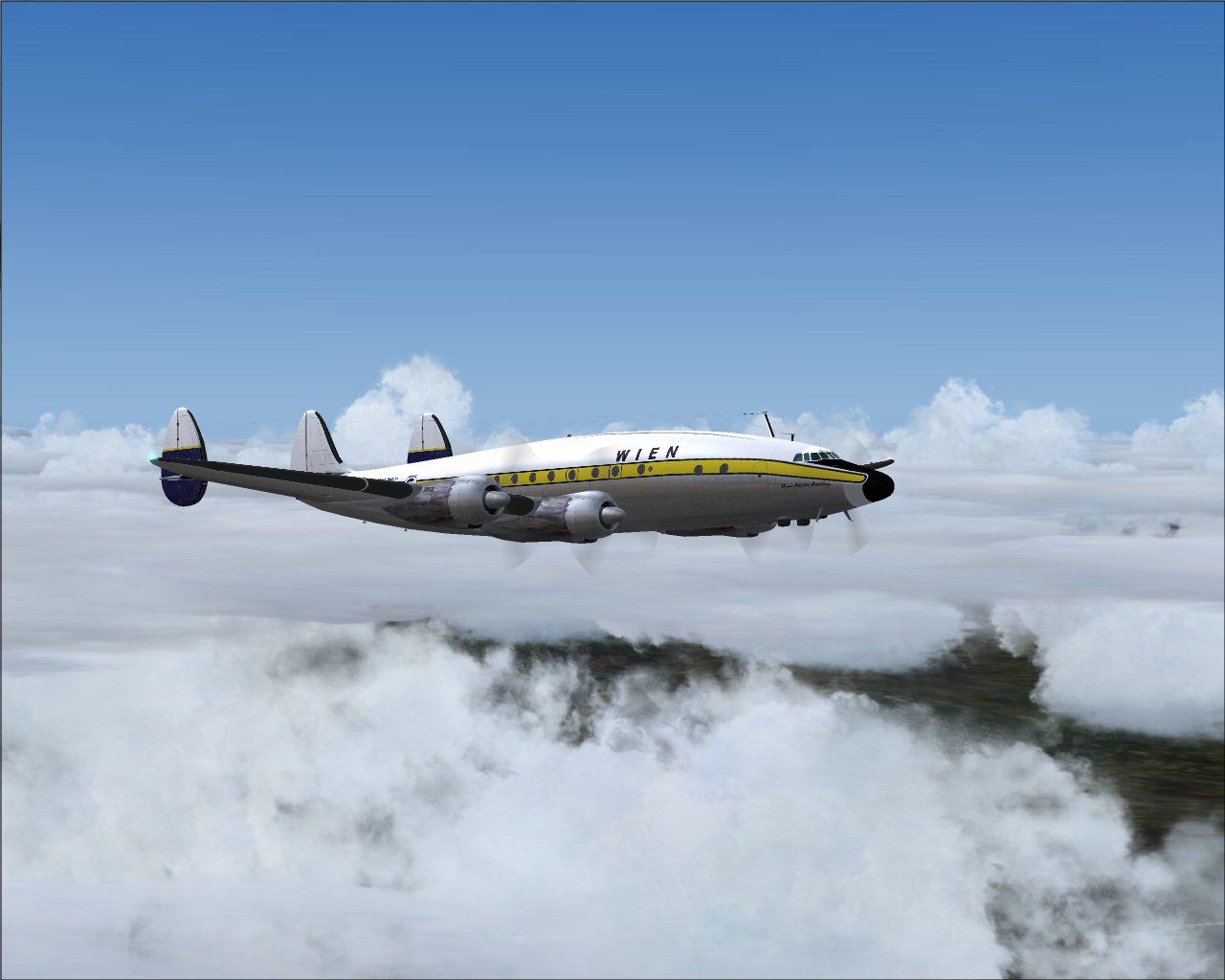
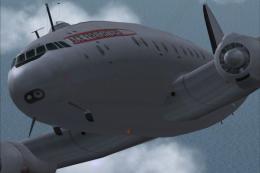
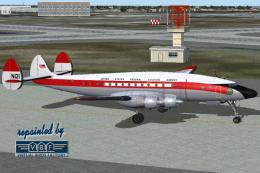
Wien Alaska Airlines livery for the Lockheed L-749 Constellation recreates N7777G as flown around 1964, bringing period-correct markings to the virtual cockpit and exterior. Designed for FS2004, it requires Manfred Jahn’s L749 model and includes accurate registration and airline details for authentic vintage operations.

- Type:Repaint
- File: wn749.zip
- Size:3.72 MB
- Scan:
Clean (4d)

- Access:Freeware
- Content:Everyone

 Description
 Comments
 Textures for the Lockheed L749 model by by Manfred Jahn. These textures depict N7777G about 1964. This aircraft can be seen today in TWA colors at the UK Science Museum at Wroughton, near Swindon. Textures by Gary Harper.

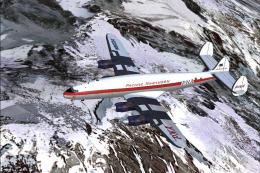
Screenshot of Wien Alaska Airlines L-749 in flight.
Copy the text below and paste in your aircraft config. file substituting your next consecutive [flightsim.__] number for "xx".
[fltsim.xx]

title=L-749 Wien Air Alaska

sim=749

model=TWA_A

panel=

sound=

texture=wn

kb_checklists=L749_check

kb_reference=

ui_manufacturer=Lockheed

ui_type=L-749 Constellation

ui_variation=Wien Alaska Airlines

atc_heavy=0

atc_id=N7777G

atc_id_enable=1

atc_airline=WIEN

atc_flight_number=110

description=New FS2k4 FD for L749 Connie. Beta v1.2 23-11\/2009

prop_anim_ratio=0.99

atc_id_color=0x00000000

atc_id_font=Verdana,-11,1,600,0
Images & Screenshots

The archive wn749.zip has 31 files and directories contained within it.
File Contents
This list displays the first 500 files in the package. If the package has more, you will need to download it to view them.
| Filename/Directory | File Date | File Size |
|---|---|---|
| file_id_diz.diz | 01.22.10 | 221 B |
| Readme.txt | 01.22.10 | 935 B |
| texture.wn | 01.22.10 | 0 B |
| _dcal_01.bmp | 01.22.10 | 256.07 kB |
| fins_l.bmp | 11.26.09 | 1.07 kB |
| fins_t.bmp | 01.22.10 | 4.00 MB |
| floor_2.bmp | 10.08.08 | 65.05 kB |
| fuse_l.bmp | 01.22.10 | 1.00 MB |
| fuse_t.bmp | 01.22.10 | 4.00 MB |
| propdisk.bmp | 11.07.09 | 256.07 kB |
| shade_01.bmp | 08.14.08 | 64.07 kB |
| Thumbs.db | 12.06.09 | 19.50 kB |
| vc01.BMP | 10.01.09 | 1.00 MB |
| vc01_l.bmp | 10.24.08 | 64.07 kB |
| vc01a_l.bmp | 11.05.09 | 64.07 kB |
| vc02.bmp | 09.24.09 | 64.07 kB |
| vc02_l.bmp | 11.05.09 | 64.07 kB |
| vc03.bmp | 11.30.09 | 1.00 MB |
| vc03_l.bmp | 10.23.08 | 64.07 kB |
| vc04.bmp | 09.24.09 | 1.00 MB |
| vc04_l.bmp | 10.24.08 | 64.07 kB |
| vc05.bmp | 11.24.09 | 1.00 MB |
| vc05_l.bmp | 10.24.08 | 64.07 kB |
| vc06.bmp | 10.02.09 | 1.00 MB |
| vc06_l.bmp | 10.24.08 | 64.07 kB |
| wings_l.bmp | 03.20.07 | 1.07 kB |
| wings_t.bmp | 01.22.10 | 4.00 MB |
| wn-1.jpg | 01.21.10 | 193.81 kB |
| wn-2.jpg | 01.21.10 | 103.62 kB |
| flyawaysimulation.txt | 10.29.13 | 959 B |
| Go to Fly Away Simulation.url | 01.22.16 | 52 B |

Installation Instructions
Most of the freeware add-on aircraft and scenery packages in our file library come with easy installation instructions which you can read above in the file description. For further installation help, please see our Flight School for our full range of tutorials or view the README file contained within the download. If in doubt, you may also ask a question or view existing answers in our dedicated Q&A forum.
Related Add-ons
Some mods you may like
0 comments
Leave a Response