

 FS2004 Propeller Aircraft
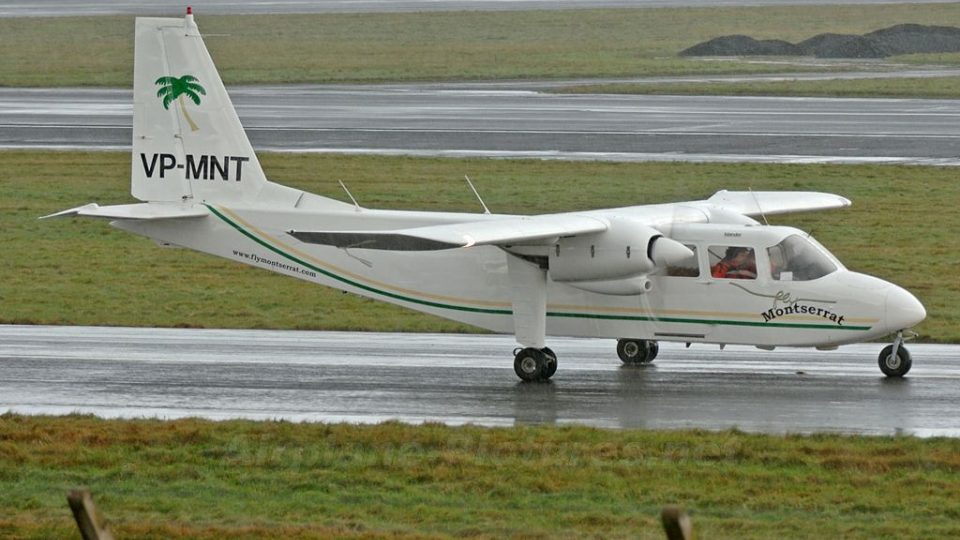
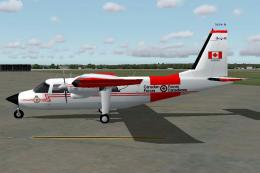
CAF BN2 Islander #18902
This is a Britten Norman BN2 Islander in fictitious colors of the CAF. Textur…
Fly Montserrat’s Britten-Norman BN-2 Islander VP-MNT brings authentic island-hopper character to FS2004, capturing the carrier’s all-Islander fleet with a dedicated repaint and a solid base model. Expect a faithful look for short regional sectors and scenic Caribbean operations, with clear airline identity reflected in the exterior finish and details.
 Rate
Rate
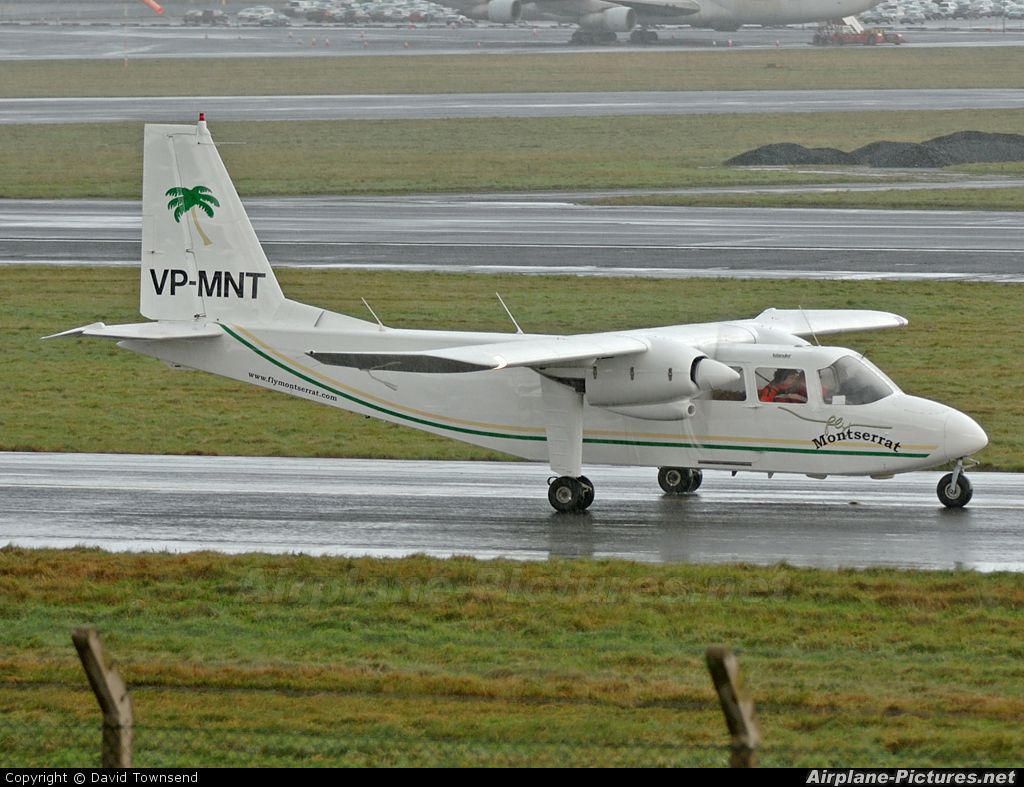
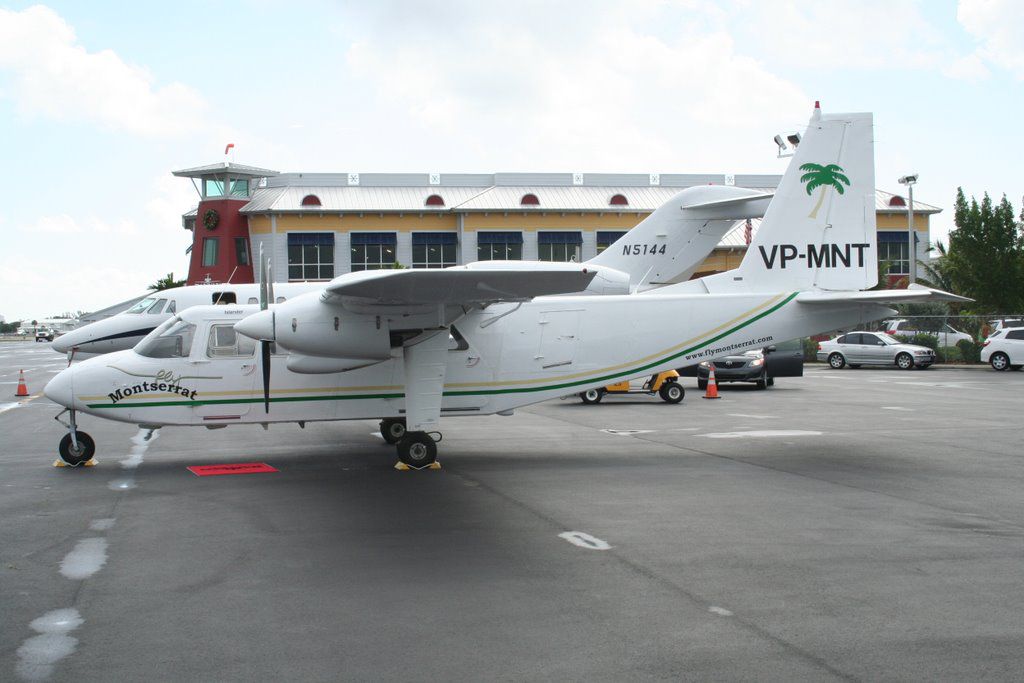
This airline uses only Britten Norman Islanders; this one is VP-MNT. Model by Marcel Kuhnt. By Kenje Thomas.
This is Fly Montserrat for Fs2004 Based in the island of Montserrst the airline consists of only Islanders. This one is VP MNT. Just copy the file into FS2004/Aircraft.
Please enjoy the aircraft. Happy Flying!
Free for all simmers · 8.26 MB · Scanned clean Aug 2026
Download speed: Free tier is capped at 0.5 Mbps (this file takes approximately 2 mins at the cap). PRO members download at full line speed.
FS9\Aircraft\, FS9\Addon Scenery\, FS9\Gauges\, or FS9\Effects\.readme.txt or README file. It tells you exactly where files go, what dependencies are needed, and any quirks specific to this add-on.The archive bn2islanderflymontserrat.zip has 89 files and directories contained within it.
This list displays the first 500 files in the package. If the package has more, you will need to download it to view them.
| Filename/Directory | File Date | File Size |
|---|---|---|
| BN-2B_3 | 01.16.11 | 0 B |
| 71627.jpg | 01.16.11 | 534.03 kB |
| aircraft.cfg | 12.29.10 | 9.75 kB |
| aircraft.cfg.bak | 11.29.10 | 9.38 kB |
| aircraft.ini | 06.09.04 | 8.68 kB |
| BN-2B_3 | 01.16.11 | 0 B |
| BN2.air | 12.01.01 | 9.11 kB |
| BN2B_check.txt | 07.05.02 | 4.31 kB |
| BN2B_check_DI.txt | 07.05.02 | 4.43 kB |
| BN2_notes.txt | 12.28.01 | 0 B |
| BN_Instal.exe | 06.09.04 | 24.00 kB |
| difln.ini | 06.09.04 | 332 B |
| Effects | 01.16.11 | 0 B |
| BN_engstrt.fx | 10.01.10 | 1.05 kB |
| BN_iceinspect.fx | 10.01.10 | 1.29 kB |
| BN_passenger.fx | 10.01.10 | 1.31 kB |
| BN_smoke.fx | 10.01.10 | 1.17 kB |
| fx_contrail_320_9.fx | 10.01.10 | 1.17 kB |
| fx_contrail_320_x.fx | 10.01.10 | 1.17 kB |
| ferry167.jpg | 01.16.11 | 104.67 kB |
| model | 01.16.11 | 0 B |
| bn2.mdl | 04.07.04 | 1.75 MB |
| Model.cfg | 12.23.01 | 22 B |
| model.3B | 01.16.11 | 0 B |
| bn2.mdl | 04.07.04 | 1.74 MB |
| Model.cfg | 12.23.01 | 22 B |
| model.ln | 01.16.11 | 0 B |
| bn2.mdl | 04.09.04 | 1.75 MB |
| Model.cfg | 12.23.01 | 22 B |
| panel | 01.16.11 | 0 B |
| BN.bmp | 02.10.04 | 769.05 kB |
| BN_BOT.bmp | 10.06.00 | 129.18 kB |
| BN_Cons.bmp | 10.20.03 | 109.60 kB |
| BN_TOP.bmp | 05.02.04 | 228.05 kB |
| BN_UP.bmp | 04.12.01 | 1.17 MB |
| Panel.cfg | 05.02.04 | 5.89 kB |
| Sicht.bmp | 10.20.03 | 2.25 MB |
| Thumbs.db | 12.18.10 | 18.50 kB |
| vc.bmp | 02.22.04 | 3.00 MB |
| Virtualpanel.cfg | 07.04.02 | 3.34 kB |
| READ ME.txt | 01.16.11 | 281 B |
| sound | 01.16.11 | 0 B |
| CE4A.wav | 02.09.10 | 495.08 kB |
| CEP1A.wav | 02.09.10 | 59.29 kB |
| CEP1B.wav | 02.09.10 | 63.79 kB |
| CEP2A.wav | 02.09.10 | 65.29 kB |
| CEP2B.wav | 02.09.10 | 86.79 kB |
| CESHUTA.wav | 02.09.10 | 33.75 kB |
| CESHUTB.wav | 02.09.10 | 402.75 kB |
| CESTRTA.wav | 02.09.10 | 227.98 kB |
| CESTRTB.wav | 02.09.10 | 54.62 kB |
| cmflaps.wav | 02.09.10 | 175.61 kB |
| door_small_close.wav | 02.09.10 | 55.99 kB |
| door_small_open.wav | 02.09.10 | 59.98 kB |
| Sound.cfg | 06.15.10 | 38 B |
| XCE1A.wav | 02.09.10 | 571.62 kB |
| XCE1B.wav | 02.09.10 | 55.79 kB |
| XCE2A.wav | 02.09.10 | 424.67 kB |
| XCE2B.wav | 02.09.10 | 51.79 kB |
| XCE3A.wav | 02.09.10 | 132.12 kB |
| XCE4A.wav | 02.09.10 | 166.06 kB |
| XCEP1A.wav | 02.09.10 | 78.29 kB |
| XCEP1B.wav | 02.09.10 | 66.79 kB |
| XCEP2A.wav | 02.09.10 | 70.29 kB |
| XCEP2B.wav | 02.09.10 | 86.79 kB |
| XCESHUTA.wav | 02.09.10 | 33.75 kB |
| XCESHUTB.wav | 02.09.10 | 441.64 kB |
| XCESTRTA.wav | 02.09.10 | 73.28 kB |
| XCESTRTB.wav | 02.09.10 | 192.72 kB |
| texture.ifln | 01.16.11 | 0 B |
| blende_t.bmp | 02.28.03 | 442 B |
| bn2_c.bmp | 12.18.10 | 512.07 kB |
| bn2_i.bmp | 12.18.10 | 128.07 kB |
| BN2_t.bmp | 12.18.10 | 512.07 kB |
| decals_1.bmp | 02.25.04 | 170.75 kB |
| engine.bmp | 12.18.10 | 32.07 kB |
| Face.bmp | 12.18.10 | 8.07 kB |
| Fenst.bmp | 01.29.02 | 1.06 kB |
| mechaniker.bmp | 12.18.10 | 32.07 kB |
| Misc1.bmp | 12.18.10 | 8.07 kB |
| Misc2.bmp | 12.18.10 | 32.07 kB |
| Misc3.bmp | 12.18.10 | 8.07 kB |
| Misc4.bmp | 12.18.10 | 32.07 kB |
| passenger.bmp | 12.18.10 | 512.07 kB |
| Props.bmp | 12.18.10 | 32.07 kB |
| Stairs.bmp | 12.18.10 | 2.07 kB |
| Thumbs.db | 12.18.10 | 3.00 kB |
| flyawaysimulation.txt | 10.29.13 | 959 B |
| Go to Fly Away Simulation.url | 01.22.16 | 52 B |
Only PRO members can place votes.
More FS2004 add-ons hand-picked based on this download.
FS2004 Propeller Aircraft
This is a Britten Norman BN2 Islander in fictitious colors of the CAF. Textur…
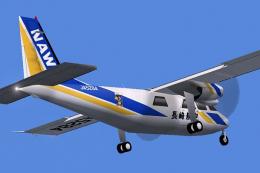 FS2004 Propeller Aircraft
These two repaints were made for the AI Britten Normen BN2 Islanders by Henry…
 FS2004 Propeller Aircraft
Textures of Air Panama for the HTAI Britten Norman BN-2 Islander model. Textu…
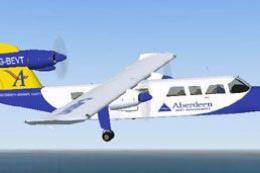 FS2004 Propeller Aircraft
Aurigny Britten Norman BN2-2AMk3 Trislander. Four repaints, G-BDTO, G-BEVT, G…
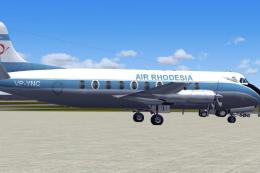 FS2004 Propeller Aircraft
This paint depicts VP-YNC in the early livery. Requires the FSDS Vickers Visc…
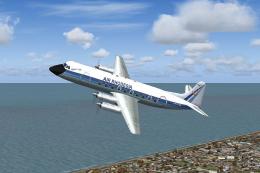 FS2004 Propeller Aircraft
This freeware package provides a fresh texture set for Rick Piper’s celebrate…
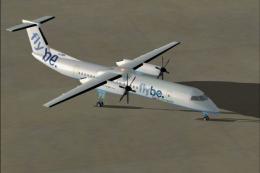 FS2004 Propeller Aircraft
FS2004 Fly Be DeHavilland Dash 8-Q400. All new model designed by Robert Versl…
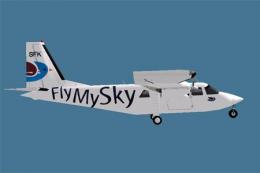 FS2004 Propeller Aircraft
This repaint requires the Britten-Norman BN-2 model from HTAI. Repaint by Dip…
Be the first to leave a comment on this download.
Be the first to share your thoughts on this download.