

 FSX Propliners
LIAT Britten Norman BN2 Islander
Although the Caribbean airline only uses Dash 8 100/300 aircraft today, in th…
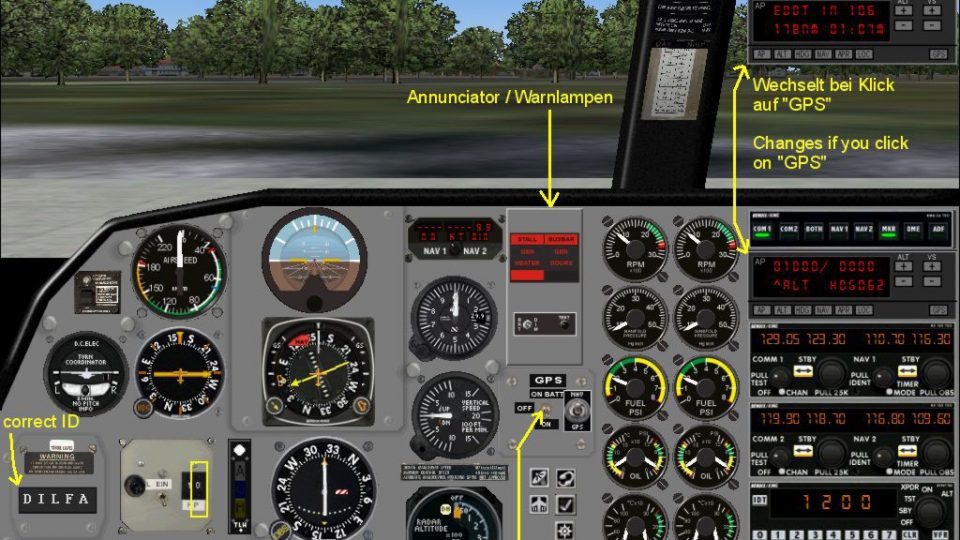
Air BVI’s Britten-Norman BN2 Islander brings short-hop Caribbean charter and scheduled service to FSX with an airline-accurate livery and island-ready performance. It includes a complete virtual cockpit, panel and gauges, plus custom BN2 soundset for a more authentic cabin and engine ambience on Virgin Islands routes.
 Rate
Rate
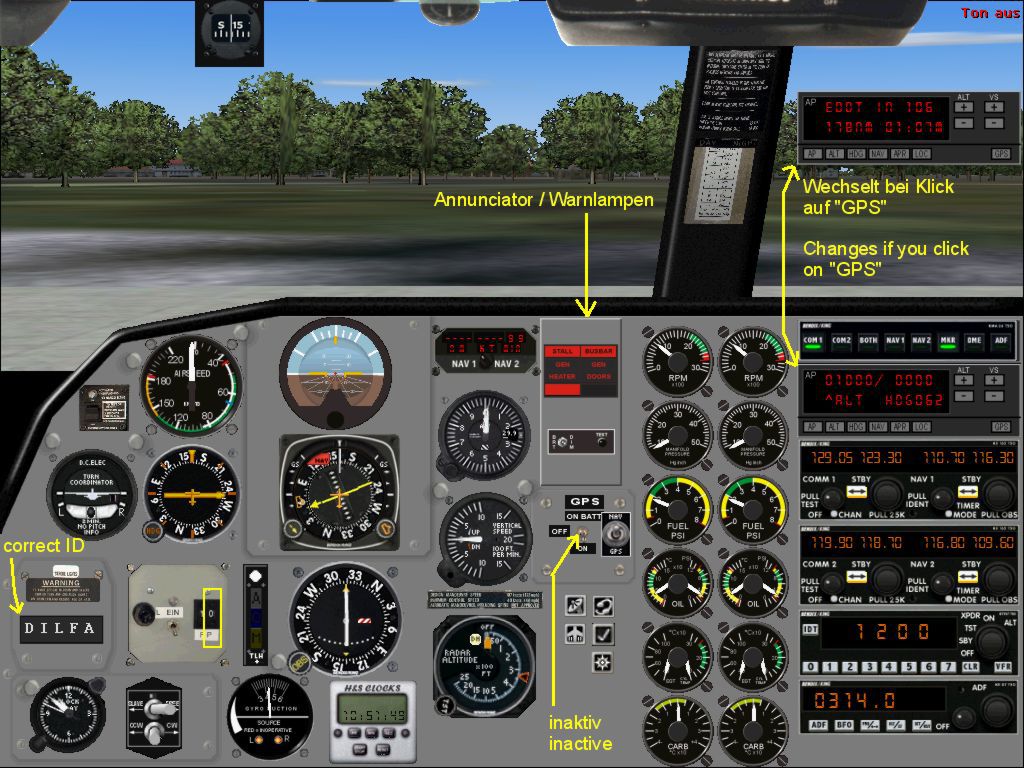

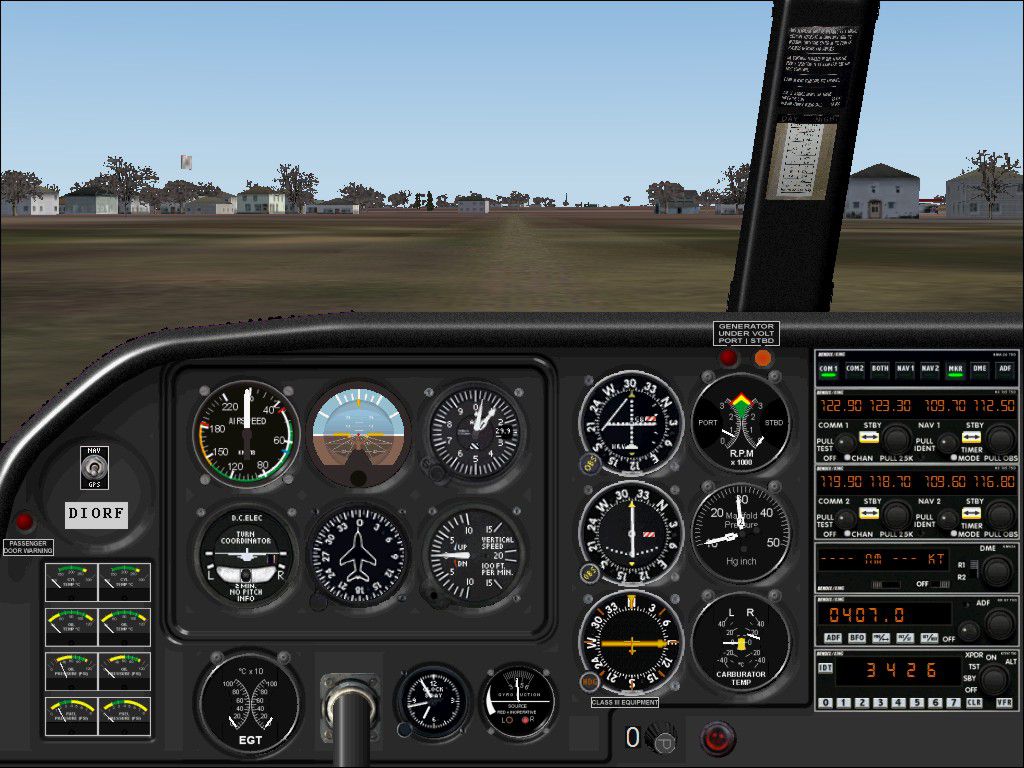
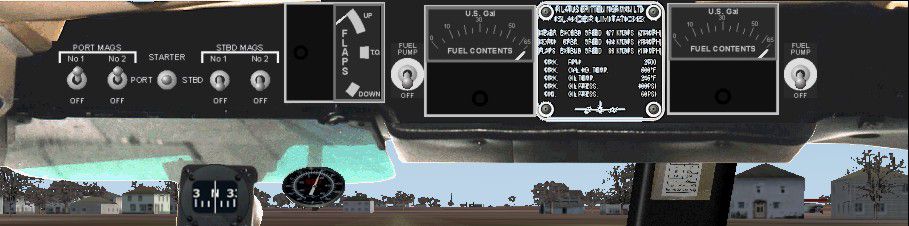


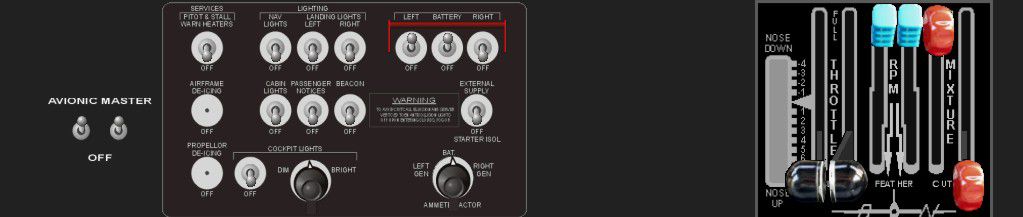


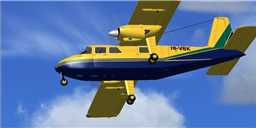
Air BVI is a airline based in Tortola and flies to the neighboring Virgin Islands providing charters and regular service. Comes with VC, panel, gauges and custom BN2 sounds. By Kenje Thomas.
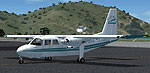
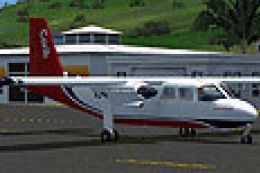
Screenshot of Air BVI Britten Norman BN2 Islander on the ground.
Free for all simmers · 24.71 MB · Scanned clean Oct 2026
Download speed: Free tier is capped at 0.5 Mbps (this file takes approximately 7 mins at the cap). PRO members download at full line speed.
SimObjects\Airplanes\, Addon Scenery\, Effects\, or Gauges\.readme.txt or README file. It tells you exactly where files go, what dependencies are needed, and any quirks specific to this add-on.The archive air_bvi_bn2.zip has 127 files and directories contained within it.
This list displays the first 500 files in the package. If the package has more, you will need to download it to view them.
| Filename/Directory | File Date | File Size |
|---|---|---|
| BN2 B - AIR BVI | 07.17.12 | 0 B |
| AIR BVI.exe | 07.16.12 | 11.29 MB |
| aircraft.cfg | 05.31.09 | 13.35 kB |
| BN2.air | 02.14.05 | 9.11 kB |
| BN2B Readme.txt | 07.16.12 | 120 B |
| Documentation | 07.16.12 | 0 B |
| Backgro.jpg | 05.06.06 | 665 B |
| BN-2_FS.doc | 05.06.06 | 33.00 kB |
| BN-2_Original.doc | 05.06.06 | 50.00 kB |
| BN-2_Original_easy.doc | 05.06.06 | 50.50 kB |
| Manual_English.htm | 05.06.06 | 46.84 kB |
| Panel_A_Main.jpg | 05.06.06 | 200.45 kB |
| Panel_A_Main_CarbTemp.jpg | 05.06.06 | 4.56 kB |
| Panel_A_Main_Door_ID.jpg | 05.06.06 | 3.20 kB |
| Panel_A_Main_EGT.jpg | 05.06.06 | 4.64 kB |
| Panel_A_Main_Eng.jpg | 05.06.06 | 9.52 kB |
| Panel_A_Main_GenUndVolt.jpg | 05.06.06 | 2.52 kB |
| Panel_A_Main_ManPress.jpg | 05.06.06 | 4.95 kB |
| Panel_A_Main_Pass_Stall.jpg | 05.06.06 | 2.21 kB |
| Panel_A_Main_RPM.jpg | 05.06.06 | 5.18 kB |
| Panel_A_Upper.jpg | 05.06.06 | 66.38 kB |
| Panel_Lower.jpg | 05.06.06 | 45.14 kB |
| Panel_Main.jpg | 05.06.06 | 184.73 kB |
| Panel_Main_Annunc.jpg | 05.06.06 | 2.54 kB |
| Panel_Main_AP.jpg | 05.06.06 | 4.64 kB |
| Panel_Main_CarbTemp.jpg | 05.06.06 | 2.54 kB |
| Panel_Main_Director.jpg | 05.06.06 | 2.35 kB |
| Panel_Main_EGTCHT.jpg | 05.06.06 | 2.64 kB |
| Panel_Main_FuelPress.jpg | 05.06.06 | 2.88 kB |
| Panel_Main_GPS.jpg | 05.06.06 | 4.54 kB |
| Panel_Main_Gyrosuction.jpg | 05.06.06 | 3.04 kB |
| Panel_Main_ManPress.jpg | 05.06.06 | 2.59 kB |
| Panel_Main_Oil.jpg | 05.06.06 | 2.85 kB |
| Panel_Main_Passenger.jpg | 05.06.06 | 2.98 kB |
| Panel_Main_RPM.jpg | 05.06.06 | 2.72 kB |
| Panel_Overhead.jpg | 05.06.06 | 19.99 kB |
| Panel_Throttle.jpg | 05.06.06 | 36.40 kB |
| Panel_Tri_Main.jpg | 05.06.06 | 203.02 kB |
| Panel_Tri_Upper.jpg | 05.06.06 | 35.40 kB |
| Panel_Upper.jpg | 05.06.06 | 34.95 kB |
| Thumbs.db | 08.22.06 | 111.00 kB |
| Titel.jpg | 05.06.06 | 65.65 kB |
| effects | 07.16.12 | 0 B |
| bn_engstrt.fx | 05.06.06 | 1.05 kB |
| BN_iceinspect.fx | 05.06.06 | 1.29 kB |
| BN_passenger.fx | 05.06.06 | 1.31 kB |
| BN_smoke.fx | 05.06.06 | 1.17 kB |
| fx_contrail_320_9.fx | 10.09.06 | 1.17 kB |
| fx_contrail_320_x.fx | 10.09.06 | 1.17 kB |
| fs9+2012-07-16+15-46-06-27.bmp | 07.16.12 | 2.93 MB |
| model | 07.16.12 | 0 B |
| bn2.mdl | 08.13.06 | 1.76 MB |
| Model.cfg | 08.13.06 | 22 B |
| model.mka | 07.16.12 | 0 B |
| bn2.mdl | 08.13.06 | 1.76 MB |
| Model.cfg | 08.13.06 | 22 B |
| panel | 07.16.12 | 0 B |
| panel.cfg | 02.14.05 | 36 B |
| Panel.a | 07.16.12 | 0 B |
| BN.bmp | 12.01.06 | 2.25 MB |
| BN.GAU | 08.13.06 | 2.79 MB |
| BN_BOT.bmp | 08.13.06 | 129.18 kB |
| BN_Cons.bmp | 08.13.06 | 109.60 kB |
| BN_New_MC.CAB | 08.13.06 | 1.27 MB |
| BN_TOP.bmp | 08.13.06 | 228.05 kB |
| BN_UP.bmp | 08.13.06 | 1.17 MB |
| Panel.cfg | 12.11.06 | 8.13 kB |
| Thumbs.db | 12.01.06 | 17.50 kB |
| vc.bmp | 08.13.06 | 1.00 MB |
| sound | 07.16.12 | 0 B |
| c182_gyro.wav | 08.20.06 | 2.86 MB |
| CASTALL.wav | 08.20.06 | 36.69 kB |
| CE1A.wav | 08.20.06 | 365.44 kB |
| CE1B.wav | 08.20.06 | 55.79 kB |
| CE2A.wav | 08.20.06 | 896.64 kB |
| CE2B.wav | 08.20.06 | 55.79 kB |
| CE3A.wav | 08.20.06 | 257.88 kB |
| CE4A.wav | 08.20.06 | 495.08 kB |
| CEP1A.wav | 08.20.06 | 59.29 kB |
| CEP1B.wav | 08.20.06 | 63.79 kB |
| CEP2A.wav | 08.20.06 | 65.29 kB |
| CEP2B.wav | 08.20.06 | 86.79 kB |
| CESHUTA.wav | 08.20.06 | 33.75 kB |
| CESHUTB.wav | 08.20.06 | 402.75 kB |
| CESTRTA.wav | 08.20.06 | 227.98 kB |
| CESTRTB.wav | 08.20.06 | 54.62 kB |
| cmflaps.wav | 08.20.06 | 175.61 kB |
| door_small_close.wav | 08.20.06 | 55.99 kB |
| door_small_open.wav | 08.20.06 | 59.98 kB |
| sound.cfg | 08.20.06 | 6.99 kB |
| XCE1A.wav | 08.20.06 | 571.62 kB |
| XCE1B.wav | 08.20.06 | 55.79 kB |
| XCE2A.wav | 08.20.06 | 424.67 kB |
| XCE2B.wav | 08.20.06 | 51.79 kB |
| XCE3A.wav | 08.20.06 | 132.12 kB |
| XCE4A.wav | 08.20.06 | 166.06 kB |
| XCEP1A.wav | 08.20.06 | 78.29 kB |
| XCEP1B.wav | 08.20.06 | 66.79 kB |
| XCEP2A.wav | 08.20.06 | 70.29 kB |
| XCEP2B.wav | 08.20.06 | 86.79 kB |
| XCESHUTA.wav | 08.20.06 | 33.75 kB |
| XCESHUTB.wav | 08.20.06 | 441.64 kB |
| XCESTRTA.wav | 08.20.06 | 73.28 kB |
| XCESTRTB.wav | 08.20.06 | 192.72 kB |
| texture.dan | 07.16.12 | 0 B |
| blende_t.bmp | 02.14.05 | 442 B |
| bn2_c.bmp | 05.03.04 | 1.00 MB |
| bn2_i.bmp | 06.24.06 | 512.06 kB |
| bn2_t.ace | 06.27.06 | 682.97 kB |
| bn2_t.bmp | 05.04.04 | 3.00 MB |
| decals_1.bmp | 05.09.04 | 257.05 kB |
| engine.bmp | 02.14.04 | 170.74 kB |
| Face.bmp | 07.30.05 | 8.07 kB |
| Fenst.bmp | 01.29.02 | 1.06 kB |
| mechaniker.bmp | 04.03.04 | 65.05 kB |
| Misc1.bmp | 05.09.04 | 17.05 kB |
| Misc2.bmp | 03.15.04 | 65.05 kB |
| Misc3.bmp | 02.17.03 | 17.05 kB |
| Misc4.bmp | 03.03.04 | 65.05 kB |
| passenger.bmp | 08.02.05 | 512.07 kB |
| Props.bmp | 12.07.01 | 341.40 kB |
| Stairs.bmp | 04.06.04 | 4.11 kB |
| thumbnail.jpg | 05.31.09 | 4.40 kB |
| Thumbs.db | 05.30.09 | 63.50 kB |
| Thumbs.db | 08.20.06 | 51.00 kB |
| flyawaysimulation.txt | 10.29.13 | 959 B |
| Go to Fly Away Simulation.url | 01.22.16 | 52 B |
Only PRO members can place votes.
More FSX & P3D add-ons hand-picked based on this download.
FSX Propliners
Although the Caribbean airline only uses Dash 8 100/300 aircraft today, in th…
 FSX Propliners
A local airline of the ABC islands, Bonaire Curacao and Aruba, EZ Air provide…
 FSX Propliners
An airline based in Antigua or St. Kitts but commonly seen in Anguilla. This …
 FSX Propliners
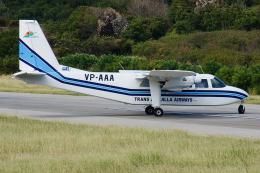
Trans Island Air 2000 was an airline which was based in Barbados and operated…
 FSX Propliners
Trans Anguilla is one of the local airlines of Anguilla and use two BN2 Islan…
 FSX Propliners
A small airline based in Antigua with partnership with LIAT, this airline use…
 FSX Propliners
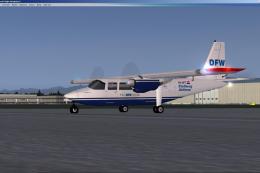
An AI Britten Norman BN2 of Stellweg Airlines member of The DFW Group. Mainly…
 FSX Propliners
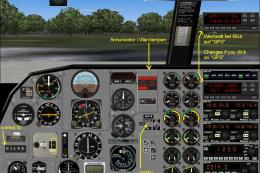
Dorado Wings is a charter service which flew through the Virgin Islands. It c…
Read what other simmers think, or add your own.

Everything is good, VC and interior layout, are not a problem. Documentation is thorough for a flight simulator. The problem is outside, The aircraft is black all over.
