

 FSX Scenery
St-Barthelemy Island Sloped Runway
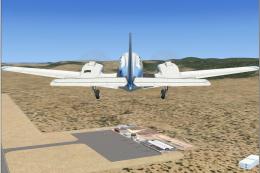
St Barthelemy island (TFFJ) is situated in the Caribbean Sea. It's small slop…
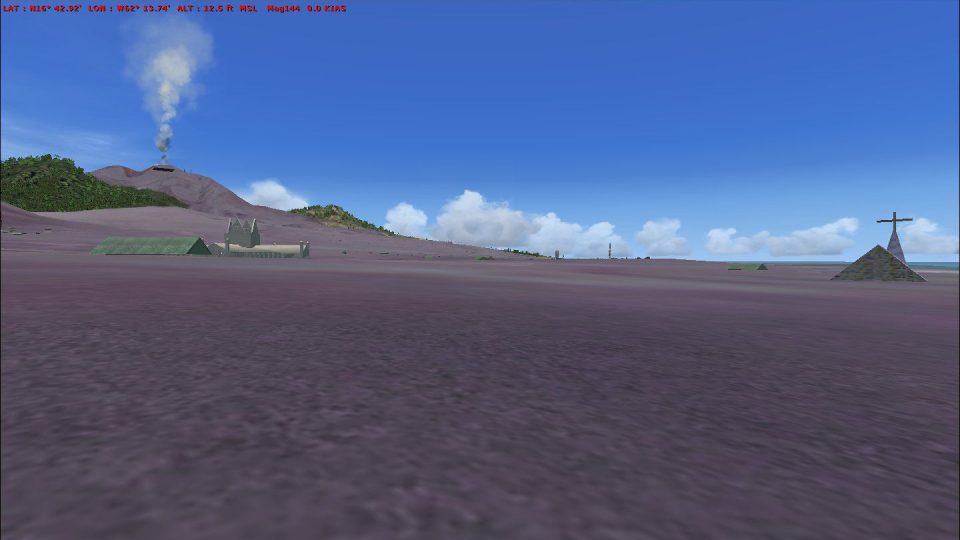
Montserrat Island scenery refreshes the coastline and landclass while adding Bramble’s destroyed airfield, Gerald’s modern airport, and an Observatory heliport for varied approaches in Microsoft Flight Simulator X. Custom roads and traffic, Plymouth’s haunting ruins, and the La Soufrière volcano with animated effects round out an immersive Caribbean environment.
 Rate
Rate
 Montserrat
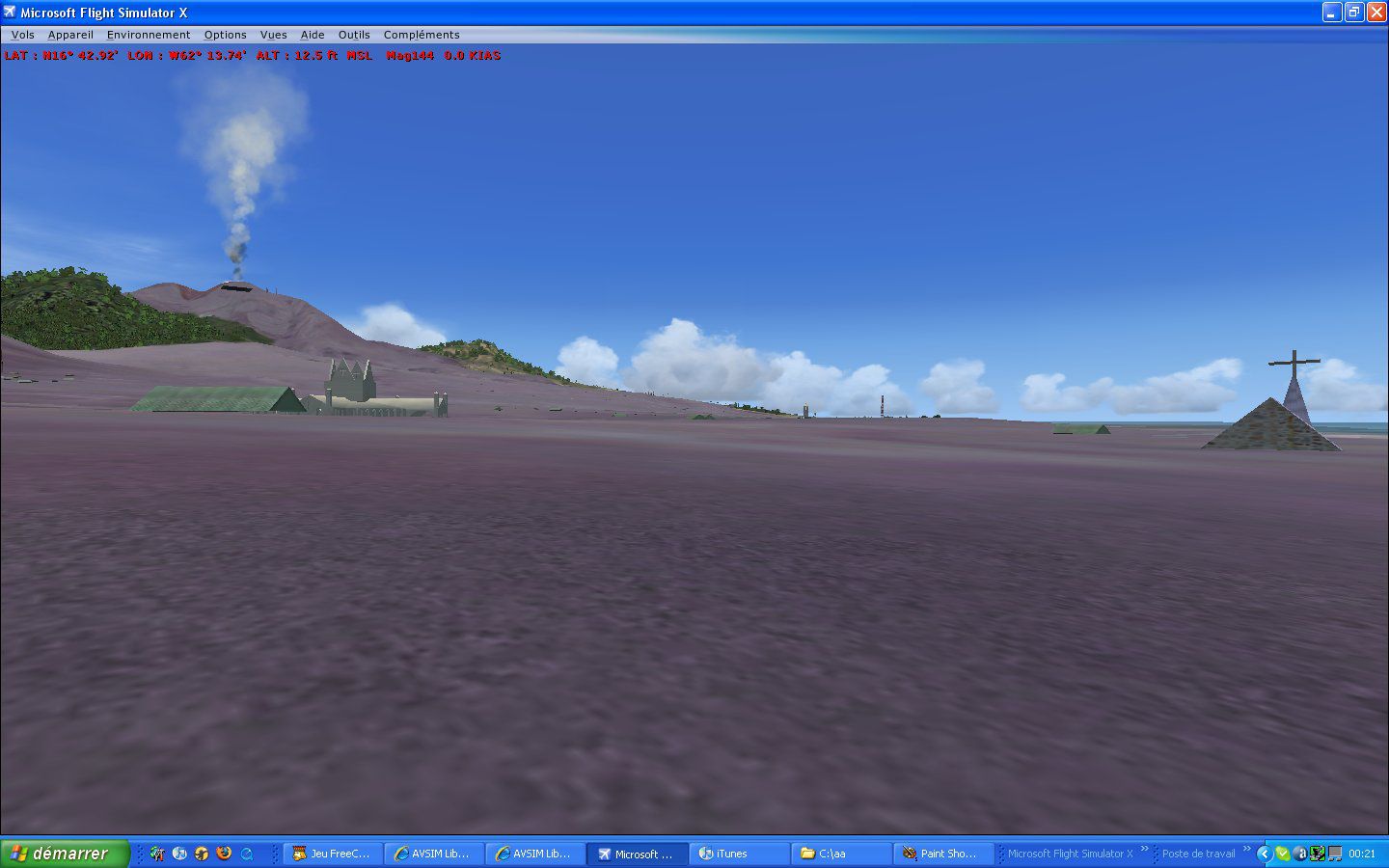
Island Of Montserrat. New scenery of Montserrat Island with Bramble Destroy airport, Gerald's new airport, Observatory with heliport, roads and traffic adjust with landclass, ruins of Plymouth City (churchs, war memorial), Volcano LA Souffriere with effects running under FSX SP2 and SP1. By Valladier Jean Louis.
Island Of Montserrat Scenery.
Contains:
Redraw all coasts and land class.
BRAMBLE (Montserrat (Destroy airport).
GERALD'S(Montserrat new airport).
Observatory (Monserrat heliport).
Roads and traffic adjust with land class.
Ruins of Plymouths City (Churchs , War memorial).
Volcano LA Souffriere with effects.
It is running under FSX SP2 SP1 (I hope it).
Installation:
Unzip the MONTSERRA(scenery,texture and effects) contents in this file MONTSERRAT.ZIP in (or equivalent) with option on an work subfolder.
-From your work subfolder:
Copy subfolder in <\Microsoft Flight Simulator X\Addon Scenery>
copy file of in <\Microsoft Flight Simulator X\Effects>
Run Simulator X.
Click
1-parameters
2-library of the scenery
3-add a zone
4-select Program Files\Microsoft Games\Microsoft Flight Simulator X\Addon
select: MONTSERRA
5-OK
This scene it is free to use for any simmor but it not to use for REGULAR COMMERCIAL PRACTICES.
Beginner and having known just FSX I have use the following tools.
GMAX (I have a headache but which satisfaction) for the buildings.
FSXPLANNER for airport.
WHISPLACER for positionements and effects of characters and geologic.
FSXKML for the excludes.
PAINTSHOP for image processing textures or photographs.
SBUILDER X.
And well on FSX of Microsoft and its SDK.
Thank you with many persons which made it possible to know this new word and in particular for their programs articles or blogs and or councils.
Jacky Brouze
Guy Nemos
Patrick RENAUDIN (And is runway of Grerald's)
JL Valladier
Free for all simmers · 11.63 MB · Scanned clean Oct 2026
Download speed: Free tier is capped at 0.5 Mbps (this file takes approximately 3 mins at the cap). PRO members download at full line speed.
FSX\Addon Scenery\ containing scenery and texture sub-folders.readme.txt or README file. It tells you exactly where files go, what dependencies are needed, and any quirks specific to this add-on.Use these coordinates to fly directly to this location once the mod is installed.
16.75000000,-62.20000000
Launch FSX or Prepar3D and use Flights → Load to open the downloaded .pln file. Your aircraft will be positioned at this location.
The archive monserat.zip has 32 files and directories contained within it.
This list displays the first 500 files in the package. If the package has more, you will need to download it to view them.
| Filename/Directory | File Date | File Size |
|---|---|---|
| Effects | 07.11.08 | 0 B |
| jlvfummeesblanches.fx | 06.30.08 | 7.38 kB |
| lisezmoi.txt | 07.11.08 | 2.33 kB |
| montserra | 07.11.08 | 0 B |
| scenery | 07.11.08 | 0 B |
| blackburn MNI.bgl | 07.01.08 | 870 B |
| cvx_blackburn.bgl | 05.19.08 | 388 B |
| cvx_mniroutes.BGL | 07.03.08 | 36.83 kB |
| cvx_Montserrat.BGL | 06.26.08 | 1.24 kB |
| cvx_observatoire.BGL | 06.20.08 | 733 B |
| Gerald's AP MNI0.bgl | 05.18.08 | 3.36 kB |
| mniCoulee1.bgl | 03.17.08 | 2.31 MB |
| mnicoulee2.bgl | 03.18.08 | 381.53 kB |
| mnicoulee3.bgl | 03.21.08 | 323.60 kB |
| mnicoulee4.bgl | 06.17.08 | 599.54 kB |
| mnicratere.bgl | 03.22.08 | 263.39 kB |
| mniobservatoire.bgl | 06.06.08 | 680.77 kB |
| mniroutes_OBX.BGL | 07.03.08 | 156 B |
| mnitourc.bgl | 07.02.08 | 293.47 kB |
| MNI_Bat.bgl | 07.01.08 | 685.45 kB |
| pisteObservatoire MNIO.bgl | 06.03.08 | 1.17 kB |
| plymouth.bgl | 07.06.08 | 251.02 kB |
| texture | 07.11.08 | 0 B |
| mnigeraldday.dds | 04.20.08 | 5.33 MB |
| mnigeraldnui.dds | 04.20.08 | 5.33 MB |
| mniobservatoireday.dds | 07.06.08 | 5.33 MB |
| mniobservatoirenui.dds | 06.05.08 | 5.33 MB |
| usineold.dds | 07.05.08 | 5.33 MB |
| plymouth.jpg | 07.07.08 | 125.03 kB |
| readme.txt | 07.11.08 | 2.24 kB |
| flyawaysimulation.txt | 10.29.13 | 959 B |
| Go to Fly Away Simulation.url | 01.22.16 | 52 B |
Only PRO members can place votes.
More FSX & P3D add-ons hand-picked based on this download.
FSX Scenery
St Barthelemy island (TFFJ) is situated in the Caribbean Sea. It's small slop…
 FSX Scenery
Island Of Saba. Includes redesign of all coasts and land class; SABA airport;…
 FSX Scenery
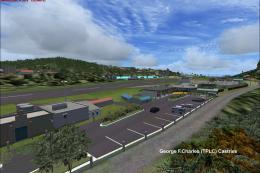
(Caraibes). Saint Lucia Island scenery including the correct redefinition of …
 FSX Scenery
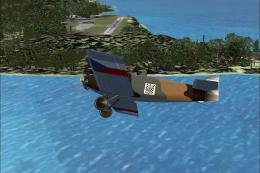
Saba Island (TNCS). Saba island in FSX is much improved over the flat island …
 FSX Scenery
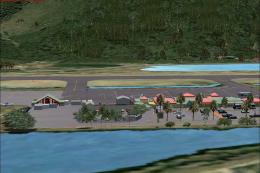
Grande Case Island, St Marteen (TFFG). This scenery is fully compatible with …
 FSX Scenery
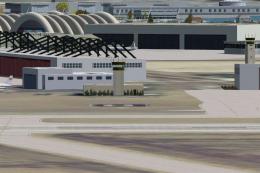
NAS North Island (KNZY), v1.01. After a hard day of trapping it's nice to hav…
 FSX Scenery
FSX Corse Island Scenery version I. Know as Corse to the French, Corsica to t…
 FSX Scenery
Scenery Mahon/Menorca Island, Islas Baleares (Balearic Islands), Spain (LEMH)…
Read what other simmers think, or add your own.

Thank you so much for the freeware for Montserrat! I have always wanted to "fly" there, but my FSX Steam had nothing on the island.
I was amazed at how small the runway is. You would have thought they would have made a bigger one, given they were replacing the destroyed airport - which was I believe three times as long.
Anyway, thank you for making this available.