

 FSX Civil Aircraft
Airbus A320-200 Swiss Airliners Package V1
Repaint package includes three aircraft: The Helvetic Airways, Hello Airline …
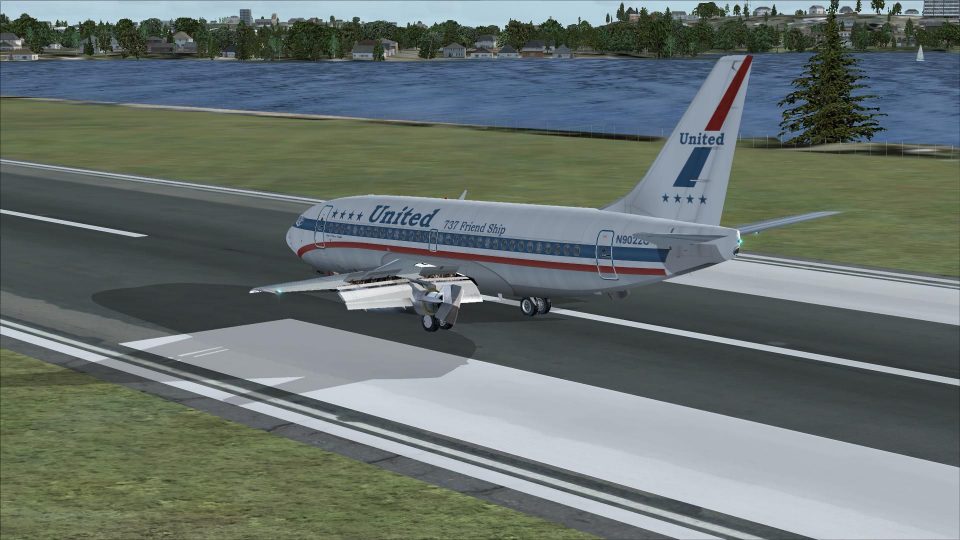
Boeing 737-200 package for FSX delivers classic JT8D-powered short-haul operations with American, Southwest Canyon Blue, and United liveries, plus the PSPanels 737-200 panel and Christoffer Peterson’s “The Real Deal” Pratt & Whitney JT8-D sound set. It uses a 2D cockpit with no virtual cockpit for period-style flying.
 Rate
Rate
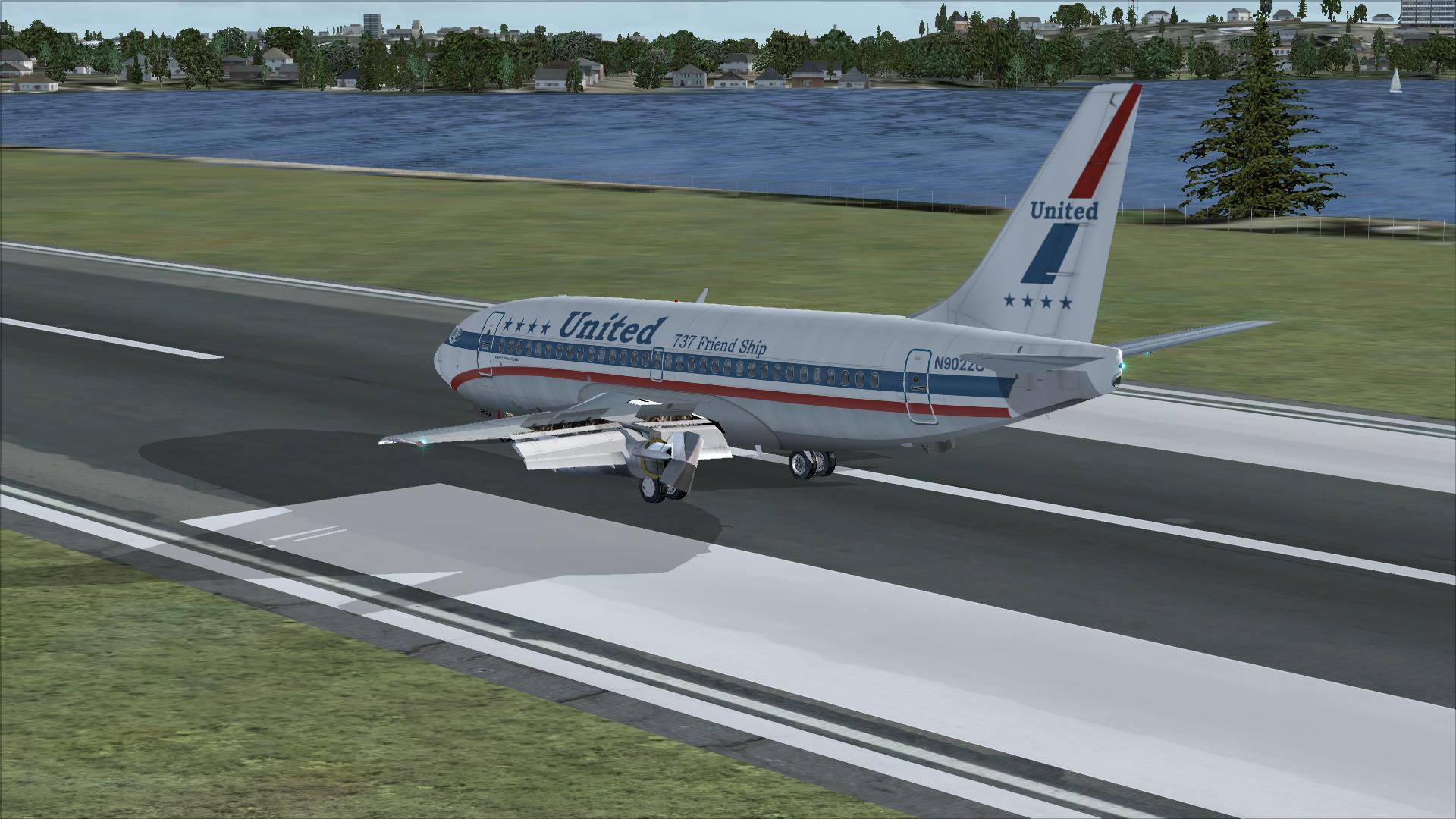
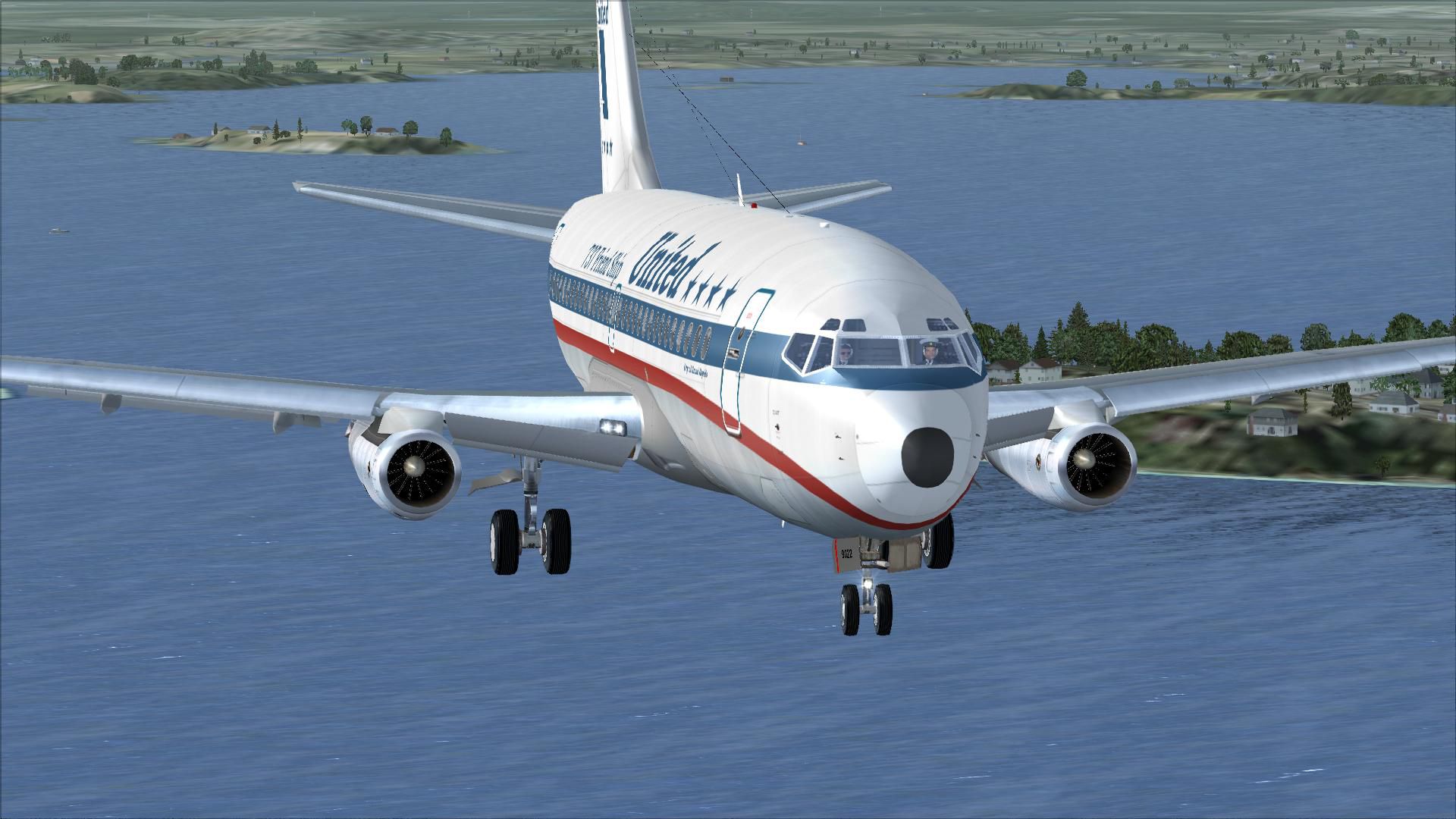
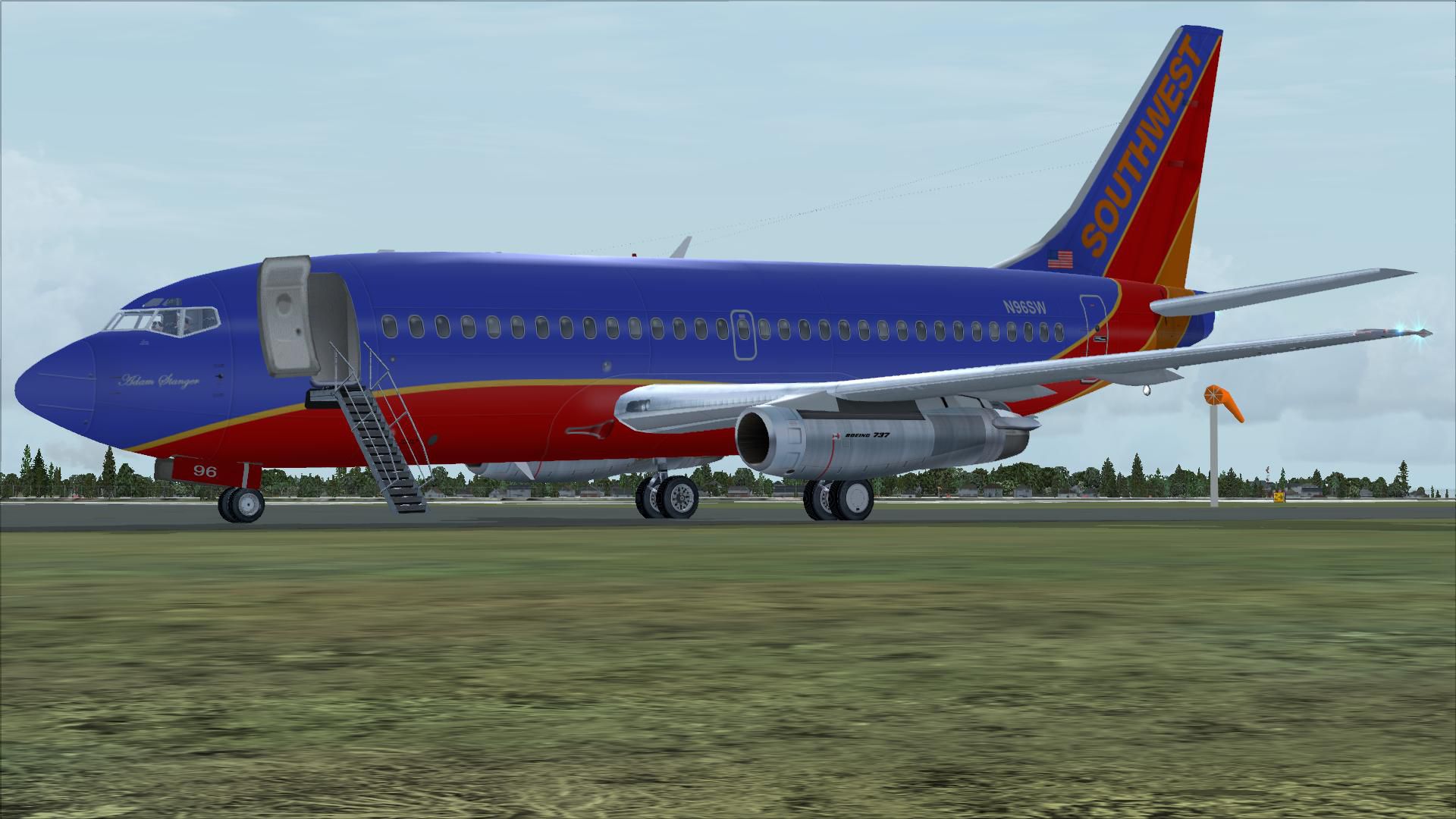
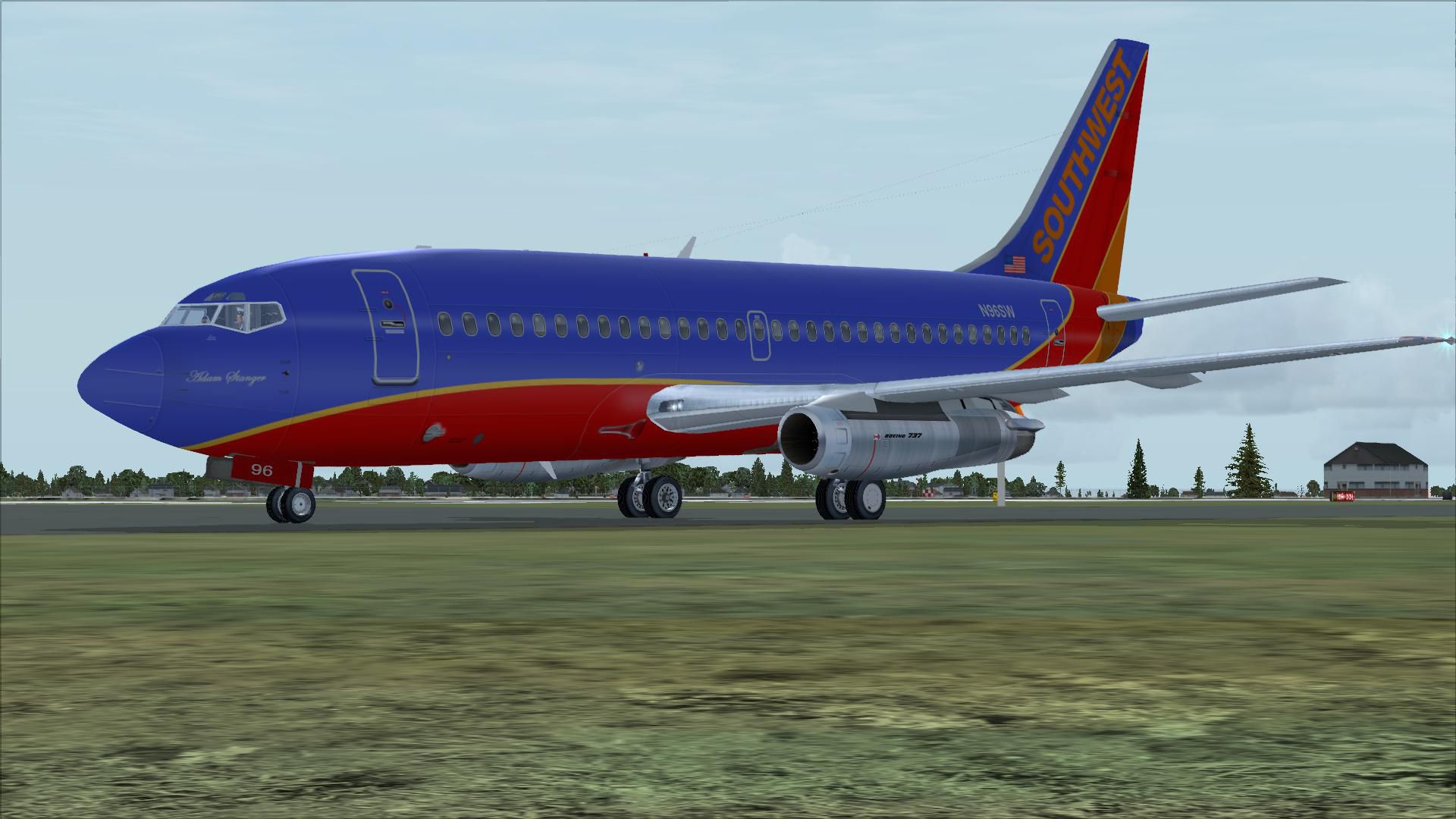
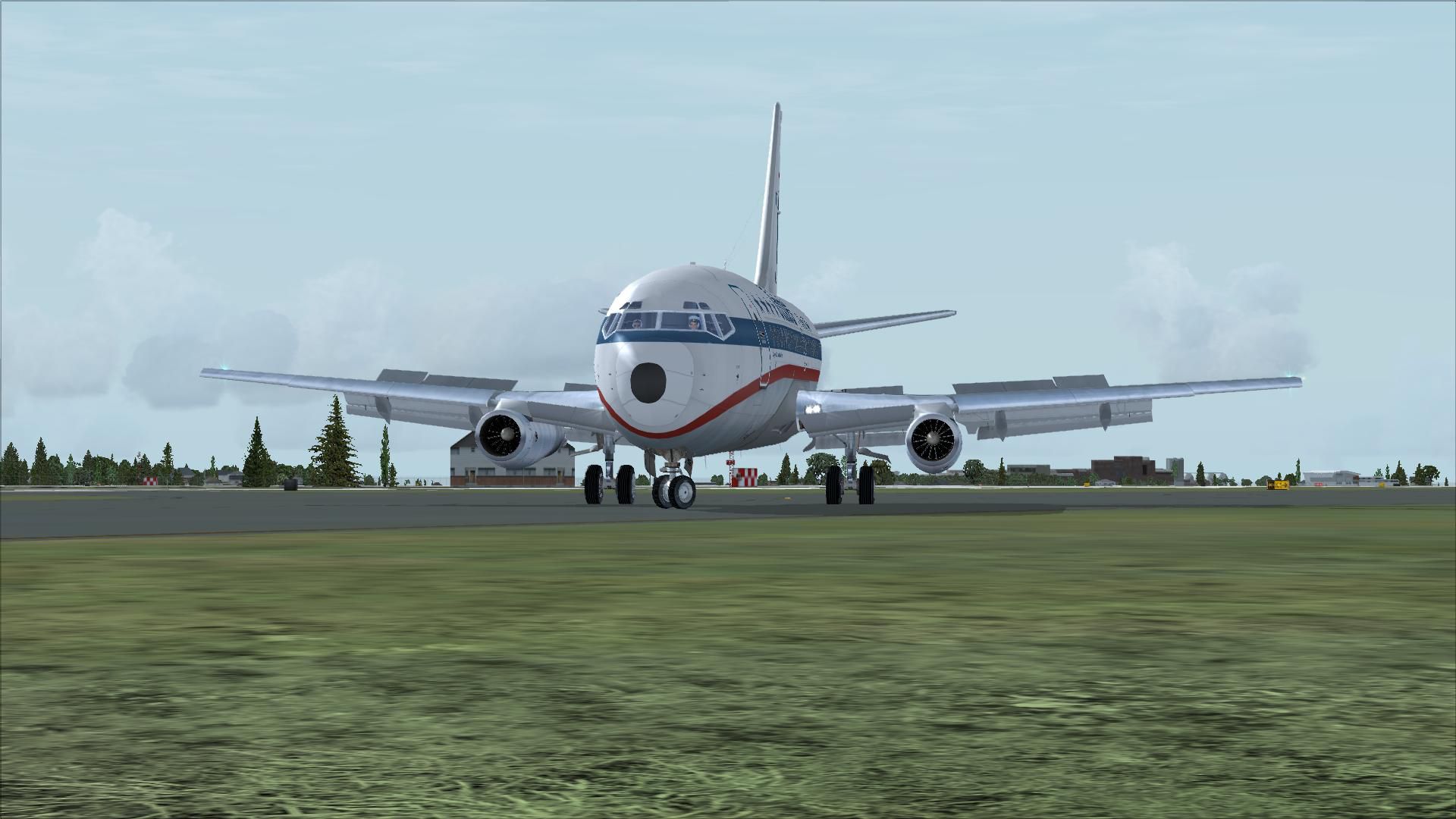
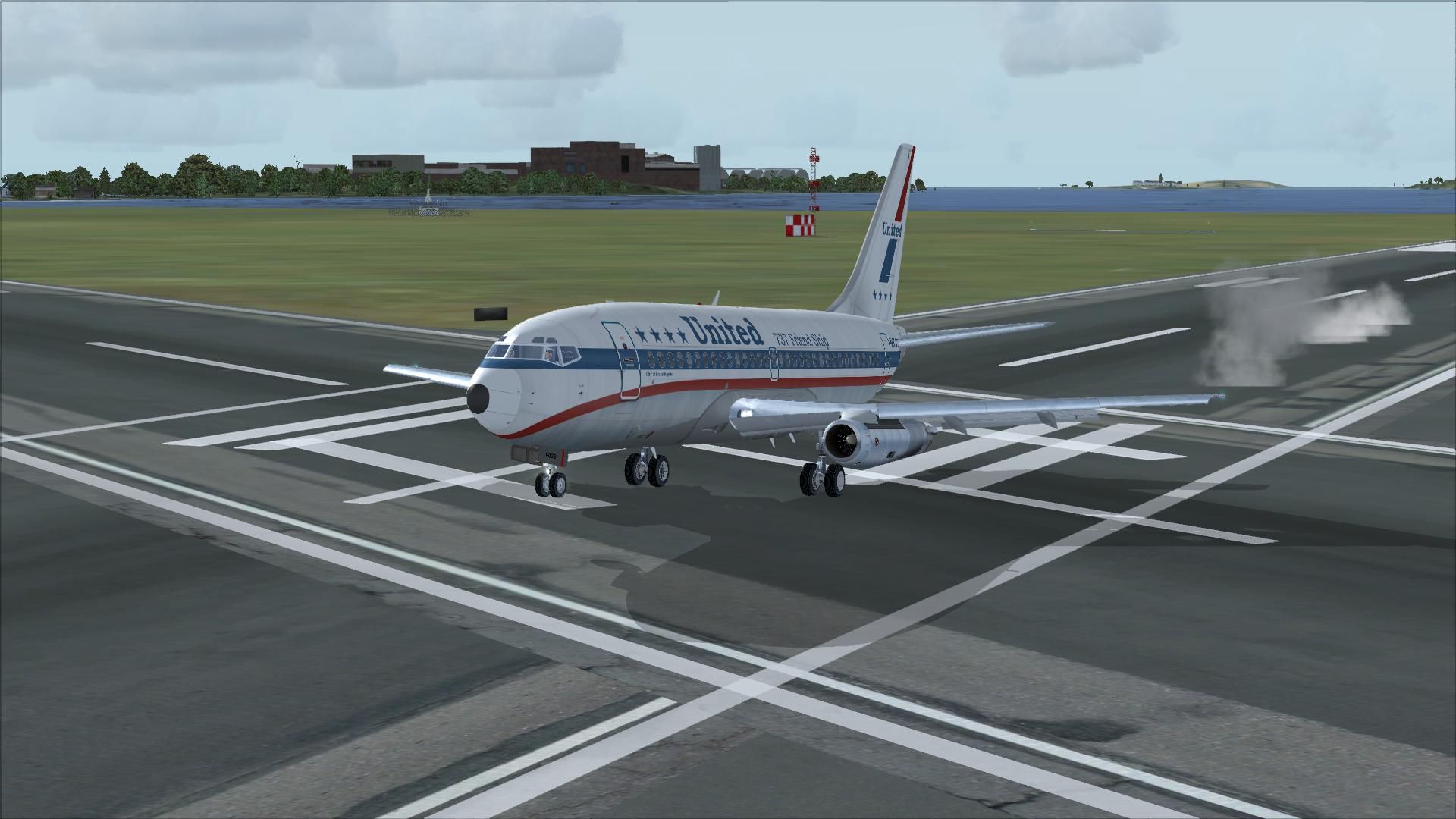
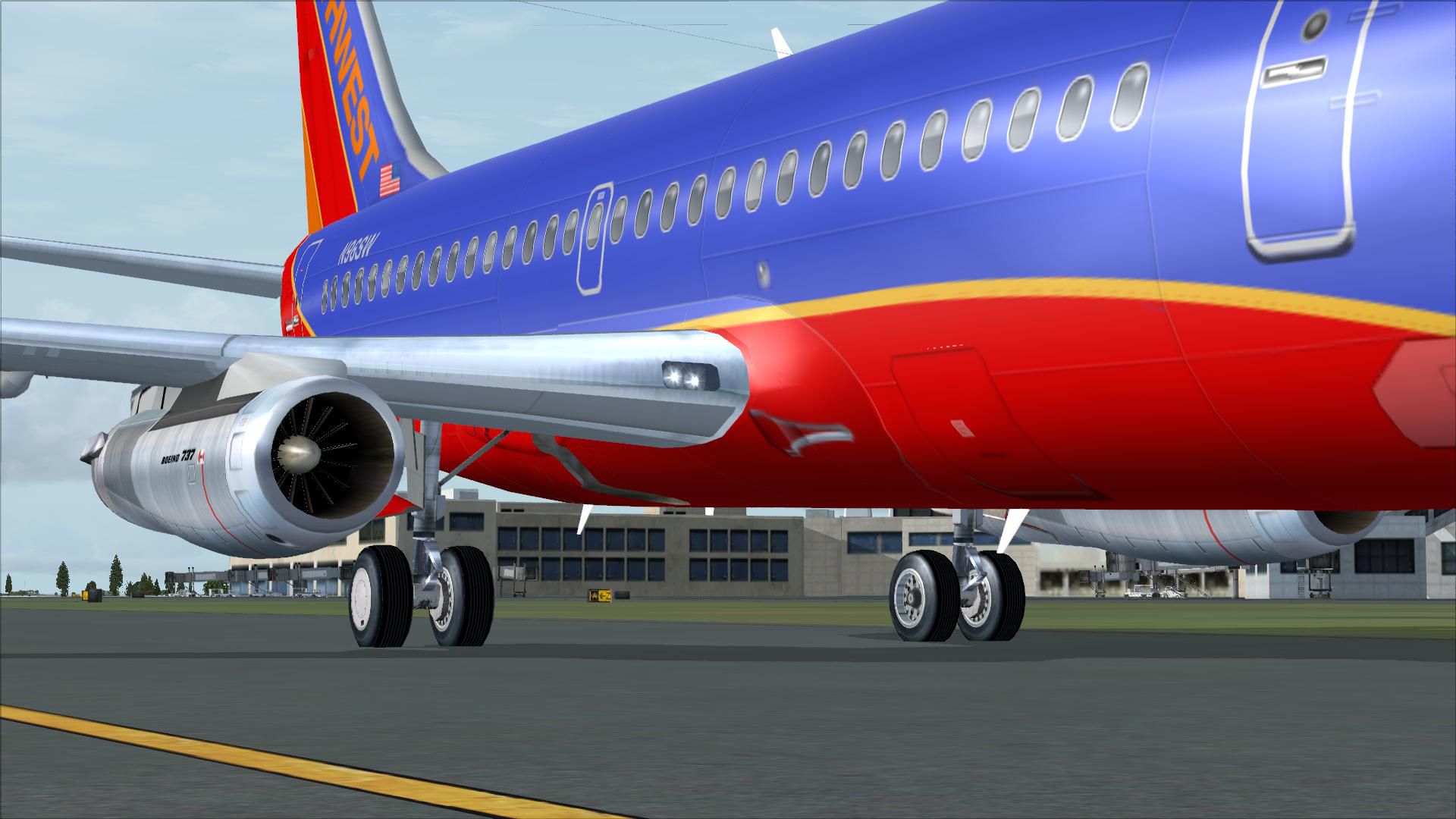
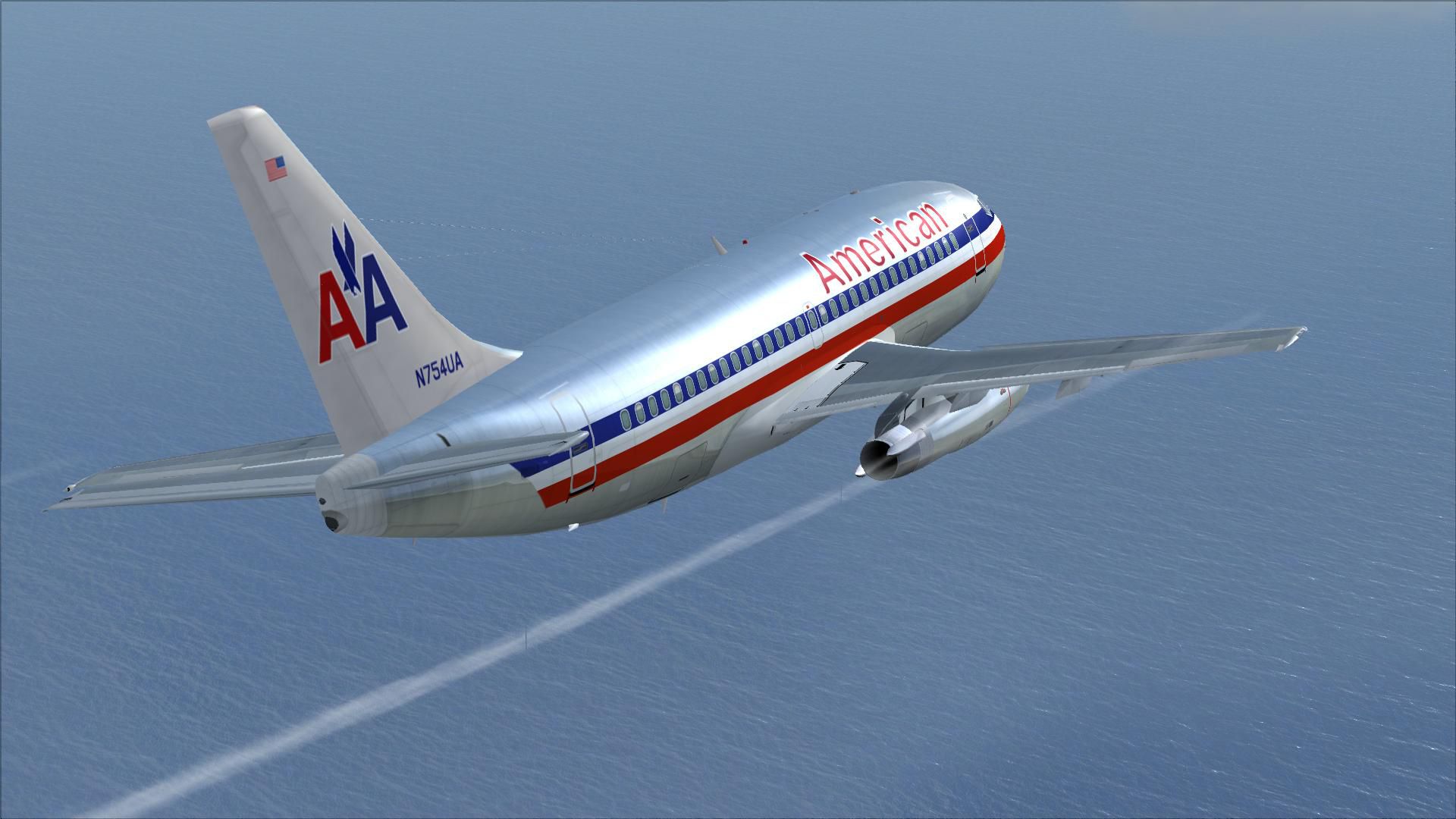
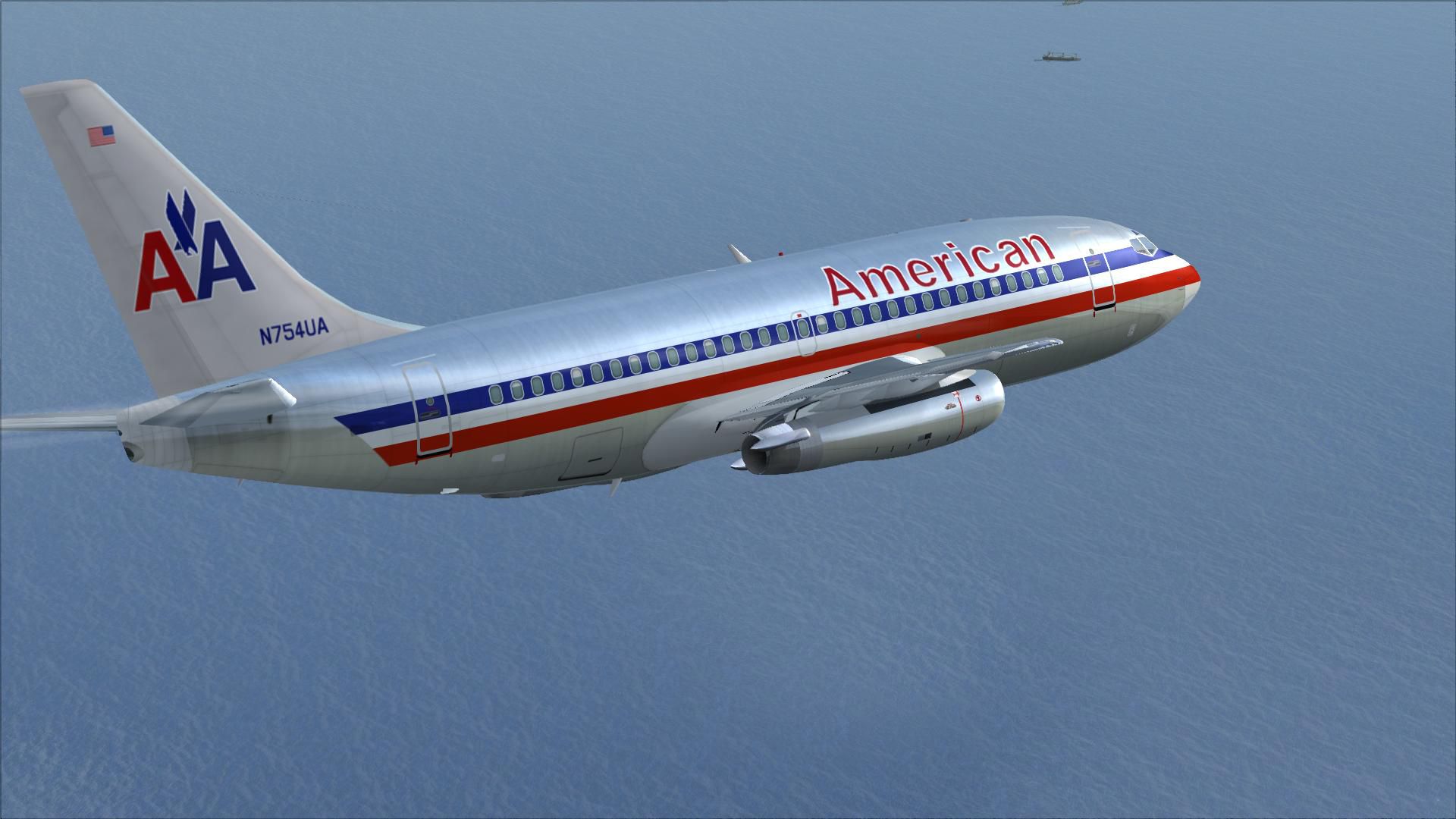
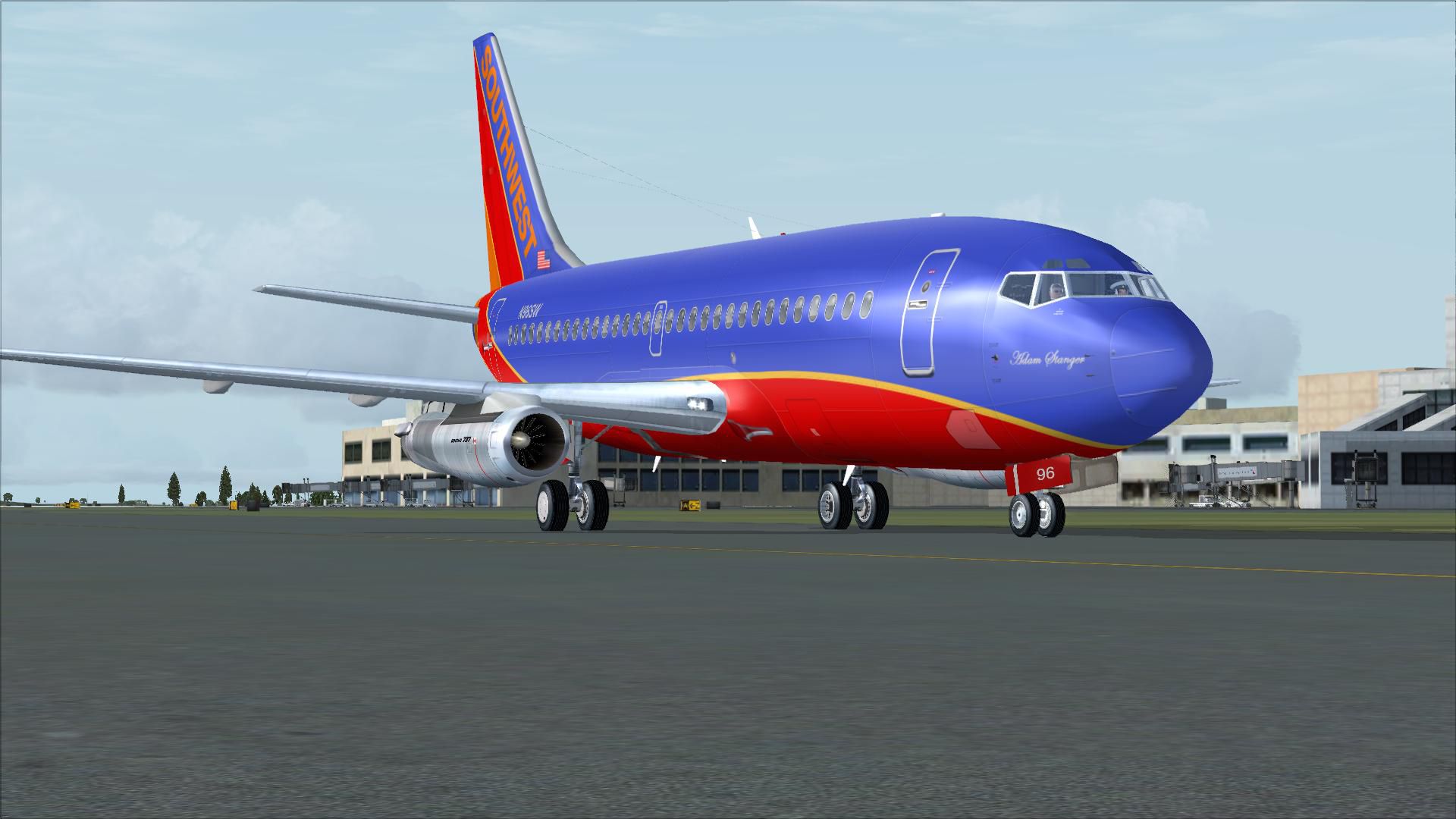
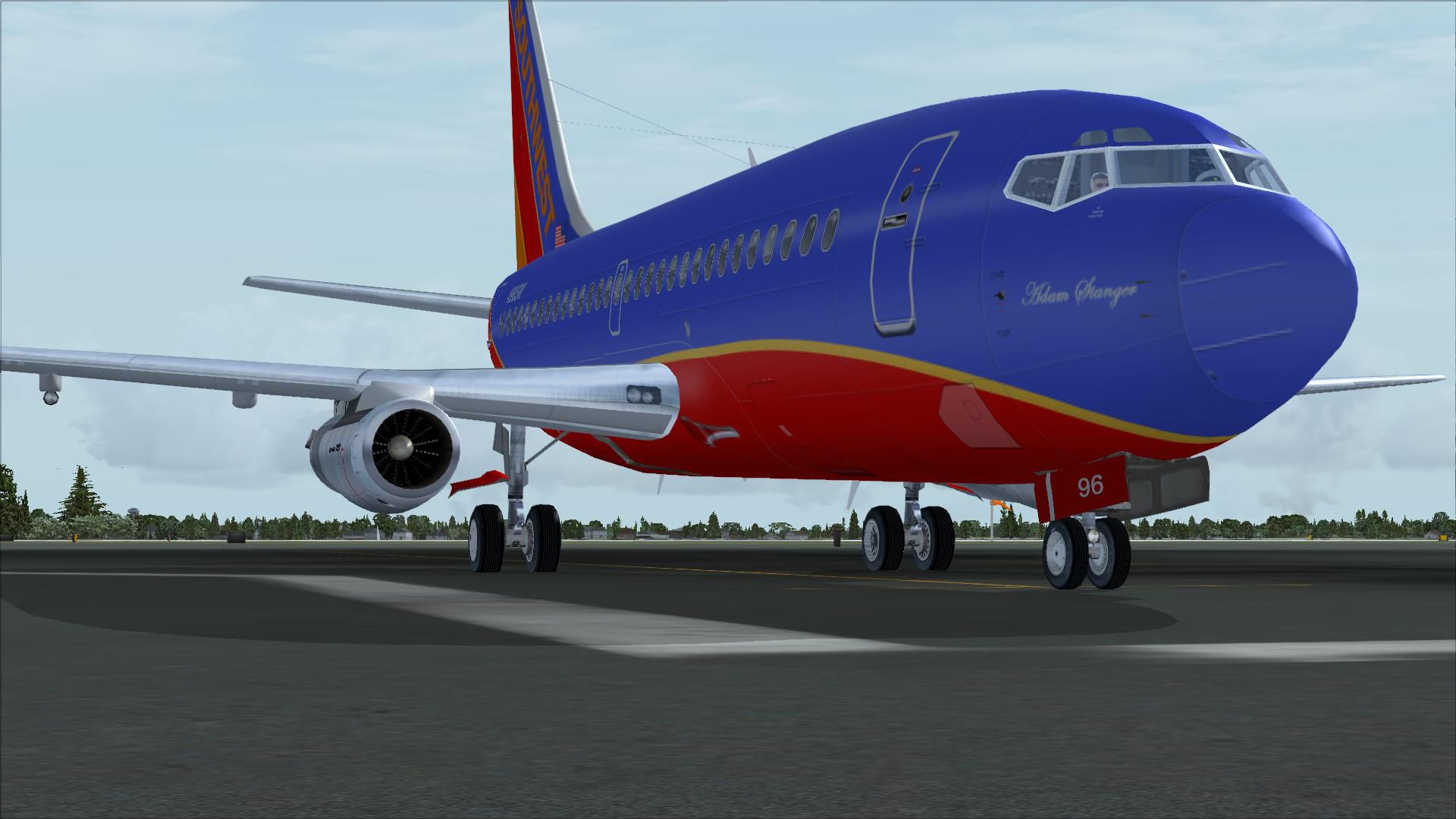
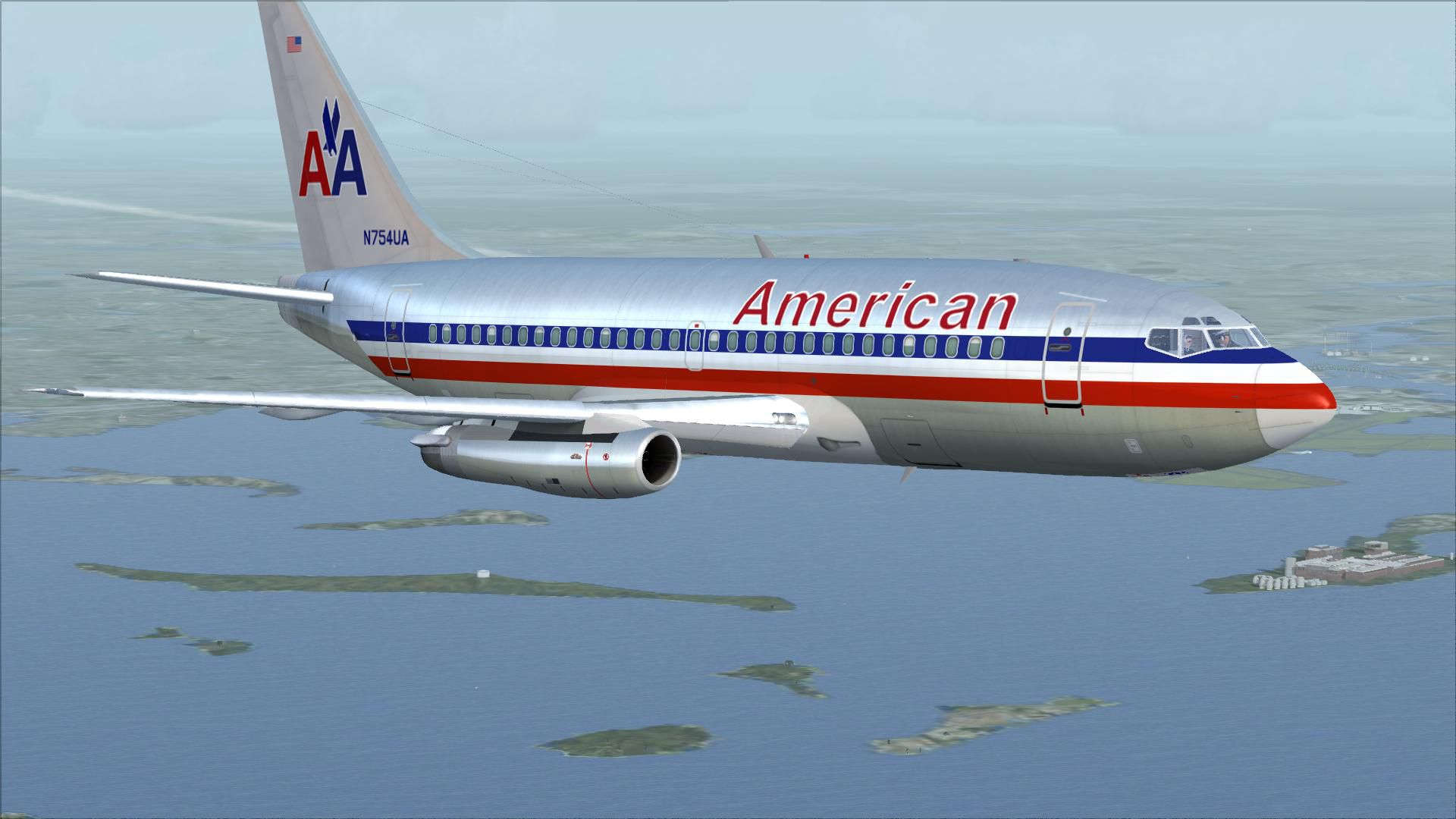
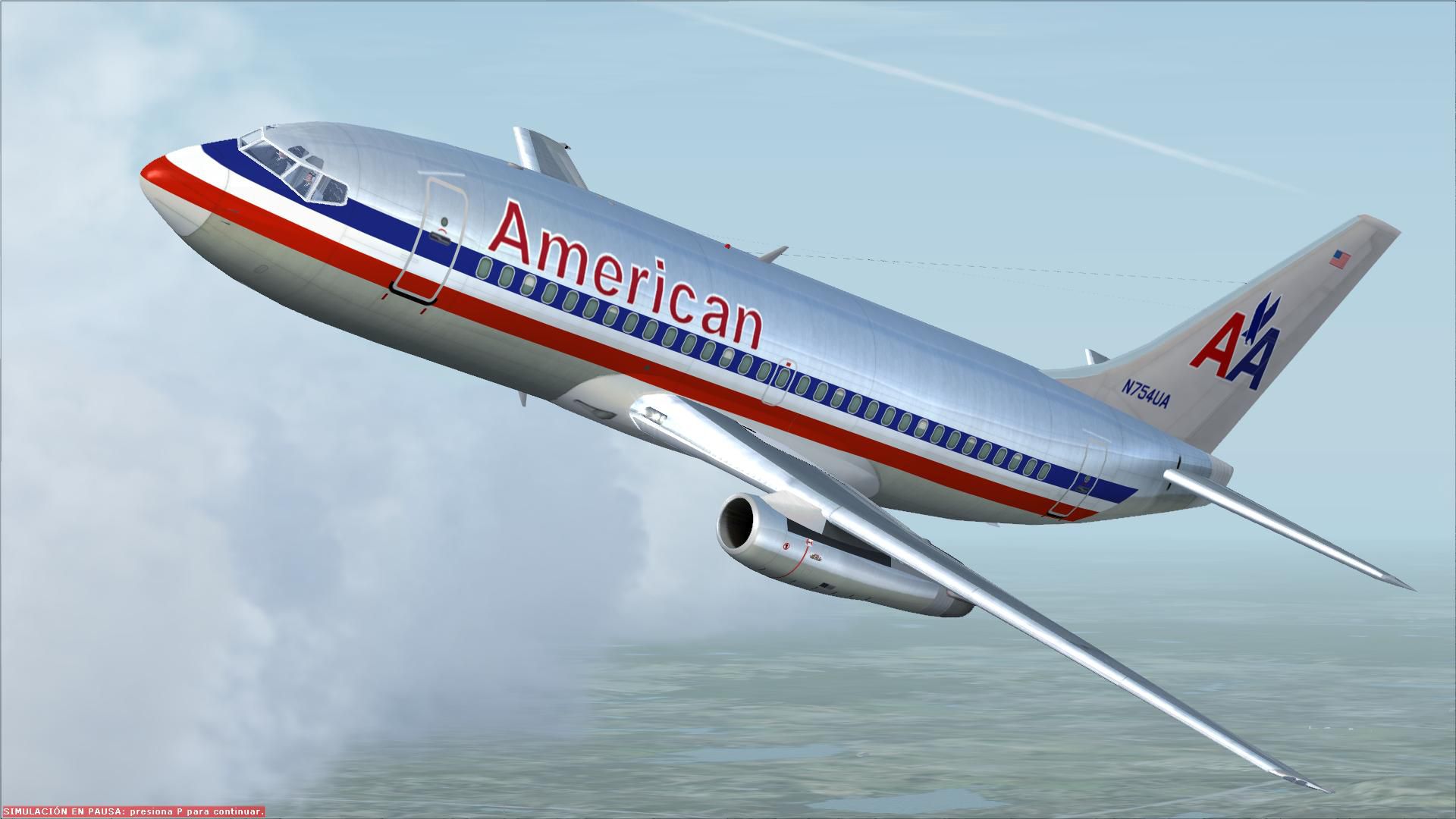
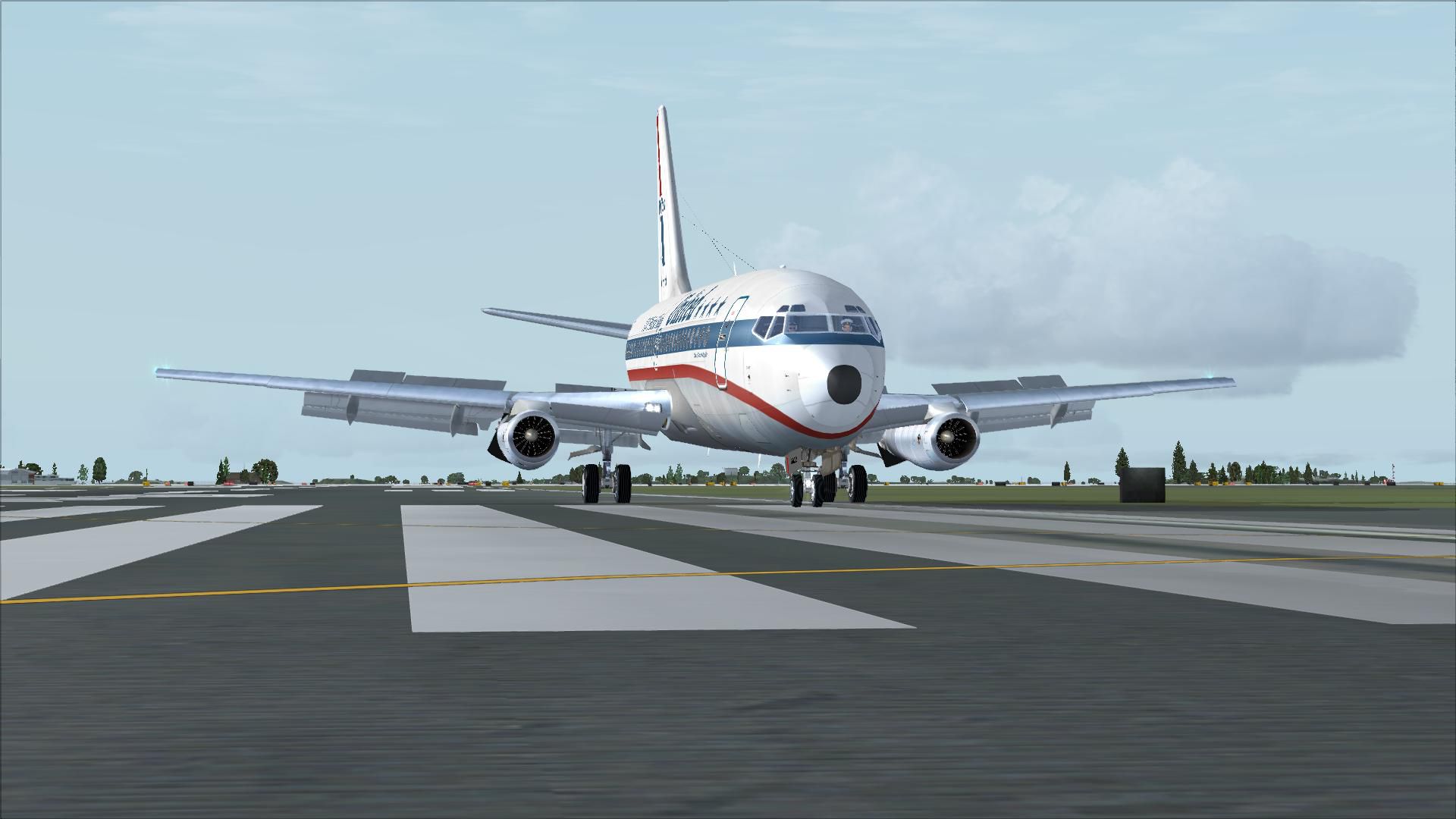
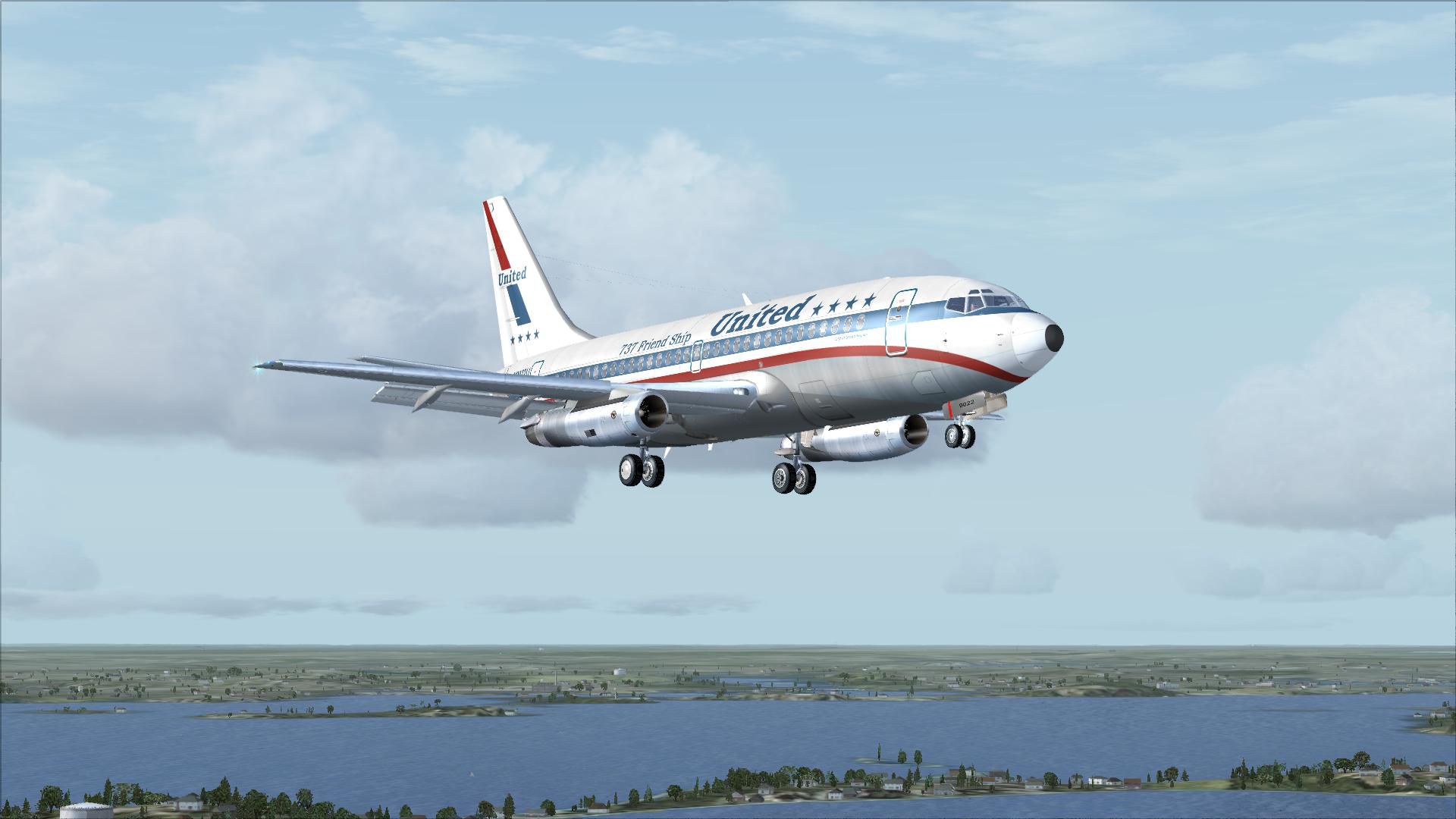
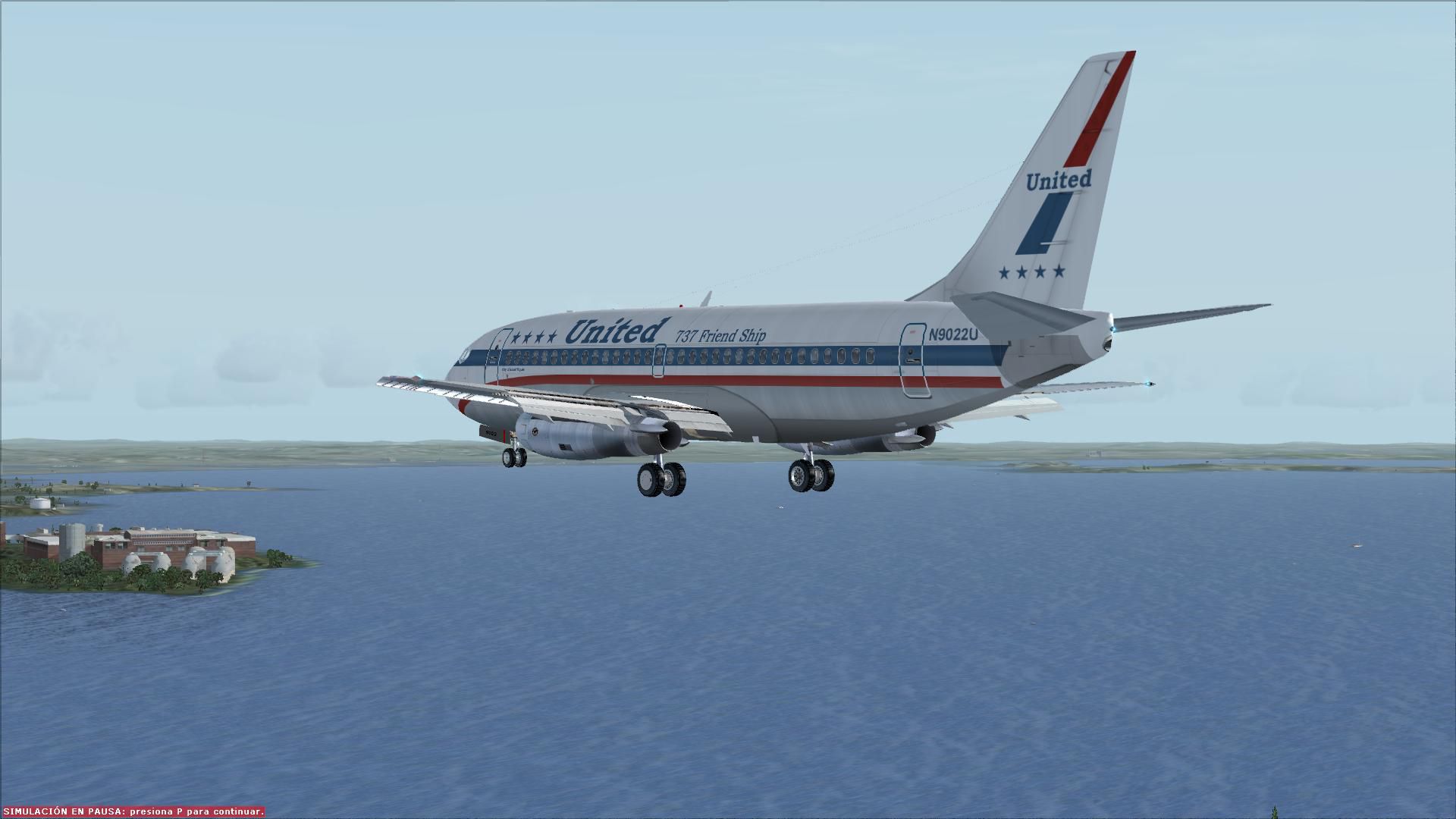
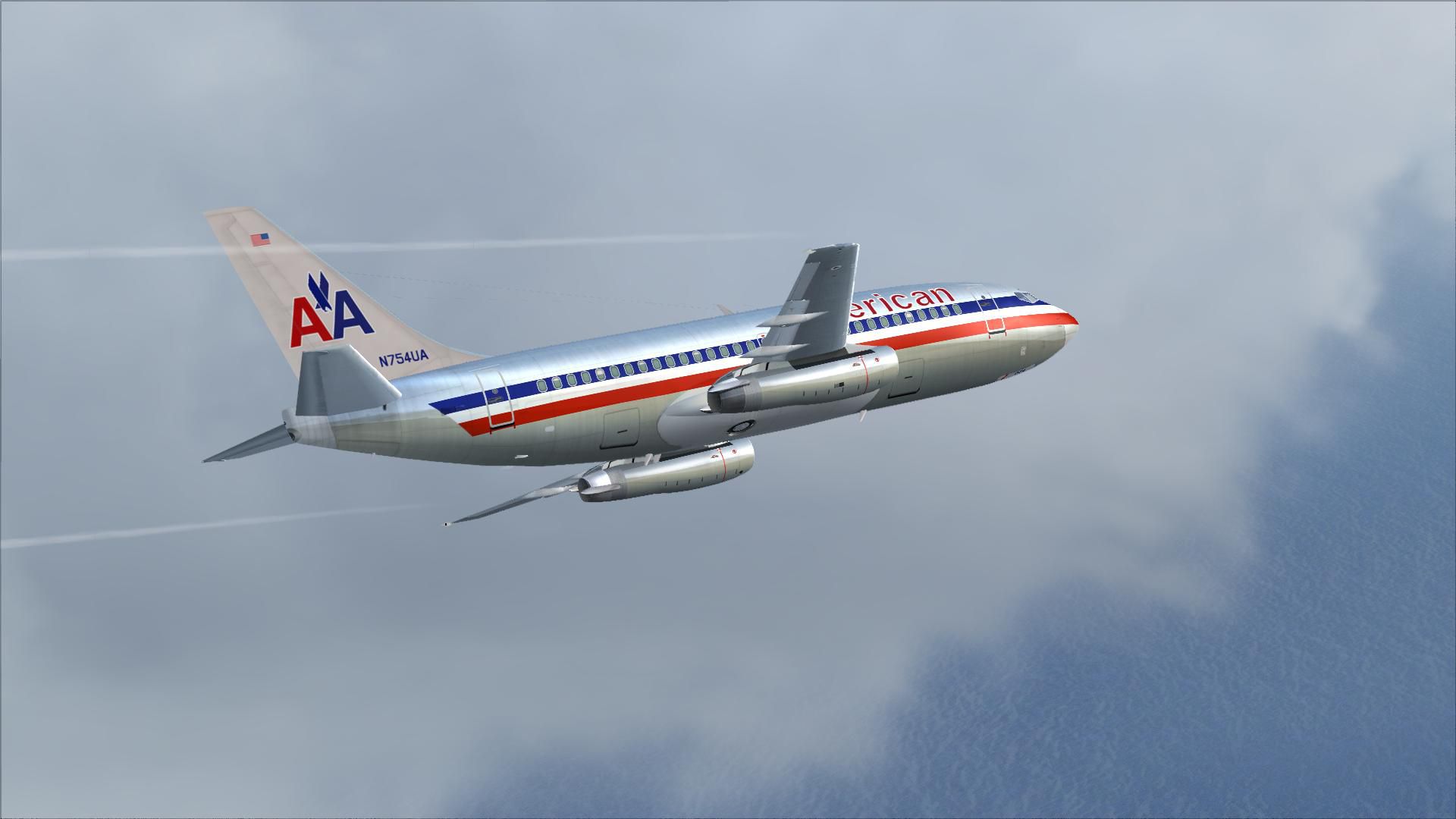
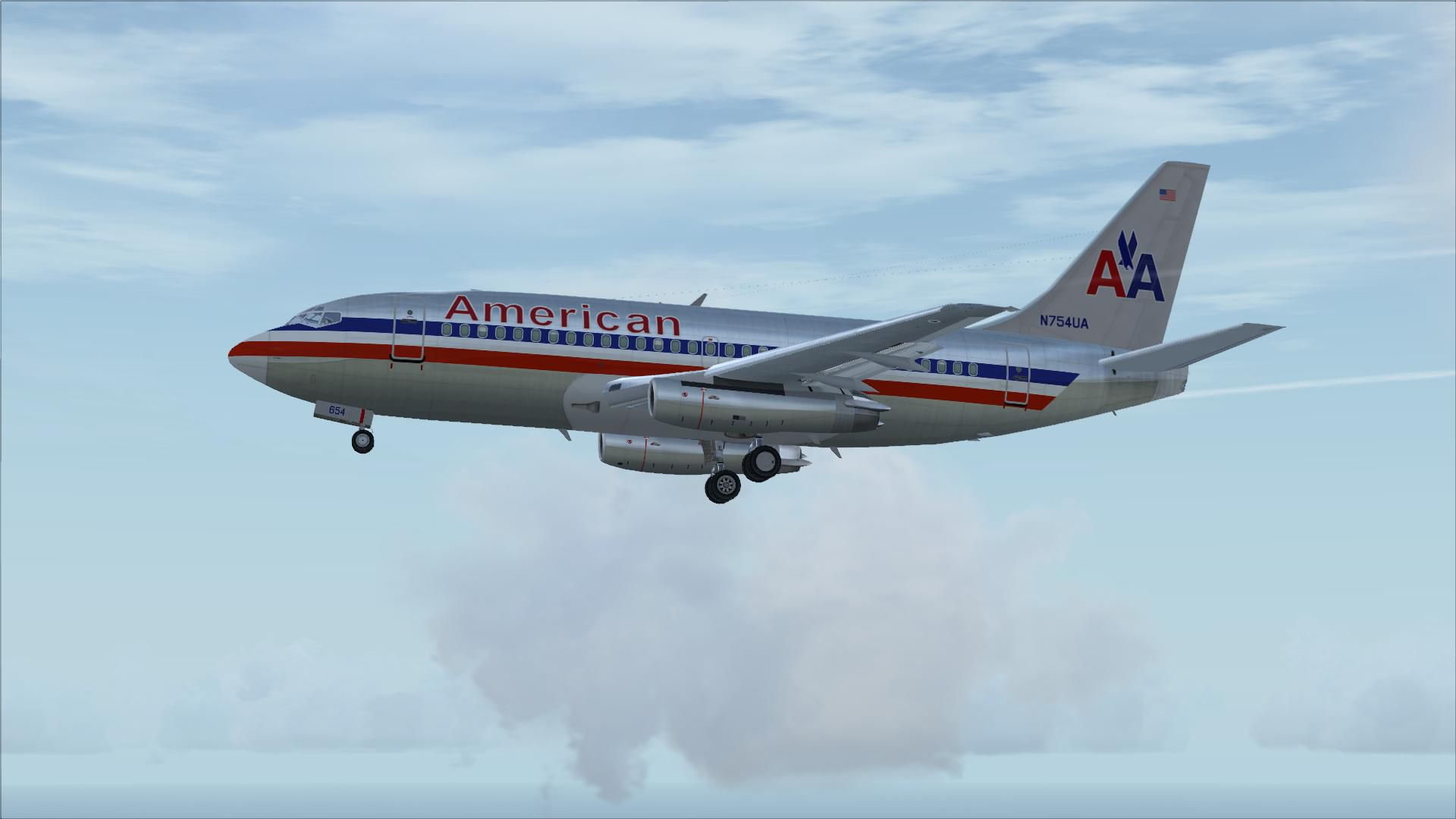
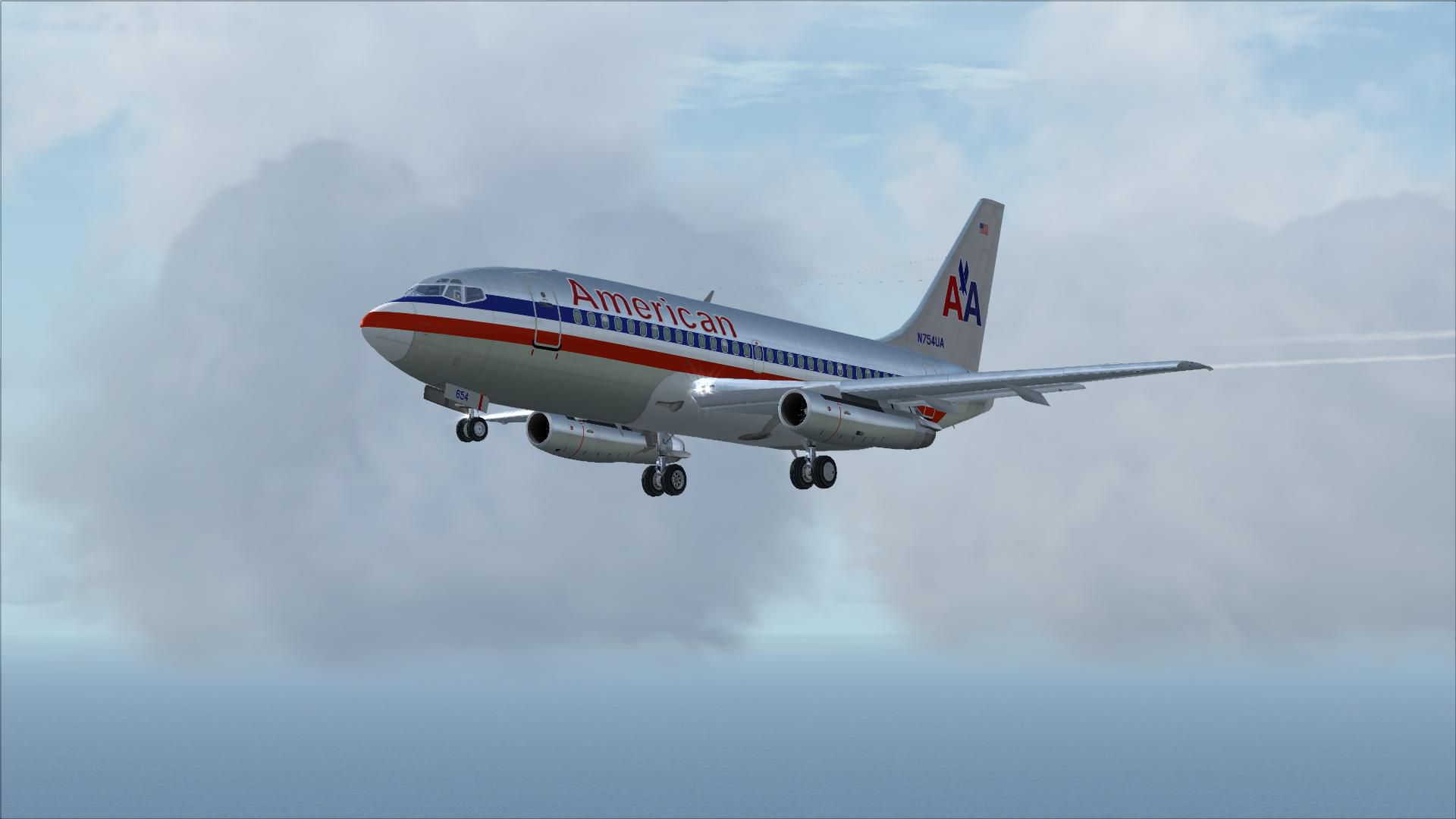
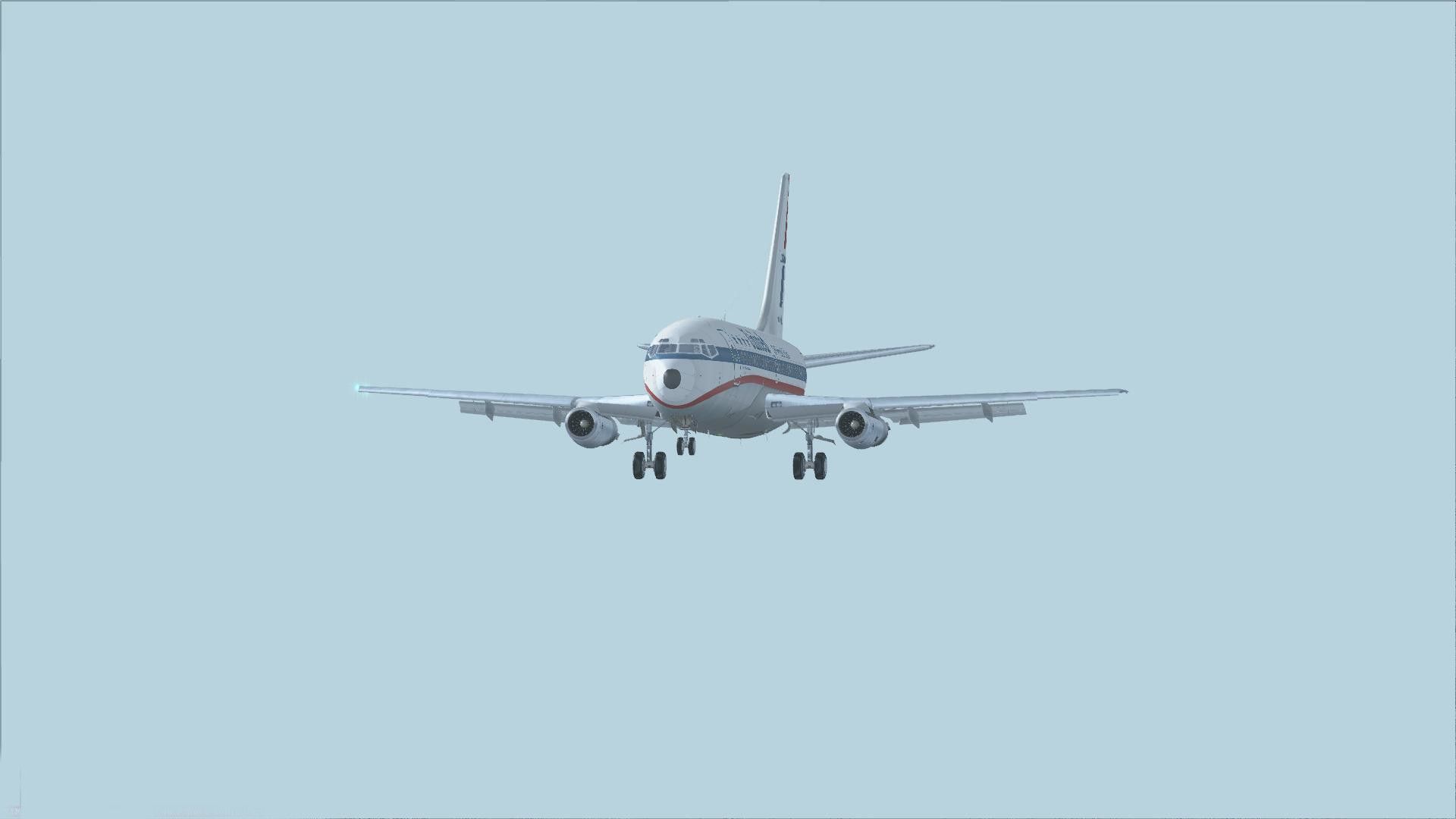
Includes several liveries such as Southwest Airlines (Canyon Blue) and United Airlines. PSPanels B737-200 panel is included as well as Christoffer Peterson's P&W JT8-D sound set. Aircraft have no virtual cockpit. Package by B.C. Selb.
 The 737-100 and 200 are the first generation production models of the world's most successful jet airliner family. The 737 was conceived as a short range small capacity airliner to round out the Boeing jet airliner family beneath the 727, 720 and 707. Announced in February 1965, the 737 was originally envisioned as a 60 to 85 seater, although following consultation with launch customer Lufthansa, a 100 seat design was settled upon. Design features included two underwing mounted turbofans and 60% structural and systems commonality with the 727, including the same fuselage cross section.
The 737-100 made its first flight on April 9 1967 and entered service in February 1968. By this time however development of the larger capacity 1.93m (6ft 4in) stretched 737-200 was well advanced, and the first 737-200 flew for the first time on August 8 1967. Developments of the 200 include the 200C convertible and quick change 200QC, while an unprepared airfield kit was also offered. The definitive Advanced 737-200 appeared in 1971, featuring minor aerodynamic refinements and other improvements.
Sales of the 737-200 far exceeded that of the shorter 100 and the 737-200 remained in production until 1988, by which time it had been superseded by the improved 737-300. This file includes American Airlines, Southwest Airlines (Canyon Blue) & United Airlines liveries. PSPanels freeware 737-200 panel is included as well as the excellent Christoffer Peterson 737 P&W JT8-D "The Real Deal" sound-set for authenticity. These aircraft have no Virtual Cockpit (VC), therefore you must fly them using the 2-D Panel. This file is for FS-X Only!
Free for all simmers · 28.9 MB · Scanned clean Oct 2026
Download speed: Free tier is capped at 0.5 Mbps (this file takes approximately 8 mins at the cap). PRO members download at full line speed.
FSX\SimObjects\Airplanes\. The folder must contain an aircraft.cfg file. Effects go into FSX\Effects\; gauges go into FSX\Gauges\.readme.txt or README file. It tells you exactly where files go, what dependencies are needed, and any quirks specific to this add-on.The archive b732fx11.zip has 26 files and directories contained within it.
This list displays the first 500 files in the package. If the package has more, you will need to download it to view them.
| Filename/Directory | File Date | File Size |
|---|---|---|
| Setup.exe | 12.12.06 | 26.13 MB |
| README.txt | 12.12.06 | 2.40 kB |
| 737_v11.gif | 12.12.06 | 9.92 kB |
| flyawaysimulation.txt | 10.29.13 | 959 B |
| Go to Fly Away Simulation.url | 01.22.16 | 52 B |
| Screenshots | 07.26.19 | 0 B |
| screen-1.jpg | 07.24.19 | 142.58 kB |
| screen-10.jpg | 07.24.19 | 224.17 kB |
| screen-11.jpg | 07.24.19 | 66.96 kB |
| screen-12.jpg | 07.24.19 | 179.23 kB |
| screen-13.jpg | 07.24.19 | 238.96 kB |
| screen-14.jpg | 07.24.19 | 141.44 kB |
| screen-15.jpg | 07.24.19 | 183.59 kB |
| screen-16.jpg | 07.24.19 | 197.95 kB |
| screen-17.jpg | 07.24.19 | 157.42 kB |
| screen-18.jpg | 07.24.19 | 176.80 kB |
| screen-19.jpg | 07.24.19 | 204.08 kB |
| screen-2.jpg | 07.24.19 | 167.22 kB |
| screen-20.jpg | 07.24.19 | 157.38 kB |
| screen-3.jpg | 07.24.19 | 177.78 kB |
| screen-4.jpg | 07.24.19 | 157.73 kB |
| screen-5.jpg | 07.24.19 | 98.26 kB |
| screen-6.jpg | 07.24.19 | 86.67 kB |
| screen-7.jpg | 07.24.19 | 94.83 kB |
| screen-8.jpg | 07.24.19 | 138.17 kB |
| screen-9.jpg | 07.24.19 | 138.12 kB |
Only PRO members can place votes.
More FSX & P3D add-ons hand-picked based on this download.
FSX Civil Aircraft
Repaint package includes three aircraft: The Helvetic Airways, Hello Airline …
 FSX Civil Aircraft
Adding logos for 737-800 default model for 747-737 Jet Hops livery. This file…
 FSX Civil Aircraft
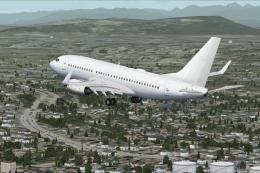
Boeing 737-700 base package - white. A B737-700 base package, white livery, d…
 FSX Civil Aircraft
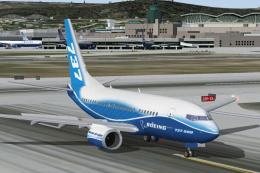
FSX Boeing 737-600, v1.0. The B737-600 is a short-to-medium-range airplane ba…
 FSX Civil Aircraft
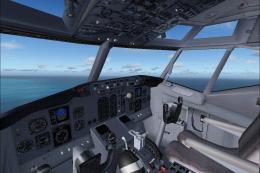
FSX Boeing 737-400 Package. Original aircraft from FS2004 converted to FSX. I…
 FSX Civil Aircraft
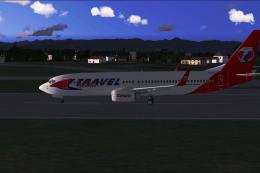
Includes Travel Service Boeing 737-800 blue tail, Travel Service Boeing 737-8…
 FSX Civil Aircraft
Experience a meticulously crafted simulation of the well-known Boeing 737-800…
 FSX Civil Aircraft
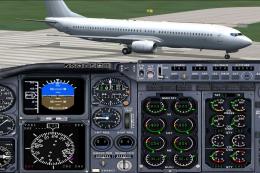
The TDS B737-900 and 737-900/ER base package. Developed by Tenkuu Developers …
Read what other simmers think, or add your own.

I tried twice to install it, but it won't show in FSX Deluxe Edition.
It did not install in FSX, and I cannot find where else on my computer the files were installed.

When I put it into FSX Steam Edition, it will not show up in the game. What happened, how does it not work?


Well, this model is GREAT. But is it wrong to convert your aircraft and put VC in? Is it against your license?

HI, great airplane. I really like it! If its possible I'd like to have a copy of the paint kit or the white version of the texture to be able to make my own livery. Thank you in advance!