

 FSX Civil Aircraft
Martinair Holland Airbus A310-203 PH-MCA
Experience a meticulously crafted “Prins Bernhard Red Cross” paint scheme cre…
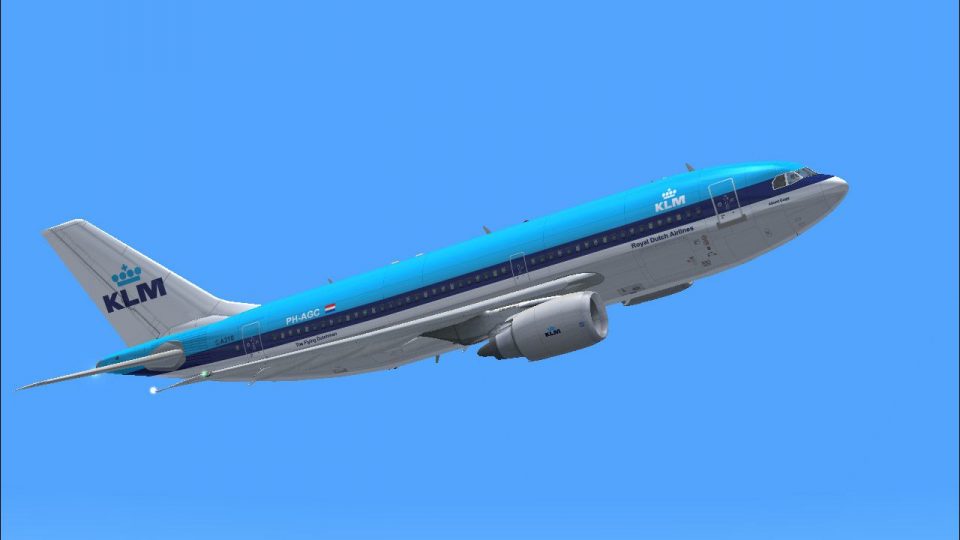
KLM’s Airbus A310-203 PH-AGC “Albert Cuyp” comes alive with a faithful exterior repaint that captures classic Royal Dutch Airlines colors, decals, and engine markings for era-accurate immersion. Built for Microsoft Flight Simulator X, it requires the payware CLS A310-200 base model and adds a polished, airline-true option to the aircraft selection menu.
 Rate
Rate
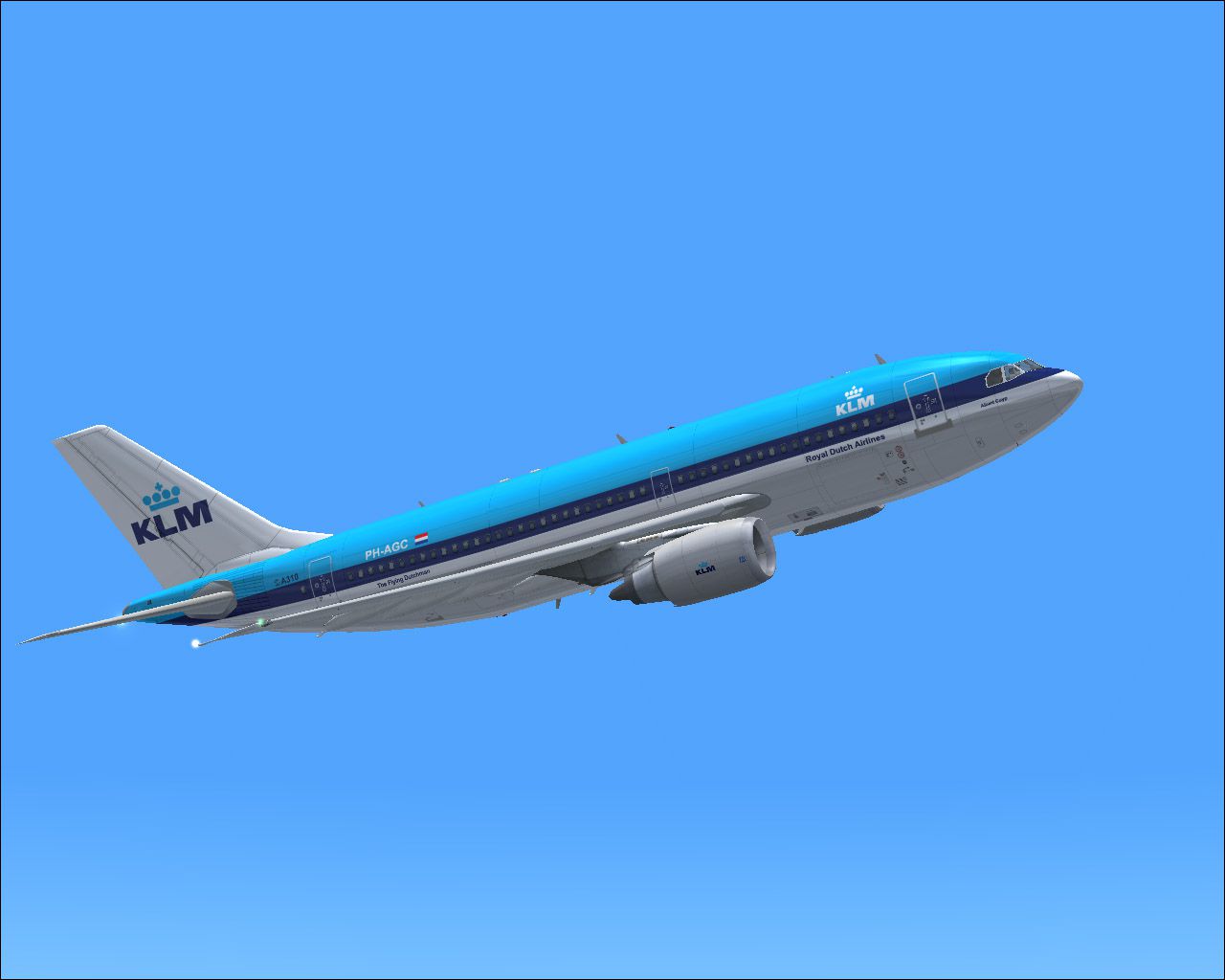

This freeware repaint showcases the beloved KLM Royal Dutch Airlines Airbus A310-203 (registration PH-AGC) named “Albert Cuyp,” designed specifically for the payware CLS A310-200 model. It is tailored for Microsoft Flight Simulator X and relies on the Commercial Level Simulations product, which requires a separate purchase (for instance, through a store such as SimShack). Repaint credits go to the developer, Bonnie Windsor, while the base aircraft model is courtesy of Commercial Level Simulations.
The Airbus A310 is a short- to medium-range wide-body jetliner derived from the A300, and it served as a versatile option within KLM’s fleet for many years. The “Albert Cuyp” (registration PH-AGC) livery presented in this repaint commemorates KLM’s longstanding operational history and distinctive brand identity. This accurate rendition incorporates the airline’s characteristic color scheme along with the realistic decals and engine markings observed on real-world A310s of the era.

Screenshot of KLM Airbus A310-203 in flight.
Upon acquiring the CLS A310-200 payware product, you can install this repaint by following these steps:
After placing the texture folder, open aircraft.cfg within the CLS_A310_GE folder. Locate the existing [fltsim.x] sections, and add the following lines, adjusting “xx” to the next available number:
[fltsim.xx]
title = Commercial Level Simulations - KLM-Royal Dutch Airlines PH-AGC 'Albert Cuyp'
sim = A310-200-GE-CF6-80A3
model = GE
panel =
sound =
texture = FSX KLM PH-AGC KLM
checklists =
atc_airline = KLM
atc_id = PH-AGC
atc_flight_number = KL121
atc_heavy = 1
atc_parking_types = RAMP, GATE
atc_parking_code = KLM
description = Commercial Level Simulations
Airbus A310-300
Version - Version-2005.1.1

FS2004 Only

Engine Type: GE CF6-80C2

For proper operation: See manual and performance documentation.

ui_createdby = "Commercial Level Simulations"
ui_manufacturer = Airbus
ui_type = A310-203
ui_typerole = "Commercial Airliner"
ui_variation = KLM-Royal Dutch Airlines PH-AGC 'Albert Cuyp'
visual_damage = 1
editable = 0
The “Albert Cuyp” Airbus A310 served routes that balanced passenger capacity with long-distance efficiency. Named after Albert Cuyp, significant in Dutch heritage, this specific registration highlights KLM’s tradition of naming aircraft to represent the cultural identity of the Netherlands. By incorporating these textures, you can experience the iconic KLM livery faithfully represented in every detail, thereby adding an immersive element to your flight operations within Microsoft Flight Simulator X.
Free for all simmers · 3.66 MB · Scanned clean Oct 2026
Download speed: Free tier is capped at 0.5 Mbps (this file takes approximately 1 min at the cap). PRO members download at full line speed.
texture.{airline}) inside FSX\SimObjects\Airplanes\{base-aircraft}\.aircraft.cfg in Notepad. Add a new [fltsim.X] section per the readme.readme.txt or README file. It tells you exactly where files go, what dependencies are needed, and any quirks specific to this add-on.The archive fsxphagc.zip has 13 files and directories contained within it.
This list displays the first 500 files in the package. If the package has more, you will need to download it to view them.
| Filename/Directory | File Date | File Size |
|---|---|---|
| a310fuse_left_t.bmp | 07.10.07 | 4.00 MB |
| a310fuse_right_t.bmp | 07.10.07 | 4.00 MB |
| a310wingL_t.bmp | 07.10.07 | 4.00 MB |
| a310wingR_t.bmp | 07.10.07 | 4.00 MB |
| a3rcf68_t.bmp | 07.10.07 | 4.00 MB |
| FSX KLM PH-AGC KLM.txt | 07.10.07 | 376 B |
| KLM PH-AGC KLM.gif | 07.10.07 | 4.80 kB |
| KLM PH-AGC KLM.jpg | 07.10.07 | 126.50 kB |
| Read me.txt | 07.10.07 | 1.68 kB |
| thumbnail.jpg | 07.10.07 | 24.17 kB |
| Texture.FSX KLM PH-AGC KLM | 07.10.07 | 0 B |
| flyawaysimulation.txt | 10.29.13 | 959 B |
| Go to Fly Away Simulation.url | 01.22.16 | 52 B |
Only PRO members can place votes.
More FSX & P3D add-ons hand-picked based on this download.
FSX Civil Aircraft
Experience a meticulously crafted “Prins Bernhard Red Cross” paint scheme cre…
 FSX Civil Aircraft
Experience a carefully crafted livery for the payware Commercial Level Simula…
 FSX Civil Aircraft
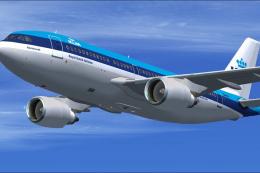
This repaint offers a faithful depiction of KLM Royal Dutch Airlines’ “Rembra…
 FSX Civil Aircraft
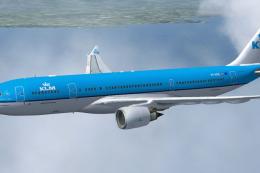
Repaint of Thomas Ruth's Airbus A330-200 in KLM Royal Dutch Airlines livery, …
 FSX Civil Aircraft
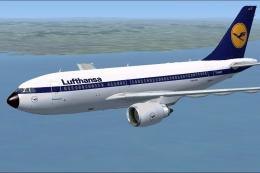
Lufthansa Airbus A310-203. Repaint of Tom Ruth's A310-100, representing Airbu…
 FSX Civil Aircraft
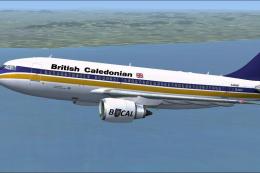
This add-on provides a high-fidelity repaint of Tom Ruth’s Airbus A310-100 mo…
 FSX Civil Aircraft
Features hand painted textures only for use with the payware Commercial Level…
 FSX Civil Aircraft
KLM Airbus A330-203. Textures only of KLM Royal Dutch Airlines with registrat…
Be the first to leave a comment on this download.
Be the first to share your thoughts on this download.