

 FSX Civil Aircraft
KLM Airbus A310-203 PH-AGC "Albery Cuyp"
This freeware repaint showcases the beloved KLM Royal Dutch Airlines Airbus A…
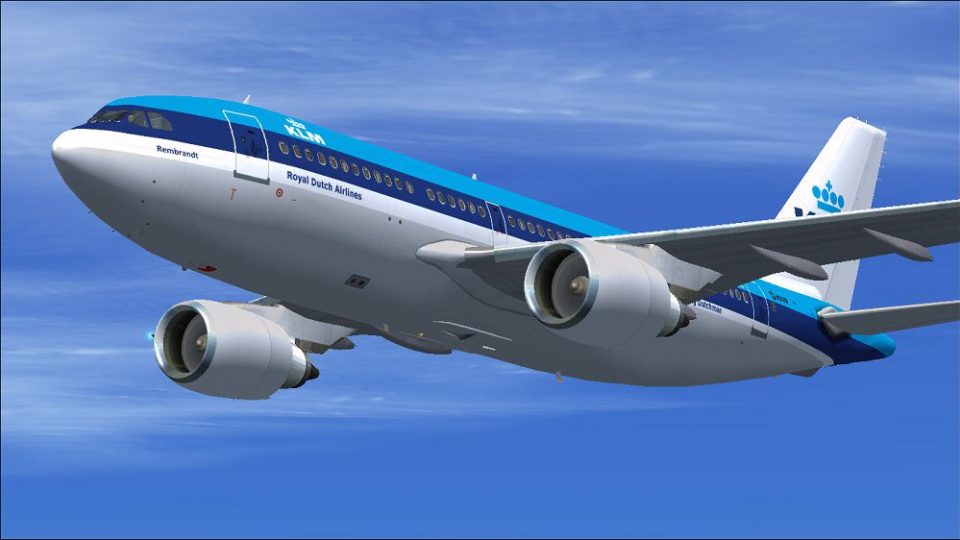
KLM Royal Dutch Airlines’ “Rembrandt” Airbus A310-203 (PH-AGA) livery brings the airline’s classic blue-era look to the Thomas Ruth freeware A310 with crisp external textures and accurate registration details. Designed for Microsoft Flight Simulator X, it requires the TOMA310.ZIP base model and fits naturally into medium-haul fleet lineups.
 Rate
Rate
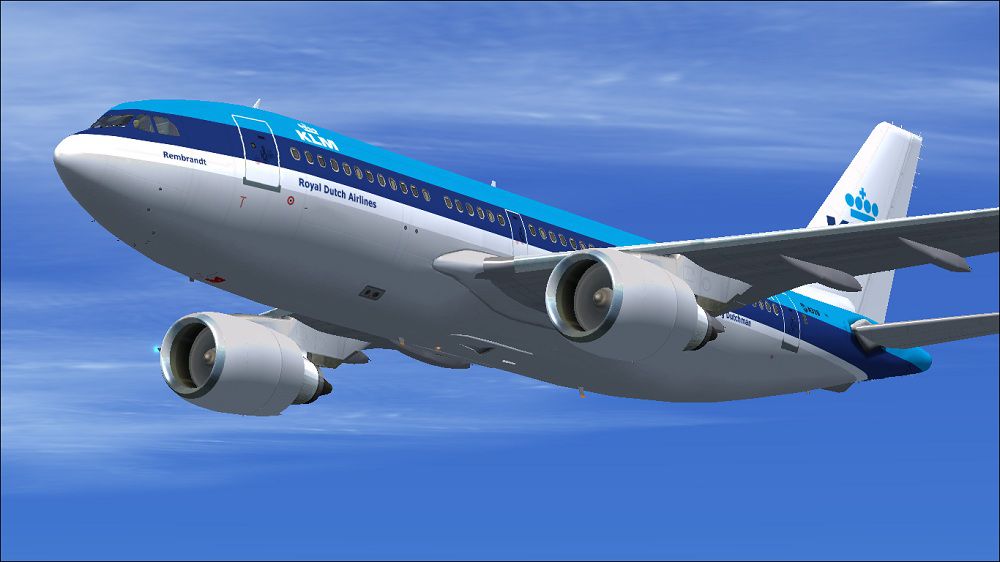
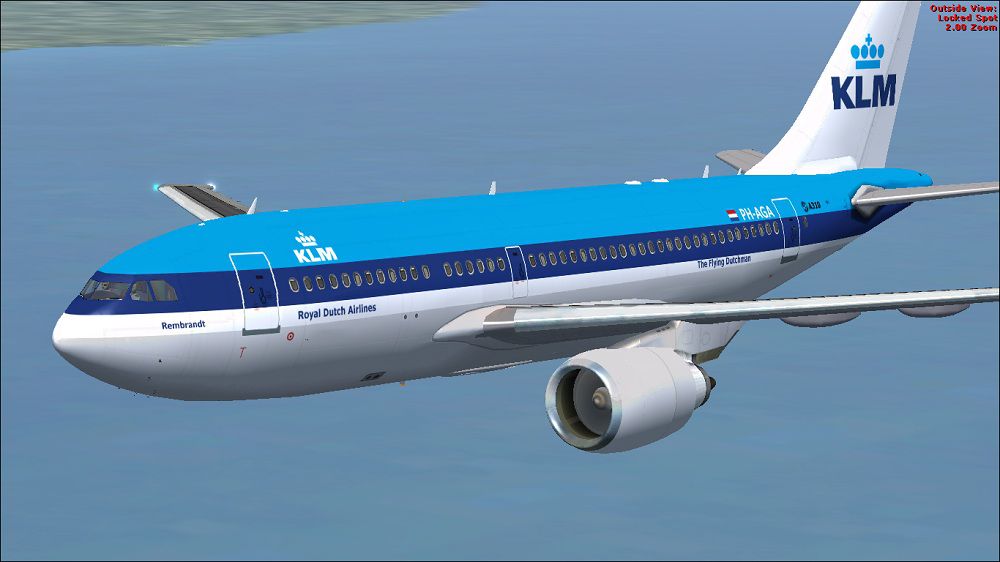
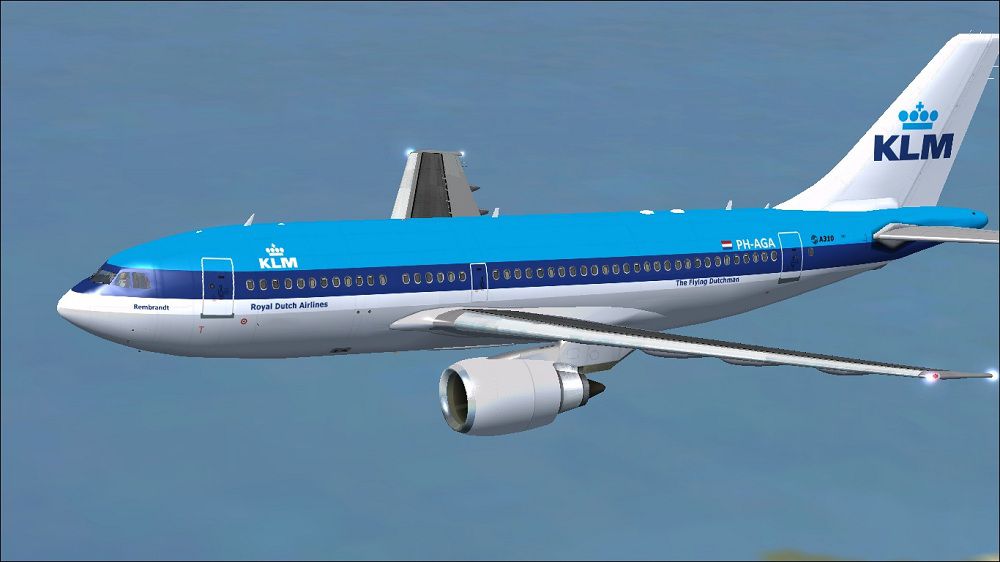
This repaint offers a faithful depiction of KLM Royal Dutch Airlines’ “Rembrandt” (PH-AGA) Airbus A310-203 for Microsoft Flight Simulator X. Created by Paul Craig, it specifically applies to the freeware A310-100 model developed by Tom Ruth. KLM is the flag carrier of the Netherlands, and this livery showcases the airline’s vibrant blue scheme from an era when the Airbus A310 played a key role in medium-haul operations. The base model (TOMA310.ZIP) must be obtained separately from the Fly Away Simulation library and installed beforehand.
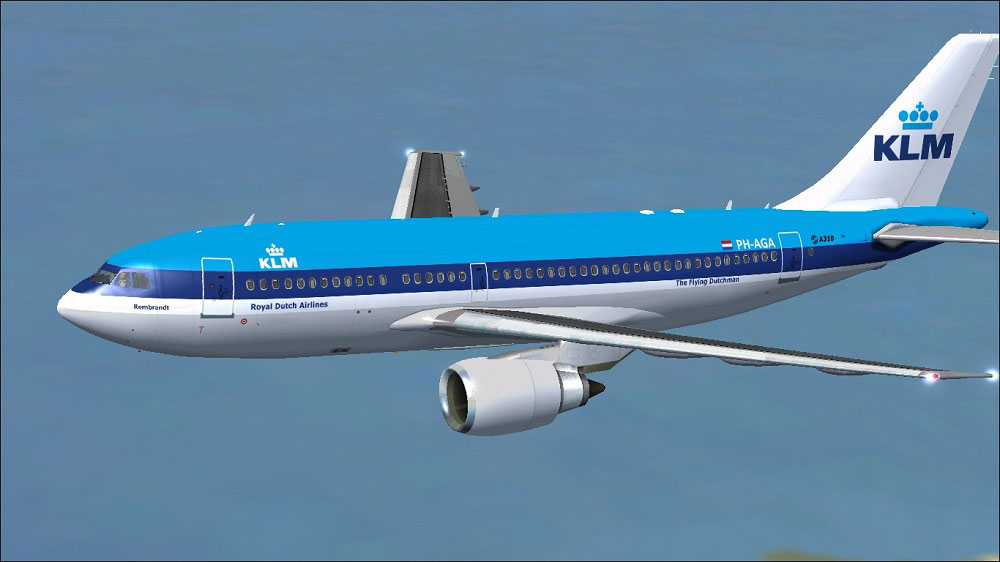
KLM Royal Dutch Airlines Airbus A310-203 in flight.
[fltsim.X]

title=KLM A310

sim=TomA310

model=GE

panel=310GE

sound=

texture=KLM

kb_checklists=

kb_reference=

atc_id=PH-AGA

atc_airline=KLM

atc_flight_number=1124

atc_heavy=1

ui_manufacturer=Airbus

ui_typerole=Commercial Airliner

ui_createdby=Thomas Ruth

ui_type=A310-203

ui_variation=KLM Royal Dutch Airlines
Should you have trouble modifying the configuration directly, try moving the original aircraft.cfg to a different folder, apply the edits there, and then place it back into the Tom_A310-100 directory.
As this is only a repaint, the primary model is not included. Make sure you have the freeware A310 by Tom Ruth (TOMA310.ZIP) available from Fly Away Simulation before attempting installation. This ensures the aircraft will display correctly in your hangar and within the simulator environment.
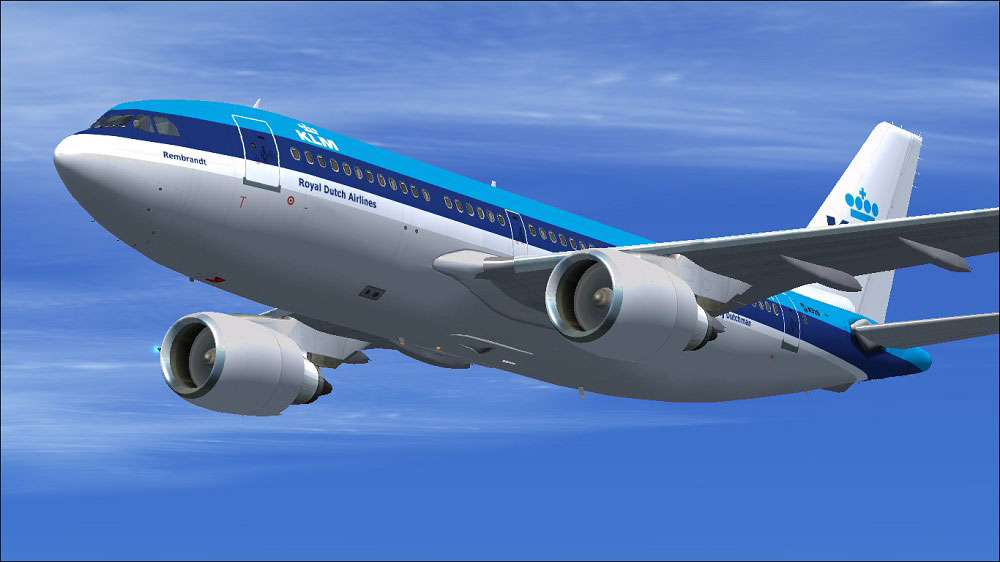
KLM Royal Dutch Airlines Airbus A310-203 in flight.
Use these files at your own discretion. Neither the developer (Paul Craig) nor the original model creator (Tom Ruth) assumes responsibility for any damage or errors arising from their use.
Free for all simmers · 1.49 MB · Scanned clean Oct 2026
Download speed: Free tier is capped at 0.5 Mbps. PRO members download at full line speed.
This file is a repaint — the package below is the base model it paints onto. Install it first, or the textures will have nothing to load onto.
texture.{airline}) inside FSX\SimObjects\Airplanes\{base-aircraft}\.aircraft.cfg in Notepad. Add a new [fltsim.X] section per the readme.readme.txt or README file. It tells you exactly where files go, what dependencies are needed, and any quirks specific to this add-on.The archive klma310-203.zip has 18 files and directories contained within it.
This list displays the first 500 files in the package. If the package has more, you will need to download it to view them.
| Filename/Directory | File Date | File Size |
|---|---|---|
| FILE_ID.DIZ | 05.03.11 | 212 B |
| KLM Airbus A310-203 (1).jpg | 05.03.11 | 106.43 kB |
| KLM Airbus A310-203 (2).jpg | 05.03.11 | 108.35 kB |
| KLM Airbus A310-203.jpg | 05.03.11 | 99.62 kB |
| Readme.txt | 05.03.11 | 1.51 kB |
| texture.KLM | 05.03.11 | 0 B |
| glass.dds | 03.13.10 | 64.12 kB |
| main.dds | 05.03.11 | 4.00 MB |
| main_bump.dds | 03.12.10 | 4.00 MB |
| main_light.dds | 03.21.10 | 1.00 MB |
| main_spec.dds | 05.03.11 | 256.12 kB |
| texture.cfg | 03.31.10 | 159 B |
| thumbnail.jpg | 05.03.11 | 10.63 kB |
| wing_l.dds | 05.03.11 | 1.00 MB |
| wing_r.dds | 03.19.10 | 1.00 MB |
| thumbnail.jpg | 05.03.11 | 10.63 kB |
| flyawaysimulation.txt | 10.29.13 | 959 B |
| Go to Fly Away Simulation.url | 01.22.16 | 52 B |
Only PRO members can place votes.
More FSX & P3D add-ons hand-picked based on this download.
FSX Civil Aircraft
This freeware repaint showcases the beloved KLM Royal Dutch Airlines Airbus A…
 FSX Civil Aircraft
This highly detailed repaint showcases KLM Royal Dutch Airlines’ recently int…
 FSX Civil Aircraft
Experience the characteristic cargo operations of KLM Cargo (Royal Dutch Airl…
 FSX Civil Aircraft
FSX KLM Royal Dutch Airlines McDonnell Douglas MD-11P. A 293-410 seat interco…
 FSX Civil Aircraft
KLM Royal Dutch Airlines, the national carrier of the Netherlands, operates a…
 FSX Civil Aircraft
KLM Royal Dutch Airlines Boeing 737-700, registration PH-BGO, nickname "Parad…
 FSX Civil Aircraft
Experience KLM Royal Dutch Airlines’ updated color scheme on a Boeing 737-900…
 FSX Civil Aircraft
KLM Royal Dutch Airlines introduces its updated Boeing 737-800 (registration …
Be the first to leave a comment on this download.
Be the first to share your thoughts on this download.