

 FSX Military Aircraft
Have Blue 1001 F-117 Nighthawk
The 'Have Blue' program was built in the legendary 'Building 82' where the A-…
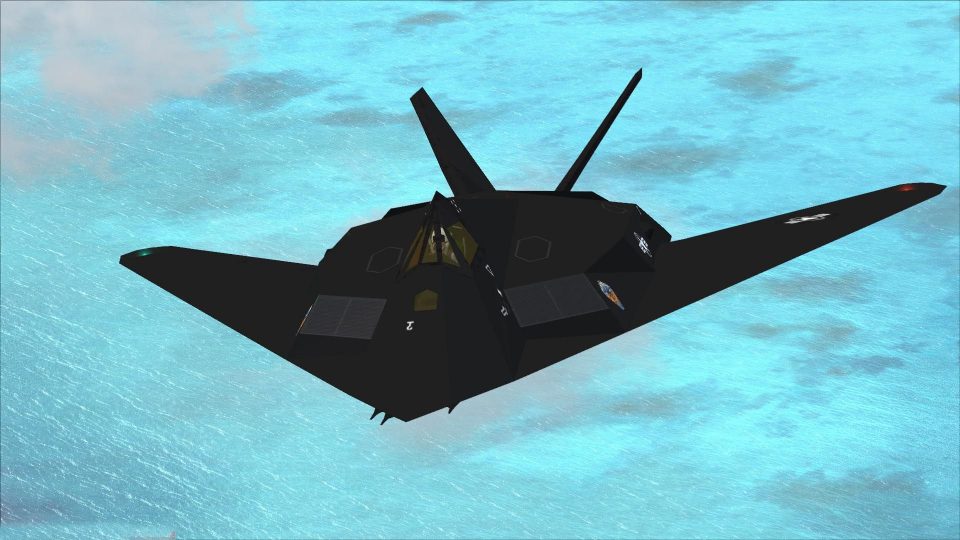
Lockheed F-117 Nighthawk arrives in FSX as a complete aircraft finished in a subdued, low-luster stealth scheme, ideal for fast, low-profile sorties. It includes an updated, custom panel with refreshed avionics presentation, bringing a sharper virtual cockpit experience while preserving the distinctive Nighthawk handling and profile.
 Rate
Rate
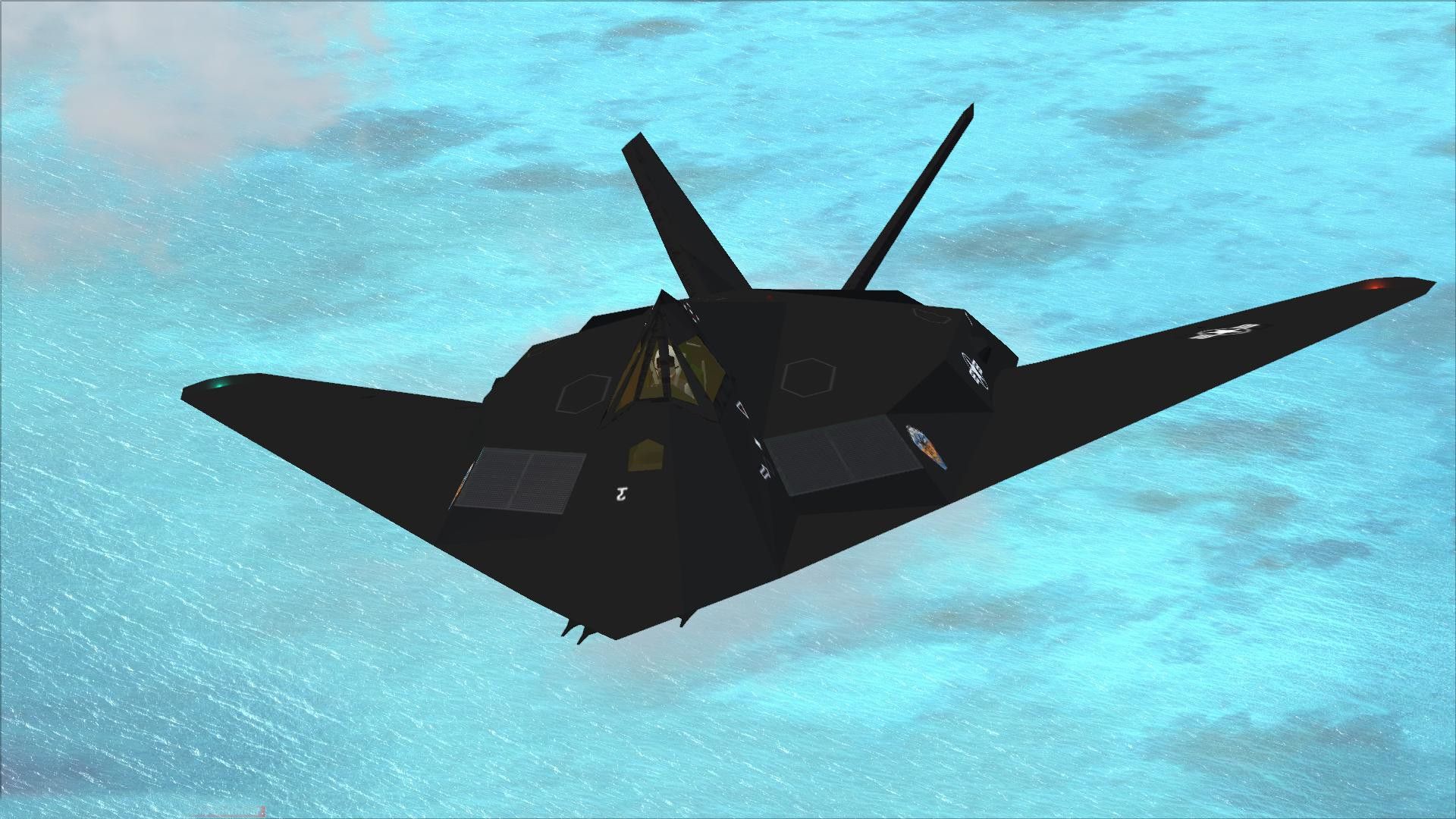


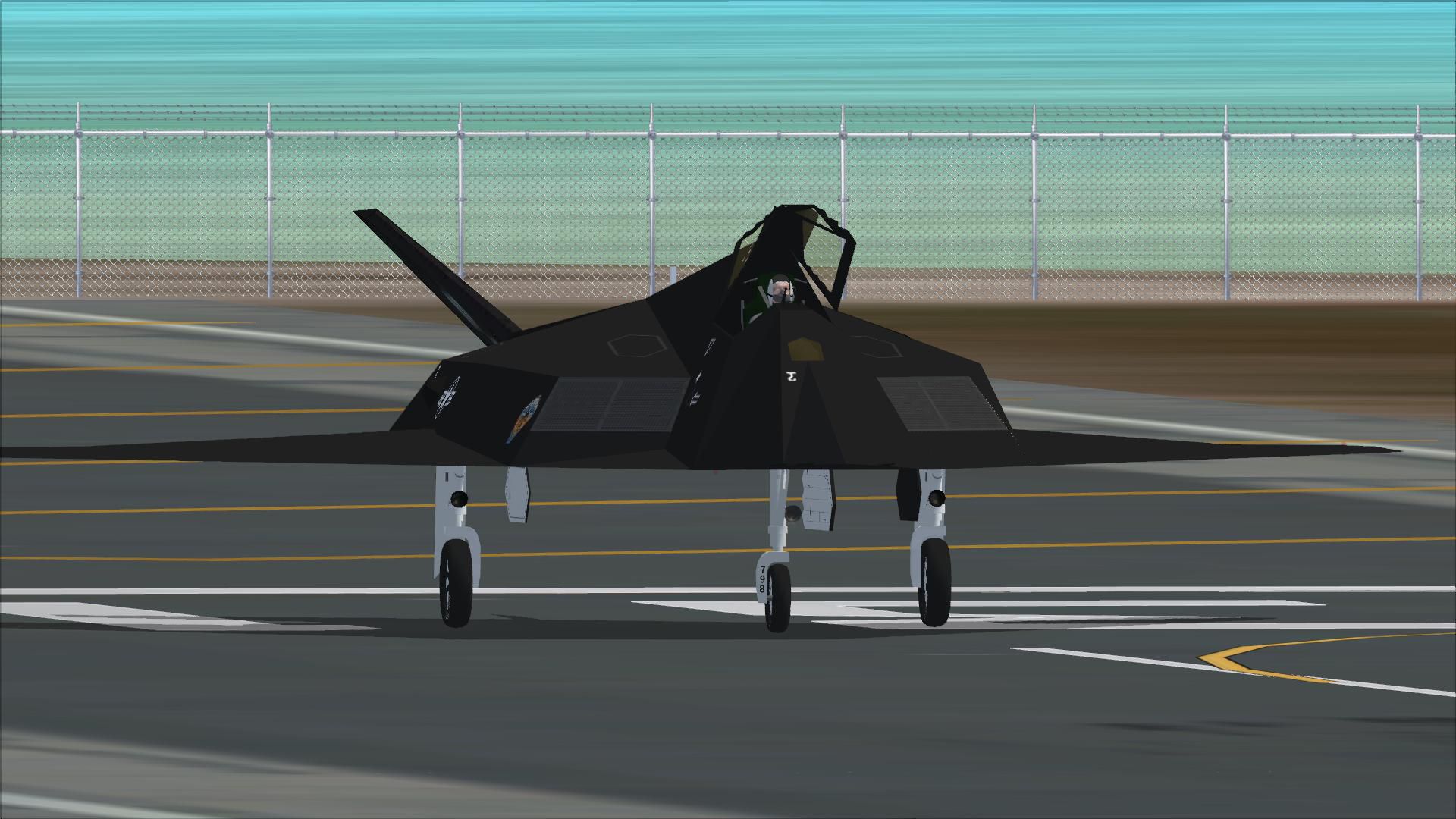
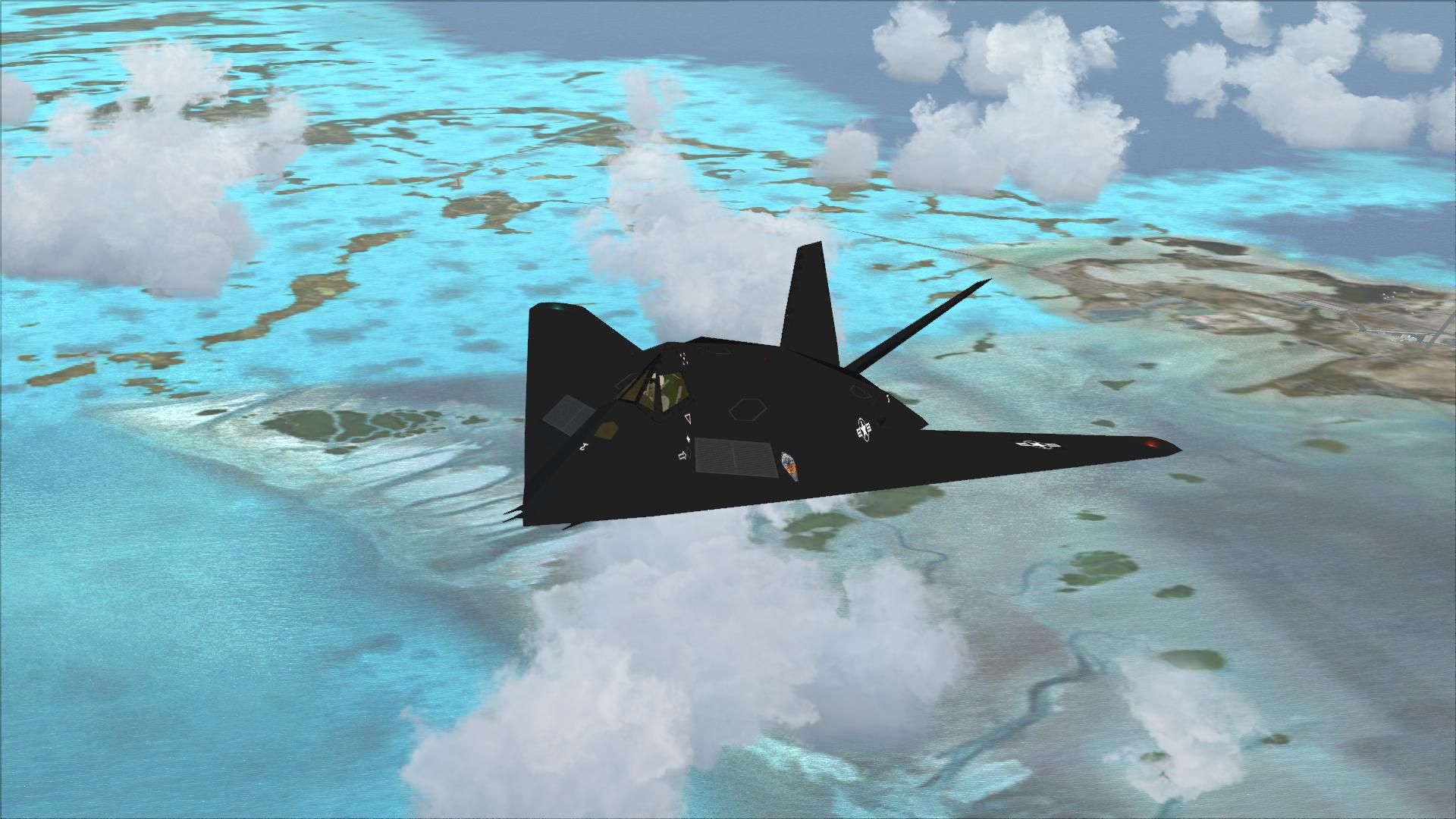
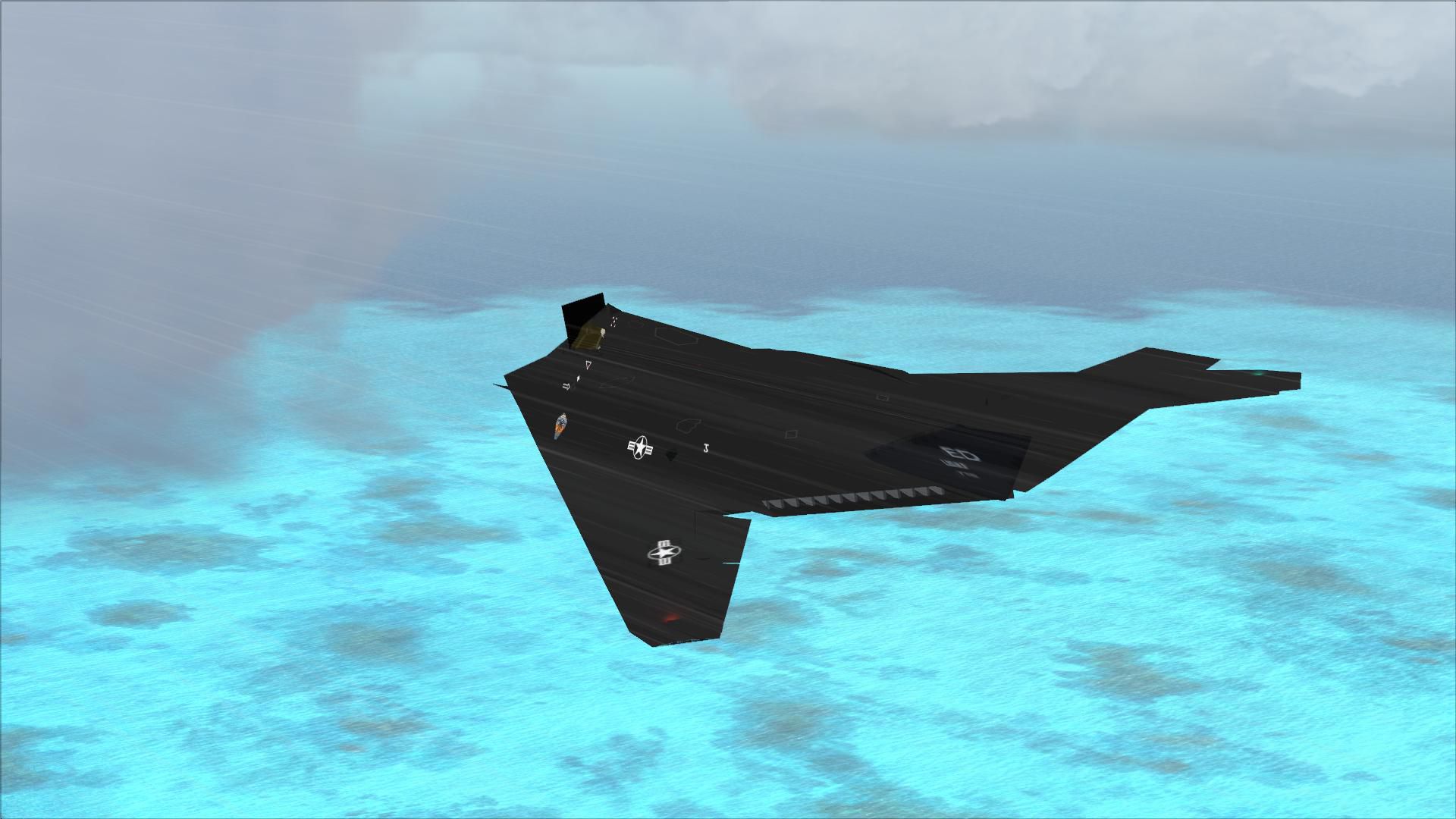
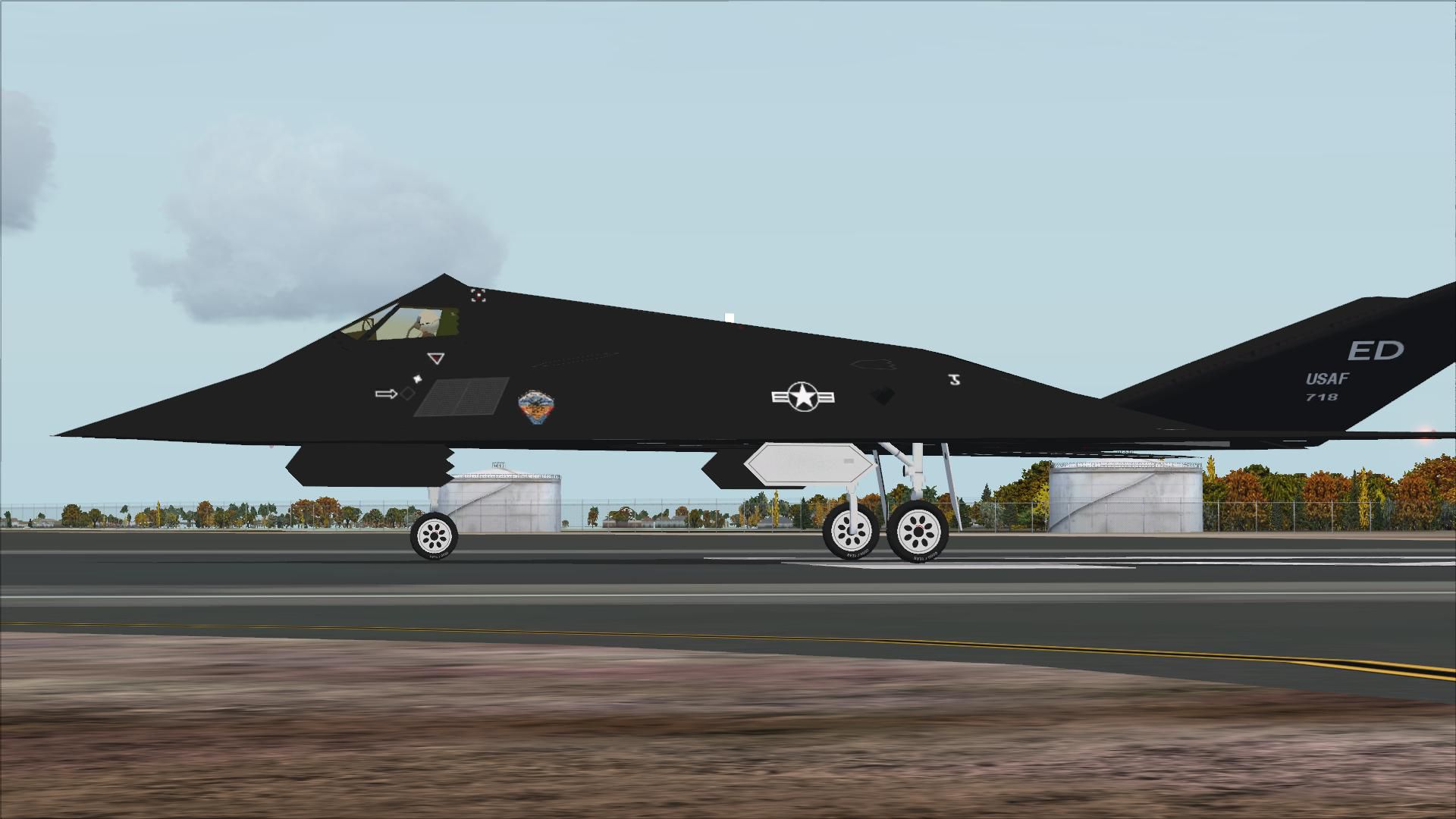
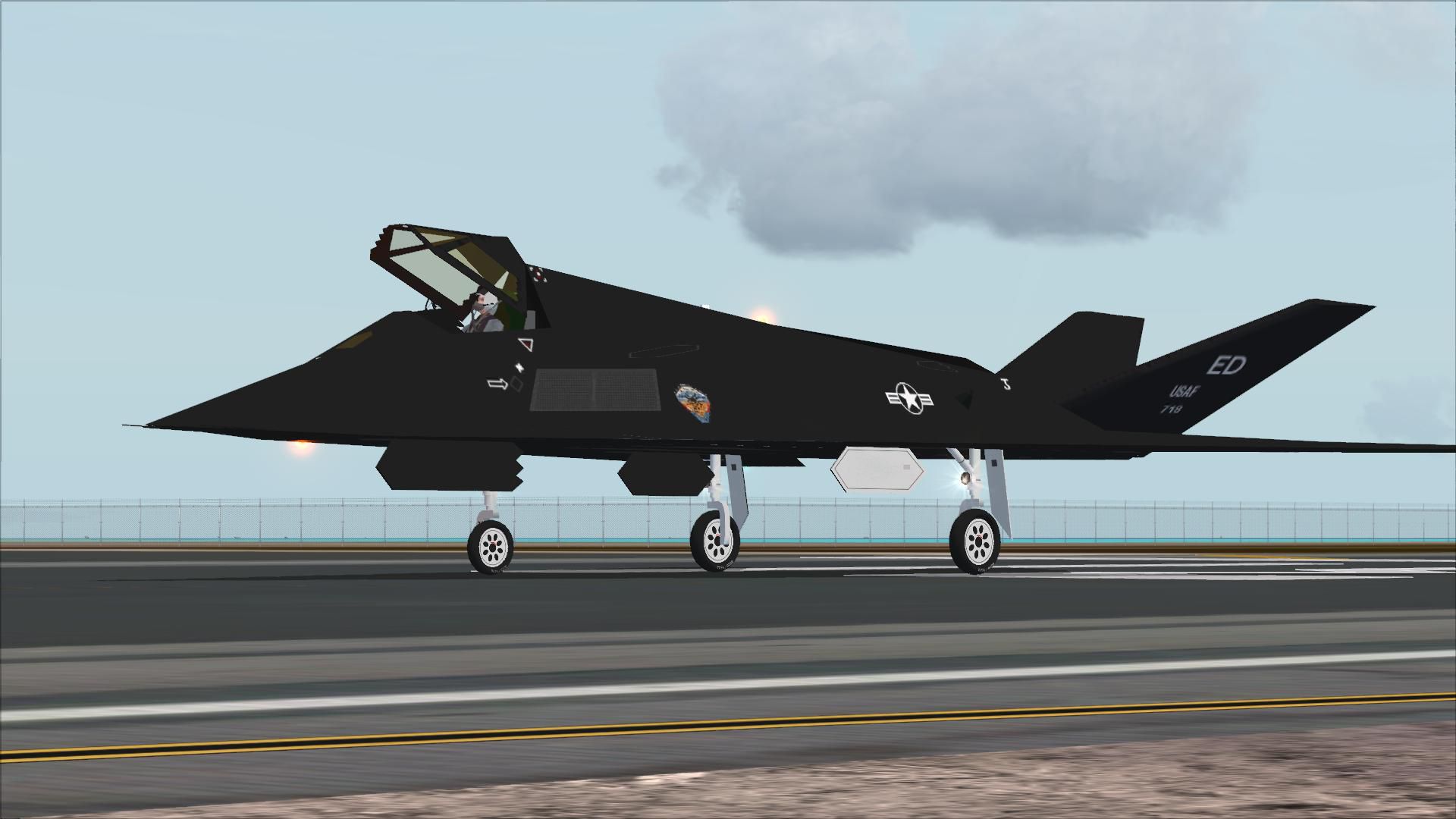
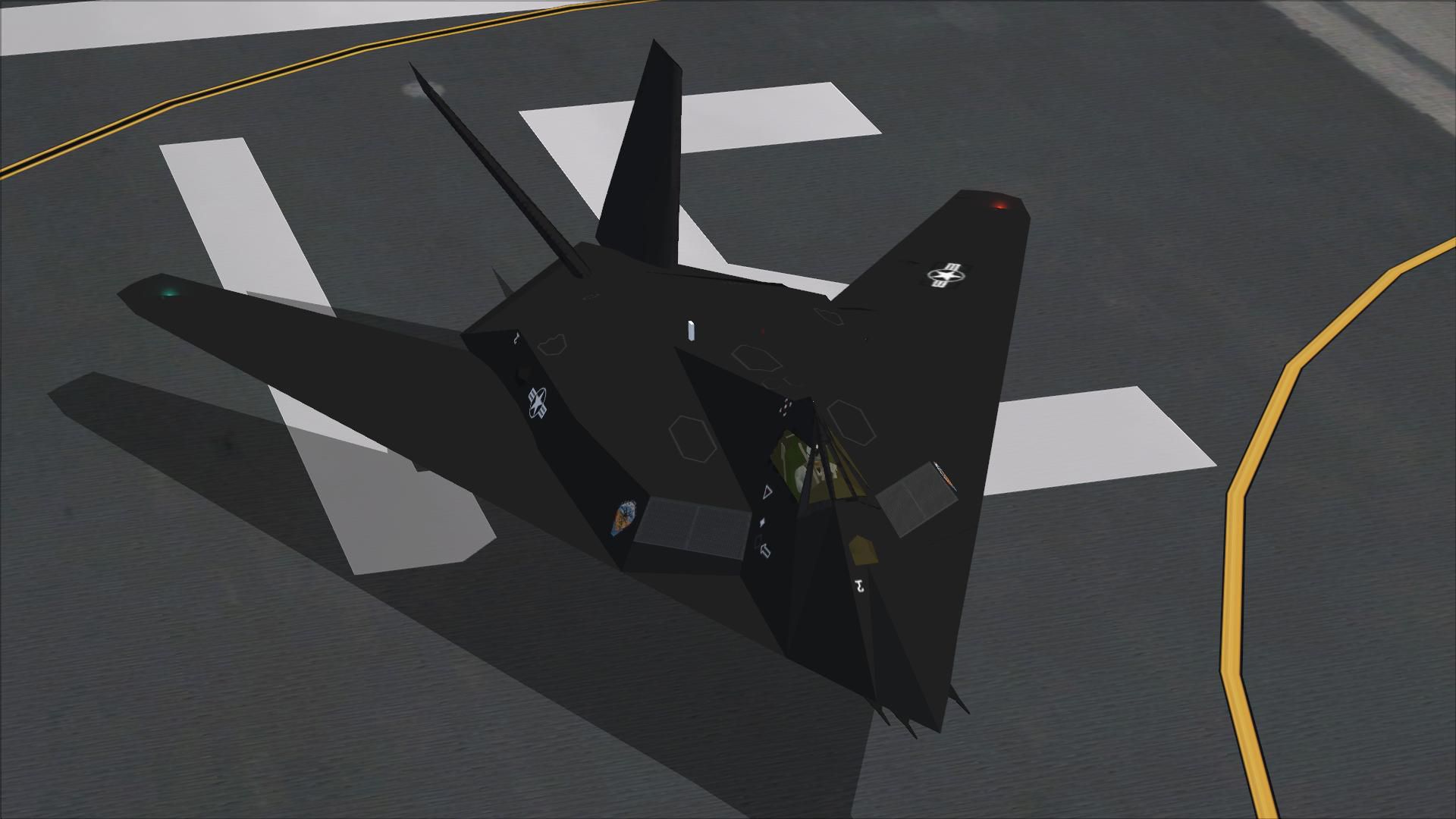
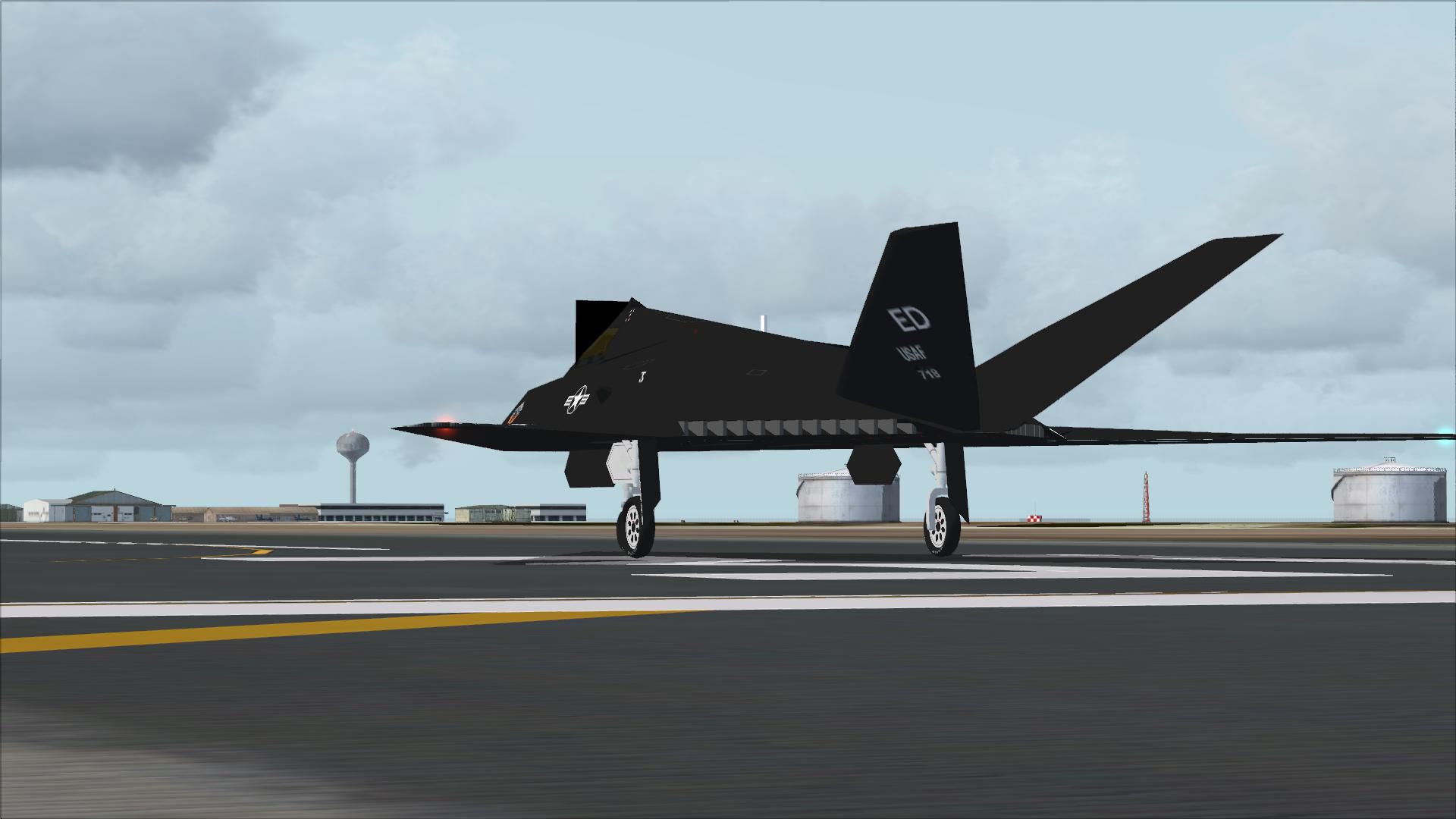

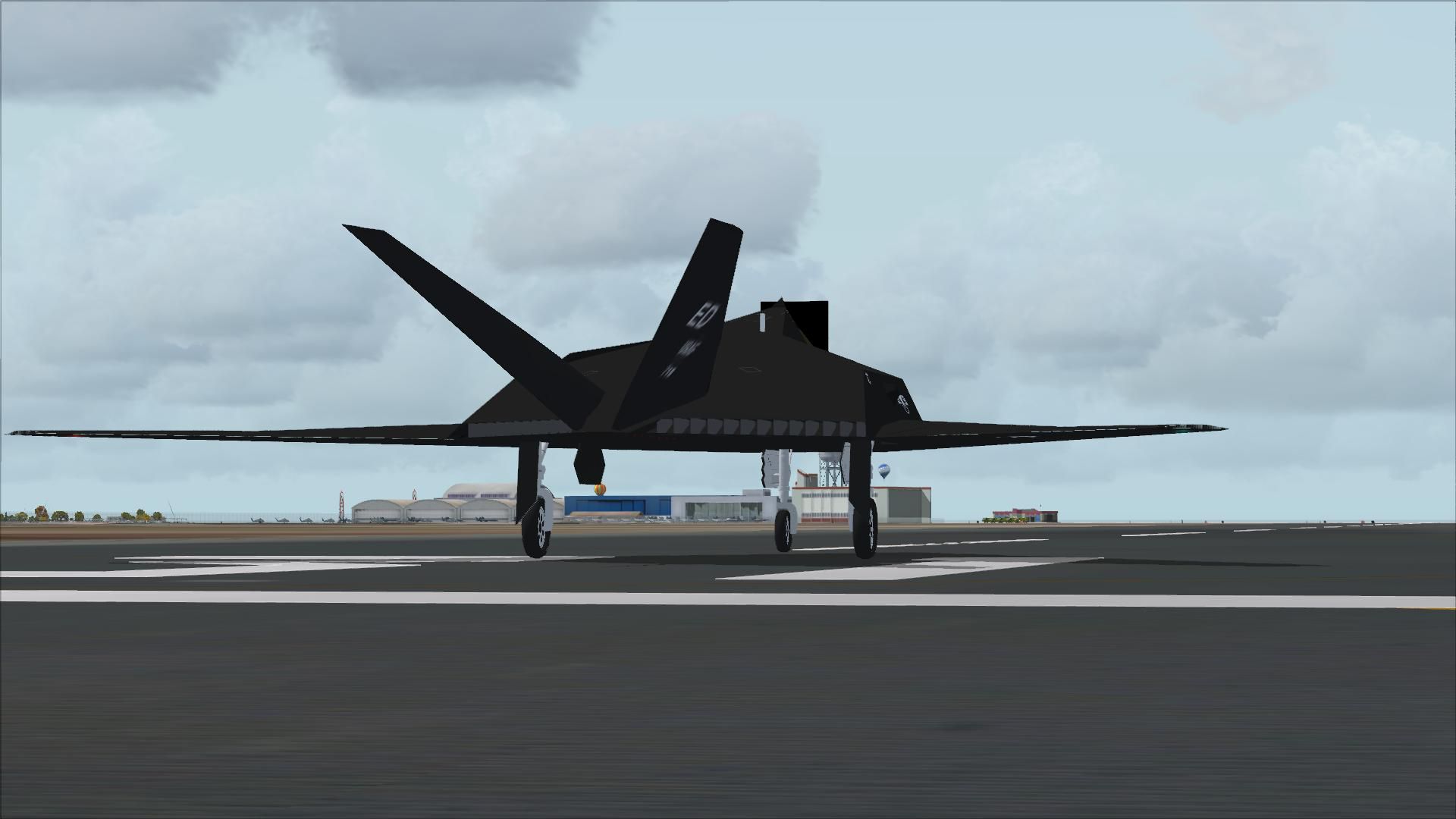
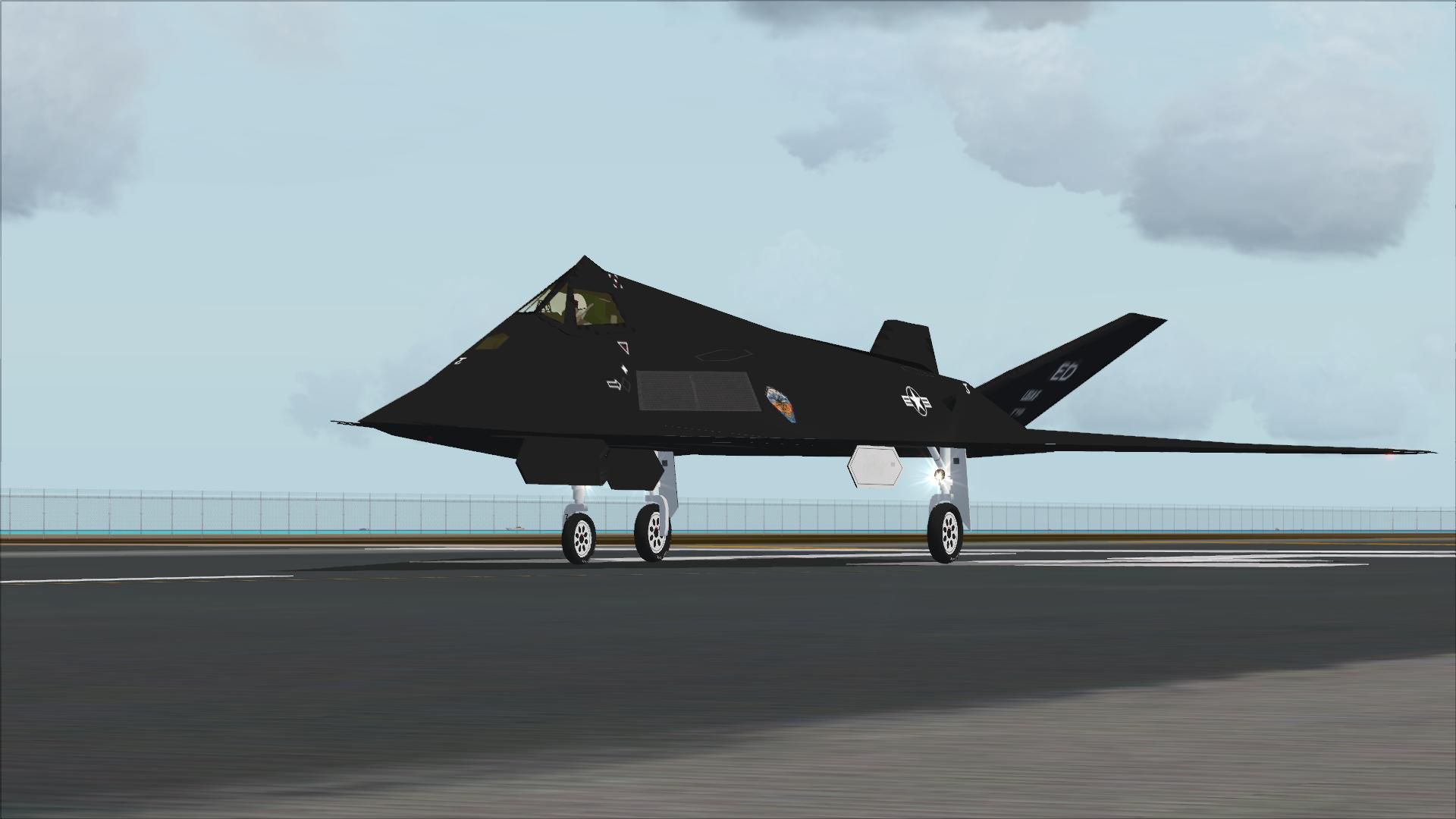

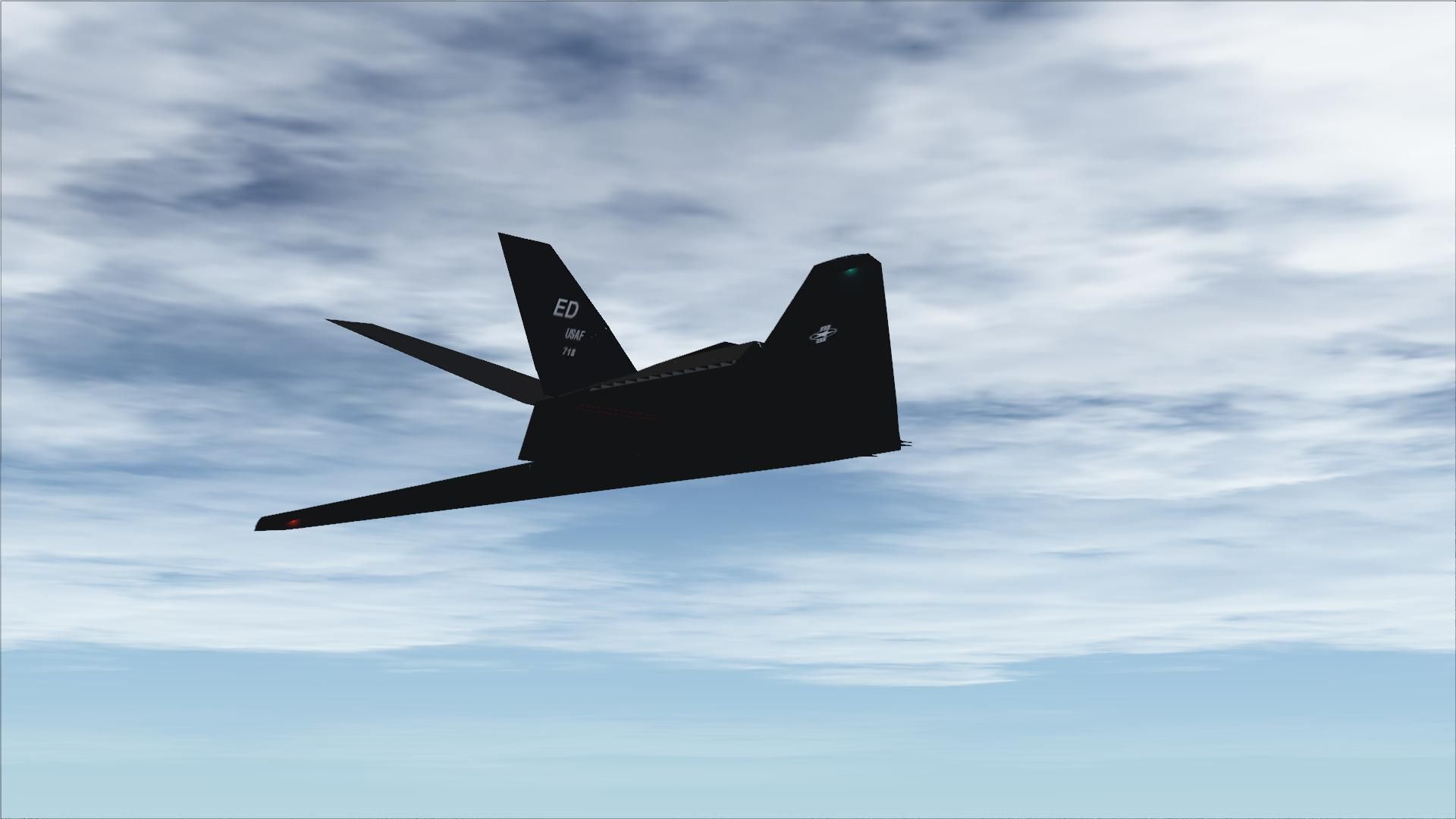
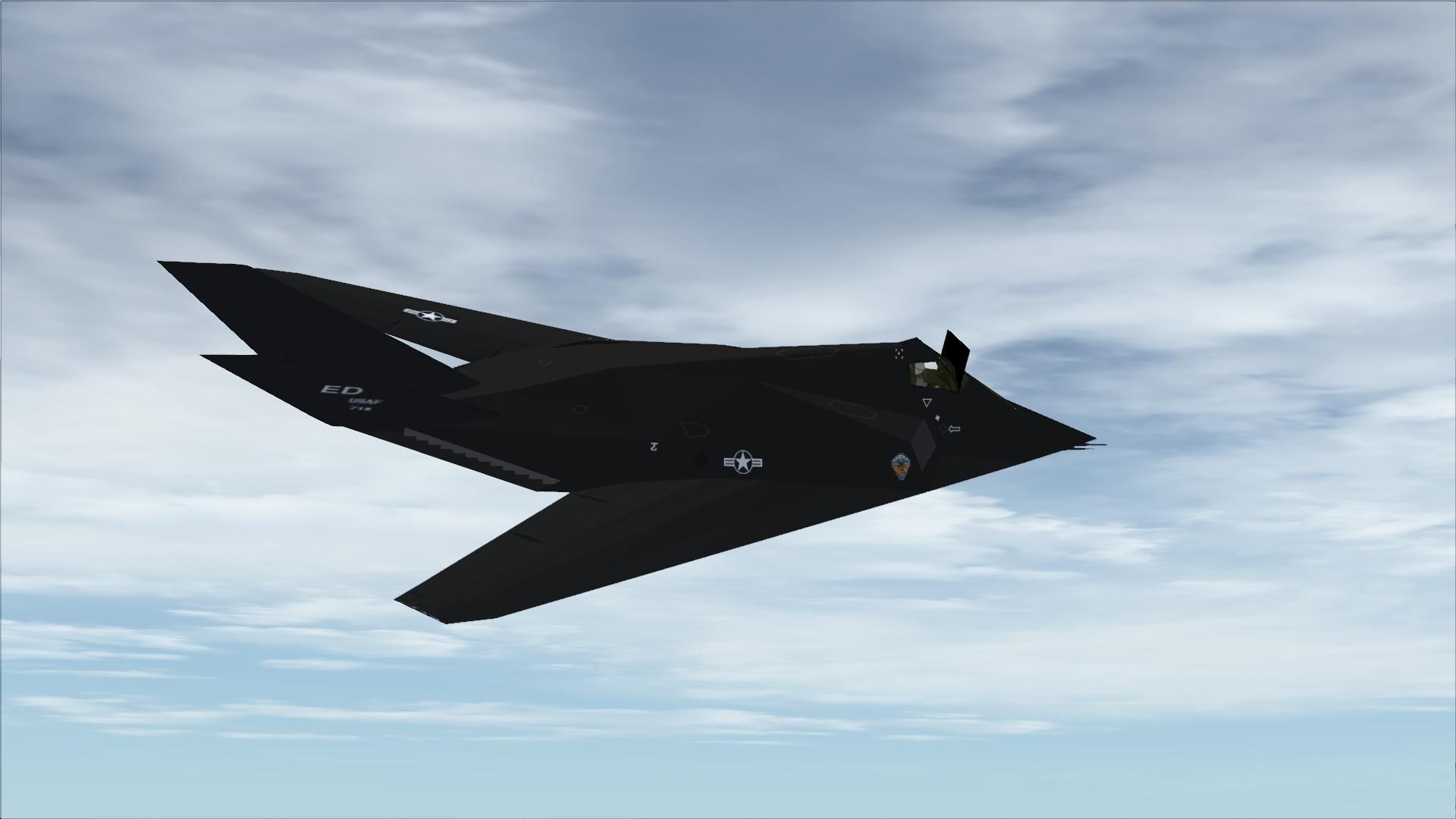
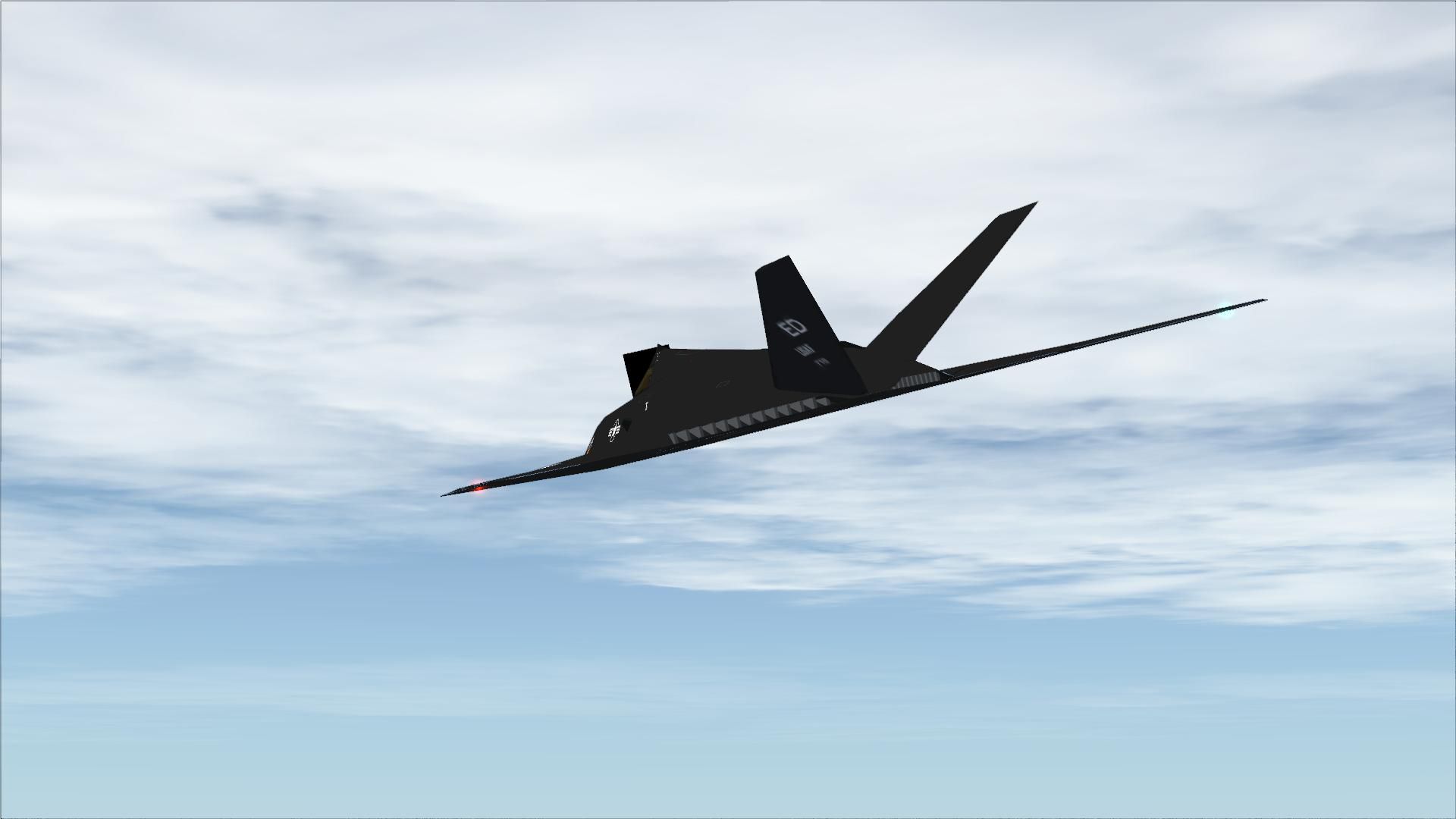
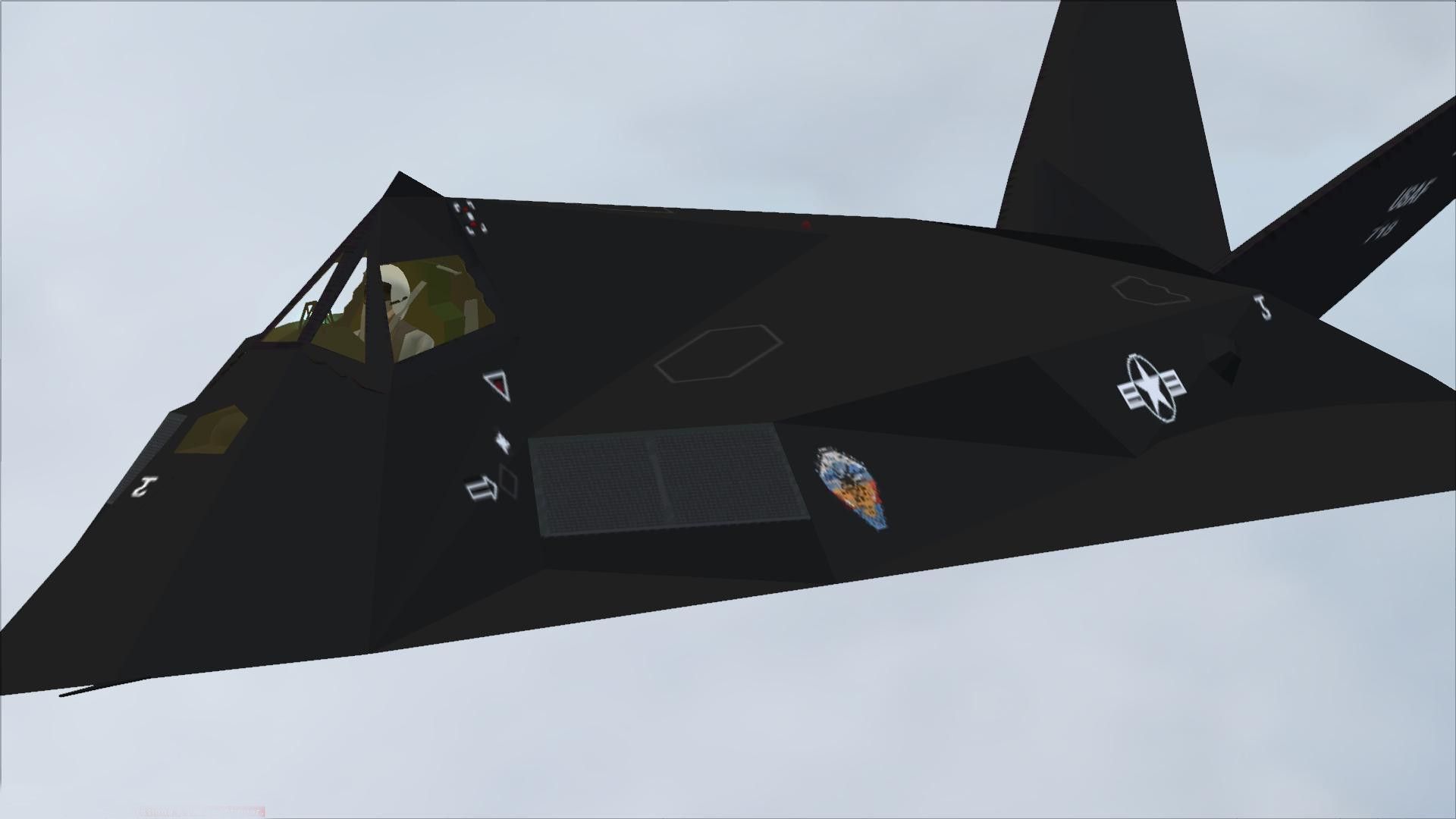
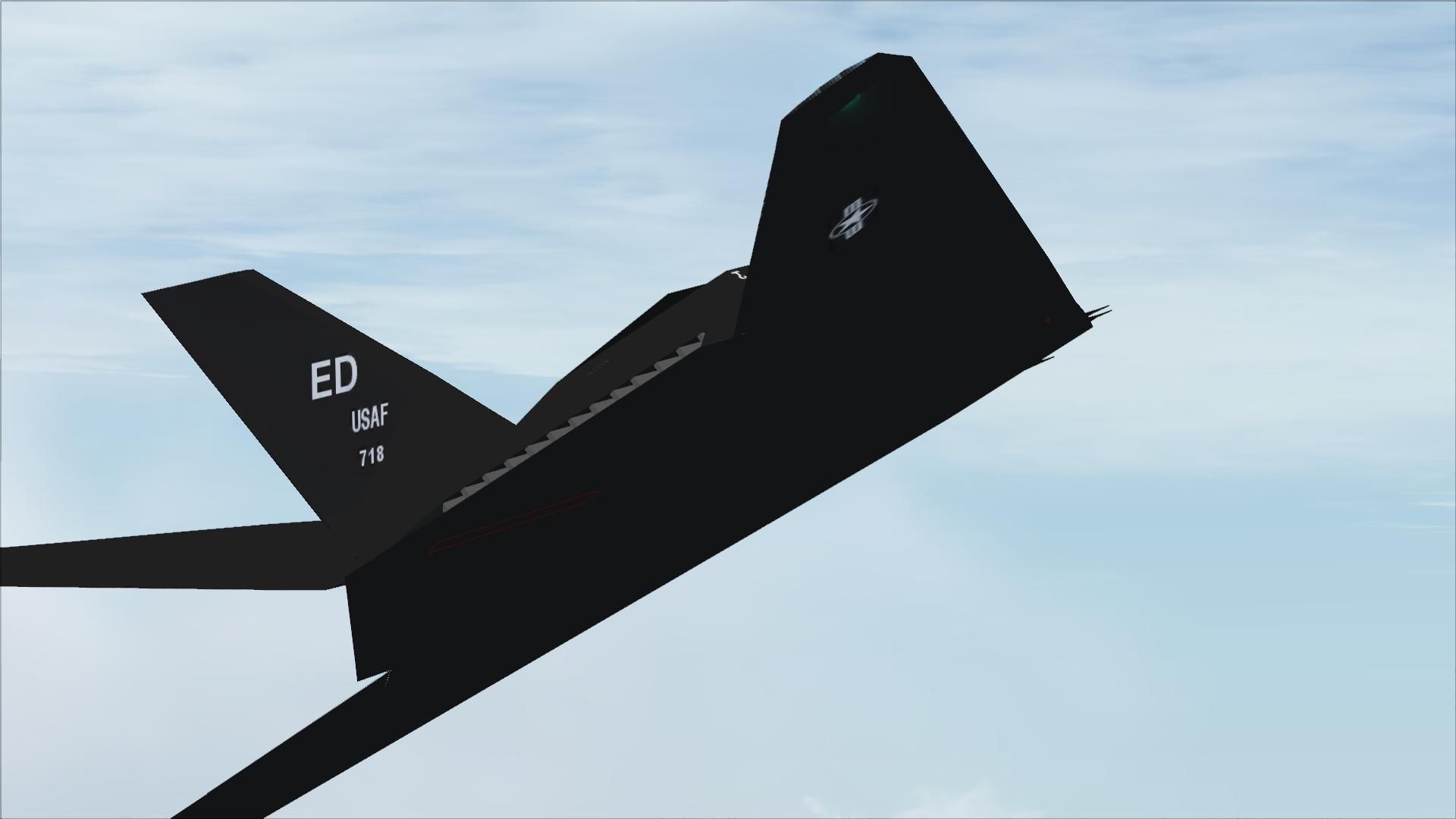
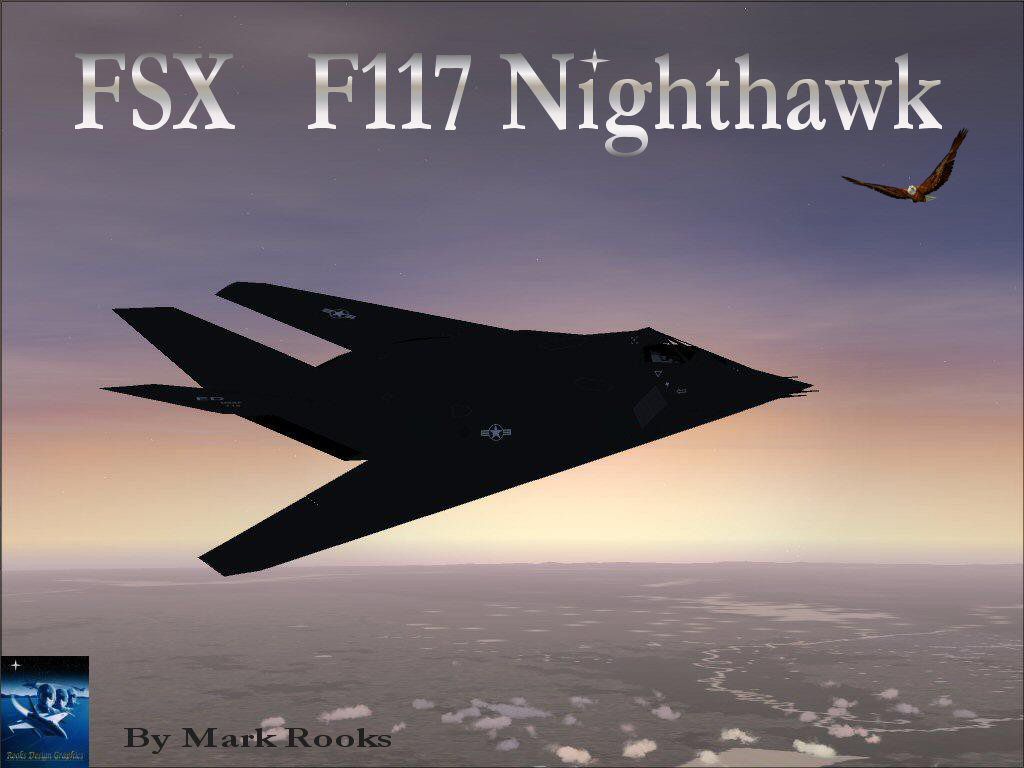
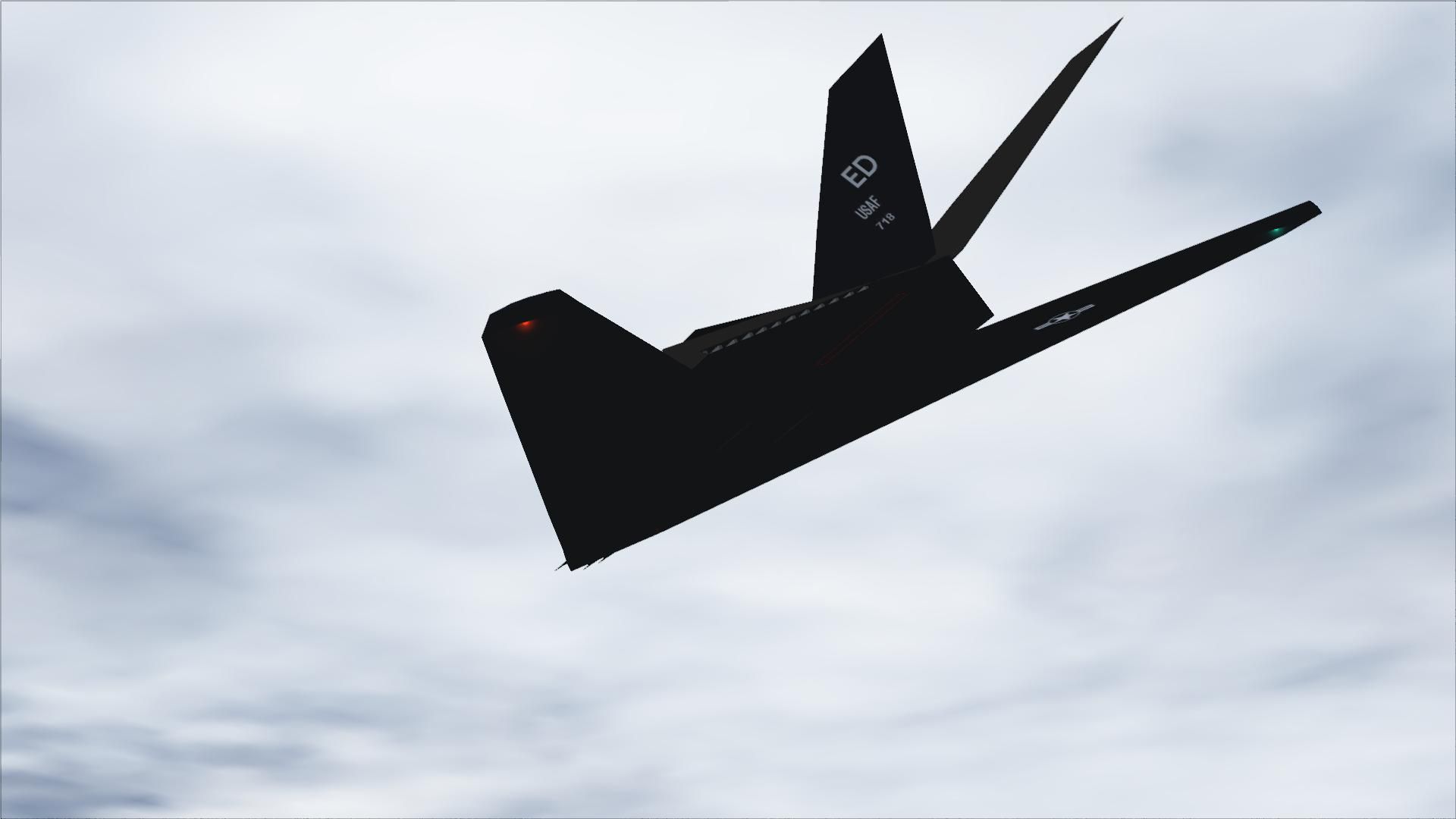
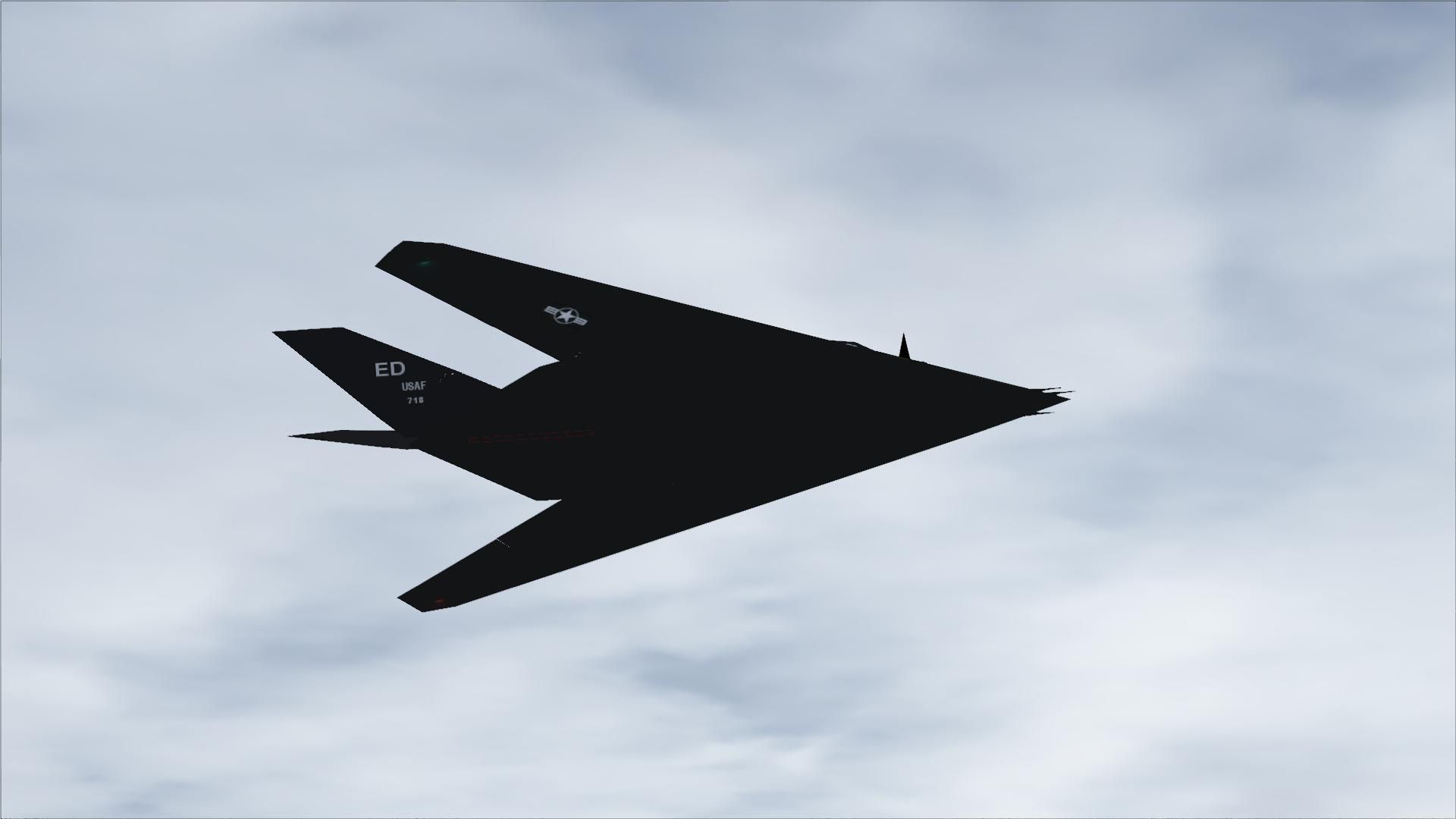

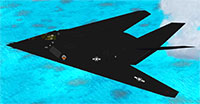 A modified version of Craig Richardson's F117 Nighthawk in a low luster stealth paint scheme. This is a complete aircraft and a new panel modified by Mark Rooks.
Free for all simmers · 10.33 MB · Scanned clean Aug 2026
Download speed: Free tier is capped at 0.5 Mbps (this file takes approximately 3 mins at the cap). PRO members download at full line speed.
SimObjects\Airplanes\, Addon Scenery\, Effects\, or Gauges\.readme.txt or README file. It tells you exactly where files go, what dependencies are needed, and any quirks specific to this add-on.The archive fsxf117.zip has 33 files and directories contained within it.
This list displays the first 500 files in the package. If the package has more, you will need to download it to view them.
| Filename/Directory | File Date | File Size |
|---|---|---|
| F-117 Nighthawk.zip | 05.28.07 | 904.17 kB |
| F117 Panel.zip | 05.28.07 | 775.14 kB |
| F117 Screen1.jpg | 05.28.07 | 142.77 kB |
| Gauges.zip | 05.28.07 | 4.66 MB |
| Read Me First.txt | 05.28.07 | 963 B |
| text1.txt | 05.28.07 | 218 B |
| Thanks Kelly.zip | 05.28.07 | 1.15 MB |
| Thumbs.db | 05.28.07 | 5.50 kB |
| flyawaysimulation.txt | 10.29.13 | 959 B |
| Go to Fly Away Simulation.url | 01.22.16 | 52 B |
| Screenshots | 10.06.19 | 0 B |
| screen-1.jpg | 10.02.19 | 86.85 kB |
| screen-10.jpg | 10.02.19 | 91.77 kB |
| screen-11.jpg | 10.02.19 | 376.29 kB |
| screen-12.jpg | 10.02.19 | 178.89 kB |
| screen-13.jpg | 10.02.19 | 65.50 kB |
| screen-14.jpg | 10.02.19 | 112.39 kB |
| screen-15.jpg | 10.02.19 | 166.52 kB |
| screen-16.jpg | 10.02.19 | 123.05 kB |
| screen-17.jpg | 10.02.19 | 115.85 kB |
| screen-18.jpg | 10.02.19 | 117.29 kB |
| screen-19.jpg | 10.02.19 | 140.23 kB |
| screen-2.jpg | 10.02.19 | 216.20 kB |
| screen-20.jpg | 10.02.19 | 149.88 kB |
| screen-21.jpg | 10.02.19 | 220.66 kB |
| screen-22.jpg | 10.02.19 | 109.75 kB |
| screen-3.jpg | 10.02.19 | 252.89 kB |
| screen-4.jpg | 10.02.19 | 83.31 kB |
| screen-5.jpg | 10.02.19 | 92.08 kB |
| screen-6.jpg | 10.02.19 | 66.14 kB |
| screen-7.jpg | 10.02.19 | 70.98 kB |
| screen-8.jpg | 10.02.19 | 247.27 kB |
| screen-9.jpg | 10.02.19 | 73.31 kB |
Only PRO members can place votes.
More FSX & P3D add-ons hand-picked based on this download.
FSX Military Aircraft
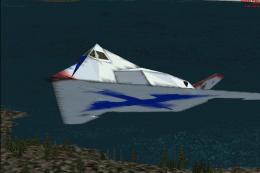
The 'Have Blue' program was built in the legendary 'Building 82' where the A-…
 FSX Military Aircraft
Original Aircraft design and Panels- Craig Richardson Panel by Pete Boleng mo…
 FSX Military Aircraft
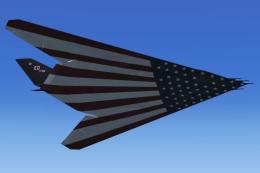
FSX X/Load F-117 #79-782, retirement scheme (stars and stripes scheme). This …
 FSX Military Aircraft
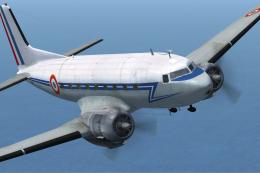
This file contains fictional textures for the Douglas C117 by Manfred Jahn an…
 FSX Military Aircraft
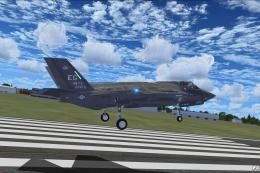
The F35 Lightning II is a fifth-generation, single-seat, single-engine stealt…
 FSX Military Aircraft
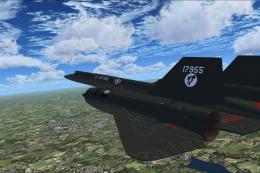
A pack containing three different Lockheed SR-71 add-ons from three different…
 FSX Military Aircraft
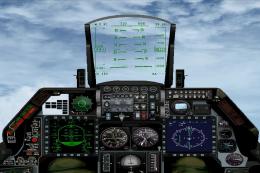
Complete aircraft with panel including working radar shows vAI traffic, panel…
 FSX Military Aircraft
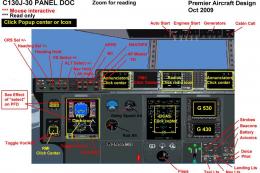
Lockheed Martin C-130J-30. The C-130J is the newest version of the Hercules a…
Read what other simmers think, or add your own.

Does anyone ever answer the questions here? I have the same questions regarding the panel. There's a black square in front of the windscreen, which I THINK should probably be the HUD.
No VC. But not sure if the gauges should be extracted from their various folders and inserted directly into the FSX Gauges folder (ie., no subfolders). Also, can't seem to get the starboard engine to start. It shows no operation, but the aircraft doesn't behave asymmetrically or as if underpowered inflight (in fact, just the opposite I'm guessing - accelerated to 1000KIAS in no time!), so I'm guessing it's another panel thing.

For some reason I can't get thedownload to work. It wont show the aircraft then after a bit it freezes my fsx se and kicks me out.

Hello all, I've just installed the FSX Lockheed F-117 Nighthawk into FSX and everything is working, except that I see an ugly black square around the cockpit when in external views! Any ideas what could be wrong and how to fix....... please?
It's one of my fave aircrafts but the square is horrendous! :-{
Thanks for any help!

THIS IS VERY GOOD FOR GETTING IT WITH THE LOW MEMEBERSHIP COST. IT IS VERY CLOSE TO THE ONE I BOUGHT FOR $20 AND I WISH I WOULD HAVE JOINED THIS WEBSITE FIRST. I WOULD PAY $15 FOR THIS AND EVERYONE SHOULD HAVE A COPY

Hello, can´t get it to work.. how do I install the gauges and panel??? have the plane at "Aircrafts" where it should be, and I have extracted all things and now what? pleas help me.. tolnai91hotmail.com


WOW! this is one of my favorate aircraft i have ever downloaded here! thanks for it guys well done!