

 FSX Civil Aircraft
Air New Zealand Boeing 777-200LR
Air New Zealand Boeing 777-200LR (new livery). B777-200 model by SkySpirit201…
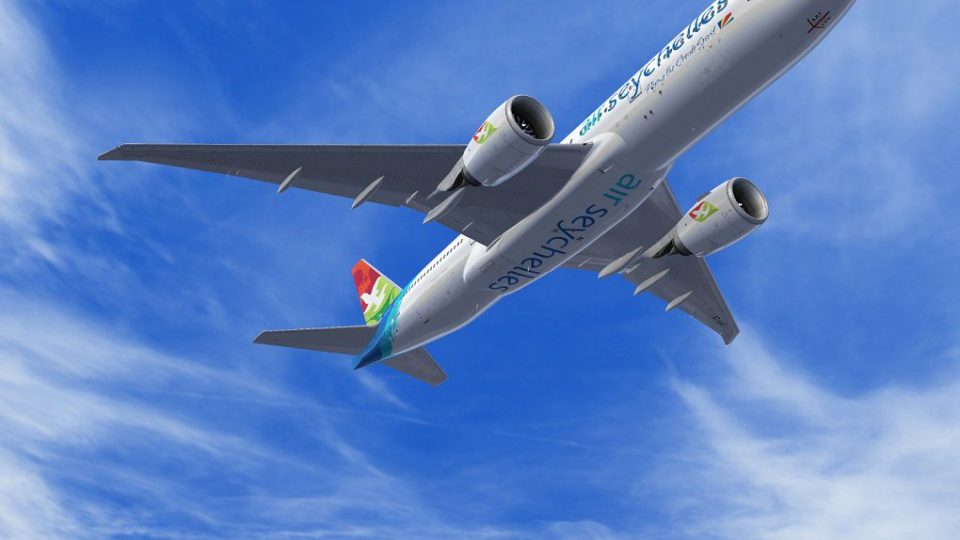
Air Seychelles “New Colors” brings a fictional modern livery to the PMDG Boeing 777-200LR in Microsoft Flight Simulator X, with crisp logo layering, vivid tropical accents, and realistic shading that reads well from ramp to cruise. Requires the payware PMDG 777-200LR and installs as a .ptp texture set for long-haul flights.
 Rate
Rate

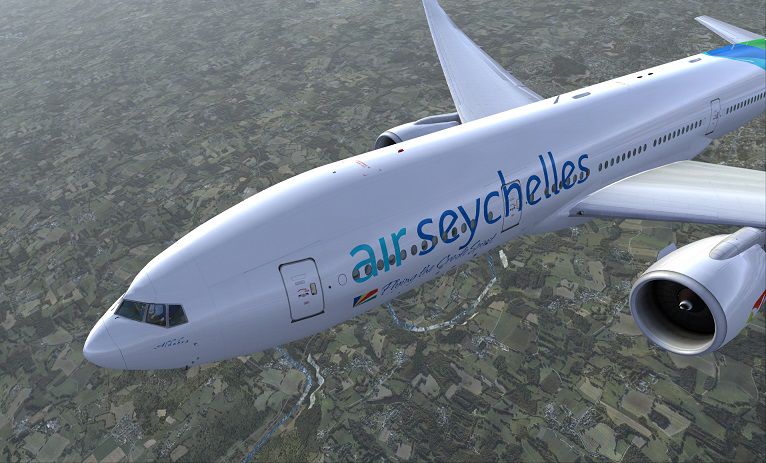
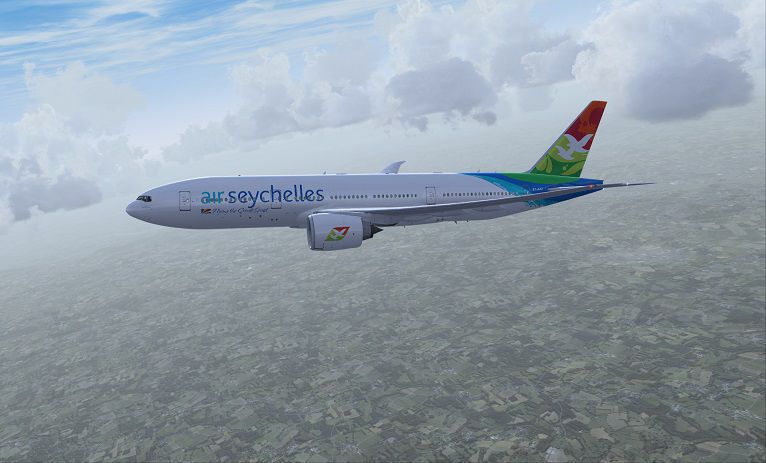
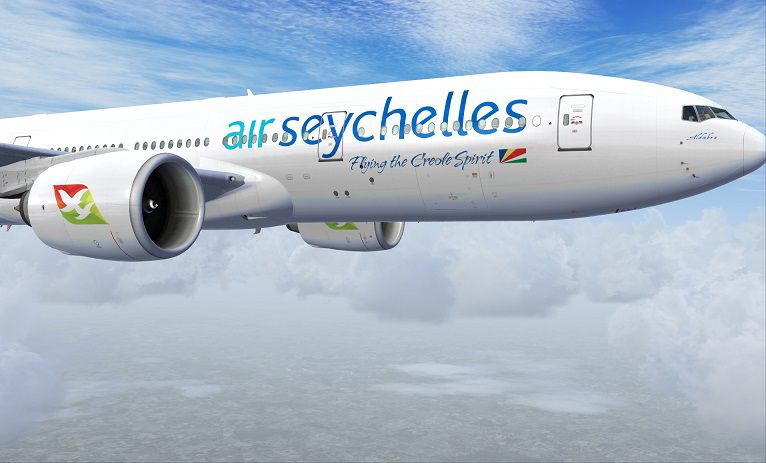
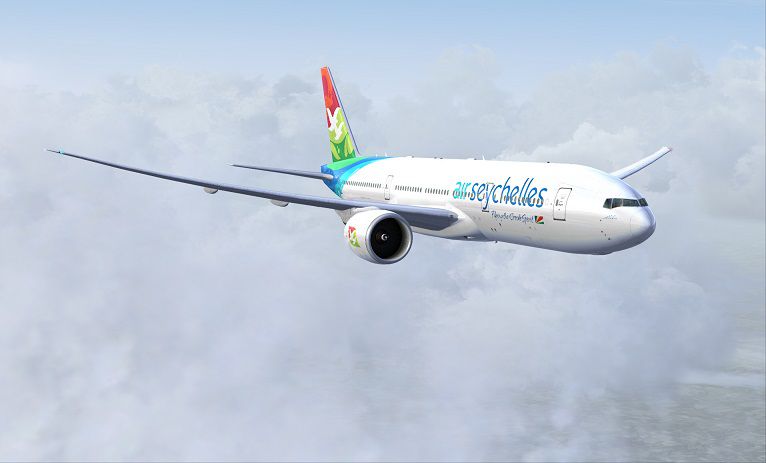
Immerse yourself in this specially-crafted fictional Air Seychelles repaint for the payware PMDG 777-200LR in Microsoft Flight Simulator X. Created by talented developer Corina Meyer, this texture set integrates the airline’s modern color scheme onto Boeing’s extended-range twin-engine platform. It provides a distinctive exterior finish that combines high-fidelity detailing with accurate shading for a polished overall result, enhancing your long-haul flying experience.
Air Seychelles is known for its vibrant branding reflecting the tropical flair of the archipelago. Although this rendition is fictional, every segment of the fuselage and tail art remains faithful to the airline’s current styling cues. The fresh paint complements the 777-200LR’s sleek lines, resulting in a bold scheme that stands out on the ramp. Expect vivid colored accents and well-defined layering of logos, ensuring a crisp overall appearance from any camera angle.
Boeing’s 777-200LR (where “LR” stands for Long Range) is highly regarded for its substantial operational radius and efficient twin-engine design. The PMDG package—offered as payware—simulates advanced systems such as Fly-By-Wire logic, auto-throttle management, and detailed flight deck instrumentation. Combining this repaint with the PMDG 777 ensures you get both a top-tier simulation environment and a vivid livery that looks visually true to life amid various atmospheric conditions.
Above: In-sim demonstration of the Air Seychelles new livery on the 777-200LR.
This download only contains the texture files in .ptp format. To take advantage of this repaint, you must own the PMDG 777-200LR package. You can purchase that payware model through reputable add-on retailers, such as our dedicated store. The repaint itself is freeware, ensuring minimal setup complexity once the core PMDG product is installed.
With these textures applied, pilots can explore high-altitude cruise routes or transoceanic journeys while showcasing the bright, tropical livery faithfully reproduced by Corina Meyer. Enjoy the virtual skies and the added vibrancy from this unique design.
Free for all simmers · 13.81 MB · Scanned clean Oct 2026
Download speed: Free tier is capped at 0.5 Mbps (this file takes approximately 4 mins at the cap). PRO members download at full line speed.
texture.{airline}) inside FSX\SimObjects\Airplanes\{base-aircraft}\.aircraft.cfg in Notepad. Add a new [fltsim.X] section per the readme.readme.txt or README file. It tells you exactly where files go, what dependencies are needed, and any quirks specific to this add-on.The archive pmdg777-200lr_air_seychelles_s7-aa7.zip has 10 files and directories contained within it.
This list displays the first 500 files in the package. If the package has more, you will need to download it to view them.
| Filename/Directory | File Date | File Size |
|---|---|---|
| FS-48609.jpg | 11.22.13 | 149.51 kB |
| PMDG777-200LR Air Seychelles S7-AA7.ptp | 11.22.13 | 13.28 MB |
| ReadMe_Install.txt | 11.22.13 | 1.03 kB |
| FS-48604.jpg | 11.22.13 | 145.42 kB |
| FS-48606.jpg | 11.22.13 | 101.36 kB |
| FS-48607.jpg | 11.22.13 | 91.31 kB |
| FS-48608.jpg | 11.22.13 | 52.89 kB |
| 1.gif | 11.22.13 | 6.82 kB |
| flyawaysimulation.txt | 10.29.13 | 959 B |
| Go to Fly Away Simulation.url | 01.22.16 | 52 B |
Only PRO members can place votes.
More FSX & P3D add-ons hand-picked based on this download.
FSX Civil Aircraft
Air New Zealand Boeing 777-200LR (new livery). B777-200 model by SkySpirit201…
 FSX Civil Aircraft
Photorealistic repaint of American Airlines B777-200ER GE N781AN for the payw…
 FSX Civil Aircraft
Air Canada Boeing 777-200LR. Model by Project Open Sky. Repaint by Yosuke. Ai…
 FSX Civil Aircraft
This comprehensive package blends Air Canada Boeing 777-200LR liveries with t…
 FSX Civil Aircraft
This freeware package features a fully functional Boeing 777-200LR in EVA Air…
 FSX Civil Aircraft
This updated freeware package features a complete Boeing 777-200LR in the Air…
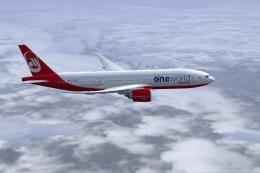 FSX Civil Aircraft
Texture only for the payware PMDG B777-200. This is a fictional repaint. By C…
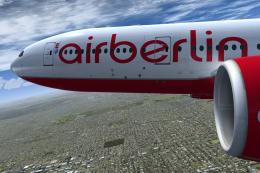 FSX Civil Aircraft
This freeware repaint brings Air Berlin’s colors to the Boeing 777-200LR in a…
Be the first to leave a comment on this download.
Be the first to share your thoughts on this download.