

 FSX Civil Aircraft
Scandinavian Airlines SAS Airbus A321-231
This freeware release brings a detailed Scandinavian Airlines (SAS) Airbus A3…
SAS Scandinavian Airbus A350-900 V4 brings long-haul realism to FSX with refined exterior detailing, believable wing flex, and tilted main-gear bogies that mirror real operations. Animated ground servicing enhances ramp immersion with interactive doors, cargo bays, and vehicle trailer hookups, delivering a lively airport turnaround around the distinctive SAS livery.
 Rate
Rate
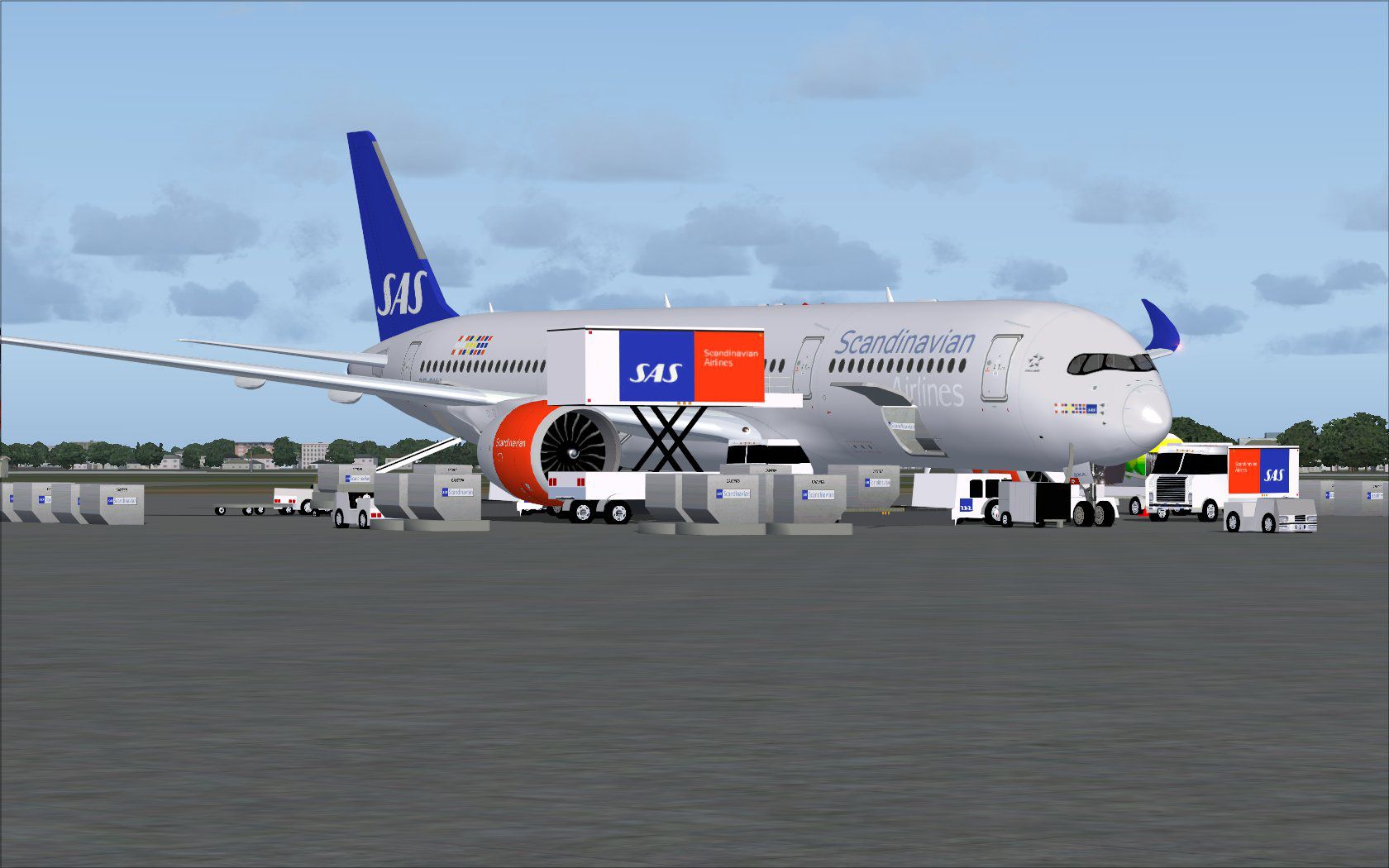
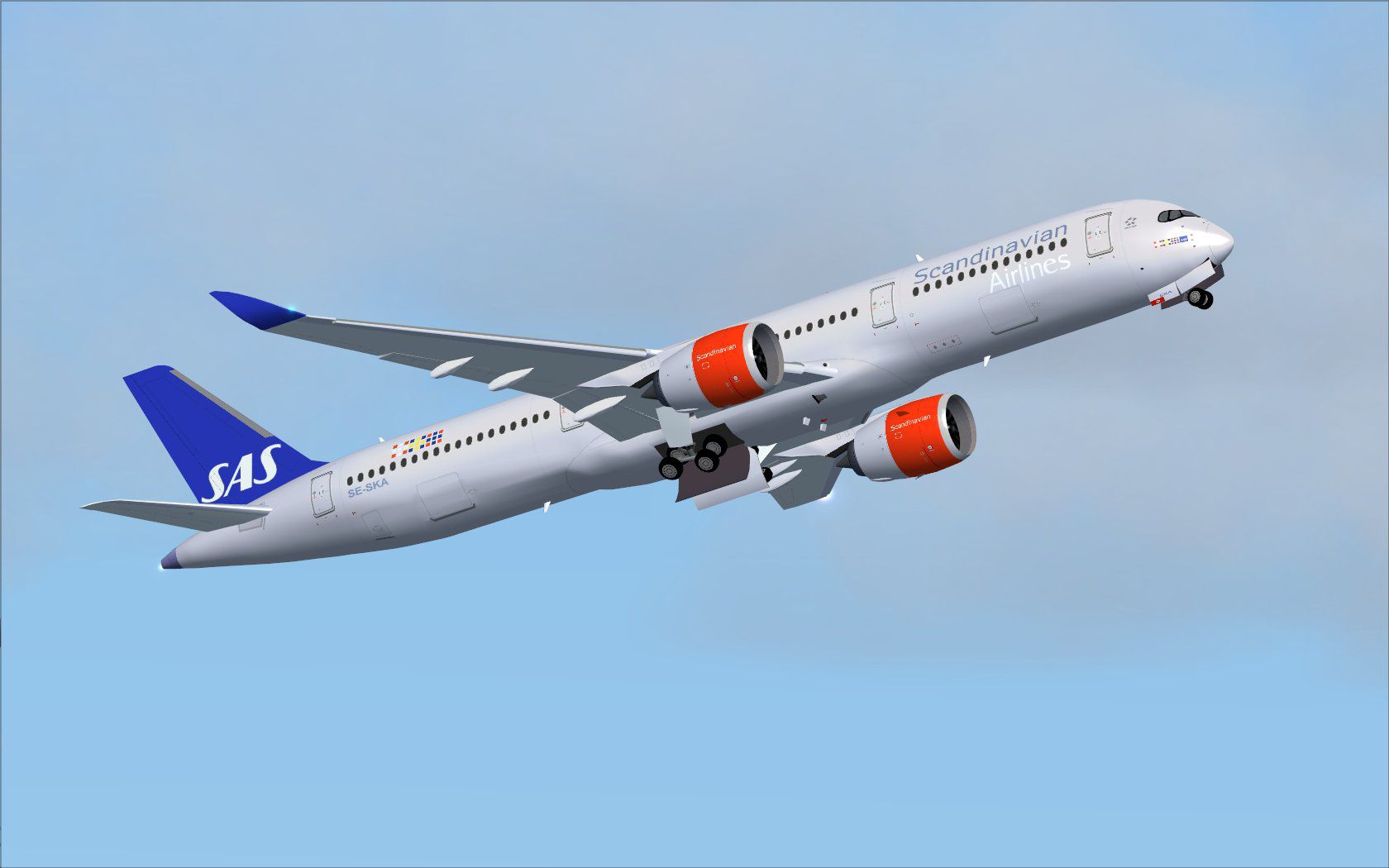
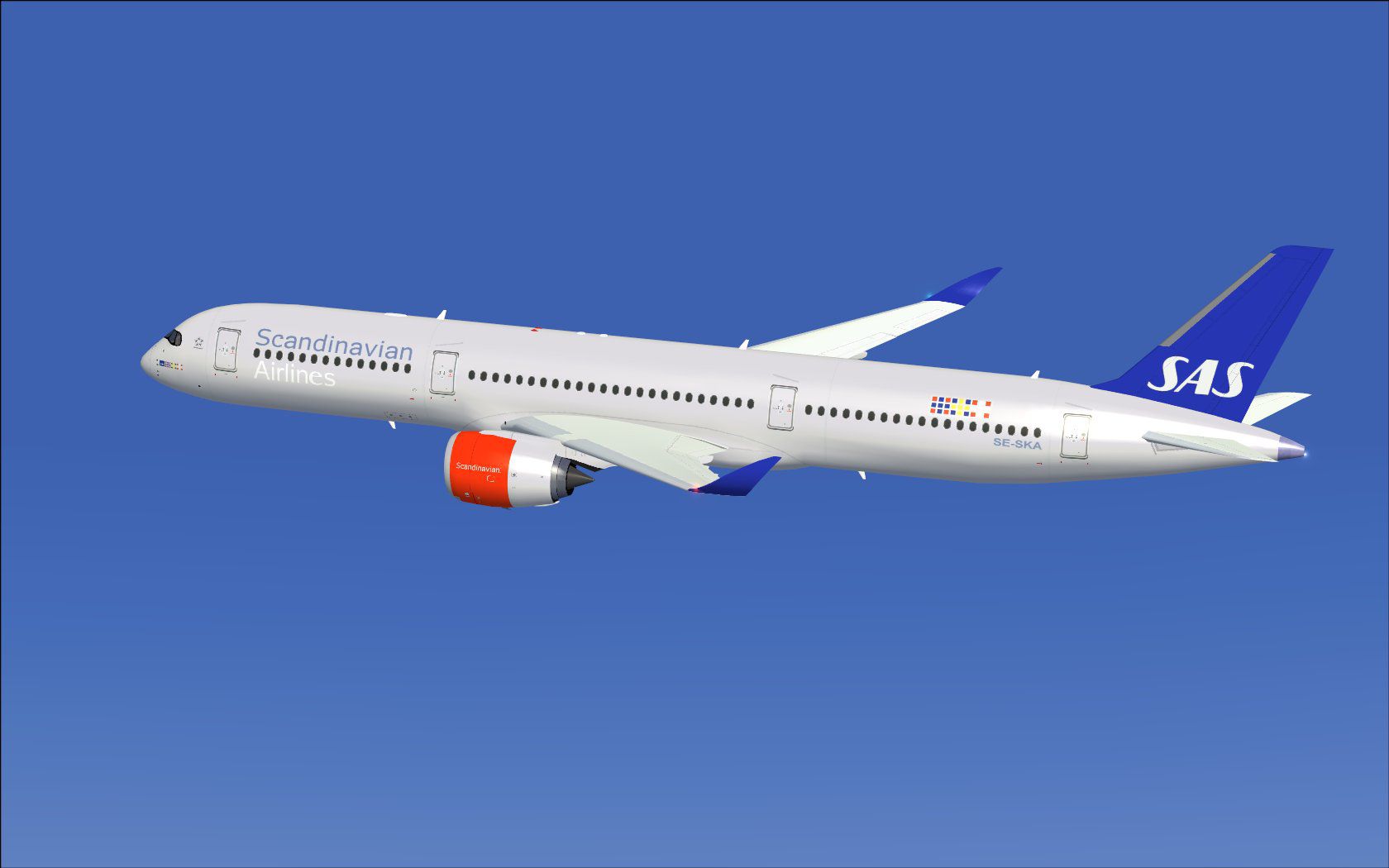
The latest CamSim release of the SAS Scandinavian Airbus A350-900, created by Camil Valiquette, arrives in this fourth iteration with enhanced ground servicing animations and refined visual details suitable for enthusiasts seeking greater immersion. It also includes tilted main landing gear bogies that closely match real-world operational characteristics.
CamSim Version 4 has been enriched with multiple animated ground servicing (AGS) steps, such as trucks engaging and disengaging their associated trailers. This upgraded approach adds life to the airport environment. Furthermore, the included livery reflects the distinctive SAS Scandinavian markings to replicate the long-haul expertise of the Airbus A350-900.
Screenshot showcasing SAS Scandinavian Airbus A350-900 with active ground-service assets.
Among the highlights, a closer look reveals trailer hookups, passenger door manipulation, and cargo bay management. The aircraft incorporates:
By combining these features and the typical wing flex design, the model delivers an immersive layout that captures the essence of an authentic SAS Scandinavian Airbus A350 hub experience.
For seamless ground features, assign the following in Options > Settings > Controls > Buttons/Keys > Change Assignment:
Once configured, these commands initiate all the relevant animations for cargo doors and ground-service attachments.
The entire model, including textures and animations, is authored by Camil Valiquette of CamSim. This freeware release aims to provide realistic ground service interactivity coupled with an accurate SAS Scandinavian paint scheme, delivering a well-rounded flight deck experience for dedicated FSX pilots.
Free for all simmers · 5.22 MB · Scanned clean Oct 2026
Download speed: Free tier is capped at 0.5 Mbps (this file takes approximately 1 min at the cap). PRO members download at full line speed.
This add-on may require the following files to function properly. If this is a repaint, the dependency below is likely the base aircraft package.
FSX\SimObjects\Airplanes\. The folder must contain an aircraft.cfg file. Effects go into FSX\Effects\; gauges go into FSX\Gauges\.readme.txt or README file. It tells you exactly where files go, what dependencies are needed, and any quirks specific to this add-on.The archive 359v4skx.zip has 37 files and directories contained within it.
This list displays the first 500 files in the package. If the package has more, you will need to download it to view them.
| Filename/Directory | File Date | File Size |
|---|---|---|
| CamSim Airbus 350-900 V4 SAS Scandinavian | 11.21.13 | 0 B |
| 350-900.air | 02.27.12 | 12.75 kB |
| 359v4sk ags.jpg | 11.12.13 | 167.06 kB |
| 359v4sk_.jpg | 11.12.13 | 85.07 kB |
| 359v4sk_1.jpg | 11.12.13 | 69.45 kB |
| aircraft.cfg | 11.21.13 | 15.39 kB |
| Effects.zip | 03.25.06 | 1.80 kB |
| file_id.diz | 11.21.13 | 280 B |
| FSX Installation Aircraft and AGS Animations Read Me.htm | 11.21.13 | 6.56 kB |
| model.350-900 ags v4 | 11.21.13 | 0 B |
| 350-900 ags v4.mdl | 09.19.13 | 2.79 MB |
| Model.cfg | 06.11.12 | 33 B |
| PANEL | 11.21.13 | 0 B |
| 787_350_panel_background.bmp | 02.25.10 | 2.25 MB |
| 787_350_panel_background_night.bmp | 02.25.10 | 2.25 MB |
| Airbus_A321.cab | 09.04.06 | 2.72 MB |
| panel.cfg | 02.25.10 | 5.48 kB |
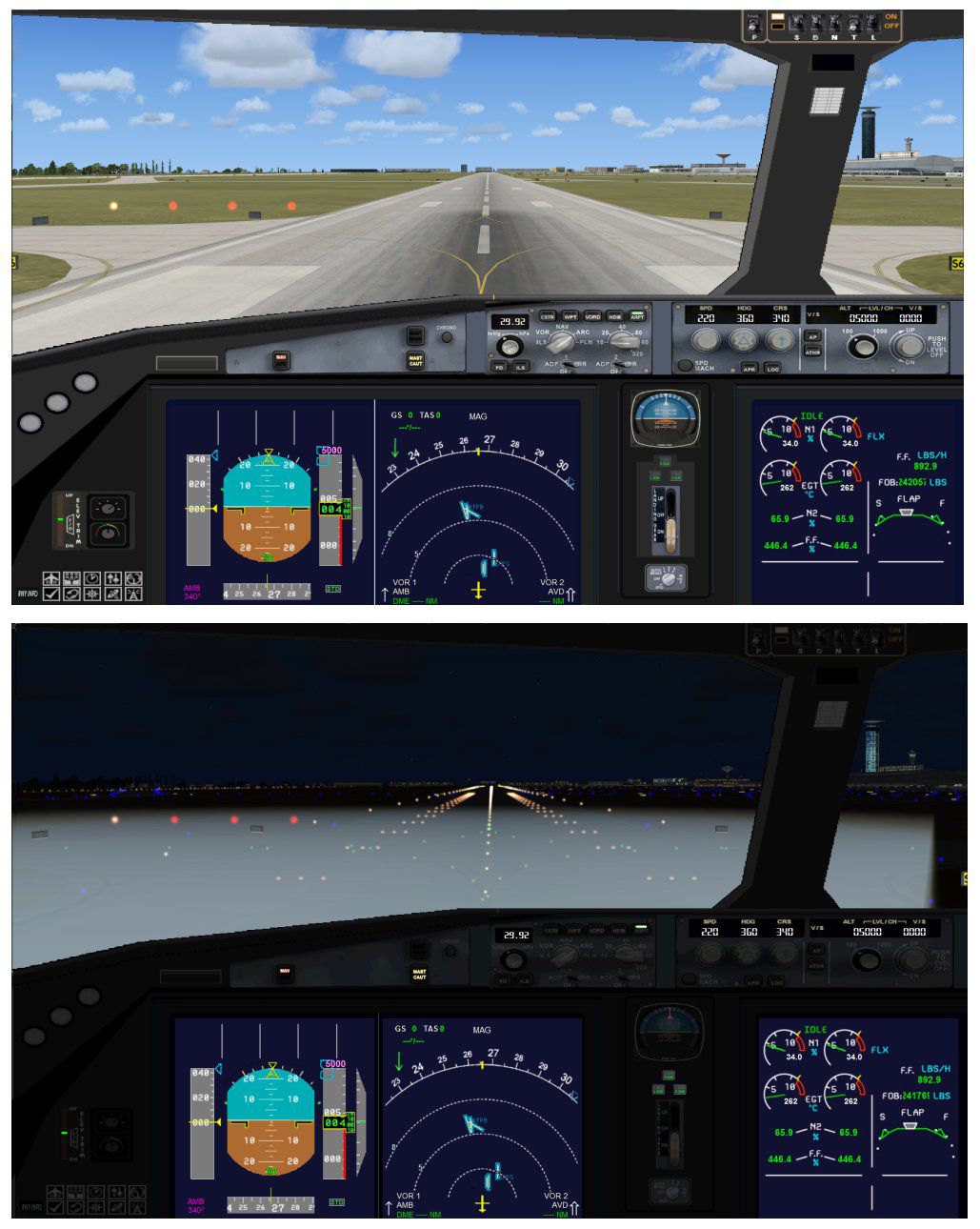
| panel camsim 787-350 afx_2.jpg | 04.09.10 | 182.86 kB |
| Read Me How to setup Animations (AGS).txt | 10.30.13 | 875 B |
| Read Me_FSX.txt | 11.21.13 | 2.35 kB |
| SOUND | 11.21.13 | 0 B |
| Sound.cfg | 11.04.09 | 35 B |
| texture.sk | 11.21.13 | 0 B |
| 359fuse_t.bmp | 11.12.13 | 1.00 MB |
| 35eng_t.bmp | 11.12.13 | 1.00 MB |
| 35int_l.bmp | 11.20.13 | 4.00 MB |
| 35int_t.bmp | 11.21.13 | 1.00 MB |
| 35tail_t.bmp | 11.11.13 | 1.00 MB |
| 35wings_t.bmp | 11.12.13 | 1.00 MB |
| 787ext_L.bmp | 11.20.13 | 4.00 MB |
| 787ext_t.bmp | 11.21.13 | 1.00 MB |
| gris_t.bmp | 12.09.09 | 16.07 kB |
| tail.bmp | 12.02.12 | 1.00 MB |
| thumbnail.jpg | 11.21.13 | 4.60 kB |
| w_t.bmp | 10.22.13 | 16.07 kB |
| flyawaysimulation.txt | 10.29.13 | 959 B |
| Go to Fly Away Simulation.url | 01.22.16 | 52 B |
Only PRO members can place votes.
More FSX & P3D add-ons hand-picked based on this download.
FSX Civil Aircraft
This freeware release brings a detailed Scandinavian Airlines (SAS) Airbus A3…
 FSX Civil Aircraft
Complete package for FSX only of the Project Open Sky B737-600 model in SAS S…
 FSX Civil Aircraft
Experience a carefully modeled Vietnam Airlines Airbus A350-900 package for F…
 FSX Civil Aircraft
This updated freeware package delivers a meticulously modeled Lufthansa Airbu…
 FSX Civil Aircraft
The Airbus A350-900 in Iberia's livery, presented here as a fully integrated …
 FSX Civil Aircraft
This comprehensive freeware package offers a fully modeled Airbus A350-900, c…
 FSX Civil Aircraft
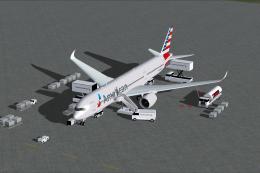
The latest freeware rendition of American Airlines’ Airbus A350-900 from CamS…
 FSX Civil Aircraft
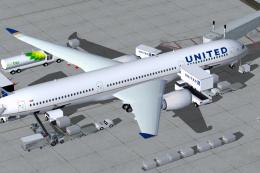
Experience a detailed rendition of the Airbus A350-900 in United Airlines liv…
Be the first to leave a comment on this download.
Be the first to share your thoughts on this download.