

 FSX Civil Aircraft
Braniff Medium Blue Jellybean Boeing 707
This classic repaint captures Braniff International’s Medium Blue Jellybean l…
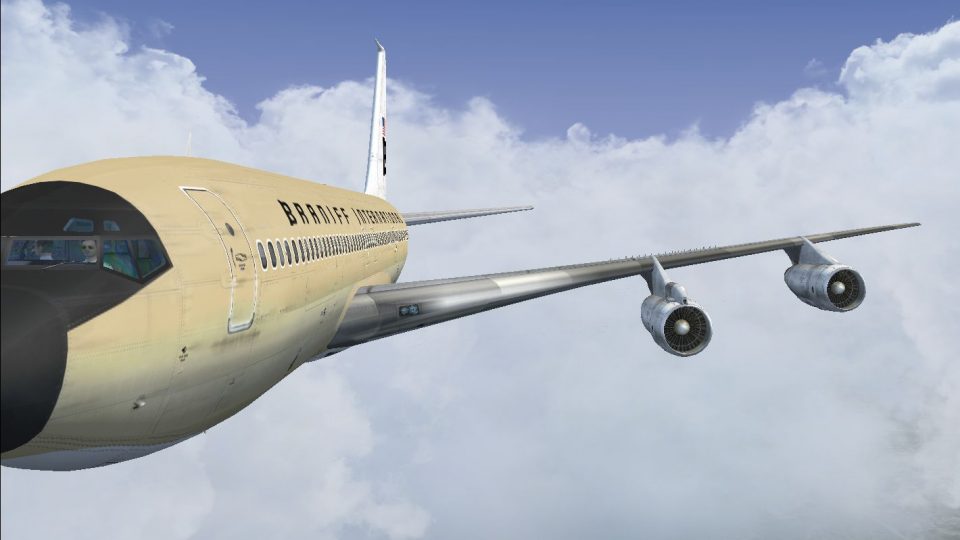
Braniff International’s Beige “Jellybean” Boeing 707-300 repaint depicts registration N7104 with period-correct tones and markings for an authentic mid-1960s look, bringing classic U.S. jetliner style to Microsoft Flight Simulator X. Crisp exterior textures suit screenshots and vintage route flying, and requires the payware Captain Sim B707-300 model.
 Rate
Rate
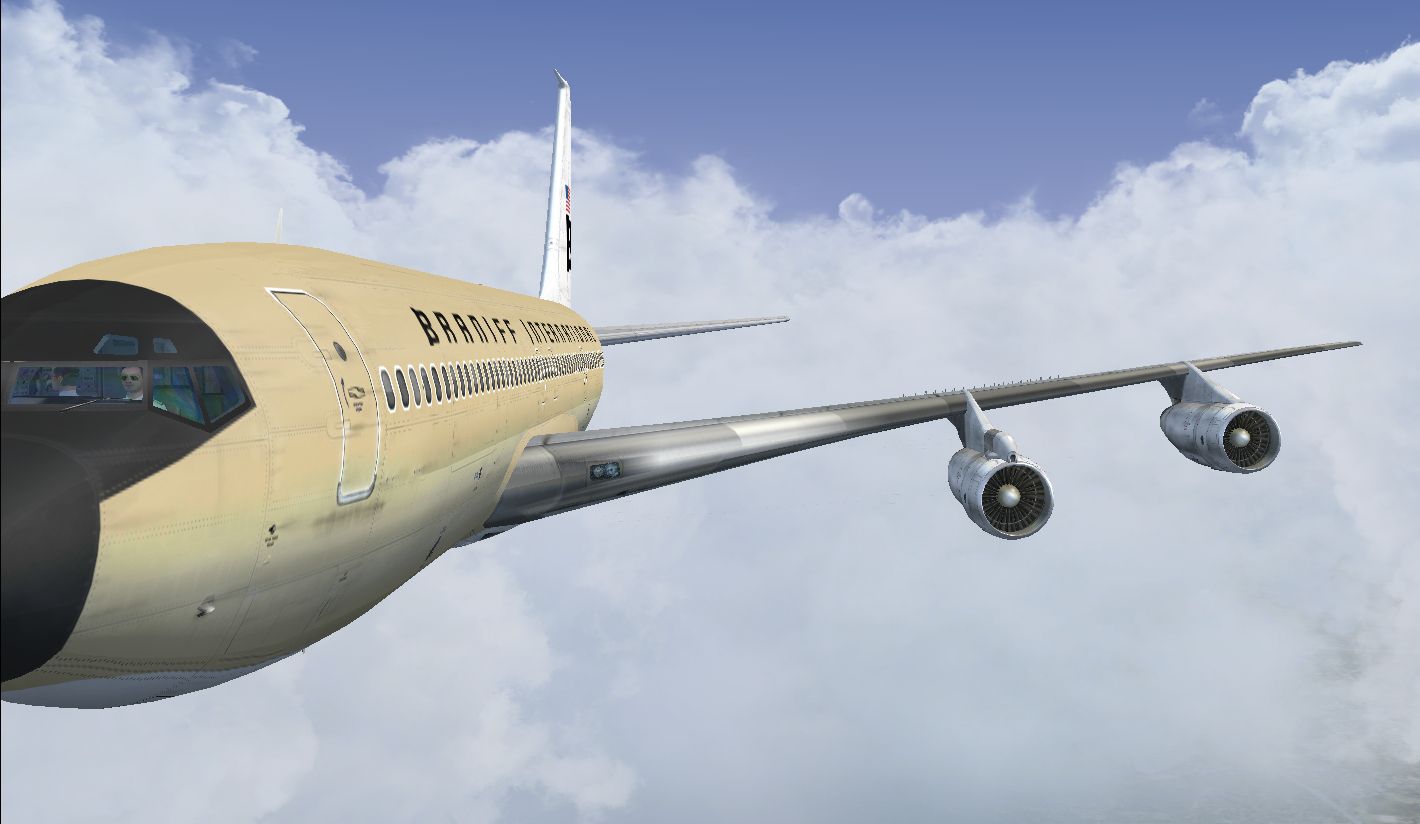
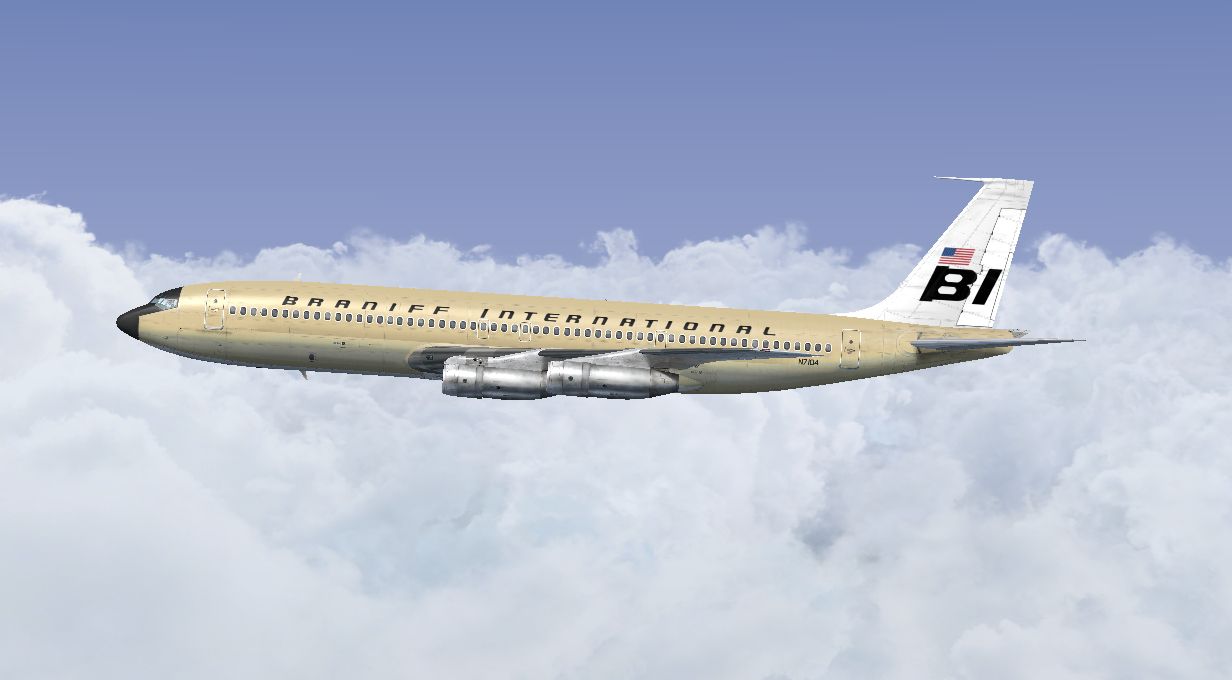

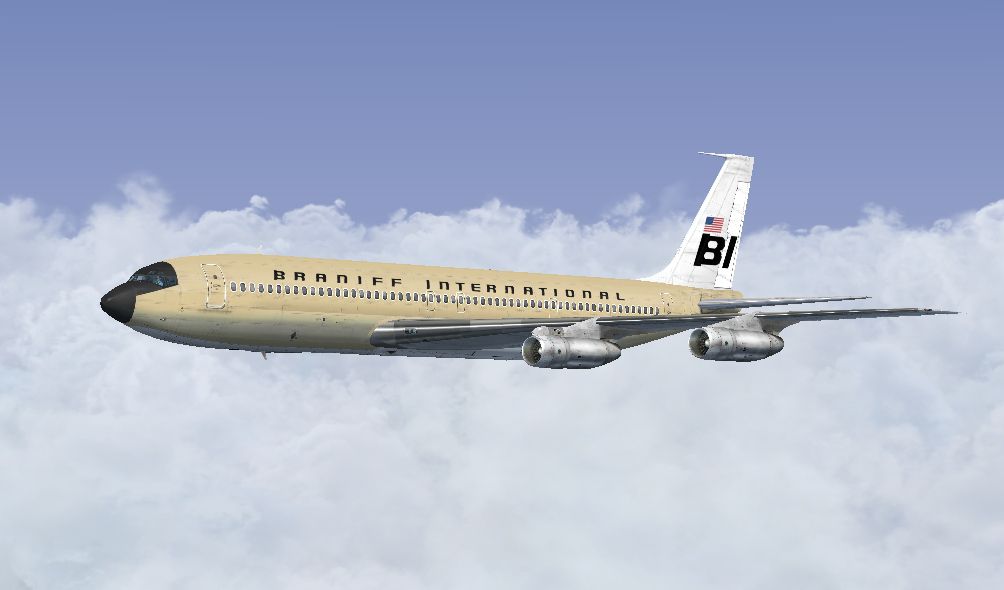
This freeware repaint brings to life the Braniff International Beige Jellybean Boeing 707 registration N7104, reflecting the airline’s mid-1960s aesthetic. Created by Marc Brown, these textures accurately capture the vintage look and feel of the era, perfect for those who appreciate the distinct style of Braniff’s classic fleet within Microsoft Flight Simulator X.
The Boeing 707 was among the pioneering commercial jets that transformed passenger air travel with its swept-wing design and dependable performance. It offered airlines an opportunity to operate transcontinental and intercontinental routes, paving the way for modern aviation practices. Braniff International, a major U.S. carrier that showcased vibrant liveries, adopted the “Jellybean” color concept for publicity and brand distinction. The neutral beige hue on N7104 was one of the many unique color options used during that period, making it especially memorable among aviation enthusiasts.
Screenshot of Braniff Beige Jellybean Boeing 707 in flight.
This package contains only the texture files intended for the payware Captain Sim B707-300 model. The exterior re-creation stays close to Braniff’s classic style by presenting accurate color tones and markings from that period. The developer, Marc Brown, focused on meticulous details, ensuring each piece of fuselage art matches historical references for an authentic result. Note that ownership of the Captain Sim B707-300 payware model is required to utilize these repainted textures.
Once you have edited and saved the aircraft.cfg file, the Braniff Beige Jellybean repaint will be available in your simulator for selection. These texture files elevate the visual character of the Boeing 707, letting you experience a notable slice of aviation history in a realistic fashion.
Free for all simmers · 7.34 MB · Scanned clean Oct 2026
Download speed: Free tier is capped at 0.5 Mbps (this file takes approximately 2 mins at the cap). PRO members download at full line speed.
texture.{airline}) inside FSX\SimObjects\Airplanes\{base-aircraft}\.aircraft.cfg in Notepad. Add a new [fltsim.X] section per the readme.readme.txt or README file. It tells you exactly where files go, what dependencies are needed, and any quirks specific to this add-on.The archive braniff_707_beige.zip has 16 files and directories contained within it.
This list displays the first 500 files in the package. If the package has more, you will need to download it to view them.
| Filename/Directory | File Date | File Size |
|---|---|---|
| 2014-3-27_16-34-1-276.jpg | 03.28.14 | 302.89 kB |
| 2014-3-27_16-34-15-212.jpg | 03.28.14 | 221.86 kB |
| 2014-3-27_16-34-24-434.jpg | 03.28.14 | 302.38 kB |
| Read Me.txt | 03.28.14 | 3.70 kB |
| texture.N7104 | 03.27.14 | 0 B |
| b707_3_T.dds | 03.16.14 | 4.00 MB |
| b707_4_T.dds | 03.07.14 | 4.00 MB |
| b707_b1_T.dds | 03.15.14 | 4.00 MB |
| b707_b2_T.dds | 03.15.14 | 4.00 MB |
| b707_b5_T.dds | 03.15.14 | 4.00 MB |
| b707_b6_T.dds | 03.16.14 | 4.00 MB |
| texture.cfg | 09.06.10 | 118 B |
| thumbnail.jpg | 03.26.14 | 486.96 kB |
| thumbnail.jpg | 03.26.14 | 486.96 kB |
| flyawaysimulation.txt | 10.29.13 | 959 B |
| Go to Fly Away Simulation.url | 01.22.16 | 52 B |
Only PRO members can place votes.
More FSX & P3D add-ons hand-picked based on this download.
FSX Civil Aircraft
This classic repaint captures Braniff International’s Medium Blue Jellybean l…
 FSX Civil Aircraft
This freeware repaint offers a meticulously recreated Braniff International D…
 FSX Civil Aircraft
This freeware repaint showcases a 1968-era Braniff International Panagra “Yel…
 FSX Civil Aircraft
Experience the vivid heritage of Braniff International with this meticulously…
 FSX Civil Aircraft
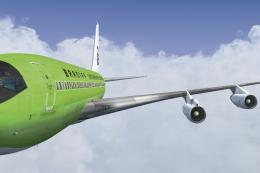
This repaint for the Captain Sim B707-300 features Braniff International’s di…
 FSX Civil Aircraft
Immerse yourself in a distinctive piece of jet-era history with this speciali…
 FSX Civil Aircraft
This publication highlights a faithful Braniff International “Orange Jellybea…
 FSX Civil Aircraft
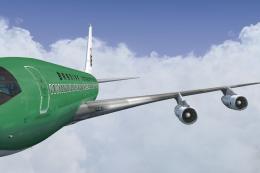
This repaint brings the rare Braniff International Panagra “Green Jellybean” …
Be the first to leave a comment on this download.
Be the first to share your thoughts on this download.