

 FSX Civil Aircraft
Braniff Panagra Green Jellybean Boeing 707
This repaint brings the rare Braniff International Panagra “Green Jellybean” …
Braniff International’s Light Green “Jellybean” livery wraps the Captain Sim Boeing 707-300 in a vivid 1968-era scheme, recreating registration N7074 with period branding and crisp exterior textures. Designed for Microsoft Flight Simulator X, it refreshes ramp presence without changing flight behavior and requires the Captain Sim 707-300 base model.
 Rate
Rate
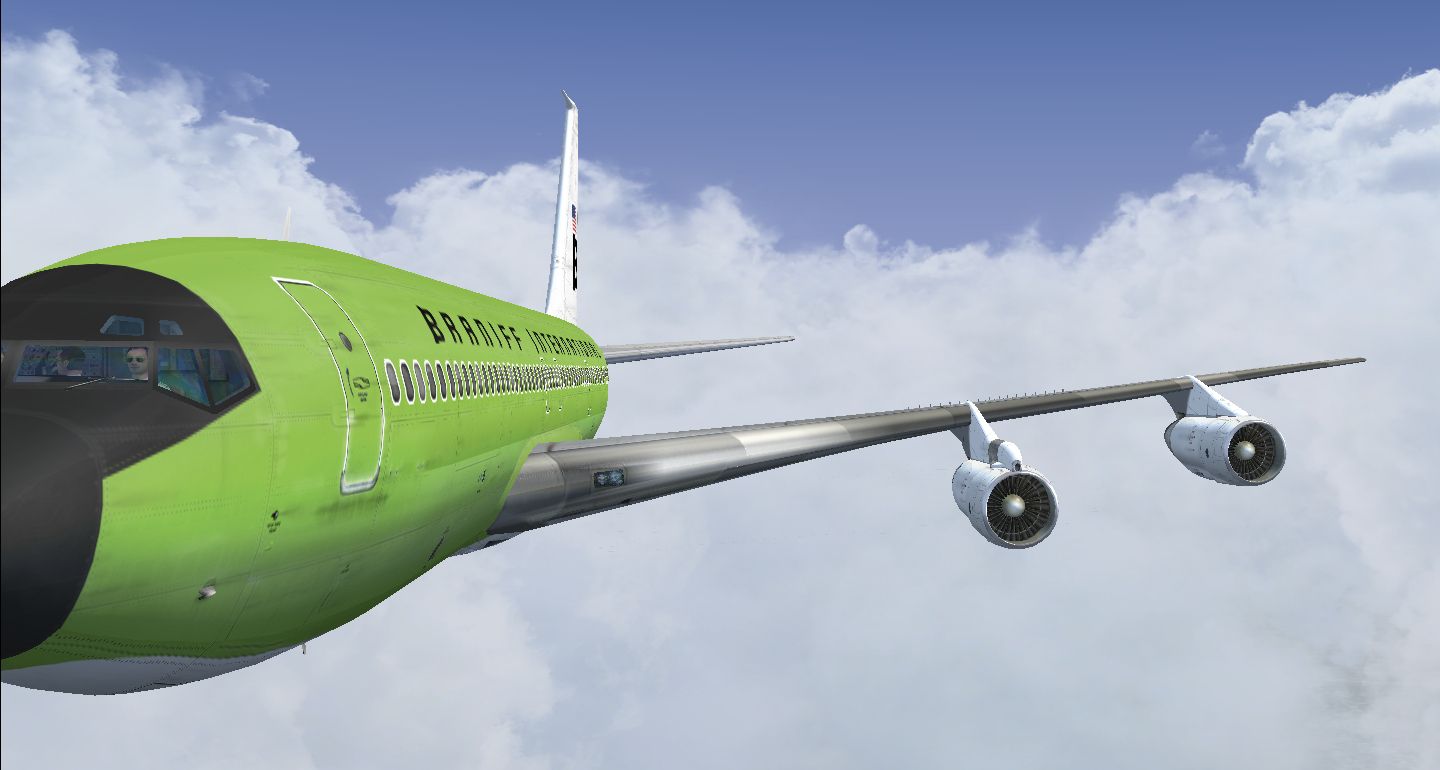
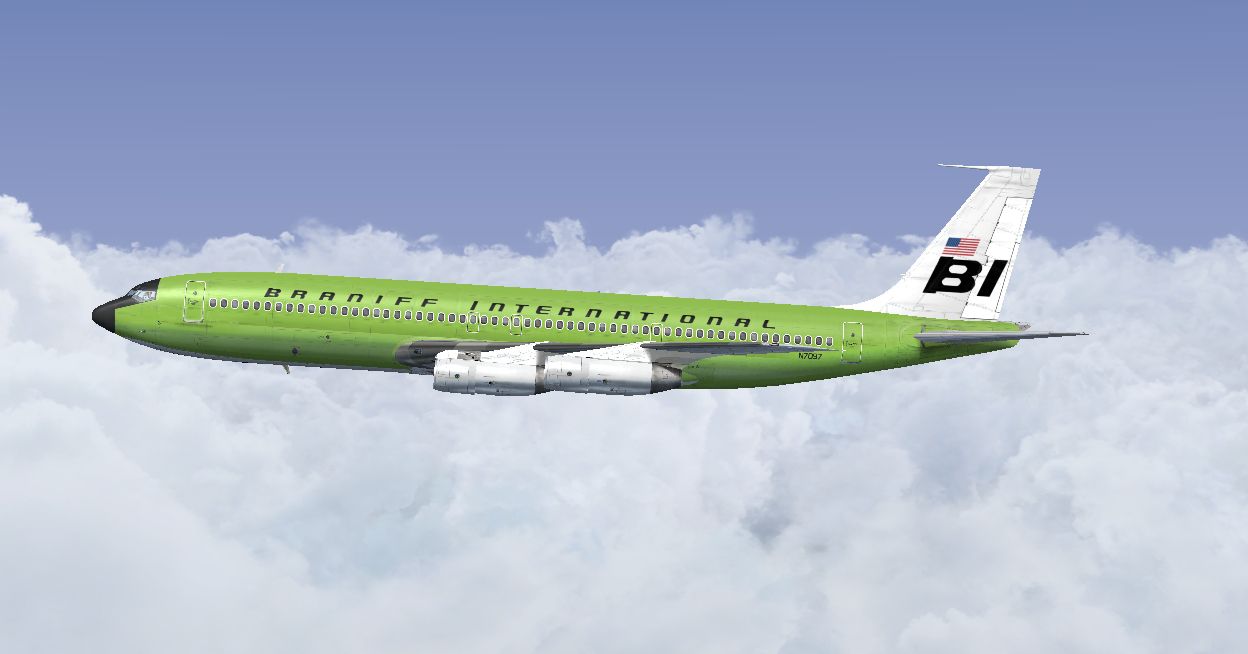
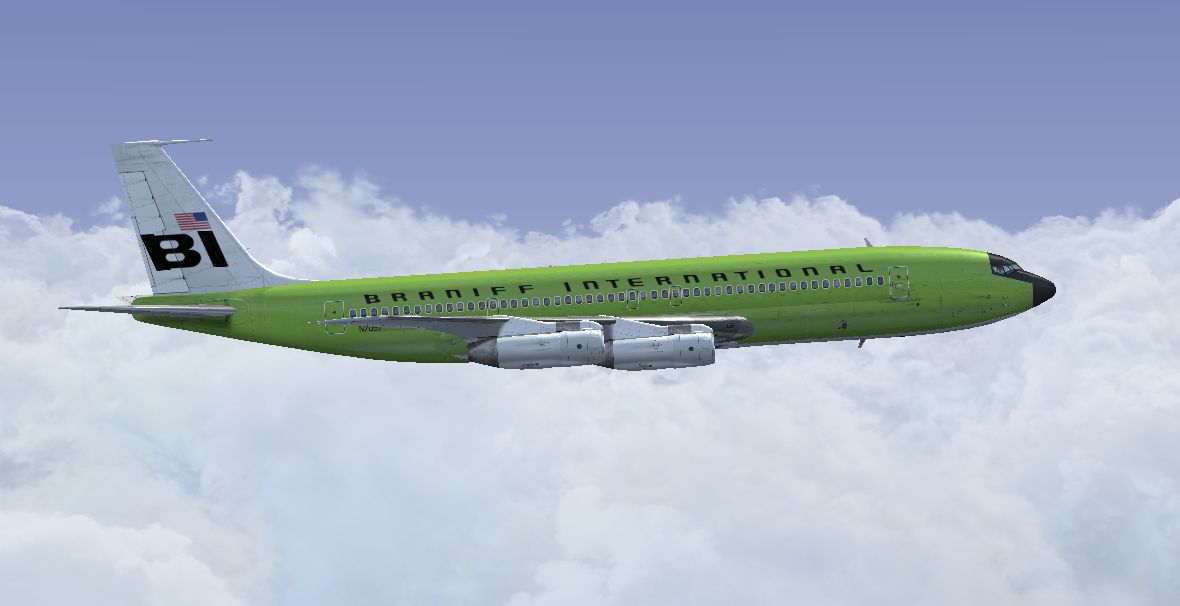
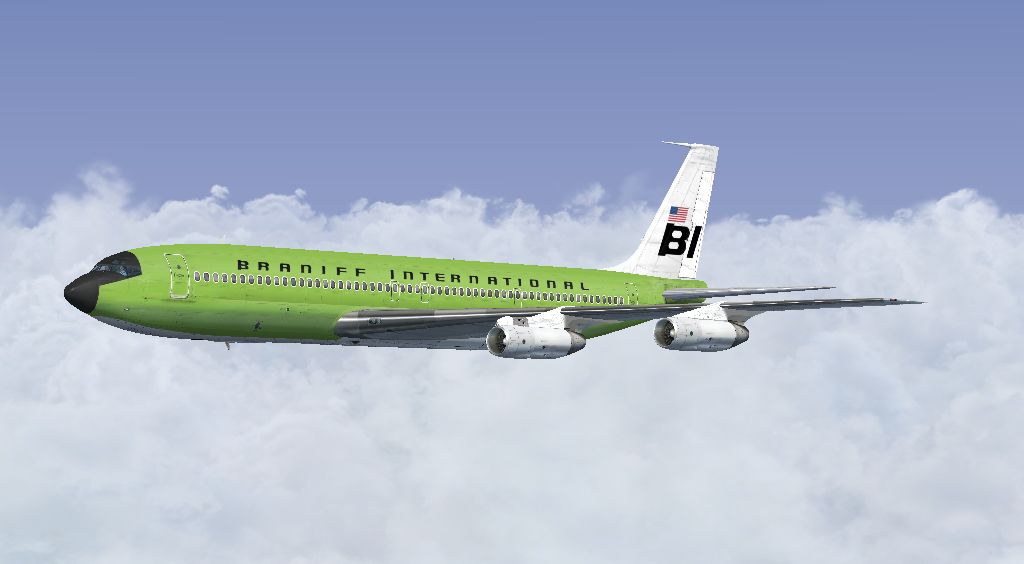
This repaint for the Captain Sim B707-300 features Braniff International’s distinctive Light Green Jellybean livery (registration N7074) from around 1968, adding a vivid touch to your Microsoft Flight Simulator X environment. Created by Marc Brown, this package only includes the texture files and requires the payware Captain Sim Boeing 707-300 base model to function correctly.
Braniff International gained attention during the late 1960s and 1970s for its bold and unconventional color palettes, a series often referred to as Jellybean. This light green variant highlights the airline’s daring approach to branding at the time. The liveries once enlivened the aviation scene with their bright, eye-catching hues, and this repaint recreates that same atmosphere on the Boeing 707.
The Boeing 707 stands out as one of the first successful commercial jetliners. It introduced improved range capabilities and enhanced cabin pressurization technology, making intercontinental flights more efficient. This textured model focuses on bringing out the type’s external visual elements without altering any flight dynamics.
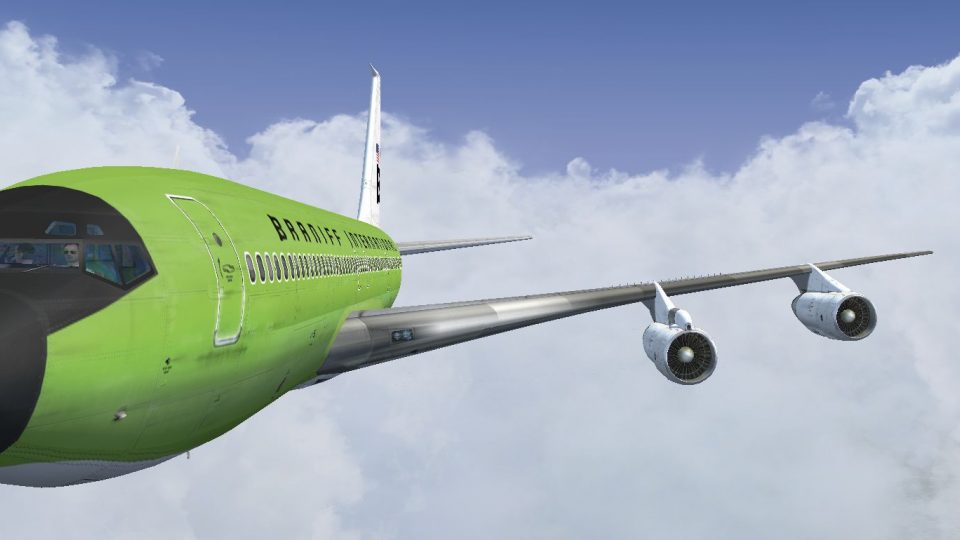
Screenshot showcasing the Light Green Jellybean scheme in flight.
This texture package does not include the primary Captain Sim payware model. You will need to own or acquire that model separately to benefit from these repaints. Created by Marc Brown, this release complements the dynamic look of the Boeing 707 and maintains the authentic Braniff branding from 1968, enriching the overall visual experience.
Free for all simmers · 7.15 MB · Scanned clean Oct 2026
Download speed: Free tier is capped at 0.5 Mbps (this file takes approximately 2 mins at the cap). PRO members download at full line speed.
texture.{airline}) inside FSX\SimObjects\Airplanes\{base-aircraft}\.aircraft.cfg in Notepad. Add a new [fltsim.X] section per the readme.readme.txt or README file. It tells you exactly where files go, what dependencies are needed, and any quirks specific to this add-on.The archive braniff_707_light_green.zip has 16 files and directories contained within it.
This list displays the first 500 files in the package. If the package has more, you will need to download it to view them.
| Filename/Directory | File Date | File Size |
|---|---|---|
| 2014-3-27_16-38-36-448.jpg | 03.28.14 | 301.66 kB |
| 2014-3-27_16-38-57-602.jpg | 03.28.14 | 268.86 kB |
| 2014-3-27_16-39-11-347.jpg | 03.28.14 | 220.27 kB |
| Read Me.txt | 03.28.14 | 3.72 kB |
| texture.N7074 | 03.27.14 | 0 B |
| b707_3_T.dds | 03.16.14 | 4.00 MB |
| b707_4_T.dds | 03.07.14 | 4.00 MB |
| b707_b1_T.dds | 03.15.14 | 4.00 MB |
| b707_b2_T.dds | 03.15.14 | 4.00 MB |
| b707_b5_T.dds | 03.15.14 | 4.00 MB |
| b707_b6_T.dds | 03.13.14 | 4.00 MB |
| texture.cfg | 09.06.10 | 118 B |
| thumbnail.jpg | 03.26.14 | 461.21 kB |
| thumbnail.jpg | 03.26.14 | 461.21 kB |
| flyawaysimulation.txt | 10.29.13 | 959 B |
| Go to Fly Away Simulation.url | 01.22.16 | 52 B |
Only PRO members can place votes.
More FSX & P3D add-ons hand-picked based on this download.
FSX Civil Aircraft
This repaint brings the rare Braniff International Panagra “Green Jellybean” …
 FSX Civil Aircraft
Immerse yourself in a classic Boeing 727-100 livery that captures Braniff Int…
 FSX Civil Aircraft
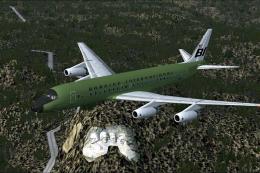
This freeware repaint delivers a vibrant “Green Jellybean” Braniff Internatio…
 FSX Civil Aircraft
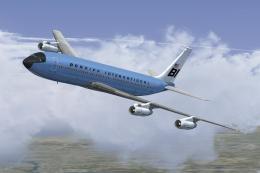
This classic repaint captures Braniff International’s Medium Blue Jellybean l…
 FSX Civil Aircraft
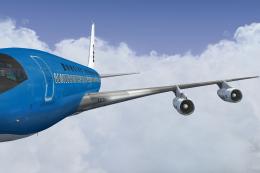
This freeware repaint offers a meticulously recreated Braniff International D…
 FSX Civil Aircraft
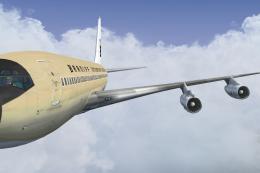
This freeware repaint brings to life the Braniff International Beige Jellybea…
 FSX Civil Aircraft
This freeware repaint showcases a 1968-era Braniff International Panagra “Yel…
 FSX Civil Aircraft
Experience the vivid heritage of Braniff International with this meticulously…
Read what other simmers think, or add your own.
