

 FSX Civil Aircraft
Braniff Panagra Yellow Jellybean Boeing 707
This freeware repaint showcases a 1968-era Braniff International Panagra “Yel…
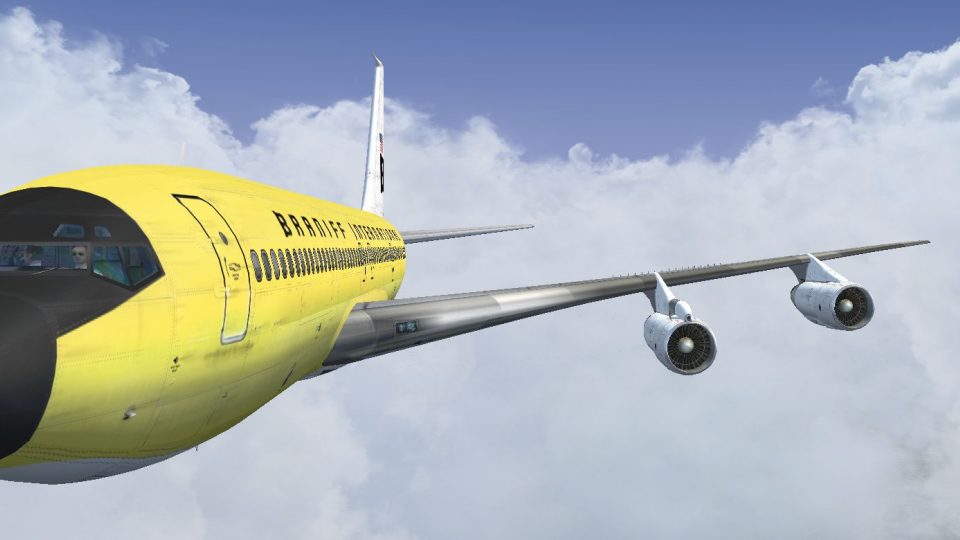
Braniff International’s Lemon Yellow Jellybean livery transforms the Captain Sim 707-300 into N7098 as flown around 1968, recreating period-correct fuselage titles, tail stripes, and bold mid-century branding with convincing color depth under changing light. Built for Microsoft Flight Simulator X, it requires the Captain Sim 707-300 model.
 Rate
Rate
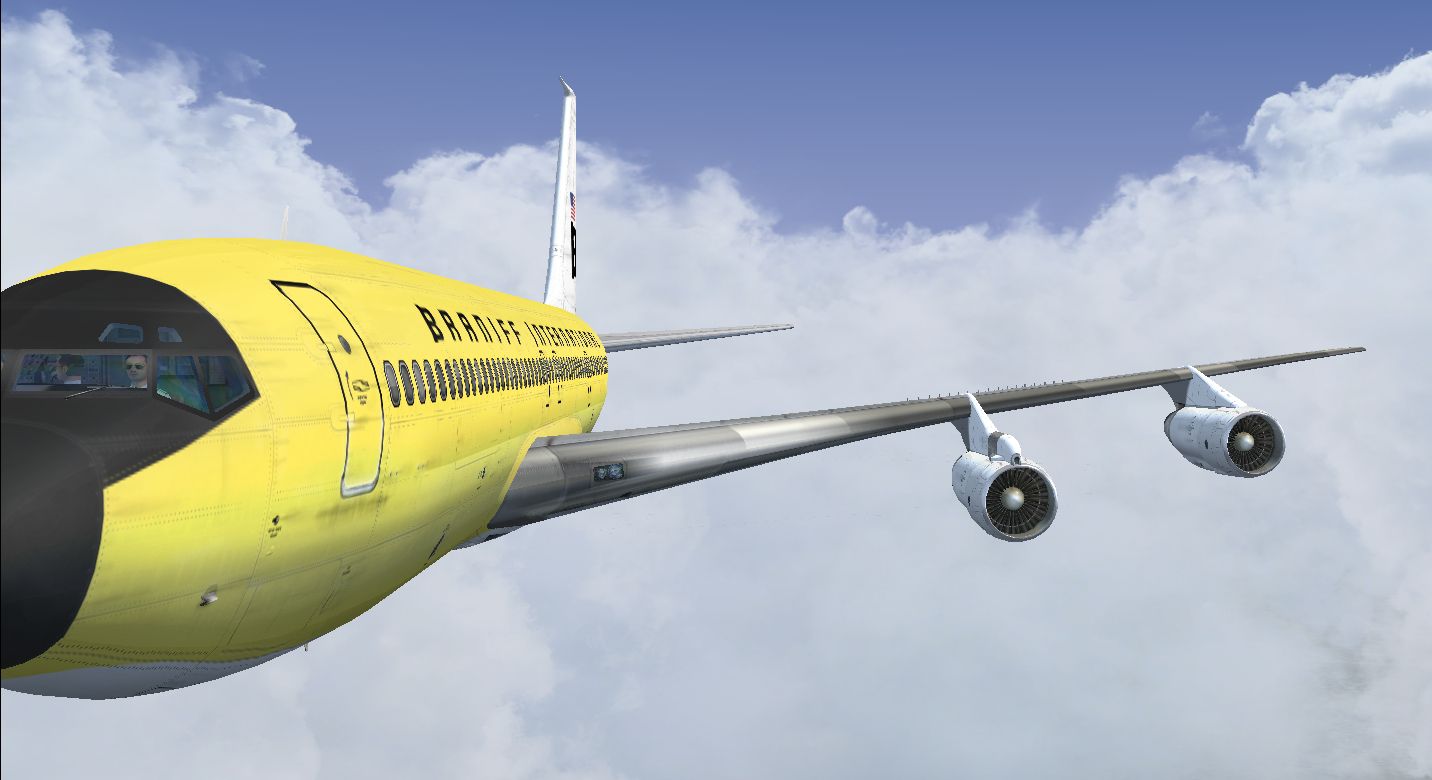
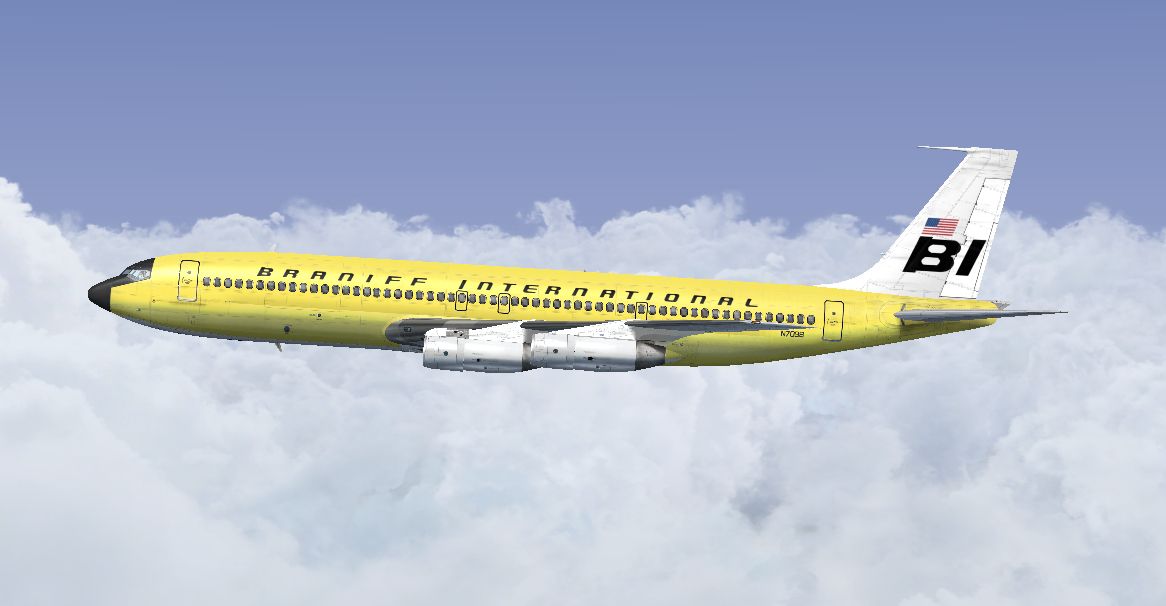
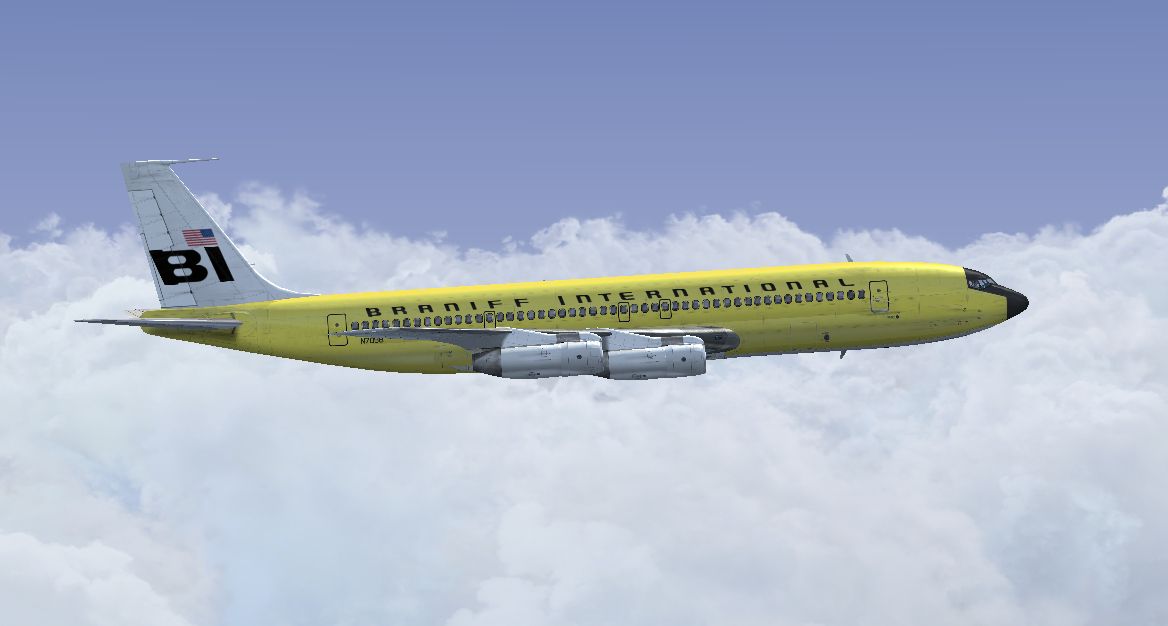
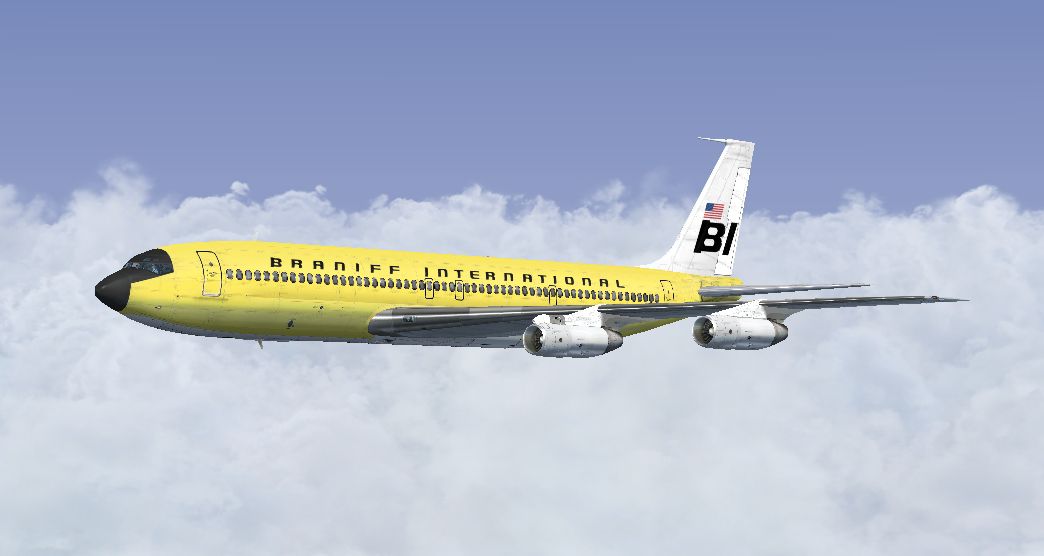
This repaint showcases Braniff International’s distinctive Lemon Yellow Jellybean scheme for the Captain Sim B707-300 and is crafted for Microsoft Flight Simulator X. It meticulously recreates N7098 from around 1968 and brings the vibrant mid-century flair of Braniff’s iconic fleet into the simulator. Developer Marc Brown has faithfully captured the airline’s retro aesthetic, offering enthusiasts an exact rendition of the classic fuselage markings and tail stripes that made Braniff’s fleet recognizable across countless routes.
During the 1960s, Braniff International introduced its “End of the Plain Plane” marketing campaign, adding distinct color schemes to boost visual appeal. The Lemon Yellow Jellybean variant remained one of the standout designs. This livery reflects Braniff’s commitment to a fresh, stylish appearance, which helped distinguish its Boeing 707 fleet from more conservative liveries of that era. The 707 itself is a groundbreaking jetliner that ushered in faster intercontinental travel, and Braniff’s vivid paint jobs were in perfect harmony with its forward-thinking character.
Screenshot of the Braniff Lemon Yellow Jellybean 707 cruising at altitude.
This repaint only includes texture files. You will need the Captain Sim B707-300 payware product (available for purchase, for example, at SimShack) to properly operate this livery in the simulator. Marc Brown has optimized every detail of this texture set to integrate seamlessly with the payware model’s features, guaranteeing visually accurate representations of aircraft surfaces, windows, and reflective properties.
Whether you are nostalgic for Braniff’s era of colorful jets or looking to expand your virtual airliner collection, this Lemon Yellow scheme delivers an authentic slice of commercial aviation history while enhancing flight experiences in FSX.
Free for all simmers · 7.18 MB · Scanned clean Oct 2026
Download speed: Free tier is capped at 0.5 Mbps (this file takes approximately 2 mins at the cap). PRO members download at full line speed.
texture.{airline}) inside FSX\SimObjects\Airplanes\{base-aircraft}\.aircraft.cfg in Notepad. Add a new [fltsim.X] section per the readme.readme.txt or README file. It tells you exactly where files go, what dependencies are needed, and any quirks specific to this add-on.The archive braniff_707_lemon_yellow.zip has 16 files and directories contained within it.
This list displays the first 500 files in the package. If the package has more, you will need to download it to view them.
| Filename/Directory | File Date | File Size |
|---|---|---|
| 2014-3-27_16-37-23-573.jpg | 03.28.14 | 224.93 kB |
| 2014-3-27_16-37-32-646.jpg | 03.28.14 | 271.14 kB |
| 2014-3-27_16-37-46-542.jpg | 03.28.14 | 275.65 kB |
| Read Me.txt | 03.28.14 | 3.72 kB |
| texture.N7098 | 03.27.14 | 0 B |
| b707_3_T.dds | 03.16.14 | 4.00 MB |
| b707_4_T.dds | 03.07.14 | 4.00 MB |
| b707_b1_T.dds | 03.18.14 | 4.00 MB |
| b707_b2_T.dds | 03.18.14 | 4.00 MB |
| b707_b5_T.dds | 03.15.14 | 4.00 MB |
| b707_b6_T.dds | 03.13.14 | 4.00 MB |
| texture.cfg | 09.06.10 | 118 B |
| thumbnail.jpg | 03.26.14 | 477.63 kB |
| thumbnail.jpg | 03.26.14 | 477.63 kB |
| flyawaysimulation.txt | 10.29.13 | 959 B |
| Go to Fly Away Simulation.url | 01.22.16 | 52 B |
Only PRO members can place votes.
More FSX & P3D add-ons hand-picked based on this download.
FSX Civil Aircraft
This freeware repaint showcases a 1968-era Braniff International Panagra “Yel…
 FSX Civil Aircraft
Experience a classic tri-jet revival in Microsoft Flight Simulator X with thi…
 FSX Civil Aircraft
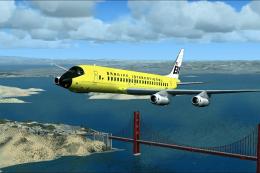
Textures only for the payware Just Flight DC8 Jetliner series 10 to 40 with S…
 FSX Civil Aircraft
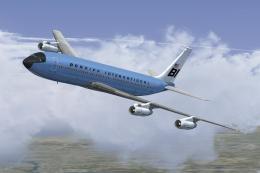
This classic repaint captures Braniff International’s Medium Blue Jellybean l…
 FSX Civil Aircraft
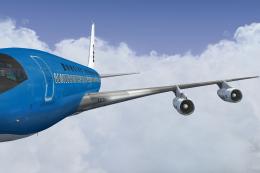
This freeware repaint offers a meticulously recreated Braniff International D…
 FSX Civil Aircraft
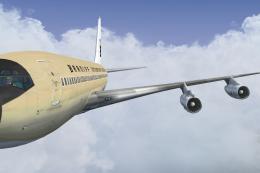
This freeware repaint brings to life the Braniff International Beige Jellybea…
 FSX Civil Aircraft
Experience the vivid heritage of Braniff International with this meticulously…
 FSX Civil Aircraft
This repaint for the Captain Sim B707-300 features Braniff International’s di…
Be the first to leave a comment on this download.
Be the first to share your thoughts on this download.