

 FSX Civil Aircraft
Lion Airlines Airbus A310-300
Lion Airlines Airbus A310-300, registration PK-LEO, nose name "Imallombassi".…
Lion Air’s Boeing 737-300 joins AI traffic with crisp, airline-accurate textures and a custom night lightmap, bringing authentic Indonesian carrier movement to busy airports and schedules. Built for Microsoft Flight Simulator X and FS2004, it requires the FAIB 737-300 base model and includes simulator-specific texture formats for clean performance.
 Rate
Rate
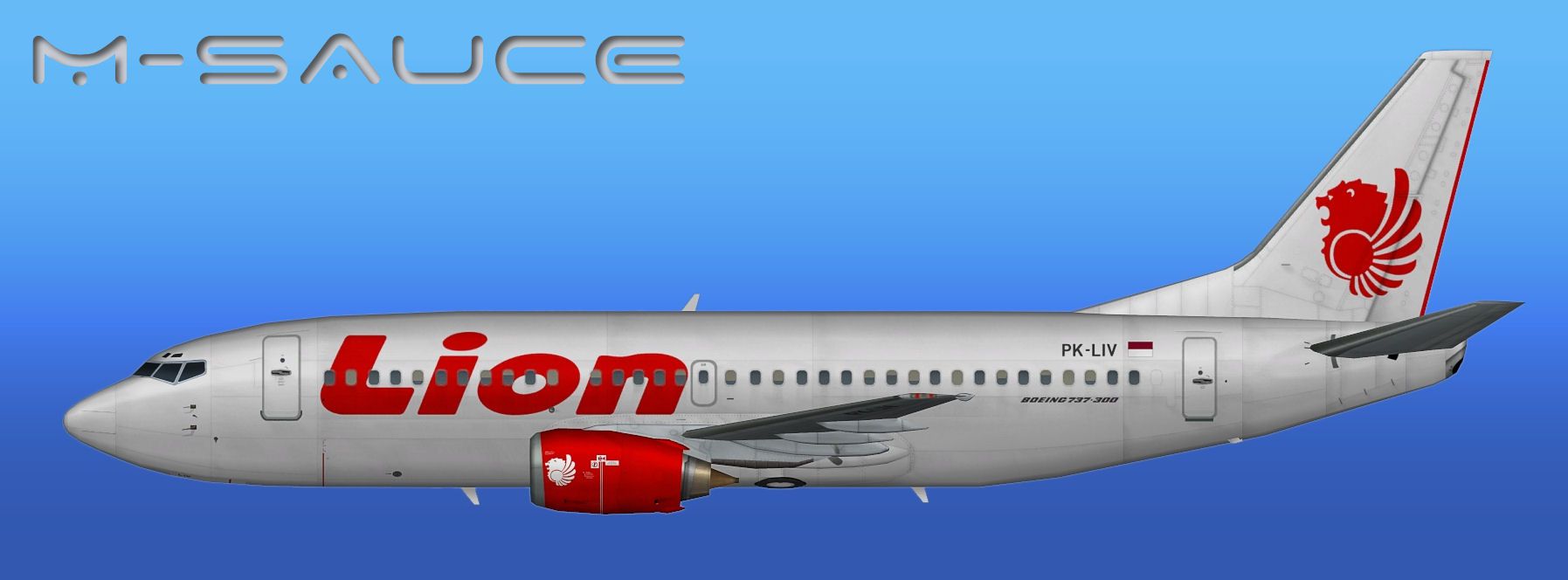
This freeware repaint provides a meticulously detailed Lion Air Boeing 737-300, developed by FSX AI Bureau and painted by Mariano Bonaccorso, designed to integrate seamlessly into FSX or FS2004 AI environments. It includes various texture formats tailored for each simulator version, allowing you to accurately replicate the operations of this Indonesian carrier on your virtual flight schedules.
This package is designed for the FAIB base model (FAIB_B7373.ZIP), which must be obtained separately. The repaint covers the classic 737-300 variant flown by Lion Air, an airline known for serving numerous routes across Indonesia. This particular aircraft is intended for AI traffic, ensuring realistic airline presence in your simulation environment.
The developers have included texture sets such as DXT5 (with or without MIPs) for FSX, and DXT3 (with or without MIPs), as well as 32-bit for FS2004. A custom lightmap is also part of the package for enhanced night lighting fidelity.

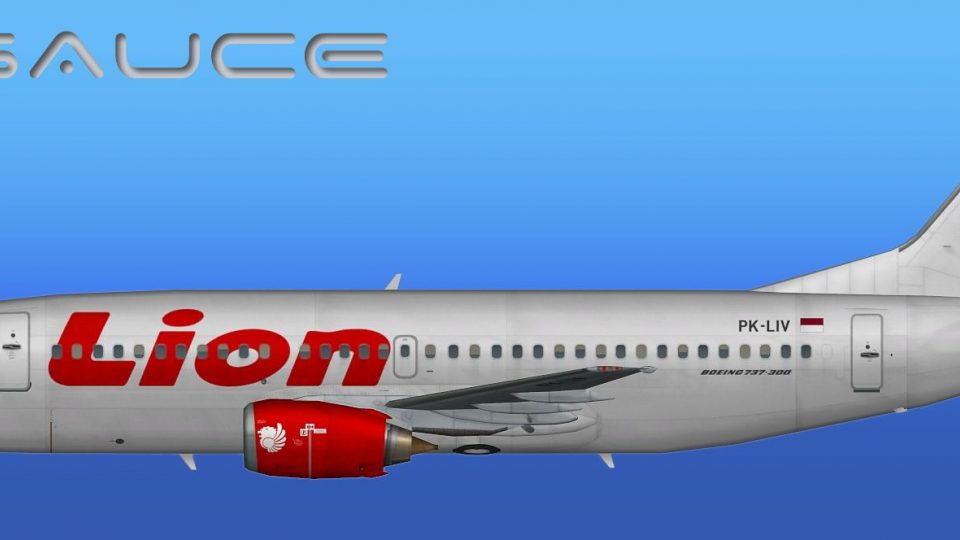
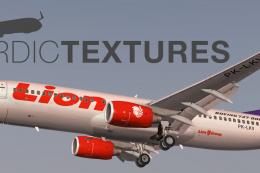
Profile view of Lion Air Boeing 737-300.
aircraft.cfg file in the base package, then append the enclosed [fltsim.x] entries. Adjust the numbering sequence carefully, ensuring it continues logically from any existing entries (e.g., [fltsim.0], [fltsim.1], etc.).After completion, you should notice Lion Air’s livery populating your virtual airports, creating an immersive environment. These textures by Mariano Bonaccorso, combined with the FAIB base model, offer an accurate portrayal of this Boeing jetliner within your simulator of choice.
Free for all simmers · 2.54 MB · Scanned clean Oct 2026
Download speed: Free tier is capped at 0.5 Mbps. PRO members download at full line speed.
texture.{airline}) inside FSX\SimObjects\Airplanes\{base-aircraft}\.aircraft.cfg in Notepad. Add a new [fltsim.X] section per the readme.readme.txt or README file. It tells you exactly where files go, what dependencies are needed, and any quirks specific to this add-on.The archive faib_b733ll_lni_fsx.zip has 11 files and directories contained within it.
This list displays the first 500 files in the package. If the package has more, you will need to download it to view them.
| Filename/Directory | File Date | File Size |
|---|---|---|
| UPLOAD_ReadMe.txt | 05.31.12 | 3.33 kB |
| FAIB_737_300_AlwaysOn_L.bmp | 05.30.12 | 4.07 kB |
| FAIB_737_300_L.bmp | 06.12.12 | 4.00 MB |
| FAIB_737_300_T.bmp | 06.29.12 | 5.33 MB |
| NO MIPS | 06.29.12 | 0 B |
| FAIB_737_300_T.bmp | 06.29.12 | 4.00 MB |
| Preview.jpg | 06.12.12 | 110.32 kB |
| Thumbnail.png | 06.12.12 | 5.87 kB |
| Installation.txt | 07.12.12 | 2.62 kB |
| flyawaysimulation.txt | 10.29.13 | 959 B |
| Go to Fly Away Simulation.url | 01.22.16 | 52 B |
Only PRO members can place votes.
More FSX & P3D add-ons hand-picked based on this download.
FSX Civil Aircraft
Lion Airlines Airbus A310-300, registration PK-LEO, nose name "Imallombassi".…
 FSX Civil Aircraft
This repaint offers a current Lion Air scheme for the PMDG Boeing 737-800 Nex…
 FSX Civil Aircraft
Lion Air Boeing 737-800, registration PK-LJQ (the first Boeing 737-800 in Lio…
 FSX Civil Aircraft
This repaint showcases a detailed Thai Lion Air Boeing 737-900ER (registratio…
 FSX Civil Aircraft
This package offers a carefully crafted Lion Air Boeing 737-800W repaint (reg…
 FSX Civil Aircraft
This repaint captures the Lion Air Boeing 737-800W, meticulously adapted for …
 FSX Civil Aircraft
Thai Lion Air current livery for the payware PMDG B737-900 NGX WL, registrati…
 FSX Civil Aircraft
Lion Air Boeing 737-800NGX (90th Boeing Next-Generation 737), registration PK…
Be the first to leave a comment on this download.
Be the first to share your thoughts on this download.