

 FSX Civil Aircraft
Lion Air Boeing 737-800 PK-LJQ
Lion Air Boeing 737-800, registration PK-LJQ (the first Boeing 737-800 in Lio…
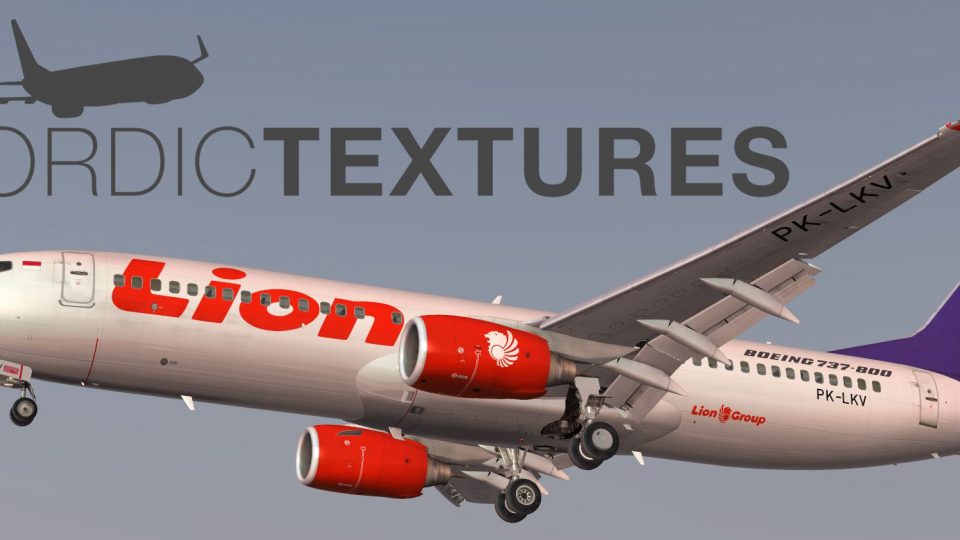
Lion Air’s Boeing 737-800NGX PK-LKV arrives in a commemorative “90th Next-Generation 737” special scheme, with crisp high-definition exterior textures, tailored cabin detailing, and matching equipment configuration for an authentic airline look. Designed for Microsoft Flight Simulator X, it requires the payware PMDG 737NGX.
 Rate
Rate
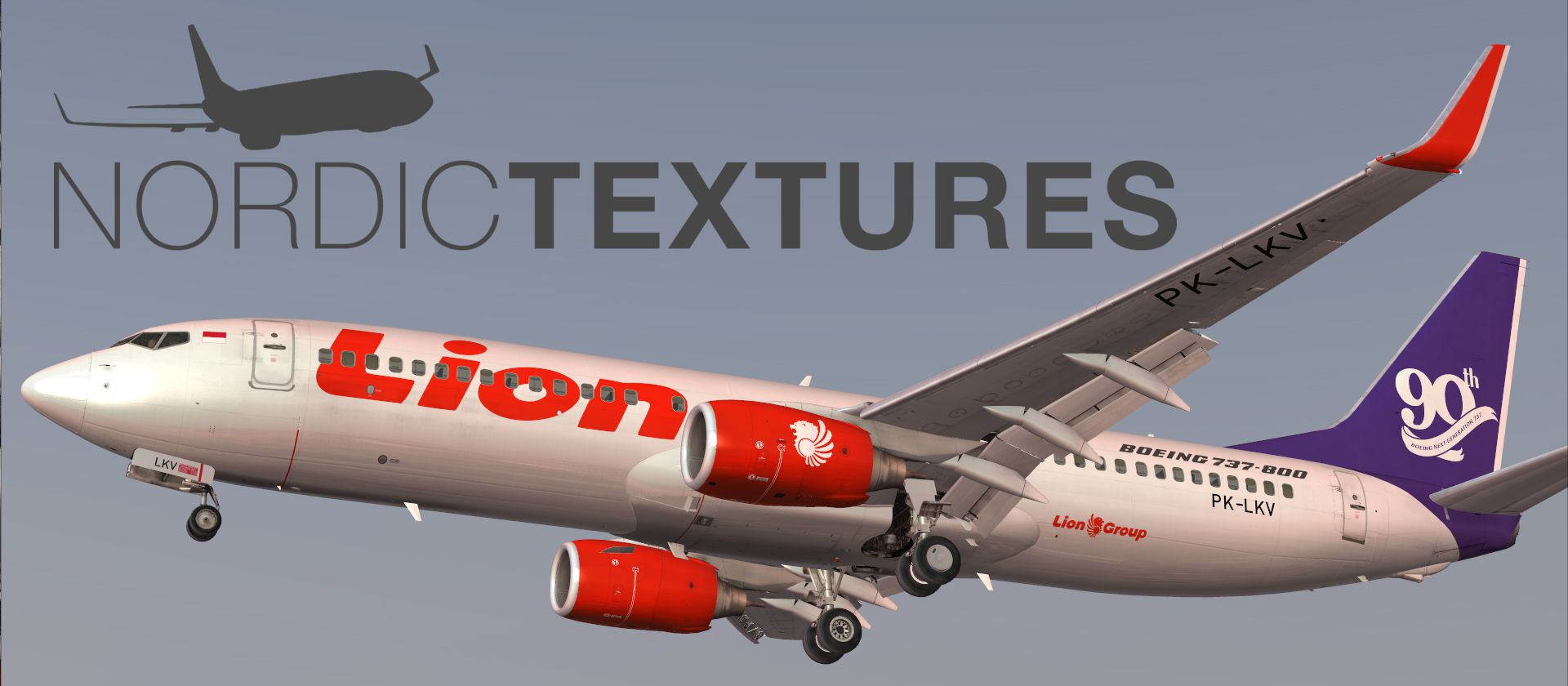

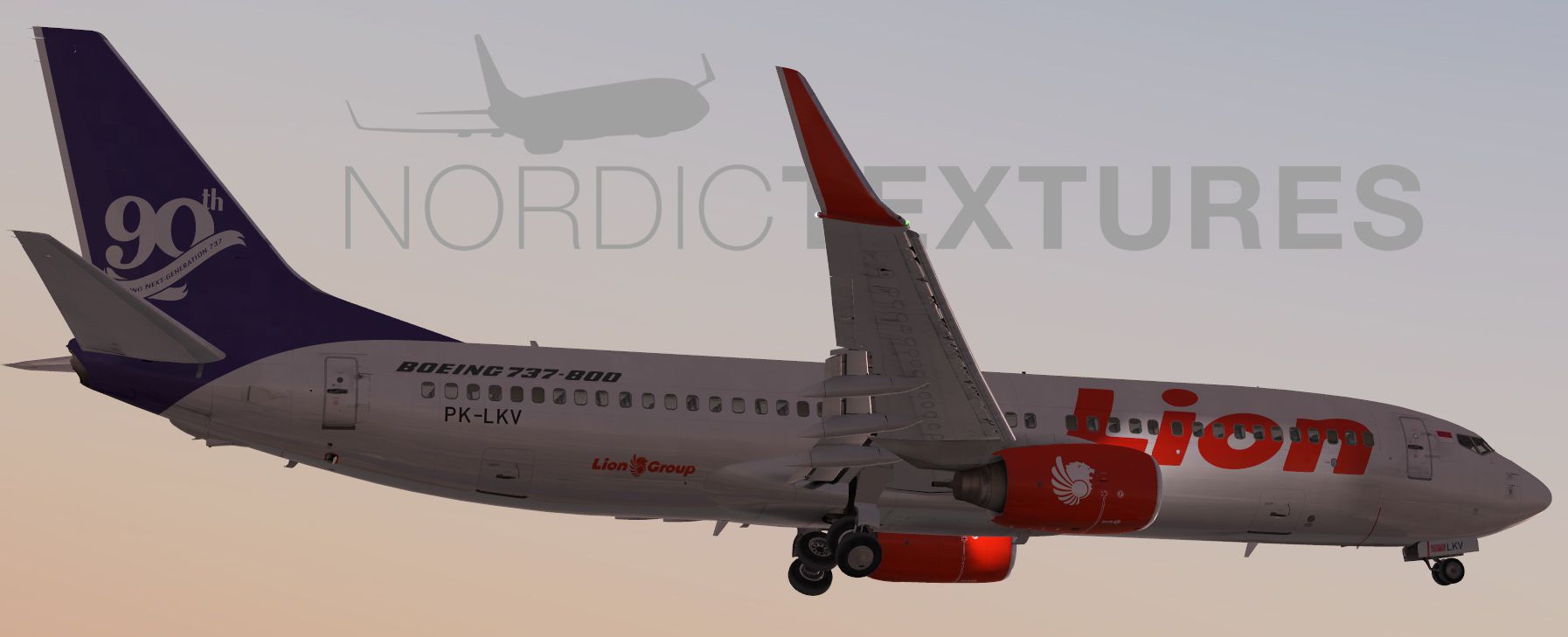
Lion Air Boeing 737-800NGX (90th Boeing Next-Generation 737), registration PK-LKV. Repaint of Lion Air's B737-800 PK-LKV painted in a special "90th Next-Generation 737" scheme. Included are high-definition textures, custom cabin textures and aircraft equipment configuration. Payware PMDG 737NGX add-on for Microsoft Flight Simulator X is required. By Nordic Textures.
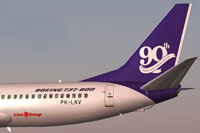
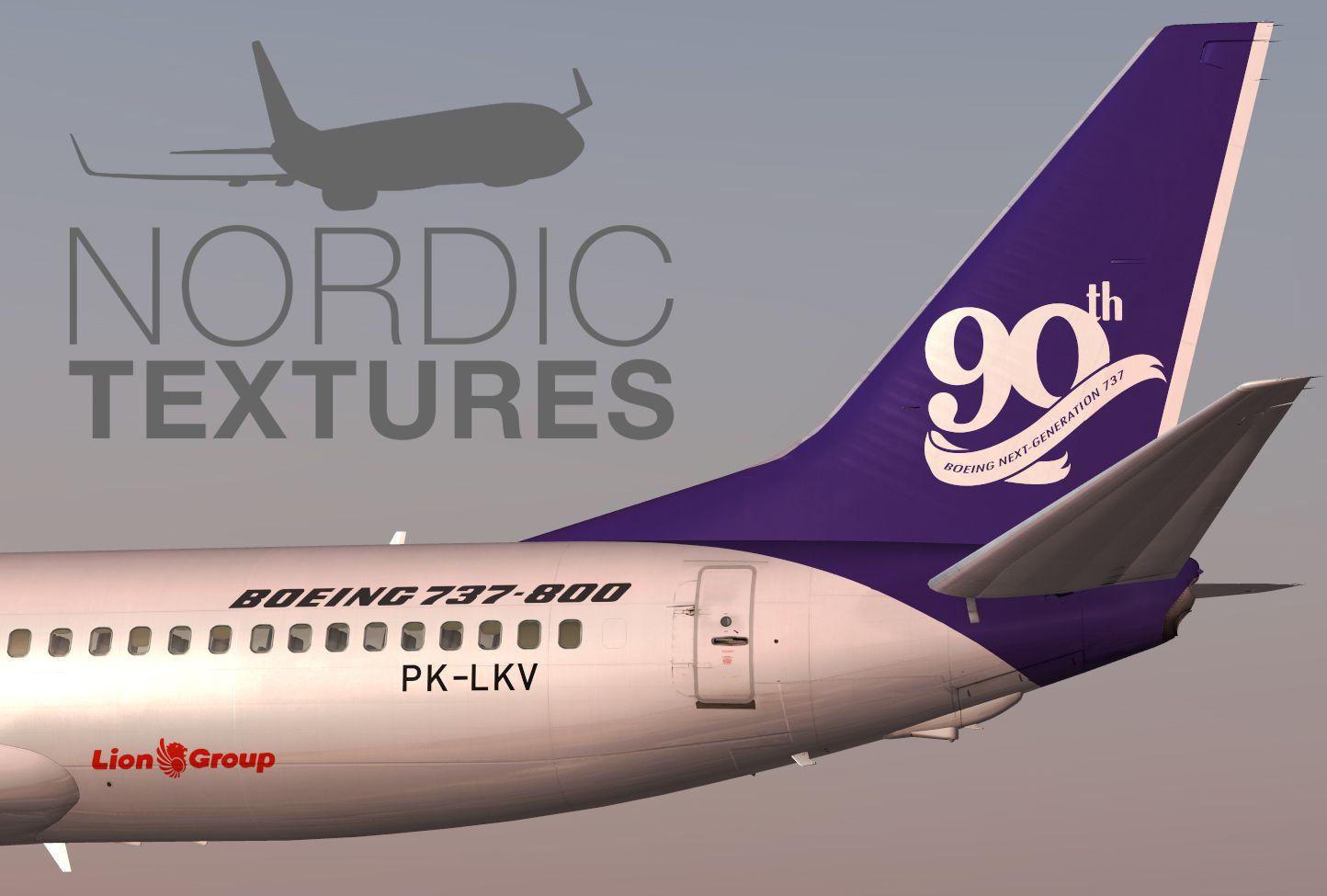
Screenshot of Lion Air Boeing 737-800NGX tail decal.
Installation:
Have a nice flight.
Free for all simmers · 19.53 MB · Scanned clean Oct 2026
Download speed: Free tier is capped at 0.5 Mbps (this file takes approximately 5 mins at the cap). PRO members download at full line speed.
texture.{airline}) inside FSX\SimObjects\Airplanes\{base-aircraft}\.aircraft.cfg in Notepad. Add a new [fltsim.X] section per the readme.readme.txt or README file. It tells you exactly where files go, what dependencies are needed, and any quirks specific to this add-on.The archive pmdg_737ngx_lion_air_90th-next-gen-737_pk-lkv.zip has 9 files and directories contained within it.
This list displays the first 500 files in the package. If the package has more, you will need to download it to view them.
| Filename/Directory | File Date | File Size |
|---|---|---|
| _README.txt | 11.09.14 | 1.25 kB |
| 01.jpg | 11.09.14 | 323.60 kB |
| 02.jpg | 11.09.14 | 383.11 kB |
| 03.jpg | 11.09.14 | 299.44 kB |
| FILE_ID.DIZ | 11.09.14 | 416 B |
| PMDG_737NGX_800WL_LNI_PK-LKV_90th.ptp | 11.09.14 | 18.13 MB |
| PMDG_737NGX_LION_AIR_90TH-NEXT-GEN-737_PK-LKV.jpg | 11.09.14 | 493.10 kB |
| flyawaysimulation.txt | 10.29.13 | 959 B |
| Go to Fly Away Simulation.url | 01.22.16 | 52 B |
Only PRO members can place votes.
More FSX & P3D add-ons hand-picked based on this download.
FSX Civil Aircraft
Lion Air Boeing 737-800, registration PK-LJQ (the first Boeing 737-800 in Lio…
 FSX Civil Aircraft
This package offers a carefully crafted Lion Air Boeing 737-800W repaint (reg…
 FSX Civil Aircraft
This repaint captures the Lion Air Boeing 737-800W, meticulously adapted for …
 FSX Civil Aircraft
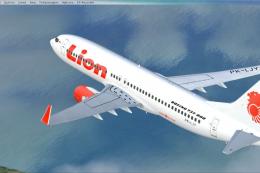
This repaint offers a current Lion Air scheme for the PMDG Boeing 737-800 Nex…
 FSX Civil Aircraft
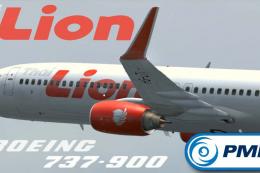
This repaint showcases a detailed Thai Lion Air Boeing 737-900ER (registratio…
 FSX Civil Aircraft
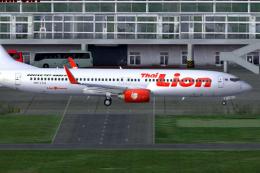
Thai Lion Air current livery for the payware PMDG B737-900 NGX WL, registrati…
 FSX Civil Aircraft
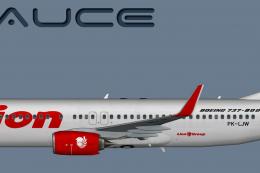
This repaint showcases a high-fidelity interpretation of a Lion Air Boeing 73…
 FSX Civil Aircraft
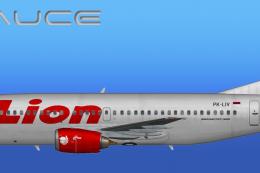
This freeware repaint provides a meticulously detailed Lion Air Boeing 737-30…
Be the first to leave a comment on this download.
Be the first to share your thoughts on this download.