

 FSX Civil Aircraft
Lion Air Boeing 737-800W PK-LKK
This repaint captures the Lion Air Boeing 737-800W, meticulously adapted for …
Lion Air Boeing 737-800W PK-LKP livery brings accurate branding, winglet shading, and custom night lightmaps to AI traffic with crisp FSX DDS and FS2004-compatible texture options, plus source files for repainters. Requires the FAIB Boeing 737-800 base model and integrates cleanly into large airline fleets across Southeast Asia.
 Rate
Rate
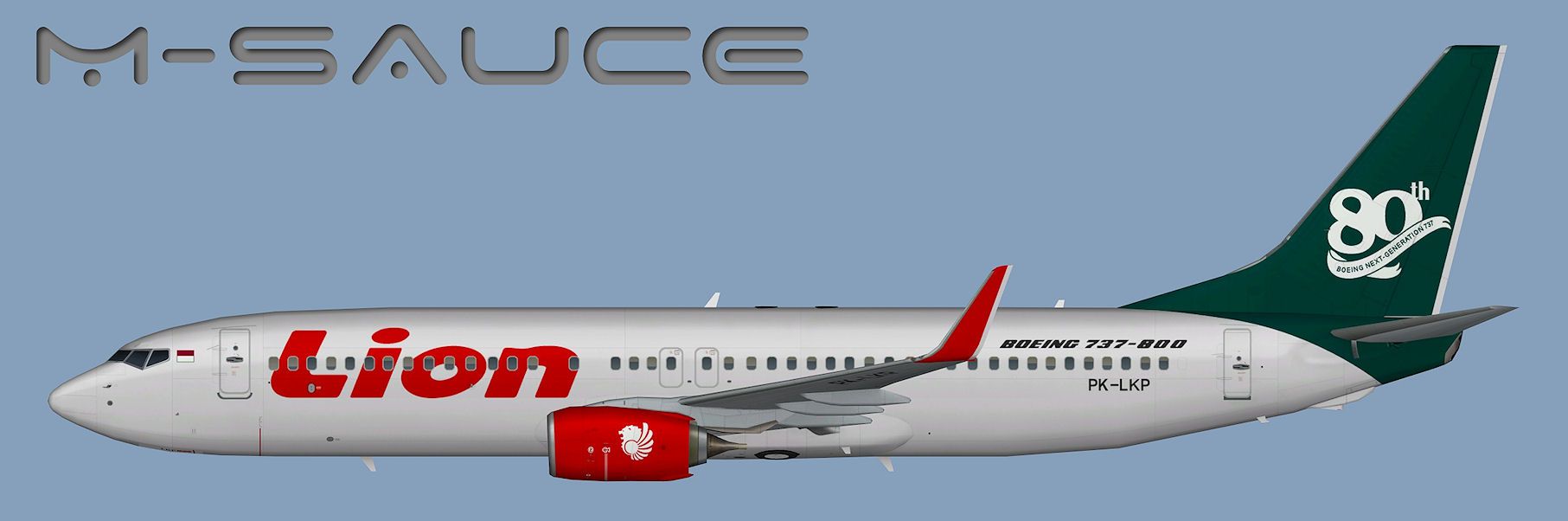
This package offers a carefully crafted Lion Air Boeing 737-800W repaint (registration PK-LKP) for the freeware FSX AI Bureau model (faib7378v13.zip). It comes with Microsoft Flight Simulator X and Microsoft Flight Simulator 2004-compatible texture sets, each prepared with custom lightmaps. Created by Mariano Bonaccorso, it exhibits unique details reflecting the livery of Lion Air, known for its extensive operation across Southeast Asia.
The genuine Boeing 737-800 airframe that carries the PK-LKP registration is a part of Lion Air’s growing fleet in Indonesia. The repaint here focuses on the winglet-equipped variant, capturing optimal shading, correct airline branding, and signage. This texture set replicates the subtle differences around the fuselage, including window placement and logo arrangements specific to Lion Air's standards.

Profile view of Lion Air Boeing 737-800W.
First, confirm you have the base FSX AI Bureau Boeing 737-800 model installed. This specific repaint entry will need to be referenced in the aircraft’s configuration (.cfg) file. Simply place the enclosed texture.LNI_PK-LKP folder (and, if needed, the FS9 texture folder) inside the correct aircraft directory. People who customize traffic or manage large AI fleets can seamlessly integrate this livery by adding the sample [fltsim.X] data shown below. Adjust the X to match the sequential numbering in your file.
[fltsim.X]
title=AI B738W LNI_PK-LKP
sim=FAIB_7378
model=winglets_SN
texture=LNI_PK-LKP
atc_airline=LION INTER
atc_parking_codes=LNI
atc_parking_types=GATE
ui_manufacturer=Boeing
ui_type=B737-800W
ui_variation=Lion Air
description=AI Aircraft from FAIB
When incorporating these textures, ensure the naming conventions match the model’s format, particularly the folder names inside your simulator’s directories. Custom lightmaps are included for more accurate nighttime illumination, especially around the passenger windows and wingtip areas. For a smooth installation, consult the freeware model’s documentation, which elaborates on aircraft container definitions in greater detail.
This repaint was authored by Mariano Bonaccorso. Keep in mind that the base model by FSX AI Bureau is not included here; it must be obtained separately. You can locate the necessary files in the Fly Away Simulation library, ensuring you have the foundational aircraft for these liveries to function correctly. Adding this PK-LKP repaint to your simulation environment brings a recognizable Lion Air presence to your AI traffic for an even more realistic Indonesian airline atmosphere.
Free for all simmers · 6.97 MB · Scanned clean Oct 2026
Download speed: Free tier is capped at 0.5 Mbps (this file takes approximately 2 mins at the cap). PRO members download at full line speed.
This file is a repaint — the package below is the base model it paints onto. Install it first, or the textures will have nothing to load onto.
texture.{airline}) inside FSX\SimObjects\Airplanes\{base-aircraft}\.aircraft.cfg in Notepad. Add a new [fltsim.X] section per the readme.readme.txt or README file. It tells you exactly where files go, what dependencies are needed, and any quirks specific to this add-on.The archive faib_b738w_lni_pk-lkp.zip has 13 files and directories contained within it.
This list displays the first 500 files in the package. If the package has more, you will need to download it to view them.
| Filename/Directory | File Date | File Size |
|---|---|---|
| FAIB_737_800_L.dds | 01.26.13 | 2.67 MB |
| FAIB_737_800_T.dds | 03.30.13 | 5.33 MB |
| FS9 | 03.30.13 | 0 B |
| FAIB_737_800_L.bmp | 03.30.13 | 1.33 MB |
| FAIB_737_800_T.bmp | 03.30.13 | 1.33 MB |
| Targas | 03.30.13 | 0 B |
| FS9_LNI_PK-LKP_T.tga | 03.30.13 | 4.00 MB |
| FSX_LNI_PK-LKP_T.tga | 03.30.13 | 16.00 MB |
| Installation.txt | 03.30.13 | 1.87 kB |
| Preview PK-LKP.jpg | 03.30.13 | 103.77 kB |
| Thumbnail.png | 03.30.13 | 5.54 kB |
| flyawaysimulation.txt | 10.29.13 | 959 B |
| Go to Fly Away Simulation.url | 01.22.16 | 52 B |
Only PRO members can place votes.
More FSX & P3D add-ons hand-picked based on this download.
FSX Civil Aircraft
This repaint captures the Lion Air Boeing 737-800W, meticulously adapted for …
 FSX Civil Aircraft
This repaint showcases a high-fidelity interpretation of a Lion Air Boeing 73…
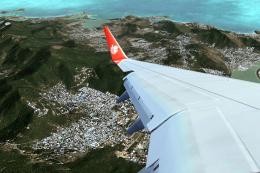 FSX Civil Aircraft
Lion Air Boeing 737-800, registration PK-LJQ (the first Boeing 737-800 in Lio…
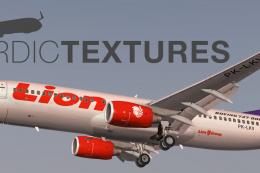 FSX Civil Aircraft
Lion Air Boeing 737-800NGX (90th Boeing Next-Generation 737), registration PK…
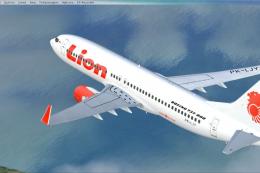 FSX Civil Aircraft
This repaint offers a current Lion Air scheme for the PMDG Boeing 737-800 Nex…
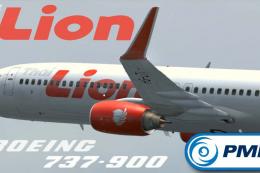 FSX Civil Aircraft
This repaint showcases a detailed Thai Lion Air Boeing 737-900ER (registratio…
 FSX Civil Aircraft
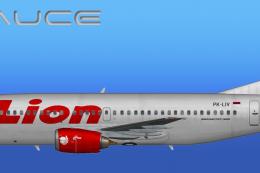
This freeware repaint provides a meticulously detailed Lion Air Boeing 737-30…
 FSX Civil Aircraft
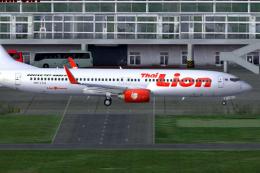
Thai Lion Air current livery for the payware PMDG B737-900 NGX WL, registrati…
Be the first to leave a comment on this download.
Be the first to share your thoughts on this download.