


 FSX Civil Aircraft
Garuda Indonesia Boeing 777-200ER
This freeware package faithfully represents a wide-body twinjet featuring Gar…
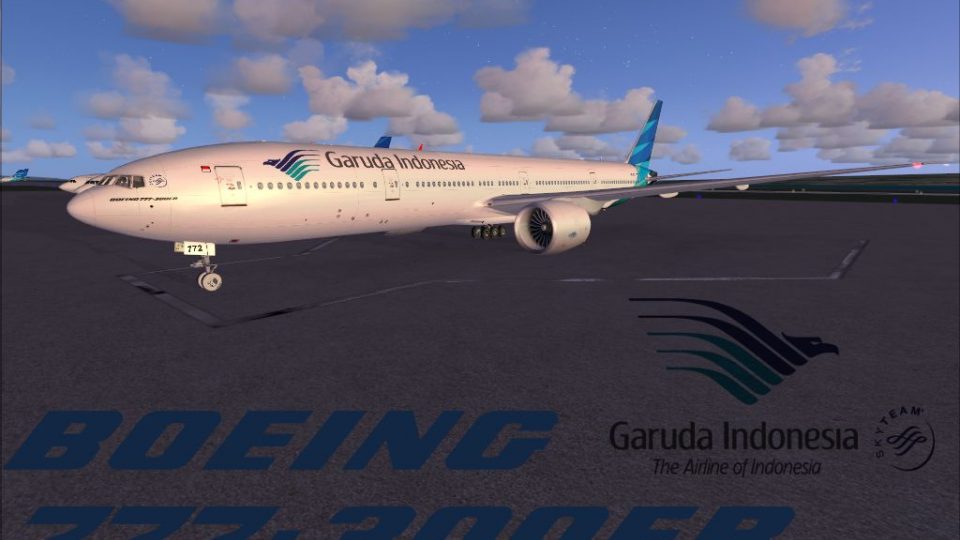
Garuda Indonesia Boeing 777-300ER repaint brings the PK-GID registration to life with crisp tail artwork, accurate fuselage titles, and carefully matched airline colors for convincing long-haul operations. Designed for FSX with included support for FS2004, it requires the payware Overland B777 base package.
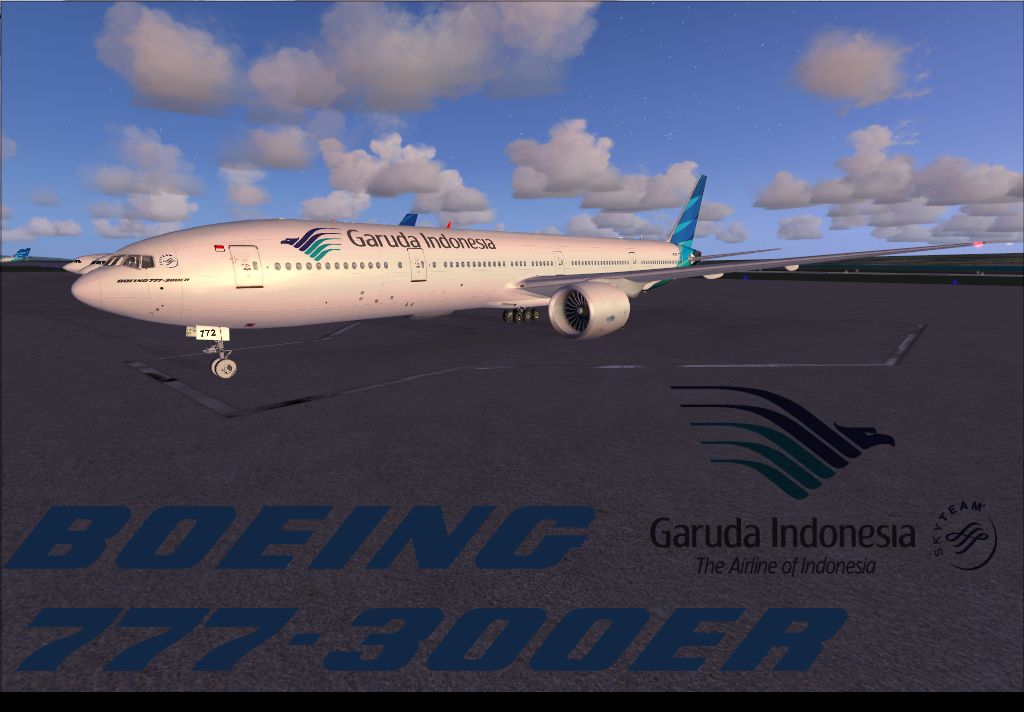
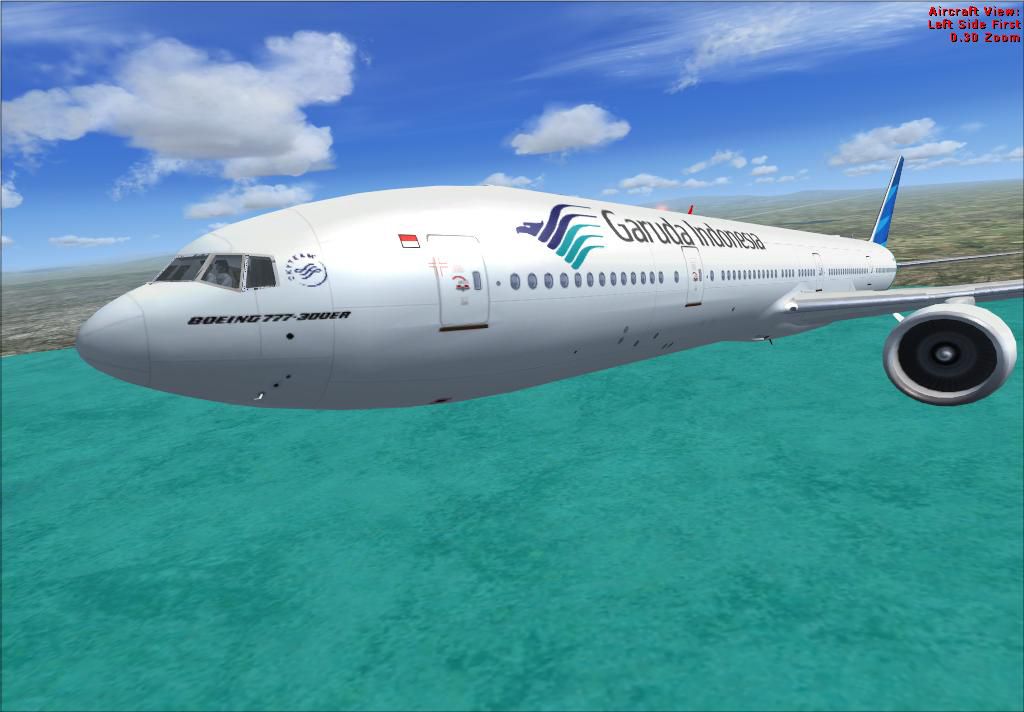
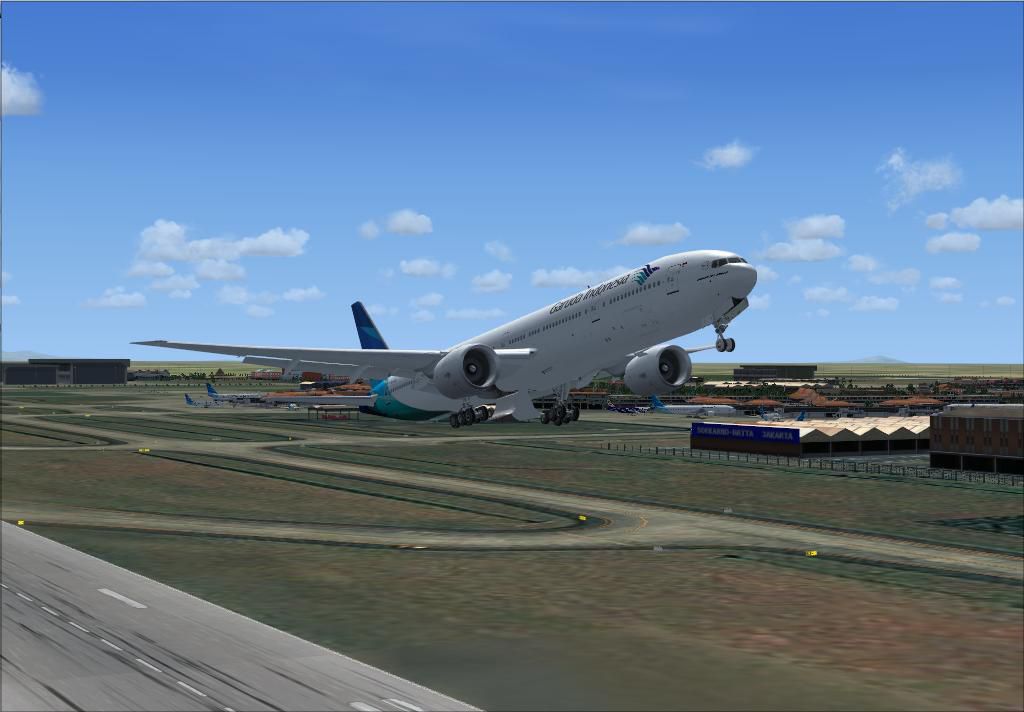
Experience an authentic rendition of Garuda Indonesia’s Boeing 777-300ER, meticulously recreated by author and creator Timothy Siahaan for avid virtual aviators. This repaint mirrors the real-world PK-GID registration, reflecting the airline’s flagship long-haul operations. To enjoy it, you will require the payware Overland B777 base package, which must be obtained separately. Though originally designed for FSX, it also includes compatibility with FS9, aligning perfectly with Microsoft Flight Simulator X and Microsoft Flight Simulator 2004 environments.
Boeing’s 777-300ER is recognized for its powerful GE90 turbofan engines and extended range, supporting intercontinental routes. In real-world service, Garuda Indonesia employs these aircraft to traverse extensive journeys, leveraging the 777’s efficient twin-engine design. The airline itself, based in Jakarta, is known for its attention to passenger comfort and operational reliability. This repaint highlights the airline’s distinct livery, complete with signature tail accents and fuselage branding, ensuring an immersive visual upgrade for many transoceanic missions.
Depiction of the Garuda Indonesia livery departing the runway.
Within this repaint, critical exterior markings are carefully placed to match the real PK-GID variant. The tail imagery and cabin door outlines have been refined to offer enhanced clarity, while the fuselage text placements have been adjusted for maximum authenticity. Thanks to Timothy Siahaan’s accurate color matching, the airline’s known hues are faithfully presented. This attention to detail provides a genuine feel for those simulating long-distance passenger services or realistic cargo flights.
[fltsim.X+1]
title=Boeing 777-300ER Garuda Indonesia PK-GID
sim=Boeing777-300ER
model=
panel=
sound=
texture=GIA GID
atc_id=PK-GID
atc_airline=Garuda Indonesia
atc_flight_number=673
atc_heavy=1
ui_manufacturer=Boeing
ui_type="777-300ER "
ui_variation=Garuda Indonesia GID
ui_createdby="Simmer's Sky"
ui_typerole="Commercial Airliner"
description=Overland Co.,Ltd. Products
This package exclusively includes the repaint files. You will need to purchase the Overland B777 base model separately through a payware offering (such as SimShack). Without that payware package, the textures provided here will not function correctly. Created and tested by Timothy Siahaan, this livery aims to preserve the Boeing 777’s characteristic elements and capture the unique essence of Garuda Indonesia’s operating standards.
Free for all simmers · 3.38 MB · Scanned clean
Download speed: Free tier is capped at 0.5 Mbps. PRO members download at full line speed.
FSX\SimObjects\Airplanes\. The folder must contain an aircraft.cfg file. Effects go into FSX\Effects\; gauges go into FSX\Gauges\.readme.txt or README file. It tells you exactly where files go, what dependencies are needed, and any quirks specific to this add-on.The archive sms777giapkgid.zip has 43 files and directories contained within it.
This list displays the first 500 files in the package. If the package has more, you will need to download it to view them.
| Filename/Directory | File Date | File Size |
|---|---|---|
| Overland Garuda Indonesia B777-300ER | 03.18.15 | 0 B |
| Readme !.txt | 03.17.15 | 822 B |
| Screenshot | 03.17.15 | 0 B |
| enb_2015_03_17_GIA.jpg | 03.17.15 | 407.98 kB |
| GID1.JPG | 03.17.15 | 72.32 kB |
| GID2.JPG | 03.17.15 | 73.88 kB |
| Thumbs.db | 03.17.15 | 10.50 kB |
| texture.GIA GID | 03.18.15 | 0 B |
| 777vc1_l.bmp | 04.04.06 | 1.00 MB |
| 777vc1_t.bmp | 04.04.06 | 1.00 MB |
| 777vc2_l.bmp | 04.04.06 | 1.00 MB |
| 777vc2_t.bmp | 04.04.06 | 1.00 MB |
| 777vc3_l.bmp | 04.04.06 | 1.00 MB |
| 777vc3_t.bmp | 04.04.06 | 1.00 MB |
| 777vc4_l.bmp | 04.04.06 | 1.00 MB |
| 777vc4_t.bmp | 04.04.06 | 1.00 MB |
| 777vc5_l.bmp | 04.04.06 | 256.07 kB |
| 777vc5_t.bmp | 04.04.06 | 256.07 kB |
| b773fuseL_l.bmp | 04.04.06 | 1.00 MB |
| b773fuseL_t 2.bmp | 03.17.15 | 512.07 kB |
| b773fuseL_t.bmp | 03.17.15 | 512.07 kB |
| b773fuseR_l.bmp | 04.04.06 | 1.00 MB |
| b773fuseR_t.bmp | 03.17.15 | 512.07 kB |
| b773tail_l.bmp | 04.04.06 | 1.00 MB |
| b773tail_t.bmp | 03.17.15 | 512.07 kB |
| b773wing_l.bmp | 04.04.06 | 1.00 MB |
| b773wing_t.bmp | 03.02.15 | 512.07 kB |
| b777antenna.bmp | 04.04.06 | 32.07 kB |
| b777forehead.bmp | 04.04.06 | 32.07 kB |
| b777ge90_l.bmp | 04.04.06 | 1.00 MB |
| b777ge90_t.bmp | 03.02.15 | 512.07 kB |
| b777inside1_l.bmp | 04.04.06 | 64.07 kB |
| b777inside1_t.bmp | 04.04.06 | 64.07 kB |
| b777inside2_l.bmp | 04.04.06 | 64.07 kB |
| b777inside2_t.bmp | 06.18.08 | 64.07 kB |
| fspap_pilot.bmp | 04.04.06 | 32.07 kB |
| fspap_pilot_l.bmp | 04.04.06 | 32.07 kB |
| main_l.bmp | 04.04.06 | 256.07 kB |
| thumbnail.JPG | 03.17.15 | 407.98 kB |
| Thumbs.db | 03.17.15 | 22.50 kB |
| w1_l.bmp | 04.04.06 | 1.00 MB |
| flyawaysimulation.txt | 10.29.13 | 959 B |
| Go to Fly Away Simulation.url | 01.22.16 | 52 B |
More FSX & P3D add-ons hand-picked based on this download.
FSX Civil Aircraft
This freeware package faithfully represents a wide-body twinjet featuring Gar…
 FSX Civil Aircraft
Garuda Indonesia Boeing 777-200 LR, registration PK-GIA (fictional). Textures…
 FSX Civil Aircraft
FSX Garuda Indonesia Boeing 737-800, registration PK-GEE. Textures only for t…
 FSX Civil Aircraft
Garuda Indonesia Boeing 737-800, registration PK-GMA. A repaint of the defaul…
 FSX Civil Aircraft
This high-fidelity repaint brings Garuda Indonesia’s Boeing 737-8U3 (registra…
 FSX Civil Aircraft
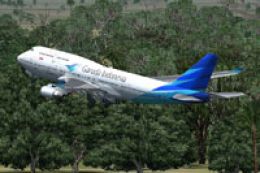
Garuda Indonesia Boeing 747-400X (new livery), registration PK-GSG. Textures …
 FSX Civil Aircraft
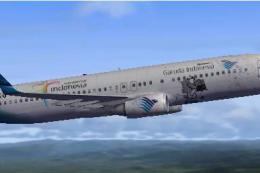
Textures only. By Adhit Septiady. Screenshot of Garuda Indonesia Boeing 737-8…
 FSX Civil Aircraft
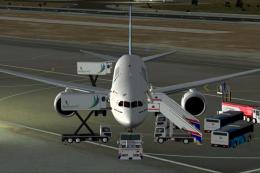
Garuda Indonesia Boeing 787-800 (fictional), registration PK-GAA. Textures on…
Be the first to leave a comment on this download.
Be the first to share your thoughts on this download.