



 United States of America



 MSFS Scenery
Geneva, Switzerland Complete
A complete scenery replacement for Geneva, Switzerland using accurate and mor…
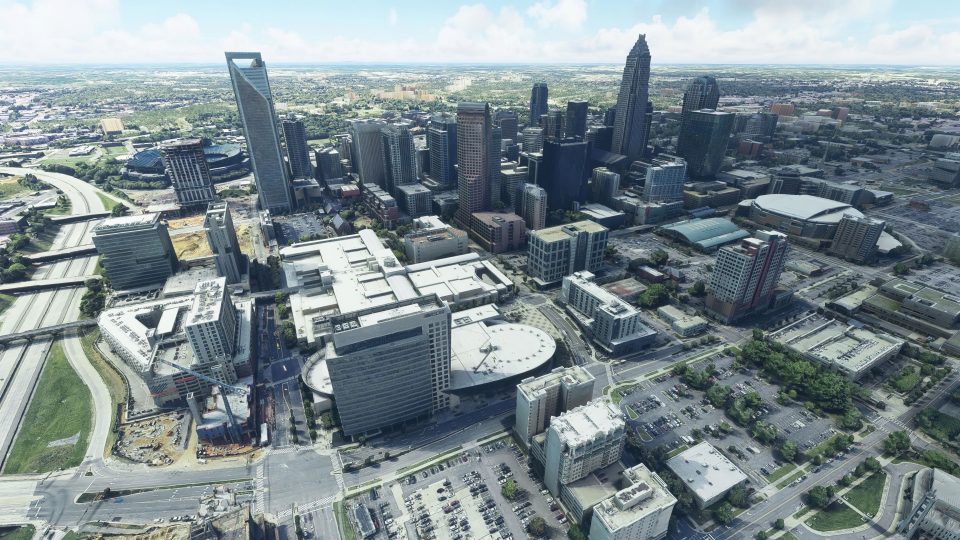
Charlotte, North Carolina gets a full citywide scenery overhaul in Microsoft Flight Simulator, replacing the default Bing AI look with super‑HD photoreal coverage and enhanced 3D buildings and landmarks across downtown plus east, north, south, and west areas. The bundled Charlotte Motor Speedway upgrade adds crisp textures and detailed modeling for a standout local landmark.
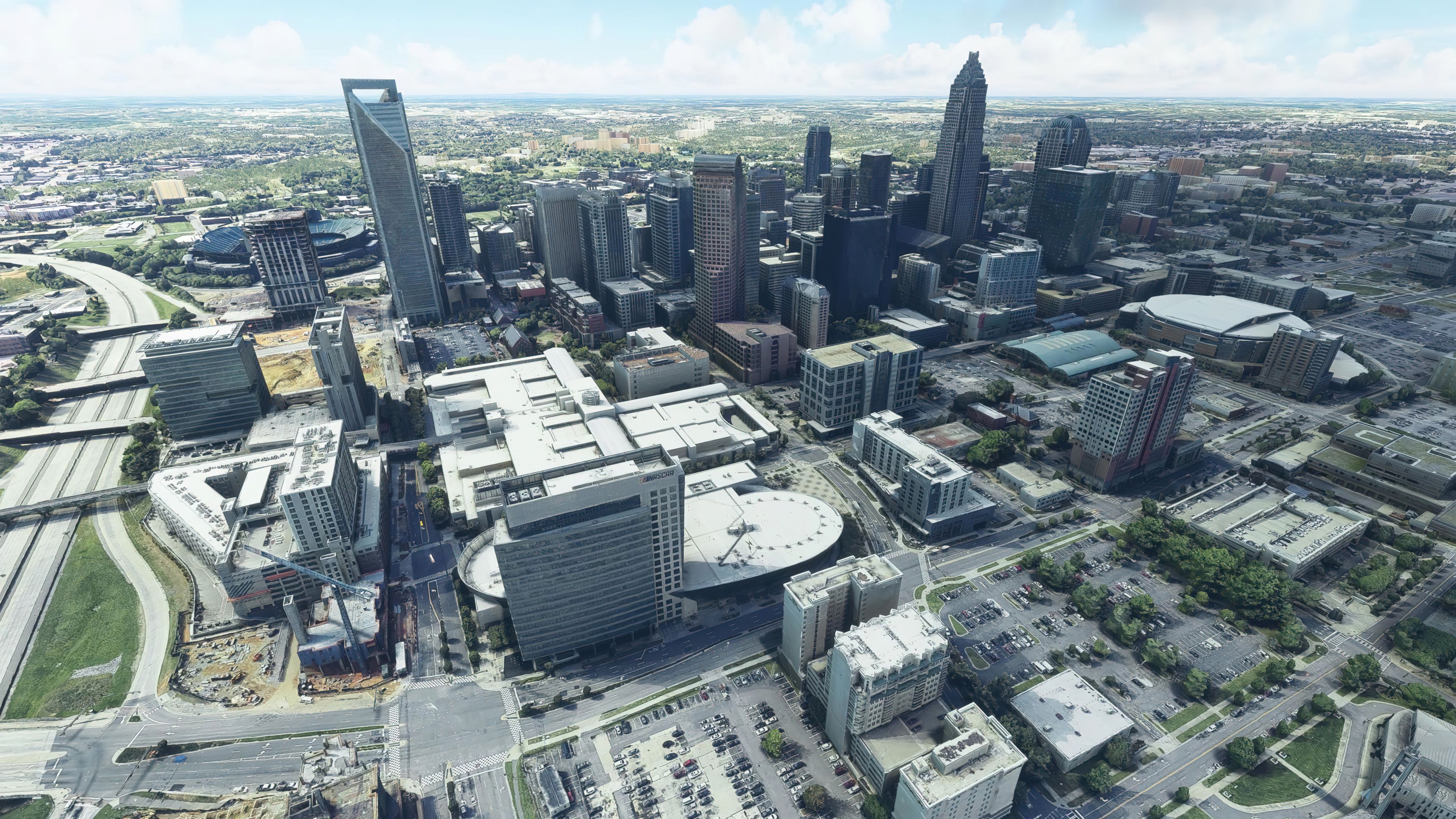
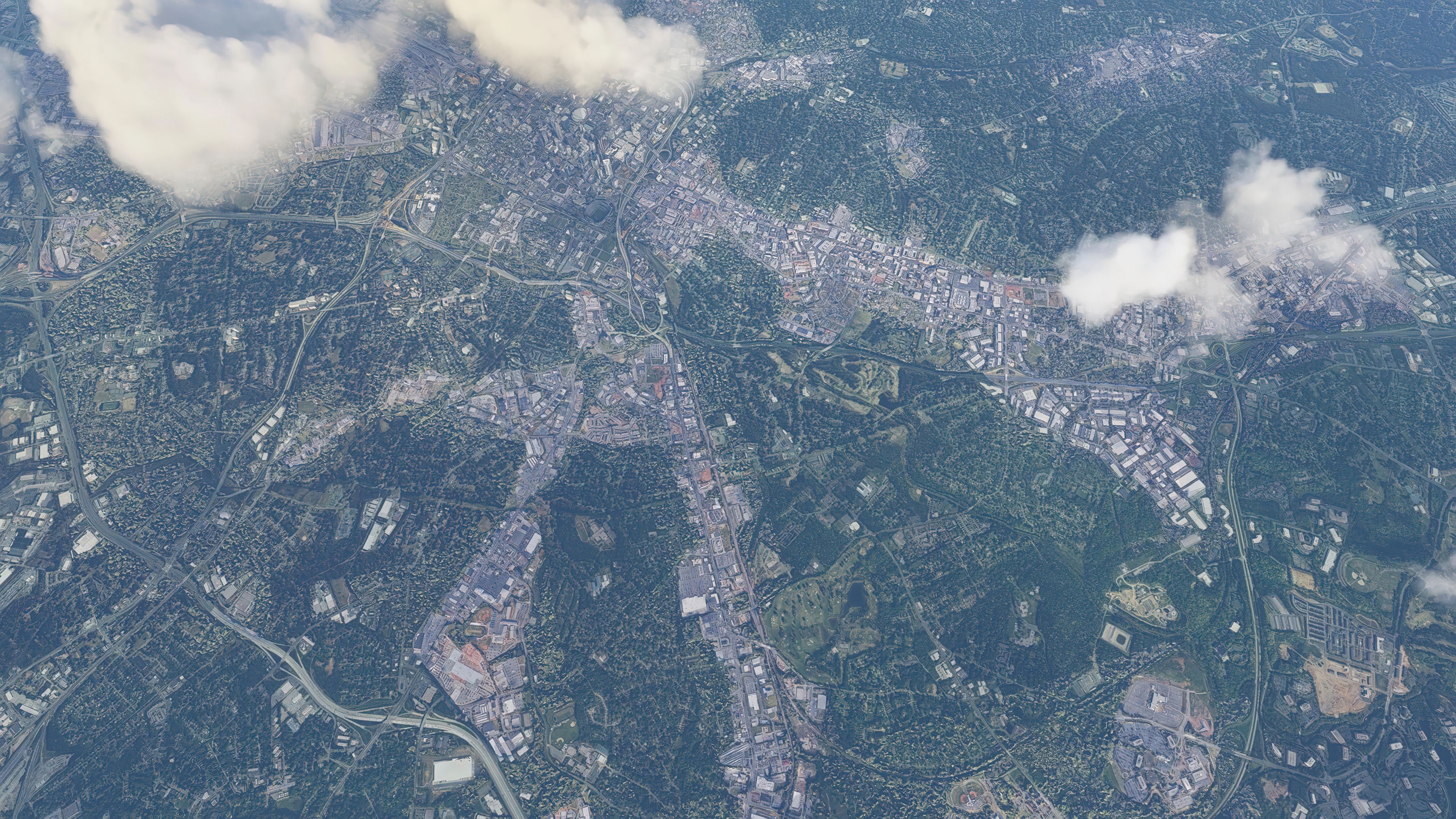
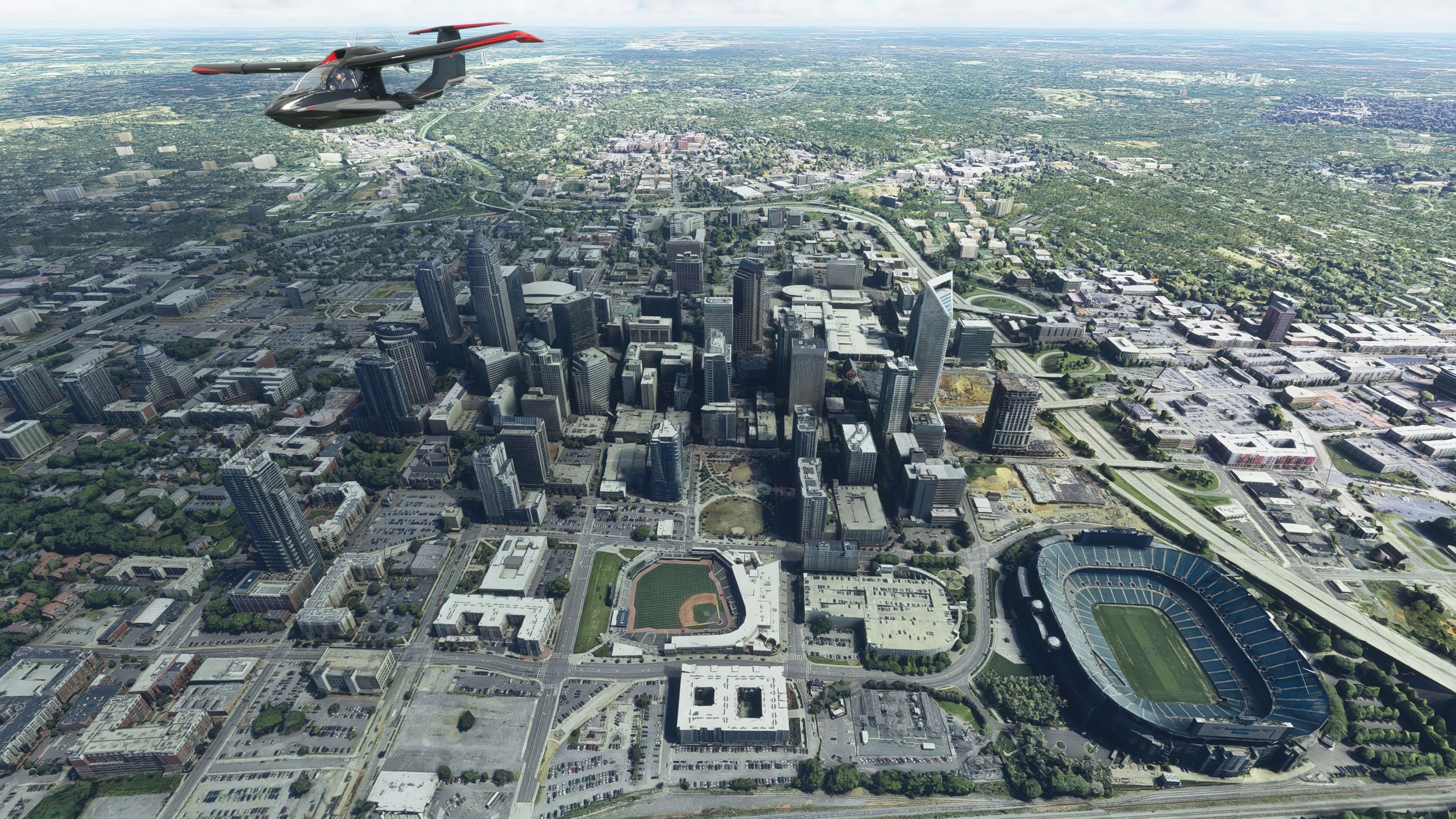
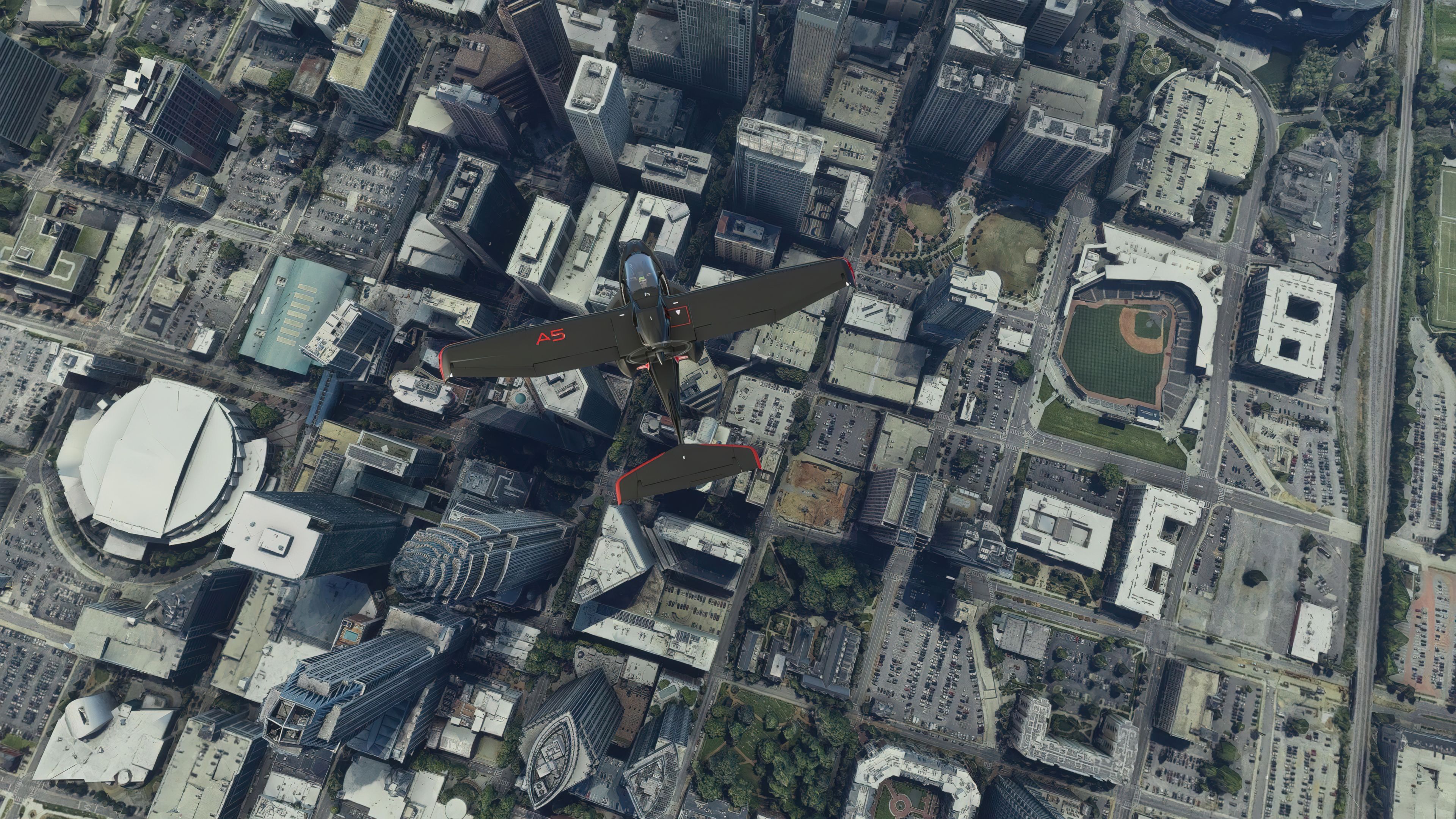
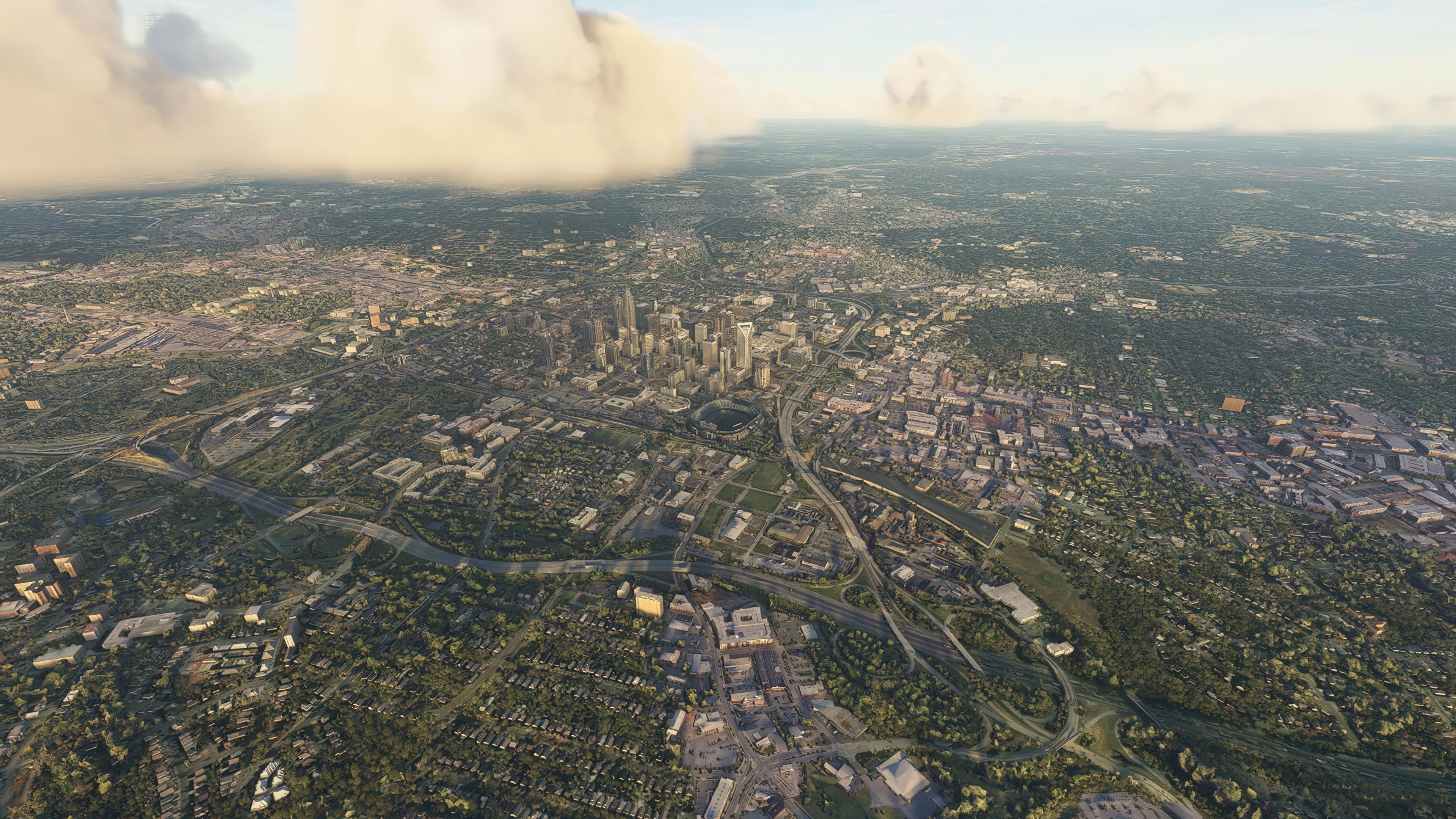
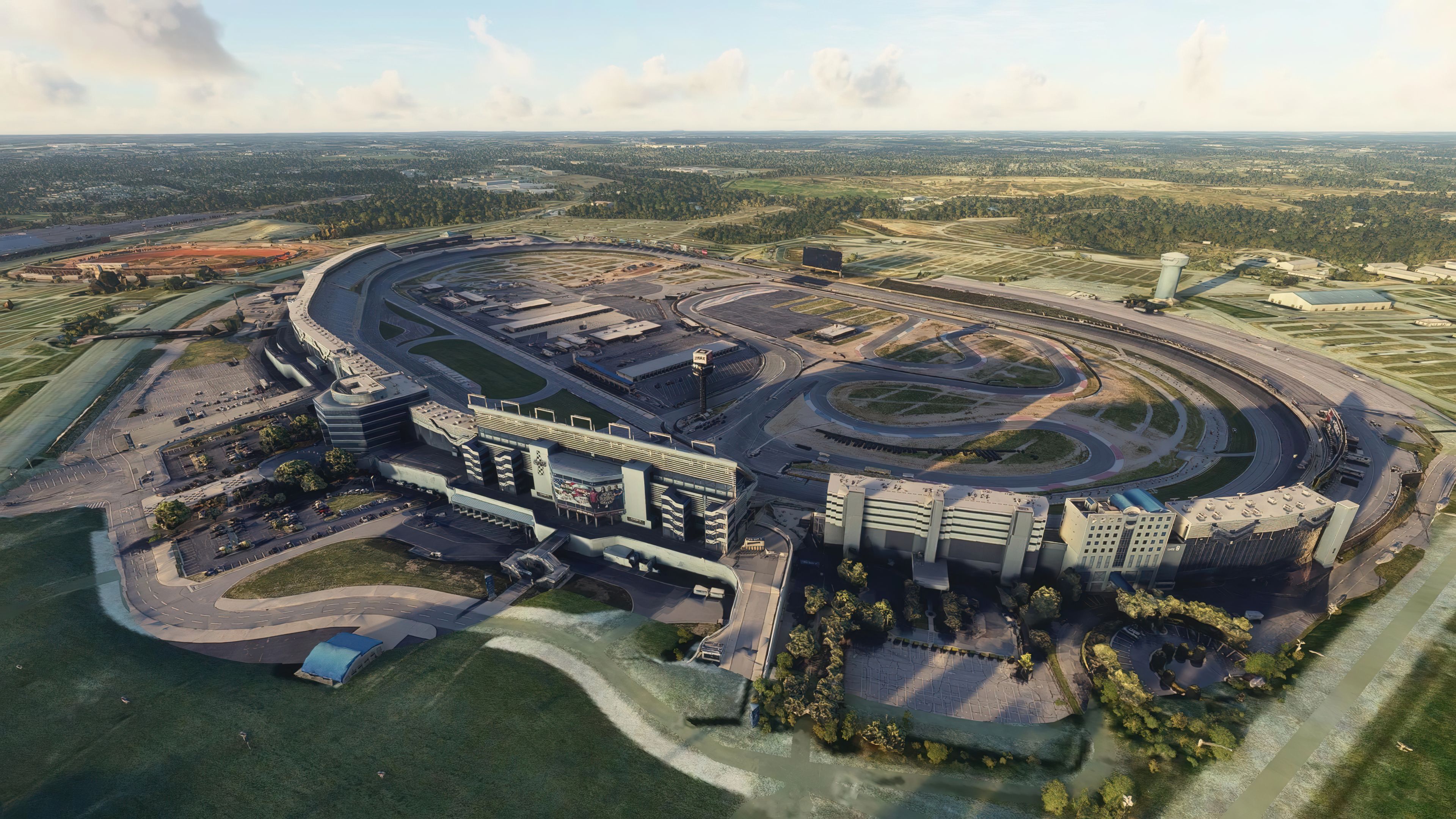
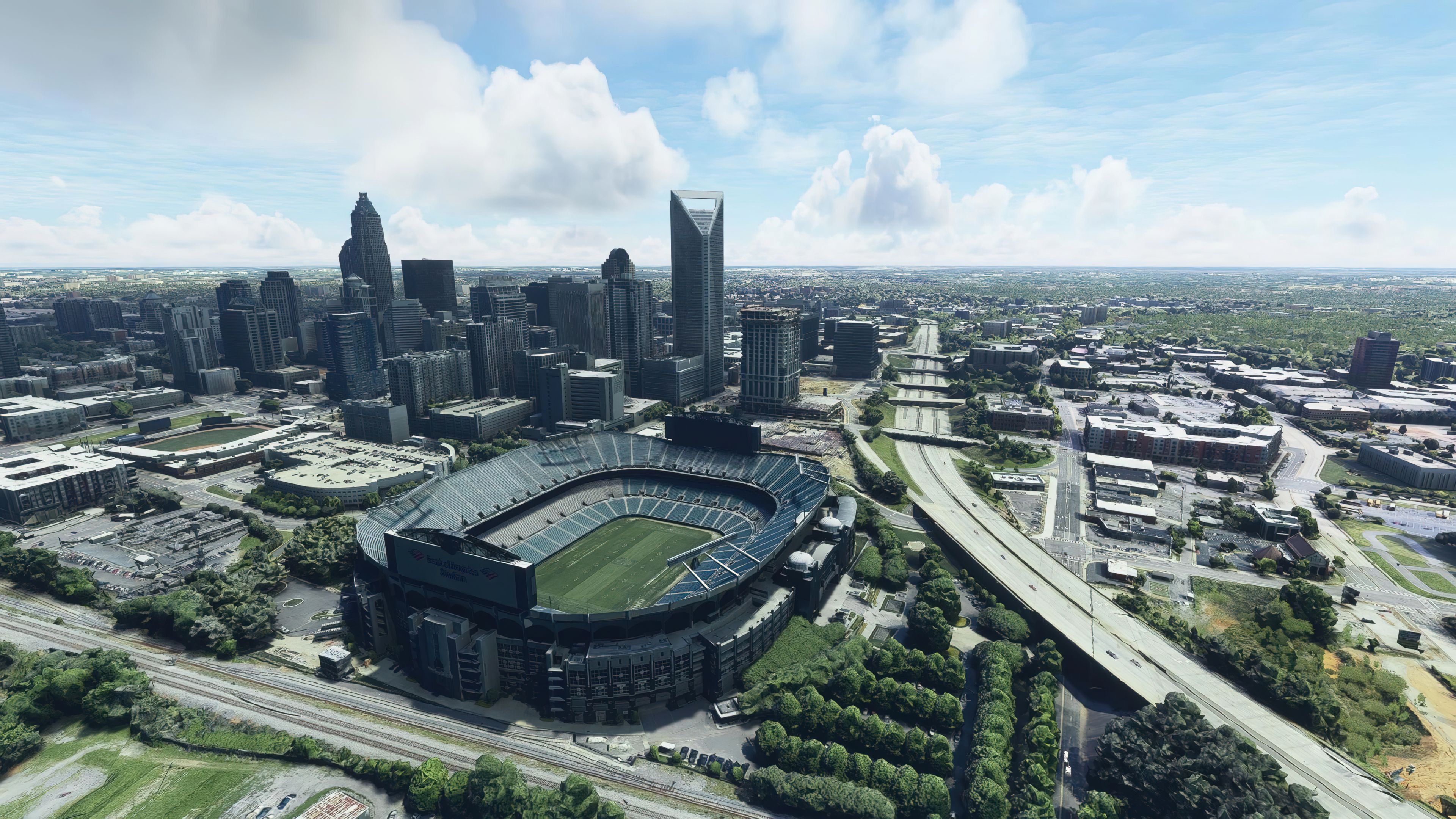
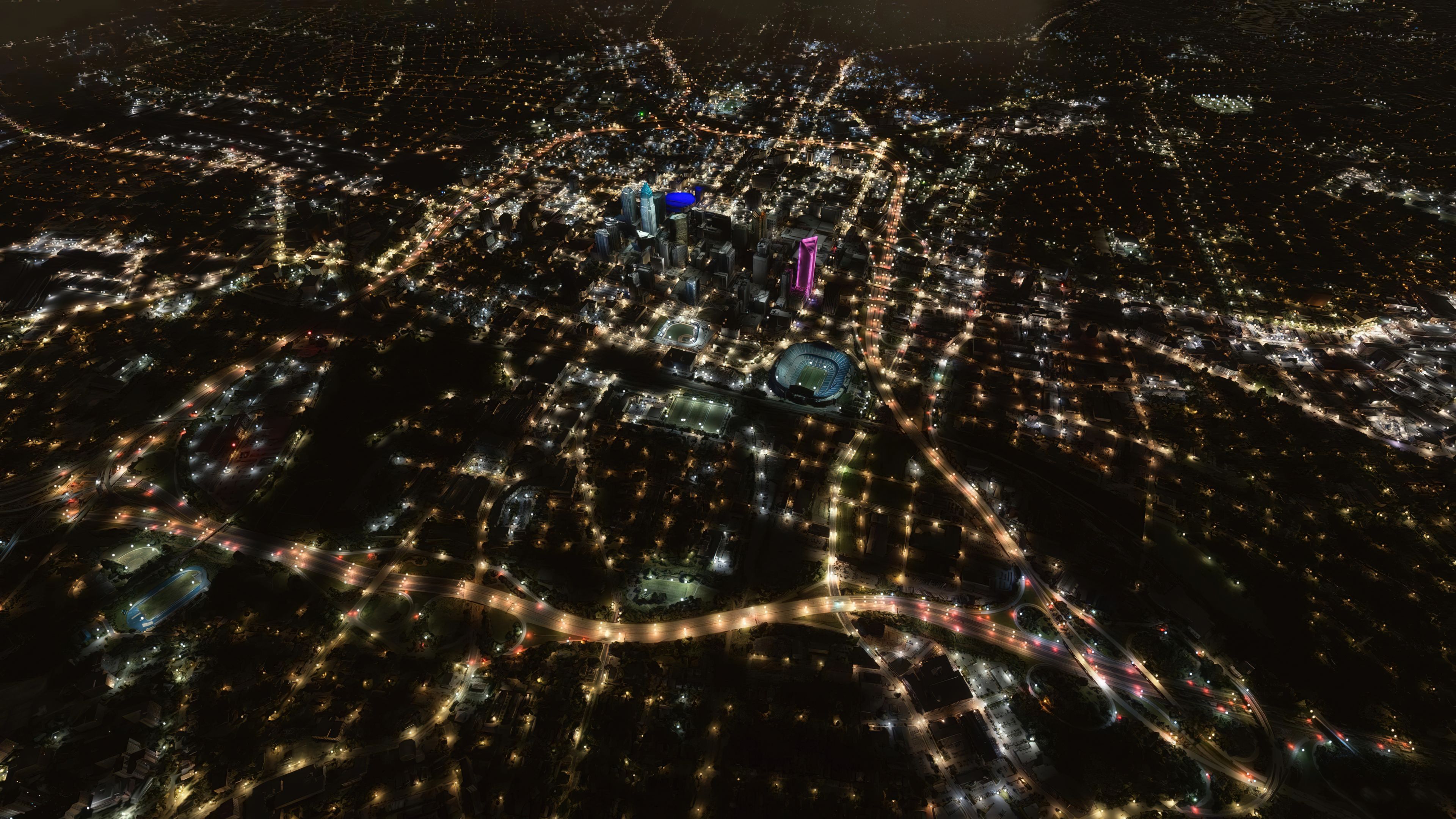
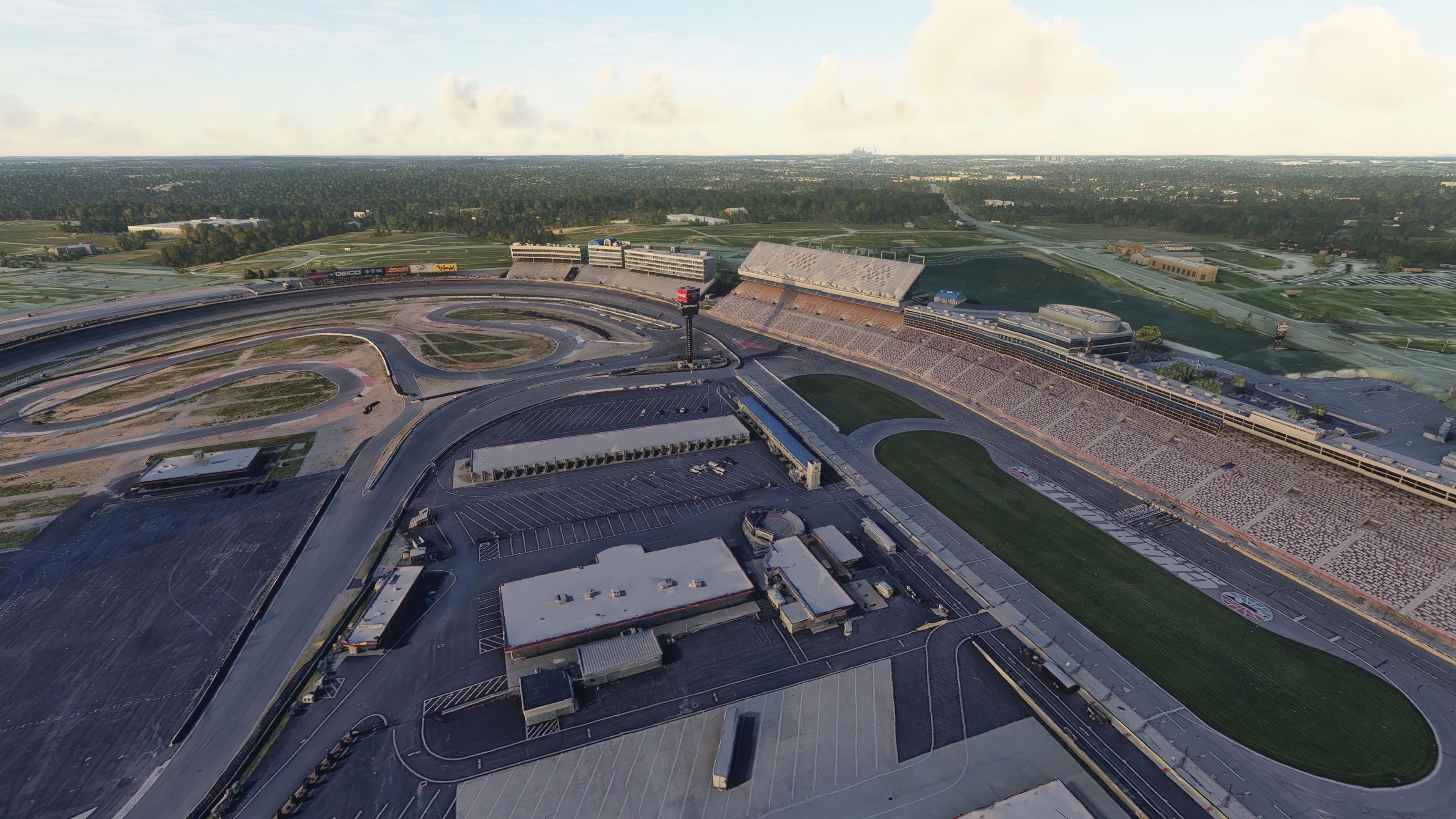
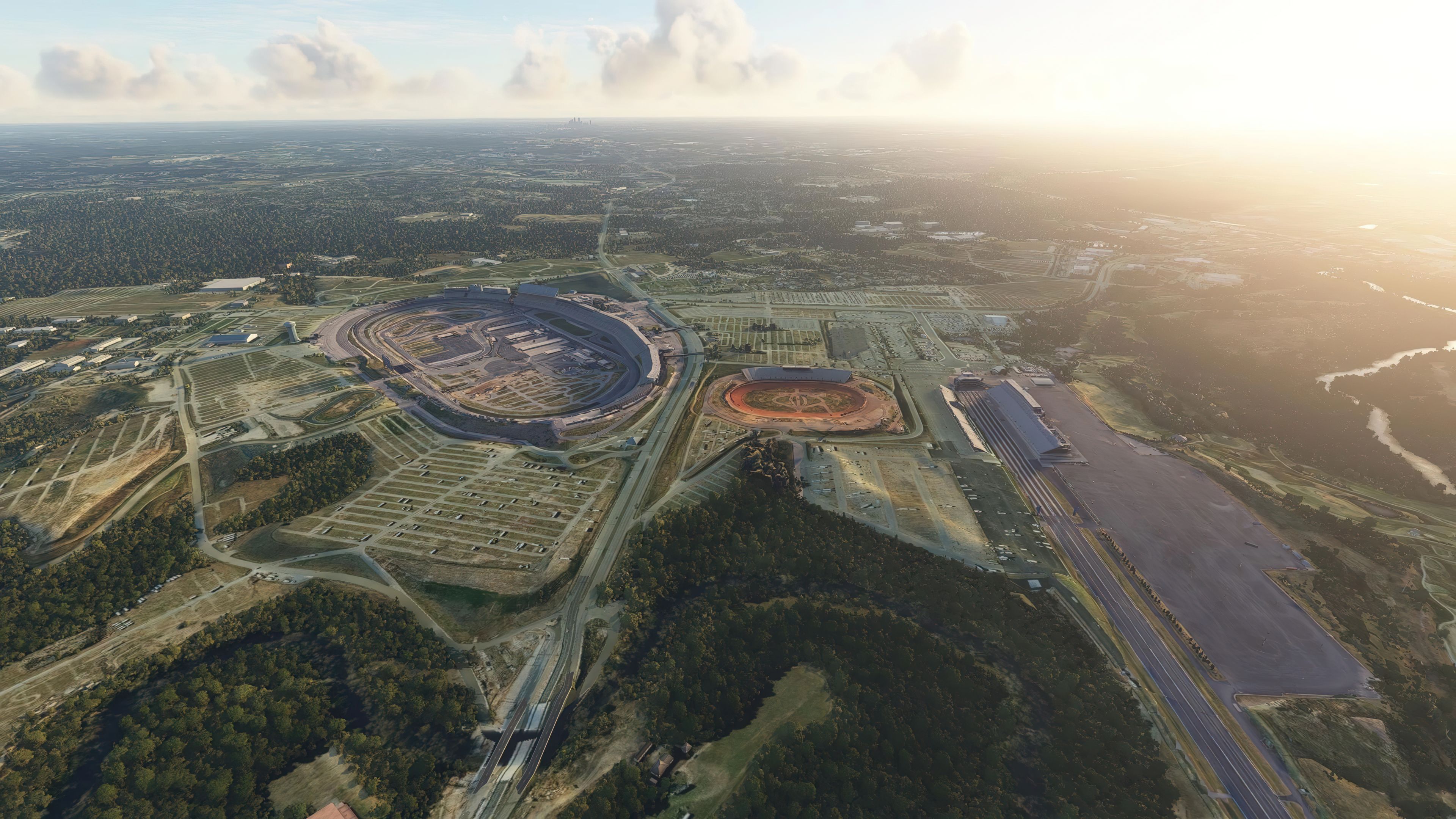
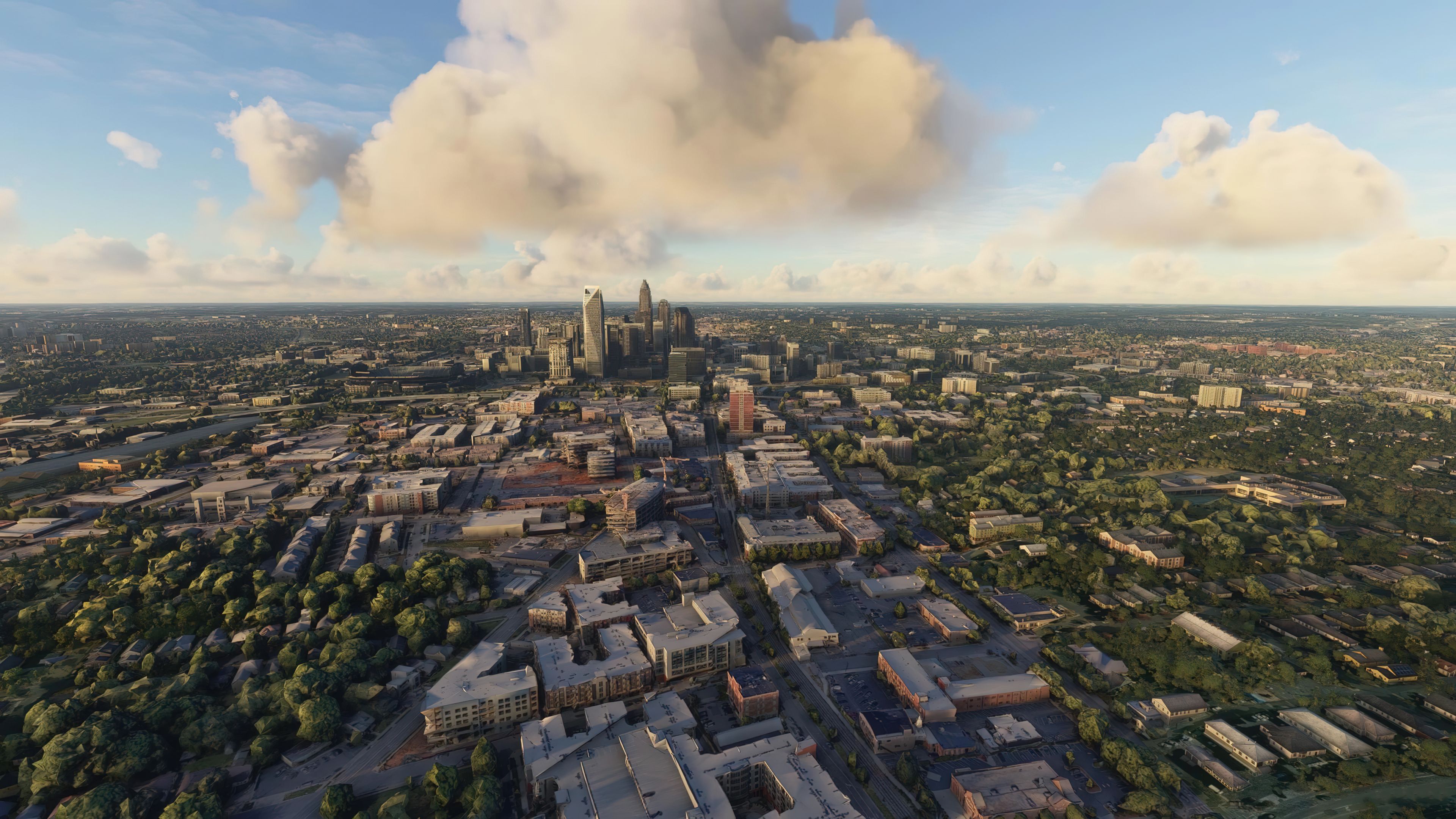

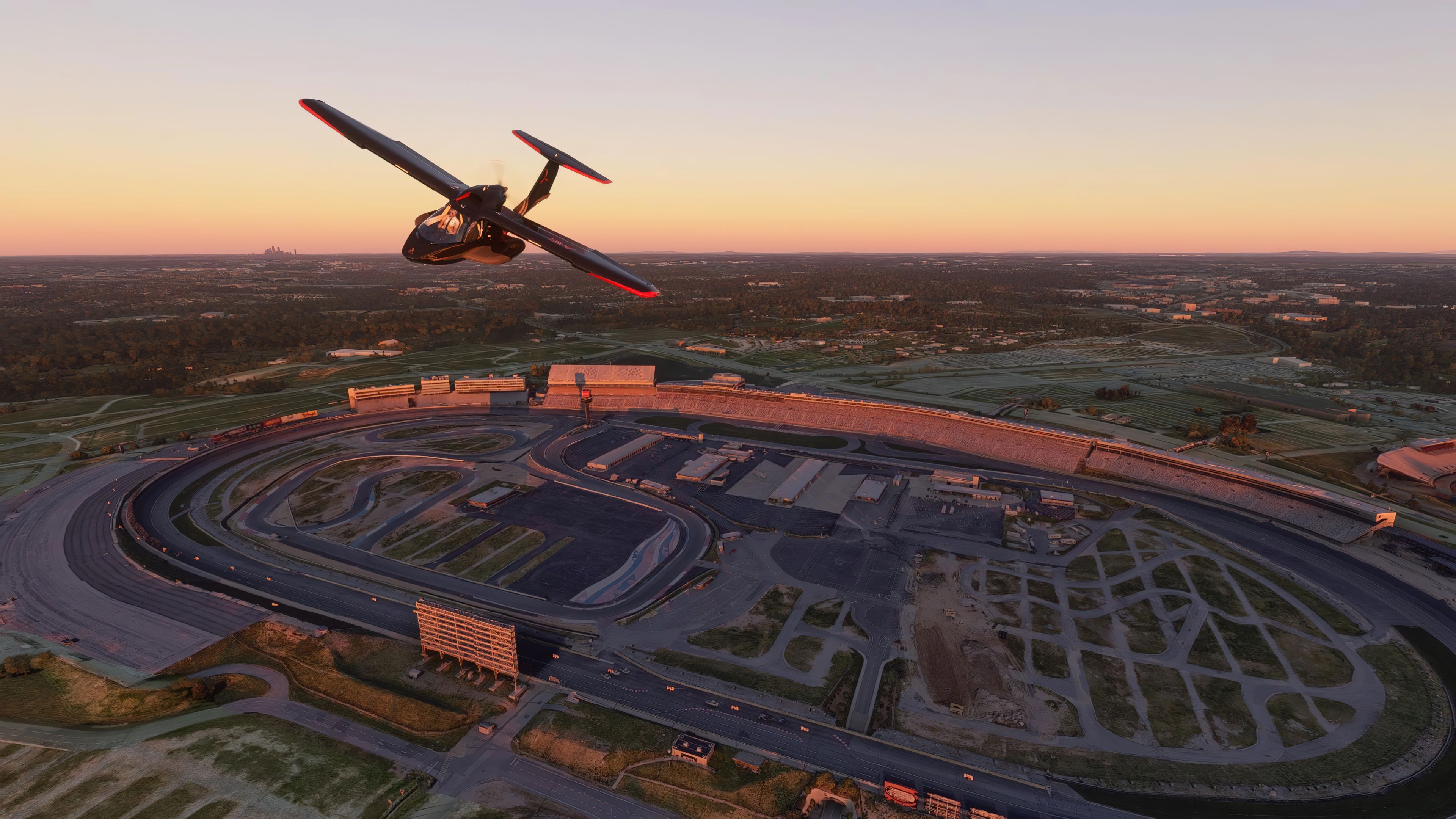


This comprehensive scenery bundle transforms the entire Charlotte region with high-resolution photogrammetry and meticulously crafted 3D landmarks, pushing beyond default Microsoft Flight Simulator accuracy. It merges five distinct coverage areas—downtown, east, west, north, and south Charlotte—into a single, cohesive package. The redesigned visuals seamlessly integrate enhanced textures and modeling that breathe life into skyscrapers, suburbs, and everything in between, offering a far more immersive and realistic flight experience.
Included within this mod is the updated Charlotte Motor Speedway, showcasing crisp HD textures and refined 3D modeling that bring its famous racetrack vibrancy to the simulator. From my testing experience, the cityscape details and iconic landmarks clearly stand out, making those scenic approaches and low-level flyovers more captivating. This is a fantastic upgrade for those who want to explore Charlotte’s urban sprawl in style while enjoying the dramatic improvement in visual fidelity.
A complete replacement scenery package, advancing on the default offerings by Microsoft, covering the entire Charlotte, North Carolina area for Microsoft Flight Simulator (MSFS) 2020 release.
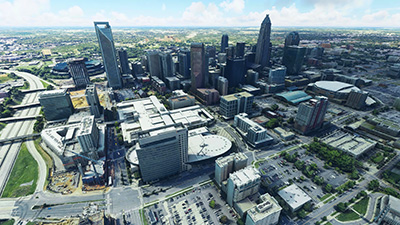 This freeware scenery pack, developed by Thalixte brings the city of Charlotte, North Carolina, and its surrounding areas up to super HD photorealistic detail in MSFS. The developer was not happy with the default Bing AI version included in the sim so created this pack using different source data and created a replacement drop-in scenery pack.
This pack includes both photoreal (photogrammetry) scenery along with 3D modeling data for the buildings, landmarks, and anything that renders in more than 2D.
All parts of this scenery are included in a single-download, easy-to-use package. There is no need to source additional expansions, they are all here. The developer released this scenery mod over five parts and they have all been included in one archive for ease of download and installation. The five parts (areas) included are;
The scenery is perfectly usable (and the developer has noted this) with just the "Downtown Charlotte" pack however the N/E/S/W additional files bring further coverage to the scenery enabling you to fly further in and around the Charlotte area without sacrificing on image quality within the sim.
The developer created another freeware release featuring Charlotte Motor Speedway. This has been included in this pack for ease of installation and without the need to go hunting for additional mods and expansions.
As one of the most iconic and famous landmarks in Charlotte, the Motor Speedway has also been brought up to date with this pack. Famous for its NASCAR racing, the prestigious Coca-Cola 600 on Memorial Day weekend, and the Bank of America Roval 400. The default MSFS offering wasn't that great and quite pixelated. This has been replaced with HD textures and high-quality 3D modeling.
The easiest way to experience this mod is simply to enter the following GPS coordinates in Microsoft Flight Simulator:
35° 13' 38" N, 80° 50' 35" W
However, taking off from Charlotte Douglas International Airport (KCLT) will be the best option so you can perform take-off and landing before and after flying over the coverage of the scenery area.
Simply extract the archive you download, then browse into the MSFS Scenery folder and copy all of the folders inside that into your MSFS community folder. Those folders are;
thalixte-charlottedowntownthalixte-charlotteeastthalixte-charlottenorththalixte-charlottesouththalixte-charlottewestthalixte-charlottespeedwayThese folders listed above are the ones to be copied into your Microsoft Flight Simulator "Community" folder.
Free for all simmers · 4.43 GB · Scanned clean Oct 2026
Download speed: Free tier is capped at 2 Mbps (this file takes approximately 5h 17m at the cap). PRO members download at full line speed.
%LOCALAPPDATA%\Packages\Microsoft.FlightSimulator_8wekyb3d8bbwe\LocalCache\Packages\Community\. Steam version: %APPDATA%\Microsoft Flight Simulator\Packages\Community\. Tip: enable Developer Mode in MSFS to see your exact Community folder path.readme.txt or README file. It tells you exactly where files go, what dependencies are needed, and any quirks specific to this add-on.Thalixte is a developer that has focused on creating photogrammetry and scenery packs for the latest Microsoft Flight Simulator (MSFS) 2020 release.
Are you Thalixte? Sign in to Fly Away Creators for download stats, comment replies and updates. Make add-ons? Publish them here.
Only PRO members can place votes.
More MSFS add-ons hand-picked based on this download.
MSFS Scenery
A complete scenery replacement for Geneva, Switzerland using accurate and mor…
 MSFS Scenery
A fully complete and extensive freeware scenery mod featuring photogrammetric…
 MSFS Scenery
Immerse yourself in the rugged beauty of Iceland's capital with the Reykjavik…
 MSFS Scenery
Embark on an authentic virtual journey over Lyon, France's third-largest city…
 MSFS Scenery
Immerse yourself in the detailed and vibrant scenery of La Rochelle, a histor…
 MSFS Scenery
A large freeware scenery add-on pack put together by the developer who goes b…
 MSFS Scenery
A quick rework of several Swiss cities and landmarks such as the Matterhorn u…
 MSFS Scenery
This pack by the developer who simply goes by the name of Chris brings the me…
Be the first to leave a comment on this download.
Be the first to share your thoughts on this download.