

 MSFS Civil Jet Aircraft
Bombardier CRJ-700 Freeware (Port-Over)
This add-on brings the Bombardier CRJ-700 which featured in the base release …
Bombardier Global 6000 and USAF E-11A BACN bring high-altitude long-range flying and a distinctive communications-relay variant to Microsoft Flight Simulator 2024 and 2020, with a functional virtual cockpit using G3000-style displays. AAU2-ready avionics, improved LNAV, FLC Mach tuning, autothrottle behavior, wingflex, refined lighting, and a paint kit round out the package.
 Rate
Rate
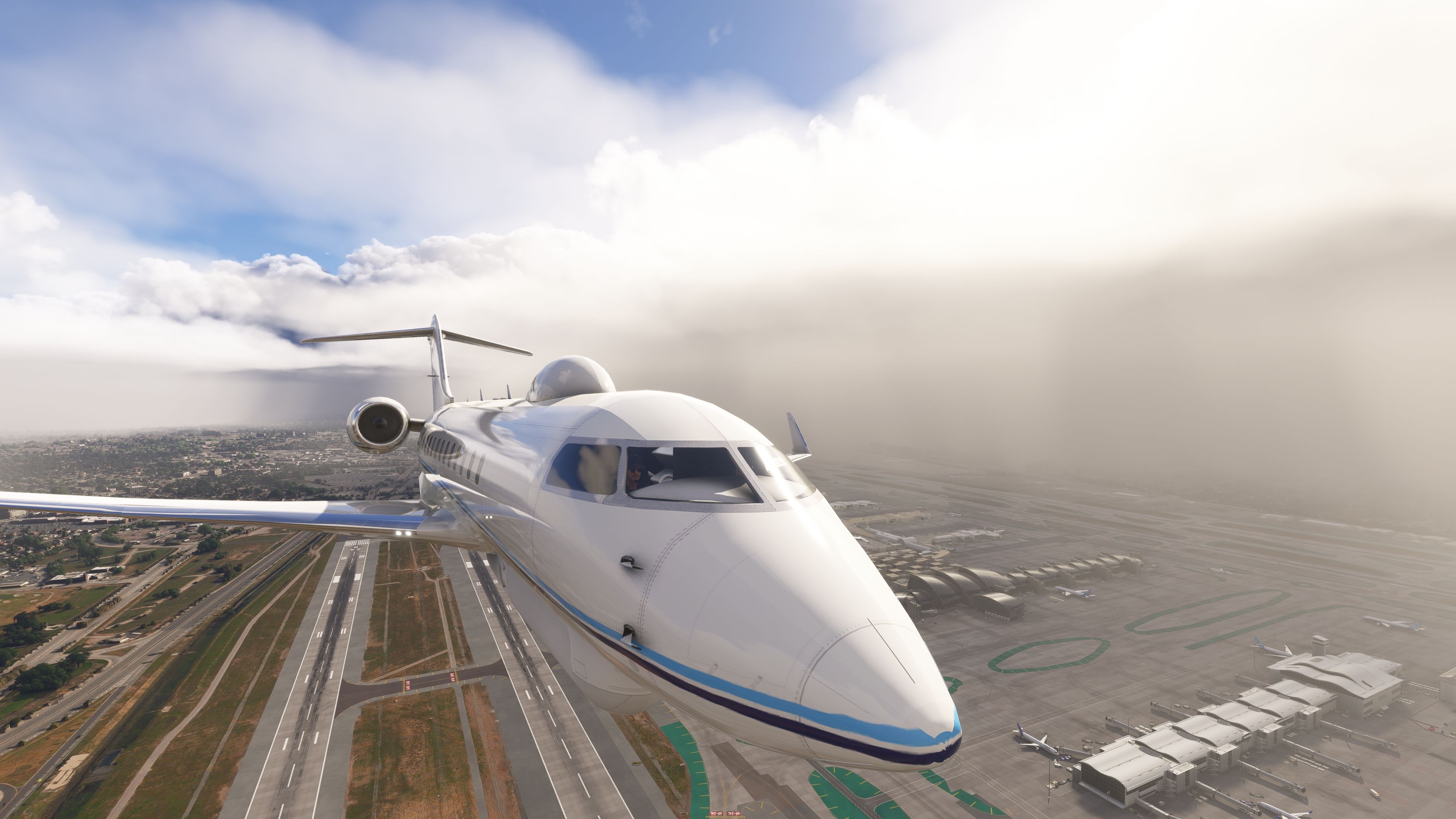
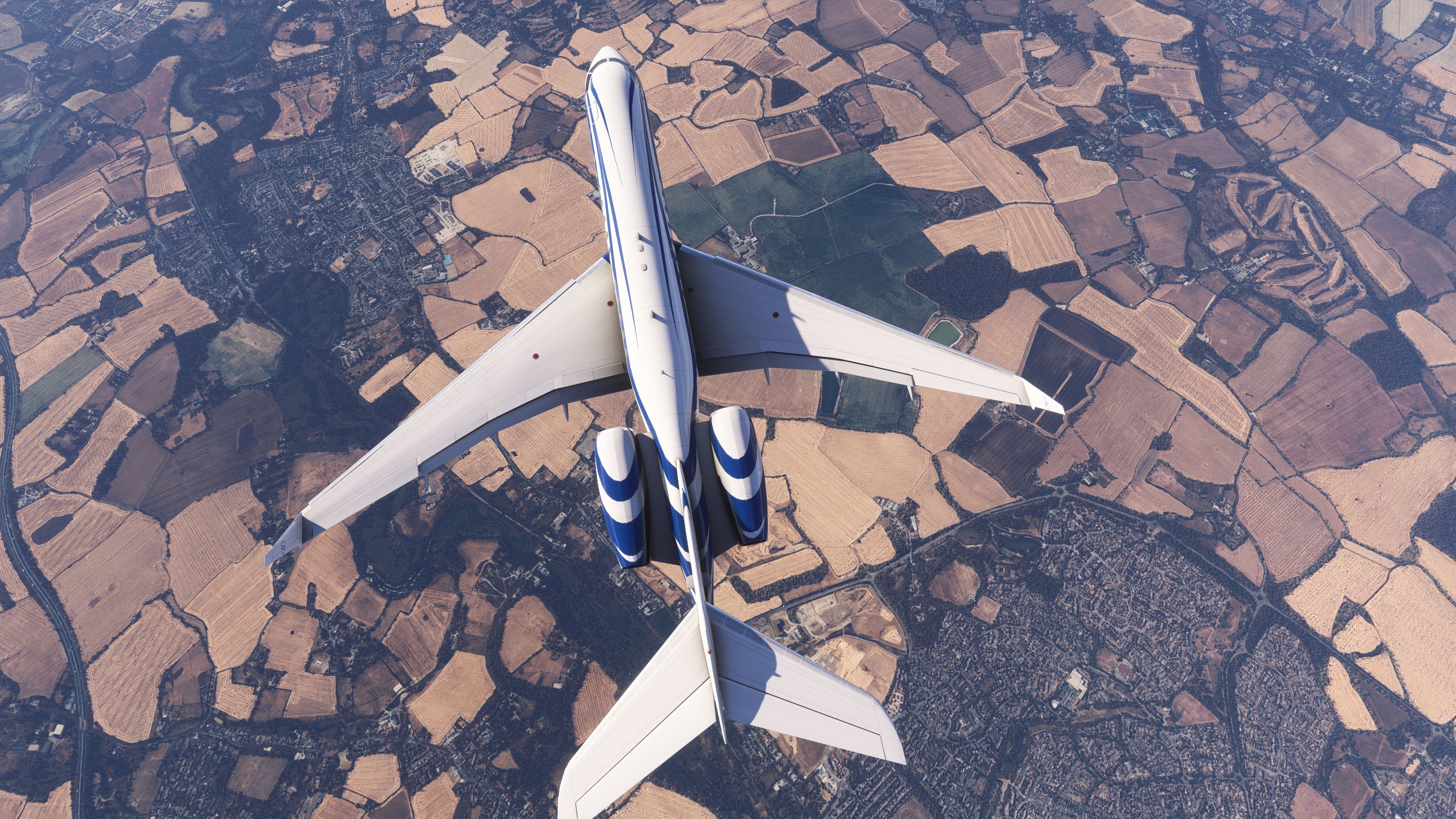
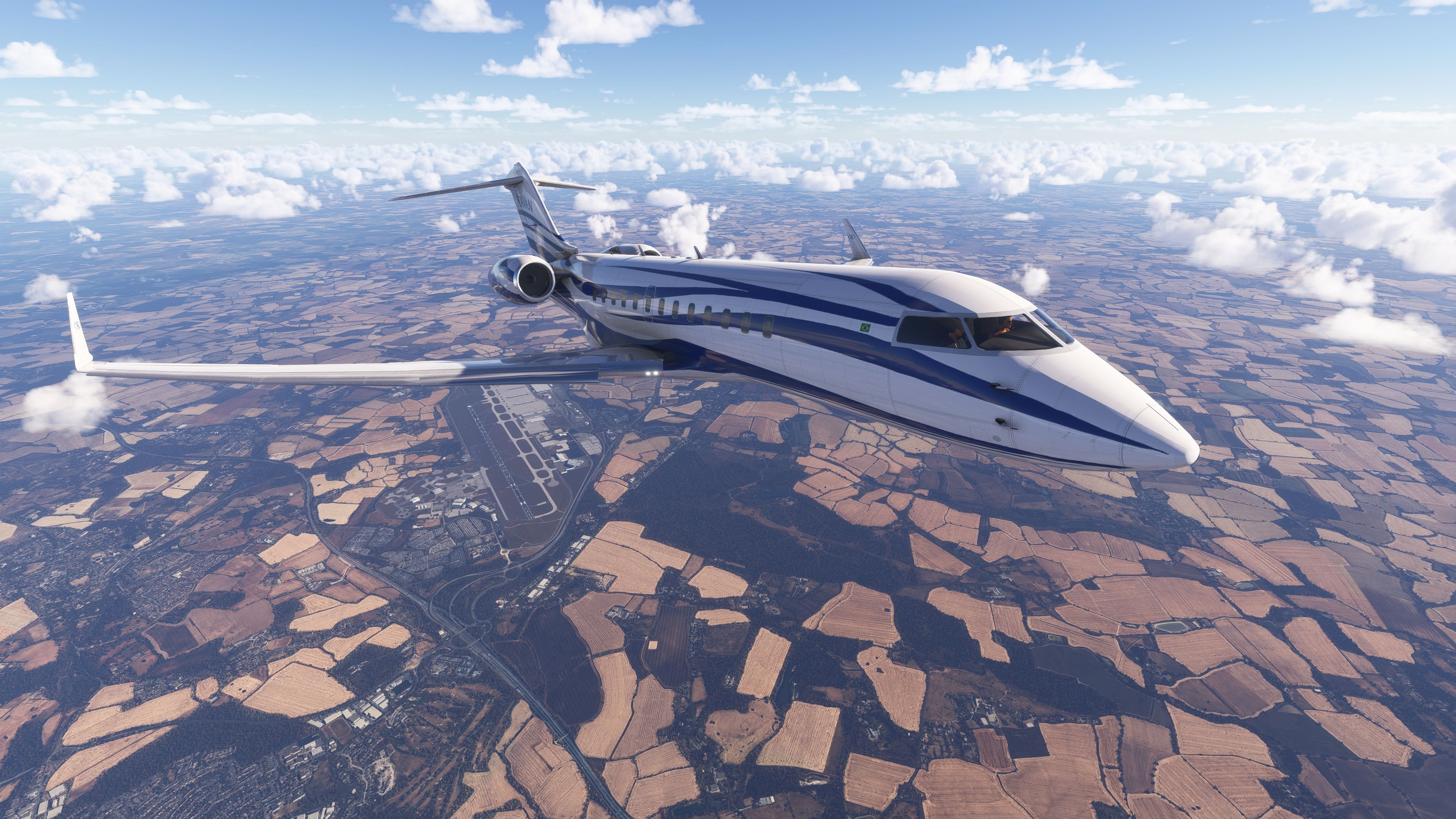
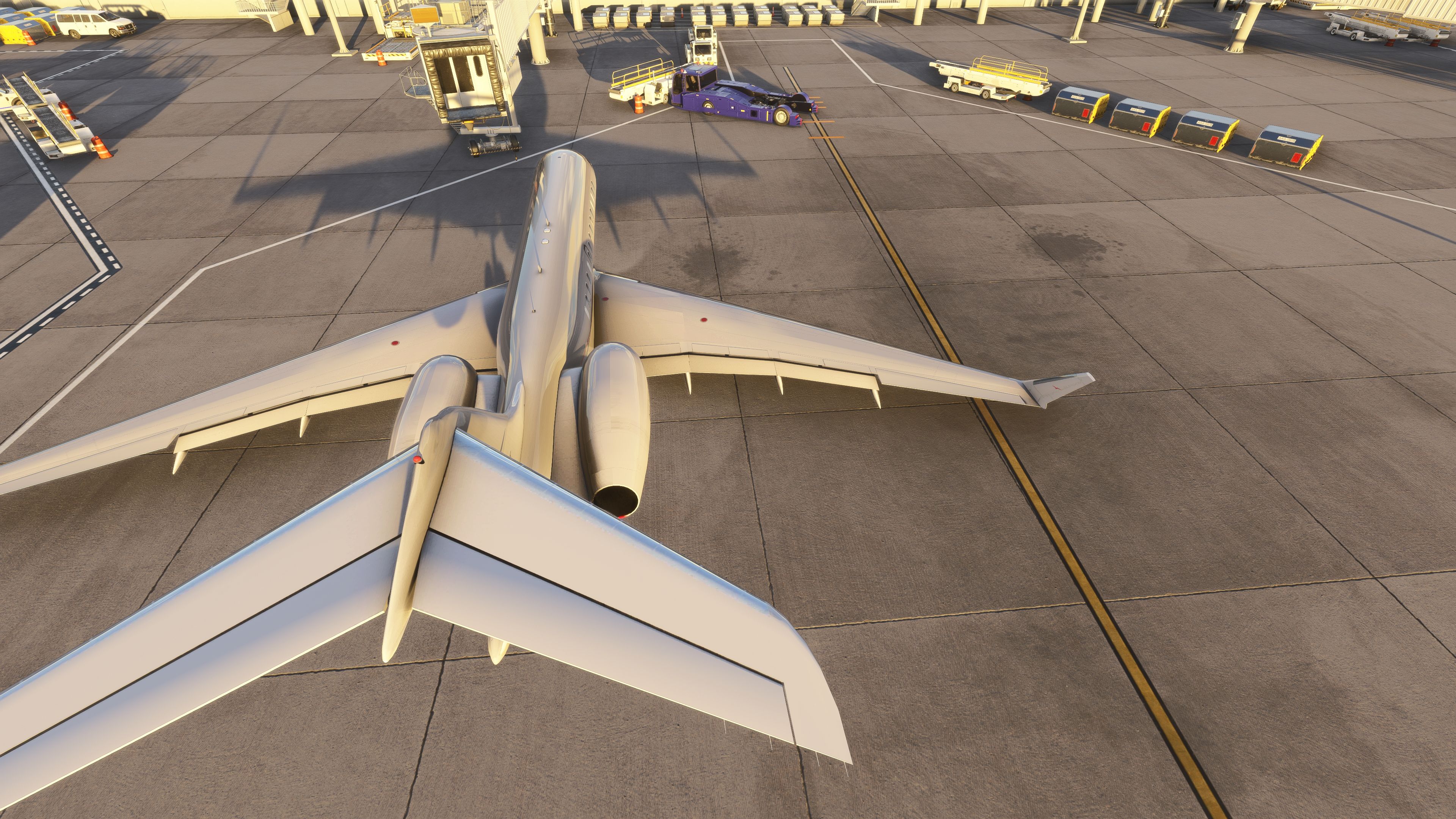
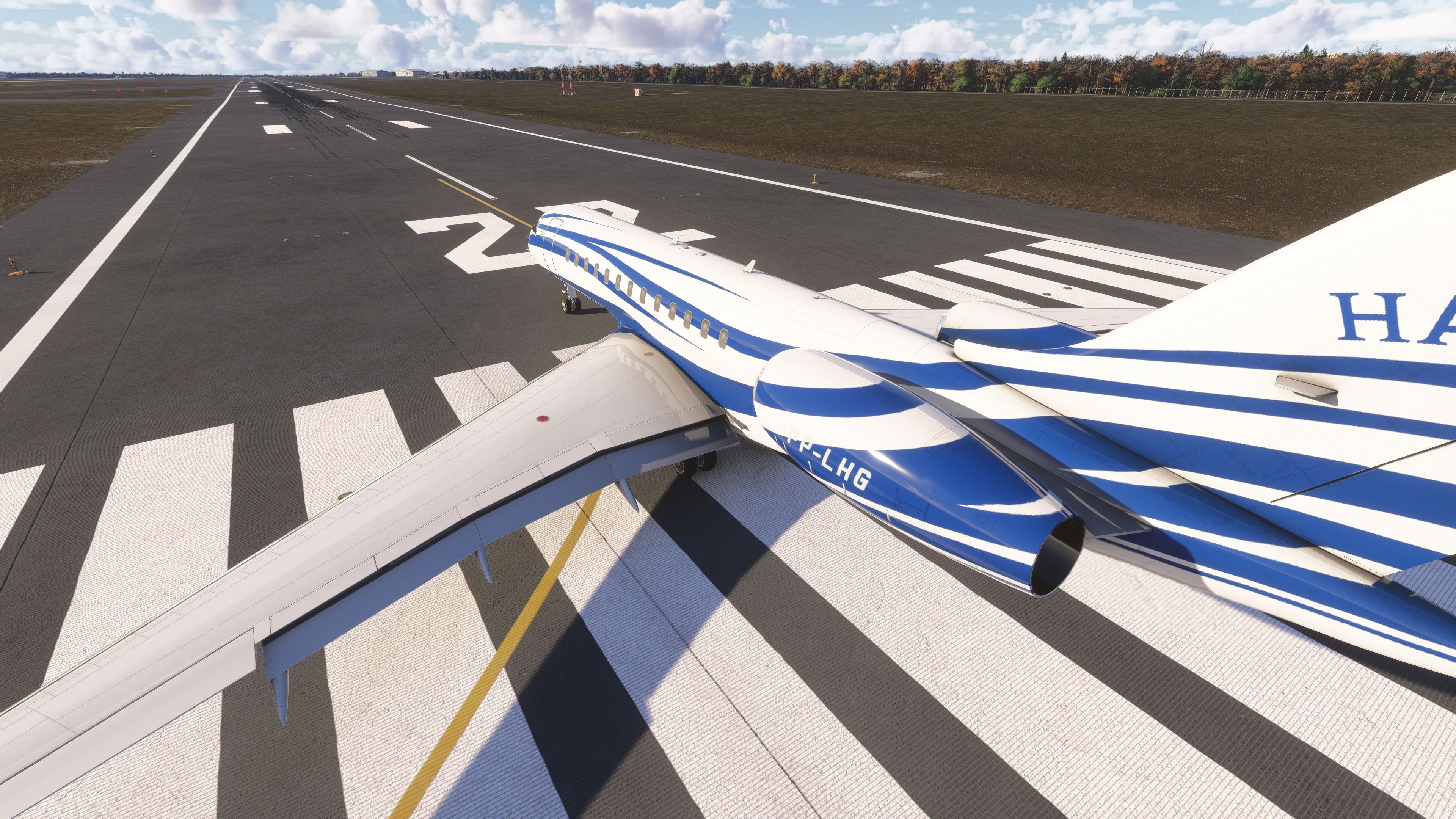
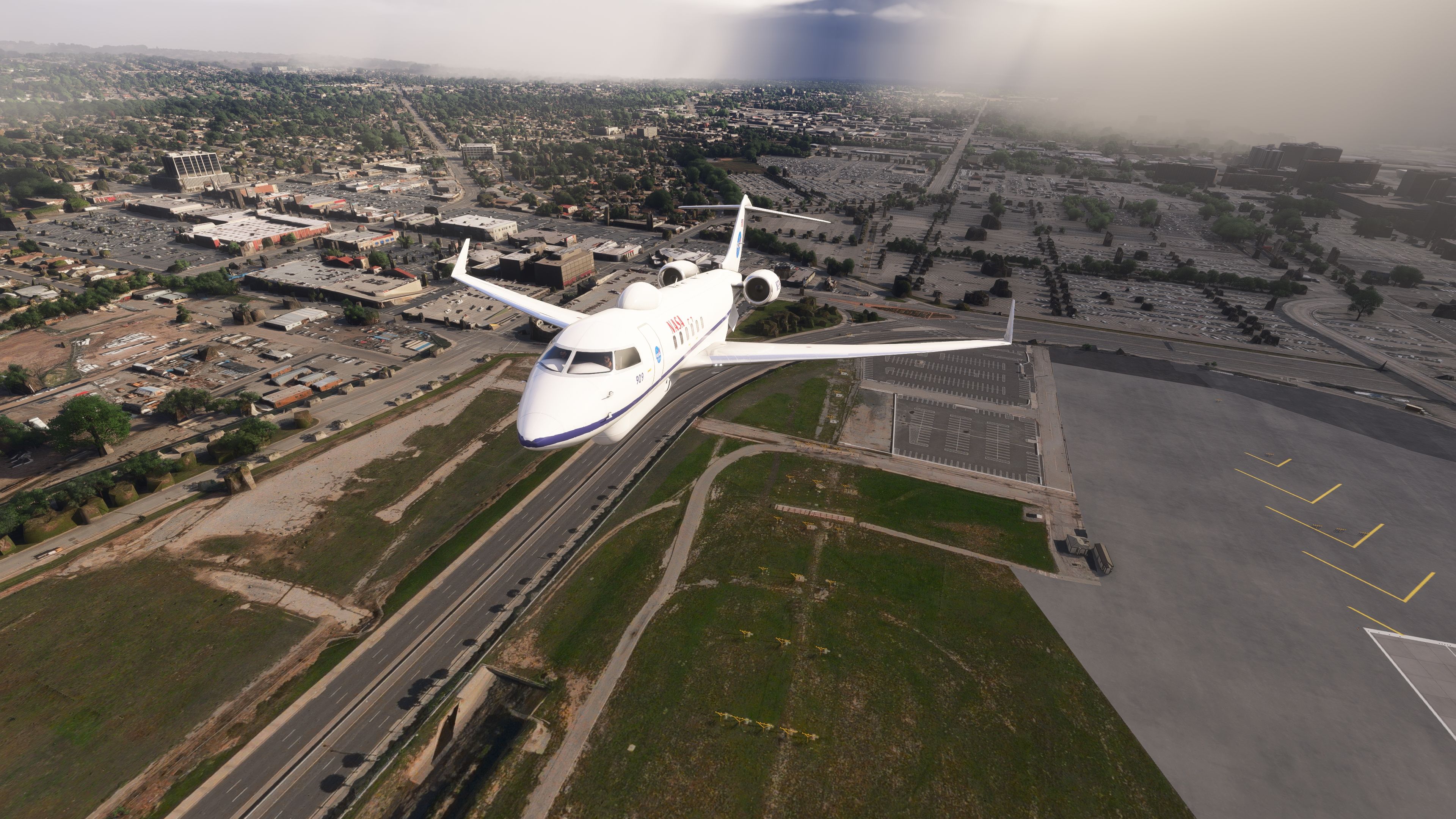
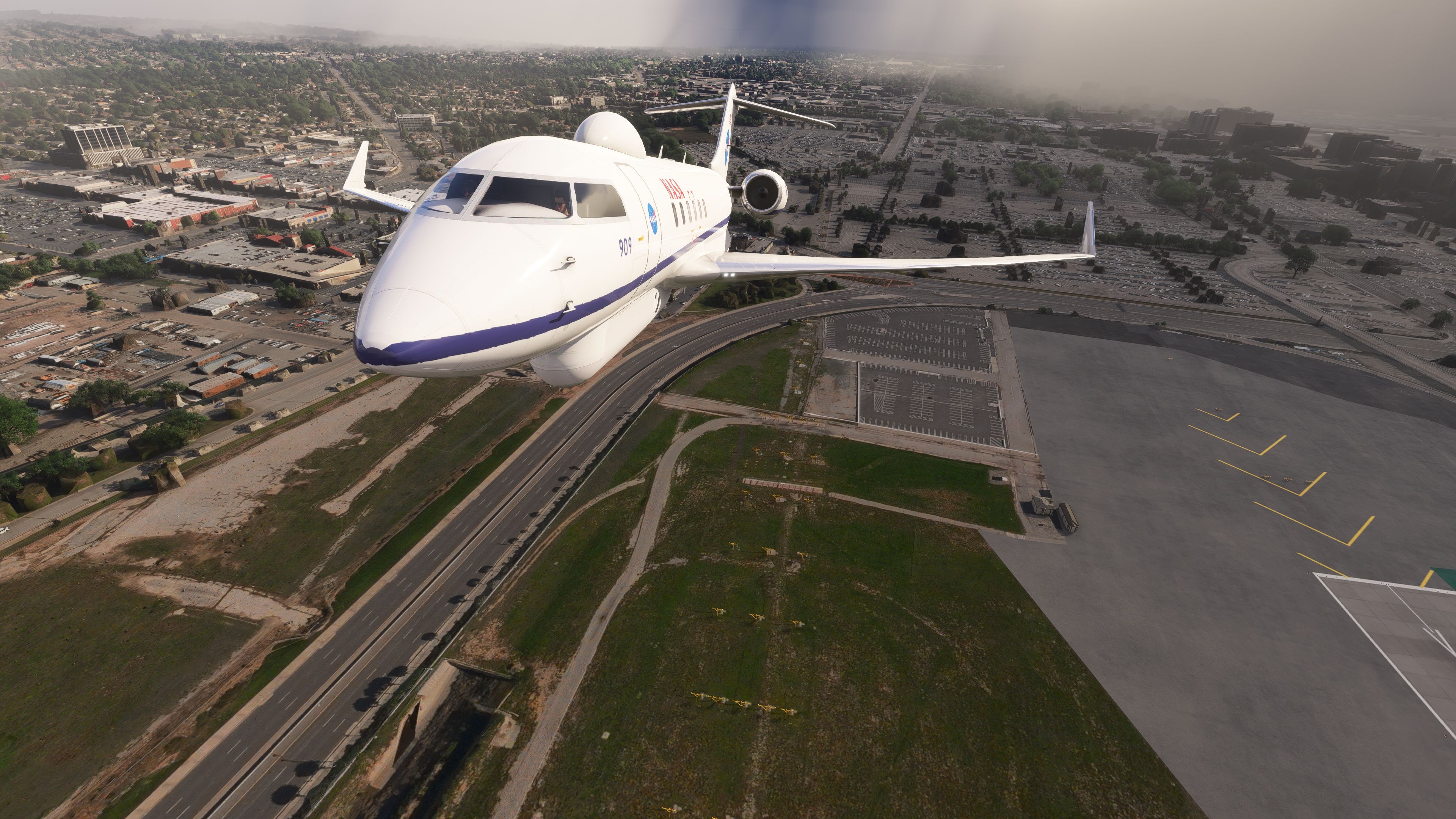
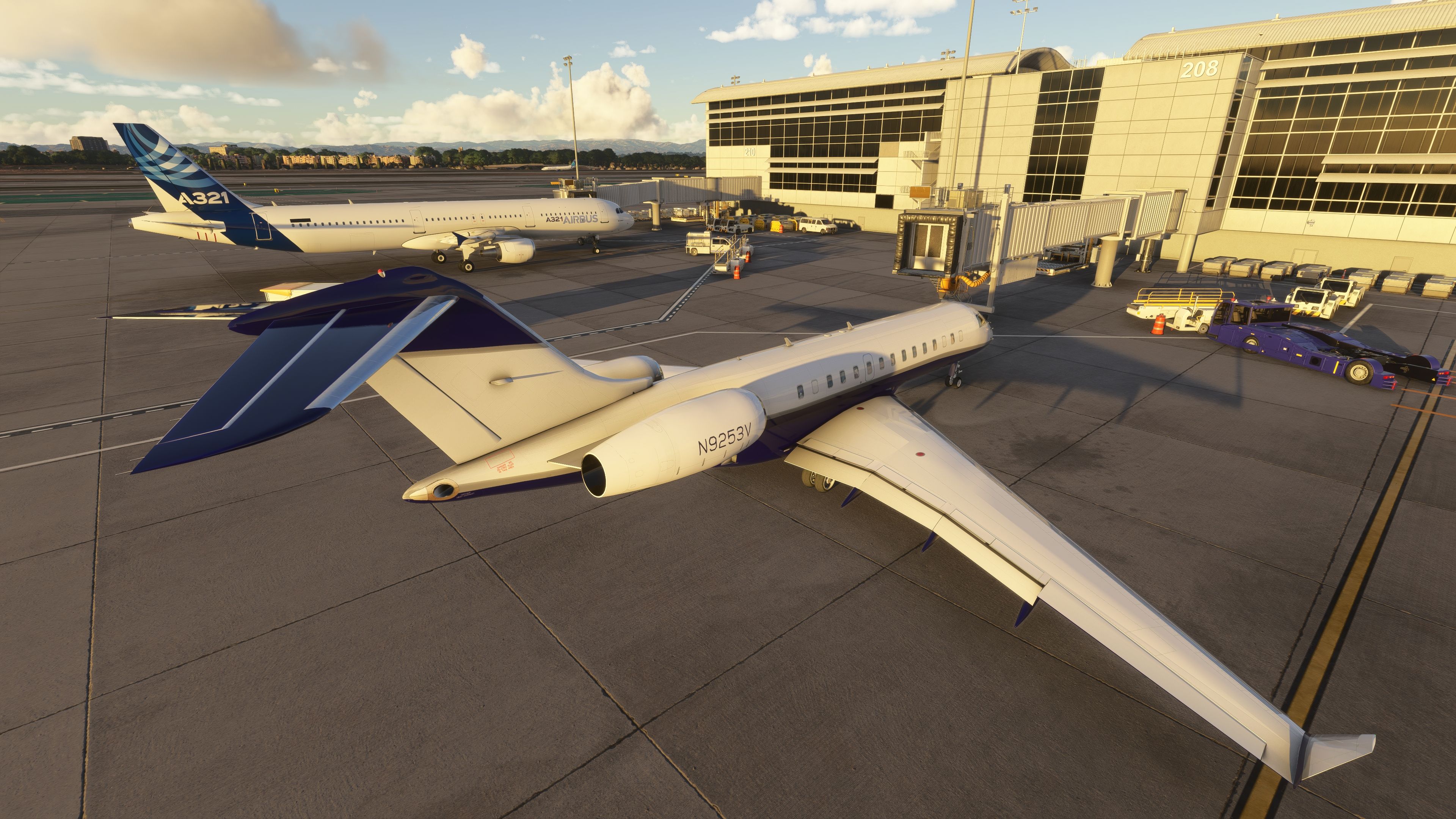


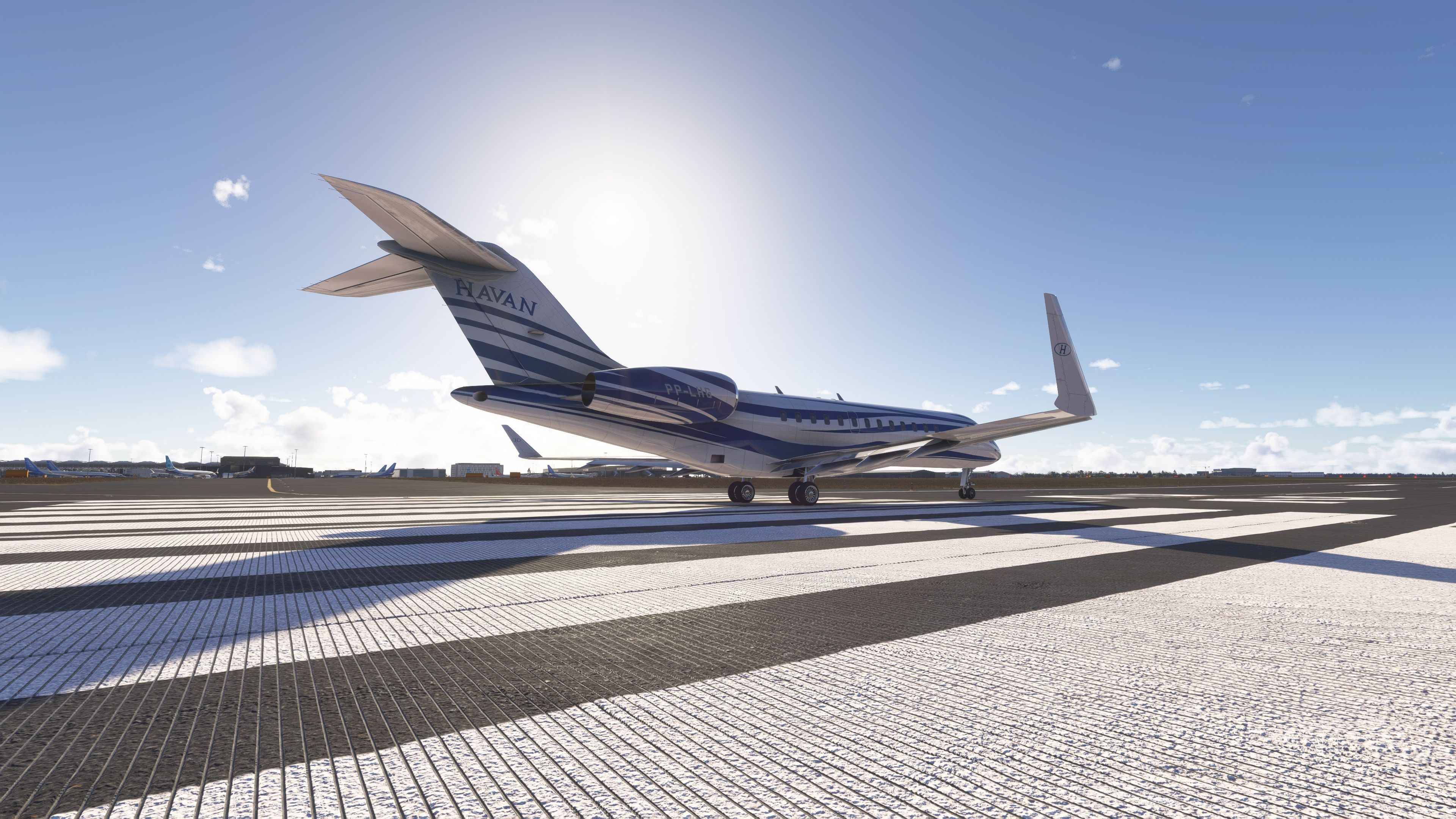
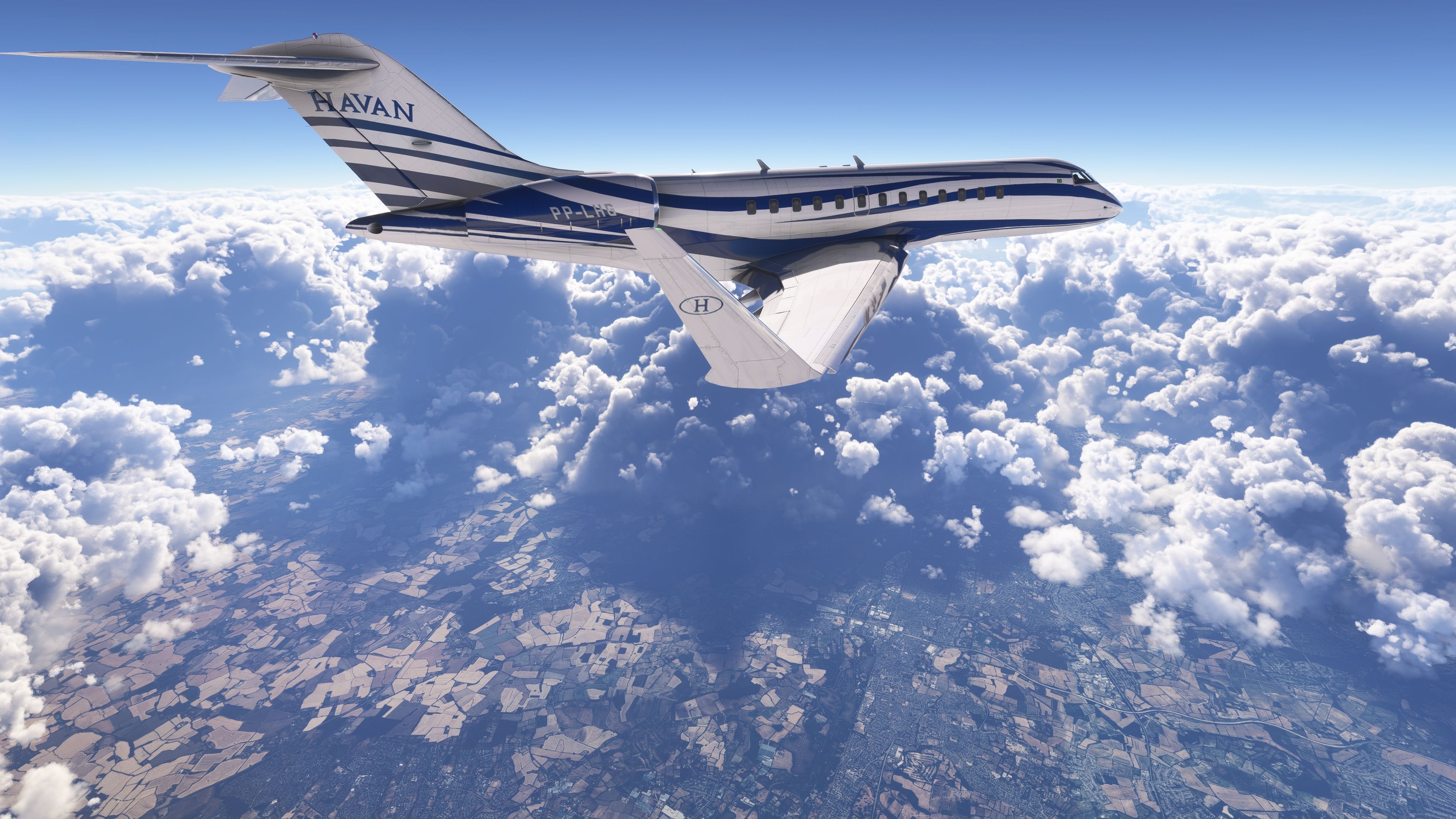
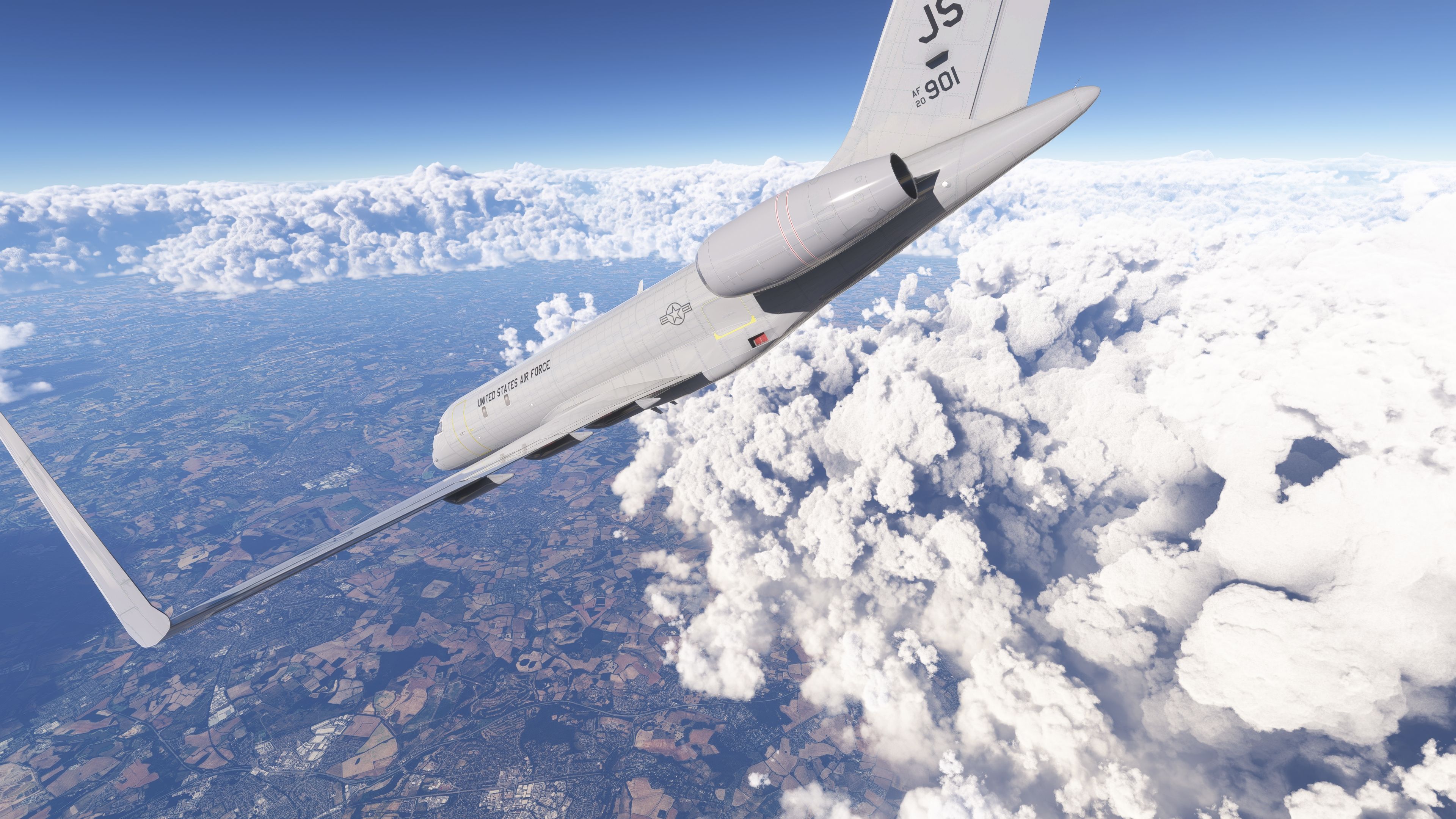
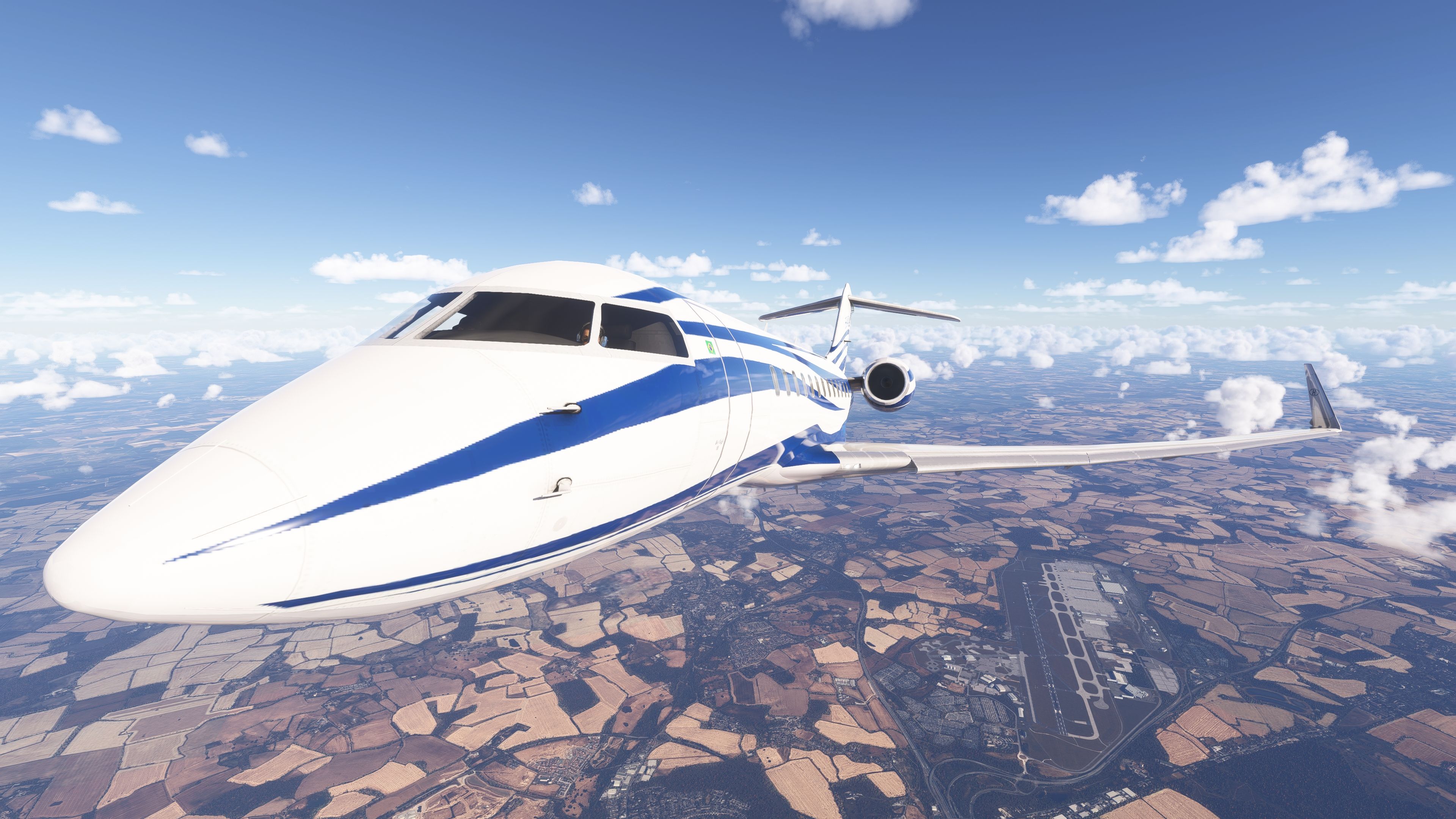
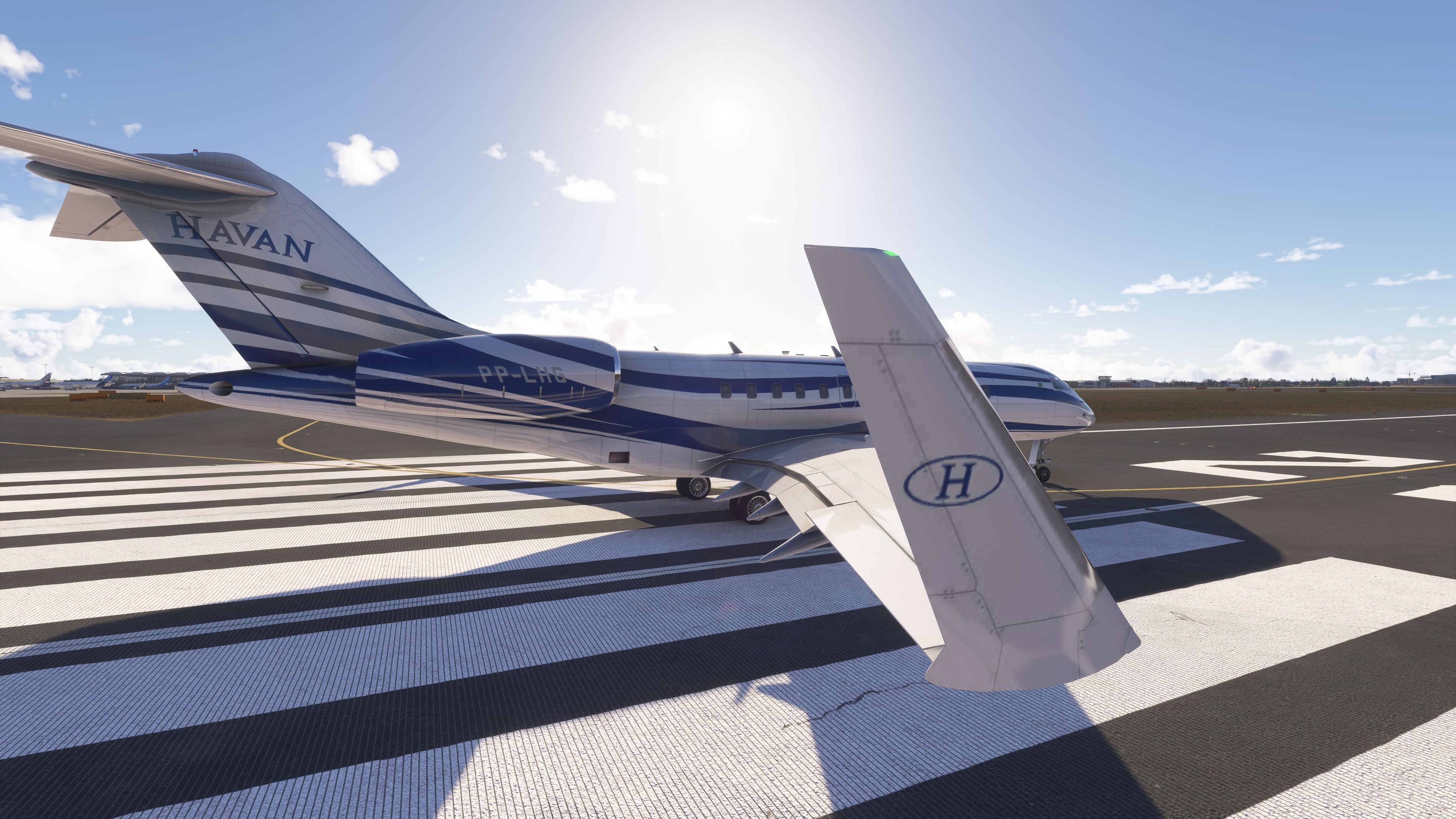
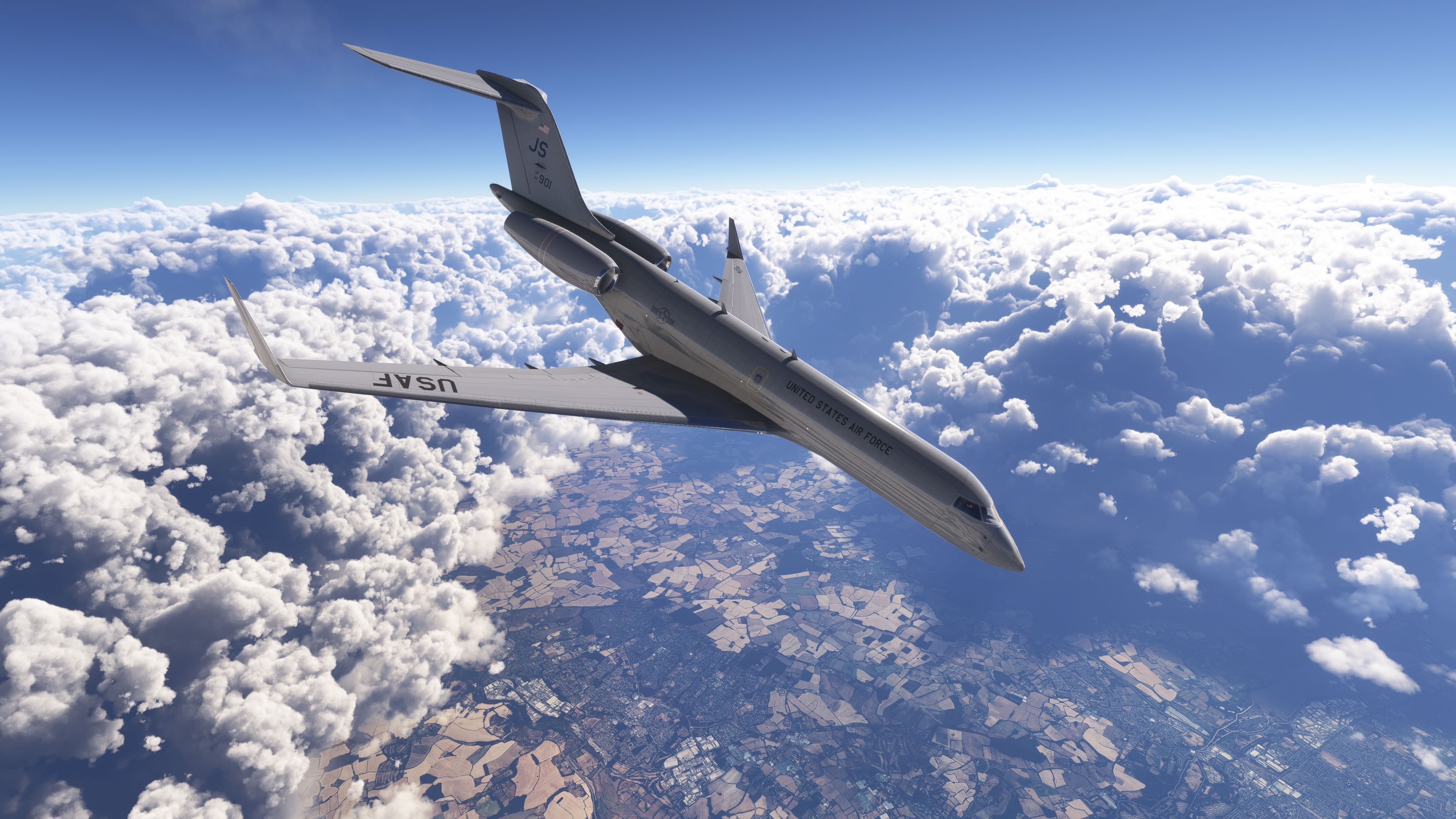
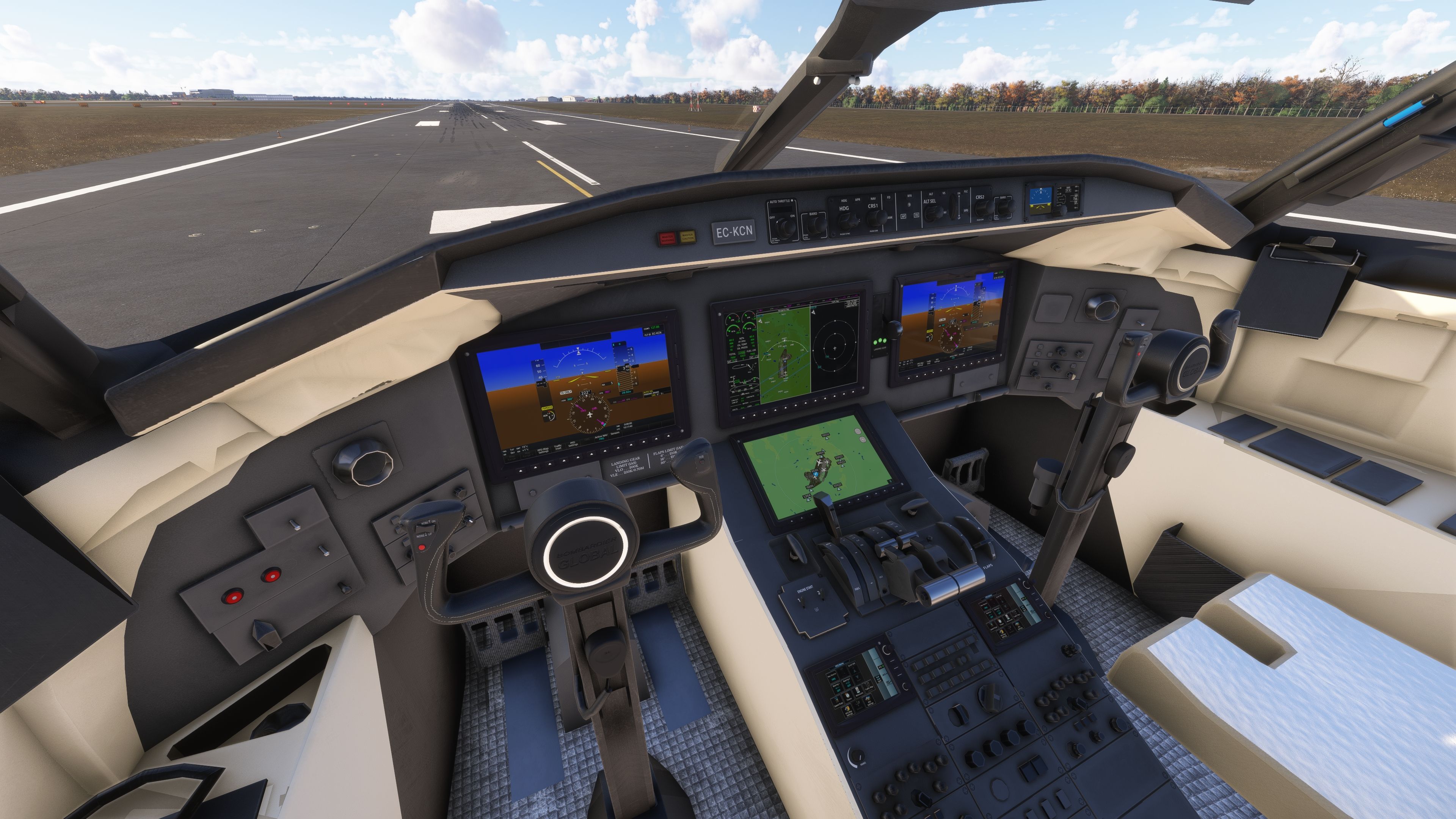

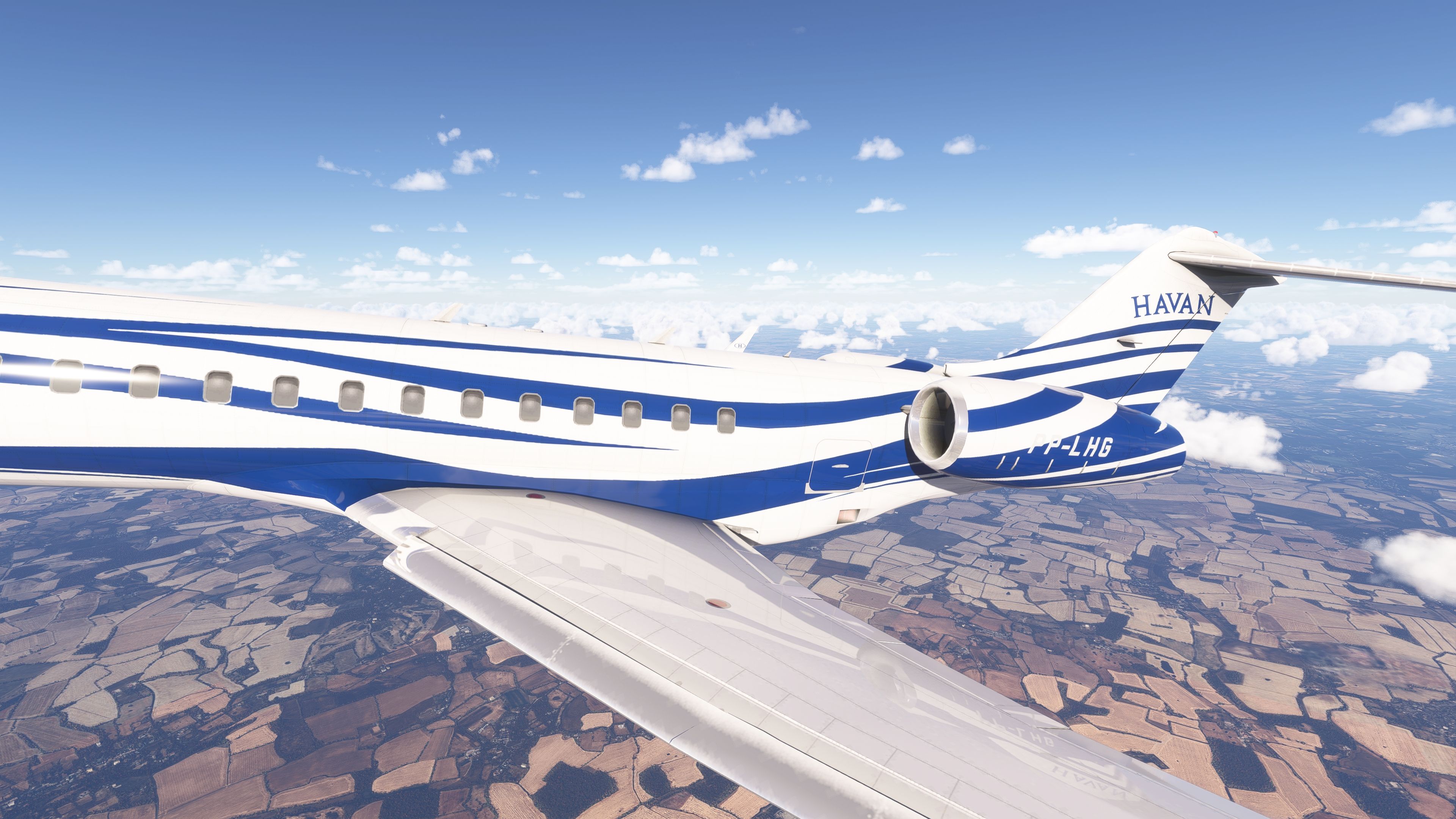
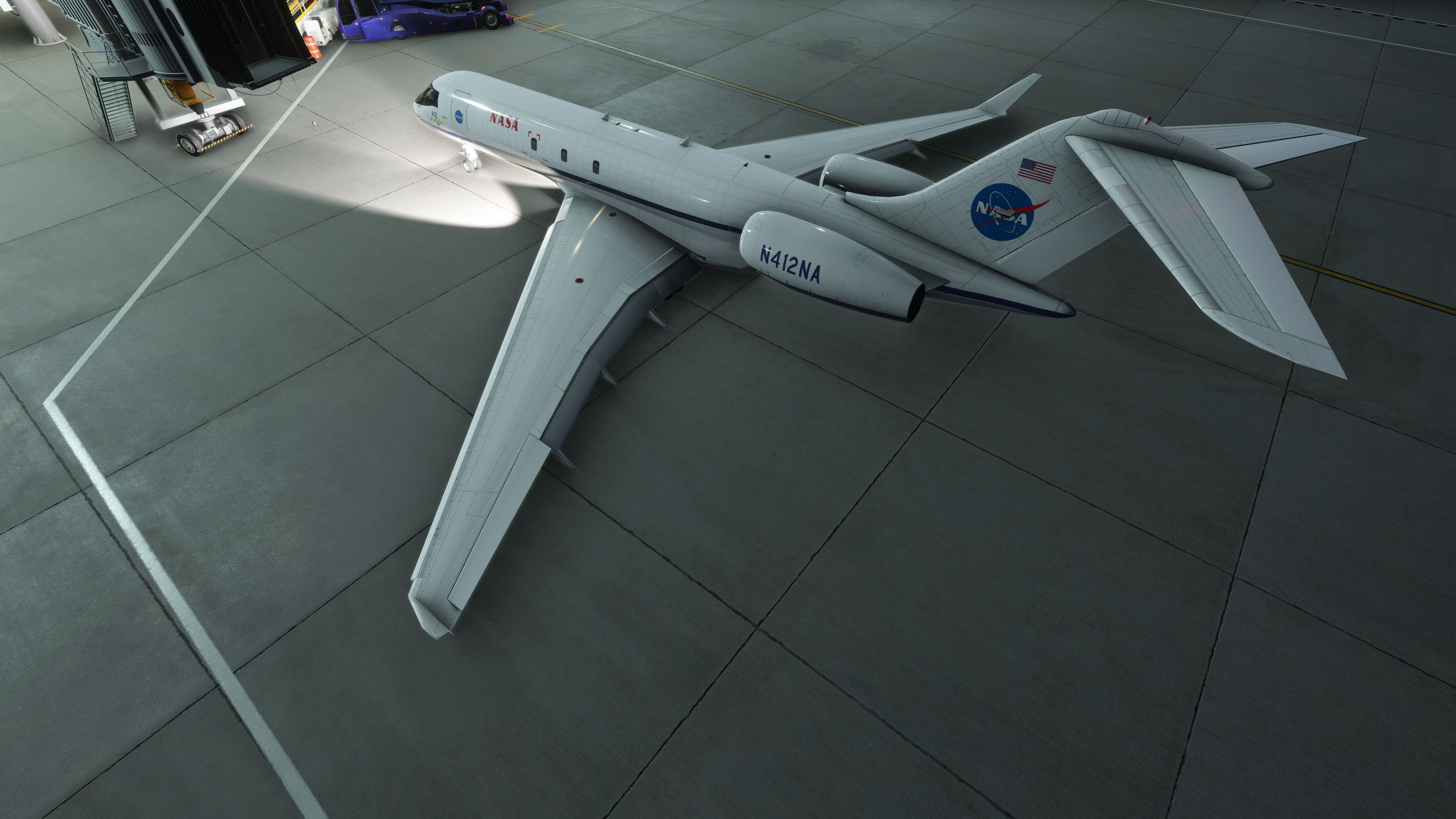
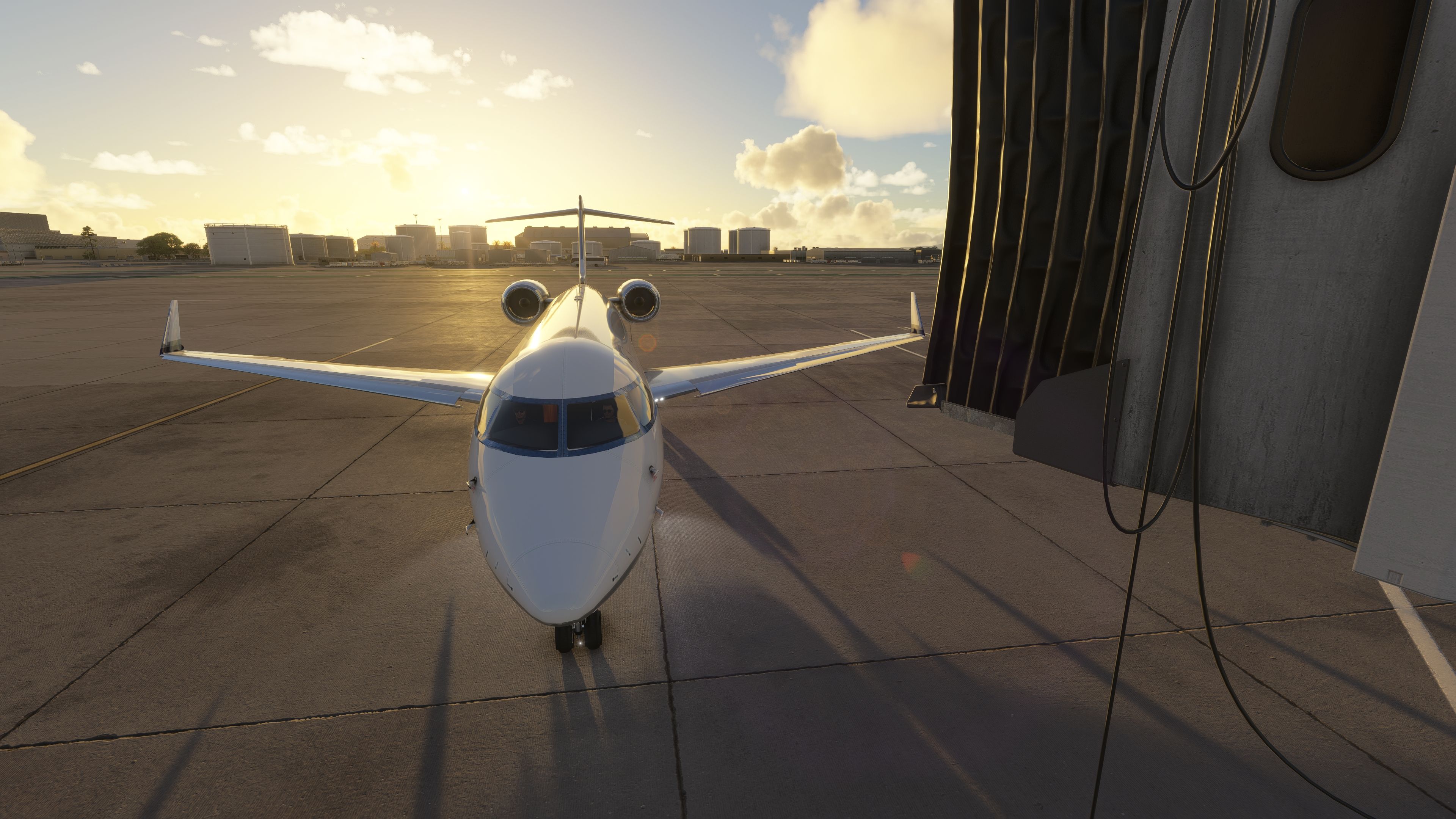
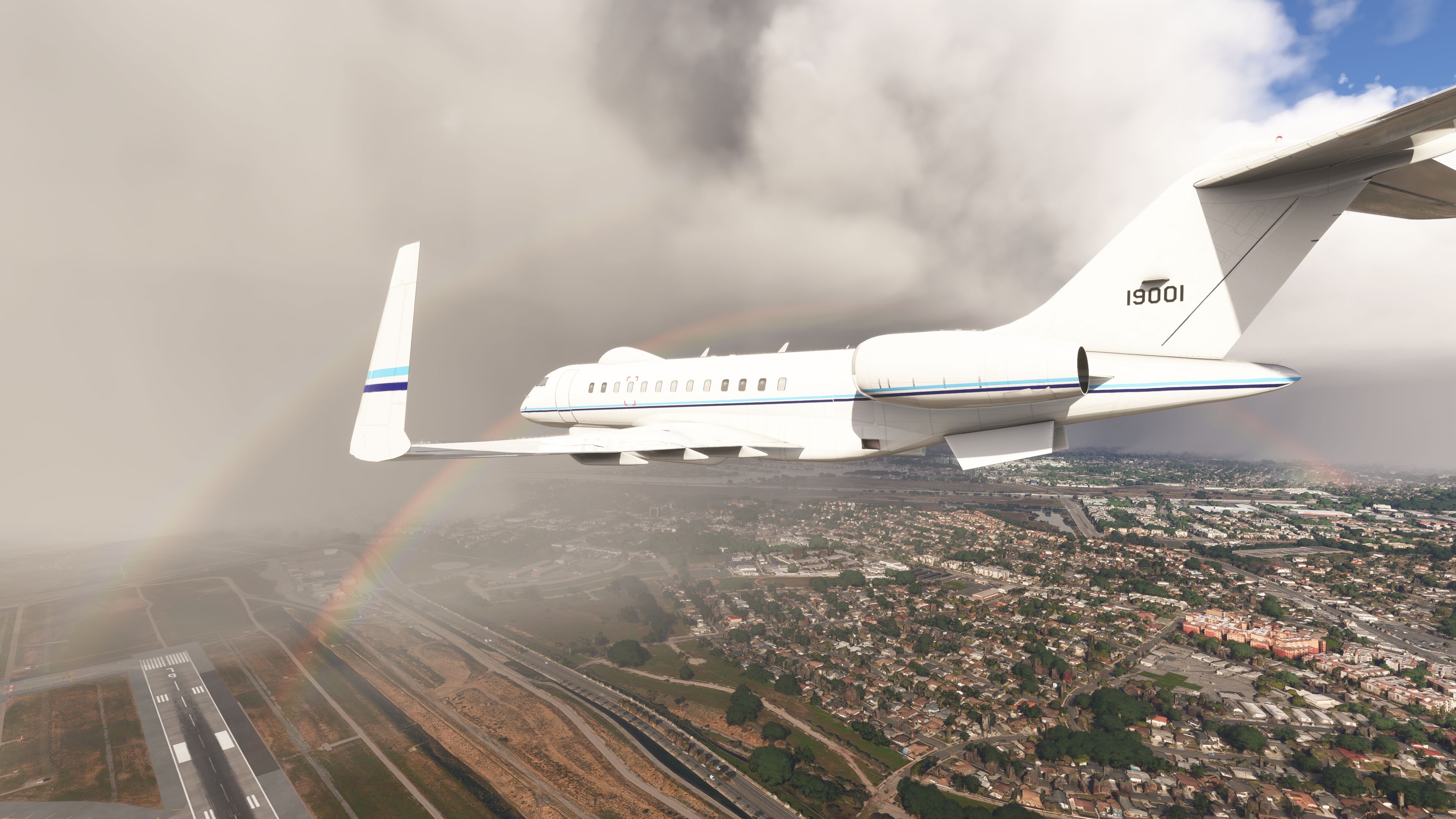
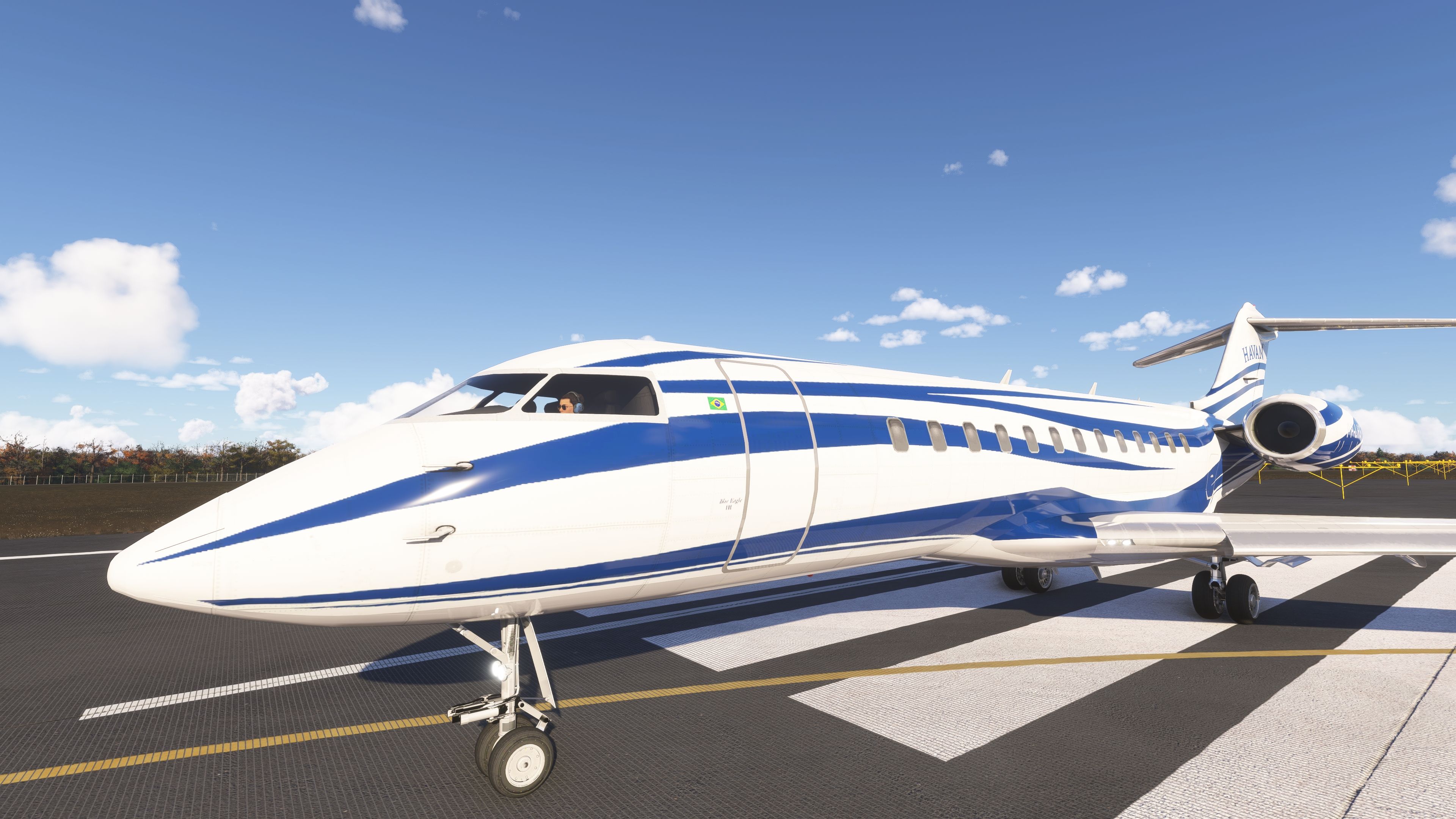
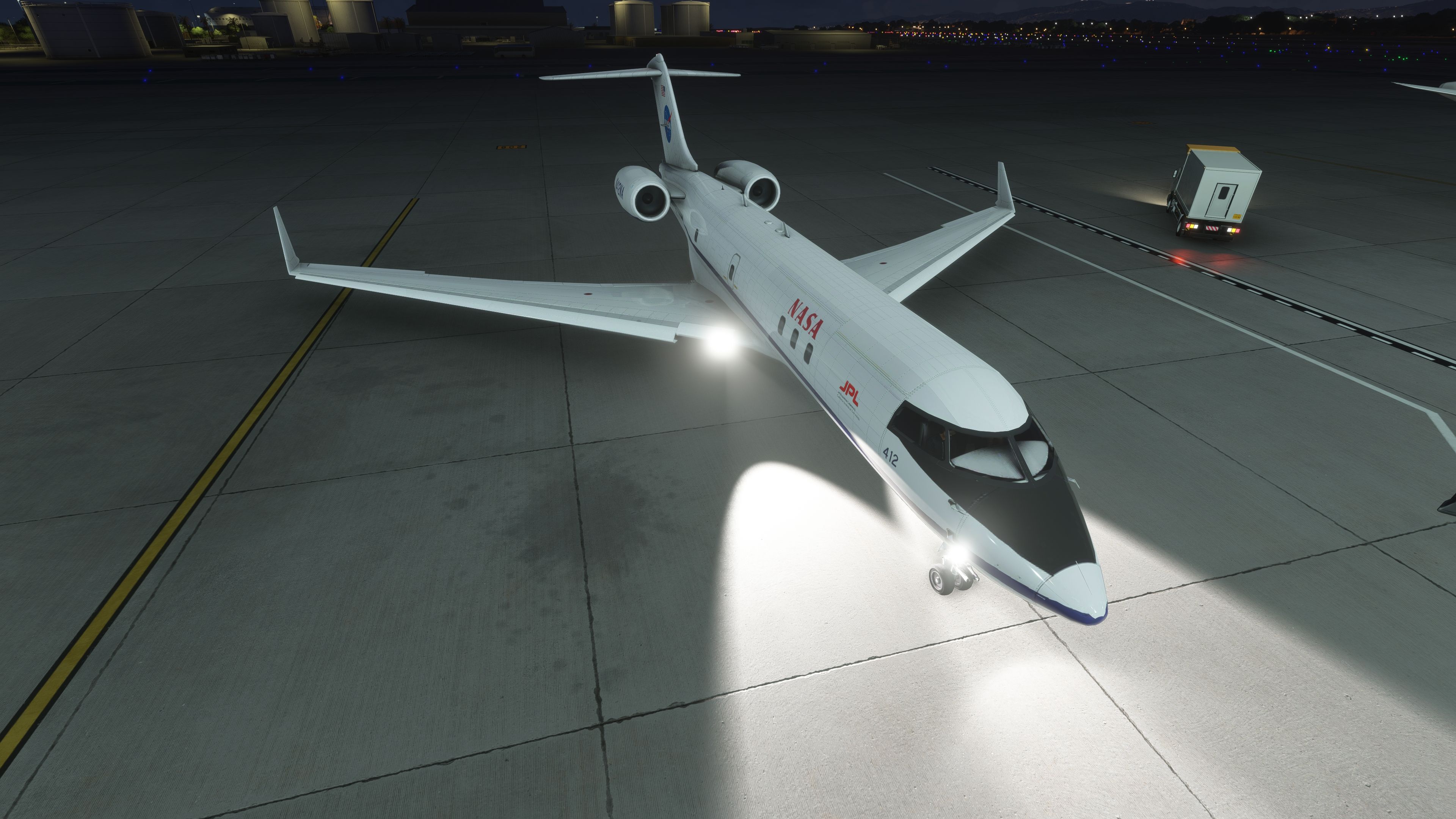


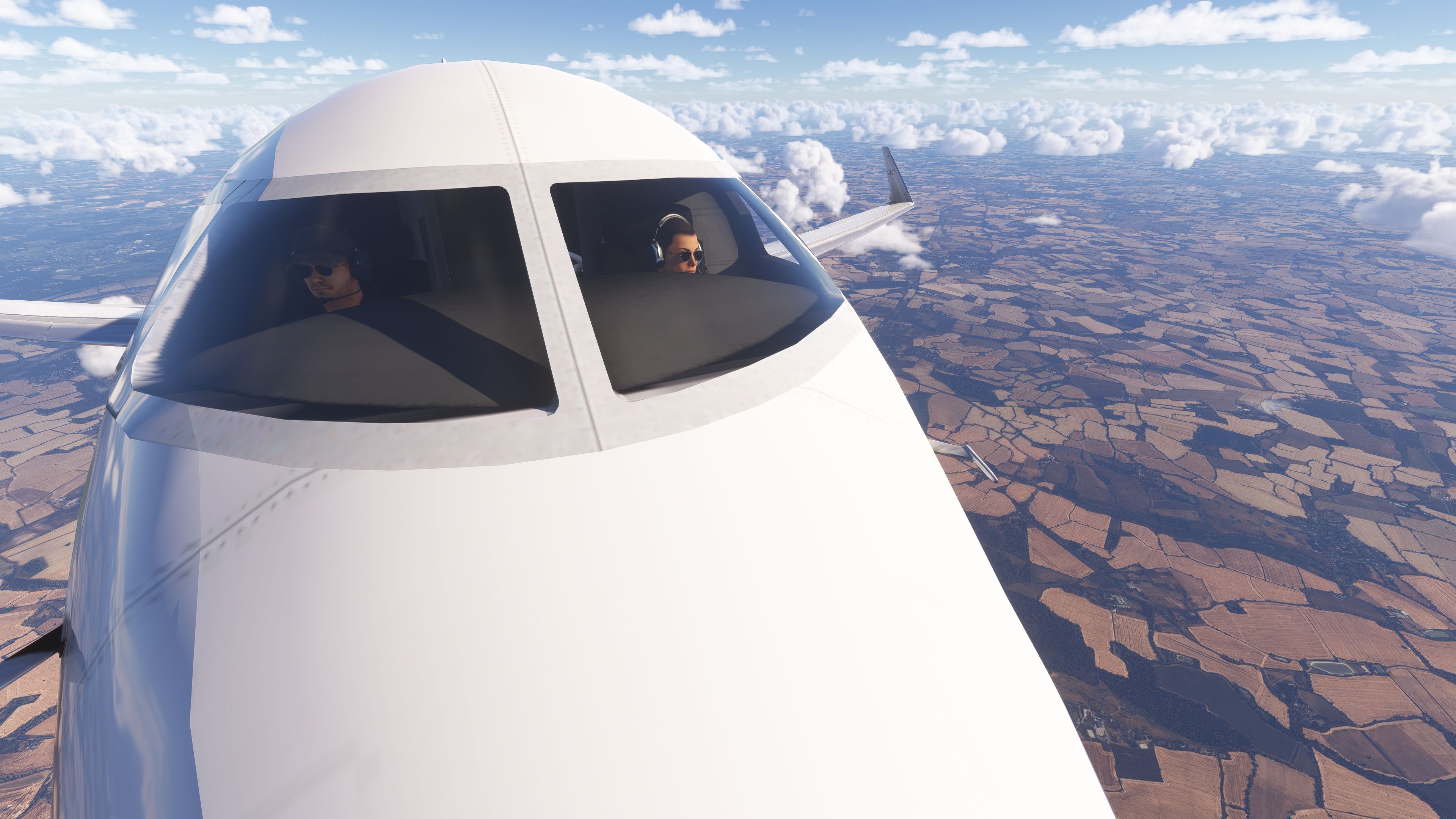
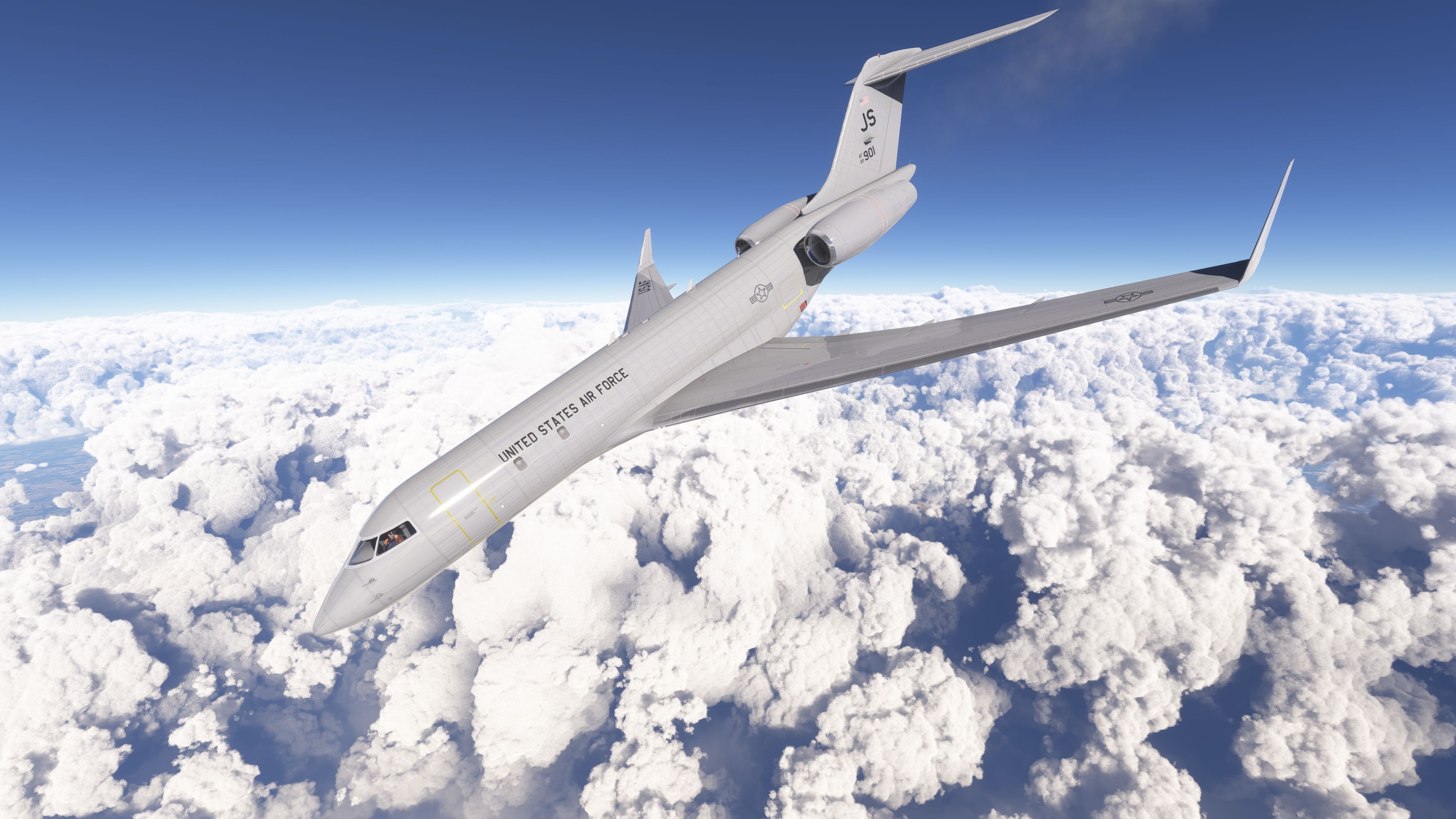
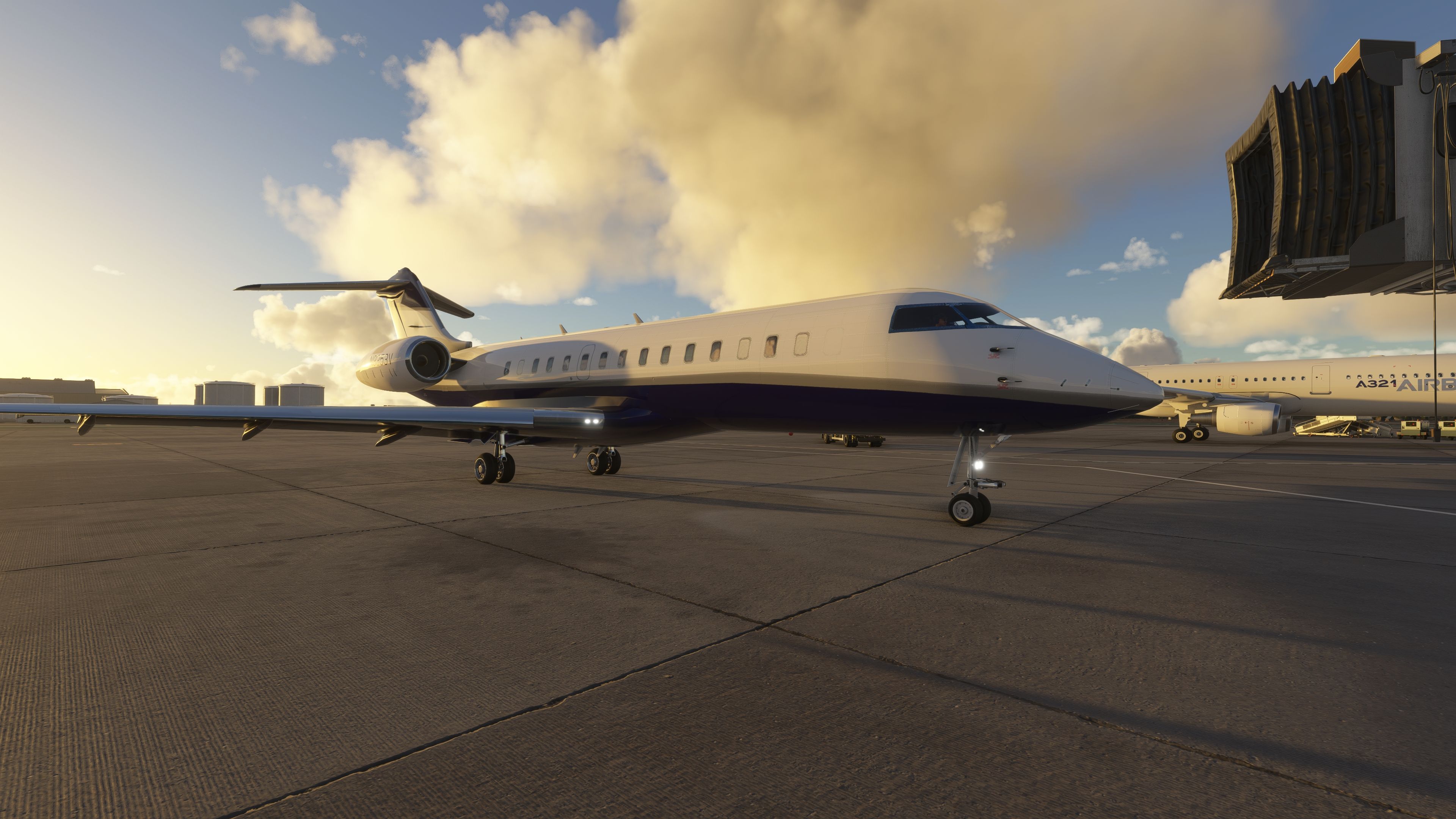

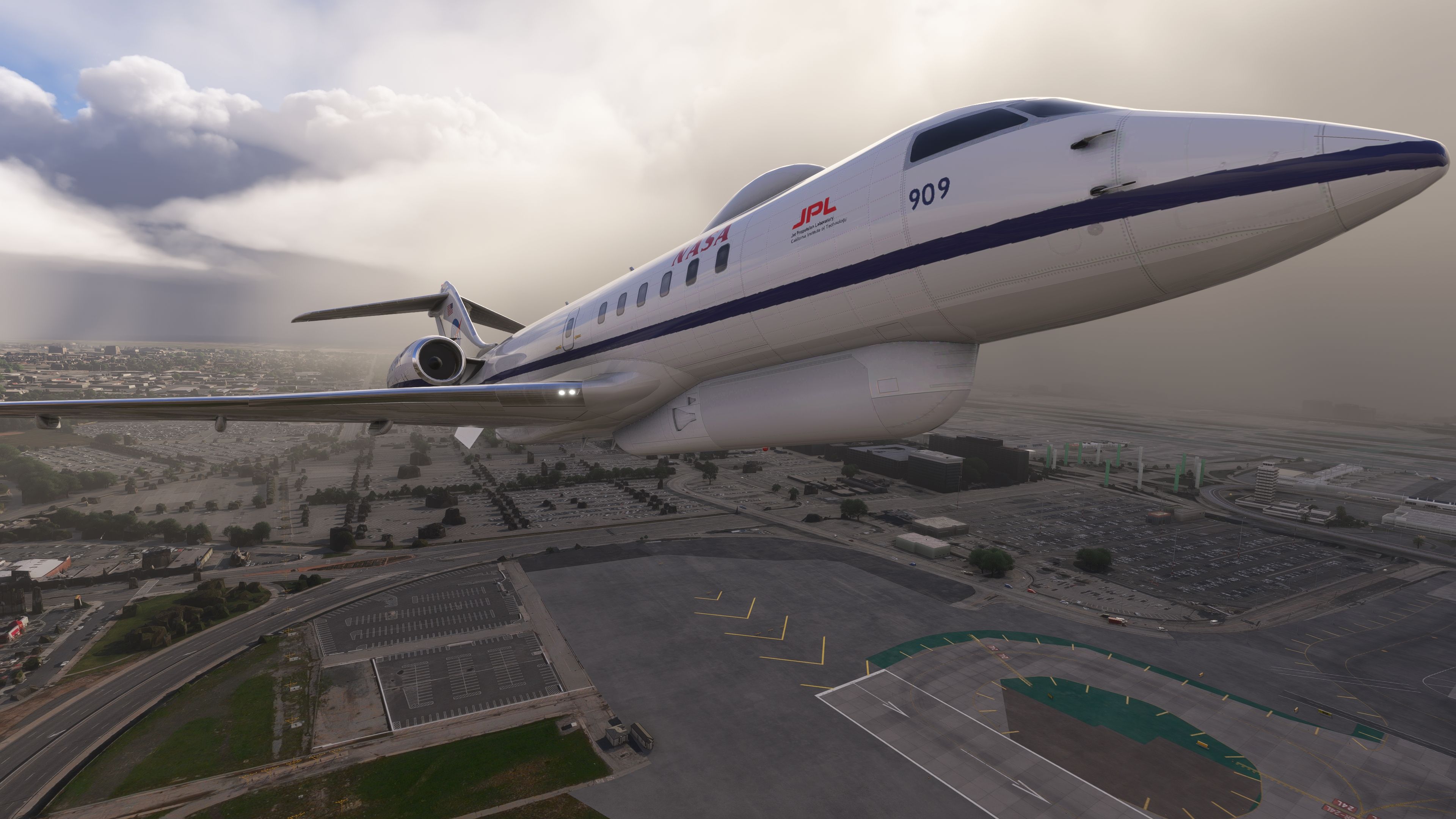
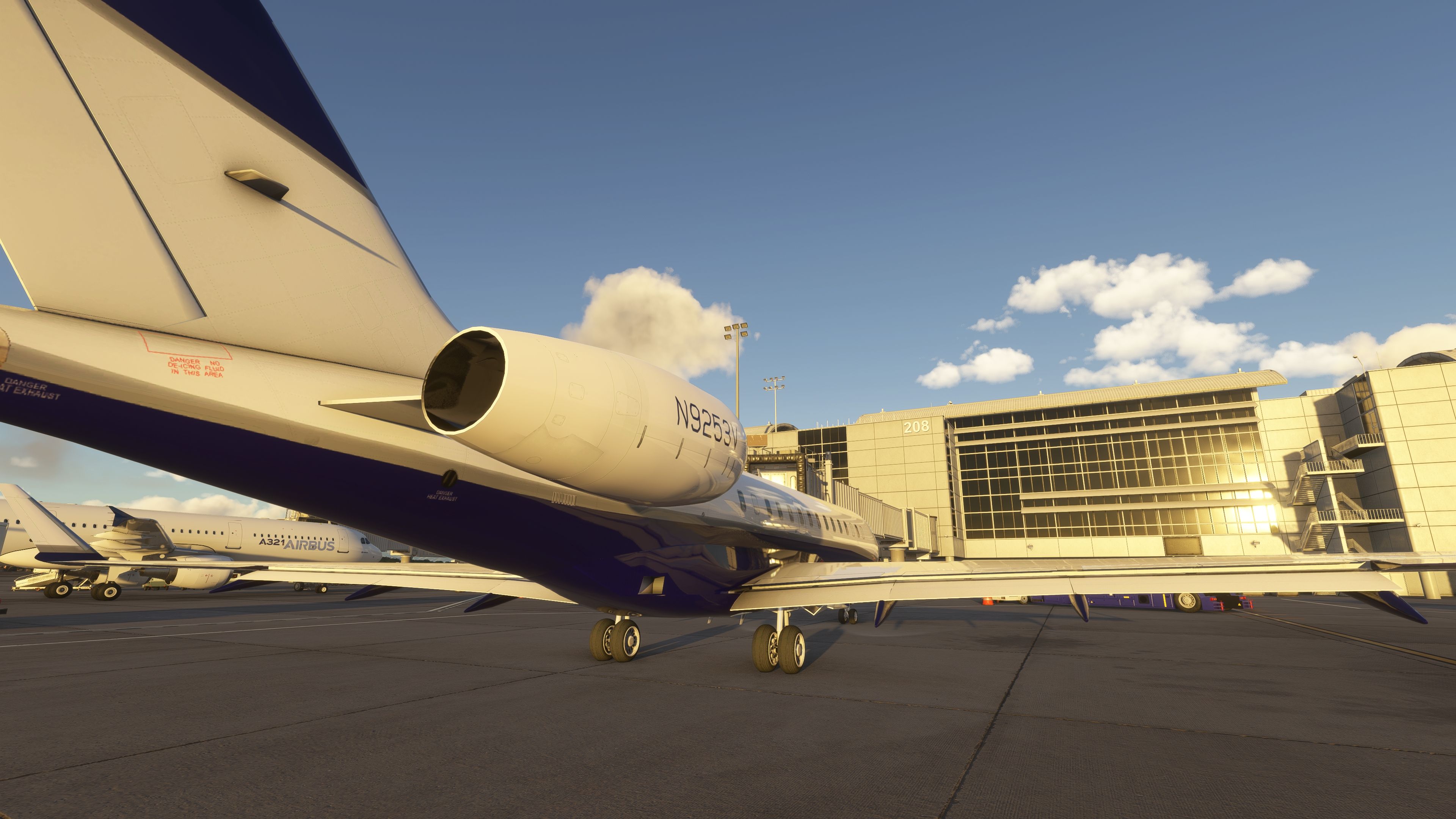
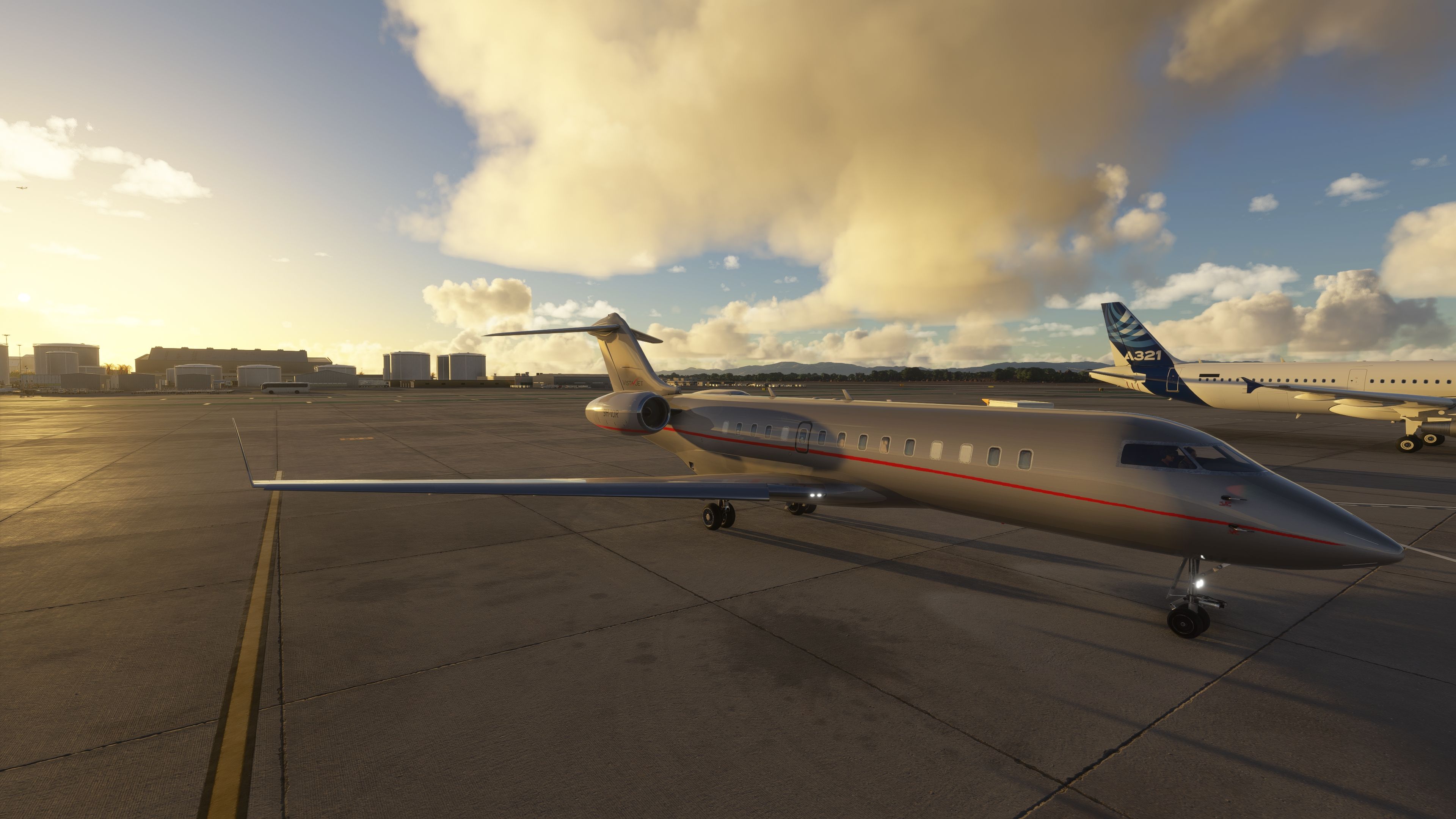

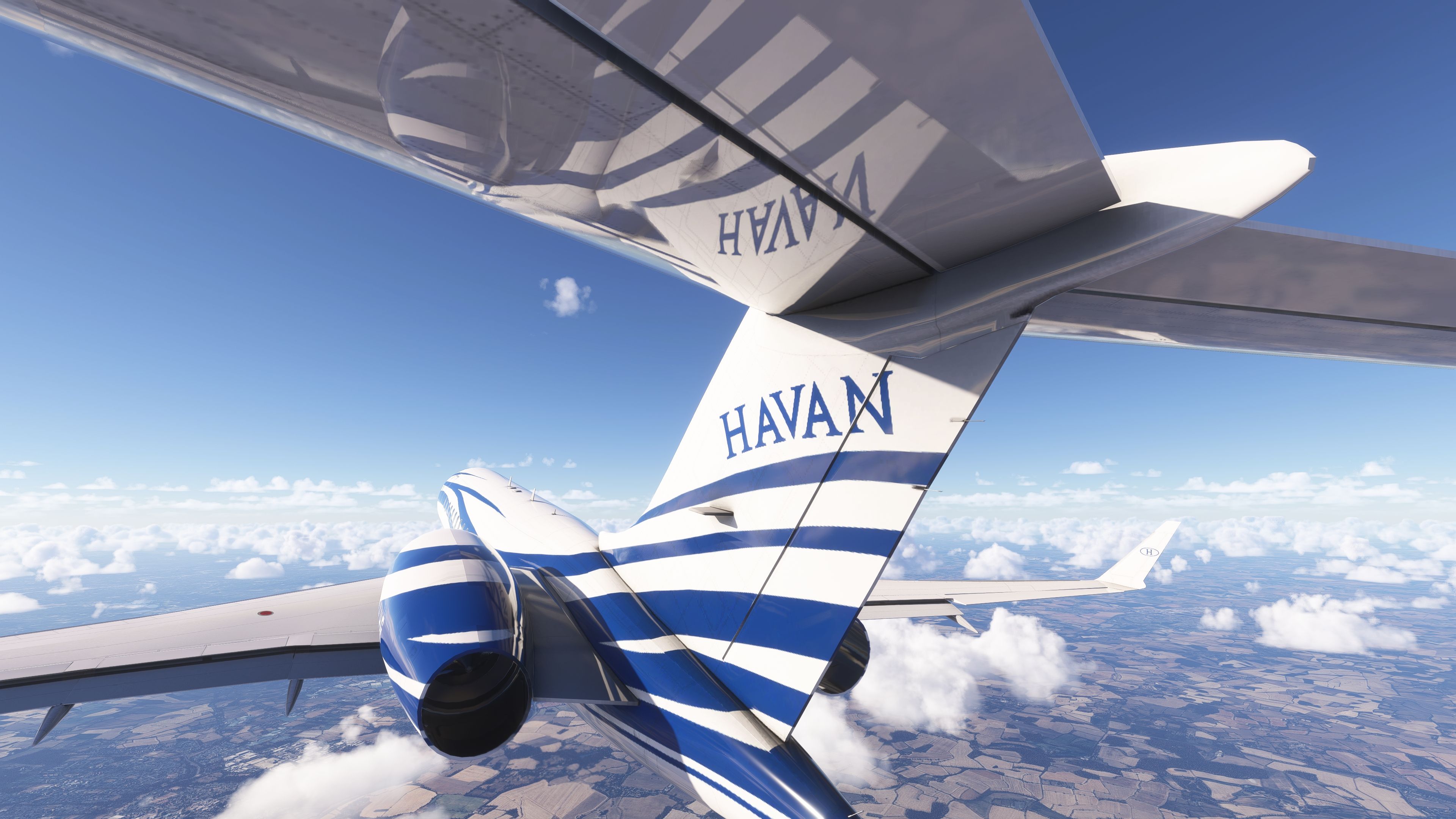
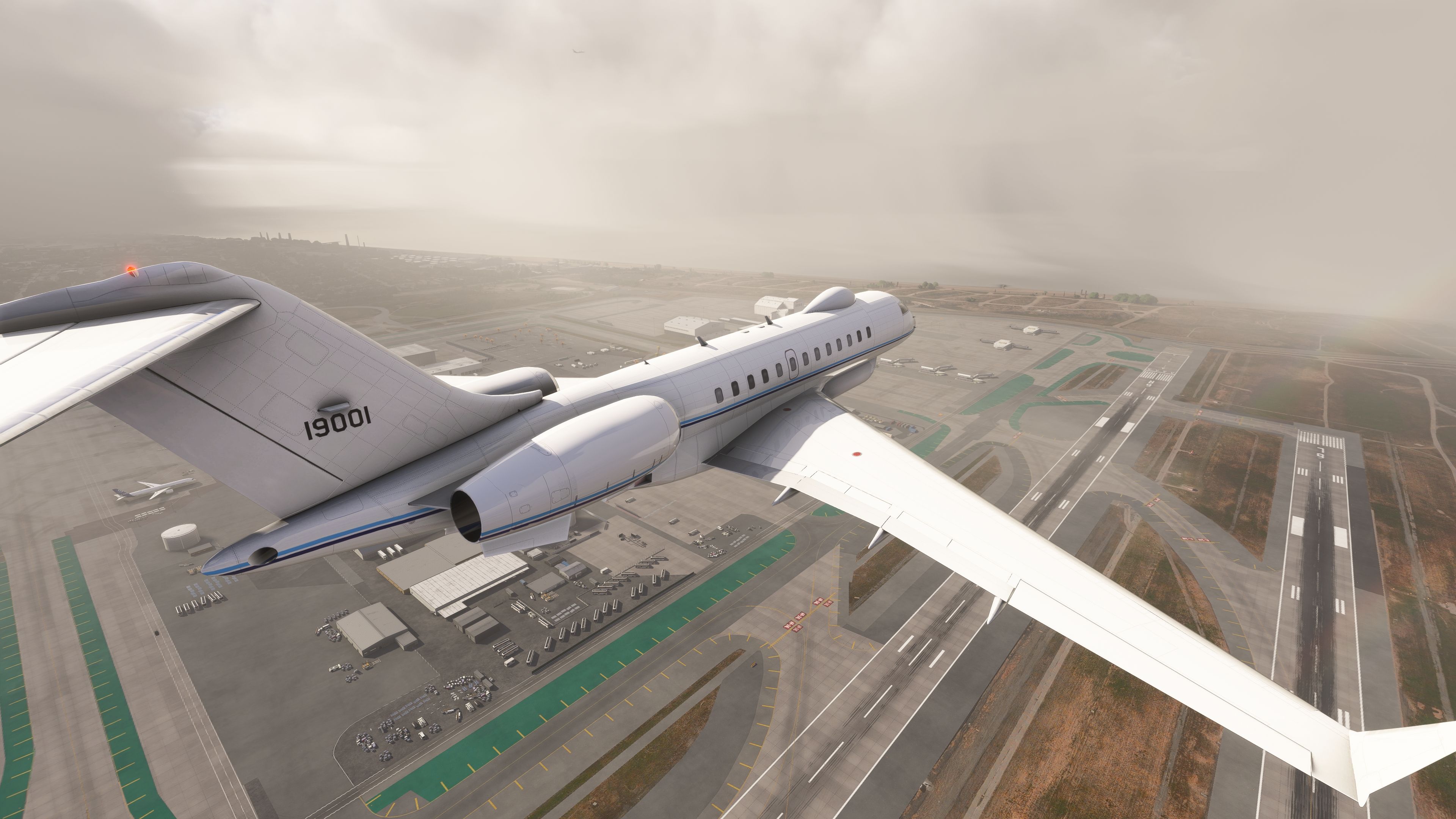
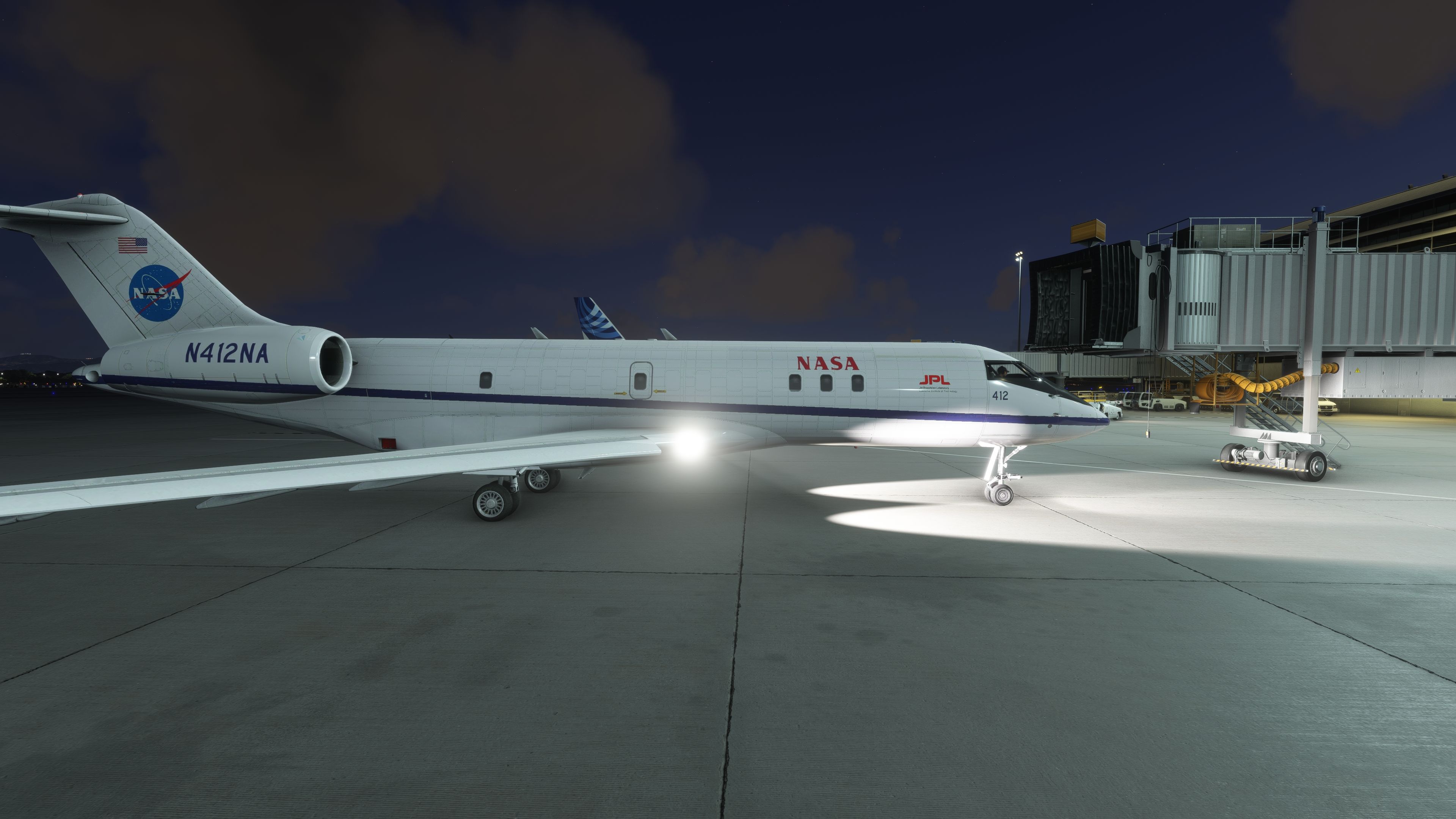
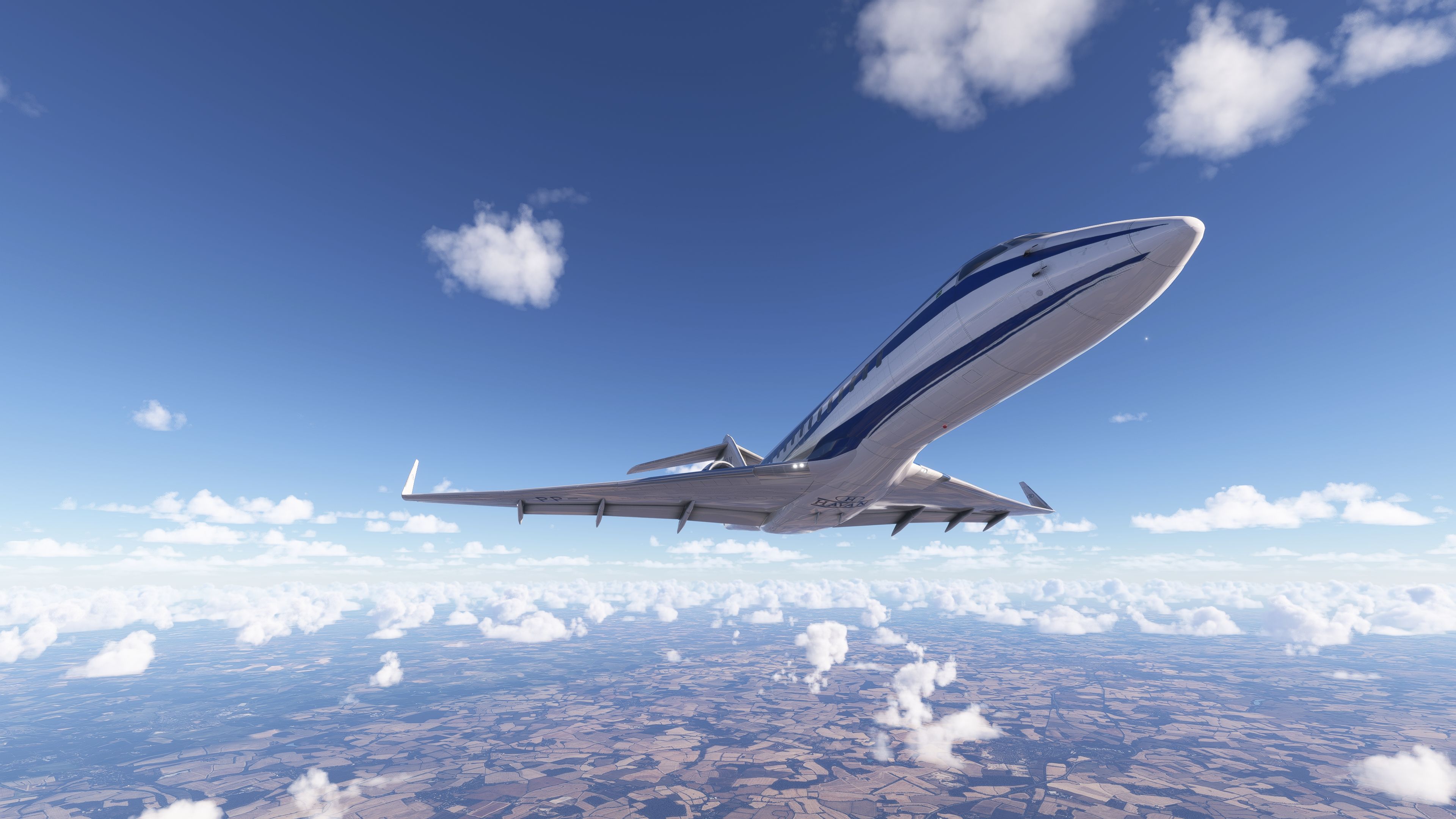
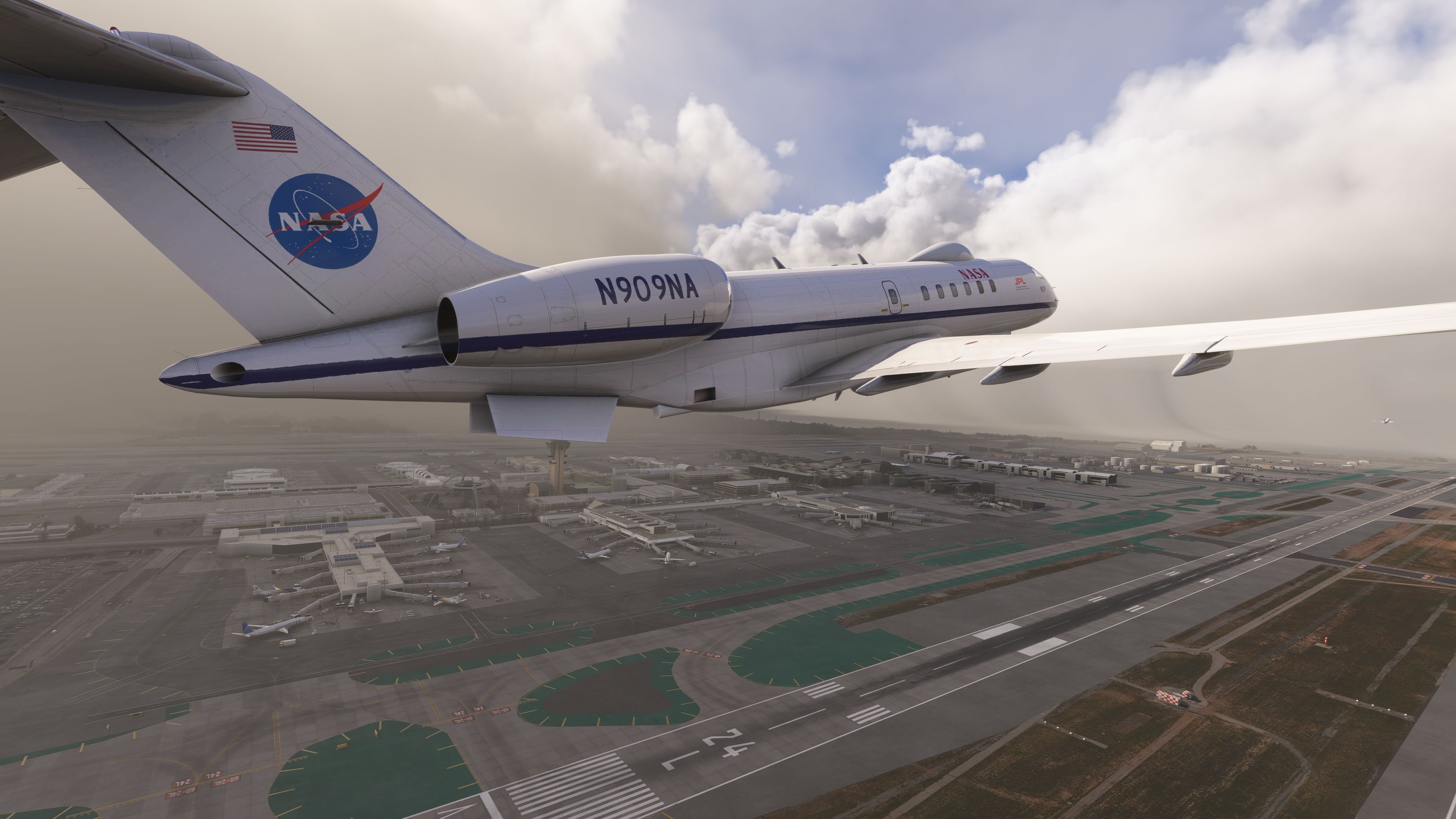

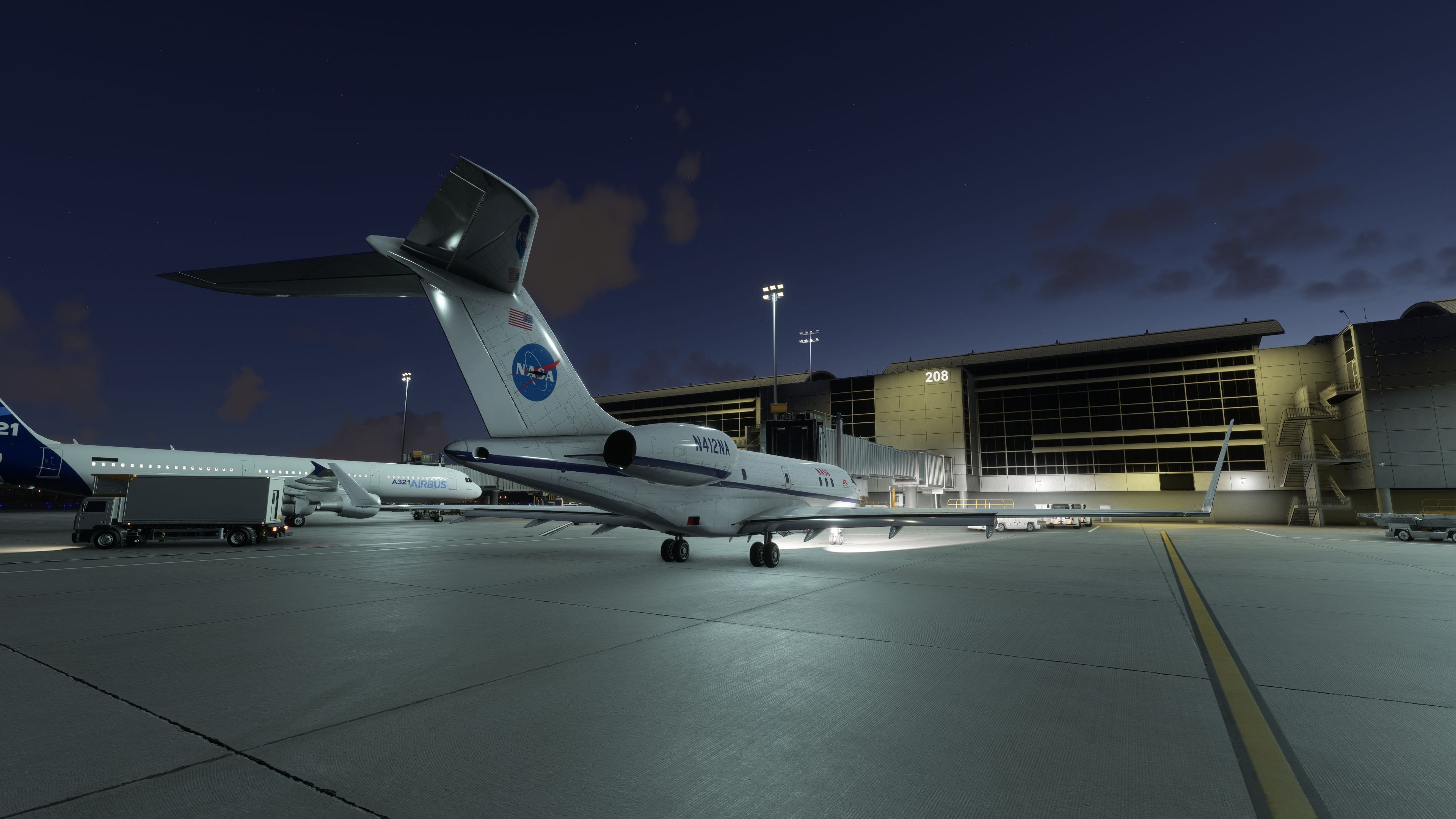
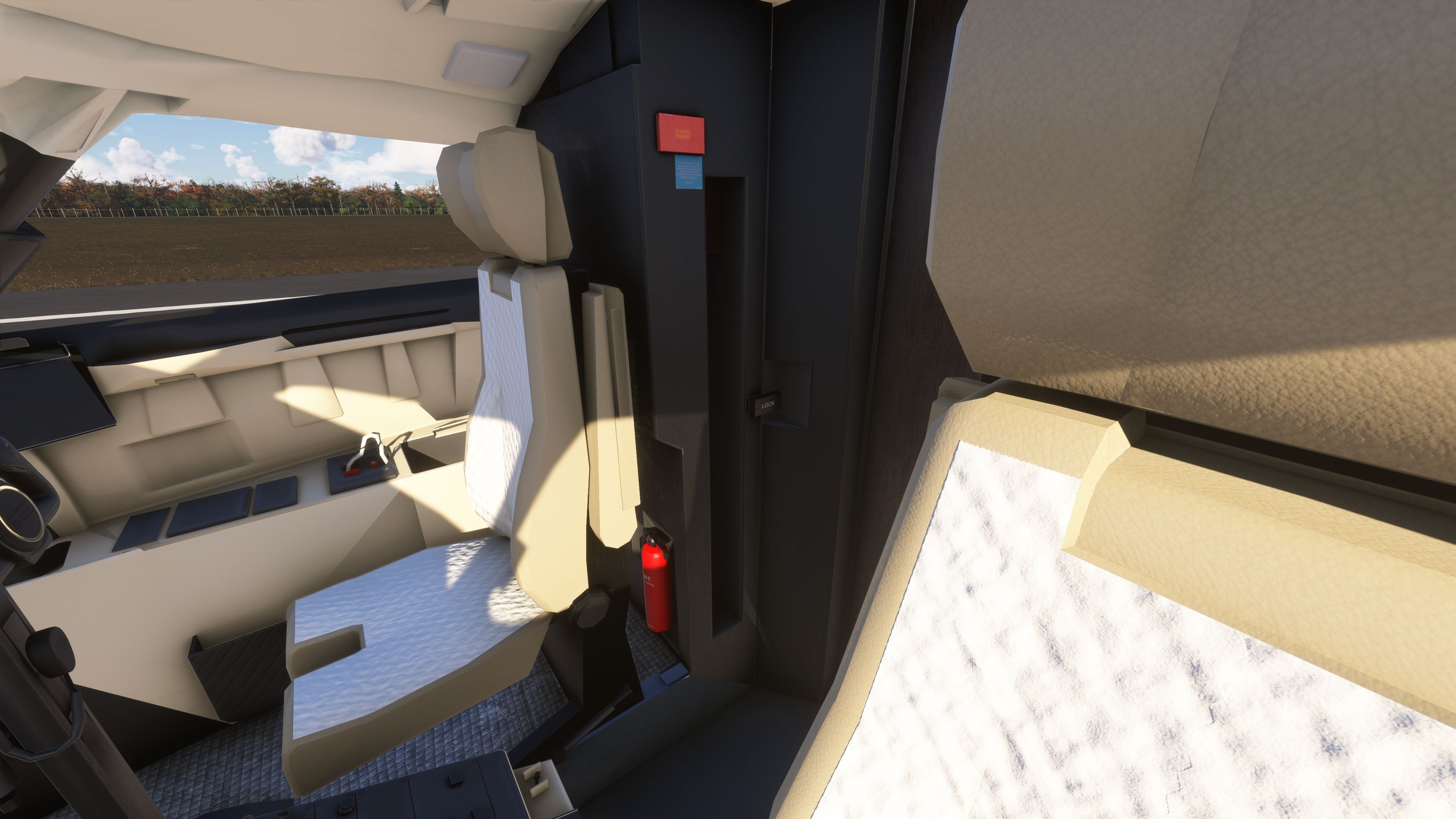
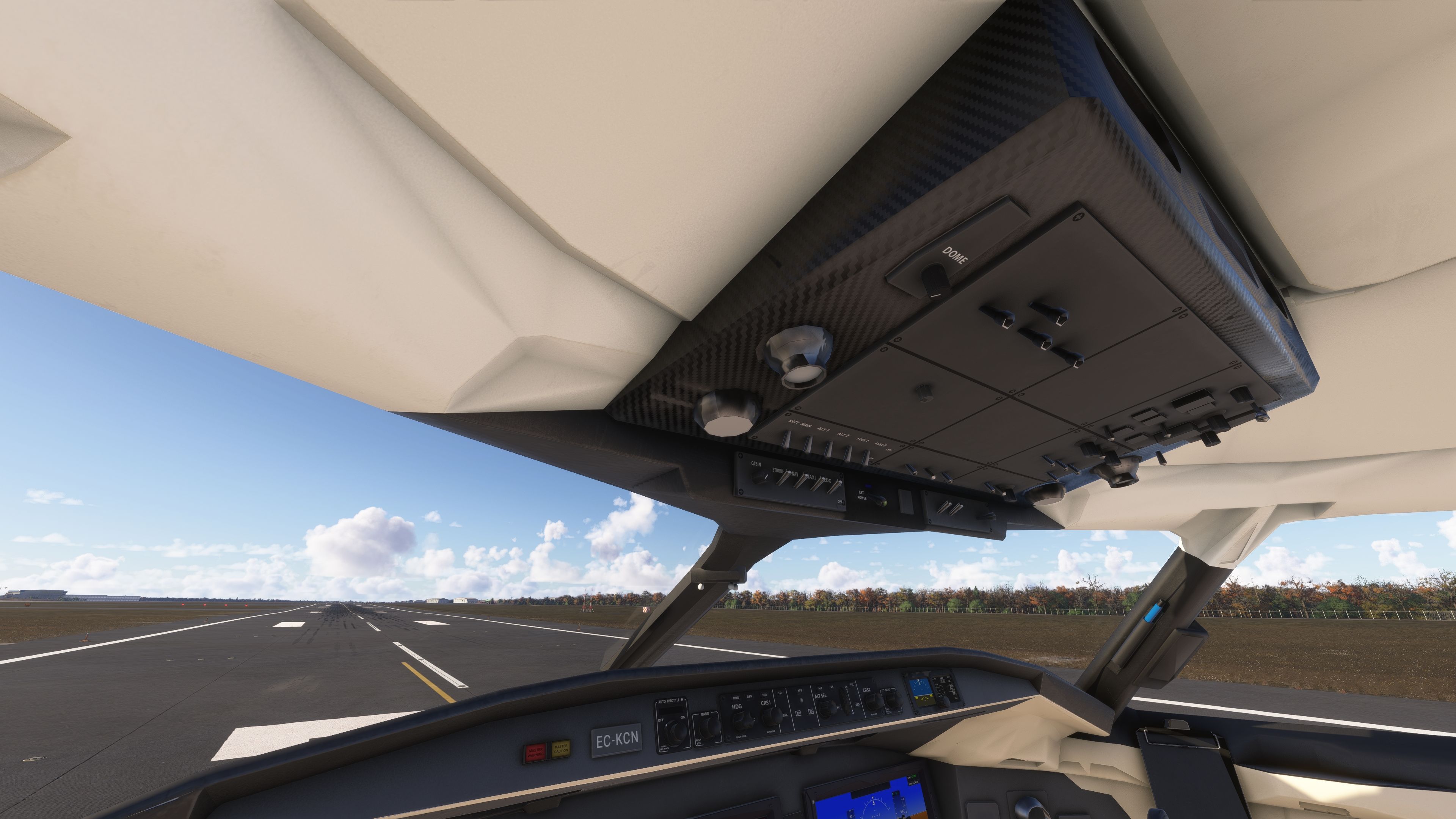
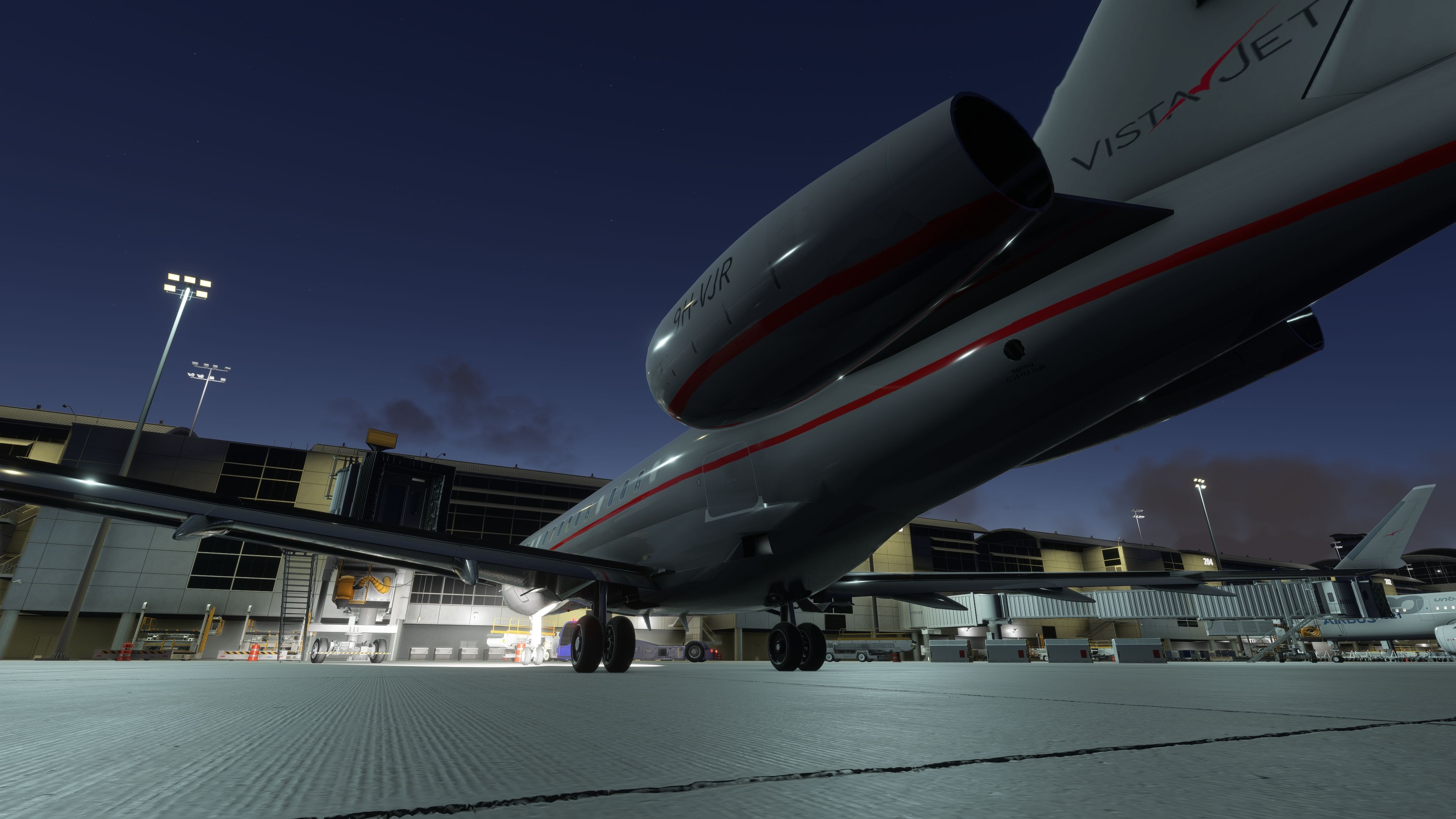
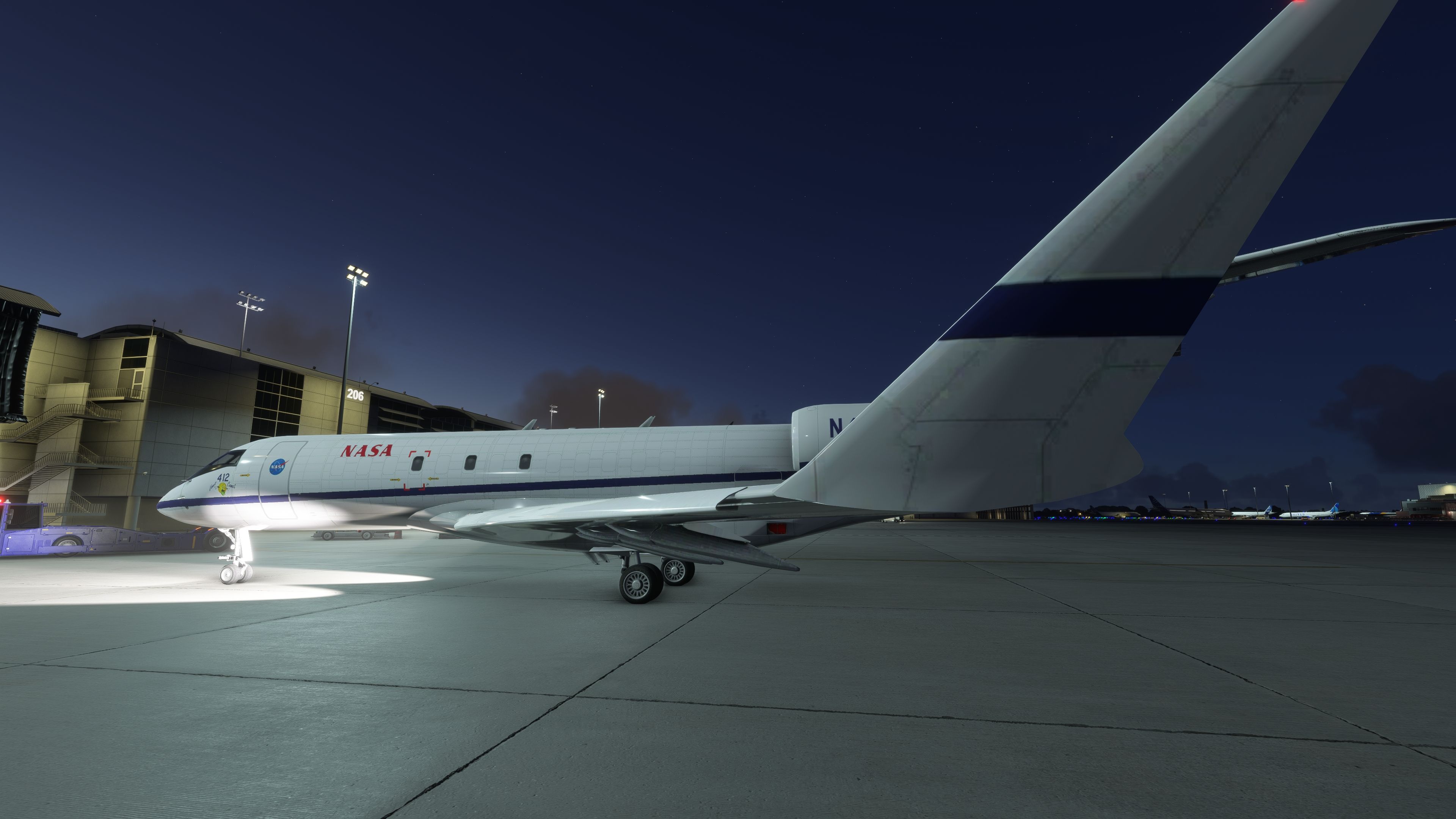
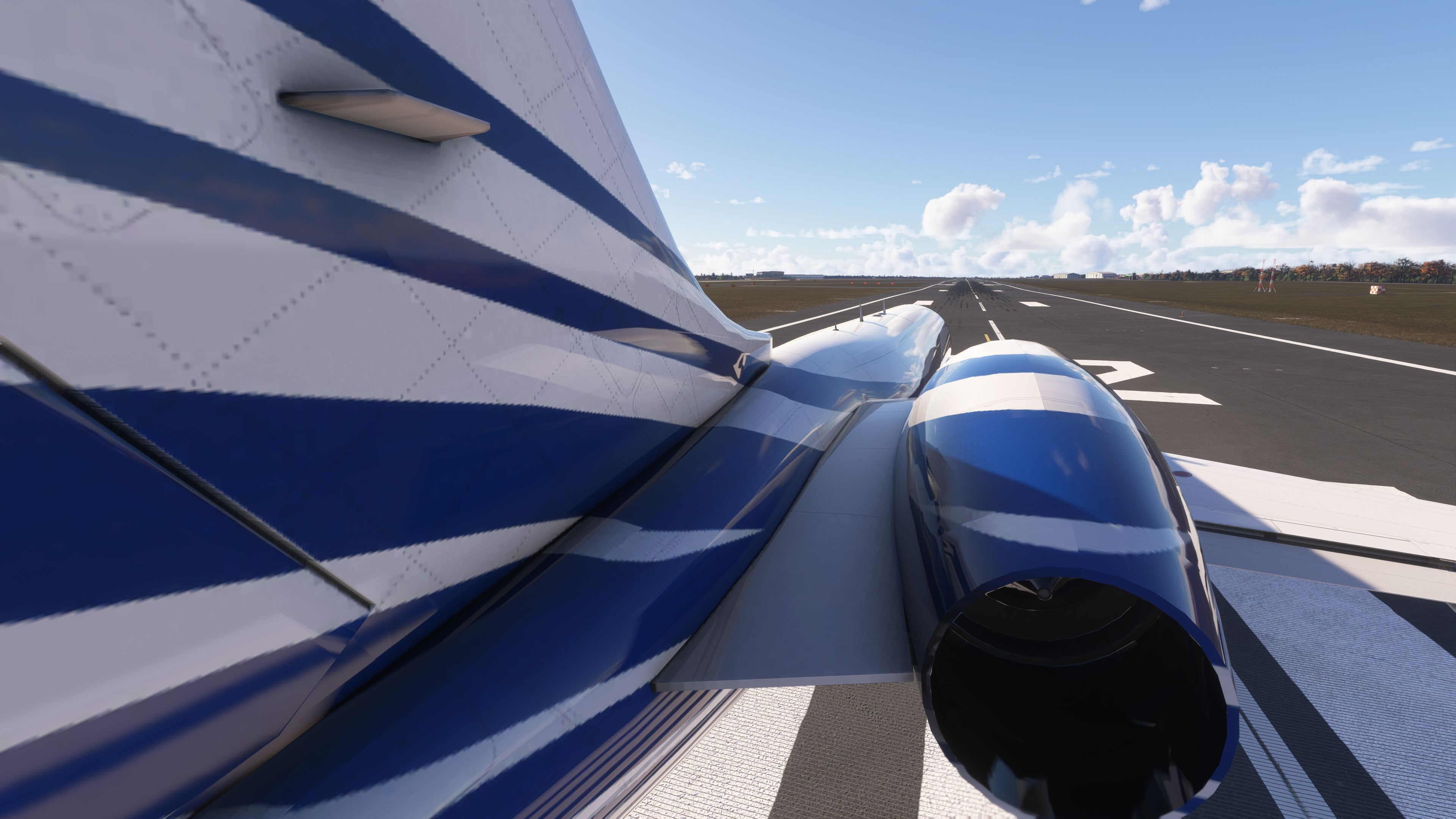
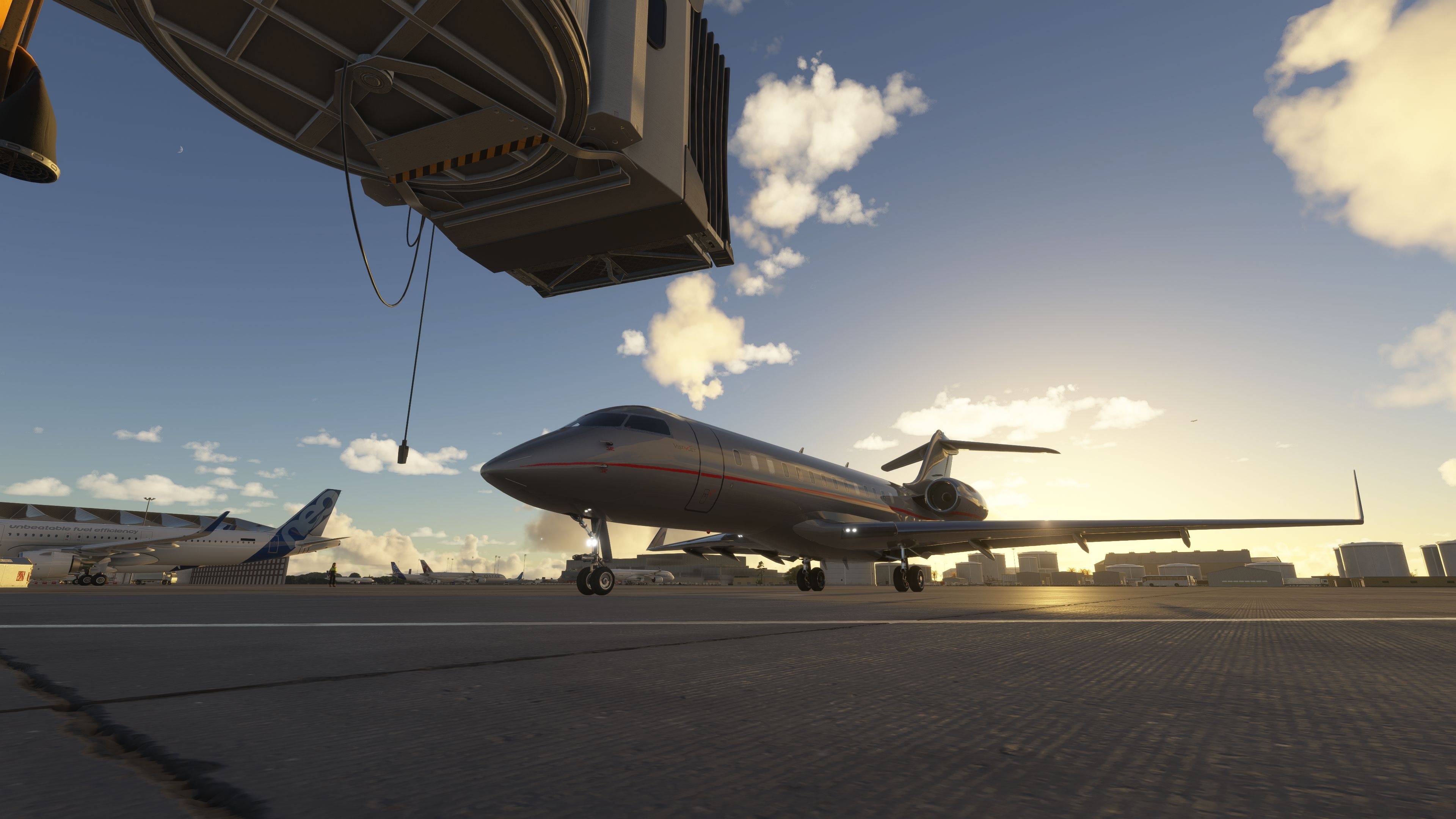
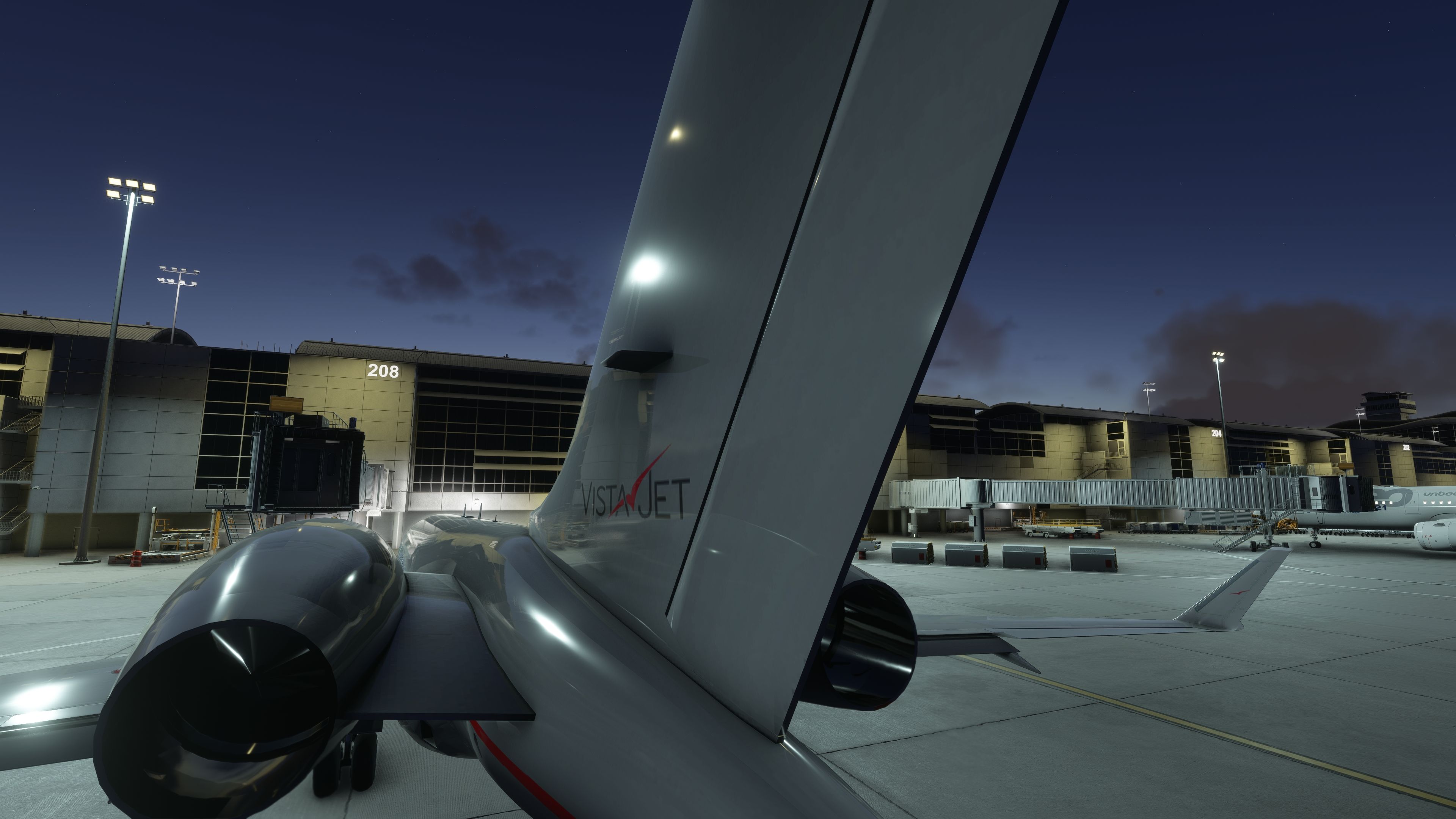
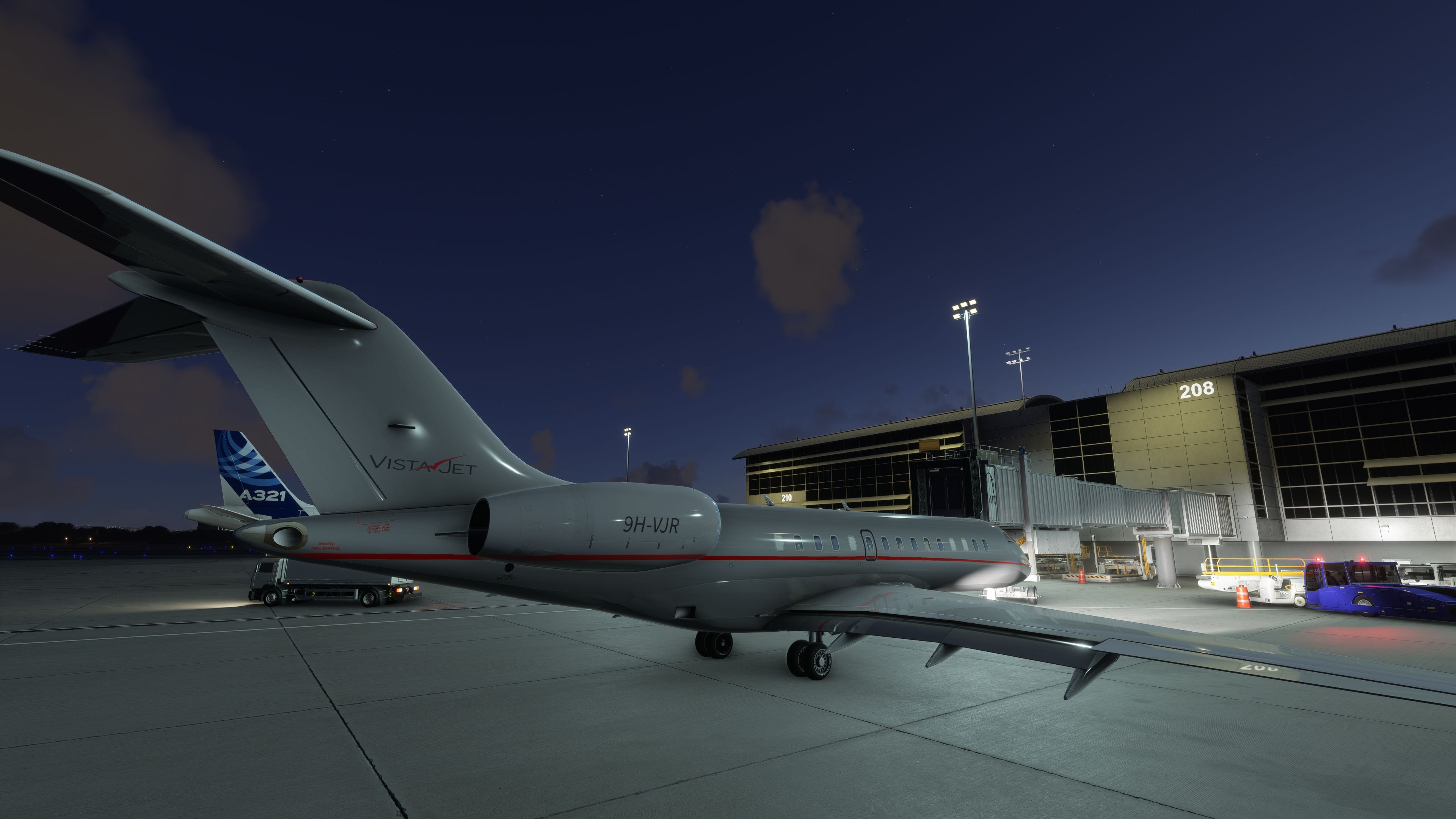
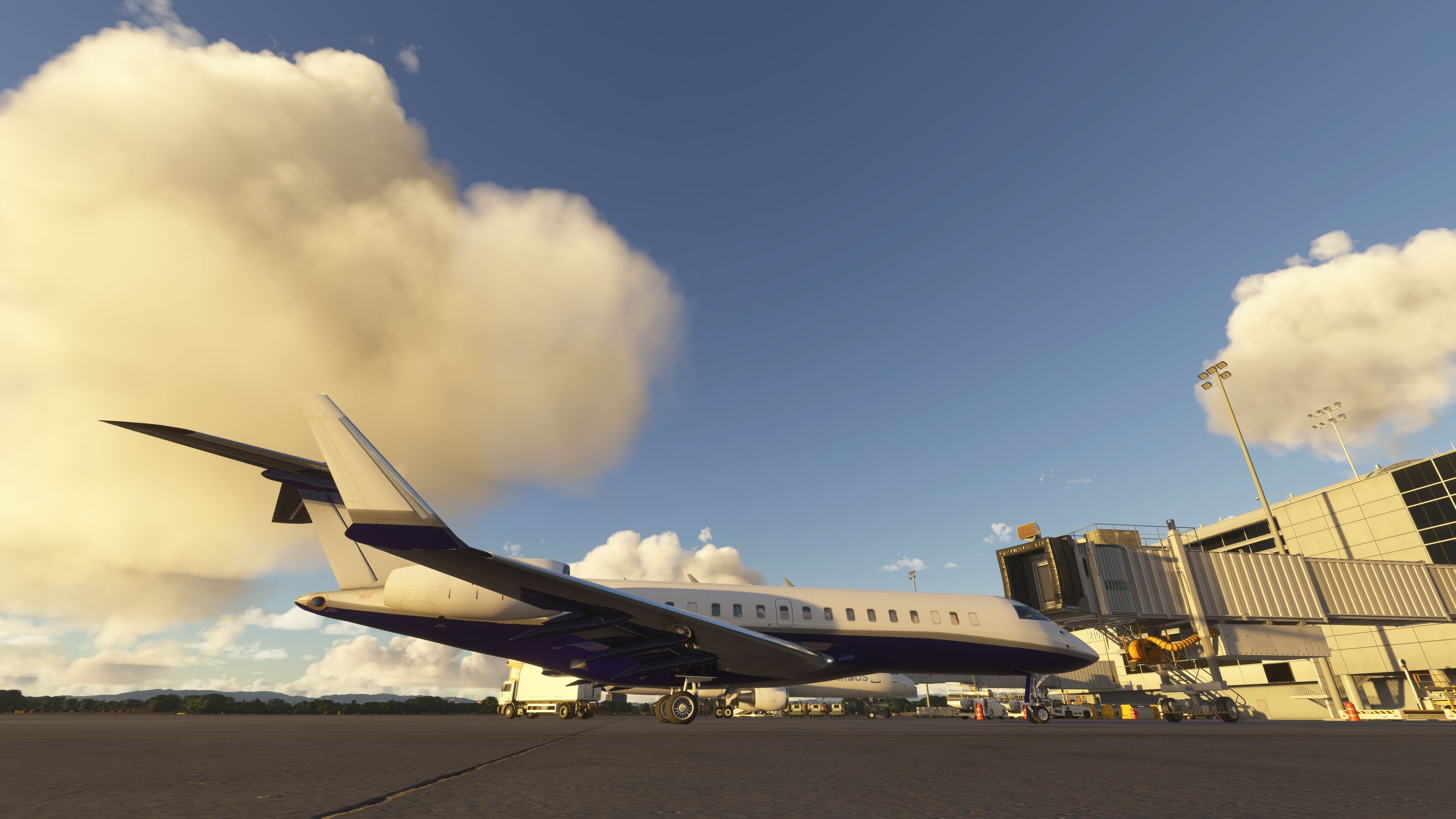
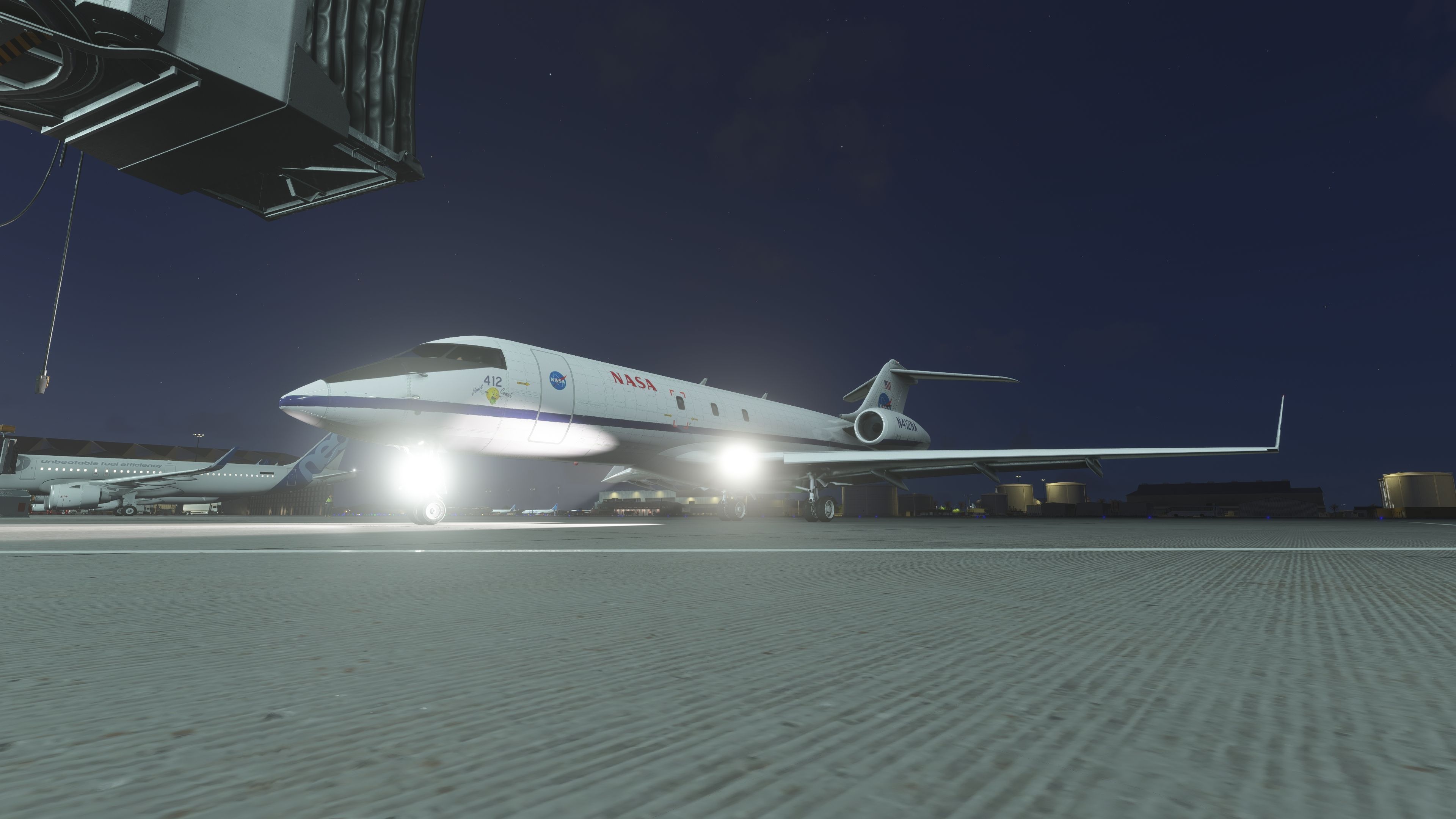

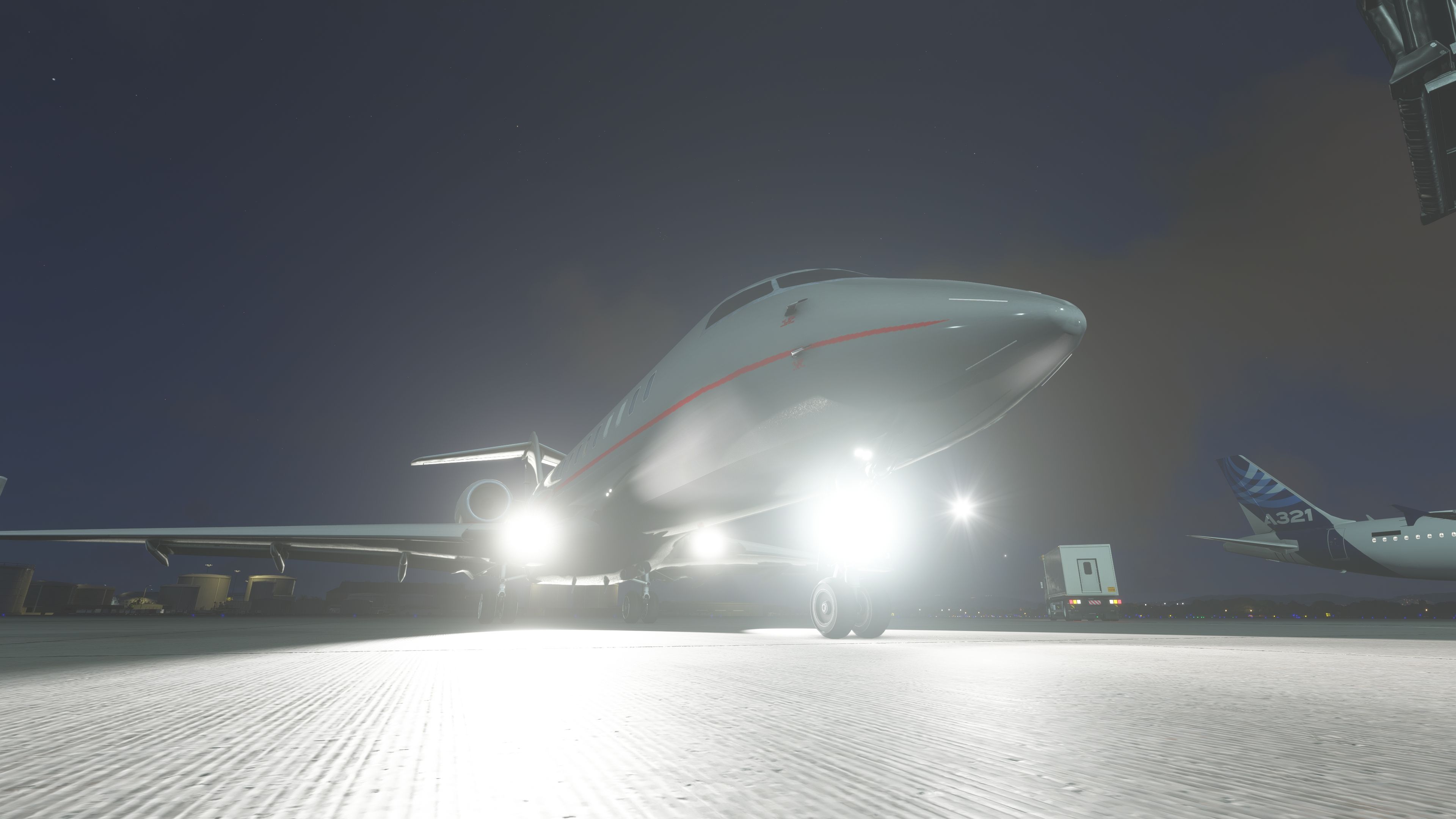


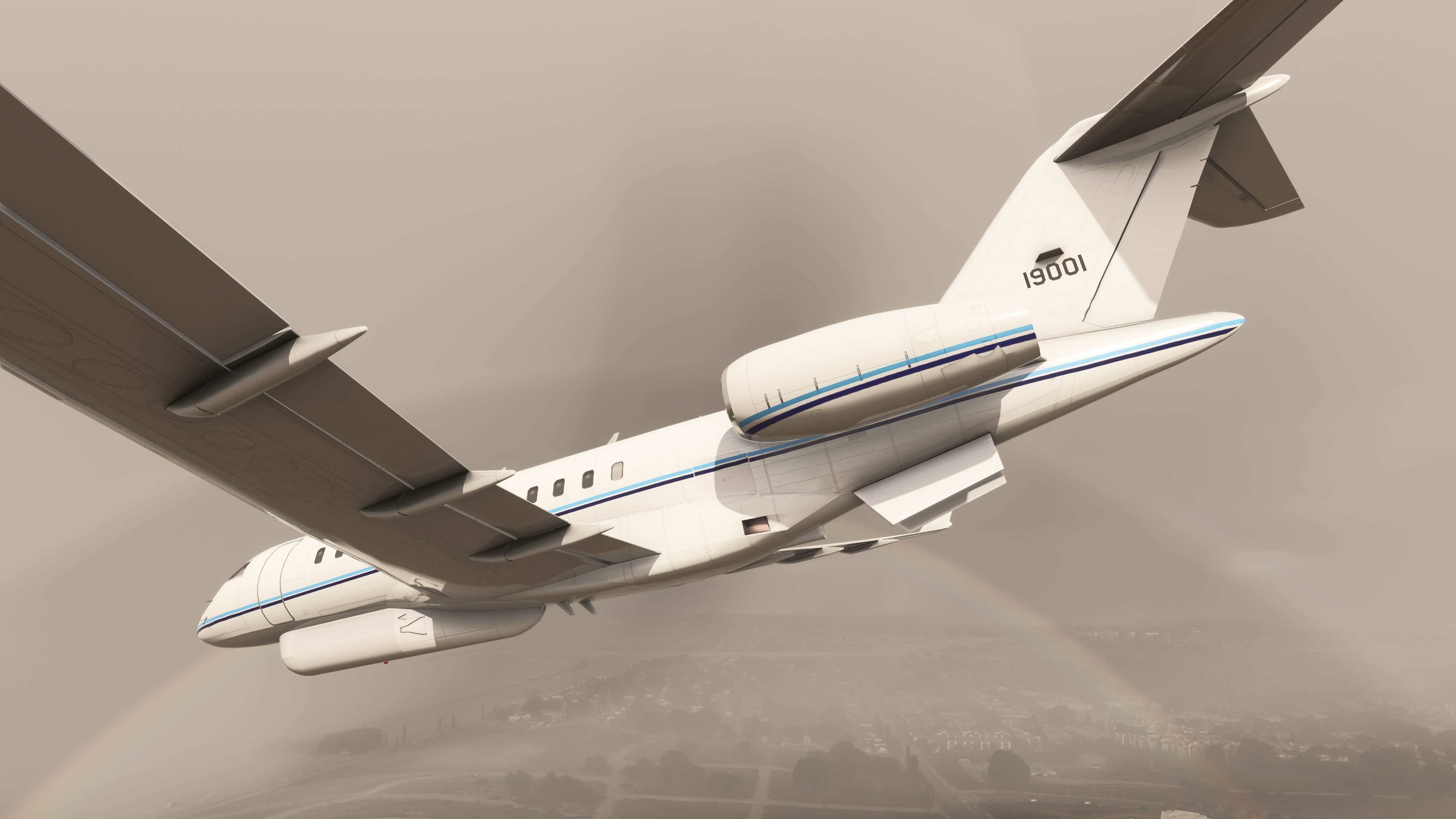
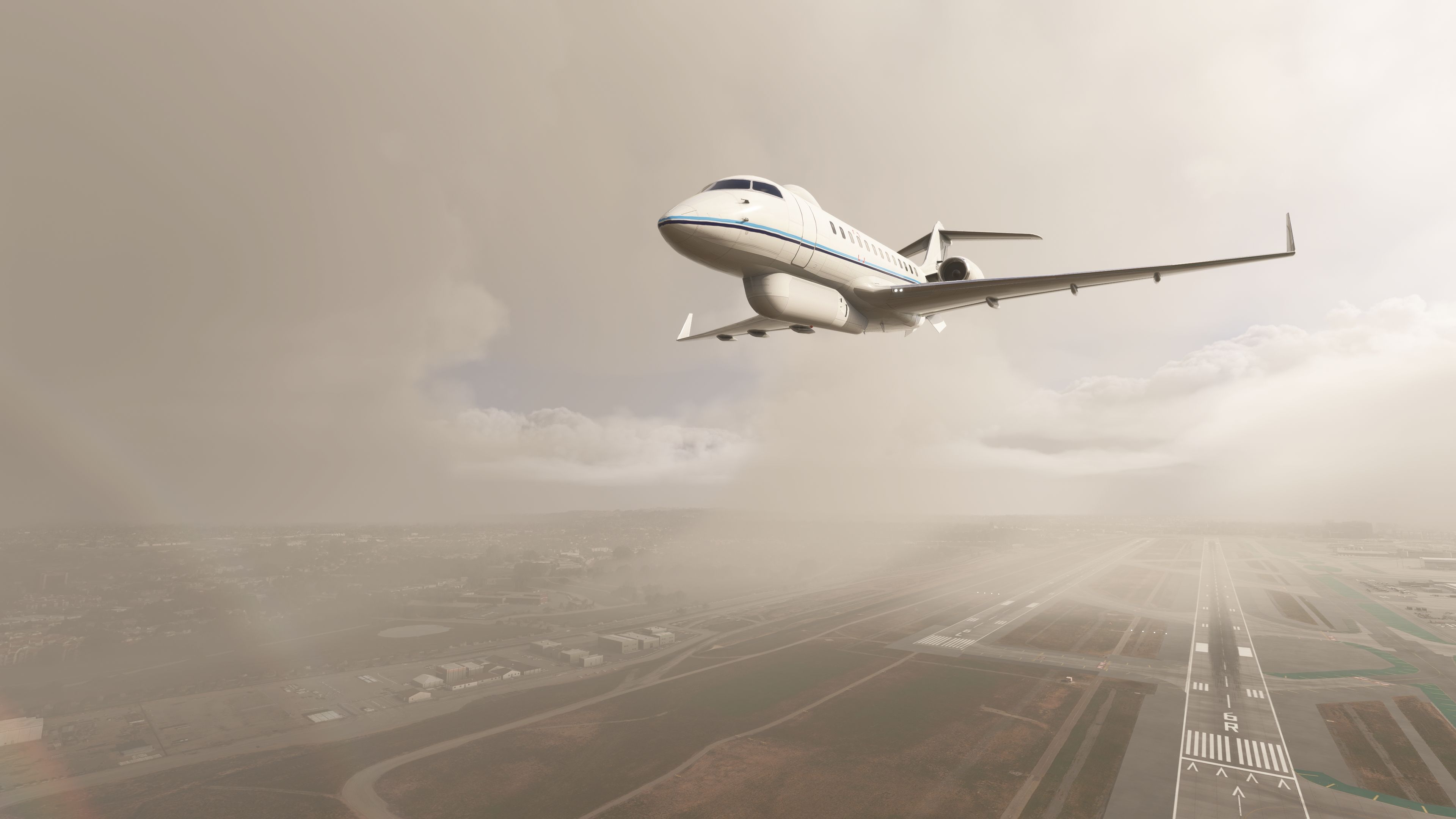
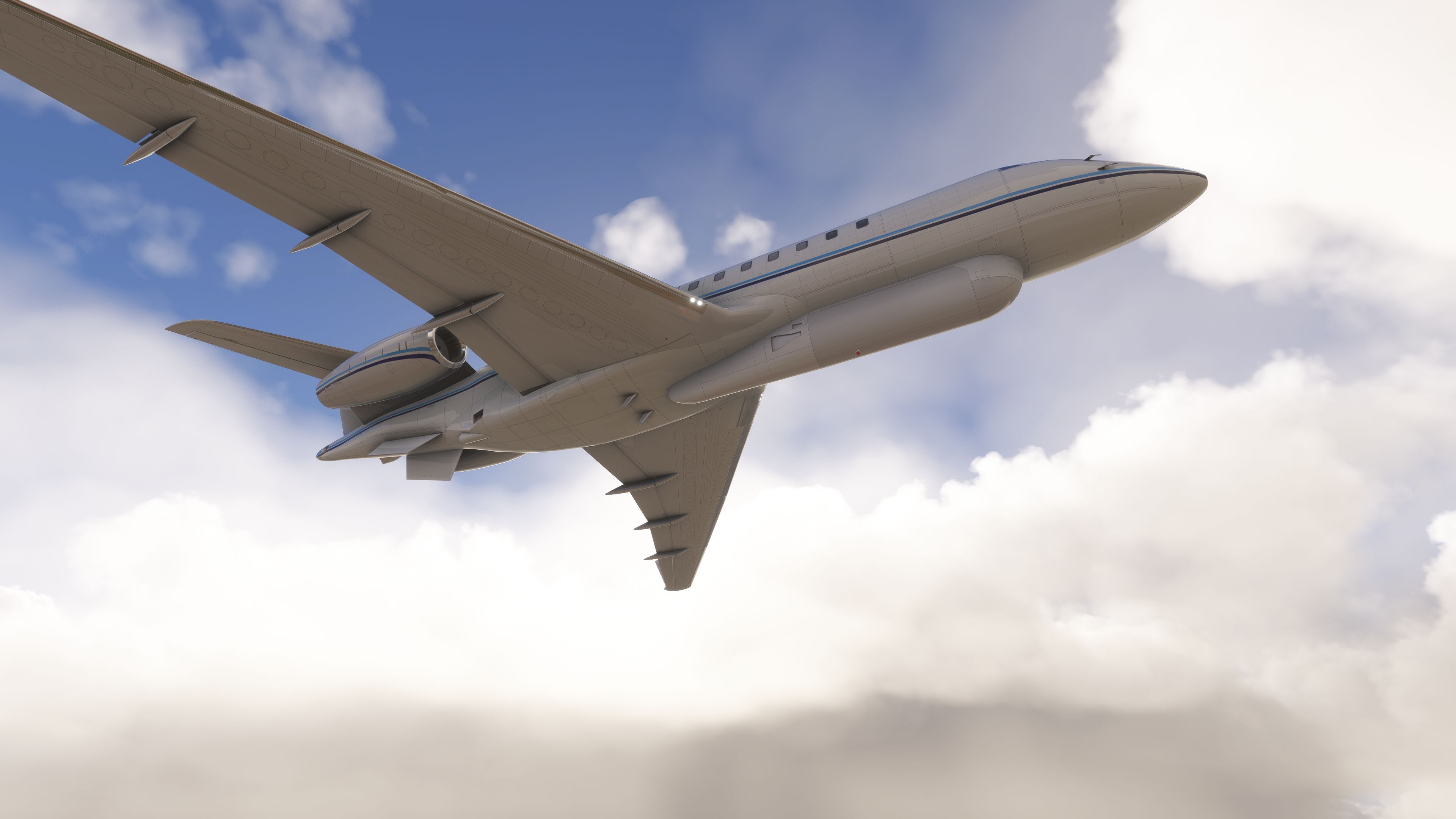

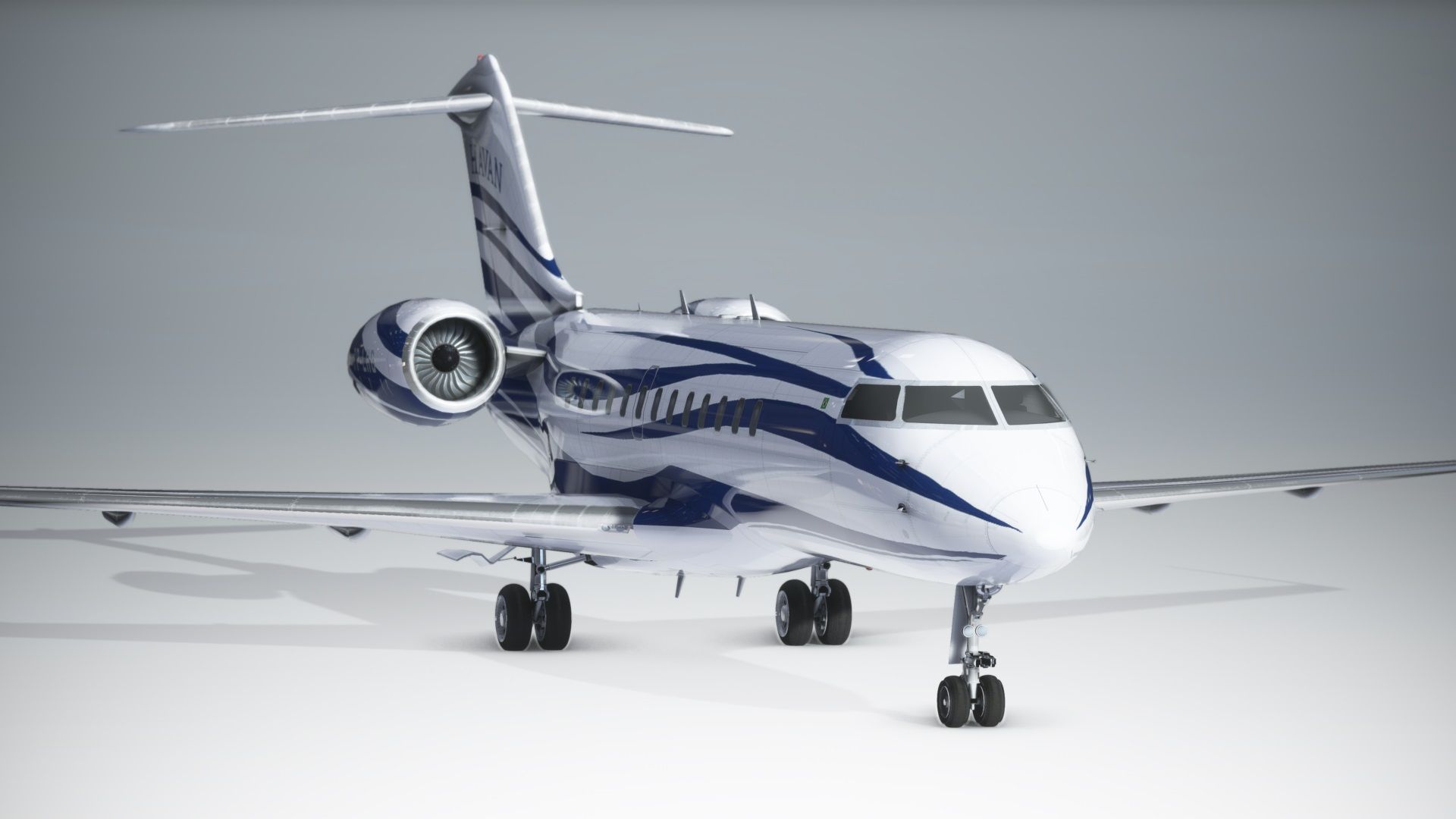
Fly high at FL510 in a long‑range business jet or switch to a battlefield communications relay in one install: this freeware Bombardier Global 6000 / E‑11A package by giba720 brings a dual‑airframe experience to Microsoft Flight Simulator 2024 and the 2020 release. Converted from a legacy Microsoft Flight Simulator X base with the author’s permission, it delivers a functional cockpit fitted with G3000‑style displays, AAU2 compatibility, and a straightforward drop‑in installation—plus a paint kit for custom liveries.
The Global 6000 represents the third generation of Bombardier’s Global Express family, optimized for intercontinental range and high‑altitude cruise. In service, it commonly operates long sectors at near‑Mmo with a certified ceiling of 51,000 ft. Its military cousin, the E‑11A, is a heavily modified Global 6000 carrying the BACN payload—often described as “Wi‑Fi in the sky.” In the real world, this platform acts as a radio and data gateway, bridging dissimilar waveforms and extending line‑of‑sight coverage for ground units in mountainous terrain.
This package is a native MSFS conversion of a freeware Microsoft Flight Simulator X model. As giba720 notes, the interior is not a study‑level rendition of a Vision flight deck; instead, the original FSX cockpit has been adapted, animated, and integrated with G3000‑style PFD/MFD screens for practical IFR usage. Electrical logic and animations have been reworked so common flows (battery, alternators/generators, lighting, and basic environmental controls) are accessible and predictable in the simulator.
Per the author’s clear disclaimer: this aircraft is intended for casual operations and does not attempt to replicate the real Global 6000 or E‑11A flight dynamics or systems in depth. Not all functions of the real airframes are modeled. If a specific system is absent, it is known to the developer. Treat it as a capable freeware flyer rather than a study simulation.
Community directory.A full paint kit is bundled, enabling creators to produce and test new liveries quickly. Texture maps align with the converted model’s UVs to simplify repaint workflows.
Base model by IRIS Simulations (with a 2013 Easter egg noted by the author). Textures by S. Petersen, Chris Evans, Antony Oakland, Quincio van Henningen, Dylan Agbagni, and David Robles. Conversion, animations, coding, and G3000 screen integration by giba720. Published on Fly Away Simulation with explicit permission. Grateful thanks are extended to IRIS Simulations for allowing use of the model.
Free for all simmers · 662.97 MB · Scanned clean Oct 2026
Download speed: Free tier is capped at 2 Mbps (this file takes approximately 46 mins at the cap). PRO members download at full line speed.
%LOCALAPPDATA%\Packages\Microsoft.FlightSimulator_8wekyb3d8bbwe\LocalCache\Packages\Community\. Steam version: %APPDATA%\Microsoft Flight Simulator\Packages\Community\. Tip: enable Developer Mode in MSFS to see your exact Community folder path.readme.txt or README file. It tells you exactly where files go, what dependencies are needed, and any quirks specific to this add-on.Only PRO members can place votes.
More MSFS add-ons hand-picked based on this download.
MSFS Civil Jet Aircraft
This add-on brings the Bombardier CRJ-700 which featured in the base release …
 MSFS Civil Jet Aircraft
The MSFS Native Airbus A330-900neo Mega Pack by Headwind Simulations brings a…
 MSFS Civil Jet Aircraft
This freeware Antonov An-225 “Mriya” package by Fahri Öztürk (@DerAnakonda) b…
 MSFS Civil Jet Aircraft
The FlyByWire Airbus A320 Neo A32NX is a complete freeware aircraft package f…
 MSFS Civil Jet Aircraft
A complete freeware add-on for Microsoft Flight Simulator (MSFS) 2020 release…
 MSFS Civil Jet Aircraft
This freeware Sukhoi SuperJet 100-95 package for Microsoft Flight Simulator b…
 MSFS Civil Jet Aircraft
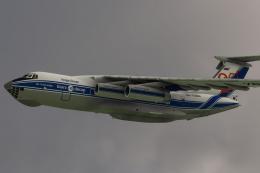
Introducing the Ilyushin Il-76 for Microsoft Flight Simulator (MSFS 2020), a …
 MSFS Civil Jet Aircraft
Step into the cockpit of the Airbus A330-200, affectionately dubbed the "butt…
Read what other simmers think, or add your own.

