

 FSX Civil Aircraft
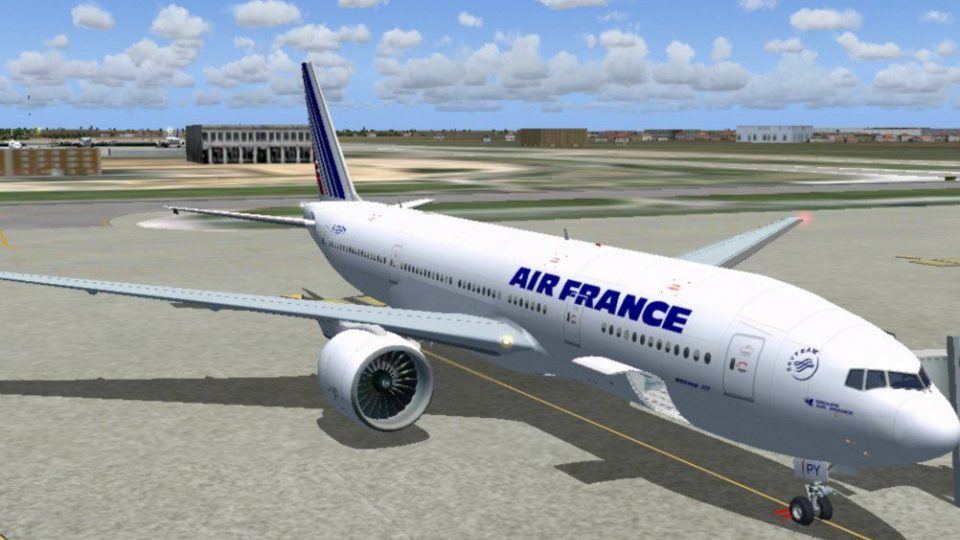
Air France Boeing 777-200ER F-GSPX
This is a repaint of the payware PMDG B777-200ER in the livery of Air France.…
Air France Boeing 777-200 for Microsoft Flight Simulator X delivers a polished long-haul twinjet with tuned flight dynamics, crisp exterior modeling, and lively lighting support that requires A2A 3D Lights & Redux. Opening engine cowlings and jetway compatibility add practical ramp realism, backed by careful configuration refinements and a faithful livery finish.
 Rate
Rate
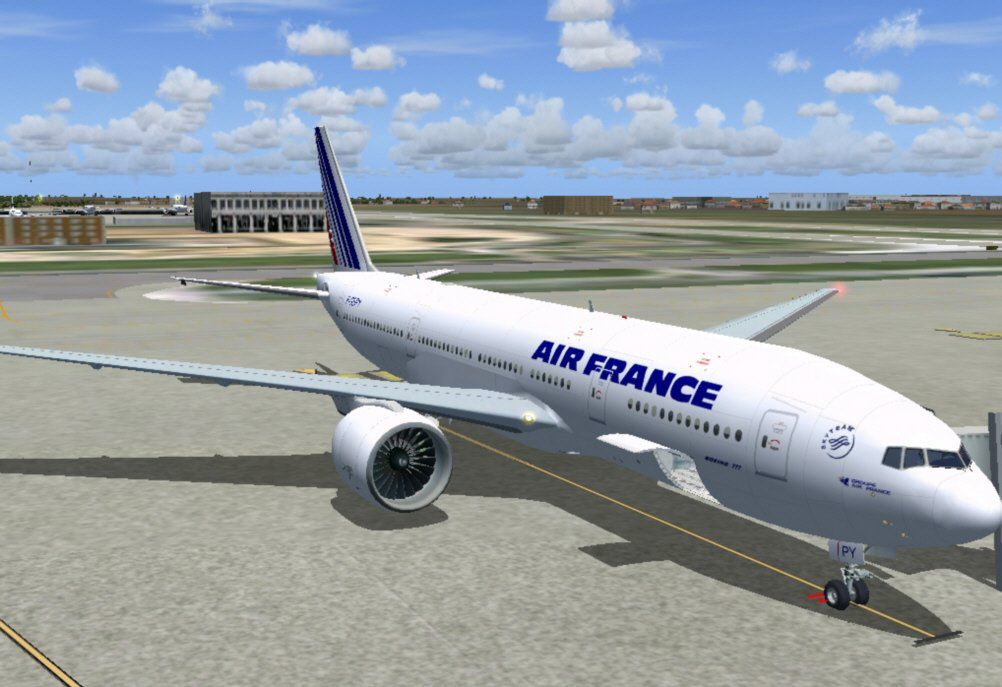
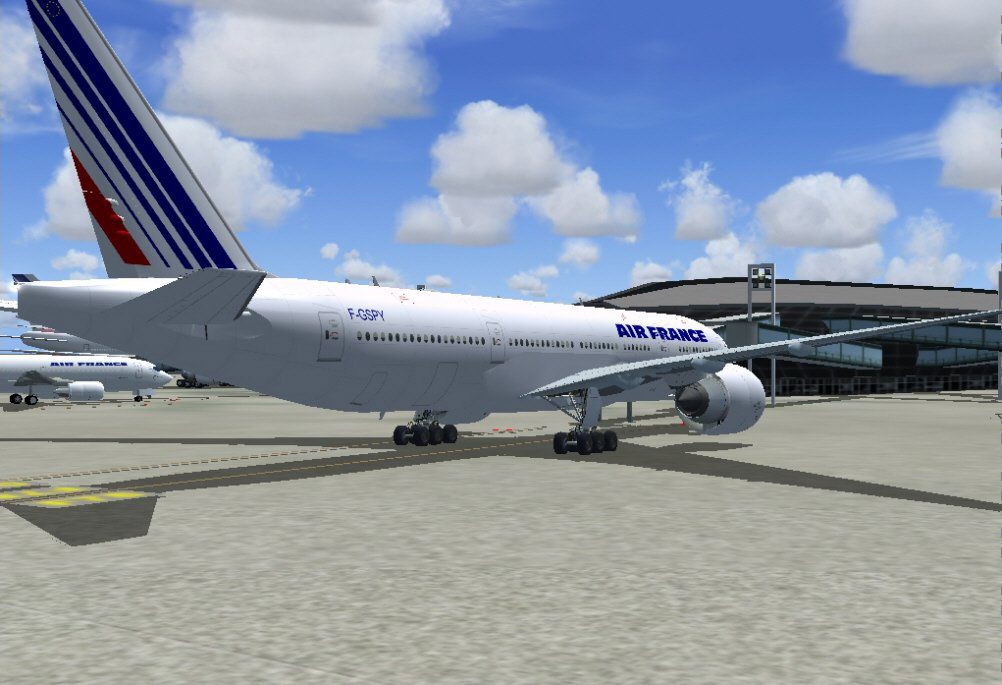
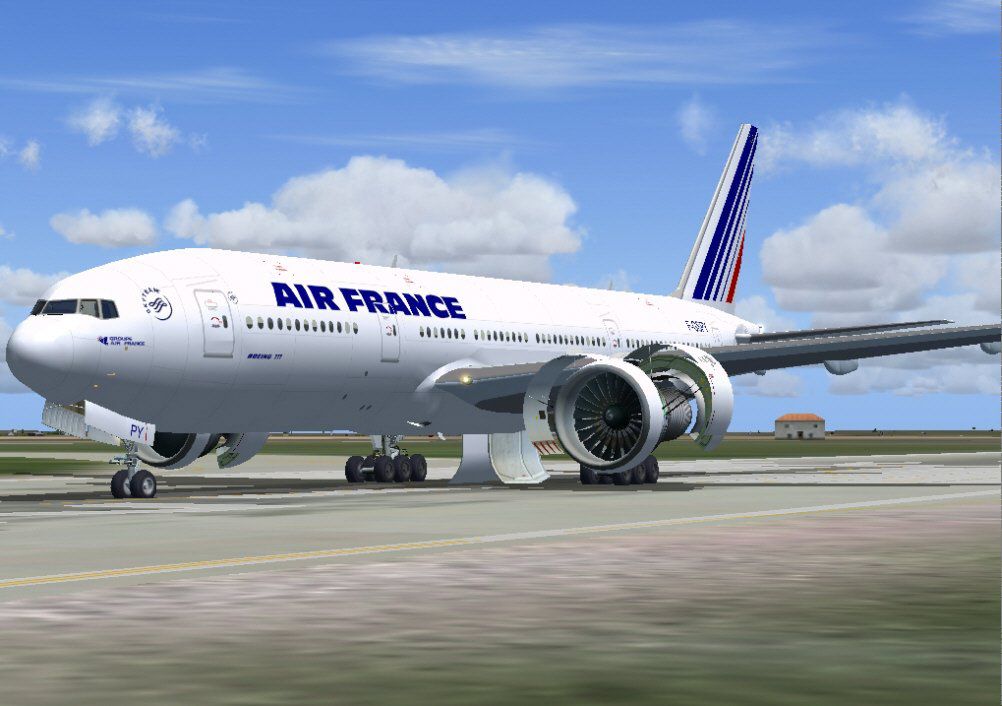
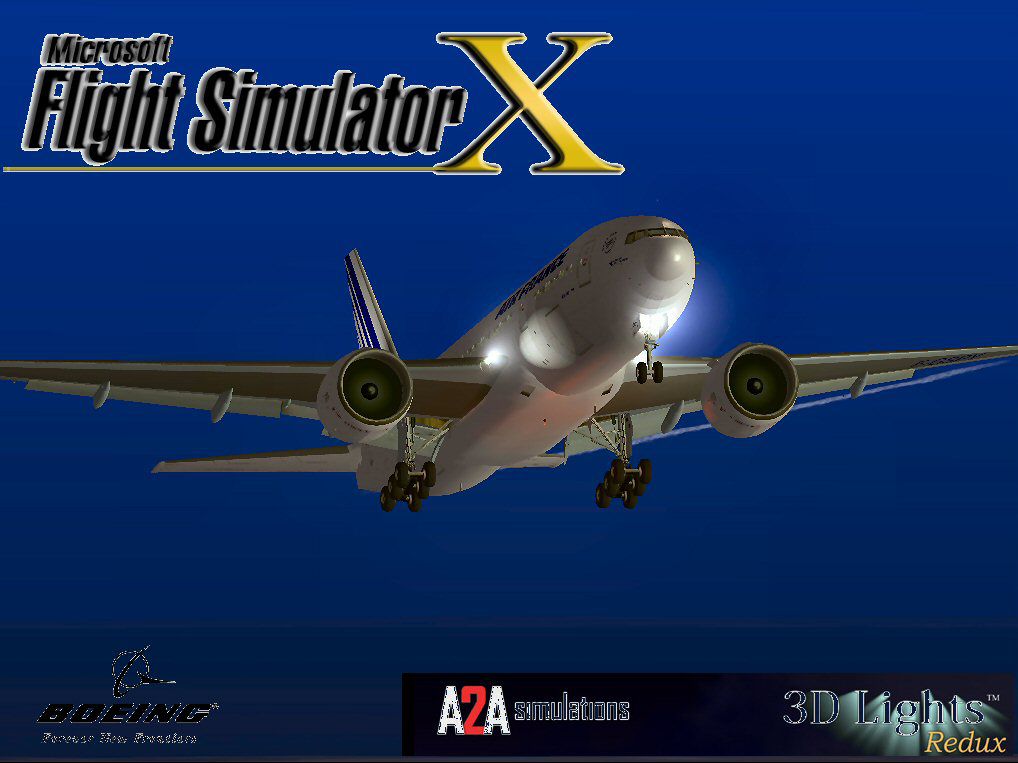
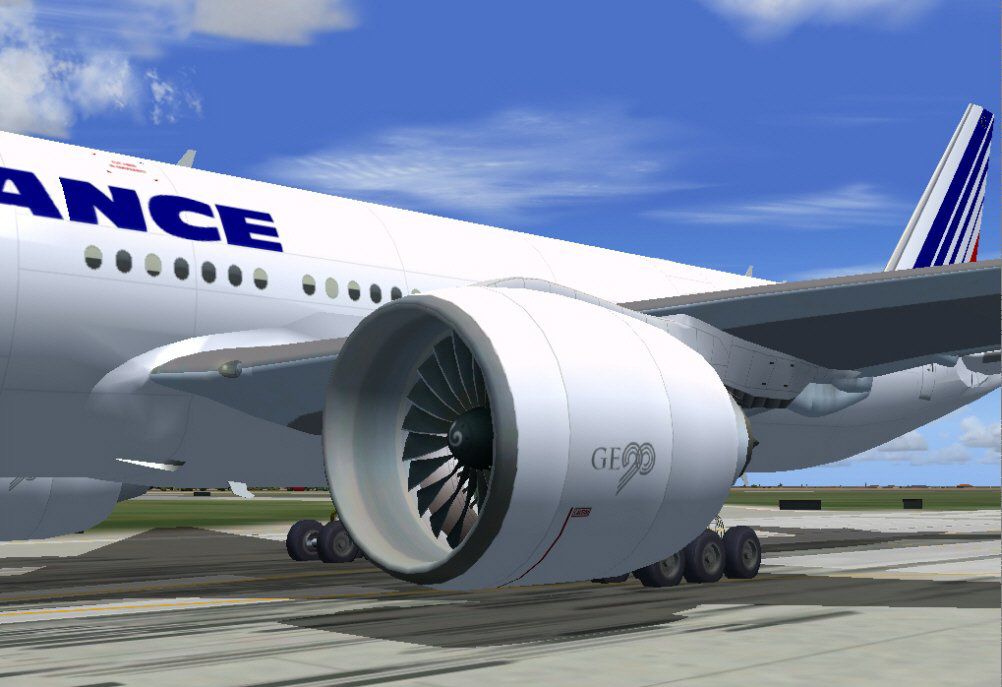
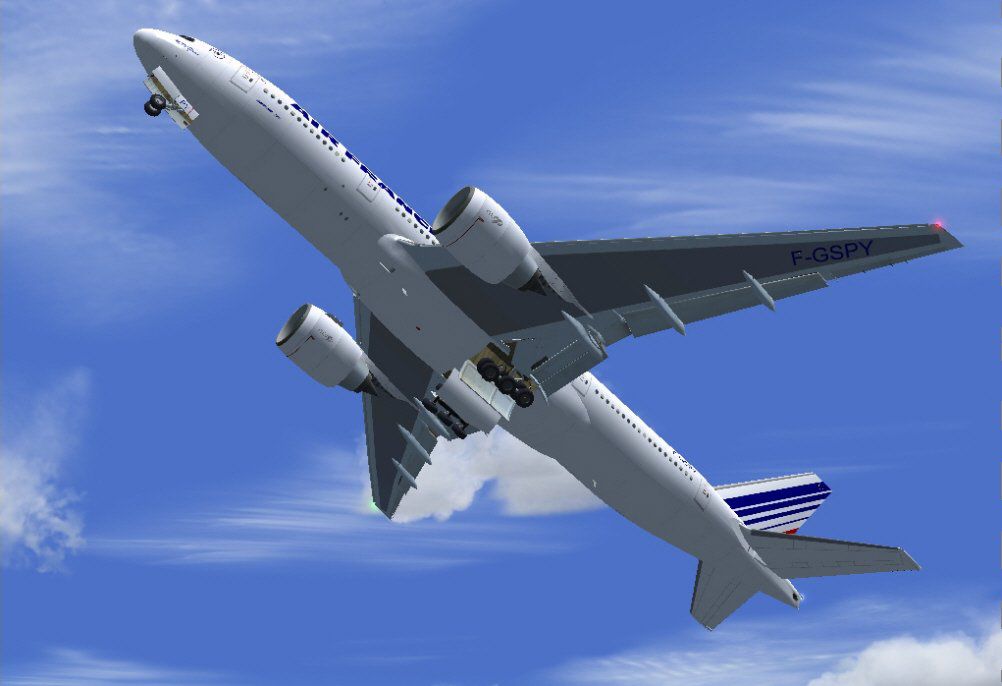
This freeware release showcases a detailed Air France rendition of the Boeing 777-200, integrating refined flight dynamics and additional effects. It includes opening engine panels and functional jetways, while preserving the distinct modeling standards envisioned by its creators. Original model by Melvin Rafi, with FSX enhancements by David Grindele.
This twin-engine wide-body jet first appeared in commercial service in the mid-1990s. Air France, a major global carrier, added the 777-200 to its long-haul fleet to bolster international connectivity. In this freeware mod, you will experience detailed external architecture and custom flight parameters tailored for FSX. Users may note its careful geometry, underlying flight envelope tuning, and compatibility enhancements geared toward modern hardware.
The creators, most notably Melvin Rafi, ensured precise outlines and textures that reflect Air France’s livery. By integrating advanced lighting effects in FSX, the mod accentuates fuselage reflections and dynamic shadows. The external surfaces exhibit a polished sheen, while interior views remain true to the original layout.
This model has undergone testing on FSX with Windows Vista (32-bit) and Windows XP. While results may vary on newer operating systems, no significant issues have been reported. Periodic checks of configuration files may be beneficial for smooth performance in different setups.
Original model development is attributed to Melvin Rafi, whose expertise produced the core geometry and realism. The FSX port and flight tuning are attributed to David Grindele, ensuring compatibility with modern simulators. Their dedication allows this classic triple-seven add-on to thrive in current flight simulation environments.
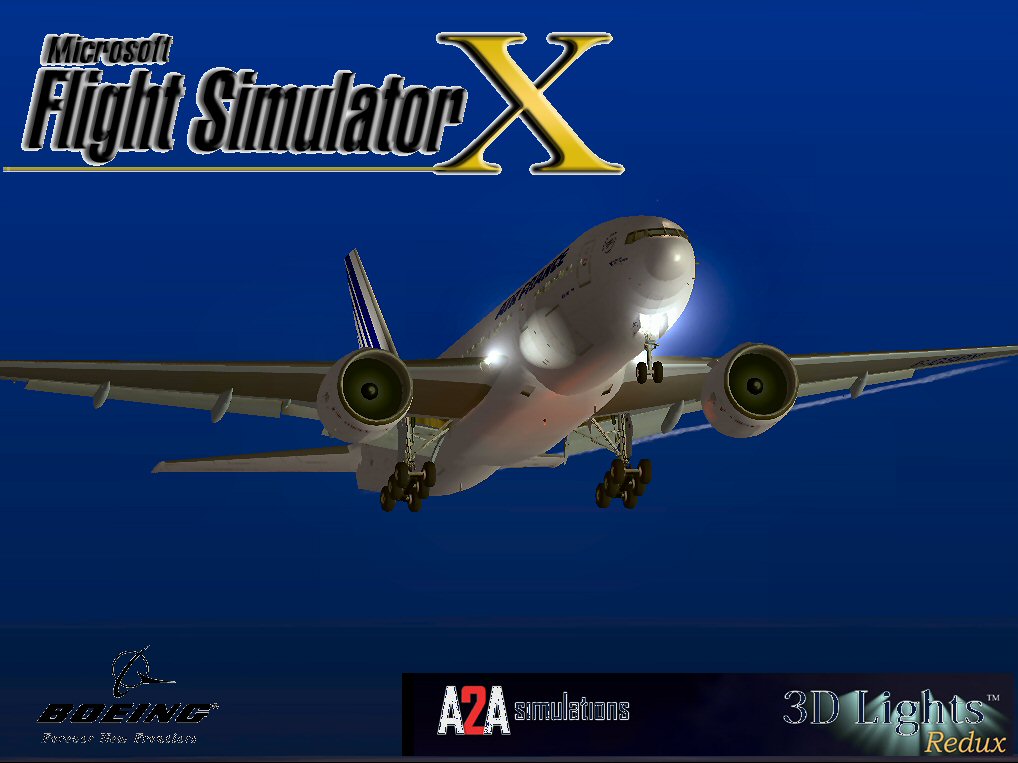
Air France Boeing 777-200.
Free for all simmers · 52.8 MB · Scanned clean Oct 2026
Download speed: Free tier is capped at 0.5 Mbps (this file takes approximately 15 mins at the cap). PRO members download at full line speed.
FSX\SimObjects\Airplanes\. The folder must contain an aircraft.cfg file. Effects go into FSX\Effects\; gauges go into FSX\Gauges\.readme.txt or README file. It tells you exactly where files go, what dependencies are needed, and any quirks specific to this add-on.The archive af77fsx.zip has 127 files and directories contained within it.
This list displays the first 500 files in the package. If the package has more, you will need to download it to view them.
| Filename/Directory | File Date | File Size |
|---|---|---|
| Air France OC 777-200.jpg | 12.07.09 | 91.40 kB |
| Boeing 777-200ER AF | 12.08.09 | 0 B |
| aircraft.cfg | 12.07.09 | 22.14 kB |
| Boeing777-200-MR-MKIII.air | 01.04.03 | 8.65 kB |
| Boeing777-200-MR-MKIII_notes.txt | 03.10.03 | 0 B |
| model.GE | 12.08.09 | 0 B |
| Boeing777-200-MR-MKIII.mdl | 01.03.03 | 2.56 MB |
| Model.cfg | 11.09.02 | 41 B |
| panel | 12.08.09 | 0 B |
| 777KM.cab | 09.17.04 | 1.25 MB |
| forward_1024.bmp | 07.06.01 | 769.05 kB |
| forward_640.bmp | 07.06.01 | 301.05 kB |
| FORWARD_LEFT.bmp | 08.05.00 | 335.36 kB |
| forward_right.bmp | 08.11.00 | 769.05 kB |
| LEFT.bmp | 08.11.00 | 140.55 kB |
| MAIN.bmp | 09.17.04 | 5.49 MB |
| OVERHEAD.bmp | 09.16.04 | 2.70 MB |
| panel.cfg | 11.17.09 | 8.12 kB |
| PEDESTAL.bmp | 09.16.04 | 1.09 MB |
| REAR.bmp | 07.25.00 | 733.47 kB |
| REAR_LEFT.bmp | 07.27.00 | 582.27 kB |
| REAR_RIGHT.bmp | 07.24.00 | 680.04 kB |
| right2.bmp | 08.10.00 | 606.57 kB |
| Thumbs.db | 12.05.09 | 27.00 kB |
| screenshot | 12.08.09 | 0 B |
| B772.1.jpg | 07.11.04 | 105.44 kB |
| B772.3.jpg | 07.11.04 | 102.59 kB |
| B772.5.jpg | 07.11.04 | 87.96 kB |
| B772.8.jpg | 07.11.04 | 94.06 kB |
| B772.9.jpg | 07.11.04 | 59.50 kB |
| Thumbs.db | 12.05.09 | 21.50 kB |
| sound | 12.08.09 | 0 B |
| A_COMB_1.wav | 12.12.04 | 728.63 kB |
| A_COMB_2.wav | 12.12.04 | 728.63 kB |
| A_COMB_3.wav | 12.12.04 | 728.63 kB |
| A_COMB_4.wav | 05.07.05 | 691.51 kB |
| A_EFSC.wav | 09.27.05 | 325.45 kB |
| A_JT8D_0.wav | 06.04.04 | 209.46 kB |
| A_JT8D_1.wav | 05.01.05 | 1.69 MB |
| A_JT8D_2.wav | 01.19.06 | 605.39 kB |
| A_JT8D_3.wav | 02.11.06 | 418.02 kB |
| b_COMB_1.wav | 12.12.04 | 728.63 kB |
| B_COMB_2.wav | 12.12.04 | 728.63 kB |
| B_COMB_3.wav | 12.12.04 | 728.63 kB |
| B_COMB_4.wav | 05.07.05 | 691.51 kB |
| B_EFSC.wav | 09.27.05 | 325.45 kB |
| b_JT8D_0.wav | 06.04.04 | 209.46 kB |
| b_JT8D_1.wav | 05.01.05 | 1.69 MB |
| b_JT8D_2.wav | 01.19.06 | 605.39 kB |
| B_JT8D_3.wav | 02.11.06 | 418.02 kB |
| FLAPS.wav | 08.22.03 | 210.75 kB |
| GEARDOWN.wav | 02.17.06 | 1.96 MB |
| gearup.wav | 02.17.06 | 1.98 MB |
| NEWWIND.WAV | 03.29.04 | 858.65 kB |
| reverser,BBN2T.wav | 01.19.06 | 1.79 MB |
| reverser.wav | 12.27.05 | 1.81 MB |
| Sound.cfg | 02.17.06 | 14.99 kB |
| touchc.wav | 01.06.99 | 286.01 kB |
| touchl.wav | 09.10.98 | 14.22 kB |
| touchr.wav | 07.01.97 | 10.85 kB |
| T_COMB_SHUT.WAV | 04.01.04 | 2.32 MB |
| T_COMB_START.wav | 06.30.01 | 107.55 kB |
| T_JT8D_START.wav | 12.12.04 | 3.63 MB |
| wind.wav | 03.29.04 | 858.65 kB |
| XBAN2T.wav | 12.21.05 | 1.81 MB |
| XBBN2T.wav | 12.21.05 | 1.81 MB |
| X_A_COMB_1.wav | 05.07.05 | 693.93 kB |
| X_A_COMB_2.wav | 05.07.05 | 693.93 kB |
| X_A_COMB_3.wav | 05.07.05 | 693.93 kB |
| X_A_COMB_4.wav | 02.04.06 | 325.45 kB |
| X_a_EFSC.wav | 01.16.06 | 648.45 kB |
| X_A_JT8D_0.wav | 02.04.06 | 325.45 kB |
| X_a_JT8D_1.wav | 02.04.06 | 325.45 kB |
| X_A_JT8D_2.wav | 02.04.06 | 669.99 kB |
| X_a_JT8D_3.wav | 02.04.06 | 669.99 kB |
| X_A_REVRS.wav | 09.16.99 | 108.81 kB |
| X_b_COMB_1.wav | 05.07.05 | 693.93 kB |
| X_b_COMB_2.wav | 05.07.05 | 693.93 kB |
| X_b_COMB_3.wav | 05.07.05 | 693.93 kB |
| X_B_COMB_4.wav | 02.04.06 | 325.45 kB |
| X_B_EFSC.wav | 12.21.05 | 1.81 MB |
| X_b_JT8D_0.wav | 02.04.06 | 325.45 kB |
| X_b_JT8D_1.wav | 02.04.06 | 325.45 kB |
| X_b_JT8D_2.wav | 02.04.06 | 669.99 kB |
| X_b_JT8D_3.wav | 02.04.06 | 669.99 kB |
| X_B_REVRS.wav | 09.16.99 | 119.31 kB |
| X_T_COMB_START.wav | 03.17.05 | 693.93 kB |
| X_T_JT8D_SHUT.WAV | 09.19.04 | 3.98 MB |
| X_T_JT8D_START.wav | 03.31.04 | 3.58 MB |
| texture.af | 12.08.09 | 0 B |
| 777Cargohold_L.bmp | 12.30.02 | 256.07 kB |
| 777Cargohold_T.bmp | 12.30.02 | 256.07 kB |
| 777cockpitwindows.bmp | 12.29.02 | 257.05 kB |
| 777FuselagePort1_L.bmp | 07.11.04 | 1.00 MB |
| 777FuselagePort1_T.bmp | 07.11.04 | 1.00 MB |
| 777FuselageStar1_L.bmp | 07.11.04 | 1.00 MB |
| 777FuselageStar1_T.bmp | 07.11.04 | 1.00 MB |
| 777gear2_L.bmp | 12.30.02 | 16.07 kB |
| 777gear2_T.bmp | 07.11.04 | 1.00 MB |
| 777interior1_L.bmp | 12.30.02 | 256.07 kB |
| 777interior1_T.bmp | 07.11.04 | 257.05 kB |
| 777interior2_L.bmp | 01.01.03 | 256.07 kB |
| 777interior2_T.bmp | 01.01.03 | 256.07 kB |
| 777interior3.bmp | 07.11.04 | 65.05 kB |
| 777interior4_L.bmp | 01.01.03 | 1.00 MB |
| 777interior4_T.bmp | 07.11.04 | 1.00 MB |
| 777LandingGear01.bmp | 12.30.02 | 257.05 kB |
| 777Tail_L.bmp | 12.30.02 | 1.00 MB |
| 777Tail_T.bmp | 07.11.04 | 1.00 MB |
| 777Wing1_L.bmp | 12.30.02 | 16.07 kB |
| 777Wing1_T.bmp | 07.11.04 | 1.00 MB |
| 777Wing2_L.bmp | 12.30.02 | 16.07 kB |
| 777Wing2_T.bmp | 07.11.04 | 1.00 MB |
| Powerplant-GE90-Exterior_L.bmp | 12.30.02 | 16.07 kB |
| Powerplant-GE90-Exterior_T.bmp | 07.11.04 | 1.00 MB |
| Powerplant-GE90-Fan.bmp | 12.31.02 | 65.05 kB |
| Powerplant-GE90-FanShaft.bmp | 01.01.03 | 65.05 kB |
| Powerplant-GE90-FanShaftMotion.bmp | 01.03.03 | 65.05 kB |
| Powerplant-GE90-Interior_L.bmp | 12.30.02 | 16.07 kB |
| Powerplant-GE90-Interior_T.bmp | 01.01.03 | 1.00 MB |
| Thumbnail.jpg | 12.07.09 | 7.77 kB |
| Thumbs.db | 12.07.09 | 23.00 kB |
| file_id.diz | 12.08.09 | 1.83 kB |
| Install.txt | 12.08.09 | 1.59 kB |
| AF77FSX | 12.08.09 | 0 B |
| flyawaysimulation.txt | 10.29.13 | 959 B |
| Go to Fly Away Simulation.url | 01.22.16 | 52 B |
Only PRO members can place votes.
More FSX & P3D add-ons hand-picked based on this download.
FSX Civil Aircraft
This is a repaint of the payware PMDG B777-200ER in the livery of Air France.…
 FSX Civil Aircraft
This freeware package offers an Air France Boeing 777-200ER in the current li…
 FSX Civil Aircraft
A repaint of the payware PMDG B777-200LR. Repainted by Martial Feron using PM…
 FSX Civil Aircraft
A repaint of the payware PMDG B777-300ER. This is a repaint of future Air Fra…
 FSX Civil Aircraft
Textures only for the payware Milviz B737-200. By Stefan Lacko. Screenshot of…
 FSX Civil Aircraft
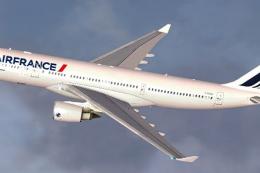
Air France Airbus A330-200 (new livery). Textures only for Thomas Ruth's A330…
 FSX Civil Aircraft
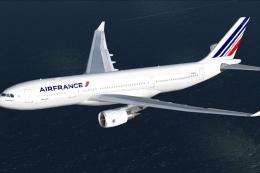
This freeware Airbus A330-200 repaint showcases the modern Air France color s…
 FSX Civil Aircraft
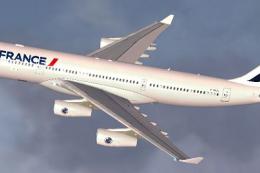
Air France Airbus A340-200 (new livery). Textures only for Thomas Ruth's A340…
Read what other simmers think, or add your own.

There's no virtual cockpit, it's just completely invisible. Why would you not include this? I followed the installation instructions perfectly.